How we make this list: we compare pricing pages, product documentation and public user reviews. Rankite is independent; if a vendor ever pays for a featured spot, that listing is clearly labeled Partner.
Key takeaways
- Resolume Avenue is the professional VJ standard for live visual performance, with clip mixing, effects, and hardware control.
- Magic Music Visuals ($44.95 one-time) and Synesthesia ($199 one-time) give independent VJs serious live visuals without enterprise budgets.
- NestDrop Classic and VZX Player are genuinely free desktop visualizers, good for starting out or running a second screen.
- Headliner and Wavve turn audio into social-ready videos in the browser, which is a different job from live VJing.
- Match the tool to the output: live shows and streams need real-time software, while promo clips need a renderer.
Quick comparison
| Tool | Best for | Starting price | Free plan |
|---|
 Resolume Avenue Resolume Avenue | professional VJ performances | See website | No |
 Magic Music Visuals Magic Music Visuals | building custom visual scenes | $44.95 one-time (Studio) | Free trial |
 Synesthesia Synesthesia | shader-driven live visuals | $199 one-time (Standard) | Free trial |
 NestDrop NestDrop | free MilkDrop-style VJ visuals | Free (Classic) | Yes |
 VZX Visualizer VZX Visualizer | free standalone music visualization | See website | Yes |
 Headliner Headliner | turning audio into social videos free | See website | Yes |
 Wavve Wavve | podcasters making video clips | See website | Free trial |
Is your product missing or out of date?
We review this list regularly. Vendors can request a listing, send updated pricing or ask about featured placement.
The best audio visualizer software
Starting priceSee website
Free planNo
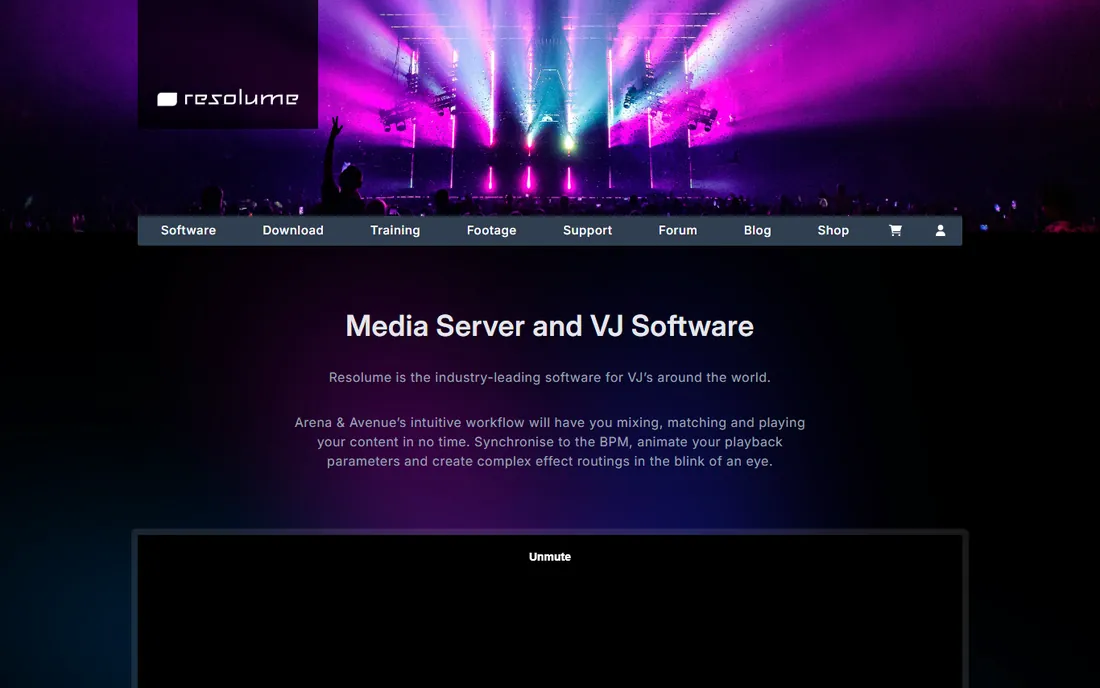
Resolume has been the go-to for professional VJs for years, and Avenue is the edition built for live visual performance. You trigger and mix video clips in real time, stack effects, and sync everything to the music, driving it all from MIDI controllers, OSC apps, or lighting desks. It outputs to projectors, LED walls, and streams through NDI, Spout, and Syphon.
The audience is working VJs, venues, and production companies. Pricing is premium and lives behind the Resolume shop, so budget accordingly. The honest tradeoff is complexity: this is a professional instrument, and a beginner will spend real time learning it. If you get paid to do visuals, it is the standard. If you do not, start cheaper.
What we like- Clip-based live mixing built for stages
- Deep effects and blending controls
- Hardware control via MIDI, OSC, and DMX
Watch out for- Priced for professionals
- Real learning curve for first-time VJs
Starting price$44.95 one-time (Studio)
Free planFree trial
Magic takes a different approach: instead of mixing clips, you build visual scenes from modules that react to live audio. It is the tinkerer's visualizer, and the free demo lets you test the full workflow on Mac or PC before paying. Studio costs $44.95 for one computer, while the Performer edition at $79.95 adds VJing features.
Independent VJs and streamers who want custom looks without writing shaders land here. The interface is functional rather than beautiful, and the community is smaller than Resolume's, so you will build more from scratch. For the price, though, it is the cheapest way into serious real-time visuals.
What we like- Modular scene building with no coding
- Honest one-time pricing
- Free demo for Mac and PC
Watch out for- Utilitarian interface
- Smaller preset community than Resolume
Starting price$199 one-time (Standard)
Free planFree trial
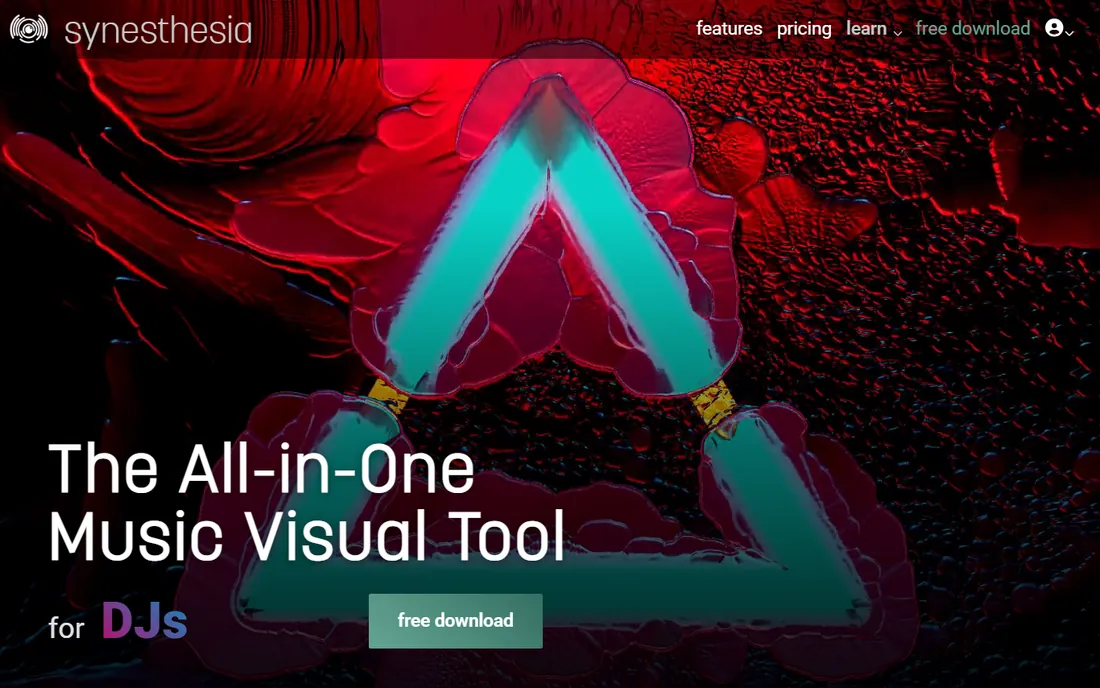
Synesthesia renders live visuals from pixel shaders, which gives it a distinctive, high-end look that clip mixers cannot easily copy. An in-app marketplace lets you buy scenes from shader artists and support them directly, and the community shares plenty more. Standard costs $199 as a one-time license, with Pro at $399 for advanced workflow features.
The free download lets you try it before buying; the paid license activates the full software. It runs on macOS and Windows. The catch is that the most advanced features sit in the $399 Pro tier, so read the edition comparison before you buy. For VJs who want the shader aesthetic, nothing else on this list does exactly this.
What we like- GPU shader scenes with an artist marketplace
- Tight audio reactivity
- MIDI and OSC control
Watch out for- Pro ($399) needed for advanced workflows
- Desktop only, no browser version
Starting priceFree (Classic)
Free planYes
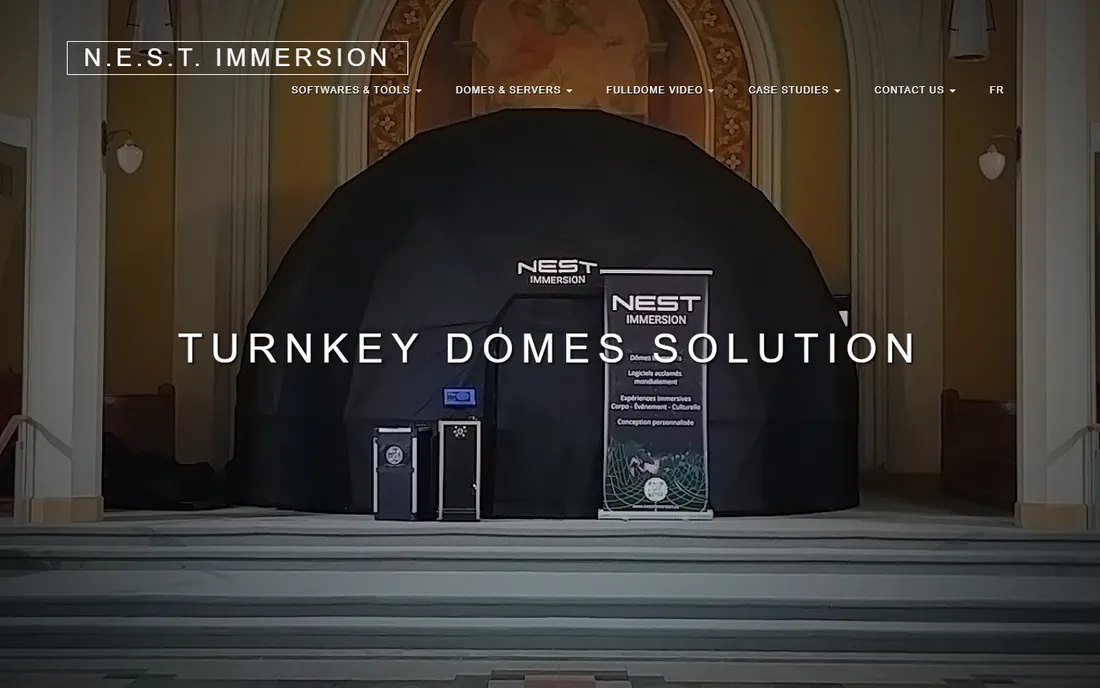
NestDrop keeps the beloved MilkDrop preset universe alive as a modern VJ tool. The Classic tier is free and plays thousands of community presets that react to your audio, outputting through Spout into other software or straight to a projector. Paid Midnight tiers ($50 and $75) add more features for working VJs.
It is Windows only, since Spout is a Windows technology, and you are working with presets rather than building scenes from nothing. For a free way to put reactive visuals on a second screen at a gig, or to feed a bigger VJ setup, it is excellent. Start here before spending money on looks you might get for free.
What we like- Thousands of classic MilkDrop presets
- Modern Spout output for resolume-style pipelines
- Classic tier is free
Watch out for- Windows only
- Preset-based, less custom than modular tools
Starting priceSee website
Free planYes
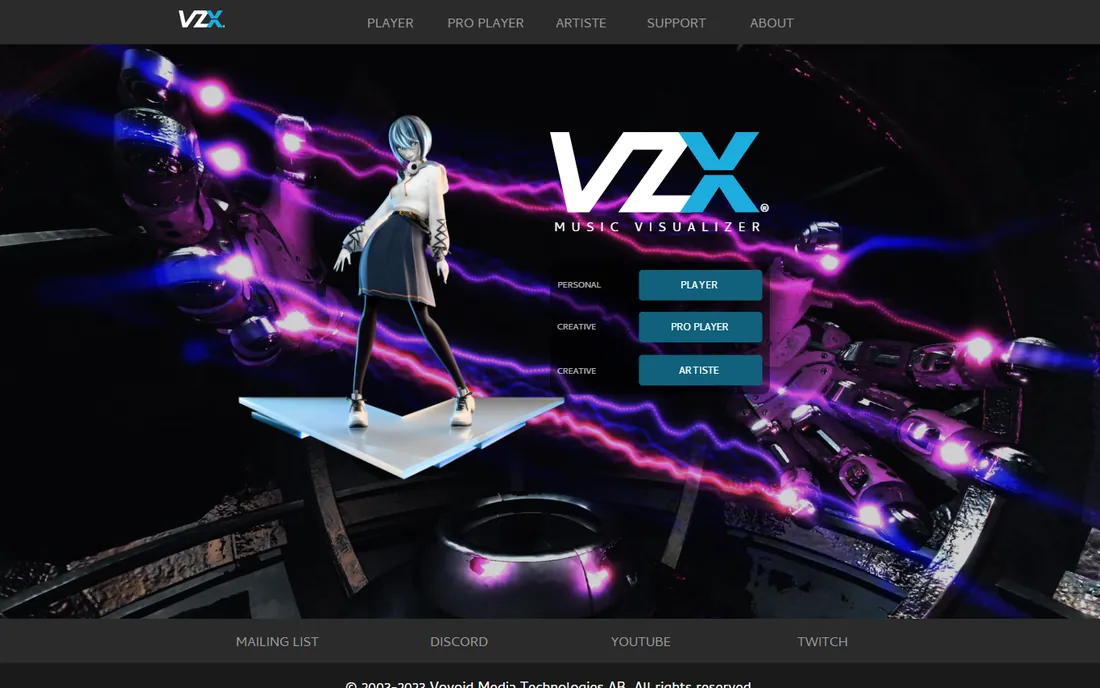
VZX is the current name for VSXu, the open visualizer project from Vovoid Media Technologies that has been around since the early 2000s. The Player edition is free and plays reactive visualizations standalone, while Pro Player and Artiste editions add more for serious use. It is a solid, no-cost way to get visuals reacting to music on a desktop.
The tradeoff is momentum: the site and docs feel frozen in time, and the community is quieter than the Discords around Resolume or Synesthesia. If you want a free standalone visualizer and do not need hand-holding, it works. If you want an active ecosystem, look at the tools above.
What we like- Free Player edition
- Decades-long project with deep roots
- Multiple editions for different needs
Watch out for- Site and documentation feel dated
- Smaller community than modern alternatives
Starting priceSee website
Free planYes
Headliner solves the promo problem: turning a podcast episode or a track into a captioned, visualized video for social feeds. The online editor is free to start, with templates for audiograms, waveform animations, and full music visualizers. There is nothing to install and the learning curve is minutes.
This is a renderer, not a live tool: it produces video files, it does not react to audio on stage. The free tier covers trying the workflow; heavier use and branding removal sit on paid plans (check the current pricing page, which we could not load statically). For content teams that need a steady supply of audio clips as video, it is the fastest free start.
What we like- Free browser editor for audiograms and visualizers
- Templates for podcasts and music
- Nothing to install
Watch out for- Web-only, needs a connection
- Free tier limits apply
- Not for live performance
Starting priceSee website
Free planFree trial
Wavve turns audio into shareable social videos with animated waveforms, captions, and templates sized for each platform. It is built for podcasters, musicians, and marketers who publish clips daily. A free trial lets you test the workflow, and the company now operates under Disctopia.
Like Headliner, it renders videos rather than performing live, so do not buy it for a stage show. The pricing page did not expose plan details to our checks, so confirm the current plans before committing. Pick Wavve when your output is a feed full of clips; pick a VJ tool when your output is a room full of people.
What we like- Waveform animations and templates built for social
- Free trial
- Now backed by Disctopia
Watch out for- Pricing page is script-gated
- Focused on short clips, not live visuals
How we chose
We opened each vendor's homepage and confirmed the product is current and fits the category: real-time visual software or audio-to-video renderers, not generic video editors. We read documentation and feature pages for audio input options, output methods (Spout, Syphon, NDI), and platform support, then checked public discussions on Reddit and VJ forums for reports on stability, performance, and support quality. Pricing came from the vendors' own purchase and pricing pages; where pages were script-only, we marked prices as unverified rather than guessing. We judged fit for small companies and independent creators: fair pricing, workable learning curves, and no enterprise sales process. No hands-on performance testing was done.
Live visuals vs rendered videos: pick your lane
These are different disciplines with different tools. Live visual software (Resolume, Magic, Synesthesia, NestDrop, VZX) reacts to audio in real time and outputs to screens, projectors, or streams. You perform with it. Rendered video tools (Headliner, Wavve) take an audio file and produce a video file you post later. You publish with it. Some creators need both: a VJ who also posts recap clips, or a podcaster who also live-streams. Most need one. Decide which output pays your bills and buy for that lane; the other lane's tools will only collect dust.
What to check before you buy
Live or rendered
Confirm the tool works the way you work. If you perform, you need real-time audio reactivity and stable frame rates under load. If you publish clips, you need export resolution, captioning, and platform-sized templates. Do not pay for a live engine when you need an exporter.
Audio input
Live tools need to hear your audio: system audio capture, line-in, or ASIO for low latency on Windows. Check that your interface and OS are supported before the gig, not during soundcheck. Browser tools skip this entirely since you upload files.
Output and resolution
For stages, check projector and LED wall support, plus Spout, Syphon, or NDI if you feed other software. For social video, check export resolution and aspect ratios. A visualizer that only exports 720p will embarrass you on a modern feed.
Licensing
Read the license terms: per-computer seats, dongles, and version-locked purchases are common in pro VJ software. One-time purchases (Magic, Synesthesia, NestDrop Midnight) cost less over time than subscriptions, but confirm what major updates cost before you depend on the tool.
Frequently asked questions
Do I need a powerful GPU for visualizer software?
For live shader-based tools like Synesthesia, yes: a discrete GPU makes a visible difference in frame rate and scene complexity. Clip mixers like Resolume also benefit from GPU power at high resolutions. Browser renderers like Headliner and Wavve do the heavy lifting on their servers, so any modern laptop works.
Can I use these tools for Twitch or YouTube streams?
Yes. The live tools output through screen capture, Spout, Syphon, or NDI, all of which feed into OBS and similar streaming software. Many streamers run Magic or Synesthesia behind their broadcast. The browser tools are for pre-made clips, not live streams.
What is the difference between a visualizer and VJ software?
A visualizer reacts to audio automatically with minimal input. VJ software adds performance control: triggering clips, mixing layers, applying effects live, and taking MIDI or lighting-desk input. Resolume is VJ software; NestDrop's Classic tier is closer to a pure visualizer.
Are there good free audio visualizers?
Yes. NestDrop Classic and VZX Player are free desktop visualizers for live use. Headliner has a free tier for rendering social videos. Magic, Synesthesia, and Wavve all offer free trials or demos. Start free and pay only when a paid feature earns its keep.
Can I add my own logo and branding?
The pro live tools let you composite logos and custom content into your output. For rendered videos, Headliner's paid tiers remove branding and add custom styling; confirm current plan details on their pricing page. Free tiers in this category commonly watermark or limit branding.
Sources we checked (12)
- https://resolume.com/
- https://magicmusicvisuals.com/
- https://magicmusicvisuals.com/purchase
- https://synesthesia.live/
- https://synesthesia.live/pricing
- https://synesthesia.live/buy
- https://www.nestimmersion.ca/
- https://www.nestimmersion.ca/nestdrop.php
- https://www.vzx-visualizer.com/
- https://www.vzx-visualizer.com/player-introduction.html
- https://www.headliner.app/
- https://wavve.co/
Is your product missing or out of date?
We review this list regularly. Vendors can request a listing, send updated pricing or ask about featured placement.

Shihab Mia · Founder, Rankite
Shihab has spent more than a decade helping SaaS and e-commerce brands grow through search. He writes Rankite's software buying guides from pricing pages, documentation and public user reviews. More about Shihab.