How we make this list: we compare pricing pages, product documentation and public user reviews. Rankite is independent; if a vendor ever pays for a featured spot, that listing is clearly labeled Partner.
Key takeaways
- For most PC users, free wins: Audacity and Ocenaudio handle recording, editing and cleanup at zero cost.
- Podcasters and video creators who live in Adobe's world should look at Audition (subscription, 7-day trial), mainly for its noise reduction and Premiere Pro integration.
- Reaper's 60-day full evaluation and $60-class license make it the value pick when editing turns into multitrack production.
- GoldWave ($19 for a year, $59 lifetime) and WavePad (free version for non-commercial use) are the lightweight veterans for quick edits.
- Acoustica and SOUND FORGE serve the restoration and mastering end: spectral editing, vinyl cleanup and loudness tools the free editors lack.
Quick comparison
| Tool | Best for | Starting price | Free plan |
|---|
 Audacity Audacity | Free recording, editing and podcast production on any desktop OS | Free | Yes |
 Adobe Audition Adobe Audition | Podcasters and video editors already paying for Creative Cloud | See website | Free trial (7 days) |
 Ocenaudio Ocenaudio | Quick single-file edits with effects you can hear before applying | Free | Yes |
 Reaper Reaper | Musicians and producers who want pro multitrack at a fair price | See website | Free trial (60-day evaluation) |
 WavePad WavePad | Fast edits and batch conversion on Windows and Mac | See website | Yes (free version for non-commercial use) |
 GoldWave GoldWave | Lightweight editing with an honest one-time license | $19 (1-year license; lifetime license $59) | Free trial (fully functional evaluation version) |
 Acoustica Acoustica | Audio restoration and mastering without iZotope prices | See website | Free trial |
 SOUND FORGE SOUND FORGE | Precise waveform editing, vinyl restoration and mastering | See website | Free trial |
Is your product missing or out of date?
We review this list regularly. Vendors can request a listing, send updated pricing or ask about featured placement.
The best audio software for PC
Most people need exactly two audio programs: one that opens fast and cuts cleanly, and one that handles the bigger job when it arrives. The PC audio market splits the same way. On one side sit the free editors that have served podcasters and YouTubers for twenty years. On the other sit the professional tools for restoration, mastering and multitrack production. These eight cover both sides, with honest notes on where free stops being enough.
Starting priceFree
Free planYes
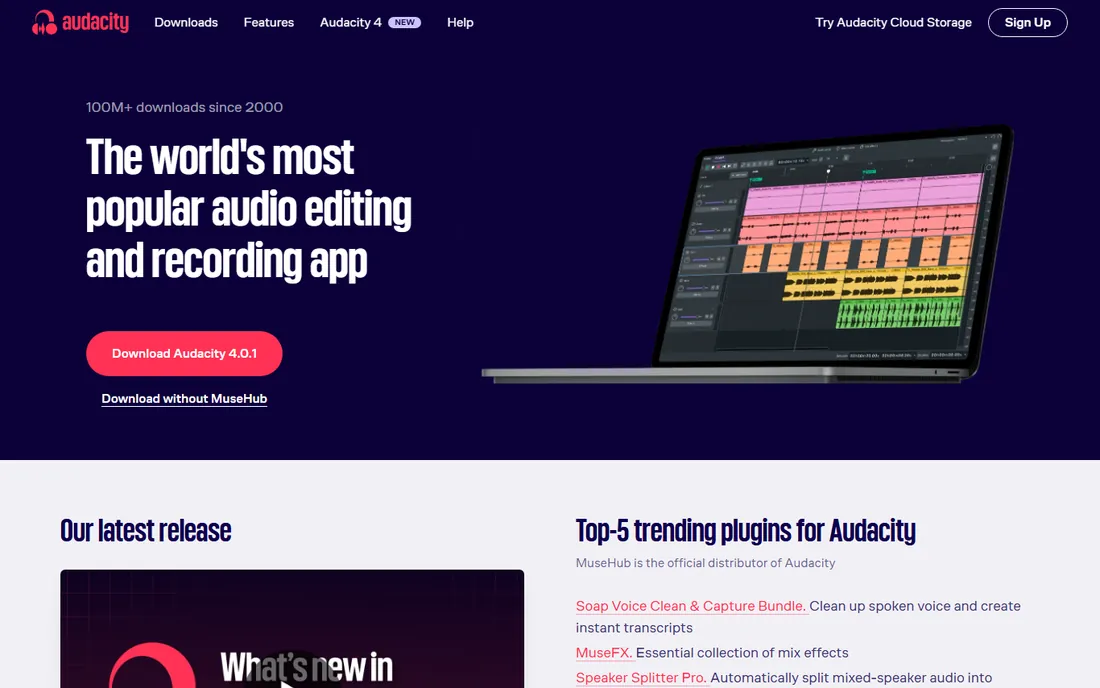
Audacity is the default answer for a reason. It records from microphones and line inputs, edits multiple tracks, applies noise reduction, EQ, compression and dozens of effects, and exports MP3, WAV, FLAC and more. It is free under the GPL with no paid tier, no trial clock and no feature locks. Podcasters, teachers, voiceover artists and musicians have built entire workflows on it.
The interface shows its age and some editing operations destroy the original audio unless you know the workarounds. Version 4 has modernized parts of this, but Audacity still rewards users who learn its habits. For spoken word, simple music editing and format conversion, nothing free touches it. Download only from audacityteam.org; third-party repackagers have bundled junk in the past.
What we like- Free and open source with multitrack editing, effects and plugin support
- Huge tutorial library from two decades of use
- Runs on Windows, Mac and Linux
Watch out for- Interface looks dated
- Destructive-by-default editing history confuses beginners
#2
Adobe Audition
Best for: Podcasters and video editors already paying for Creative Cloud
Visit adobe.com
Starting priceSee website
Free planFree trial (7 days)
Audition is the professional's audio repair shop. Its DeNoise, click removal and spectral frequency display rescue bad recordings better than anything in the free tier, and the multitrack view handles podcast and broadcast sessions well. If you edit video in Premiere Pro, sending audio to Audition and back is close to painless, which is the real reason many buyers choose it.
Outside Adobe's ecosystem the value drops. The subscription never ends, the 7-day trial is short for evaluating a deep tool, and occasional users will resent paying monthly for software they open twice a month. Buy it when audio cleanup is weekly work or when Premiere Pro integration saves real hours. Otherwise the free editors below do the basics.
What we like- Excellent noise reduction and spectral editing
- Round-trip workflow with Premiere Pro
- Essential Sound panel speeds up dialogue mixing
Watch out for- Subscription only with no perpetual license
- Overkill and overpriced if audio is an occasional task
#3
Ocenaudio
Best for: Quick single-file edits with effects you can hear before applying
Visit ocenaudio.com
Starting priceFree
Free planYes
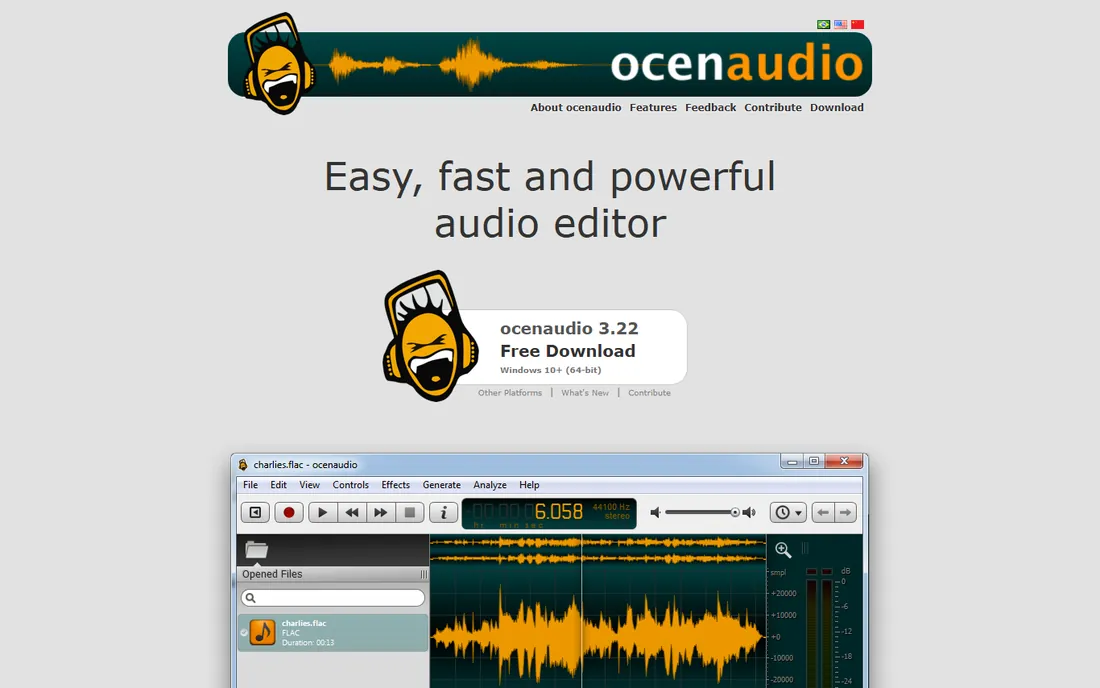
Ocenaudio is what Audacity would feel like if it were redesigned today. It opens audio files fast, applies effects with live previews so you hear the result before committing, and supports VST plugins. It is freeware, free for commercial use, with no trial period and no paid tier. For trimming interviews, normalizing levels, cleaning up a voiceover or converting formats, it is often faster than Audacity.
The boundary is multitrack. Ocenaudio edits one file at a time, so podcast episodes with music beds and multiple voices need a different tool. Within its lane, though, it is the most pleasant free editor on Windows. Many users keep both Audacity and Ocenaudio installed: Ocenaudio for quick jobs, Audacity when tracks multiply.
What we like- Free for personal and commercial use
- Real-time effect previews
- Handles large files smoothly with a clean modern interface
Watch out for- No multitrack editing
- Single-file focus limits bigger productions
#4
Reaper
Best for: Musicians and producers who want pro multitrack at a fair price
Visit reaper.fm
Starting priceSee website
Free planFree trial (60-day evaluation)
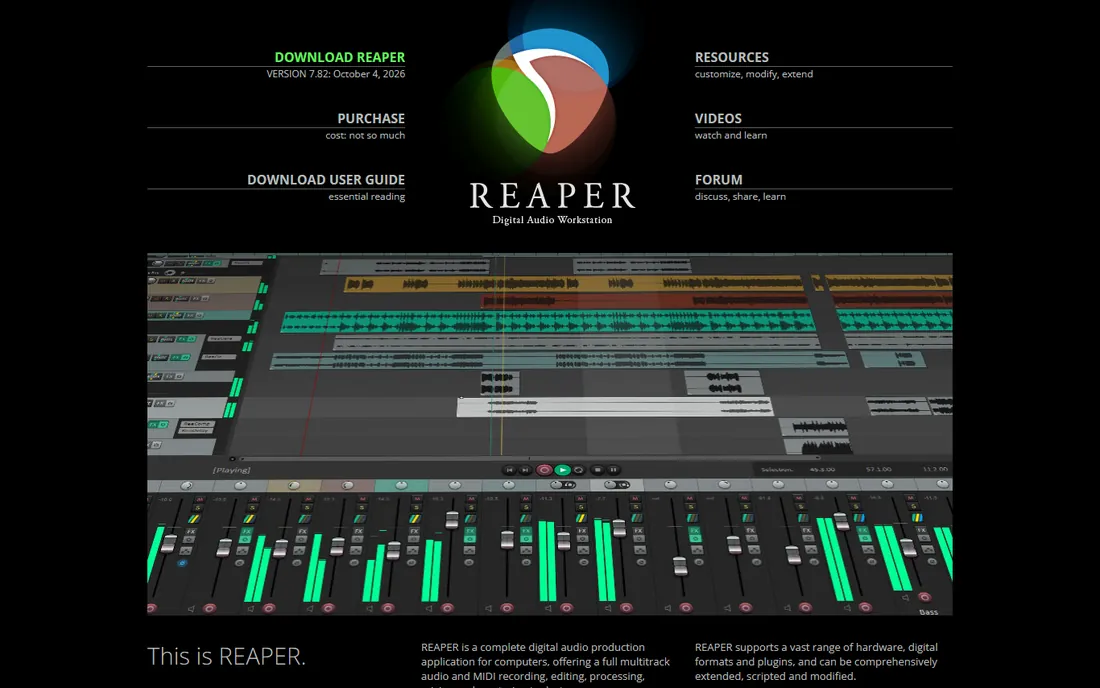
Reaper occupies a unique spot: a complete digital audio workstation with an evaluation that never cripples features and a license around $60 for individuals and small businesses. It records, edits, mixes and masters multitrack projects, runs VST plugins, and updates constantly. The user community is famously helpful, and the software runs well on modest hardware.
It is a DAW first and an audio editor second. For cutting a single interview it is heavier than needed; for producing music, scoring video or mixing a podcast with many elements, it outclasses every editor here. The interface assumes you will customize it, which is freedom for tinkerers and homework for everyone else. If your audio work keeps growing past simple editing, Reaper is the natural next step.
What we like- Full-featured DAW with a famously fair license
- 60-day unrestricted evaluation
- Tiny installer, deep customization, huge bundled plugin set
Watch out for- Bare-bones default look that needs theming
- MIDI and scoring tools lag dedicated music DAWs
#5
WavePad
Best for: Fast edits and batch conversion on Windows and Mac
Visit nch.com.au
Starting priceSee website
Free planYes (free version for non-commercial use)
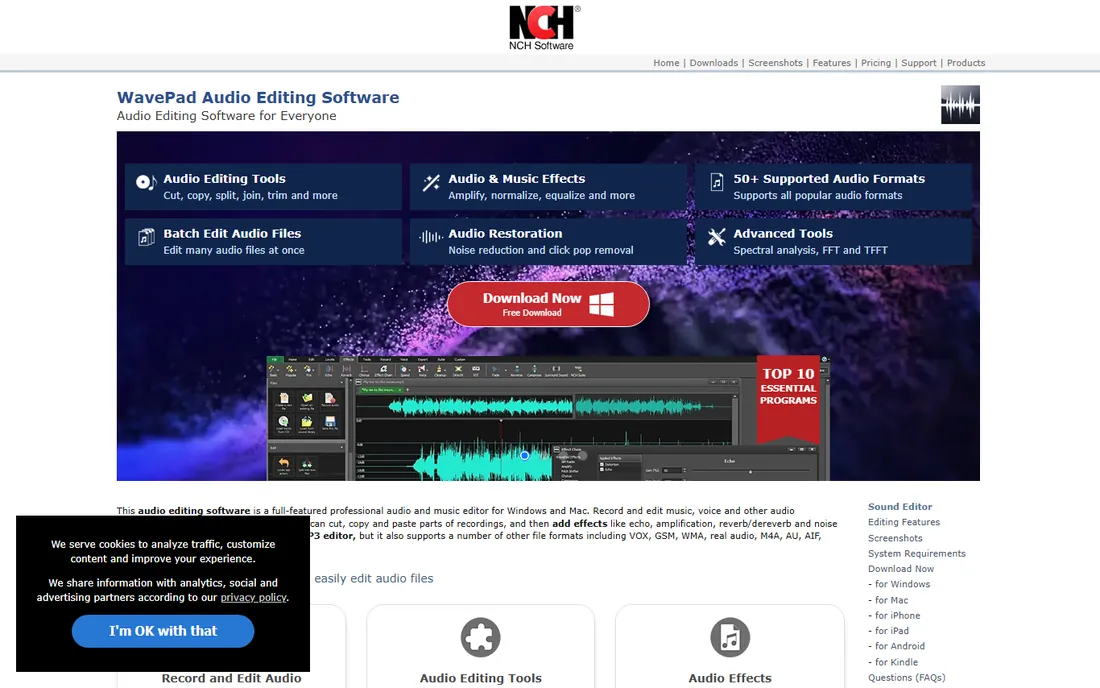
WavePad has been around since the NCH shareware days and it shows in the best way: it installs fast, opens fast and does the job. The free version handles recording, cutting, effects, noise reduction and format conversion for non-commercial use. Batch processing is the standout: point it at a folder of files and apply conversions or effects to all of them.
Commercial users need a paid license, and the Standard versus Masters split means checking which tier has the features you need, like VST support and the sound effect library. For home users digitizing tapes, trimming recordings or converting formats, the free version is complete. It is less fashionable than Audacity but often quicker for simple tasks.
What we like- Free version covers recording, editing and effects for home use
- Batch processing converts or processes file sets quickly
- Small and fast on old hardware
Watch out for- Free version is non-commercial only
- Paid tiers split features across Standard and Masters editions
#6
GoldWave
Best for: Lightweight editing with an honest one-time license
Visit goldwave.com
Starting price$19 (1-year license; lifetime license $59)
Free planFree trial (fully functional evaluation version)
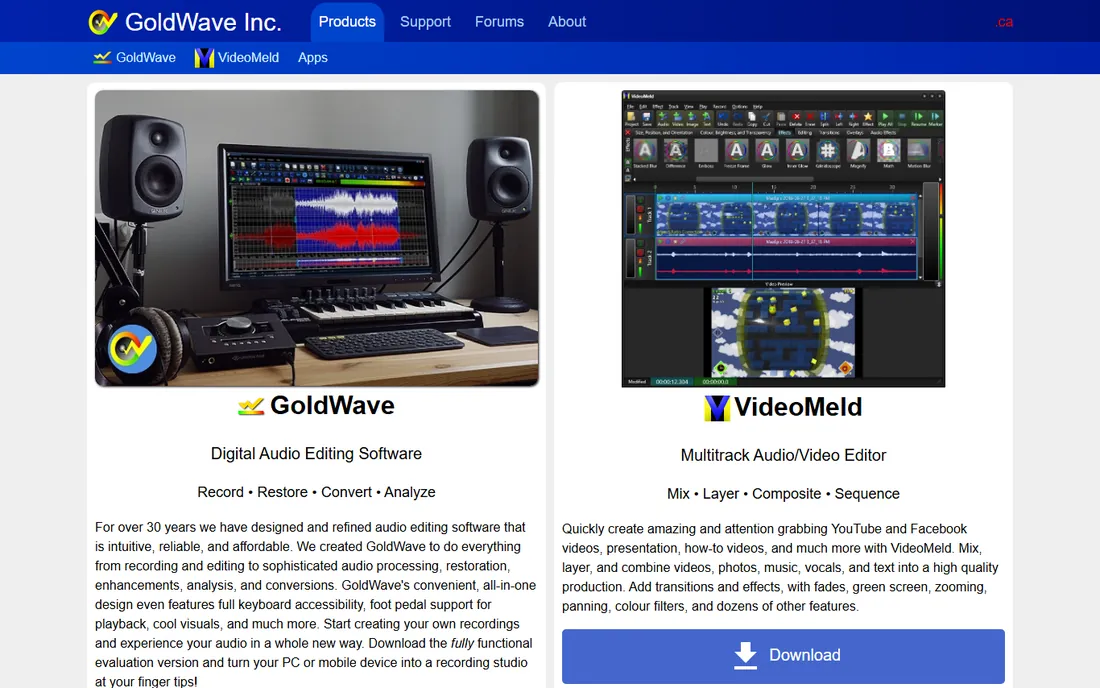
GoldWave is the veteran that never went subscription-only. It records, edits, restores and converts audio with a toolset refined over three decades, including batch processing and unusual depth like an expression evaluator for custom effects. The evaluation version is fully functional, the 1-year license is $19, and the $59 lifetime license never expires with free upgrades.
It is not the prettiest editor here, and Mac and Linux users get it through GoldWave Infinity, the browser-based version. But for Windows users who want a dependable editor without a subscription, the lifetime license is one of the fairest deals in software. Vinyl digitizers and archivists in particular have used GoldWave for years.
What we like- Fast, stable editor refined over 30 years
- Lifetime license option at $59
- Batch processing, expression evaluator and strong restoration tools
Watch out for- Windows-first with other platforms via the newer Infinity web version
- Interface is functional rather than modern
Starting priceSee website
Free planFree trial
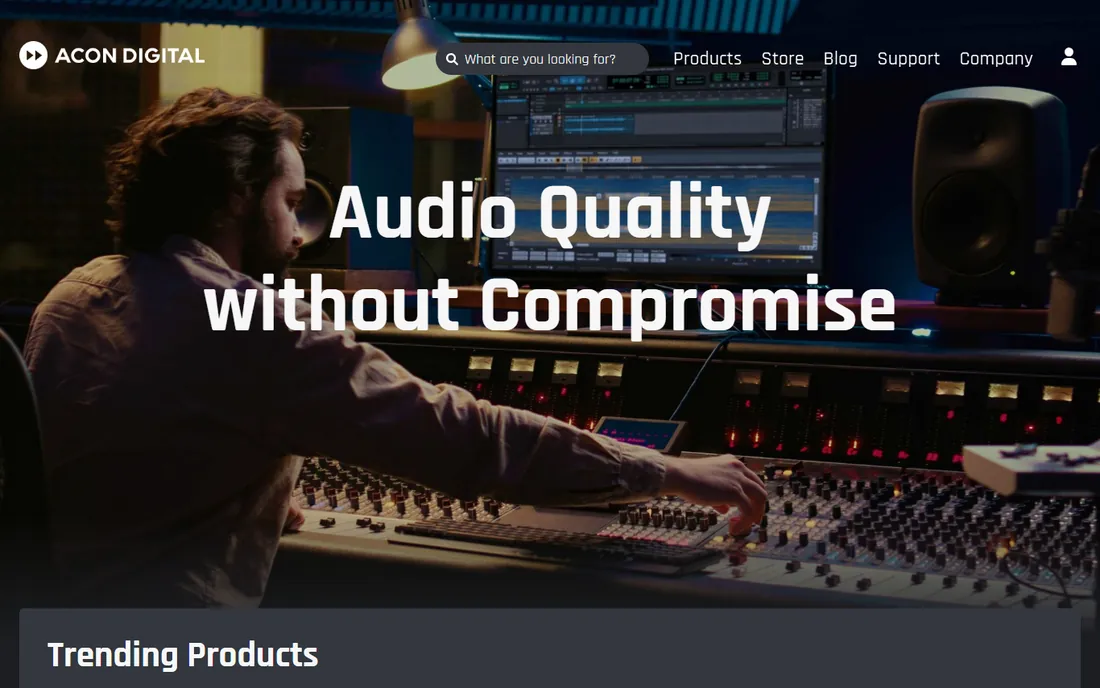
Acoustica from Acon Digital is the thinking person's restoration editor. Version 8 rebuilt its DeNoise and DeHum processors on machine learning, added spectral editing with intelligent selection tools, and kept the perpetual license model while competitors moved to subscriptions. Editions step from Standard through Premium to Ultimate, adding channels, immersive formats and plugin versions of the tools.
It sits between Audacity and iZotope RX: far more capable at repair work than any free editor, far cheaper than the top restoration suites. Podcasters rescuing bad location audio, archivists cleaning transfers, and mastering engineers on a budget are the audience. Check Acon Digital's site for current edition pricing; the launch discounts come and go.
What we like- Spectral editing and machine-learning restoration tools
- Perpetual licenses, no subscription
- Multitrack mixing plus plugin versions of its processors
Watch out for- Smaller user community than the big names
- Restoration depth still trails the most expensive suites
#8
SOUND FORGE
Best for: Precise waveform editing, vinyl restoration and mastering
Visit magix.com
Starting priceSee website
Free planFree trial
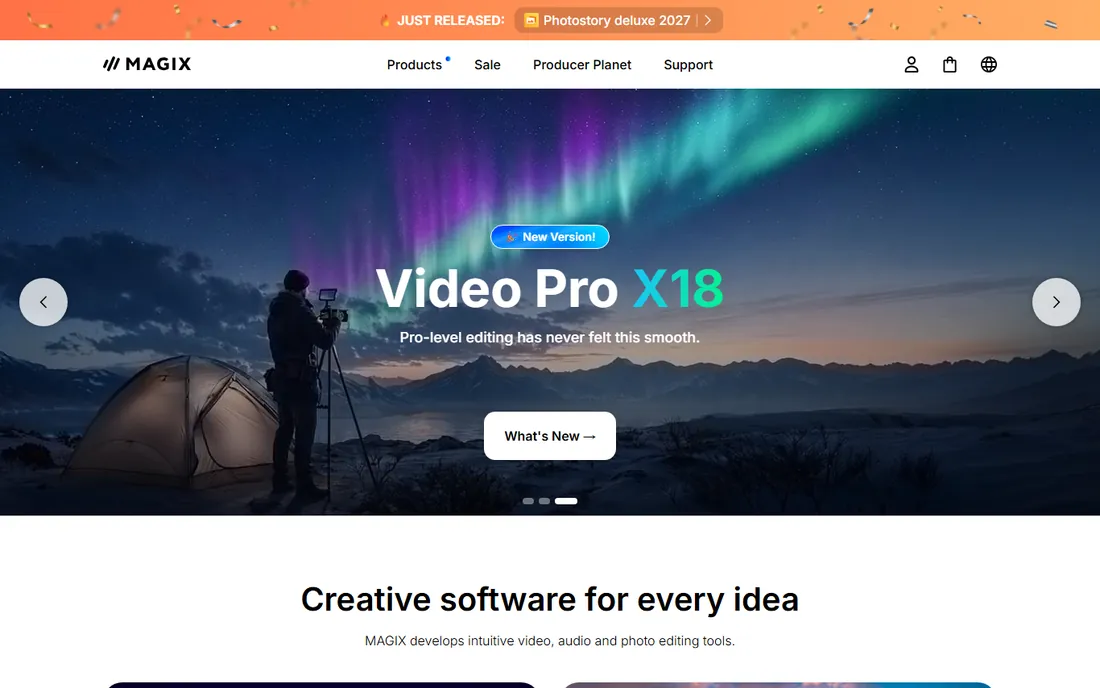
SOUND FORGE has been a pro audio staple since the 1990s, now under Magix. Its strengths are precision: editing down to the individual sample, detailed spectral analysis, and restoration tools for vinyl and tape transfer including click, crackle and hiss removal. The Audio Studio edition covers home users while Pro serves mastering work, and bundles have included iZotope mastering plugins.
The product line needs attention when buying: Audio Studio, Pro, and various suites and subscription options overlap. For digitizing a record collection or mastering finished mixes, SOUND FORGE's toolset is purpose-built. For general editing, the cheaper or free options above do the job with less fuss.
What we like- Sample-accurate editing with decades of pro heritage
- Dedicated vinyl recording and restoration tools
- Loudness metering and mastering plugins
Watch out for- Magix's lineup is confusing with many editions
- Windows-first history, Mac version lags
Free vs paid: where the line really is
Free audio software in 2026 is remarkably capable. Audacity and Ocenaudio cover recording, editing, effects and cleanup for spoken word and simple music. Reaper's evaluation is effectively free for two months of full DAW use. The line where paid earns its keep is specific: advanced noise restoration, spectral repair, batch production workflows, and professional support.
If your recordings are clean and your projects are simple, paid software buys you little. If you regularly rescue bad audio, master for distribution, or process hundreds of files, the paid tools pay for themselves in saved hours. GoldWave's $59 lifetime license is the cheapest crossing point; Audition and Acoustica are the professional one.
Matching the software to the job
Podcasters should start with Audacity or Ocenaudio and add Reaper when episodes get complex. The free editors handle voice recording, cleanup and assembly; Reaper adds multitrack mixing when music, ads and multiple hosts enter. Audition fits podcast networks already on Creative Cloud.
Musicians need a DAW, not an editor: Reaper is the value pick, period. Archivists digitizing tapes and vinyl should look at GoldWave or SOUND FORGE for their restoration toolsets and batch processing. Video creators doing dialogue cleanup will get the most from Audition's spectral tools or Acoustica's restoration suite.
Everyone should match the software to the file. Editing MP3s directly degrades quality with each save; work in WAV or FLAC and export MP3 once at the end. And whatever you choose, learn its noise reduction on a test file before trusting it with the only copy of an important recording.
How we chose
We covered the audio editors PC users actually install, from free staples to professional restoration tools. For each we checked the vendor's site for current editions and pricing, read reviews on TechRadar, Sound On Sound and practitioner forums, and compared recording, editing, restoration and export features. Prices appear only where the vendor publishes them. No hands-on testing was involved.
Frequently asked questions
What is the best free audio editing software for PC?
Audacity for multitrack recording and editing, Ocenaudio for fast single-file work. Both are free, both handle podcast and voiceover jobs well, and many users keep both installed for different tasks.
Is Adobe Audition worth it for podcasting?
If you are already in Creative Cloud or you regularly rescue noisy recordings, yes: its noise reduction and spectral editing are excellent and Premiere Pro integration saves time. For straightforward podcast editing, Audacity does the job free.
Can I use Reaper as an audio editor instead of a DAW?
Yes, though it is heavier than needed for simple cuts. Reaper's strength is multitrack production: recording bands, mixing podcasts with many elements, and mastering. For trimming a single file, Ocenaudio or GoldWave open faster.
What is the difference between an audio editor and a DAW?
An audio editor works on individual files: cutting, cleaning and converting. A DAW (digital audio workstation) arranges multiple tracks with instruments, effects and mixing. Audacity straddles both; Reaper is a true DAW; Ocenaudio and GoldWave are editors.
How do I remove background noise from a recording?
Record a few seconds of room tone, then use noise reduction: Audacity, Ocenaudio, Audition and Acoustica all include it. For severe noise, Audition's spectral editing or Acoustica's machine-learning DeNoise do the best job. Record cleanly in the first place and you will rarely need heavy repair.
Sources we checked (6)
- https://www.audacityteam.org/download/
- https://www.techradar.com/how-to/try-adobe-audition-for-free-or-with-creative-cloud
- https://www.soundonsound.com/news/acon-digital-introduce-acoustica-8
- https://rekkerd.org/goldwave-audio-editor-updated-to-v6-11/
- https://www.techradar.com/reviews/wavepad-audio-editor-review
- https://www.magix.com/us/music/sound-forge-audio-studio/
Is your product missing or out of date?
We review this list regularly. Vendors can request a listing, send updated pricing or ask about featured placement.

Shihab Mia · Founder, Rankite
Shihab has spent more than a decade helping SaaS and e-commerce brands grow through search. He writes Rankite's software buying guides from pricing pages, documentation and public user reviews. More about Shihab.