How we make this list: we compare pricing pages, product documentation and public user reviews. Rankite is independent; if a vendor ever pays for a featured spot, that listing is clearly labeled Partner.
Key takeaways
- For recorded audio, iZotope RX remains the deepest toolkit; for live calls and streams, free options (NVIDIA Broadcast) or cheap ones (Krisp) win.
- AI one-knob plugins (Waves Clarity Vx, CrumplePop, Accentize dxRevive line) now beat old-school noise profiles on speech, with far less tweaking.
- Perpetual licenses still dominate this category: RX, Clarity Vx, DeRoom Pro, and Acon's suite are all one-time purchases; only Audition and Krisp are subscription-only.
- iZotope is now part of the Boris FX family, so RX and CrumplePop ship from the same company.
- Free tools cover real needs: Audacity handles basic hiss and hum, and NVIDIA Broadcast gives RTX owners studio-grade live noise removal at no cost.
Quick comparison
| Tool | Best for | Starting price | Free plan |
|---|
 iZotope RX iZotope RX | Post teams needing the deepest repair toolkit | $99 one-time (Elements) | Free trial |
 Adobe Audition Adobe Audition | Video teams already on Creative Cloud | $33.99/month (single app) | Free trial (7 days) |
 Audacity Audacity | Zero-budget podcast and voiceover cleanup | Free | Yes |
 Waves Clarity Vx Waves Clarity Vx | Podcasters wanting one-knob voice cleanup | $39.99 one-time | Free trial |
 Accentize DeRoom Pro Accentize DeRoom Pro | Dialogue recorded in echoey rooms | $259 one-time | Free trial |
 Acon Digital Restoration Suite Acon Digital Restoration Suite | Budget editors wanting a full repair bundle | $99.90 one-time | Free trial |
 CrumplePop CrumplePop | Video editors wanting dead-simple cleanup | See website | Yes |
 NVIDIA Broadcast NVIDIA Broadcast | Streamers and remote workers with RTX GPUs | Free | Yes |
 Krisp Krisp | Remote teams taking calls anywhere | $8/user/month (billed annually) | Free trial (7 days) |
Is your product missing or out of date?
We review this list regularly. Vendors can request a listing, send updated pricing or ask about featured placement.
The best audio noise reduction software
#1
iZotope RX
Best for: Post teams needing the deepest repair toolkit
Visit izotope.com
Starting price$99 one-time (Elements)
Free planFree trial
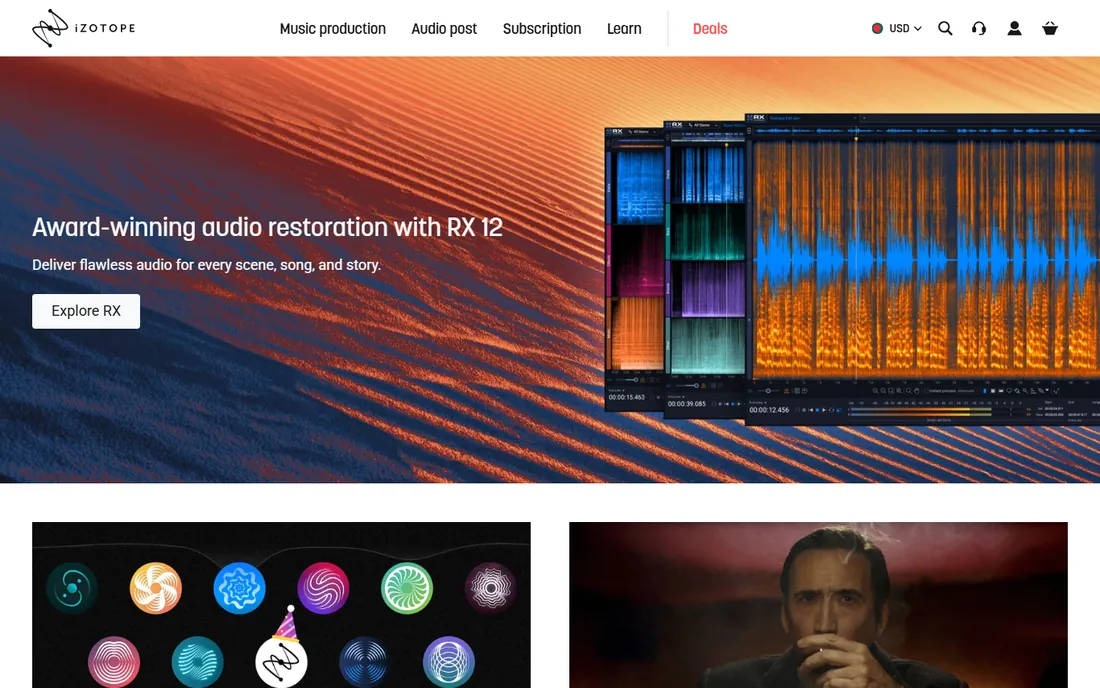
RX is the tool audio post professionals reach for when a recording is genuinely damaged. The current RX 12 line spans three editions: Elements at $99 for quick repairs, Standard at $399 with the standalone editor and core spectral tools, and Advanced at $1,399 for full post-production work.
That depth comes with a learning curve and a bill. If your problem is steady background hiss on a podcast, RX Standard is more tool than you need. One more thing to know: iZotope has joined the Boris FX family, so RX now sits alongside CrumplePop and the company's video tools under one roof. For teams that regularly rescue location dialogue, audiobooks, or broadcast audio, nothing else in this list goes as deep.
What we like- Dozens of repair modules with spectral editing
- Dialogue Isolate and Music Rebalance handle tough jobs
- Industry-standard file repair
Watch out for- Overkill and pricey if you only need basic noise removal
- Elements edition is plugins-only
#2
Adobe Audition
Best for: Video teams already on Creative Cloud
Visit adobe.com
Starting price$33.99/month (single app)
Free planFree trial (7 days)
Audition makes the most sense if your team already lives in Creative Cloud. The spectral frequency display lets you see noise and paint it out, and the Effects Rack plus diagnostics (DeNoise, DeReverb, DeClicker) handle routine cleanup inside a familiar multitrack editor. Round-tripping with Premiere Pro means video editors can send audio over, fix it, and get it back without exporting stems by hand.
The catch is the business model and the ceiling. At $33.99 per month for the single app (or bundled in an All Apps plan), you rent forever, and Adobe's built-in noise tools do not match the latest AI plugins for difficult speech. Audition is the right pick when noise reduction is one task inside a larger audio and video workflow, not when it is the whole job.
What we like- Spectral frequency display makes noise removal visual
- Tight round-tripping with Premiere Pro
- Solid restoration and diagnostics effects
Watch out for- Subscription-only with no perpetual license
- AI noise reduction lags the dedicated plugins
Starting priceFree
Free planYes
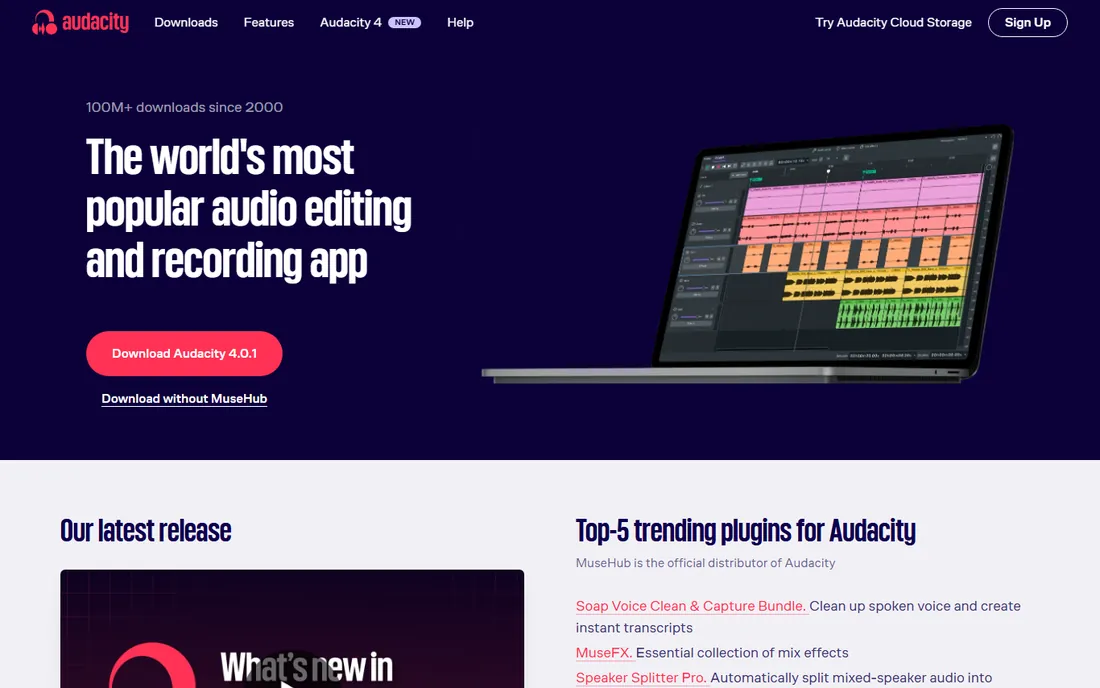
Audacity has been the default free audio editor for over two decades, with more than 100 million downloads, and its noise reduction effect still gets the job done on steady hiss and hum. You sample a few seconds of room tone, apply the effect, and adjust the reduction amount. It also handles click removal, normalization, and basic spectral selection for spotting problem frequencies.
It is not in the same league as the AI tools for difficult material, and the workflow feels old: mostly offline processing, limited real-time preview, and an interface that has barely changed. But the price is zero, forever, with no tiers or trials. For a small team producing a podcast or voiceovers on no budget, Audacity plus a decent microphone covers most cleanup needs.
What we like- Completely free and open source
- Built-in Noise Reduction and Click Removal effects
- Runs on Windows, Mac, and Linux
Watch out for- Dated interface and destructive-feeling workflow
- No real-time AI cleanup
#4
Waves Clarity Vx
Best for: Podcasters wanting one-knob voice cleanup
Visit waves.com
Starting price$39.99 one-time
Free planFree trial

Clarity Vx is the plugin people buy when they are tired of tweaking noise profiles. Two built-in neural networks, trained on hundreds of thousands of vocal recordings, tell voice apart from ambience automatically. You turn one knob and the air conditioner, fan, and traffic fade while the voice stays intact. It runs in real time, works in mono and stereo, and loads as VST3, AU, or AAX in any major DAW.
Two honest caveats. It is CPU-hungry and introduces significant latency (2,048 samples at standard sample rates), so your DAW's delay compensation must be on. And Waves prices move constantly; the street price sits around $34.99 to $39.99 against a much higher list price, so buy during one of the endless sales. A Pro version exists for heavier post-production duty at a higher tier.
What we like- Neural networks separate voice from noise in real time
- Genuinely one-knob operation
- Fully automatable inside any DAW
Watch out for- Heavy CPU load and high latency need delay compensation
- Waves' frequent sales make timing your purchase matter
Starting price$259 one-time
Free planFree trial
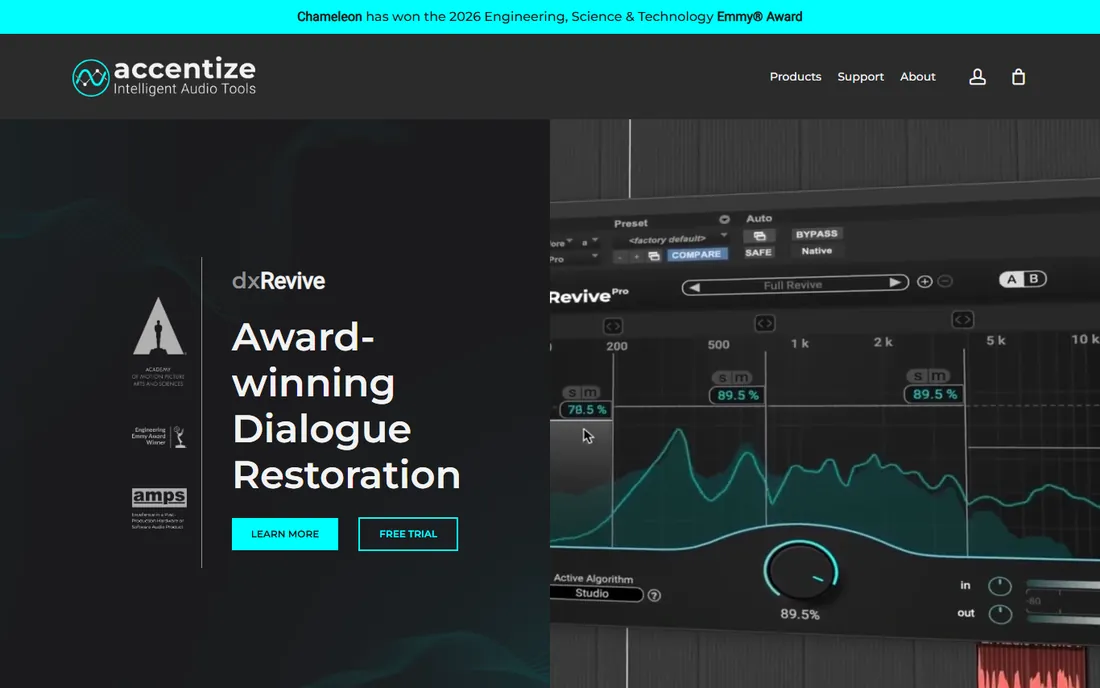
DeRoom Pro does one thing exceptionally well: removing room reverb and echo from speech. Its neural network was trained on many different room scenarios, so it separates direct sound from reflections and even estimates the room size automatically. Reviewers consistently rate it above the de-reverb in general repair suites for natural-sounding results, and it processes in real time with a choice of waveform or spectrogram visualization.
It is a specialist, not a suite. On guitars, drums, or piano it is far less effective, because the model was trained on speech. The $259 one-time price reflects the pro positioning, and licensing runs through iLok. A free trial is available, and you should use it on your worst-sounding room recording before buying. For podcasters and video teams stuck with untreated rooms, it can make a home office sound close to a treated booth.
What we like- Machine-learning reverb removal with automatic room estimation
- Real-time processing with waveform and spectrogram views
- Focused, effective tool
Watch out for- Built for dialogue, weak on music sources
- ILok licensing adds a setup step
#6
Acon Digital Restoration Suite
Best for: Budget editors wanting a full repair bundle
Visit acondigital.com
Starting price$99.90 one-time
Free planFree trial
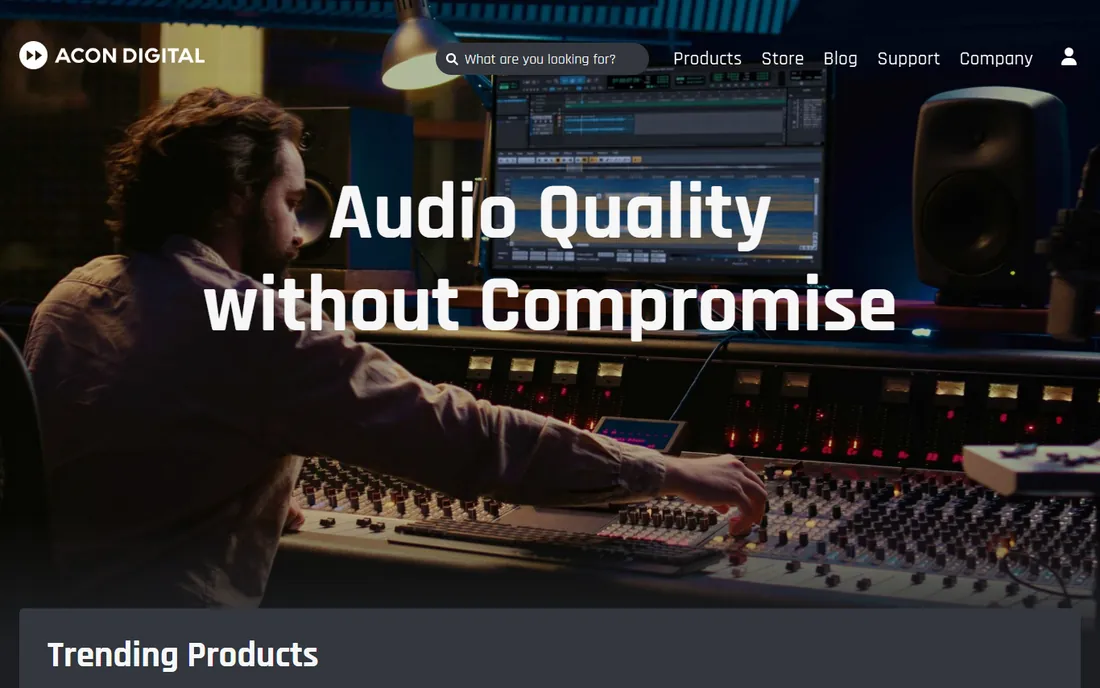
Acon Digital's Restoration Suite 2 packs four restoration plugins into a $99.90 bundle: DeNoise 2 for hiss and broadband noise, DeHum 2 for electrical hum, DeClick 2 for clicks and crackle, and DeClip 2 for clipped audio. Version 2 added dynamic noise profiles that track noise changing over time, which is exactly what you need for wind or lavalier rustle, plus mid/side processing and surround support.
The tradeoff for the price is polish and ecosystem. Acon is a small Norwegian company, so you get fewer video tutorials and a smaller user community than iZotope or Waves buyers enjoy. Demo versions are available to try before buying. If you want a complete repair toolkit without spending several hundred dollars, this is the value pick of the category.
What we like- Four focused plugins (DeNoise 2, DeHum 2, DeClick 2, DeClip 2) for one low price
- Dynamic noise profiles handle fluctuating noise like wind
- Surround support up to 7.1.6
Watch out for- Smaller vendor with less tutorial content
- Interfaces are functional rather than polished
Starting priceSee website
Free planYes
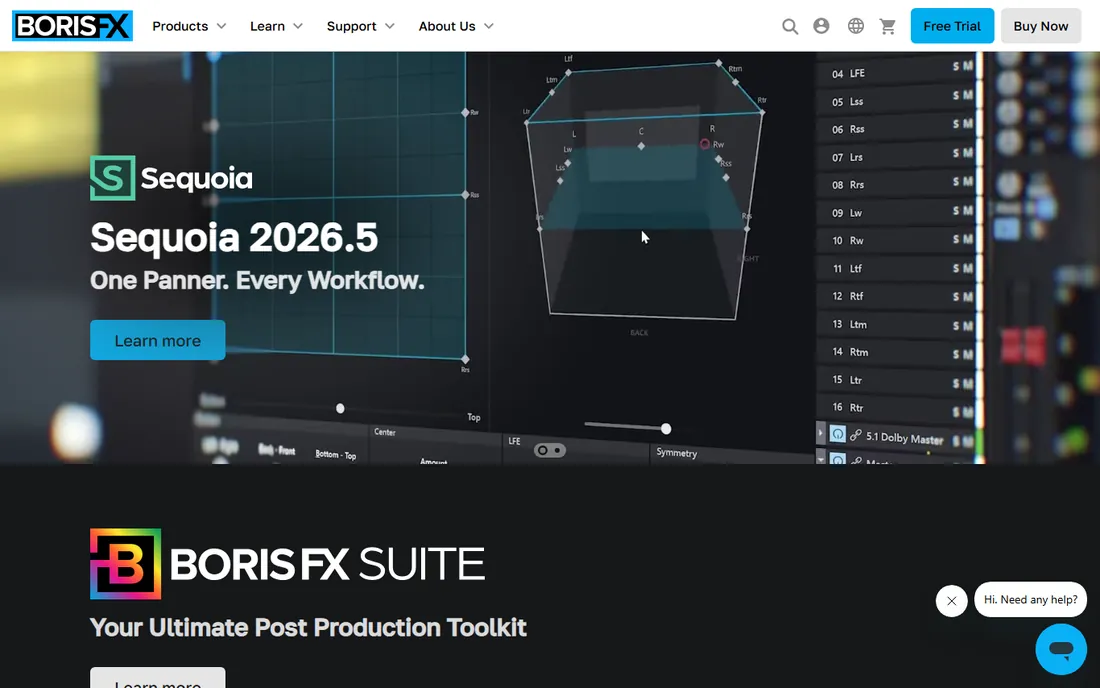
CrumplePop, now part of Boris FX, is built for video editors who never wanted to learn audio repair. The bundle includes AudioDenoise, EchoRemover, WindRemover, TrafficRemover, and Levelmatic, all with minimal controls and real-time playback. Two plugins, PopRemover and RustleRemover, are free forever, which alone solves plosives and lavalier rustle for a lot of creators.
The full CrumplePop Complete bundle's price was not published on the vendor site at the time of writing, so check before budgeting. And simplicity cuts both ways: when a one-knob tool guesses wrong, there is less to adjust than in RX or Acon's suite. For YouTubers, course creators, and small video teams, though, the speed from problem to clean audio is the point.
What we like- One-knob AI tools inside Premiere, Resolve, and Final Cut
- PopRemover and RustleRemover are completely free
- No audio expertise needed
Watch out for- Full bundle pricing is not published on the site
- Simpler controls than professional repair tools
#8
NVIDIA Broadcast
Best for: Streamers and remote workers with RTX GPUs
Visit nvidia.com
Starting priceFree
Free planYes

If you own a compatible NVIDIA GPU, Broadcast is the best free lunch in audio cleanup. It creates a virtual microphone that strips fan noise, keyboard clicks, and room echo in real time before the audio reaches Zoom, Discord, OBS, or any other app, and it can clean up incoming audio from noisy callers too. It uses only a small slice of GPU resources and takes minutes to set up.
The limits are hardware and platform. You need an RTX 2060 or newer on Windows 10 or later; there is no Mac version, and it is a live processor, not an editor for recorded files. For streamers, remote workers, and anyone on calls all day with an RTX card already in the machine, there is no reason not to install it.
What we like- Completely free with excellent real-time mic noise and echo removal
- Also cleans incoming audio from other callers
- Tiny GPU overhead
Watch out for- Windows only and requires an RTX 2060 or newer
- Not designed for editing recorded files
Starting price$8/user/month (billed annually)
Free planFree trial (7 days)

Krisp sits between your microphone and every calling app, removing background noise from your voice and optionally from the other side too. Because it works at the audio-device level, it covers Zoom, Teams, Meet, Slack, and anything else without per-app setup.
Pricing starts at $8 per user per month billed annually, with a 7-day free trial of everything. Krisp has grown into a broader meeting platform with transcription, AI notes, and accent conversion, which is great if you want it and bloat if you do not. For distributed teams taking calls from homes, cafes, and co-working spaces, it is the most flexible cross-app option here.
What we like- Works with any conferencing app via a virtual device
- Noise cancellation runs on-device for privacy
- Also offers transcription and meeting notes
Watch out for- Subscription-only and the meeting extras may be overkill
- No GPU-free magic, it uses your CPU
How we chose
We started with the tools that come up most in buyer conversations on Reddit, G2, and Capterra, then verified each one on its vendor's current website: does it still exist, what does it cost today, and what does the free tier actually include. Every price above comes from a vendor pricing or buy page, or a current dealer listing where the vendor does not publish one; where we could not verify a price, we wrote "See website" instead of guessing. We weighted fit for small and mid-size teams, which meant looking at per-seat versus one-time pricing, trial availability, platform support, and whether the tool matches the buyer's actual job: repairing recorded audio, cleaning live calls, or both. We did not run our own listening tests, so quality judgments reflect vendor documentation and public user reports.
Different noises need different tools. Buying the wrong category wastes money and still leaves the hiss.
Steady background hiss and hum
Air conditioners, computer fans, and electrical hum are the easiest problems. Almost everything here handles them: Audacity's noise profile effect for free, Clarity Vx or Acon DeNoise for one-click cleanup, RX for difficult cases. If hum is specifically electrical, Acon's DeHum 2 with its automatic frequency scan is purpose-built for it.
Room echo and reverb
This is the hardest common problem and the one buyers underestimate. DeRoom Pro is the specialist, and CrumplePop's EchoRemover covers lighter cases inside video editors. NVIDIA Broadcast removes echo live on calls. General noise reducers help less here, because reverb is the voice itself bouncing back, not separate background sound.
Pops, clicks, and rustle
Plosives from close miking, mouth clicks, and lavalier rustle respond to targeted tools. CrumplePop gives away PopRemover and RustleRemover free. Acon's DeClick 2 handles clicks and crackle in recorded audio, and RX's Mouth De-click is the pro option for audiobooks and voiceover.
Live calls and streams
For audio that must be clean in real time, use a live processor, not an editor. NVIDIA Broadcast is free for RTX owners, Krisp works on any machine with any app, and both clean the microphone before the sound reaches the call. Trying to fix call audio after the fact is always worse.
Real-time, offline, or live: pick your workflow
Noise reduction tools fall into three workflows, and mixing them up causes frustration. Offline editors and suites (RX, Audition, Audacity, Acon) process recorded files with full quality and undo, which suits podcasts, video post, and audiobooks. Real-time plugins (Clarity Vx, DeRoom Pro) run inside your DAW or editor while you work, which suits mixing and fast turnaround. Live apps (NVIDIA Broadcast, Krisp) clean the microphone signal continuously for calls and streams, where re-recording is impossible.
The practical rule: fix it at the earliest stage you can. A live app on a noisy call beats any post-processing. For recorded work, capture the cleanest signal possible, then repair offline where you can preview, adjust, and undo. Buy the tool that matches the stage where your noise problem actually lives.
Frequently asked questions
Can noise reduction fix a badly recorded interview?
It can improve it a lot, but not perform miracles. Steady noise like hiss, hum, and fan drone cleans up well, and modern AI tools rescue echoey rooms convincingly. Distortion from clipping, heavy wind blasts, or voices buried under louder noise only partially recover. If the voice itself is distorted or masked, budget for re-recording rather than more software.
What is the difference between noise reduction and a noise gate?
Noise reduction removes noise mixed into the audio while the voice is speaking. A noise gate simply mutes the microphone when nobody is talking, which silences pauses but does nothing about noise under speech. Gates are useful on live streams alongside tools like NVIDIA Broadcast, but they cannot clean a recording.
Do I need an RTX GPU for AI noise removal?
Only for NVIDIA Broadcast, which requires an RTX 2060 or newer. Every other tool here runs on the CPU: Clarity Vx, DeRoom Pro, Krisp, and the RX modules all work on ordinary laptops, though heavy real-time processing benefits from a faster processor. If you do not have an RTX card, Krisp is the closest live-call alternative.
Will noise reduction make voices sound robotic?
Pushing any noise reducer too hard creates artifacts: warbling, metallic tails, or a voice that sounds underwater. AI tools are more forgiving than old noise profiles, but the fix is the same either way. Apply the minimum reduction that solves the problem, listen on headphones, and compare against the original before committing.
Is Audacity's noise reduction good enough for a podcast?
For many podcasts, yes. If your recording space is reasonably quiet and the noise is steady hiss or hum, Audacity's noise profile effect plus a little EQ produces perfectly publishable audio for free. Upgrade to Clarity Vx or Acon's suite when you fight fluctuating noise, room echo, or mouth clicks that Audacity cannot clean without audible artifacts.
Sources we checked (18)
- https://izotope.com/
- https://arefyevstudio.com/en/2026/04/30/izotope-rx-12-review/
- https://borisfx.com/
- https://www.adobe.com/
- https://www.getapp.com/website-ecommerce-software/a/adobe-audition/
- https://www.audacityteam.org/
- https://www.waves.com/
- https://www.sweetwater.com/store/detail/ClarityVx--waves-clarity-vx-plug-in
- https://accentize.com/
- https://www.plgns.com/accentize-en/accentize-deroom-pro-en
- https://www.soundonsound.com/reviews/accentize-deroom-pro
- https://acondigital.com/
- https://rekkerd.org/acon-digital-releases-restoration-suite/
- https://www.production-expert.com/production-expert-1/free-plugins-boris-fx-popremover-and-rustleremover
- https://www.nvidia.com/
- https://www.maono.com/es-de/blogs/news/background-noise-removal-tips-using-nvidia-for-clear-audio
- https://krisp.ai/
- https://www.g2.com/products/krisp/pricing
Is your product missing or out of date?
We review this list regularly. Vendors can request a listing, send updated pricing or ask about featured placement.

Shihab Mia · Founder, Rankite
Shihab has spent more than a decade helping SaaS and e-commerce brands grow through search. He writes Rankite's software buying guides from pricing pages, documentation and public user reviews. More about Shihab.