How we make this list: we compare pricing pages, product documentation and public user reviews. Rankite is independent; if a vendor ever pays for a featured spot, that listing is clearly labeled Partner.
Key takeaways
- Twinmotion and Unreal Engine are free for firms under $1 million in revenue, making them the default starting point for small practices and freelancers.
- Enscape at $574.80 per year is the best 3D rendering software for architecture firms that want live visualization inside Revit, SketchUp or Rhino while they model.
- V-Ray remains the quality ceiling for final-frame photorealism, with Solo at $540 per year; Corona at $414 per year is the simpler, cheaper Chaos alternative.
- D5 Render's $38 per month Pro plan undercuts Lumion and Enscape significantly while delivering real-time ray tracing, and Blender remains the unbeatable free full pipeline.
Quick comparison
| Tool | Best for | Starting price | Free plan |
|---|
 V-Ray V-Ray | studios that need top-tier photorealism across host applications | $45 per month, billed annually ($540 per year, Solo) | Free trial |
 Lumion Lumion | architects who want fast, cinematic stills and animations | $1,149 per year (Pro, named-user) | Free trial |
 Enscape Enscape | Revit, SketchUp, Rhino and Archicad firms that want live visualization while modeling | $47.90 per month, billed annually ($574.80 per year, Solo) | Free trial (14 days) |
 Twinmotion Twinmotion | small firms and freelancers who want a full renderer for free | Free for revenue under $1M; $445 per year per seat above | Yes |
 D5 Render D5 Render | architects who want real-time ray tracing at a mid-range price | $38 per month ($360 per year, Pro); Community version free | Yes (Community, non-commercial) |
 Corona Renderer Corona Renderer | 3ds Max and Cinema 4D users who want predictable, simple photorealism | $34.50 per month, billed annually ($414 per year, Solo) | Free trial (30 days) |
 Blender Blender | anyone who wants a complete 3D pipeline for zero cost | $0 (free and open source) | Yes |
 Unreal Engine Unreal Engine | firms that need interactive real-time walkthroughs, VR and configurators | Free for revenue under $1M; seat-based licensing above | Yes |
 KeyShot KeyShot | product and detail renderings that demand physically correct materials | $1,299 per year (Professional) | Free trial |
 OctaneRender OctaneRender | GPU owners who want fast unbiased rendering across many host apps | 19.99 EUR per month, billed annually (Studio+) | No |
Is your product missing or out of date?
We review this list regularly. Vendors can request a listing, send updated pricing or ask about featured placement.
The best architectural rendering software
#1
V-Ray
Best for: studios that need top-tier photorealism across host applications
Visit chaos.com
Starting price$45 per month, billed annually ($540 per year, Solo)
Free planFree trial
V-Ray is the engine behind a disproportionate share of award-winning architectural imagery, and its position is earned. It handles complex lighting, reflections and global illumination with a physical accuracy that real-time tools approximate, and it plugs into 3ds Max, SketchUp, Rhino, Revit, Cinema 4D, Maya and more, so studios standardize on one renderer across departments. The Solo plan at $45 per month billed annually includes the Cosmos asset library and Chaos's AI credits.
The tradeoff is workflow speed. V-Ray rewards expertise: dialing in materials, lighting and render settings takes knowledge, and final frames take minutes or hours rather than seconds. Studios producing hero images for competitions and marketing accept that exchange. Firms that present in real time usually pair V-Ray with Enscape or Twinmotion for different stages of a project.
What we like- The industry benchmark for photorealistic quality
- CPU and GPU rendering with broad host app support
- Huge Cosmos asset and material library
Watch out for- Steeper learning curve than real-time tools
- The best results still require render time and expertise
#2
Lumion
Best for: architects who want fast, cinematic stills and animations
Visit lumion.com
Starting price$1,149 per year (Pro, named-user)
Free planFree trial

Lumion built its reputation on a simple promise: beautiful renders without a rendering expert on staff. The library of roughly 10,000 built-in objects and thousands of materials means scenes dress themselves quickly, and the effects system for skies, weather and atmosphere produces the cinematic look clients respond to. Animations and 360 panoramas come out of the same workflow as stills.
At $1,149 per year for a Pro named-user license, it is the most expensive option here, and there is no free tier for commercial work. Mac users are out of luck entirely. Firms that bill visualization as a service and need fast turnaround on polished imagery find the price justifiable; everyone else should weigh D5 Render or Twinmotion first.
What we like- Enormous built-in library of around 10,000 models and materials
- Fast, intuitive workflow for stills and video
- Strong atmospheric and weather effects
Watch out for- The priciest single seat in this roundup
- Windows only, which excludes Mac-based firms
#3
Enscape
Best for: Revit, SketchUp, Rhino and Archicad firms that want live visualization while modeling
Visit chaos.com
Starting price$47.90 per month, billed annually ($574.80 per year, Solo)
Free planFree trial (14 days)

Enscape changed how architects work by removing the export step. It runs as a plugin inside Revit, SketchUp, Rhino, Archicad and Vectorworks, rendering the live model in a separate window as you design. Move a wall, and the visualization updates; walk a client through the building in VR during the meeting. That immediacy is why it appears in a huge share of the world's largest architecture firms.
The Solo plan at $574.80 per year is mid-range, and the 14-day trial is enough to evaluate it on a real project. The honest limitation is image quality: Enscape's real-time output is excellent for design communication but does not match a tuned V-Ray render for marketing hero shots. Most firms use it for design-phase visualization and switch tools for final imagery.
What we like- Renders live inside the modeling application with one click
- The easiest learning curve in the category
- VR walkthroughs included
Watch out for- Output ceiling below V-Ray for hero images
- Quality depends heavily on the workstation GPU
Starting priceFree for revenue under $1M; $445 per year per seat above
Free planYes
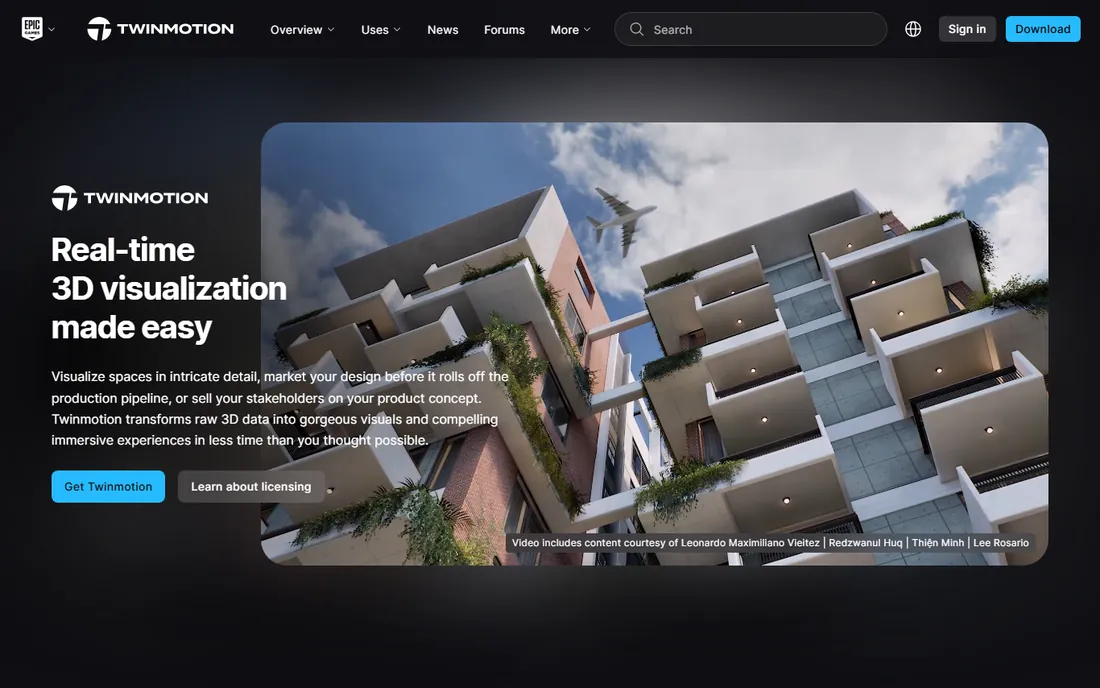
Twinmotion is the best deal in architectural visualization. Epic makes the full application free, with no watermark and no feature restrictions, for individuals and companies under $1 million in annual revenue, which covers most small practices and freelancers. It includes path-traced rendering for physically accurate light, direct live sync with major BIM and CAD tools, and access to vast asset libraries through Epic's ecosystem.
Above the revenue threshold, seats cost $445 per year, still the cheapest paid option here. The built-in asset library is thinner than Lumion's, so users lean on external marketplaces more. For firms that qualify for the free tier, there is little reason not to have Twinmotion in the toolkit even if another renderer is the primary tool.
What we like- Genuinely free full version for small firms with no watermark
- Path-traced rendering and 16K output
- Direct sync with Revit, Archicad, SketchUp and Rhino
Watch out for- Asset library smaller than Lumion's out of the box
- Interface less polished for pure beginners
#5
D5 Render
Best for: architects who want real-time ray tracing at a mid-range price
Visit d5render.com
Starting price$38 per month ($360 per year, Pro); Community version free
Free planYes (Community, non-commercial)
D5 Render has become the value disruptor in real-time archviz. The Pro plan at $38 per month delivers real-time ray-traced rendering, AI-assisted features, and a 16,000-plus asset library for roughly a third of Lumion's price. The interface feels modern and the learning curve is short, which is why it has gathered a large following among architects who render their own work.
The Community version is free for non-commercial use, making evaluation painless. Requirements are strict: Windows only, with a DirectX 12 capable NVIDIA GPU. Mac-based firms cannot use it. For Windows shops that want near-Lumion quality without the Lumion price, D5 is the rational choice.
What we like- Real-time ray tracing with a modern, approachable interface
- Free Community tier for learning
- 16,000+ asset library on Pro
Watch out for- Windows and NVIDIA GPU required, no Mac support
- Younger ecosystem than Lumion or V-Ray
#6
Corona Renderer
Best for: 3ds Max and Cinema 4D users who want predictable, simple photorealism
Visit chaos.com
Starting price$34.50 per month, billed annually ($414 per year, Solo)
Free planFree trial (30 days)

Corona's pitch has always been simplicity: set up lights and materials sensibly, press render, and get a believable image without deep technical knowledge. That ease of use made it the favorite of countless archviz artists working in 3ds Max and Cinema 4D, and Chaos has kept that character since acquiring it. The Solo plan at $414 per year undercuts V-Ray while including the Cosmos asset library.
It is primarily a CPU renderer, so artists with powerful GPUs get less speed benefit than with GPU-native engines, and the host application list is shorter than V-Ray's. For straightforward, beautiful stills without a fight, Corona remains one of the pleasant tools in the business.
What we like- Famously easy to get good results with minimal settings
- Predictable, physically plausible output
- Cheaper than V-Ray with a generous 30-day trial
Watch out for- CPU-focused, so GPU acceleration lags competitors
- Fewer host applications than V-Ray
#7
Blender
Best for: anyone who wants a complete 3D pipeline for zero cost
Visit blender.org
Starting price$0 (free and open source)
Free planYes
Blender is the only tool on this list that costs nothing and does almost everything. The Cycles engine is an unbiased path tracer capable of photorealistic architectural renders, and the EEVEE engine handles real-time preview. Around it sits a complete 3D suite: modeling, sculpting, animation, compositing and video editing, supported by a massive community and tutorial ecosystem.
The catch for architects is workflow, not quality. Blender is not BIM software, so getting a Revit or Archicad model into it takes export steps or add-ons, and there is no built-in plant or entourage library aimed at architecture. For visualization specialists, freelancers and students, the price-to-capability ratio is unmatched anywhere in software.
What we like- Completely free forever with no tiers or watermarks
- Cycles path tracer produces genuinely photorealistic renders
- Full modeling, animation and compositing suite
Watch out for- Generalist tool, not architecture-specific
- BIM integration needs add-ons and workflow setup
#8
Unreal Engine
Best for: firms that need interactive real-time walkthroughs, VR and configurators
Visit unrealengine.com
Starting priceFree for revenue under $1M; seat-based licensing above
Free planYes
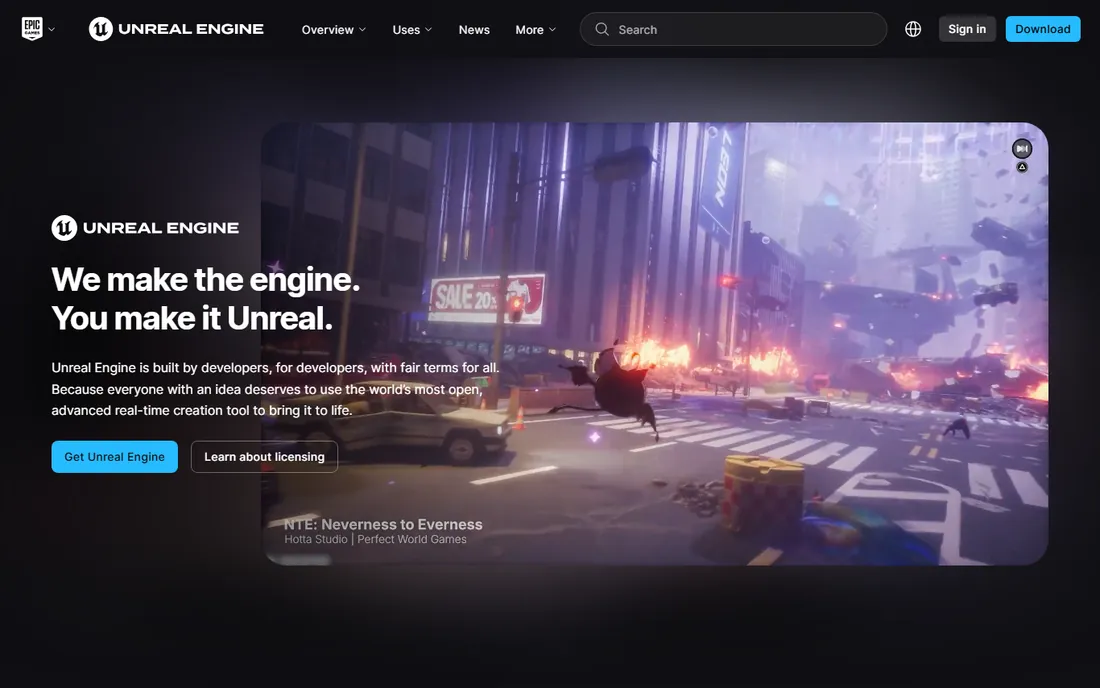
Unreal Engine is what Twinmotion is built on, exposed in full. Firms that need more than images, interactive apartment configurators, VR walkthroughs with real navigation, animated films, digital twins, step up to the engine itself. The Nanite and Lumen systems handle massive scenes with realistic lighting in real time, and the blueprint system builds interactivity without deep programming.
Licensing mirrors Twinmotion: free under $1 million in revenue, seat-based above it for non-game commercial work. The learning curve is real; this is a professional engine, not a one-click visualizer. Practices with an in-house visualization team or ambitious interactive deliverables get capabilities no traditional renderer offers.
What we like- The most powerful real-time engine available
- Interactive experiences, VR and configurators beyond still images
- Free tier covers small firms fully
Watch out for- Significant learning curve compared with Twinmotion
- Overkill if you only need still renderings
#9
KeyShot
Best for: product and detail renderings that demand physically correct materials
Visit keyshot.com
Starting price$1,299 per year (Professional)
Free planFree trial
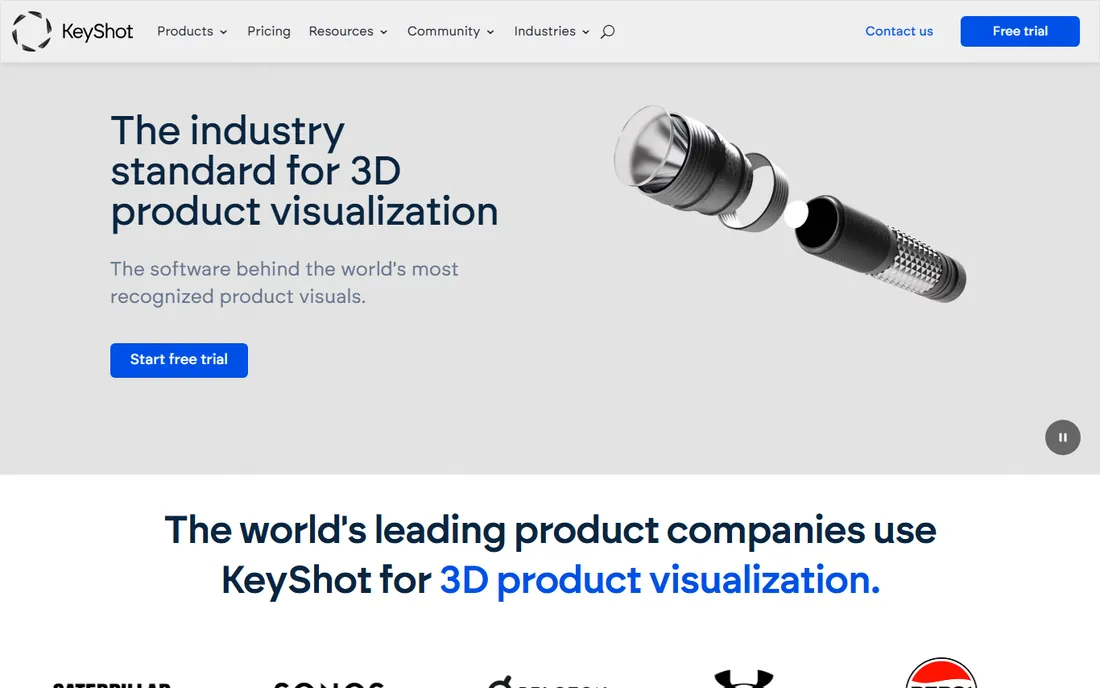
KeyShot earns its place on an architecture list through details: the faucet, the chair, the light fixture, the material board. Its material library is built on physically measured data from real manufacturers, and the drag-and-drop workflow produces accurate product shots in minutes. Architects use it for detail studies and furniture-scale visualization where material truth matters more than atmosphere.
It is not a building renderer: there is no landscape, entourage or BIM workflow to speak of, and the $1,299 annual Professional price is steep for occasional use. Firms that also do interiors or product design get full value; pure architecture practices should spend the money on a dedicated archviz tool instead.
What we like- Physically accurate materials and lighting from real manufacturer data
- Extremely fast to learn
- Excellent for fixtures, furniture and product details
Watch out for- Aimed at product visualization, not buildings
- Expensive for architects who render in bursts
#10
OctaneRender
Best for: GPU owners who want fast unbiased rendering across many host apps
Visit otoy.com
Starting price19.99 EUR per month, billed annually (Studio+)
Free planNo
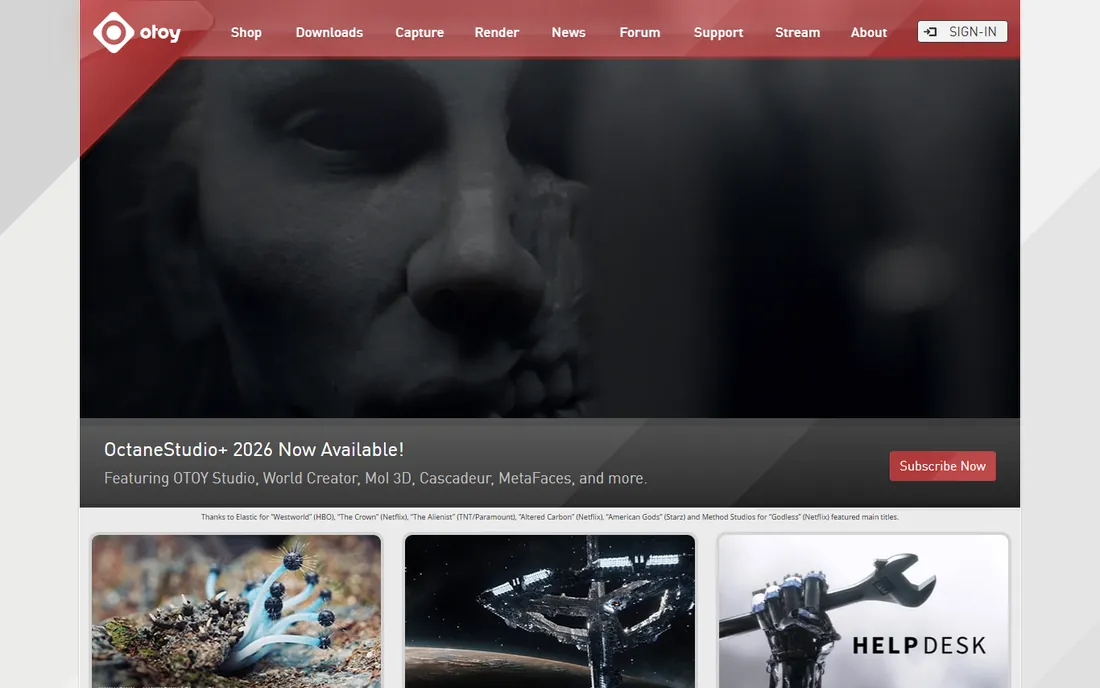
OctaneRender was the original GPU path tracer and remains a strong choice for artists with NVIDIA hardware. The unbiased engine produces clean, physically plausible images, and OTOY's plugin ecosystem covers more than twenty host applications, so it fits into varied pipelines. The Studio+ subscription at 19.99 EUR per month billed annually bundles Render Network cloud rendering credits and companion tools like World Creator.
The hardware requirement is the gate: without a solid NVIDIA GPU, Octane is not an option, and Mac users need Apple Silicon builds with their own limitations. For GPU-equipped freelancers and studios doing animation or heavy stills work, it is a proven, fast alternative to CPU-bound renderers.
What we like- Unbiased GPU path tracing with excellent speed on NVIDIA hardware
- Plugins for 20+ host applications
- Subscription bundles cloud rendering and extra tools
Watch out for- Needs a capable NVIDIA GPU
- Priced in euros, which complicates US budgeting
How we chose
We compared current pricing pages, product documentation, and public reviews on G2, Capterra and Reddit, including archviz community threads where working visualizers argue about these tools daily. We scored rendering quality, workflow speed, host application integration, asset libraries, pricing transparency and fit for different firm sizes, from solo freelancers to large practices. We did not run hands-on benchmark tests; the ranking reflects published specifications, vendor pricing and aggregated professional feedback.
Rendering pricing models explained
Three models dominate. Free tiers with revenue caps (Twinmotion, Unreal Engine) give small firms full professional tools at no cost, monetizing only larger companies. Mid-range subscriptions (Enscape at $574.80, D5 Pro at $360, Corona Solo at $414, V-Ray Solo at $540) charge annually per seat and suit firms with steady visualization work. Premium subscriptions (Lumion Pro at $1,149, KeyShot at $1,299) target specialists who bill visualization directly. Blender stands alone as free and open source forever. When budgeting, remember the workstation: GPU-heavy tools like D5, Octane and Unreal demand capable graphics cards, and that hardware cost can exceed the software subscription.
What to look for before you buy
Start with your deliverable. Design-phase visualization favors Enscape or Twinmotion for live, in-model rendering; marketing hero images favor V-Ray or Corona; interactive walkthroughs and VR demand Unreal Engine or Twinmotion. Check host application support, because several tools are plugins that only work inside specific modelers. Verify the GPU requirements against your actual workstations before paying for a GPU-bound renderer. Confirm the licensing math for your team size: per-seat subscriptions multiply fast, while free tiers under revenue caps can cover a whole small practice. Finally, run the trial on a real project file, since default settings flatter some tools and punish others.
Frequently asked questions
What is the best 3D rendering software for architecture?
For most firms, Enscape is the best all-rounder because it visualizes live inside the BIM model. Twinmotion is the best free option for small firms. V-Ray remains the best choice when final image quality is the top priority.
What is the best 3D architectural rendering software that is free?
Twinmotion is free for firms under $1 million in revenue with no watermark, making it the strongest free option purpose-built for architecture. Blender is free and open source with no revenue cap, and Unreal Engine is free under the same revenue threshold for interactive work.
Which rendering software do most architects actually use?
Enscape has the broadest adoption inside architecture firms because it plugs into Revit and SketchUp workflows. Lumion and V-Ray are common for dedicated visualization work, and Twinmotion adoption has grown fast since Epic made it free for small firms.
Do I need a powerful computer for architectural rendering?
For real-time tools like D5 Render, OctaneRender, Unreal Engine and Twinmotion, yes: a dedicated NVIDIA GPU makes the difference between smooth and painful. CPU-based tools like Corona and V-Ray lean on processor cores instead. Check each vendor's recommended specifications against your workstations before buying.
Can rendering software replace physical material samples?
Not entirely. Renderers like KeyShot use physically measured material data and get remarkably close for early decisions, but lighting, texture and finish still deserve physical verification before construction. Use renders to narrow choices, samples to confirm them.
What is the difference between real-time and offline rendering?
Real-time renderers (Enscape, Twinmotion, D5, Unreal) show the image instantly as you work, which suits design iteration and client meetings. Offline renderers (V-Ray, Corona) calculate each frame over minutes or hours for higher physical accuracy, which suits final marketing images. Many firms use one of each.
Sources we checked (16)
- https://www.chaos.com
- https://www.chaos.com/vray/buy-online
- https://www.chaos.com/corona/buy-online
- https://www.chaos.com/pricing
- https://lumion.com/
- https://www.unrealengine.com/en-US/twinmotion
- https://www.unrealengine.com
- https://d5render.com/
- https://www.d5render.com/posts/render-pricing-d5-plans
- https://www.blender.org/
- https://www.keyshot.com
- https://www.keyshot.com/pricing/
- https://www.otoy.com
- https://www.otoy.com/render/octane-render/purchase/
- https://illustrarch.com/articles/architectural-rendering/78474-lumion-vs-enscape-vs-twinmotion-best-renderer.html
- https://maverickframe.com/blog/lumion-vs-twinmotion/
Is your product missing or out of date?
We review this list regularly. Vendors can request a listing, send updated pricing or ask about featured placement.

Shihab Mia · Founder, Rankite
Shihab has spent more than a decade helping SaaS and e-commerce brands grow through search. He writes Rankite's software buying guides from pricing pages, documentation and public user reviews. More about Shihab.