How we make this list: we compare pricing pages, product documentation and public user reviews. Ratings come from G2, Capterra or Trustpilot, with the date we checked them.
Key takeaways
- Todoist and TickTick are the best starting points for personal task lists, with free plans that cover everyday planning.
- Toggl Track and Clockify are better when the question is where time actually went, especially for billable work.
- Sunsama and Motion suit people who plan by calendar, not by list, but they cost more than simple task apps.
- Forest is the only tool here built mainly around focus itself, rather than tracking or scheduling.
Quick comparison
| Tool | Best for | Starting price | Free plan |
|---|
 Todoist Todoist | Clean personal task management | $5 per user/month (Pro, billed annually) | Yes |
 Toggl Track Toggl Track | Simple, honest time tracking | $9 per user/month (Starter, billed annually) | Yes |
 Clockify Clockify | Free tracking for larger teams | $3.99 per user/month (Basic, billed annually) | Yes |
 TickTick TickTick | Tasks, habits, and focus in one app | $49.99 per year (Premium) | Yes |
 RescueTime RescueTime | Automatic insight into distractions | $7 per month (Solo Focus, billed annually) | Yes |
 Motion Motion | Automatic scheduling for busy calendars | See website | Free trial |
 Reclaim.ai Reclaim.ai | Protecting focus time on a shared calendar | See website | Free trial |
 Sunsama Sunsama | Guided daily planning and shutdown rituals | $17 per user/month (Pro, billed annually) | Free trial |
 Forest Forest | Staying off the phone while you focus | See website | No |
Is your product missing or out of date?
We review this list regularly. Vendors can request a listing, send updated pricing or ask about featured placement.
The best apps for time management, by work style
#1Todoist
Best for: Clean personal task management4.5/5 on
G2 (832 reviews, checked Oct 2026)
Visit todoist.com
Starting price$5 per user/month (Pro, billed annually)
Free planYes
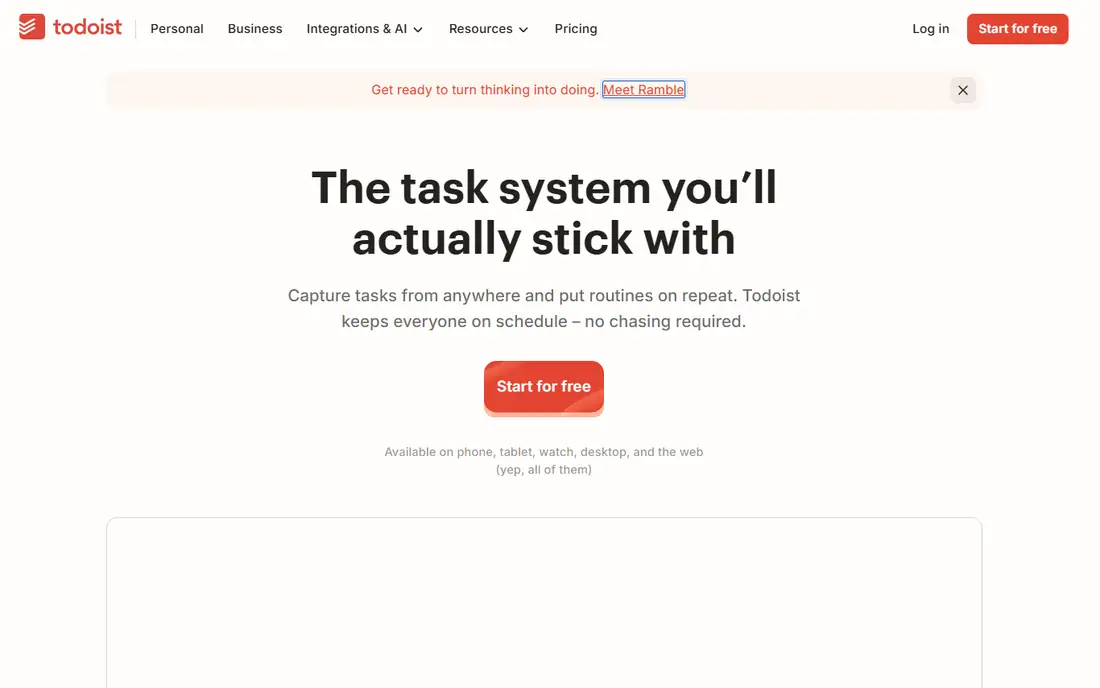
Todoist wins for people who want a list that stays out of the way. Type a task in plain language, add a date and a project, and move on. Pro costs $7 per month billed monthly or $5 per month billed annually, and it adds reminders, a calendar layout, full activity history, and larger file uploads. The free Beginner plan covers five projects and basic collaboration, which is enough for a personal list.
The limits show up for visual planners. Todoist is list-first, so time blocking and calendar planning feel less natural than in Sunsama or Motion. It also has no timer, so billable users need Toggl Track or Clockify beside it. For a solo worker who wants speed, clarity, and a low learning curve, Todoist remains the safest first pick.
What we like- Fast natural language input
- Works on every major platform
- Strong filters and labels
Watch out for- Calendar view is limited on the free plan
- No built-in time tracking
#2Toggl Track
Best for: Simple, honest time tracking4.6/5 on
G2 (1,589 reviews, checked Oct 2026)
Visit toggl.com
Starting price$9 per user/month (Starter, billed annually)
Free planYes
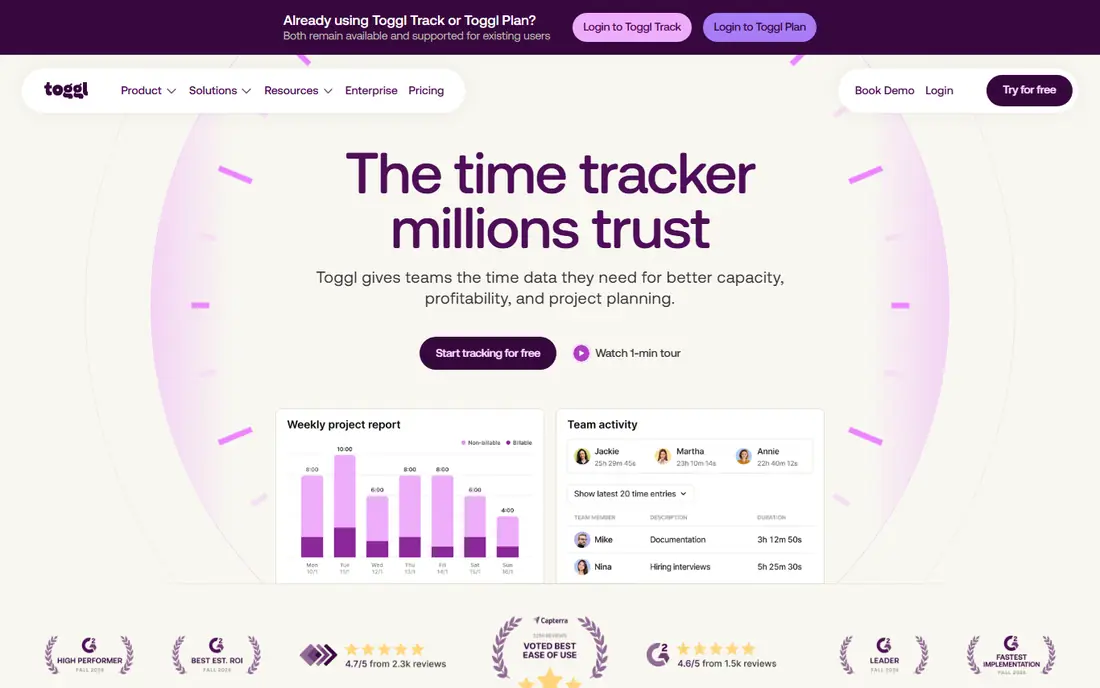
Toggl Track answers a different question from Todoist: where did the hours go. Start a timer, stop it, and the entry lands in a report by project, client, or tag. The free plan supports small teams, while Starter at $9 per user per month billed annually adds billable rates, project estimates, and team features. Premium adds timesheet approvals, profitability views, and scheduled reports.
The main gap is invoicing. Toggl Track records time well, but it does not turn hours into an invoice, so agencies still need accounting software or an export step. That gap matters less for freelancers who bill from a simple report. For a small team that wants low-friction tracking without surveillance features, Toggl Track is the easiest tool to adopt.
What we like- One-click timer
- Free plan for small teams
- Clear reports and exports
Watch out for- No native invoicing
- Approvals sit on Premium
- Free plan lacks billable rates
#3Clockify
Best for: Free tracking for larger teams4.5/5 on
G2 (204 reviews, checked Oct 2026)
Visit clockify.me
Starting price$3.99 per user/month (Basic, billed annually)
Free planYes
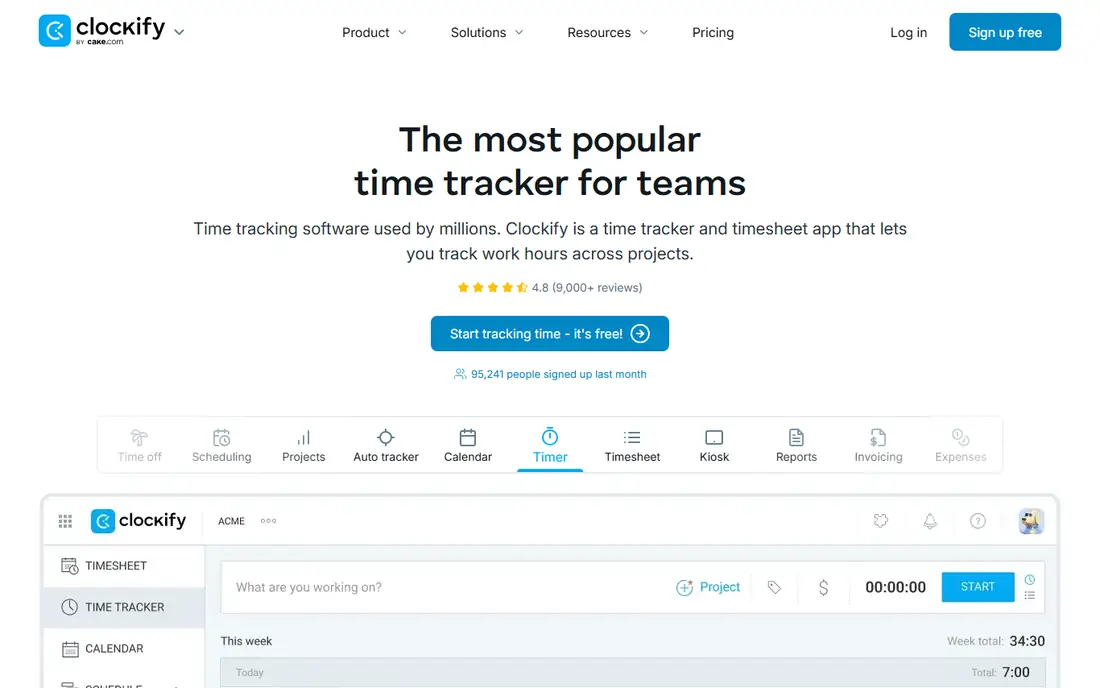
Clockify is the budget answer to Toggl Track, with a free plan that includes unlimited tracking, a timer, a timesheet, a calendar view, and apps for desktop and mobile. Basic at $3.99 per user per month billed annually adds billable rates, bulk editing, and wider exports. Standard at $5.49 per user per month billed annually adds invoicing, timesheet approval, time off, and attendance, which closes one of Toggl Track gaps.
The interface is busier than Toggl Track, and the best reporting features require paid plans. Activity monitoring and GPS tracking also sit on Pro, which some teams will welcome and others will avoid on principle. For a team that needs free tracking now and a clear upgrade path later, Clockify offers the most room to grow without changing tools.
What we like- Free plan for up to five users
- Unlimited projects
- Wide integrations
Watch out for- Monitoring features sit on Pro
- Paid seats add up for large teams
#4TickTick
Best for: Tasks, habits, and focus in one app4.5/5 on
G2 (113 reviews, checked Oct 2026)
Visit ticktick.com
Starting price$49.99 per year (Premium)
Free planYes
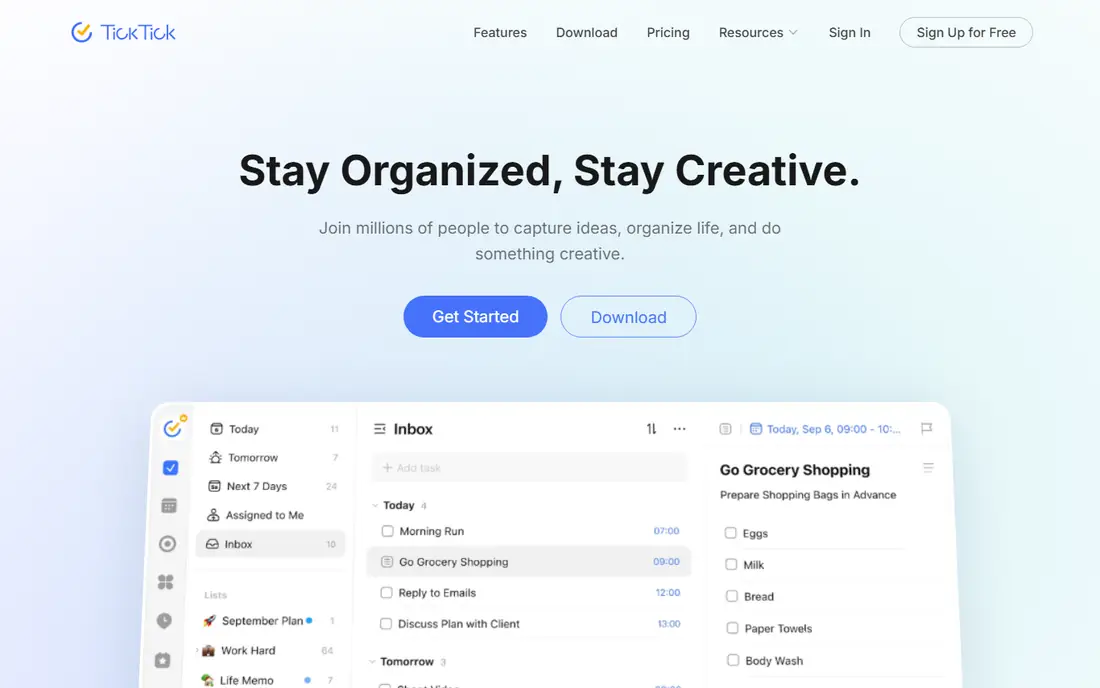
TickTick packs more into one app than Todoist, at a lower annual price. Premium costs $49.99 per year on the website, which works out to about $4.17 per month, and it adds full calendar features, custom filters, task history, and more habits and reminders. The free plan covers nine lists, basic reminders, and cross-platform sync, which is enough to learn whether the app fits.
The extra features are also the weakness. New users can feel overwhelmed by habits, focus timers, notes, and calendar views competing for attention. TickTick also lacks the deep team workspaces that Todoist Business offers. For a personal user who wants one app for tasks, habits, and focus sessions, TickTick gives the best feature count per dollar in this guide.
What we like- Built-in Pomodoro timer and habit tracker
- Calendar views
- Lower annual price than Todoist Pro
Watch out for- Interface can feel crowded
- Advanced filters sit behind Premium
Starting price$7 per month (Solo Focus, billed annually)
Free planYes
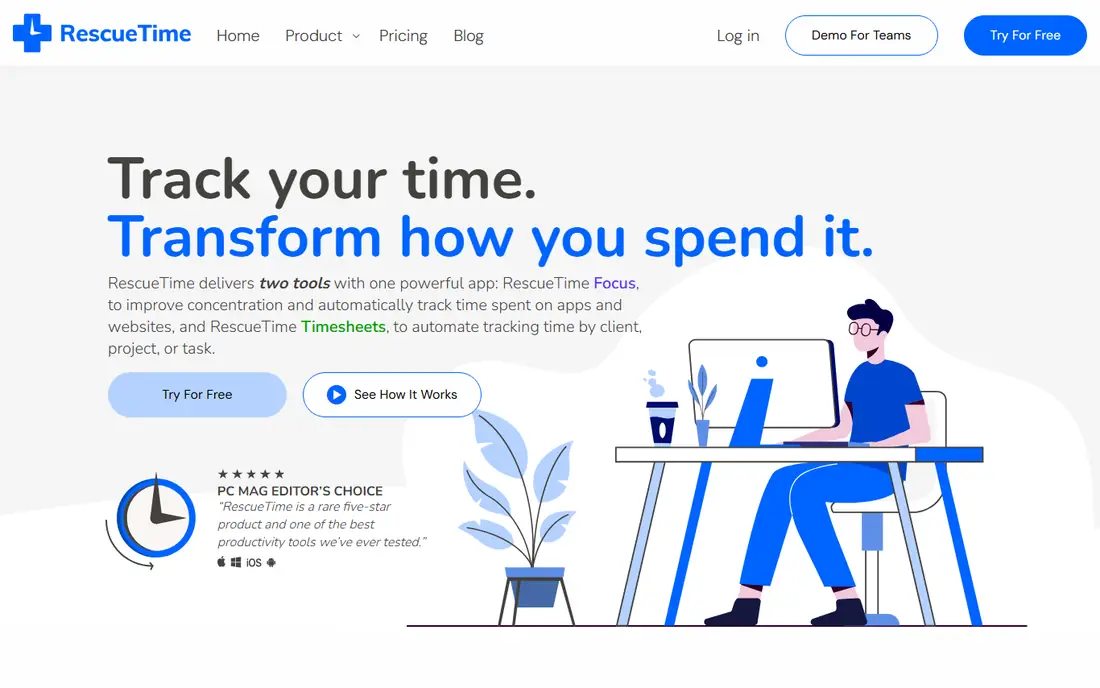
RescueTime works without a timer. It records which apps and websites you use, groups them by productivity, and shows where the day actually went. Solo Focus costs $7 per month billed annually or $9 month to month, and it adds focus sessions, goals, and distraction alerts. A free Lite plan covers basic activity reports, and paid plans include a 14-day trial.
The limit is action. RescueTime shows the problem, but it does not hold your task list or schedule your day, so it pairs best with Todoist or TickTick. Some users also dislike automatic tracking on principle, even though RescueTime avoids screenshots and keystroke logging. For a knowledge worker who suspects meetings and social feeds eat the afternoon, RescueTime gives evidence instead of guesses.
What we like- Automatic activity tracking
- Focus sessions and alerts
- Clear daily patterns
Watch out for- No task management
- Team features cost more
- Mobile tracking is limited
#6Motion
Best for: Automatic scheduling for busy calendars4.1/5 on
G2 (157 reviews, checked Oct 2026)
Visit usemotion.com
Starting priceSee website
Free planFree trial
Motion treats the calendar as the plan. Add tasks with deadlines and priorities, and Motion places them into open calendar slots, then moves them when meetings shift. That automation helps a manager or freelancer whose day changes constantly, because manual rescheduling eats time that a list app never accounts for. Project views, team features, and integrations extend the same idea to shared work.
The cost and the calendar dependence are the barriers. Motion is priced for professionals and teams, not for casual list makers, and it works best when Google Calendar is the central calendar. Users who prefer a simple list, or who work mainly in Outlook without a full sync, may find Motion more complex than helpful. For a calendar-driven worker with a shifting schedule, the automatic rescheduling can justify the price.
What we like- Automatically reschedules tasks around meetings
- Calendar-first planning
- Project views
Watch out for- Price is high for personal use
- Depends heavily on Google Calendar
- Learning curve for setup
#7Reclaim.ai
Best for: Protecting focus time on a shared calendar4.8/5 on
G2 (144 reviews, checked Oct 2026)
Visit reclaim.ai
Starting priceSee website
Free planFree trial
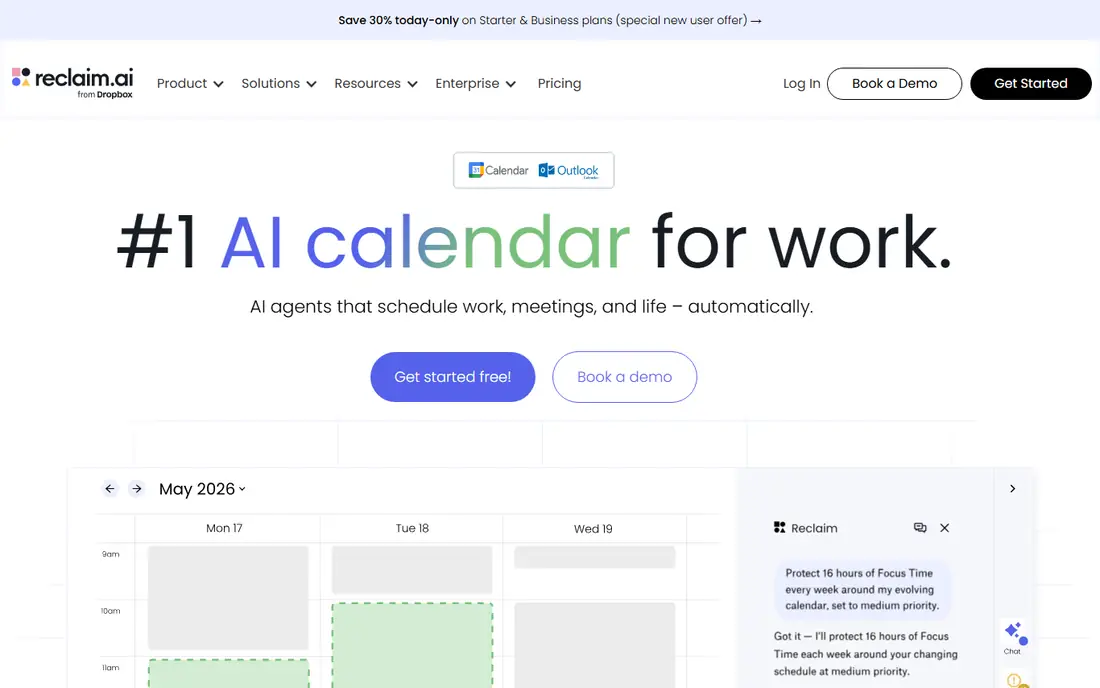
Reclaim.ai defends time that a list app leaves unprotected. It creates smart blocks for focus work, habits, lunch, and one-on-one meetings, then moves those blocks automatically when higher-priority meetings appear. That approach suits a worker whose calendar fills up with other people's requests, because focus time that is not on the calendar rarely survives the week. Calendar analytics also show how much time goes to meetings versus deep work.
The uncertainty is pricing and product direction, since Reclaim.ai has changed hands and updated its plans. Check the current pricing page before committing, and confirm that your calendar provider is supported. Reclaim.ai also does not replace a task manager, so it works best beside Todoist, TickTick, or a team tool. For a Google Calendar user drowning in meetings, it is the most focused calendar defense in this list.
What we like- Smart time blocking for habits and focus
- Auto-scheduling around meetings
- Calendar analytics
Watch out for- Pricing and plans have changed after acquisition
- Works best with Google Calendar
#8Sunsama
Best for: Guided daily planning and shutdown rituals4.7/5 on
Capterra (27 reviews, checked Oct 2026)
Visit sunsama.com
Starting price$17 per user/month (Pro, billed annually)
Free planFree trial
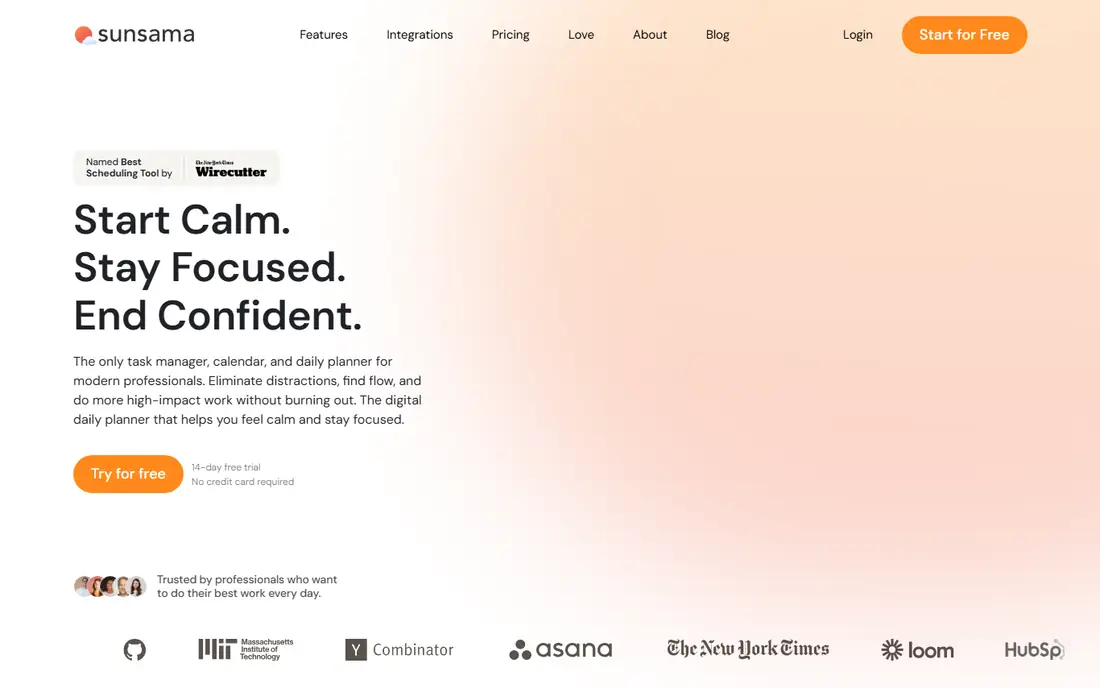
Sunsama slows planning down on purpose. Each morning, it guides you through choosing tasks, estimating durations, and placing them on the calendar. Imports from Gmail, Outlook, Notion, Todoist, Asana, Jira, and other tools pull scattered tasks into one daily plan. A workload warning appears when the planned day exceeds available hours, and an end-of-day shutdown ritual moves unfinished work forward.
The price is the hurdle. Pro costs $17 per user per month billed annually or $22 month to month, with a 14-day trial and no free plan. That is a lot for a planner when Todoist and TickTick cost far less. Sunsama also lacks a built-in timer, so time tracking needs another tool. For a worker who overplans, burns out, or loses tasks across five apps, the guided ritual can be worth more than a cheaper list.
What we like- Calm daily planning flow
- Imports tasks from many tools
- Workload warnings
Watch out for- No free plan
- Expensive for a personal planner
- No native timer
Starting priceSee website
Free planNo
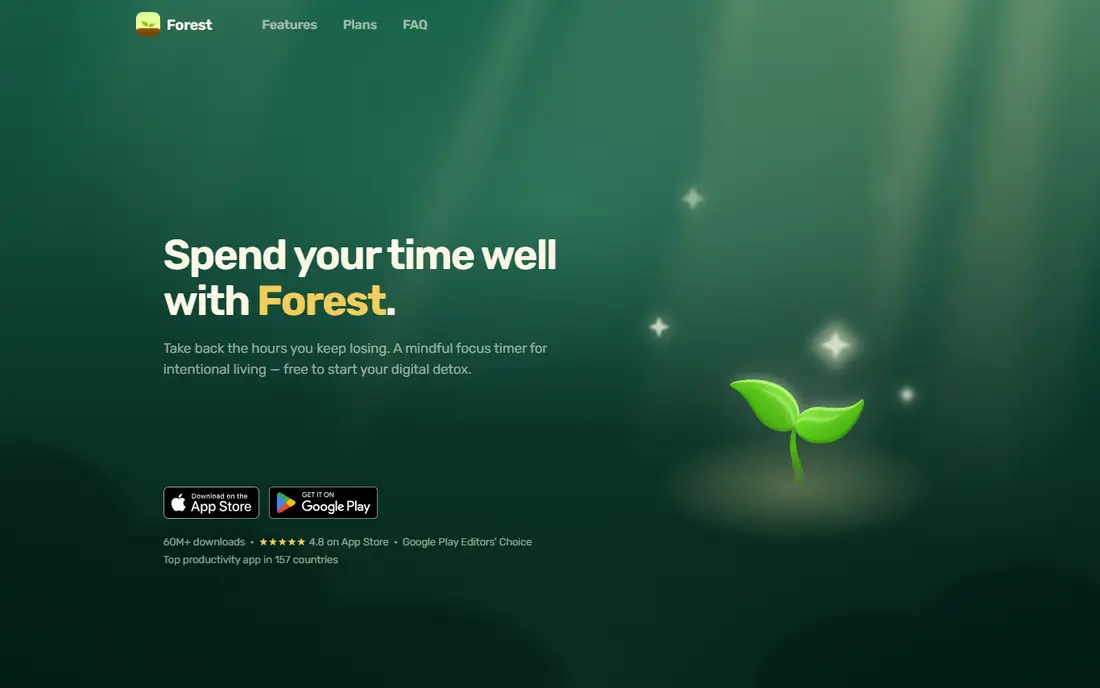
Forest takes a different approach to time management: it makes focus visible. Plant a virtual tree, set a timer, and the tree grows while you stay in the app. Leave early to check another app, and the tree withers. That small consequence helps students, writers, and phone-distracted workers build a focus habit without complex settings or reports.
The simplicity is also the limit. Forest does not manage projects, track billable hours, or schedule a day. It works best as a companion to a task app, used for a single study or writing block at a time. For a buyer who already owns a planner but cannot stay off the phone, Forest adds a playful guardrail that a timer alone rarely provides.
What we like- Simple, motivating focus timer
- Grows a virtual forest
- Phone-free incentive
Watch out for- No task management or reports
- Limited team features
- Paid app with in-app options
How we chose
We compared pricing pages, free plans, and core features for task managers, time trackers, and calendar planners that a US buyer can use now. We favored tools with a clear starting price, a usable free or trial option, and a distinct strength, rather than listing ten similar list apps. We also weighed integrations, platform support, and the cost for a team, because a personal tool that becomes expensive at five seats is a different purchase from a solo app.
Building a system that lasts a week
Pick one home for tasks, one method for time, and one place for the calendar. A common setup is Todoist or TickTick for tasks, Toggl Track or Clockify for billable time, and a calendar app for meetings. Adding a second task app, a second tracker, and a second planner at the same time usually creates more admin work than it saves.
Start small, then add automation
Use the free plan for two weeks before paying. Track how often you open the app, whether tasks get reviewed daily, and whether reports answer a real question, such as how long client work took last week. If the habit holds, upgrade for reminders, calendar views, or approvals. If it does not hold, a paid automation tool will not fix a missing daily review.
Time blocking versus task lists
Task lists answer what needs doing. Time blocking answers when it will happen. People with open calendars often do well with a list alone, while people with meeting-heavy days benefit from Sunsama, Motion, or Reclaim.ai. Try time blocking for one week with a free calendar before buying a dedicated planner, and keep the method that survives a busy week.
Frequently asked questions
What is the best app for time management overall?
Todoist is the best overall starting point for personal task management, because it is fast, clear, and affordable. TickTick is better for users who want habits and a focus timer in the same app. Teams that bill by the hour should start with Toggl Track or Clockify instead, because tracking and reporting matter more than list design.
Is there a good free time management app?
Yes. Todoist, TickTick, Toggl Track, and Clockify all offer free plans that cover everyday use. Clockify free supports up to five users, while Toggl Track free supports small teams. RescueTime Lite also gives free activity insights. Start free, and pay only when a limit blocks real work.
What is the best time tracking app for freelancers?
Toggl Track suits most freelancers, because its timer is fast and its reports are easy to share with clients. Clockify is better when invoicing and timesheet approval matter, since Standard adds both. RescueTime helps freelancers who want to see where non-billable hours go, although it does not replace a timer for client billing.
How is Sunsama different from Todoist?
Todoist organizes tasks in lists and projects, while Sunsama organizes the day on a calendar. Sunsama guides a daily planning ritual, imports tasks from other tools, and warns when the day is overloaded. Todoist is cheaper and simpler, while Sunsama is a daily planner for people who plan by time blocks rather than by lists.
Can one app handle tasks, tracking, and focus?
TickTick comes closest for personal use, with tasks, a calendar, habits, and a Pomodoro timer in one app. It still lacks strong billable reporting and team approvals. Most workers get a better result by pairing a task app with a dedicated tracker, such as Todoist plus Toggl Track, rather than forcing one app to do everything poorly.
Sources we checked (9)
- https://www.todoist.com/pricing
- https://toggl.com/track/pricing/
- https://clockify.me/pricing
- https://www.ticktick.com/upgrade
- https://www.rescuetime.com/pricing
- https://www.usemotion.com/pricing
- https://reclaim.ai/pricing
- https://www.sunsama.com/pricing
- https://www.forestapp.cc
Is your product missing or out of date?
We review this list regularly. Vendors can request a listing, send updated pricing or ask about featured placement.

Shihab Mia · Founder, Rankite
Shihab has 5+ years in B2B and SaaS SEO. He writes Rankite's software buying guides from pricing pages, documentation and public user reviews. More about Shihab.