How we make this list: we compare pricing pages, product documentation and public user reviews. Rankite is independent; if a vendor ever pays for a featured spot, that listing is clearly labeled Partner.
Key takeaways
- MyStudyLife is the only app here built specifically as a student planner, with rotating timetables, homework tracking and exam countdowns on a free plan.
- For memorizing, the free options are the strong ones: Anki's spaced repetition beats paid tools for long-term retention, and Quizlet's free tier covers casual flashcard use.
- Notion's Plus plan is free for students with a school email, which makes it the cheapest way to get a full knowledge workspace.
- Almost every app on this list has a usable free tier, so start free and only pay when a specific limit (notebook caps, daily study rounds, sync) actually blocks you.
Quick comparison
| Tool | Best for | Starting price | Free plan |
|---|
 MyStudyLife MyStudyLife | Students who want one planner for classes, homework and exams | Free | Yes |
 Forest Forest | Students whose phone eats their study hours | Free (paid upgrades for advanced features) | Yes |
 Anki Anki | Students who need to remember material for months, not days | Free (desktop and Android free; official iOS app is paid) | Yes |
 Quizlet Quizlet | Students who want ready-made flashcard sets and quick practice tests | $35.99/year (Plus plan) | Yes (free tier with daily limits on some modes) |
 Notion Notion | Students who want one workspace for notes, tasks and wikis | Free (Plus plan free for students with a school email) | Yes |
 Todoist Todoist | Students who want assignments as a clean, simple task list | See website (free Beginner plan) | Yes |
 RemNote RemNote | Students who want notes that turn into flashcards automatically | Free (paid upgrades add advanced AI tools) | Yes (strong free plan with notes, flashcards and spaced repetition) |
 Obsidian Obsidian | Students who want a private, offline knowledge base that lasts for years | Free (Sync and Publish are paid add-ons) | Yes |
 Goodnotes Goodnotes | iPad students who handwrite notes and want them searchable | See website (free for up to 3 notebooks) | Yes (3 notebooks free) |
Is your product missing or out of date?
We review this list regularly. Vendors can request a listing, send updated pricing or ask about featured placement.
The best apps for study management
Picture a sophomore staring at three syllabi, a part-time work schedule and a midterm in eleven days. The problem is not motivation, it is orchestration: classes, readings, problem sets and exam dates all live in different places. The apps below attack different parts of that problem. Some plan your time, some protect your focus, some handle the actual learning. The right pick depends on which part of your study life is breaking down.
#1
MyStudyLife
Best for: Students who want one planner for classes, homework and exams
Visit mystudylife.com
Starting priceFree
Free planYes
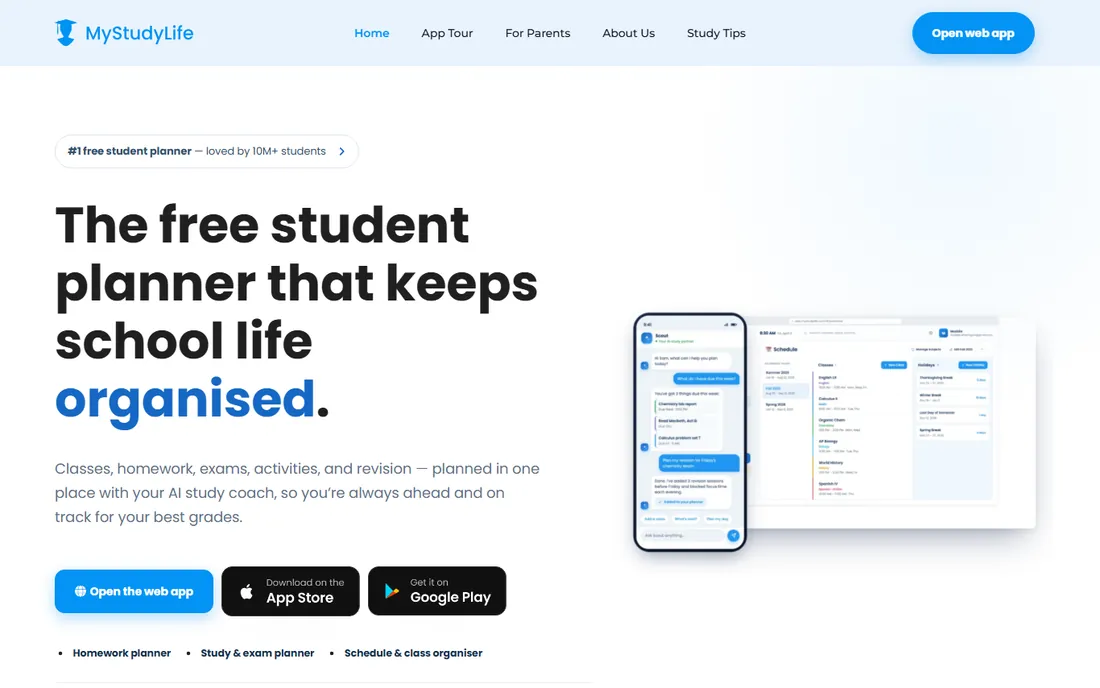
MyStudyLife calls itself the free student planner, and unlike the general productivity tools on this list, it was designed around a school timetable from day one. You enter your classes (rotating and block weeks supported), add homework and exams, and everything lands in one calendar built for academic life. Smart reminders fire before classes and deadlines, and the new Scout AI coach can turn an exam date into a revision plan.
The honest limitation is depth. Notes are basic, and the AI features are newer than the planning core. But as a replacement for the paper planner that lives in a backpack, it is the most complete free option here. Students who miss deadlines, not study techniques, should start here.
What we like- Built for academic life with rotating timetables, homework tracking and exam countdowns
- Smart reminders before classes and deadlines
- Syncs across web, iPhone and Android
Watch out for- AI study coach features are newer and less proven
- Note-taking is basic compared with Notion or Obsidian
Starting priceFree (paid upgrades for advanced features)
Free planYes
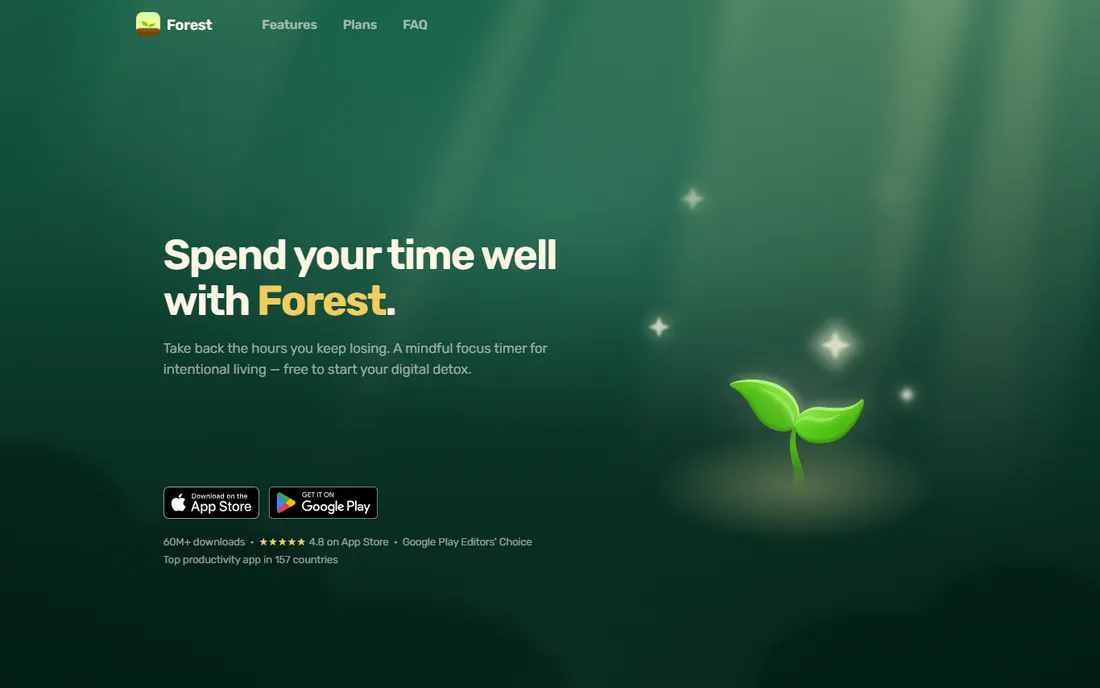
Forest's trick is simple and effective: plant a virtual tree when you start studying, and if you open a distracting app, the tree dies. That small sting works better than willpower for most students. The free tier includes the core focus sessions, app blocking (including Instagram and TikTok), group focus with friends and the digital wellbeing tools, and Forest reports over 60 million downloads.
Forest does not plan your week or hold your notes, so it pairs with a planner rather than replacing one. Its real strength is the accountability layer: Plant Together lets a study group share one session where everyone's tree dies if one person gives up. If your grades suffer from scrolling rather than disorganization, this is the fix.
What we like- Focus timer turns study sessions into a growing virtual forest, which makes distraction visible
- App blocking, group focus and screen-time tools are on the free tier
- Focus coins fund real tree planting
Watch out for- It manages focus time, not your schedule or notes
- Heavy phone users may outgrow the free tier's advanced statistics
Starting priceFree (desktop and Android free; official iOS app is paid)
Free planYes
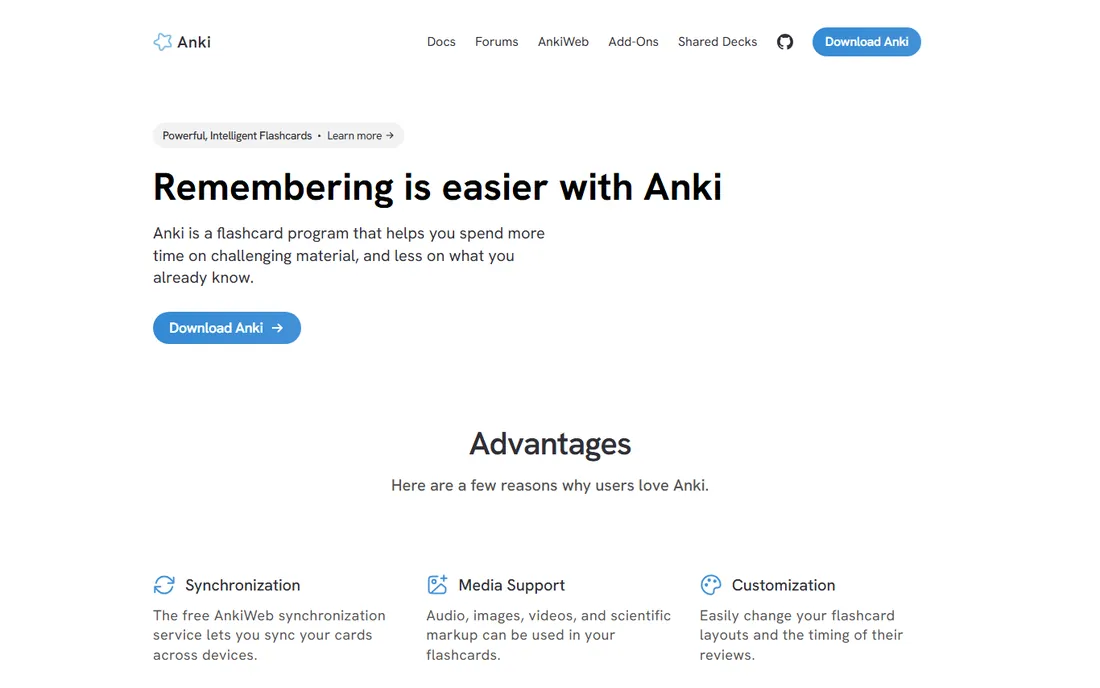
Anki is the tool behind a huge share of medical and language students' success, and it is free on desktop and Android with free cloud sync. The spaced repetition algorithm schedules each card right before you would forget it, so you spend time on hard material instead of re-reading what you know. It handles massive decks, images, audio and add-ons that extend it into a full study platform.
The cost is setup. The interface looks like 2006, good cards take practice to write, and the official iPhone app is a paid purchase that funds development. If you want polish out of the box, Quizlet or RemNote feel friendlier. If you want the strongest memory results for the least money, Anki wins, and it is not close.
What we like- Spaced repetition scheduling is the strongest free memorization engine available
- Handles decks of 100,000+ cards with media support
- Free sync across devices via AnkiWeb
Watch out for- Dated interface with a real learning curve
- Making good cards takes effort and the iOS app costs extra
#4
Quizlet
Best for: Students who want ready-made flashcard sets and quick practice tests
Visit quizlet.com
Starting price$35.99/year (Plus plan)
Free planYes (free tier with daily limits on some modes)
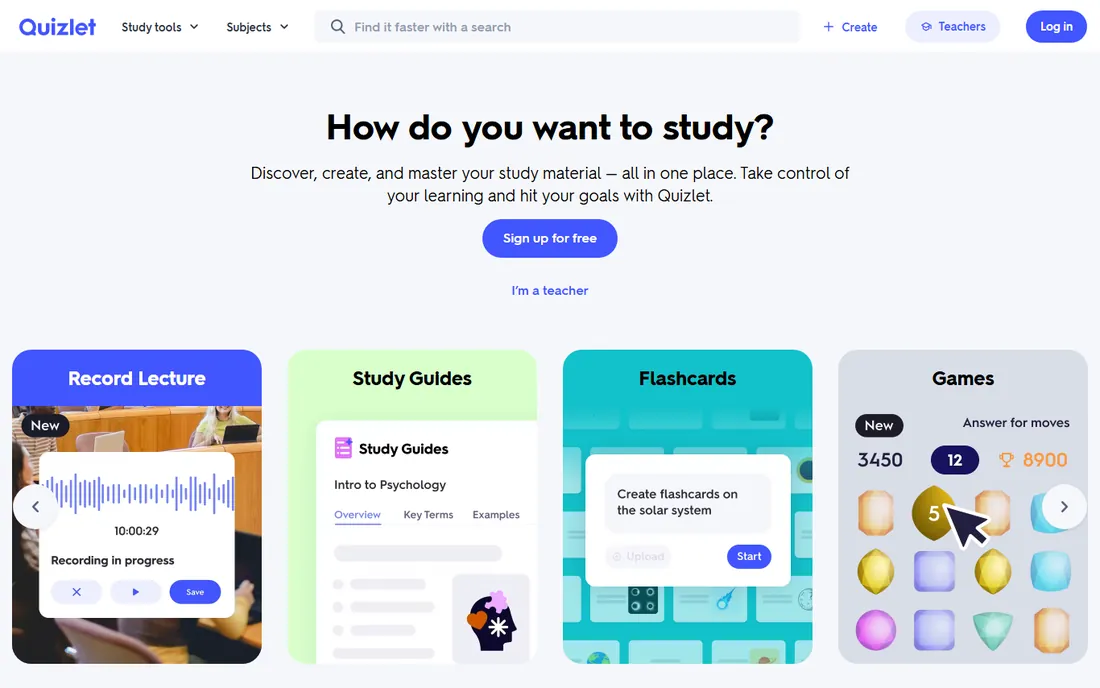
Quizlet is the flashcard app most students meet first, and its advantage is the library: for common courses, someone has already made the set. You can also turn your own notes into flashcards, practice tests and study games, and teachers get it free with classroom integration. The Plus plan at $35.99 per year removes ads and lifts the daily caps on Learn and Test rounds.
The catch is the paywall placement. The free tier works for flashcards but limits the study modes students rely on most right before exams, which is exactly when the limit hurts. Heavy users should compare the $35.99 annual cost against free Anki, which has no caps and stronger retention science. Quizlet wins on convenience and content; Anki wins on price and memory.
What we like- Huge library of existing study sets across subjects
- Turns notes into flashcards, practice tests and games
- Free for teachers with Google Classroom integration
Watch out for- Free tier caps daily Learn and Test rounds and shows ads
- Weaker long-term retention than Anki's spaced repetition
#5
Notion
Best for: Students who want one workspace for notes, tasks and wikis
Visit notion.so
Starting priceFree (Plus plan free for students with a school email)
Free planYes
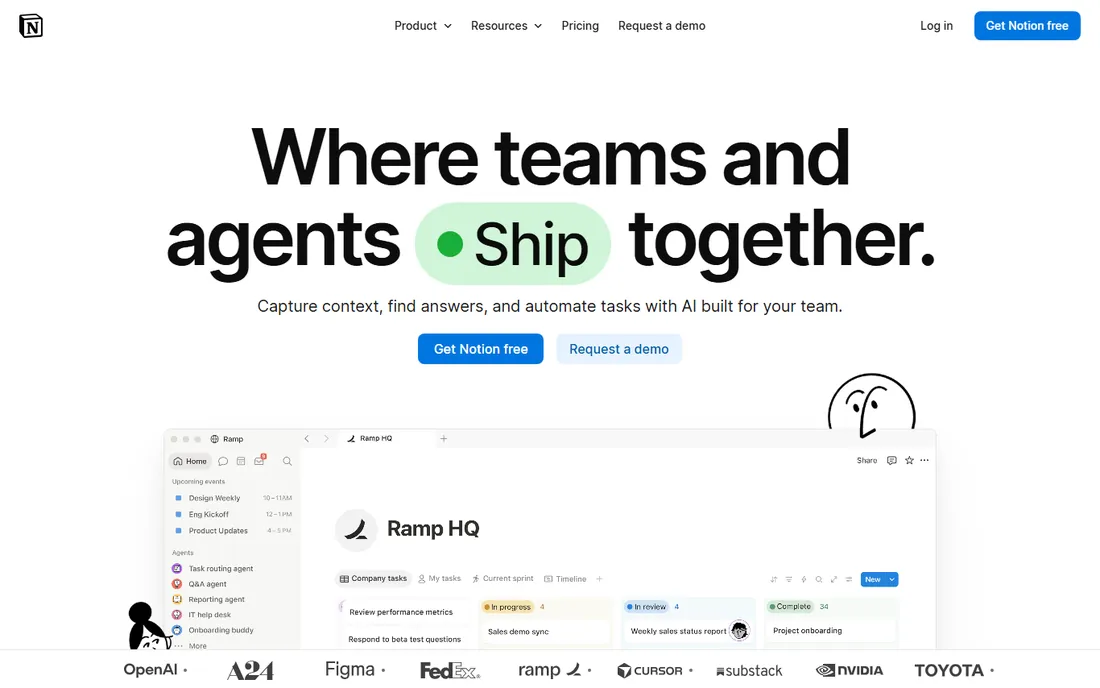
Notion is the best value on this list for students, because the student deal is real: sign up with a school email and the Plus plan is free. That buys unlimited blocks, bigger file uploads and longer page history on top of the already generous free tier. Databases let you build assignment trackers, reading lists and revision dashboards, and the template gallery means you rarely start from a blank page.
The risk is the blank page itself. Notion's flexibility is its selling point and its trap: students can spend a week building the perfect study dashboard instead of studying. It also does not do spaced repetition natively. Use it as your study headquarters for notes and planning, and pair it with Anki or Quizlet for memorization.
What we like- Students get Plus free with a school email, including more file uploads and version history
- Databases, calendars and kanban boards in one place
- Huge library of free study templates
Watch out for- Can be slow with very large workspaces
- The flexibility means you spend time building your system before it helps
#6
Todoist
Best for: Students who want assignments as a clean, simple task list
Visit todoist.com
Starting priceSee website (free Beginner plan)
Free planYes
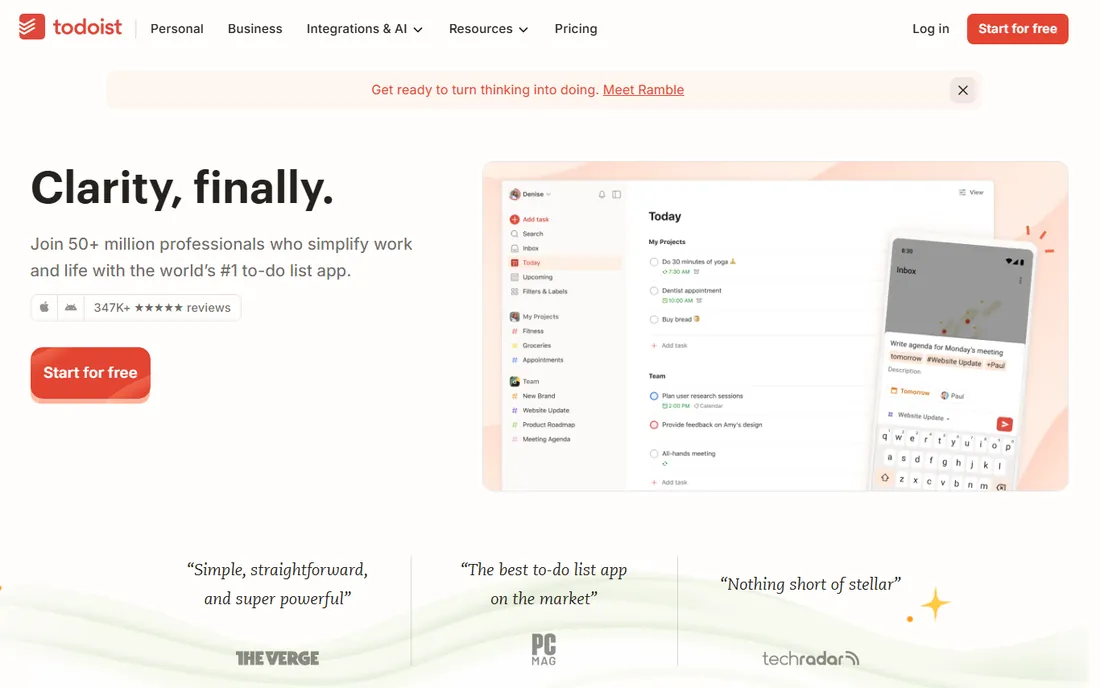
Todoist is the anti-Notion: instead of a workspace to build, you get a task list that is fast on day one. Type "read chapter 4 every Tuesday" and it creates the recurring task. The free Beginner plan includes 5 projects, task reminders, filters and calendar and email integrations, which covers most students' assignment tracking without paying.
Five projects is the real constraint: one per class works for four classes plus personal, and no more. Students with heavy extracurriculars or part-time jobs will hit it. But if your problem is "I forget assignments," not "I need a knowledge base," Todoist's speed beats every heavier tool here.
What we like- Fast natural-language task entry that parses dates automatically
- Free Beginner plan covers 5 projects with reminders and integrations
- Works on every platform with quick sync
Watch out for- Prices are not published on the page we checked, so compare before upgrading
- The free plan limits you to 5 projects and short activity history
#7
RemNote
Best for: Students who want notes that turn into flashcards automatically
Visit remnote.com
Starting priceFree (paid upgrades add advanced AI tools)
Free planYes (strong free plan with notes, flashcards and spaced repetition)
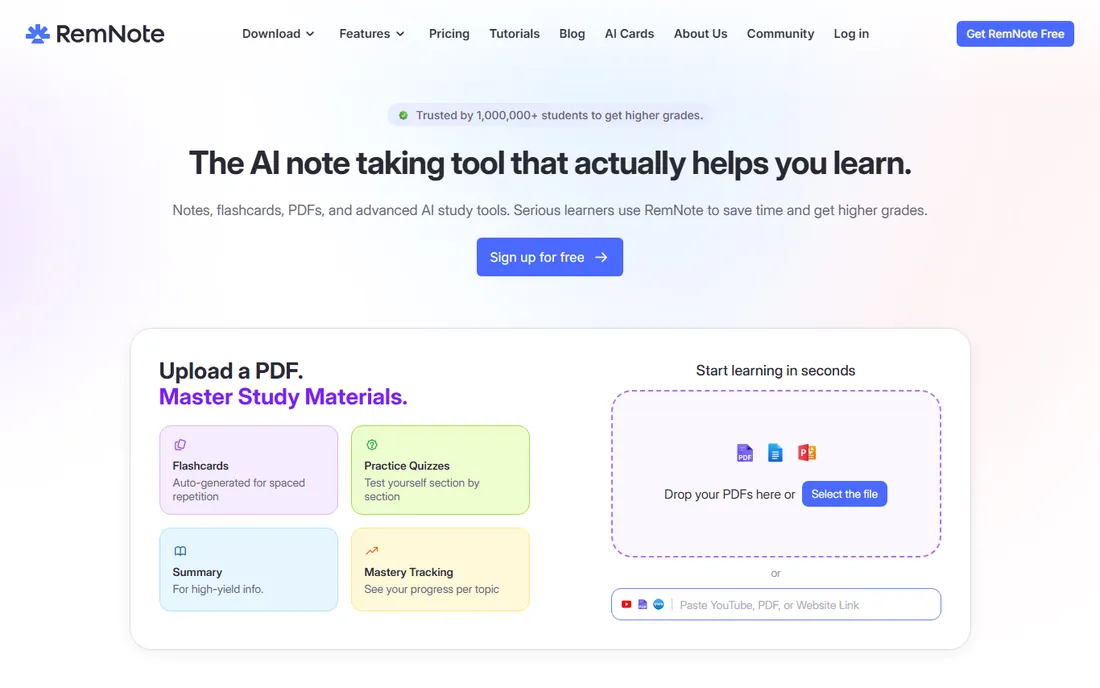
RemNote solves Anki's biggest pain: card creation. Instead of writing cards separately, you take notes and turn any bullet into a flashcard inline, or let the AI generate cards and quizzes from your notes and PDFs. Spaced repetition, image occlusion cards and an exam-date scheduler come built in, and the free plan covers the core workflow.
The editor is outline-based, which suits structured subjects (biology, law, medicine) better than freeform essay work. And the genuinely useful AI features sit behind the paid tier. Still, for students drowning in lecture slides, the notes-to-cards pipeline saves hours a week, and the free tier is enough to feel that.
What we like- Notes, PDF annotation and flashcards live in one app, so cards come from your actual notes
- AI generates flashcards and quizzes from notes or PDFs
- Exam scheduler tells you what to study each day
Watch out for- Outlining-style editor is an acquired taste
- Advanced AI features require the paid upgrade
#8
Obsidian
Best for: Students who want a private, offline knowledge base that lasts for years
Visit obsidian.md
Starting priceFree (Sync and Publish are paid add-ons)
Free planYes
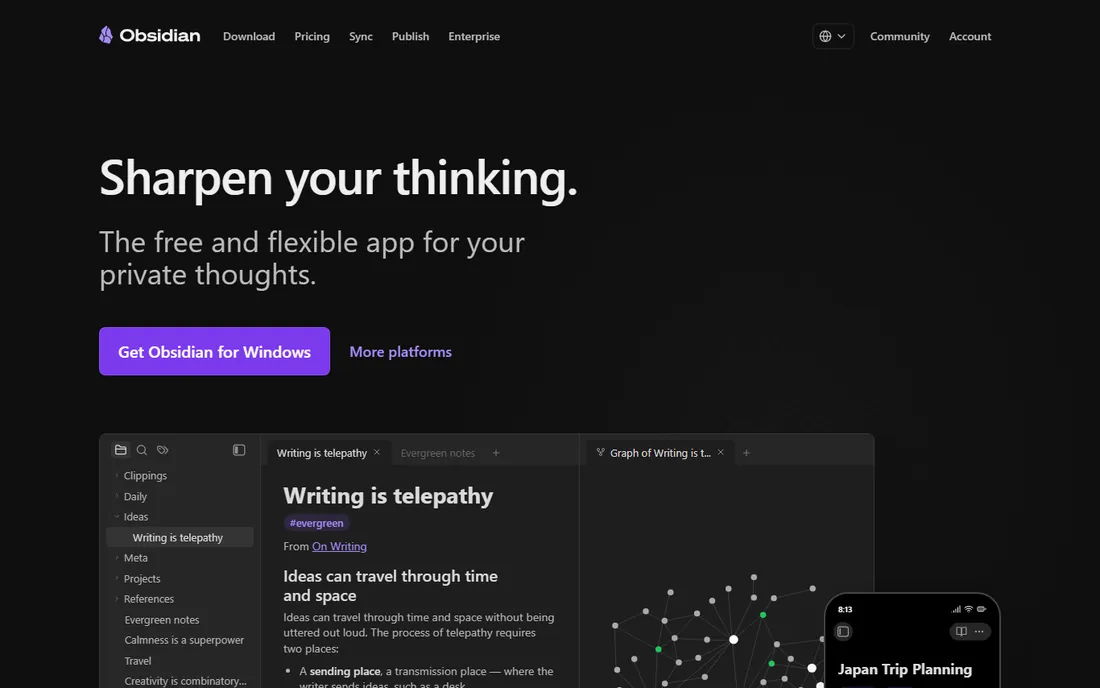
Obsidian is the long game. Your notes live on your device as plain Markdown files, so they work in any editor, survive any company's shutdown and never require an account. The app itself is free for personal use, with paid add-ons only for encrypted sync and publishing. Plugins add spaced repetition flashcards, calendars and canvas views, turning it into a serious study system.
The tradeoffs are sync cost and setup time. If you study on both a laptop and a phone, you will want either the paid Sync or your own sync solution. And Obsidian assumes you enjoy configuring your tools. Students who want a knowledge base that is still readable in ten years, with zero vendor lock-in, should look past the learning curve.
What we like- All notes stored locally as plain Markdown files you own forever
- Free for personal use with no account required
- Huge plugin ecosystem for flashcards, calendars and spaced repetition
Watch out for- Sync across devices and web publishing cost extra
- The learning curve is steeper than Notion's
#9
Goodnotes
Best for: iPad students who handwrite notes and want them searchable
Visit goodnotes.com
Starting priceSee website (free for up to 3 notebooks)
Free planYes (3 notebooks free)
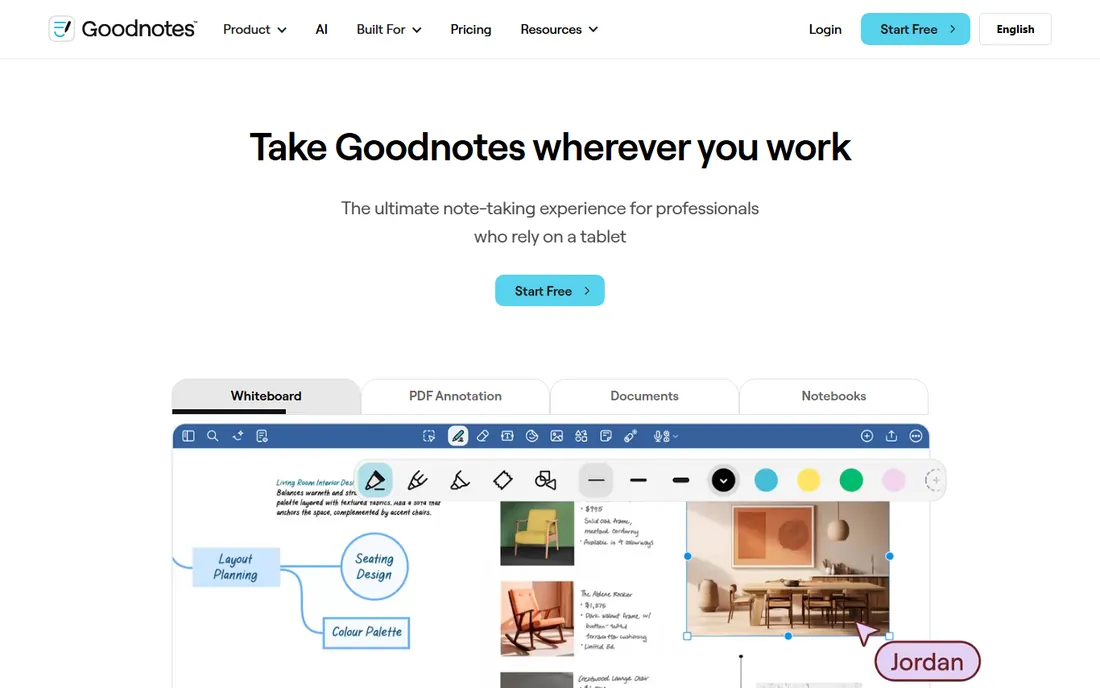
Goodnotes is the default digital notebook for iPad students, and the handwriting experience is why. Ink is searchable, PDFs annotate cleanly, and the newer AI features can summarize notes and assist with handwritten math. Lecture slides go in as PDFs, notes go over them in ink, and everything is searchable later.
Three free notebooks is a trial, not a plan: one notebook per class means the free tier covers three classes for one semester at most. Students committed to the Apple and iPad workflow will find the paid tiers reasonable, but check the current price on the vendor's site before committing, since the pricing structure has changed over time. Android and Windows users should look at Notion or Obsidian instead.
What we like- Handwriting feels natural with searchable ink and AI handwriting features
- Excellent PDF annotation for lecture slides and textbooks
- Works across iPad, iPhone and Mac
Watch out for- Free tier caps you at 3 notebooks, which most students outgrow in a semester
- Apple-focused, with limited Windows and Android support
The study app stack: what students actually combine
Almost nobody runs their study life on one app. The pattern that works is three layers. A planner for time (MyStudyLife or Todoist) tells you what is due and when. A notes system (Notion, Obsidian, RemNote or Goodnotes) holds what you are learning. A memory tool (Anki, Quizlet or RemNote's flashcards) makes it stick. Forest sits across all three as the focus guard.
Keep the stack small. Each app you add is a system to maintain, and maintenance is procrastination in disguise. Start with the layer that is actually broken: missed deadlines mean a planner, forgotten material means flashcards, scattered notes mean a notes app. Add a second layer only when the first is working.
What to check before you commit a semester to an app
Four checks save you from a mid-semester migration. First, the device question: Goodnotes is Apple-first, Anki is everywhere but charges on iPhone, and everything else here is cross-platform. Second, the free-tier limits that actually bite: Quizlet's daily Learn caps, Todoist's 5-project limit, Goodnotes' 3-notebook cap.
Third, data ownership. Obsidian's local Markdown files survive anything; cloud tools depend on the vendor. Export your data early in the semester, not when you are leaving. Fourth, the student discount you might be missing: Notion Plus is free with a school email, which is the single best deal on this list. Check every app's education page before paying for anything.
How we chose
We started with the searches students use: study planner app, best study apps, flashcard apps and apps for staying focused while studying. For each candidate we opened the vendor's own site, confirmed the current free tier or student pricing on its pricing or homepage, and checked real-world use against reviews on G2, Capterra and student communities on Reddit. We favored apps with verified free tiers, since students are the most price-sensitive buyers in software. Where a price could not be confirmed on the vendor's own page we wrote "See website" rather than guessing.
Frequently asked questions
What is the best free study planner app?
MyStudyLife, because it is the only free app here built specifically around school timetables, with homework tracking, exam countdowns and reminders. Todoist's free plan is better if you just want a fast task list, and Notion's free tier (Plus free for students) is better if you want notes and planning in one workspace.
Is Anki really better than Quizlet?
For long-term retention, yes. Anki's spaced repetition algorithm is stronger and it has no daily caps, and it is free on desktop and Android. Quizlet is friendlier, has a bigger library of ready-made sets and better games, which makes it better for quick revision. Many students use both: Quizlet for class sets, Anki for exams that matter.
Which study app is best for iPad?
Goodnotes, for handwritten notes with searchable ink and strong PDF annotation. Its free tier covers 3 notebooks. If you type more than you write, Notion or Obsidian on iPad give you more structure for free.
How do I stop getting distracted by my phone while studying?
Forest is built for exactly this: the growing-tree mechanic makes picking up your phone feel costly, and the free tier includes app blocking. Phone-level tools help too: scheduled Do Not Disturb, app time limits and leaving the phone in another room beat any app. Use Forest as the accountability layer, not the whole solution.
Should I pay for a study app as a student?
Usually not at first. Every app on this list has a free tier, and the limits only matter at real usage levels. The one exception worth checking immediately is Notion: Plus is free with a school email, so claim that before paying for any notes app. Pay only when a specific cap (Quizlet's daily rounds, Goodnotes' notebooks) is actually blocking your studying.
Can one app handle notes, tasks and flashcards together?
RemNote comes closest, combining notes, PDF annotation and flashcards with spaced repetition in one app. Notion handles notes and tasks but not memorization. Most students end up with two apps: one for notes and planning, one for flashcards. That is fine; the best system is the one you actually open.
Sources we checked (9)
- https://mystudylife.com/
- https://forestapp.cc/
- https://apps.ankiweb.net
- https://quizlet.com
- https://www.notion.so/pricing
- https://todoist.com/pricing
- https://www.remnote.com
- https://obsidian.md/pricing
- https://www.goodnotes.com
Is your product missing or out of date?
We review this list regularly. Vendors can request a listing, send updated pricing or ask about featured placement.

Shihab Mia · Founder, Rankite
Shihab has spent more than a decade helping SaaS and e-commerce brands grow through search. He writes Rankite's software buying guides from pricing pages, documentation and public user reviews. More about Shihab.