How we make this list: we compare pricing pages, product documentation and public user reviews. Ratings come from G2, Capterra or Trustpilot, with the date we checked them.
Key takeaways
- Planner 5D is the best all-round starting point, with easy 2D and 3D room planning on web and mobile.
- Homestyler suits free realistic renders, with unlimited 1K renders on its free tier and a large branded model library.
- IKEA Kreativ suits furnishing a real room with IKEA pieces, since it scans your own room and places furniture to scale.
- magicplan suits measured floor plans, while Havenly suits people who want a real designer to handle the whole room.
Quick comparison
| Tool | Best for | Starting price | Free plan |
|---|
 Planner 5D Planner 5D | All-round 2D and 3D room planning | $4.99 per month (billed annually) | Yes |
 Homestyler Homestyler | Free realistic 3D renders | $6.80 per month | Yes |
 Houzz Houzz | Design inspiration and shopping | $0 | Yes |
 IKEA Kreativ IKEA Kreativ | Furnishing your own room with IKEA pieces | $0 | Yes |
 RoomGPT RoomGPT | Fast AI redesign of a room photo | $9 for 30 credits | Yes |
 magicplan magicplan | Measured floor plans from a phone scan | $12.99 per month | Yes |
 Havenly Havenly | Working with a real designer | $199 per room | No |
 Live Home 3D Live Home 3D | Detailed home and renovation models | See website | Yes |
Is your product missing or out of date?
We review this list regularly. Vendors can request a listing, send updated pricing or ask about featured placement.
The best apps for interior design
#1Planner 5D
Best for: All-round 2D and 3D room planning4.7/5 on
G2 (178 reviews, checked Oct 2026)
Visit planner5d.com
Starting price$4.99 per month (billed annually)
Free planYes
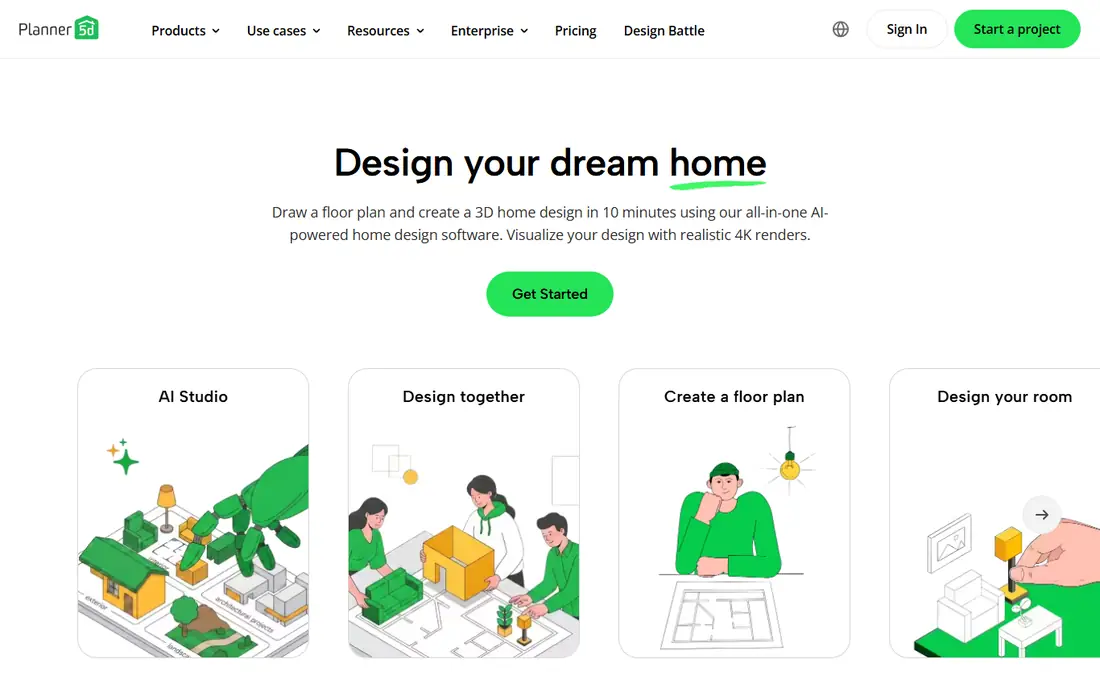
Planner 5D is the app to hand to someone who has never opened design software. Draw a room or upload a floor plan, and its AI recognition converts it into an editable 3D project. The catalog holds thousands of furniture and decor items, and switching between 2D and 3D takes one tap, which makes testing layouts feel quick.
The free plan allows unlimited projects with about half the catalog, while Premium, at $4.99 per month billed annually, opens the full catalog, plan recognition, and standard renders. Professionals who need unlimited 4K renders and CAD export step up to Professional. For a single renovation, Premium is more than enough.
What we like- Easy drag-and-drop editor
- Unlimited free projects
- AI floor plan recognition
Watch out for- Much of the catalog is paywalled
- Best renders need the Professional tier
- Large projects can feel slow
#2Homestyler
Best for: Free realistic 3D renders4.7/5 on
G2 (12 reviews, checked Oct 2026)
Visit homestyler.com
Starting price$6.80 per month
Free planYes
Homestyler is a browser and mobile home design tool with a strong free tier. Draw or upload a floor plan, decorate with branded 3D models, and render the result in the cloud. AI tools convert floor plan sketches into editable 3D models, and hundreds of templates cover common styles.
The free tier includes unlimited 1K renders and a huge model library, which is generous for homeowners testing ideas. Paid plans from $6.80 per month add higher-resolution renders and more features. If realistic pictures matter more than CAD precision, Homestyler is the cheapest way to get them.
What we like- Unlimited free 1K renders
- Over 10 million branded 3D models
- AI converts sketches to 3D
Watch out for- High-resolution renders cost extra or need higher tiers
- Cloud render quotas apply
- Aimed at homes, not professional archviz
Starting price$0
Free planYes
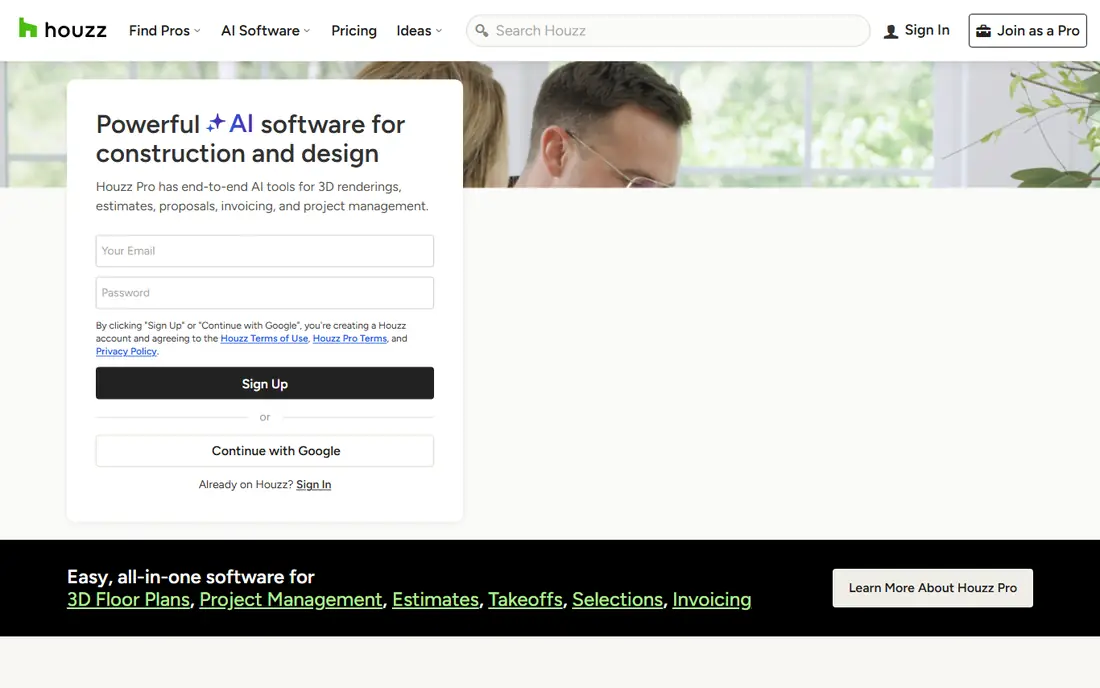
Houzz is the starting point for most home projects, not because it plans rooms, but because it shows what finished rooms look like. Browse photos by room, style, and budget, save them to idea books, and shop similar products. Local professionals, from designers to contractors, list their work and reviews on the same platform.
The app itself is free, which makes it a no-cost first step before any planning app. Use it to settle on a style, collect reference photos, and shortlist pros, then take those references into Planner 5D or Homestyler to build the actual plan. Houzz Pro, with estimates, proposals, and project management, is a separate paid product for businesses.
What we like- Huge photo library by room and style
- Shop products and find local pros
- Free app with idea books
Watch out for- Not a full floor planner
- Pro tools are paid and aimed at businesses
- Shopping prices vary by retailer
#4
IKEA Kreativ
Best for: Furnishing your own room with IKEA pieces
Visit ikea.com
Starting price$0
Free planYes
IKEA Kreativ answers the most practical interior question: will this sofa actually fit, and will it look right in my room. Scan your room with the IKEA app, and the Scene Scanner builds a wide-angle, dimensioned replica. Erase existing furniture, place IKEA pieces, and swap alternatives to compare them in your own space.
You can also explore furnished 3D showrooms without scanning anything, then save designs to your IKEA account and buy the pieces. From 30 September, IKEA moved all room planning except kitchens and bathrooms to Kreativ. If your project uses IKEA furniture, no other app here is as direct.
What we like- Scans your real room to scale
- Real IKEA products in lifelike settings
- Free with an IKEA account
Watch out for- Limited to IKEA products
- Room scanning needs the mobile app
- Kitchen and bathroom planning uses separate planners
Starting price$9 for 30 credits
Free planYes

RoomGPT is the fastest way to see a room differently. Upload a photo, pick a style, and it generates redesigned versions of the same room. That makes it ideal for the early stage, when you are still deciding between modern, farmhouse, Japandi, or something else entirely.
The free tier includes a small number of designs, while credit packs start at $9 for 30 credits. RoomGPT does not give you a measured plan or a shopping list, so treat its output as inspiration. Take the style you like into a planner app to turn it into a real layout.
What we like- One photo becomes many style ideas
- Very fast results
- Simple interface
Watch out for- Results are images, not editable plans
- Style accuracy varies by photo
- Credits run out quickly on experiments
#6magicplan
Best for: Measured floor plans from a phone scan4.3/5 on
G2 (12 reviews, checked Oct 2026)
Visit magicplan.app
Starting price$12.99 per month
Free planYes
magicplan turns a phone walkthrough into a measured floor plan. Walk the room with your phone, and it captures layout, dimensions, and conditions, then builds a plan you can share with a designer or contractor. That accuracy is what separates it from photo-based redesign tools.
The free tier covers a small number of projects, while the Sketch plan starts at $12.99 per month. The platform has grown toward contractors and restoration work, with documentation, scopes, and estimates, but the core floor plan feature still serves homeowners planning a renovation. If a builder needs real measurements, magicplan is the right pick.
What we like- Creates floor plans from a phone scan
- Professional reports and estimates
- Integrations with estimating tools
Watch out for- Now aimed more at contractors and restoration
- Full features need paid plans
- Learning curve for casual users
Starting price$199 per room
Free planNo
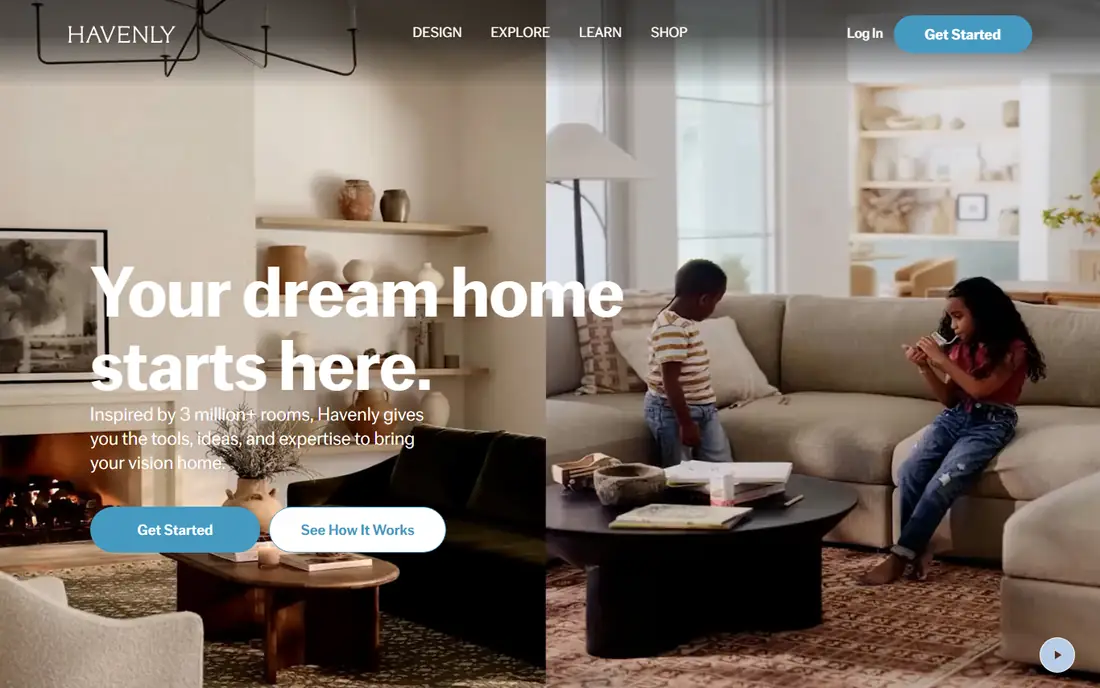
Havenly pairs you with a professional designer online. Take a style quiz, choose from matched designers, and work together on the plan, layout, and product picks. You see the design as a 3D rendering of your actual space before buying anything, and you shop the pieces through one checkout with designer discounts.
Virtual design starts at $199 per room, with in-person design available at a higher price for larger projects. That price buys judgment, not just software, which matters when a room has awkward proportions or a tight budget. If you have tried planning apps and still feel stuck, a designer is the faster route to a finished room.
What we like- Real designer handles plan and product picks
- 3D rendering of your actual space
- Exclusive shopping discounts
Watch out for- No free plan
- Costs add up across rooms
- Furniture purchases are extra
#8Live Home 3D
Best for: Detailed home and renovation models4.1/5 on
G2 (10 reviews, checked Oct 2026)
Visit livehome3d.com
Starting priceSee website
Free planYes
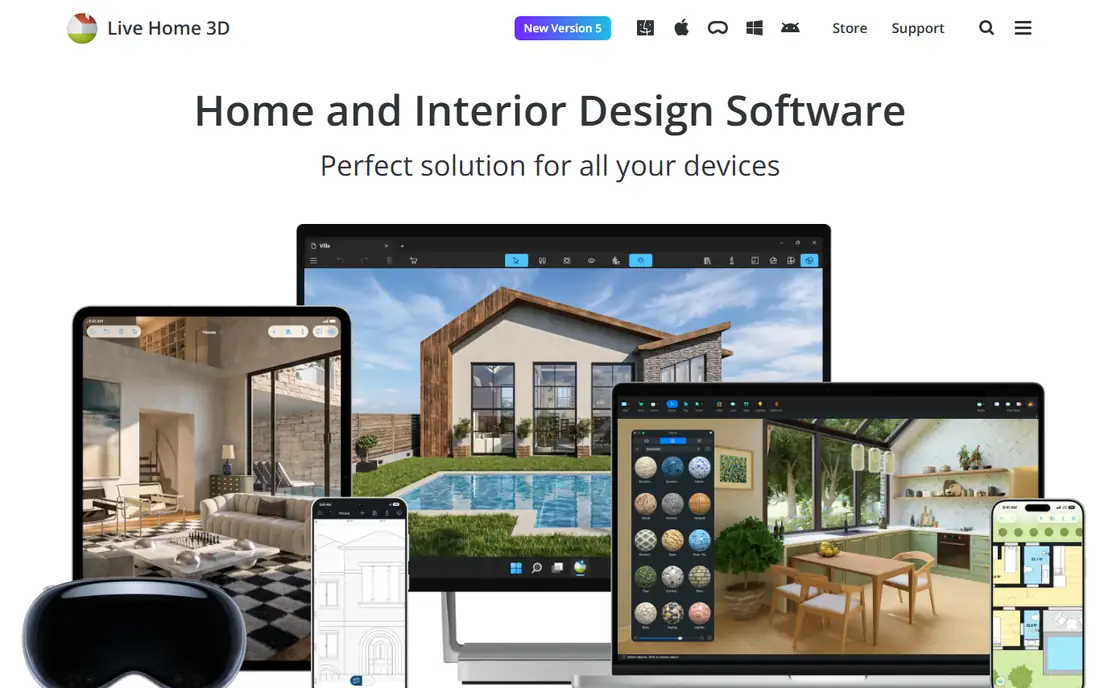
Live Home 3D is multi-platform home design software for people who want detail. Lay out and furnish a room or an entire house, plan the exterior, and adjust terrain, with precise measurements throughout. It suits renovation projects where the whole house, not just one room, needs modeling.
A free download lets you test the core tools, with paid versions adding features and removing limits. The interface takes longer to learn than Planner 5D, but it rewards that effort with more control. For homeowners or designers building a detailed, whole-house model, Live Home 3D is the strongest pick here.
What we like- Detailed floor plans and 3D renderings
- Works on Mac, Windows, iOS, and Apple Vision Pro
- Good for whole-house projects
Watch out for- More complex than Planner 5D
- Best features need paid versions
- Smaller model library than Homestyler
How we chose
We compared apps on the job each one does best: room planning, realistic rendering, inspiration, furniture shopping, AI redesign, measured plans, professional design, and whole-house modeling. Pricing and free-plan details were checked against vendor pages and current app listings, and features were checked against vendor documentation. We favored apps that exist today, work on web or mobile in the US, and serve a distinct interior design need rather than duplicating the same planner.
We also weighed free-tier honesty. Several apps call themselves free while paywalling exports, renders, or catalog items, so we noted what the free tier actually includes for each tool.
How to pick an interior design app
Start with your question
If your question is "what style do I like," start with Houzz or RoomGPT. If it is "will this fit," start with IKEA Kreativ or magicplan. If it is "how will the whole room look," start with Planner 5D or Homestyler. If it is "just do it for me," start with Havenly.
Check measurements before you buy furniture
AI redesign images look convincing but carry no measurements. Before ordering, build the layout in a planner with real dimensions, or scan the room with magicplan or IKEA Kreativ. A sofa that looks right in a photo can still block a door in real life.
Budget for renders and credits
Free tiers cover testing, but high-resolution renders, AI credits, and extra rooms usually cost money. Pick the plan that covers your whole project, not just the first room, and check whether renders or credits reset monthly.
Frequently asked questions
What is the best free interior design app?
Planner 5D is the best free starting point, with unlimited projects and half the catalog free. Homestyler is the best free option for realistic renders, with unlimited 1K renders. Houzz and IKEA Kreativ are fully free for inspiration and IKEA furnishing.
Can I design a room without measuring it?
Yes, with limits. RoomGPT redesigns a photo without measurements, and IKEA Kreativ scans your room to scale. For furniture ordering, a measured plan from magicplan or a planner app is safer than a photo alone.
Do interior design apps work on phones?
Most do. Planner 5D, Homestyler, Houzz, IKEA Kreativ, RoomGPT, and magicplan all work on iOS and Android. Live Home 3D also works on iPhone and iPad, while Planner 5D and Homestyler work in a browser too.
Is Havenly worth the price?
Havenly is worth it if you want a professional to handle decisions, sourcing, and layout. At $199 per room, it costs more than any app here, but it saves time and avoids expensive furniture mistakes. If you enjoy designing yourself, a planner app is better value.
Which app is best for a renovation?
magicplan suits renovations that need measured plans for a contractor. Live Home 3D suits whole-house renovations with detailed modeling. Planner 5D suits single-room renovations where you want to test layouts quickly.
Can AI redesign tools replace a designer?
For style ideas and early concepts, AI tools are fast and useful. For awkward rooms, structural changes, or a full home, a designer or a measured plan still matters, since AI images do not check dimensions, codes, or budgets.
Sources we checked (8)
- https://planner5d.com
- https://www.homestyler.com
- https://www.houzz.com
- https://www.ikea.com/us/en/home-design/
- https://roomgpt.io
- https://magicplan.app
- https://havenly.com
- https://www.livehome3d.com
Is your product missing or out of date?
We review this list regularly. Vendors can request a listing, send updated pricing or ask about featured placement.

Shihab Mia · Founder, Rankite
Shihab has 5+ years in B2B and SaaS SEO. He writes Rankite's software buying guides from pricing pages, documentation and public user reviews. More about Shihab.