How we make this list: we compare pricing pages, product documentation and public user reviews. Ratings come from G2, Capterra or Trustpilot, with the date we checked them.
Key takeaways
- Otter.ai is the best default for meeting transcription, with a 300 minute free plan and live notes plus summaries on paid plans.
- Rev is the best pick when accuracy matters most, since it offers human transcription alongside AI at a higher per minute price.
- Descript suits creators who want to edit audio and video by editing the transcript text itself.
- Notta and Fireflies.ai offer strong free plans for meetings, with Notta strongest for multilingual work and Fireflies strongest for sales team integrations.
- Trint and Sonix suit media teams and researchers who need collaborative editing, many languages, or pay as you go file transcription.
Quick comparison
| Tool | Best for | Starting price | Free plan |
|---|
 Otter.ai Otter.ai | Meeting transcription | $8.33 per user/month | Yes |
 Rev Rev | Highest accuracy with human option | $14.99 per user/month | Yes |
 Descript Descript | Editing audio and video by text | $16.00 per user/month | Yes |
 Notta Notta | Multilingual meeting notes | $8.17 per user/month | Yes |
 Fireflies.ai Fireflies.ai | Meeting bot with integrations | $10.00 per user/month | Yes |
 Trint Trint | Newsroom transcript editing | $52.00 per user/month | Free trial |
 Sonix Sonix | Pay as you go file transcription | $22.00 per user/month | Free trial |
 Temi Temi | Cheapest per minute AI transcription | $0.25 per minute | No |
Is your product missing or out of date?
We review this list regularly. Vendors can request a listing, send updated pricing or ask about featured placement.
The best app to transcribe audio to text
#1Otter.ai
Best for: Meeting transcription4.4/5 on
G2 (505 reviews, checked Oct 2026)
Visit otter.ai
Starting price$8.33 per user/month
Free planYes
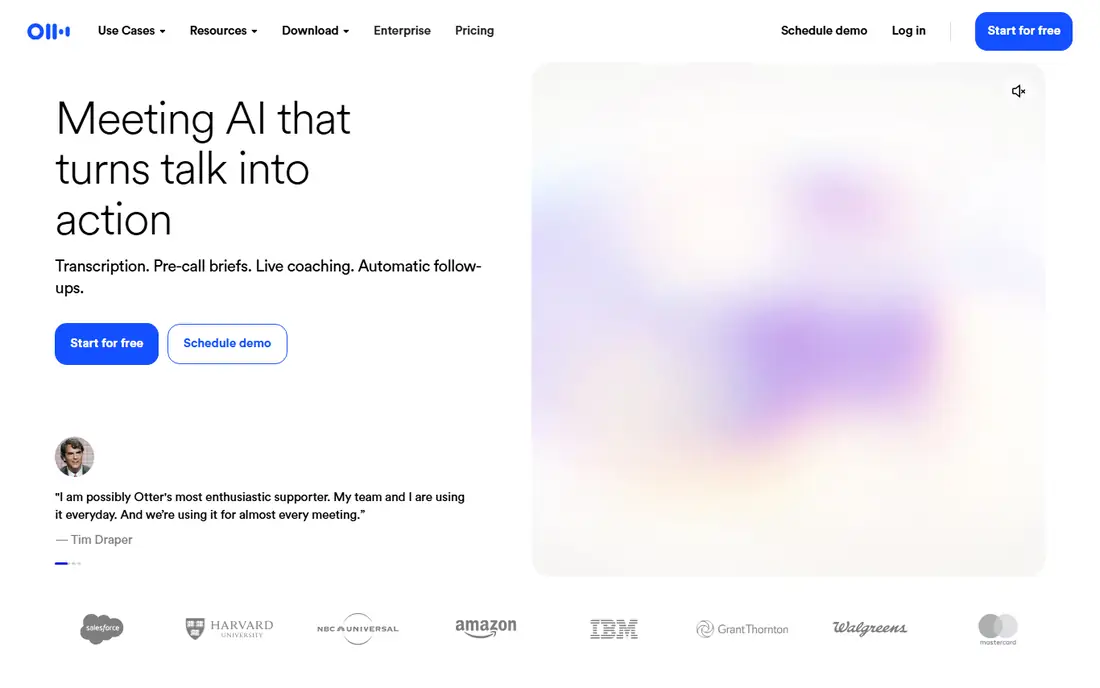
Otter.ai joins Zoom, Google Meet, and Teams calls as a bot, transcribes speech live, and produces a searchable transcript with speaker labels. Paid plans add AI summaries, action items, and an AI chat that answers questions from past meetings. The free plan covers 300 minutes per month, which is enough for light meeting use, while Pro costs $8.33 per user per month billed annually and raises the limit to 1,200 minutes.
The limits matter for heavy users: long meetings, imported files, and higher minute totals need Business at a higher price. Accuracy is strongest on clean, single speaker audio in English, and it falls with crosstalk and background noise. Otter fits professionals who attend many meetings and want notes and summaries without manual typing.
What we like- Live meeting transcription with speaker labels
- AI summaries and action items
- 300 free minutes per month
- Calendar and meeting app integrations
Watch out for- Free plan caps conversations at 30 minutes
- Minute limits bite heavy users
- Best accuracy in English
#2Rev
Best for: Highest accuracy with human option4.7/5 on
G2 (621 reviews, checked Oct 2026)
Visit rev.com
Starting price$14.99 per user/month
Free planYes
Rev offers two paths in one service. The AI plan costs $14.99 per month and covers automated transcription with a monthly minute allowance, while human transcription, from $1.25 per minute, uses professional transcribers for the highest accuracy. Captions, subtitles, and global subtitles extend the service to video teams.
The choice depends on the stakes. AI is fine for internal notes and rough drafts, while human transcription suits legal proceedings, research interviews, and published quotes where every word matters. Rev fits users who need both speeds: fast AI for everyday audio and human accuracy when the transcript must stand up to scrutiny.
What we like- Human transcription option for top accuracy
- AI transcription at a low monthly price
- Captions and subtitles available
- Trusted for legal and research work
Watch out for- Human transcription costs from $1.25 per minute
- AI plan minutes are limited
- Turnaround for human work takes hours
#3Descript
Best for: Editing audio and video by text4.6/5 on
G2 (928 reviews, checked Oct 2026)
Visit descript.com
Starting price$16.00 per user/month
Free planYes
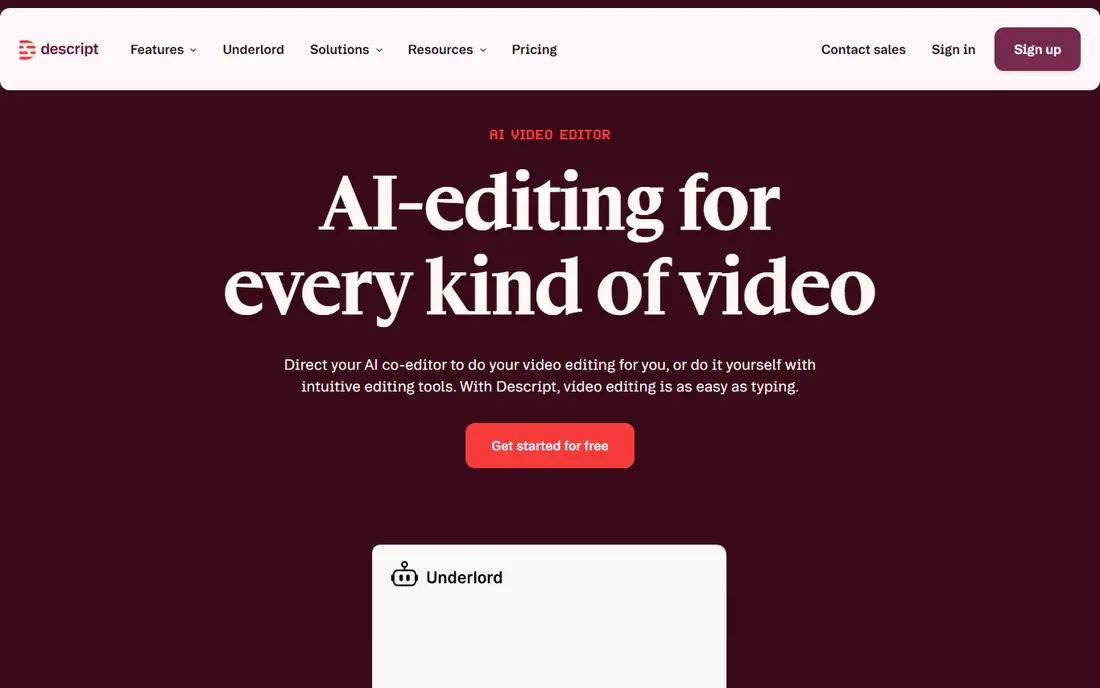
Descript turns a recording into an editable text document, then lets users cut words from the transcript to cut the matching audio or video. That workflow suits podcasters and video creators, who can remove filler words, reorder sections, and publish without learning a traditional timeline editor. Studio Sound cleans up background noise, and screen recording covers tutorials and demos.
The free plan covers one media hour per month, while Hobbyist costs $16 per month billed annually with 10 hours. Descript is more than a transcription app, so users who only need a transcript may prefer Otter or Notta. Descript fits creators who transcribe in order to edit, publish, and share audio and video.
What we like- Edit audio and video by editing transcript text
- Studio sound cleanup
- Overdub voice cloning on higher plans
- Screen recording included
Watch out for- Transcription is one part of a larger editor
- Hobbyist plan covers 10 media hours
- Learning curve for full video editing
#4Notta
Best for: Multilingual meeting notes4.3/5 on
G2 (347 reviews, checked Oct 2026)
Visit notta.com
Starting price$8.17 per user/month
Free planYes
Notta transcribes live meetings and uploaded files in many languages, with AI summaries, translation, and searchable transcripts. The free plan covers 120 minutes per month, while Pro costs $8.17 per month billed annually and raises the limit to 1,800 minutes. That combination makes Notta one of the cheapest paid options for regular transcription.
The free plan limit on recording length means long files need splitting or a paid plan. Accuracy is strongest on clear audio and varies by language, so users should test a sample in their own language before committing. Notta fits multilingual teams, students, and professionals who transcribe meetings and interviews in several languages.
What we like- 120 free minutes per month
- Strong multilingual support
- Live meeting transcription and file uploads
- AI summaries and translation
Watch out for- Free recordings cap at 3 minutes each
- Accuracy varies by language and accent
- Higher minute totals need Business
#5Fireflies.ai
Best for: Meeting bot with integrations4.7/5 on
G2 (754 reviews, checked Oct 2026)
Visit fireflies.ai
Starting price$10.00 per user/month
Free planYes
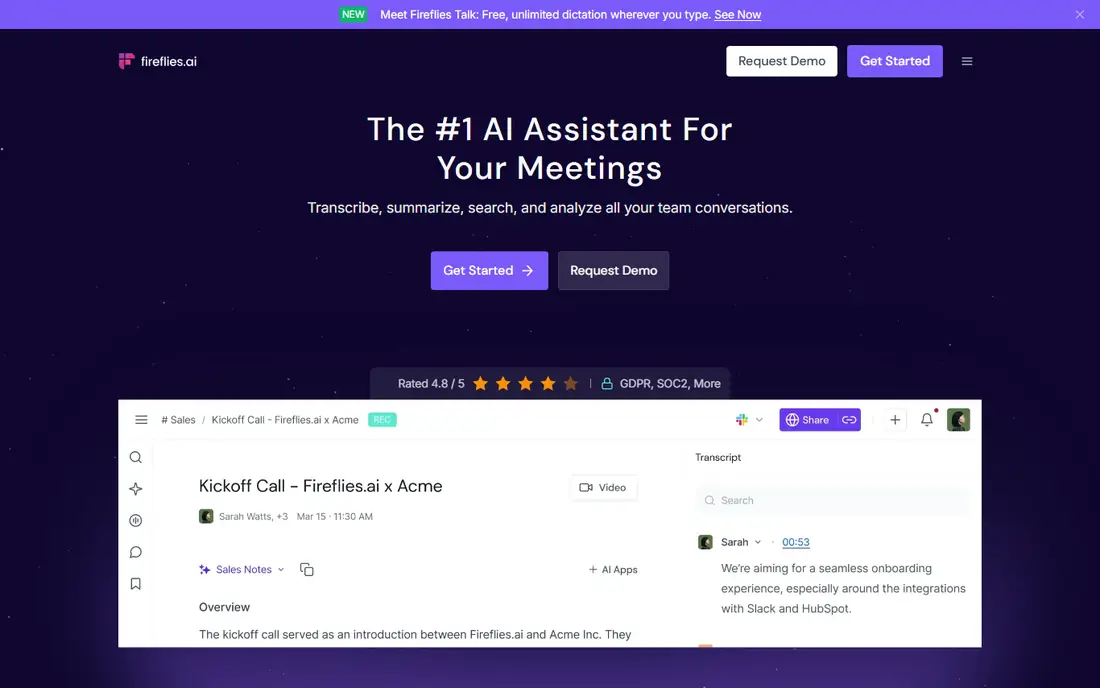
Fireflies.ai sends a bot to meetings, records and transcribes them, and stores the results in a searchable library with summaries, action items, and topic tracking. Integrations push notes into Salesforce, HubSpot, Slack, and other tools, which suits sales and customer success teams that live in a CRM. The free plan offers unlimited transcription with storage limits, while Pro costs $10 per seat per month billed annually.
The AI credit system on higher features can push heavy users past the sticker price, so teams should check credit use after the first month. Fireflies fits teams that want meeting notes flowing into their existing tools, rather than a standalone transcript file.
What we like- Meeting bot for Zoom, Meet, and Teams
- Unlimited transcription on free plan with storage limits
- 100 plus integrations including CRMs
- Searchable meeting library
Watch out for- AI credits add cost for heavy use
- Sentiment and analytics need higher plans
- Free storage limits apply
#6Trint
Best for: Newsroom transcript editing4.4/5 on
G2 (66 reviews, checked Oct 2026)
Visit trint.com
Starting price$52.00 per user/month
Free planFree trial
Trint is built for media teams that turn interviews and footage into stories. Transcripts open in a collaborative editor where reporters can highlight quotes, search across many transcripts, and export text for publication. The platform handles large files and team workflows, with roles, shared folders, and review tools.
The price reflects that team focus: Starter costs $52 per seat per month billed annually, with a 7 day trial and no free plan. Solo users with occasional files will find cheaper options elsewhere. Trint fits newsrooms, production teams, and research groups that edit transcripts together every day.
What we like- Collaborative transcript editor for teams
- Fast turnaround on uploads
- Story and quote search across transcripts
- Enterprise security options
Watch out for- Highest starting price on this list
- Starter plan allows only 7 files
- No permanent free plan
#7Sonix
Best for: Pay as you go file transcription4.7/5 on
G2 (27 reviews, checked Oct 2026)
Visit sonix.ai
Starting price$22.00 per user/month
Free planFree trial
Sonix transcribes uploaded audio and video files in a browser editor, with word level timestamps, speaker labels, and subtitle export. Users can pay $10 per hour on a pay as you go basis, or take the Premium plan at $22 per user per month plus $5 per hour of transcription. That flexibility suits researchers and producers with uneven workloads, who may transcribe heavily one month and little the next.
The per hour cost on top of the monthly plan needs a close read, since heavy months can exceed the cost of a flat minute plan. Sonix fits users who transcribe files rather than live meetings, work in many languages, and want to pay mainly for the hours they actually use.
What we like- Pay as you go option at $10 per hour
- Many languages supported
- Browser based editor with timestamps
- Automated subtitles and translation
Watch out for- Premium plan adds $5 per hour on top of the monthly fee
- No permanent free plan
- Collaboration tools are lighter than Trint
Starting price$0.25 per minute
Free planNo
Temi, from the team behind Rev, offers the simplest pricing on this list: $0.25 per minute, pay as you go, with no subscription. Upload a file, receive a machine transcript in minutes, and edit it in the browser editor. The service suits one off jobs, such as a single interview or lecture, where a monthly plan would waste money.
Temi has no free plan and no human transcription option, so users who need certified accuracy should use Rev human service instead. It also lacks live meeting bots and CRM integrations. Temi fits occasional users who want a fast, cheap transcript for a single file without signing up for a subscription.
What we like- Simple pay as you go pricing at $0.25 per minute
- Fast turnaround, often within minutes
- No subscription required
- Easy file upload and editor
Watch out for- No free plan
- Accuracy is AI only, with no human option
- Fewer meeting and integration features than Otter or Fireflies
How we chose
We compared vendor pricing pages, product documentation, and public reviews on G2, Capterra, and Reddit, and we checked each tool for real transcription work: live meetings, uploaded files, speaker labels, editing, and export. We favored tools with a free plan or trial, clear per minute or per month pricing, and a distinct strength, such as human accuracy, multilingual support, or text based editing. We also weighed the honest limit of each tool, such as minute caps, per hour surcharges, or AI only accuracy, because the real cost of transcription often appears after the first heavy month.
How to pick the right transcription app
Start with the audio type, not the price. Live meetings, uploaded files, and edited media need different tools, and the wrong pick wastes more time than it saves.
Match the tool to the audio source
Choose Otter.ai or Fireflies.ai for live meetings, Notta for multilingual meetings, Sonix or Temi for uploaded files, Descript for audio and video you plan to edit, Trint for team edited transcripts, and Rev human service when accuracy must be near perfect. Using a meeting bot for a file job, or a file tool for a live call, adds manual steps every time.
Test accuracy on your own worst audio
Run the same five minute clip through two or three tools before paying. Pick a clip with background noise, two speakers talking over each other, and an accent from your real work, not a clean studio sample. Compare the raw output before editing, since that gap is the editing time you will pay every week. A tool that looks cheap but needs heavy correction is not cheap.
Count minutes honestly, including imports
Add live meeting minutes, imported files, and re-transcribed files together, since most plans count all of them. A 300 minute free plan covers about five hours a month, while a 1,200 minute Pro plan covers twenty hours. If your total sits just above a plan limit, the next tier or a pay as you go tool may cost less than overage fees.
Check privacy before uploading sensitive audio
Transcription tools upload audio to their servers for processing, so avoid uploading recordings with passwords, medical details, or unpublished client material unless the vendor security terms cover that use. Delete transcripts and audio from the vendor account when a project ends, and use human transcription only through a service with a clear confidentiality policy for sensitive work.
Frequently asked questions
What is the best app to transcribe audio to text for meetings?
Otter.ai is the best default for meetings, with live transcription, speaker labels, summaries, and a 300 minute free plan. Fireflies.ai is a strong alternative for teams that want CRM integrations, while Notta suits multilingual meetings. Try the free plan of each with a real meeting before choosing a paid plan.
Is AI transcription accurate enough for professional work?
AI transcription works well for internal notes, drafts, and searchable archives, with accuracy highest on clean, single speaker audio. For published quotes, legal work, or research that others will rely on, human transcription from Rev or a careful manual edit is safer. Always proofread AI transcripts before sharing them outside your team.
How much does transcription cost per minute?
AI transcription ranges from $0.25 per minute pay as you go with Temi to monthly plans that work out far cheaper per minute at high volume, such as Otter Pro at $8.33 per month for 1,200 minutes. Human transcription costs far more, from $1.25 per minute at Rev. Compare the total monthly cost for your real minute total, not the headline per minute rate alone.
Can these apps transcribe video as well as audio?
Yes, most tools on this list accept video files and transcribe the audio track, and several export subtitles. Descript goes further by letting users edit video through the transcript. Check the supported file types and size limits before uploading a long video, since limits vary by plan.
Do transcription apps work in languages other than English?
Yes, with varying quality. Notta, Sonix, and Happy Scribe support many languages, while Otter.ai is strongest in English. Accuracy depends on the language, the accent, and the audio quality, so test a sample in your own language before committing to a paid plan for multilingual work.
What happens to my audio after transcription?
Most vendors store audio and transcripts in your account until you delete them, and some use data to improve models under terms that vary by plan. Read the privacy and data terms before uploading sensitive recordings, delete files when a project ends, and avoid uploading material that should never leave your own devices.
Sources we checked (8)
- https://otter.ai
- https://www.rev.com
- https://www.descript.com
- https://www.notta.com
- https://fireflies.ai
- https://trint.com
- https://sonix.ai
- https://www.temi.com
Is your product missing or out of date?
We review this list regularly. Vendors can request a listing, send updated pricing or ask about featured placement.

Shihab Mia · Founder, Rankite
Shihab has 5+ years in B2B and SaaS SEO. He writes Rankite's software buying guides from pricing pages, documentation and public user reviews. More about Shihab.