How we make this list: we compare pricing pages, product documentation and public user reviews. Ratings come from G2, Capterra or Trustpilot, with the date we checked them.
Key takeaways
- Remini is the best-known free option for sharpening faces in old photos, with a generous free trial pattern.
- MyHeritage suits family historians, combining restoration with colorization and family tree features.
- VanceAI, Fotor, Hotpot, and Cutout.pro offer web-based restoration with free credits for testing.
- Google PhotoScan is the best free scanning companion, but it does not restore damage itself.
- Free tiers always limit the number of photos, so prioritize your most important images before paying.
Quick comparison
Is your product missing or out of date?
We review this list regularly. Vendors can request a listing, send updated pricing or ask about featured placement.
The best app to restore old photos free

#1Remini
Best for: Face sharpening4.6/5 on
G2 (13 reviews, checked Oct 2026)
Visit remini.ai
Starting priceFree
Free planYes
Remini is the most widely used app for restoring old portraits, with AI enhancement that sharpens faces, recovers detail, and cleans up blur in a single tap. Its before-and-after preview makes the improvement obvious, and the workflow needs no editing skill.
Free use is limited by ads and trial mechanics, and faces can look over-smoothed when the original is heavily damaged. Remini suits anyone whose priority is faces in old family portraits, and who will test the free tier on a few key photos before deciding on a subscription.
What we like- Strong face enhancement for old portraits
- Simple one-tap workflow
- Before-and-after preview
Watch out for- Free use is limited by ads and trials
- Faces can look over-smoothed
- Video features need paid plans
Starting priceFree
Free planYes
MyHeritage combines photo restoration with colorization and family history tools, letting users enhance old photos, add color, and attach them to a family tree. Its Deep Nostalgia feature animates faces in old portraits, which many families find moving. Free users get a limited number of enhancements, with subscriptions adding more.
The free limit is small, and the tool works best for users already in the MyHeritage ecosystem. For family historians restoring an archive, MyHeritage's combination of restoration, color, and tree is unmatched.
What we like- Restoration plus colorization in one place
- Family tree integration
- Deep Nostalgia animation option
Watch out for- Free restorations are limited
- Full features need a subscription
- Best inside the MyHeritage ecosystem
Starting priceFree
Free planYes
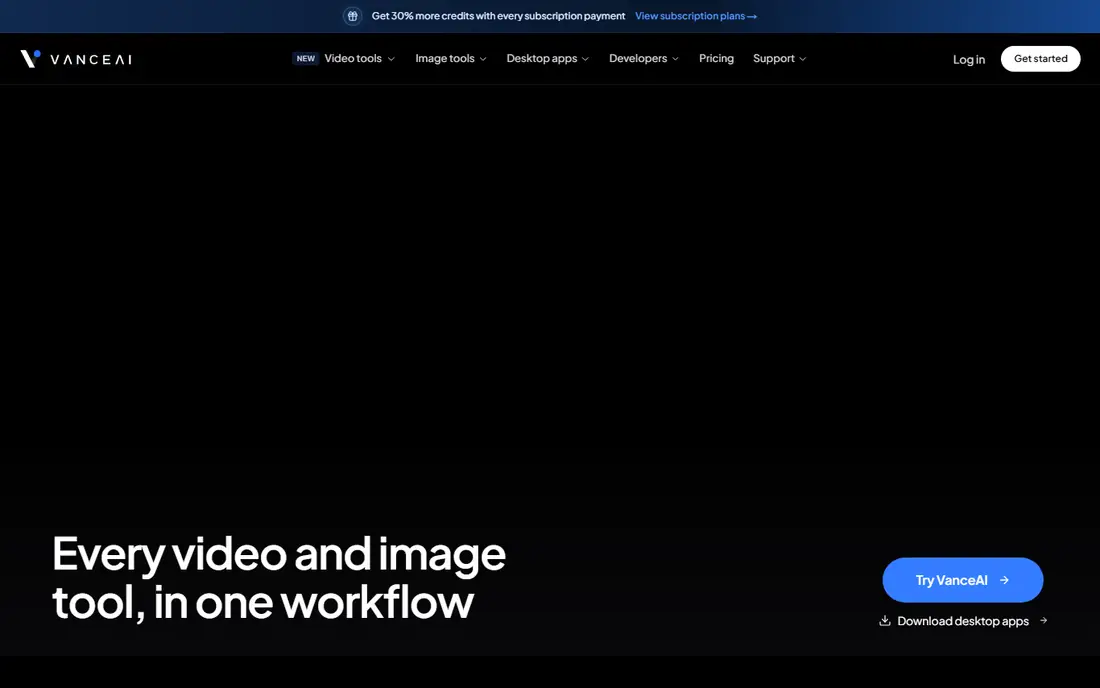
VanceAI offers a dedicated old-photo restoration tool on the web, handling scratches, fading, and blur, with batch processing for larger archives. Its free credits let users test quality on a few photos without installing anything, and paid plans raise resolution and volume.
Free credits run out quickly on a large archive, and full-resolution exports need a paid plan. VanceAI suits desktop users restoring many photos who prefer a browser tool to a mobile app.
What we like- Web-based restoration with dedicated old-photo tools
- Batch processing
- No install needed
Watch out for- Free credits are limited
- Full resolution exports need paid plans
- Interface is utilitarian

#4Fotor
Best for: All-round photo editing4.2/5 on
G2 (342 reviews, checked Oct 2026)
Visit fotor.com
Starting priceFree
Free planYes
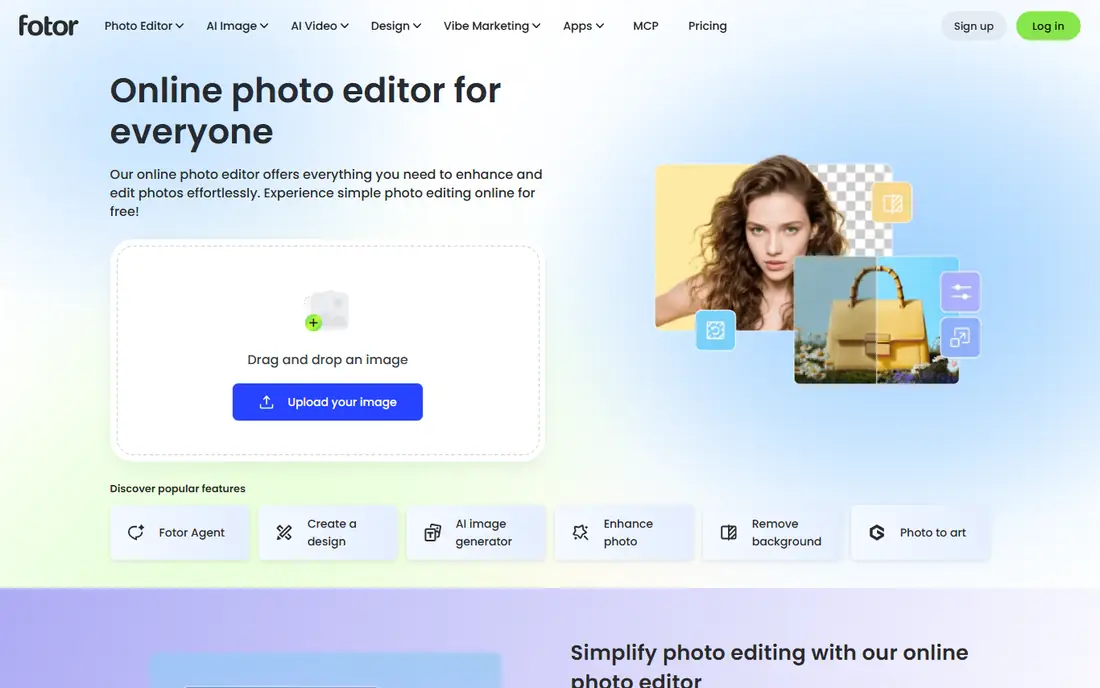
Fotor pairs an AI photo enhancer with a full editing suite, so users can restore a photo and then adjust color, crop, and retouch in the same tool. Its free tier covers basic enhancement, with Pro adding higher resolution, batch processing, and advanced AI features.
Restoration is not Fotor's sole focus, so dedicated tools may handle severe damage better, and free exports carry limits. Fotor suits users who want restoration plus general editing in one free starting point.
What we like- AI enhancer plus full editing suite
- Free tier covers basic enhancement
- Templates and batch tools
Watch out for- Restoration is one feature among many
- Free exports have limits
- Advanced AI tools need Pro
Starting priceFree
Free planYes
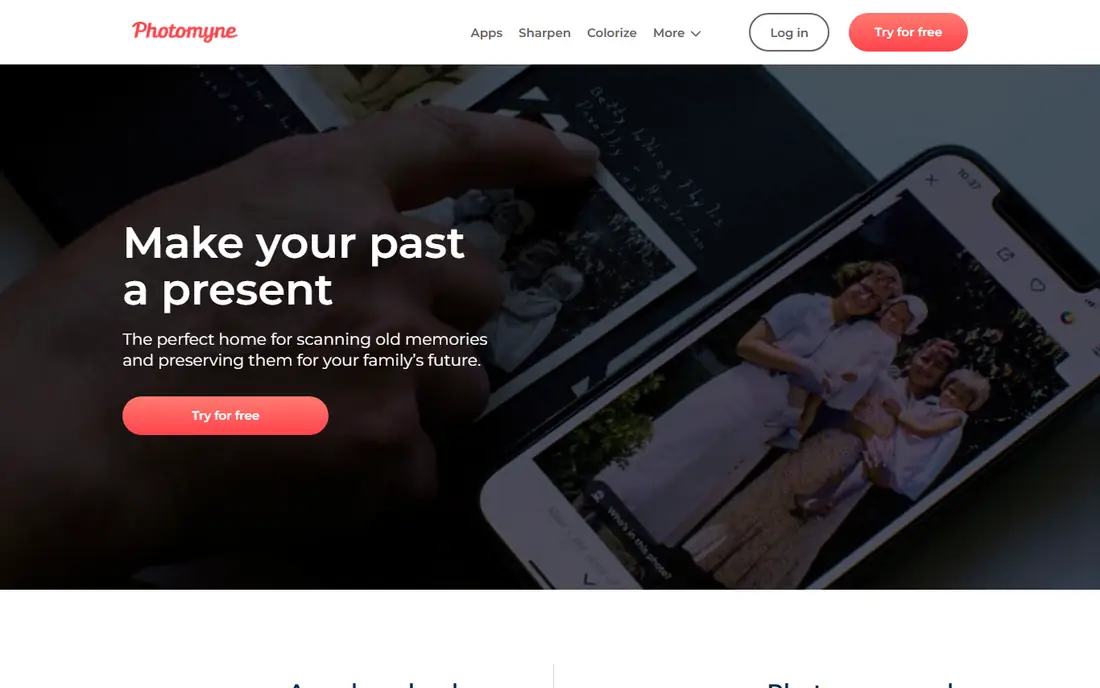
Photomyne starts where most restoration projects start: scanning. It photographs whole album pages and auto-crops individual photos, then offers colorization and enhancement, building an organized digital archive as it goes. That scanning-plus-restoration flow suits families digitizing boxes of prints.
Full features need a subscription, restoration quality depends on the original scan, and the workflow is mobile-first. Photomyne suits the full project, from shoebox to restored digital album, rather than a single-photo fix.
What we like- Fast album scanning with auto-cropping
- Colorization and enhancement
- Organized digital archive
Watch out for- Full features need a subscription
- Restoration quality varies by original
- Mobile-first workflow
Starting priceFree
Free planYes

Google PhotoScan is the best free scanning companion: it guides you through multiple captures of a print, removes glare, and crops the result, saving a clean digital copy to Google Photos at no cost. For anyone starting with physical prints, PhotoScan produces the best source file for restoration.
It does not restore damage, remove scratches, or colorize, so pair it with Remini, MyHeritage, or VanceAI for enhancement. PhotoScan suits the first step of every restoration project, and it costs nothing.
What we like- Completely free
- Glare-free scanning with guided captures
- Integrates with Google Photos
Watch out for- Does not restore damage
- No colorization
- Needs a separate app for enhancement
Starting priceFree
Free planYes
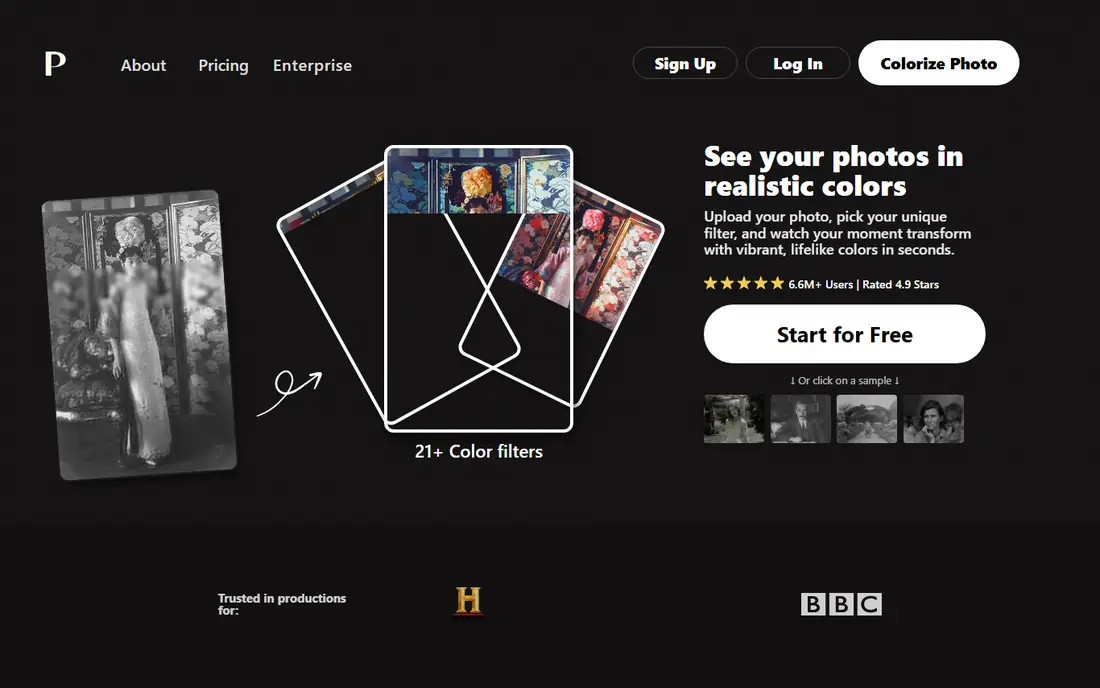
Palette.fm colorizes black-and-white photos with AI, offering filter options that shift the palette toward different eras and styles. Its web interface is simple: upload, colorize, and download. For a black-and-white portrait that needs color rather than repair, Palette.fm is the fastest free option.
It does not repair scratches, tears, or fading, free use has limits, and AI colors are plausible guesses, not historical records. Palette.fm suits colorization as a finishing step after damage repair elsewhere.
What we like- AI colorization for black-and-white photos
- Filter options for different looks
- Web-based and simple
Watch out for- Colorization only, no damage repair
- Free tier has limits
- Colors are AI guesses, not historical fact
Starting priceFree
Free planYes
Hotpot offers web-based AI photo restoration with free credits, letting users test quality on old photos without an account or install. Its interface is minimal, which suits a quick restoration check before committing to a paid tool.
Free credits are limited, resolution is capped on the free tier, and the feature set is smaller than Remini's or MyHeritage's. Hotpot suits a fast, free test of web restoration, especially for users who prefer a browser to a mobile app.
What we like- Web-based photo restoration with free credits
- Simple interface
- No install needed
Watch out for- Free credits are limited
- Resolution limits on free tier
- Smaller feature set than dedicated apps
Starting priceFree
Free planYes
Cutout.pro provides AI photo enhancement and restoration tools on the web, including old-photo repair, upscaling, and background removal, with free credits for testing and batch options for larger jobs. That breadth suits users restoring photos alongside other image tasks.
Free credits run out on large archives, the interface packs in many tools that can distract, and full features need a subscription. Cutout.pro suits web users who want restoration plus general AI image tools in one place.
What we like- AI enhancement and restoration tools on the web
- Batch options
- Free credits for testing
Watch out for- Free credits are limited
- Interface packs many tools
- Full features need a subscription
How we chose
We compared apps and web tools that enhance, repair, or colorize old photos, excluding pure scanners without enhancement and pure editors without restoration features. Pricing figures come from each vendor's own pricing page, checked in October 2026, and where free tiers limit photos or resolution we note the limit. We weighed restoration quality for faces and damage, colorization, scanning workflow, batch support, and free-tier generosity.
Scan well before restoring
Restoration quality starts with the scan. Use PhotoScan or a flatbed scanner at high resolution, clean the print gently, and avoid phone photos with glare or shadows. A good scan gives every restoration tool more detail to work with, while a poor scan limits even the best AI.
Prioritize before paying
Free tiers limit photos, credits, or resolution, so rank your archive before spending. Restore the irreplaceable portraits and milestone photos first, test two or three tools on the same photo to compare, and pay only for the tool that handles your hardest photo best.
Organizing a restored photo archive
Restoring photos one by one creates a new problem: a scattered collection of enhanced images with no organization. Before restoring at scale, decide on a folder structure that will still make sense in ten years, such as one folder per decade or per family branch, with consistent file names that include a date and a subject. Keep the original scan, the restored version, and any colorized version together, clearly labeled, so future family members can tell which is which and why the colorized version's colors are interpretive rather than factual.
Metadata is the second layer of organization. Most photo apps let you add dates, locations, and names, and that information is what turns a pile of images into a family history. Interview older relatives while restoring, and record names, places, and stories alongside the photos, since that knowledge disappears faster than the prints deteriorate. A simple spreadsheet or a family tree app can hold the stories that do not fit in a file name.
Backups complete the system. Keep at least two copies of the restored archive in different places, such as an external drive and a cloud service, and check them yearly. Digital files do not fade like prints, but drives fail and accounts close, so a backup habit is the digital equivalent of storing prints away from sunlight and damp. A restored archive with organization, stories, and backups is a gift to the next generation. One without them is just a folder of files.
A final caution concerns faces and color. Colorization tools guess at colors, and restoration tools sometimes smooth away distinctive features such as freckles, scars, or wrinkles that family members use to recognize people. Compare the restored version against the original side by side before sharing, and keep the original scan untouched so the restoration can be redone as tools improve. When a photo matters historically, note that the colors are interpretive, especially if the image will be published or used in a family book. Accuracy in family history matters more than a polished look.
Frequently asked questions
What is the best free app to restore old photos?
Remini, for face sharpening, with MyHeritage as the best family-history option and VanceAI as the best web alternative. Google PhotoScan is the best free companion for scanning prints before restoration.
Can free apps really restore badly damaged photos?
Partly. Free apps handle fading, blur, and light scratches well, but tears, missing pieces, and severe water damage need professional restoration. AI fills in plausible detail, which is not the same as recovering lost information.
Should I colorize black-and-white photos?
It depends on the purpose. Colorization makes old photos feel vivid and can help younger family members connect with them, but AI colors are guesses, not historical fact. Keep an uncolorized copy alongside any colorized version.
How do I scan old photos for restoration?
Use Google PhotoScan for free glare-free phone scans, or a flatbed scanner at 600 dpi or higher for prints you plan to restore seriously. Clean prints gently first, and save scans as high-quality files before enhancing.
Is my photo data safe with restoration apps?
Check each app's privacy policy before uploading irreplaceable family photos. Prefer tools that state they do not use your photos for training or advertising, and avoid uploading sensitive images to services with unclear terms.
Sources we checked (9)
- https://remini.ai
- https://www.myheritage.com
- https://vanceai.com
- https://www.fotor.com
- https://photomyne.com
- https://photos.google.com/scan
- https://palette.fm
- https://hotpot.ai
- https://www.cutout.pro
Is your product missing or out of date?
We review this list regularly. Vendors can request a listing, send updated pricing or ask about featured placement.

Shihab Mia · Founder, Rankite
Shihab has 5+ years in B2B and SaaS SEO. He writes Rankite's software buying guides from pricing pages, documentation and public user reviews. More about Shihab.
 MyHeritage
 VanceAI
 Photomyne
 Google PhotoScan
 Palette.fm
 Hotpot
 Cutout.pro