How we make this list: we compare pricing pages, product documentation and public user reviews. Rankite is independent; if a vendor ever pays for a featured spot, that listing is clearly labeled Partner.
Key takeaways
- Tonfotos is the best value for families, with a $59 lifetime license and face recognition that runs fully offline on your own computer.
- Excire Foto suits photographers with very large libraries, since its AI culling and people search handle tens of thousands of images without a subscription.
- If your photos already live in the cloud, Google Photos has the strongest free face grouping, but it uploads everything to Google servers.
- Mylio Photos is the strongest pick for syncing one library across phones, computers and drives without depending on any cloud service.
- digiKam and PhotoPrism give you real face recognition for free, with the tradeoff of a steeper learning curve and self-hosted setup in PhotoPrism's case.
Quick comparison
| Tool | Best for | Starting price | Free plan |
|---|
 Excire Foto Excire Foto | photographers with very large photo libraries | See website | Free trial (14 days) |
 Mylio Photos Mylio Photos | syncing one library across every device you own | See website | Yes |
 Adobe Lightroom Adobe Lightroom | photographers who also need professional editing | See website | Free trial |
 ACDSee Photo Studio ACDSee Photo Studio | fast browsing and cataloging on Windows | See website | Free trial (15 days) |
 digiKam digiKam | photographers who want full control for free | Free | Yes |
 Tonfotos Tonfotos | family archives and genealogy projects | $59 one-time (Personal license) | Yes |
 Peakto Peakto | Mac users juggling multiple photo catalogs | See website | See website |
 Google Photos Google Photos | automatic face grouping with zero effort | Free | Yes |
 PhotoPrism PhotoPrism | self-hosted private photo libraries | See website | Yes |
Is your product missing or out of date?
We review this list regularly. Vendors can request a listing, send updated pricing or ask about featured placement.
The best facial recognition software for photos
#1
Excire Foto
Best for: photographers with very large photo libraries
Visit excire.com
Starting priceSee website
Free planFree trial (14 days)

Some photographers know exactly which person they need and cannot find the photo. Excire Foto 2027 is built for that moment. Its facial recognition goes beyond simple detection: you can filter people photos by attributes like age, whether subjects are smiling, and how many people appear in the frame. For anyone sitting on 50,000 or more images, that granularity matters more than a pretty interface.
The other half of the value is culling. Excire can auto-group near-duplicates and score shots for sharpness and composition, so a wedding shoot of 3,000 frames shrinks to the keepers in minutes. Nothing uploads anywhere. The AI models run on your machine, which is a genuine privacy advantage over cloud tools, though it means the first full-library scan takes a while on older hardware. If you already live in Lightroom Classic, the Excire Search plugin brings the same engine inside your existing catalog instead of replacing it.
What we like- Powerful AI people search and culling
- Everything runs locally with no cloud upload
- Also works as a Lightroom Classic plugin
Watch out for- No editing tools of its own
- Higher one-time price than simpler organizers
- Video analysis adds to initial scan time
#2
Mylio Photos
Best for: syncing one library across every device you own
Visit mylio.com
Starting priceSee website
Free planYes
Mylio Photos starts from the idea that your photos live everywhere and your library should too. Point it at your computer, your phone, your old external drives and your NAS, and it stitches everything into one searchable library. Faces are recognized locally, on device, so naming your grandmother in one photo finds her across decades of scans and phone dumps. The syncing is peer-to-peer, which means devices talk to each other directly instead of routing everything through a cloud account.
That architecture is the selling point for privacy-minded families. Nothing needs to leave your hardware unless you want it to. The free tier covers getting started, and paid plans add the full multi-device sync, duplicate cleanup and protected vault drives for backup. Mylio fits households with photos spread across a decade of phones and laptops far better than it fits a working pro who needs serious RAW editing, since its editing tools are basic by design.
What we like- Peer-to-peer sync with no cloud required
- Strong offline face recognition
- Consolidates drives, phones and NAS into one view
Watch out for- Paid plans needed for larger libraries and vault backups
- Interface has a lot going on for casual users
- Importing old messy folders still takes planning
#3
Adobe Lightroom
Best for: photographers who also need professional editing
Visit adobe.com
Starting priceSee website
Free planFree trial
Most photo organizers force a choice between finding faces and editing well. Lightroom does both, and that is why it stays on this list despite face recognition not being its headline feature. Its People view clusters detected faces so you can confirm identities once, then pull up every photo of a person across your catalog. The metadata travels with your images, which matters if you ever leave Adobe.
The honest catch is the subscription. There is no buy-it-once Lightroom anymore, and the Photography plan is an ongoing cost that adds up over years. Face clustering also works best on clear, front-facing portraits; it struggles more than Excire or Tonfotos with old scanned family photos where faces are small or turned away. If editing is central to your workflow, though, keeping faces and developing in one app saves real friction.
What we like- Face tagging tied to the industry-standard RAW editor
- Syncs across desktop and mobile
- Huge ecosystem of presets and tutorials
Watch out for- Subscription only, no perpetual license
- Face recognition accuracy lags dedicated organizers
- Catalog corruption can be painful without backups
#4
ACDSee Photo Studio
Best for: fast browsing and cataloging on Windows
Visit acdsee.com
Starting priceSee website
Free planFree trial (15 days)

ACDSee has been in the photo management business for over 30 years, and it shows in how fast it moves through folders full of RAW files. Its facial recognition assigns names to detected faces and folds them into the broader catalog, sitting next to AI-generated keywords, duplicate detection and visual similarity search. For a Windows photographer who wants one program that organizes, tags faces and edits, Photo Studio is a complete package.
Pricing comes as either a subscription or a one-time purchase depending on the edition, and ACDSee runs frequent sales, so check the current offer before you buy. The lineup can confuse first-time buyers: Home, Professional and Ultimate editions have different face recognition and editing depth, so read the feature grid carefully. The free 15-day trial is genuinely useful here, because face accuracy on your own library is the real test.
What we like- Extremely fast image browsing
- Facial recognition plus AI keywording
- Perpetual license option alongside subscriptions
Watch out for- Face recognition is good but not class-leading
- The product lineup is confusing with many editions
- Mac version lags the Windows one
Starting priceFree
Free planYes
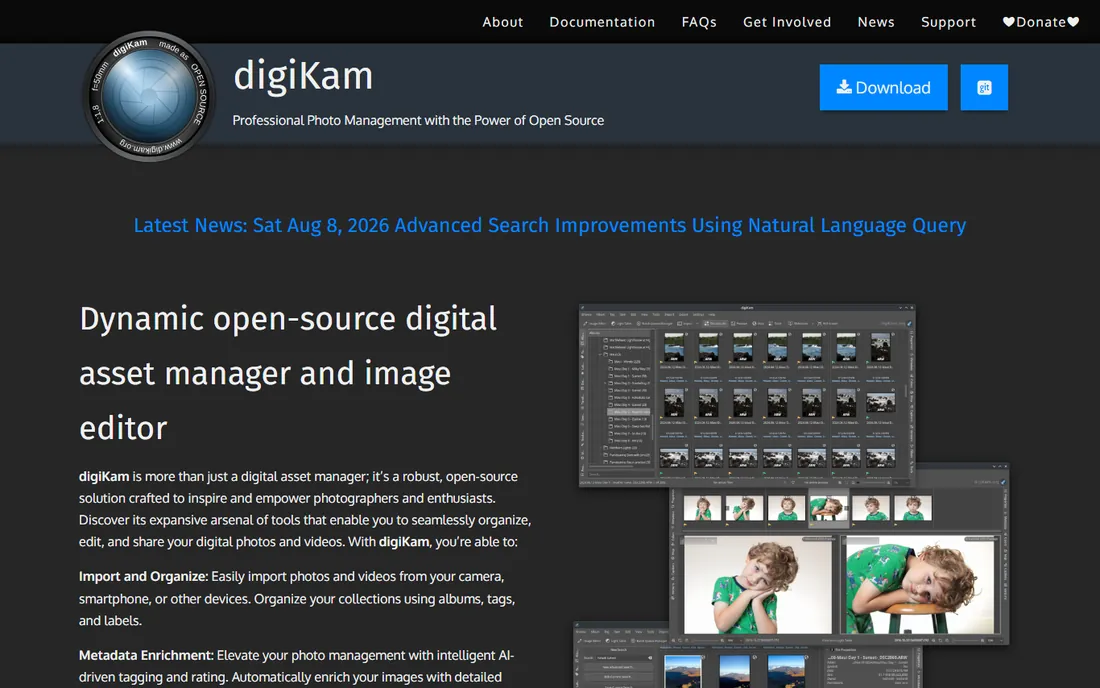
digiKam is the answer when the budget is zero and the library is enormous. This open-source organizer detects faces, lets you confirm and name them, and then learns from your confirmations to find the same person across your whole archive. It works with your existing folder structure, reads over 1,000 RAW formats, and keeps everything in a local database you control. For a free program, the face recognition is surprisingly capable once trained.
The tradeoff is polish. The interface packs in a huge number of options and can overwhelm anyone expecting the simplicity of Google Photos. Initial face scanning on a large library takes time, and you will do some manual confirming before the recognition becomes reliable. But if you value privacy, ownership and zero cost above convenience, no commercial tool at this price point competes, because the price point is free.
What we like- Completely free and open source
- Face recognition with training that improves over time
- Handles 100,000+ image libraries and RAW files
Watch out for- Interface feels dated and dense
- Setup and database configuration take effort
- Documentation assumes technical comfort
Starting price$59 one-time (Personal license)
Free planYes
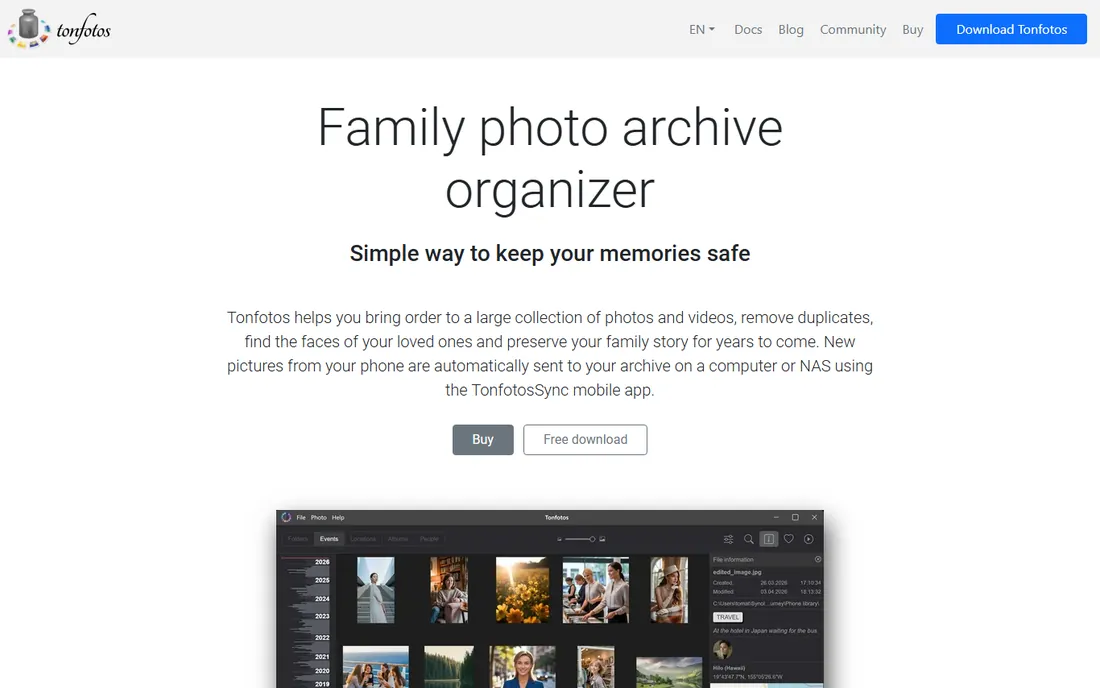
Tonfotos is built around one idea: your photos are a family story, not files. Its face recognition scans your archive, groups photos of the same person, and lets you confirm matches with one click. The neural networks are trained to recognize people across ages and even when faces are partly turned, which makes it genuinely useful for old scanned family albums where other tools fail. You can also attach genealogical information and build a family tree right inside the program.
The pricing is refreshingly simple: a free tier with a cap on recognized people, then a $59 perpetual Personal license with no monthly fee. Your photos can live on your PC, a NAS or external drives, and everything runs offline. Tonfotos will not edit a single pixel, so pair it with an editor if you need retouching. For families digitizing decades of prints and wanting faces organized without a subscription, it is hard to beat.
What we like- Lifetime license with no subscription
- Face recognition that works even with partially visible faces
- Built-in family tree and genealogy data
Watch out for- No photo editing tools at all
- Free version limits the number of recognized people
- Initial indexing is slow on very large collections
#7
Peakto
Best for: Mac users juggling multiple photo catalogs
Visit cyme.io
Starting priceSee website
Free planSee website
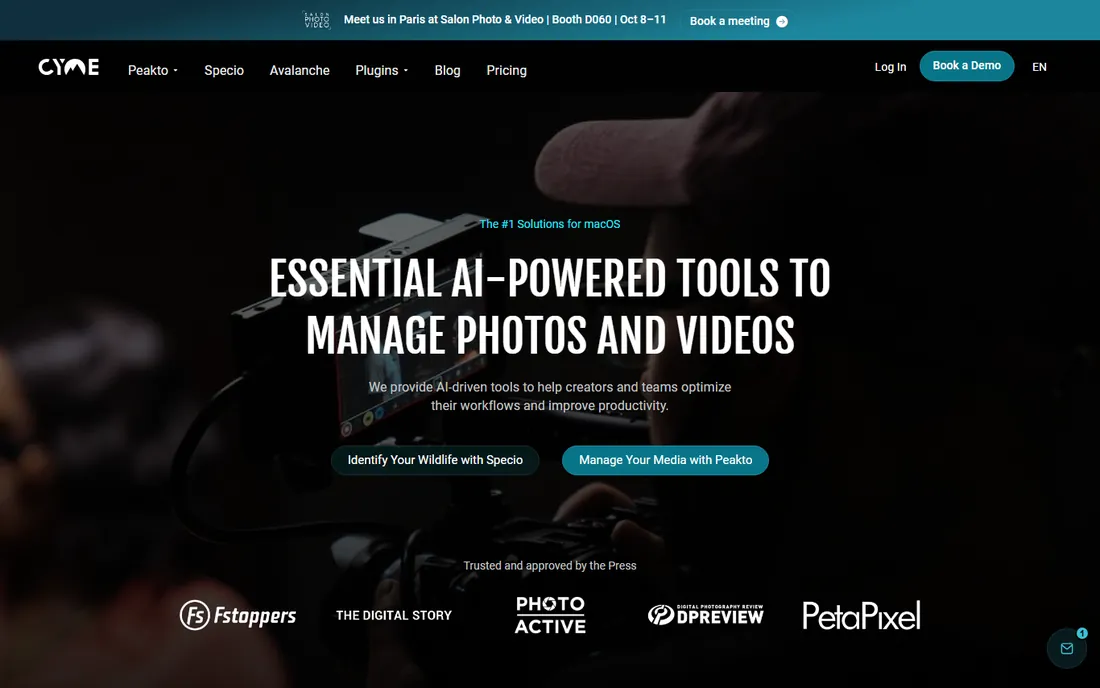
Peakto takes a different approach from everything else on this list. Instead of asking you to move your photos into yet another library, it sits on top of the catalogs you already have: Lightroom, Capture One, Apple Photos, folders on disk. Its AI and face recognition then let you search across all of them in one place, finding every photo of a person no matter which app imported it. For photographers with years of scattered catalogs, that is a real problem solved.
The limitation is the platform: Peakto is Mac only, so Windows households are out of luck. It is also a companion tool, not a full organizer, so you still need your underlying apps. If your photo life is already organized in one place, Peakto adds little. If it is spread across five catalogs and a pile of folders, it can feel like the search engine your library always needed.
What we like- Searches across Lightroom, Capture One and Apple Photos catalogs at once
- AI contextual search plus face recognition
- Local-first with no uploads
Watch out for- MacOS only
- Priced as a subscription
- Aimed at existing catalogs rather than replacing your organizer
Starting priceFree
Free planYes
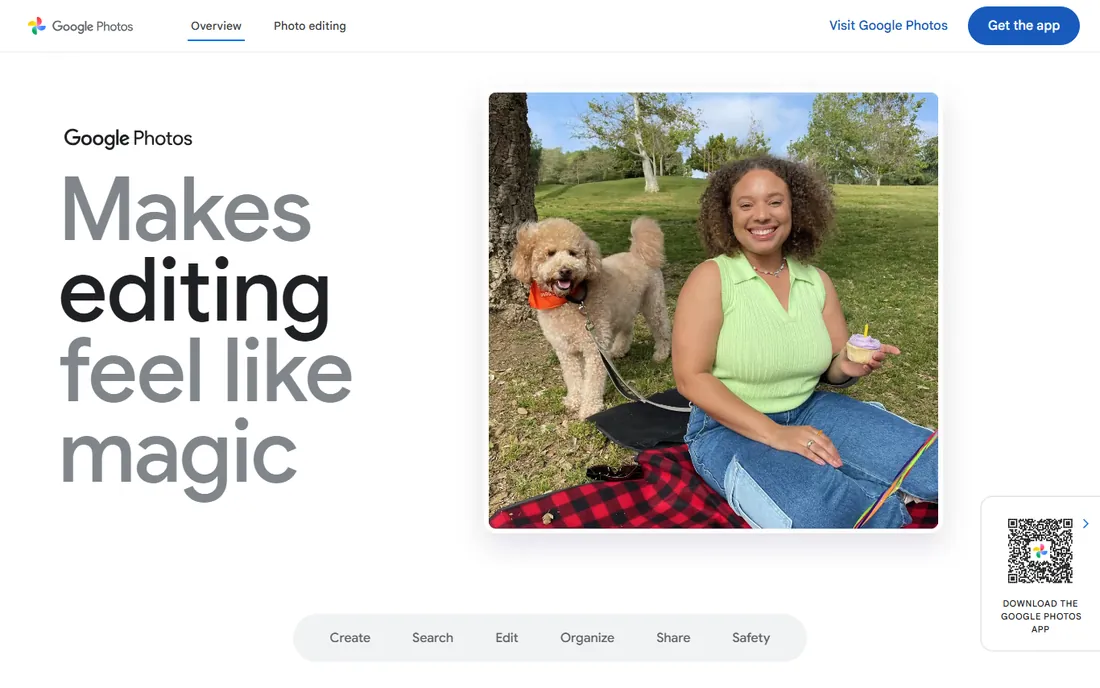
For face recognition accuracy with no work on your part, Google Photos still sets the bar. Upload your library and it groups faces automatically, names them when you label a few, and lets you search by person, pet, place or things in the photo. The 15 GB of free storage covers a modest library.
The catch is the one everyone knows: your photos live on Google's servers, and face grouping is processed in the cloud. If that tradeoff bothers you, the local-first tools on this list are the alternative. Storage is another practical limit, since 15 GB shared across Photos, Gmail and Drive runs out quickly, and paid Google One plans become the real cost. As the baseline every other tool gets compared against, though, Google Photos earns its place.
What we like- Best-in-class automatic face grouping
- Free 15 GB of storage
- Works on any device with no setup
Watch out for- Faces and photos live on Google servers
- Face grouping unavailable in some regions
- Storage fills up fast with original-quality backups
Starting priceSee website
Free planYes
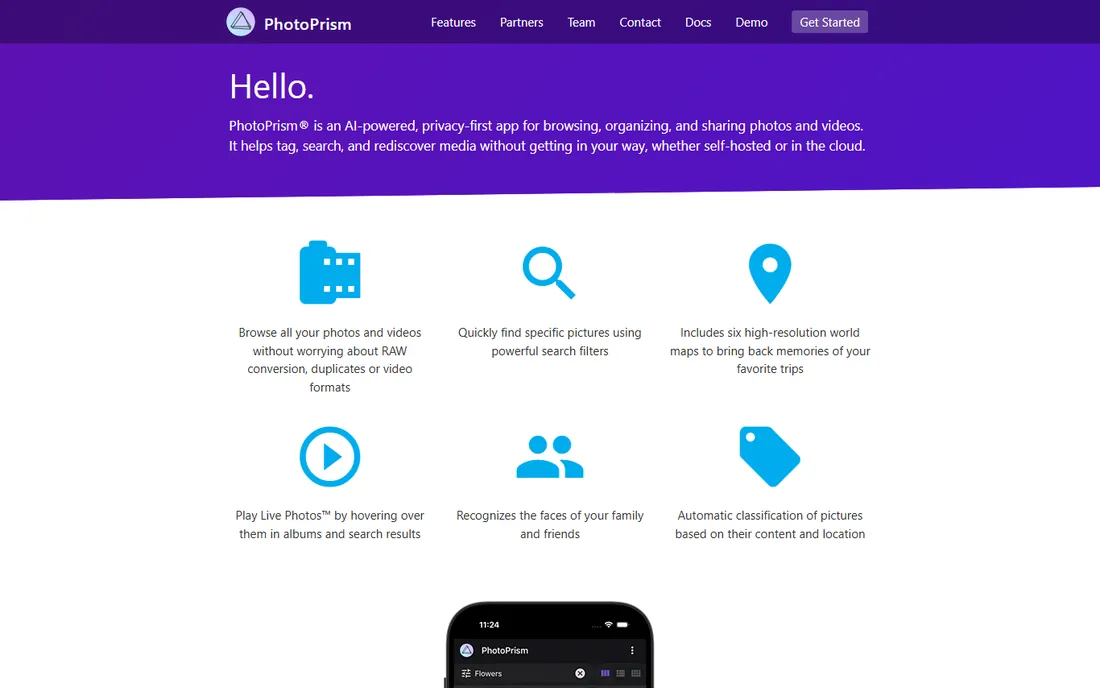
PhotoPrism is the pick for people who want Google Photos-style face recognition without Google. You host it yourself on a home server or NAS, point it at your photo folders, and it indexes faces, places and objects into a clean web interface you access from any browser. Your photos never leave your network. The community edition is free, and the project is independent and self-funded, which is reassuring for long-term availability.
The honest cost is technical effort. Setting up a server, configuring storage and keeping it updated is real work, and the face recognition needs your confirmations before it becomes reliable. If you already run a NAS and enjoy that kind of project, PhotoPrism gives you private face search that no subscription can take away. If the words "docker compose" mean nothing to you, pick one of the desktop tools above instead.
What we like- Face recognition in a fully self-hosted app
- No vendor lock-in and no subscription for the community edition
- Modern web interface
Watch out for- Requires a server or NAS and technical setup
- Face recognition needs manual confirmation to become accurate
- Mobile apps are limited
How we chose
We compared these tools by reading vendor pricing pages, official documentation and feature lists, plus public user reviews on G2, Capterra and Reddit threads from photographers and family archivists. We focused on face recognition quality for personal libraries (not surveillance or enterprise biometrics), whether processing happens locally or in the cloud, pricing models, and how each tool handles very large collections. Every tool on this list exists today and detects faces in personal photo libraries. No vendor paid for placement.
What to check before you pick one
Start with where your photos live. If they are already in Google Photos or Apple Photos and you are happy there, you may not need new software at all. If they are scattered across drives, phones and old laptops, a consolidator like Mylio Photos or Tonfotos earns its keep. If you shoot RAW professionally, keep face recognition inside your editing workflow with Lightroom or ACDSee rather than running a separate organizer.
Next, decide how you feel about the cloud. Local-first tools (Excire, Tonfotos, digiKam, PhotoPrism, Mylio) keep your faces on your own hardware. Cloud tools (Google Photos) are easier and often more accurate, but your biometric data lives on someone else's servers. There is no universally right answer, but it is the single most important decision in this category.
Then look at pricing honestly. Subscriptions like Lightroom and Peakto cost more over five years than a $59 lifetime license from Tonfotos or a free tool like digiKam. Check what the free tier actually limits: Tonfotos caps recognized people, Mylio gates full sync behind paid plans, and Google Photos caps storage at 15 GB. Finally, test face accuracy on your hardest photos, the old scans and side profiles, because every vendor demo uses clean portraits and your library will not.
Face recognition and your privacy
Face data is biometric data, and it deserves more care than keywords or star ratings. Tools that process faces locally, like Excire Foto, Tonfotos, digiKam and PhotoPrism, never send your face models to a server. That matters if you are organizing photos of children or extended family who never consented to cloud processing. Cloud tools are not necessarily unsafe, but read the privacy policy before uploading a lifetime of family photos.
One practical tip: whichever tool you choose, keep a backup of your face tags. Some programs store face data in their own database rather than writing it into the photo files, which means switching apps later can lose years of careful naming. Tools that write face regions to standard metadata make your work portable. Ask about this before you invest weeks tagging 40,000 photos.
Frequently asked questions
Is facial recognition software for photos legal to use?
For your own personal photo library, yes. You are organizing photos you already own. Laws like Illinois' BIPA mainly target companies collecting biometrics without consent, not individuals tagging family photos. Commercial use of other people's faces is a different matter and worth legal advice.
Which free photo organizer has the best face recognition?
digiKam has the most capable free face recognition for desktop, and Google Photos has the most accurate automatic face grouping overall, free up to 15 GB of storage. PhotoPrism is the best free option if you want to self-host. Tonfotos offers a genuinely useful free tier with a cap on recognized people.
Can face recognition work on old scanned photos?
Sometimes. Modern tools like Tonfotos and Excire handle aged, faded and partially turned faces better than older software, but small or blurry faces in scans still get missed. Scanning at 600 DPI or higher gives the algorithms more to work with, and manual confirmation of a few matches dramatically improves results.
Do I need to upload my photos to use face recognition?
No. Excire Foto, Tonfotos, digiKam, Mylio Photos and PhotoPrism all run face recognition locally on your own computer or server. Only cloud-based tools like Google Photos process faces on remote servers. If privacy matters to you, choose a local-first tool.
What is the difference between face detection and face recognition?
Face detection finds that a face exists in a photo. Face recognition goes further and identifies whose face it is, grouping all photos of the same person. Every tool on this list does both, but the quality of the recognition step is what separates the good tools from the frustrating ones.
Will face tags transfer if I switch software?
It depends on the tool. Programs that write face regions into standard photo metadata keep your tags portable. Programs that store faces only in their own database do not. Before committing to weeks of tagging, check whether your chosen tool exports face data in a standard format.
Sources we checked (12)
- https://excire.com/
- https://tonfotos.com/
- https://mylio.com/
- https://acdsee.com/
- https://digikam.org/
- https://cyme.io/
- https://photos.google.com/
- https://photoprism.app/
- https://www.adobe.com/products/lightroom.html
- https://tonfotos.com/articles/best-face-recognition-software/
- https://thehoncho.app/blog/best-photo-organizing-software-for-photographers/
- https://www.shutterbug.com/content/excire-foto-2027-takes-ai-powered-photo-management-next-level
Is your product missing or out of date?
We review this list regularly. Vendors can request a listing, send updated pricing or ask about featured placement.

Shihab Mia · Founder, Rankite
Shihab has spent more than a decade helping SaaS and e-commerce brands grow through search. He writes Rankite's software buying guides from pricing pages, documentation and public user reviews. More about Shihab.