How we make this list: we compare pricing pages, product documentation and public user reviews. Rankite is independent; if a vendor ever pays for a featured spot, that listing is clearly labeled Partner.
Key takeaways
- Darkroom Booth and DSLR Booth are the two Windows workhorses, with one-time and subscription pricing respectively and real mirror booth modes.
- TouchPix and Snappic run mirror booths plus 360 and iPad setups from one subscription, which suits operators with mixed fleets.
- Foto Master sells software together with its own mirror booth hardware, so it fits buyers starting from zero.
- Social Booth and Breeze cover operators who want deep customization or already run touchscreen kiosks.
- Every serious option works offline at the event; treat any tool that needs constant internet as a red flag.
Quick comparison
| Tool | Best for | Starting price | Free plan |
|---|
 Darkroom Booth Darkroom Booth | Windows operators wanting a one-time license | $295 one-time | No |
 TouchPix TouchPix | operators running mixed booth fleets | £25.66/month (billed annually) | Free trial (14 days) |
 Snappic Snappic | operators who prefer pay-per-event pricing | $29 per event | Free trial |
 DSLR Booth DSLR Booth | operators who want low monthly costs | $17/month (billed annually) | Free trial |
 Foto Master Foto Master | buyers who want hardware and software together | See website | No |
 Social Booth Social Booth | heavily branded corporate activations | See website | Free trial |
 Breeze Software Breeze Software | operators who customize everything | See website | Free trial |
Is your product missing or out of date?
We review this list regularly. Vendors can request a listing, send updated pricing or ask about featured placement.
The best mirror photo booth software
Starting price$295 one-time
Free planNo
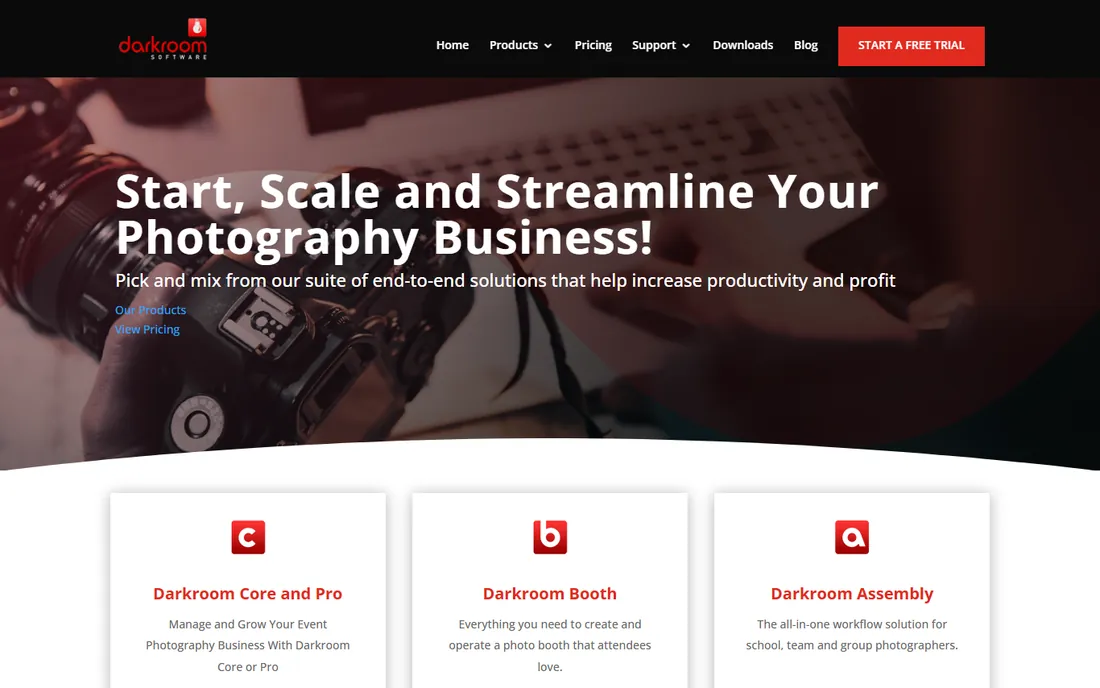
Darkroom has sold booth software to working photographers for over 25 years, and Booth is the product most mirror booth owners know first. The Mirror Booth mode guides guests with on-screen animations and voice prompts, and the template system gives you full control over print layouts. It talks to practically any DSLR and dye-sub printer you plug in.
Pricing is old-school in a good way: $295 buys the license outright, including a year of updates and support, with maintenance renewal at $95 per year after that. There is no monthly meter running. The trade is platform: this is Windows 11 software, and the interface reflects its age. If you run Windows booths and want to own your software, it remains the benchmark.
What we like- Dedicated Mirror Booth mode
- One-time purchase, not a subscription
- Deep printer and camera compatibility
Watch out for- Windows only
- Interface looks dated next to newer apps
Starting price£25.66/month (billed annually)
Free planFree trial (14 days)
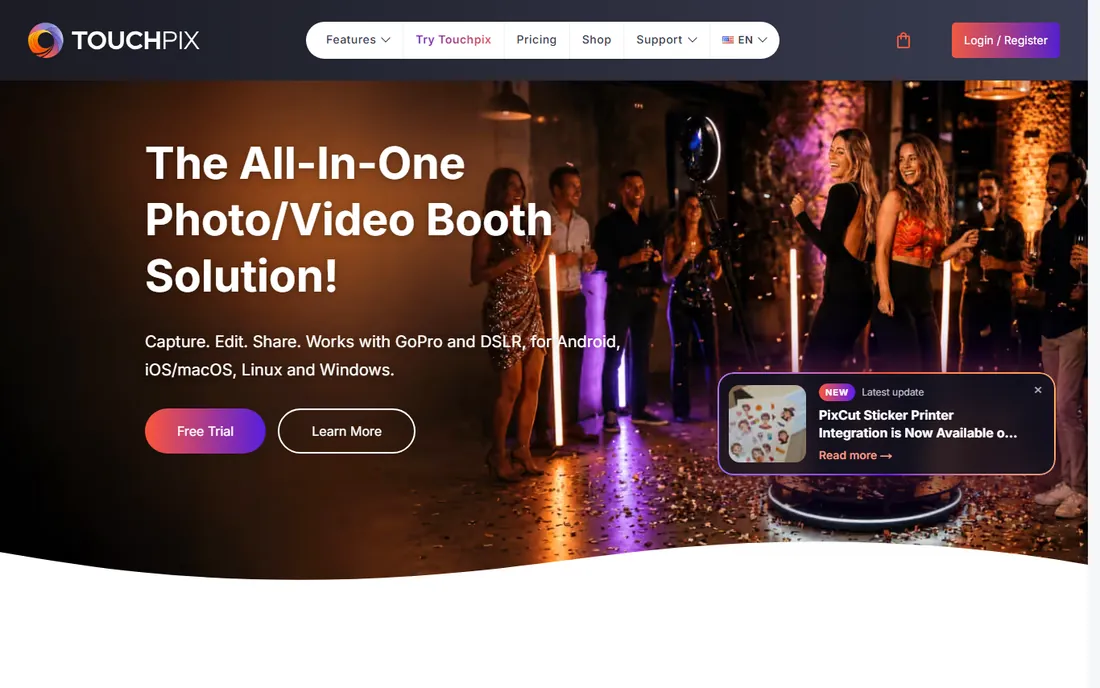
TouchPix started in 360 booths and added a full mirror booth experience with themed templates that run on Windows PCs or modern Macs. The pitch is one subscription across your whole fleet: the same license covers mirror booths, 360 rigs and iPad setups, with unlimited devices and plans tiered by simultaneous events.
Plans start at £25.66 per month billed annually for the PhotoPass tier with two active events, scaling to £128.33 for twelve. A 14-day trial covers all features. Support is 24/7, which matters when a booth misbehaves at a Saturday wedding. The GBP billing is a minor annoyance for US buyers but the math still works.
What we like- Mirror booth mode works with virtually any mirror hardware
- Runs on iOS, Android, Windows, macOS and Linux
- Unlimited devices on every plan
Watch out for- Priced in GBP which complicates US bookkeeping
- Video features require higher tiers
Starting price$29 per event
Free planFree trial
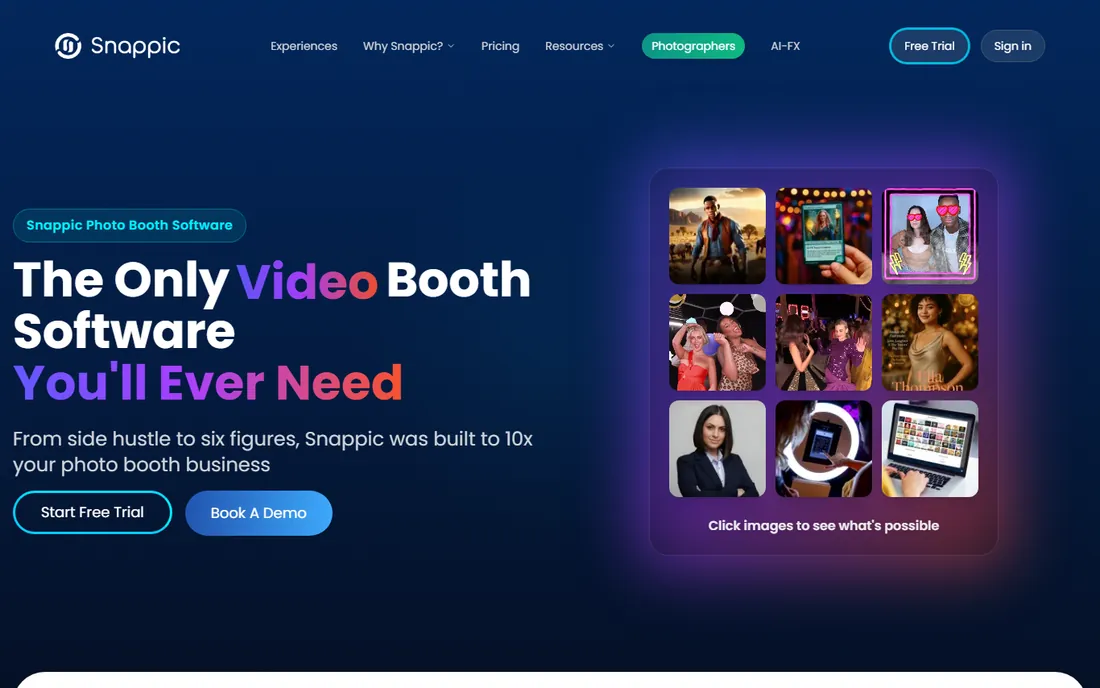
Snappic positions itself as the only booth software you will ever need, and the hardware list backs it up: mirror booths, 360 booths, iPad booths and even robot arm rigs run from the same platform. Setup is template-driven, sharing and galleries are built in, and the company leans hard on operator support.
The pricing model is the differentiator. Alongside monthly plans, Snappic sells pay-per-event access from $29, which is ideal if you run a handful of events a month and hate subscriptions. High-volume operators will do better on a monthly plan. A free trial needs no credit card, so you can test the mirror workflow before spending anything.
What we like- Mirror booth support plus 360, glam and robot booths
- Pay-per-event option with no subscription
- 24/7 support with fast response reputation
Watch out for- Per-event costs add up for high-volume operators
- Advanced analytics live on higher plans
Starting price$17/month (billed annually)
Free planFree trial
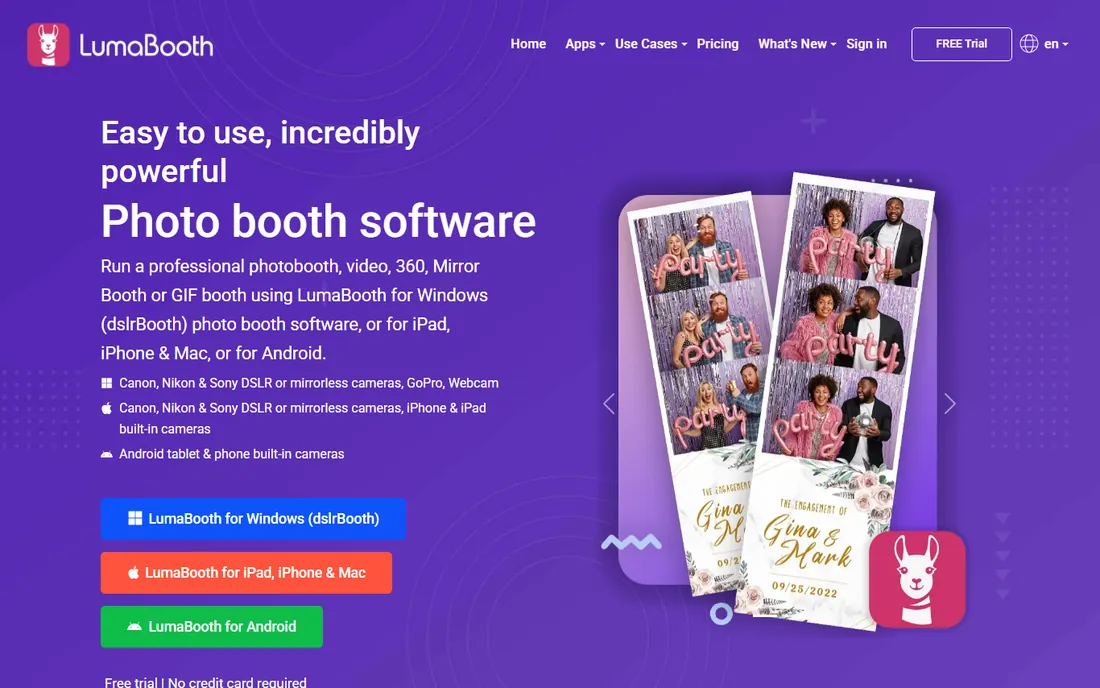
DSLR Booth, now sold under the LumaBooth brand family, is the value pick. The Windows app includes a dedicated mirror booth mode with guided audio and video prompts, and subscriptions start at $17 per month billed annually for two devices. iPad, iPhone, Mac and Android versions run $18 per month.
The product has been renamed and reorganized over the years, so expect some confusion between DSLR Booth, LumaBooth and fotoShare Cloud branding. Underneath, it is a capable, stable booth platform with cloud galleries included. For a new operator watching every dollar, the price-to-feature ratio is hard to beat.
What we like- Mirror booth mode on the Windows app
- Cheapest subscription on this list
- Free trial with no credit card required
Watch out for- Mirror mode is Windows-only
- Brand now spans several app names which confuses newcomers
Starting priceSee website
Free planNo
Foto Master is the turnkey option. The company builds mirror booths like the Mirror Air, Mirror X and Mirror Me, and its FMX software is designed to run them, with cloud-based event management, presets and live analytics. You are buying a system, not just an app.
That integration is the appeal and the lock-in. If you want to choose your own mirror hardware or already own one, other tools on this list fit better. If you are starting a booth business from zero and want one vendor responsible for everything, Foto Master's bundles with 24/7 support remove a lot of risk. Pricing is quote-based through their store.
What we like- Seven mirror booth models with matched software
- FMX software rebuilt for cloud management
- 24/7 human support included with purchase
Watch out for- Software is tied to their hardware ecosystem
- Pricing is quote-based
Starting priceSee website
Free planFree trial
Social Booth from Photo Booth Solutions has served event professionals for years, and its magic mirror support covers animations, touch interactions and branded overlays. Where it stands out is customization for corporate work: surveys, data collection, green screen and social sharing are all built for brand activations that need to look exactly right.
Pricing is not published on the site, so expect a sales conversation. A trial is available. This is the pick for operators whose clients are agencies and brands with strict guidelines, rather than weekend wedding warriors.
What we like- Magic mirror features with deep customization
- Strong social sharing and data capture
- Long track record with event professionals
Watch out for- Pricing is not published
- Windows-focused with less mobile presence
Starting priceSee website
Free planFree trial
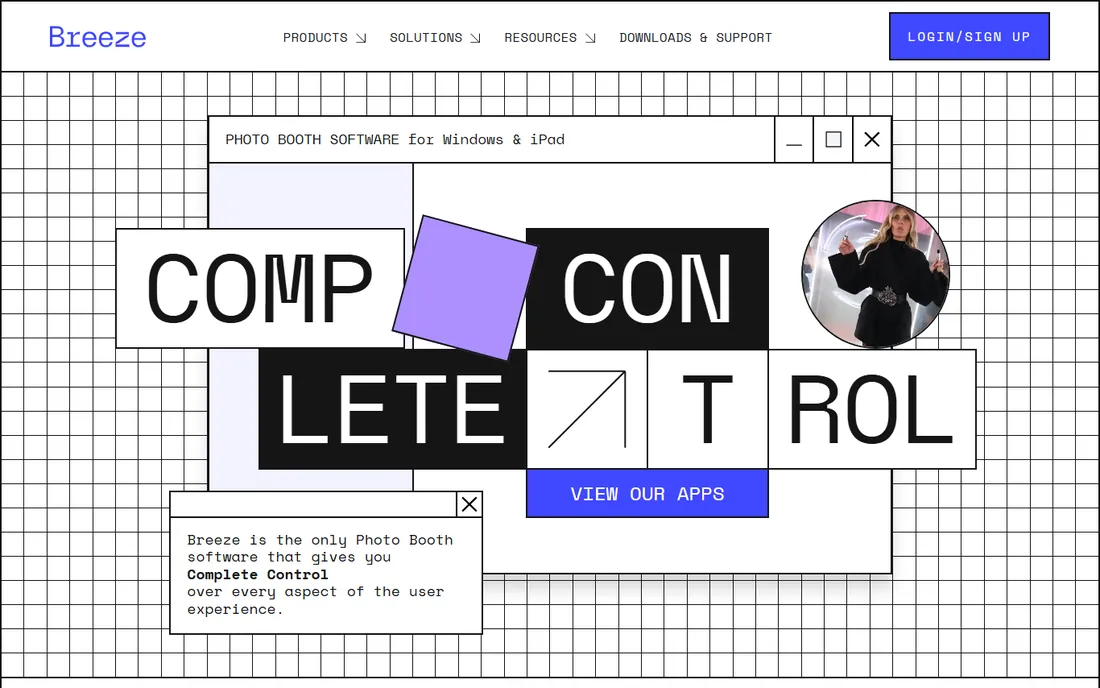
Breeze has built booth software since 2001, and its philosophy is total control: every screen, prompt and workflow can be shaped to the event. The Windows product drives touchscreen kiosks including mirror-style builds with DSLR or mirrorless cameras, while the iPad app covers mobile setups. Offline operation is a core feature, not an afterthought.
That power comes with complexity. Expect to spend real time learning the configuration system before your first event. Pricing is not published. Breeze suits experienced operators and activation agencies that need the booth to behave exactly as specified, down to the last screen.
What we like- Extreme control over the guest experience
- Windows and iPad products
- Rock-solid offline operation
Watch out for- No published pricing
- Configuration depth means a longer learning curve
What to check before you buy
Mirror booth software has to do three jobs: guide the guest, capture great images, and survive the event. Guide means on-screen animations and voice prompts that walk guests through posing without an attendant hovering. Capture means reliable tethering to your camera and printer. Survive means running offline when the venue wifi dies, which it will.
Check hardware compatibility first. Most mirror booths are Windows touchscreen PCs paired with a DSLR, and the Windows tools on this list assume that setup. If your mirror runs on a Mac or you plan iPad-based stations, narrow the list to TouchPix, Snappic or Breeze. Ask specifically about your camera model and printer; dye-sub printer drivers are where cheap software falls apart.
Then look at the money model. One-time licenses like Darkroom Booth reward owners who keep booths for years. Subscriptions like DSLR Booth and TouchPix spread the cost and include updates. Pay-per-event like Snappic fits seasonal operators. Add up a full year at your real event volume before comparing headline prices.
Support hours and the Saturday night test
Your booth will fail at 9pm on a Saturday. That is not pessimism, it is the job. Ask every vendor two questions: is support actually staffed on weekends, and what happens when the internet drops. TouchPix, Snappic and Foto Master advertise 24/7 support; verify what that means in practice through operator forums before you rely on it.
Also confirm the trial terms. Most tools here offer a free trial, but some watermark output or limit features. Run the trial on your actual hardware with your actual camera, not a laptop webcam. A mirror booth is a kiosk, and kiosk behavior only shows up on the real touchscreen.
How we chose
We listed software with explicit mirror booth modes or documented magic mirror support, verified by opening each vendor's homepage. Products that turned out to be rental companies, tanning suppliers or unrelated businesses were dropped. Pricing comes from each vendor's own pricing page or published FAQ; where pricing is not public we say so.
We compared feature lists, documentation, support terms and operator discussion in photo booth communities, with weight on offline reliability, camera and printer compatibility, and total cost at realistic event volumes. We did not operate booths hands-on. The ranking favors tools a working operator can buy and deploy this season.
Mistakes first-time buyers make
The classic mistake is buying software before choosing hardware. Mirror booth software assumes a touchscreen, a camera and a printer; the wrong screen size or an unsupported camera turns setup into a support ticket marathon. Pick the booth, then confirm the software drives it.
The second mistake is ignoring the attendee experience. Guests will not read instructions. The mirror has to entertain and direct them with animations and prompts, which is exactly what the dedicated mirror modes on this list are for. Generic slideshow software on a mirror looks cheap and confuses guests.
The third is underestimating print costs. Software is the small line item; dye-sub media, printer maintenance and spare parts dominate booth economics. A $295 one-time license versus a $17 monthly subscription barely moves the needle next to consumables. Choose software for reliability and workflow, not the sticker price.
Frequently asked questions
What is a mirror photo booth?
It is a photo booth built into a full-length mirror with a touchscreen behind the glass. Guests see themselves, follow animated prompts, pose, and get prints or digital copies. The software runs the touchscreen experience, camera capture, printing and sharing.
Do I need special hardware to run mirror booth software?
Yes. You need a mirror booth unit or a DIY equivalent: a touchscreen, a two-way mirror, a DSLR or mirrorless camera, lighting and usually a dye-sub printer. The software on this list assumes that hardware and will not turn a laptop into a mirror booth.
Can mirror booth software work offline?
The serious options can. Venues have unreliable wifi, so offline capture and printing is a core requirement. Confirm offline behavior during the trial, including what happens to sharing and galleries when the connection drops.
One-time license or subscription: which is better?
It depends on volume and horizon. A one-time license like Darkroom Booth pays off if you run the same booth for years. Subscriptions bundle updates and support and suit operators who always want the latest features. Pay-per-event fits seasonal or side-hustle operators.
How long does setup take before an event?
Expect a few hours the first time: installing the software, calibrating the camera and printer, loading templates and testing the full guest flow. After that, a familiar rig sets up in under an hour. Budget a full rehearsal day before your first paid event.
Which mirror booth software is easiest for beginners?
Snappic and DSLR Booth have the gentlest learning curves, with template-driven setup and free trials. Darkroom Booth rewards a bit more study with deeper control. Foto Master is easiest of all if you buy their hardware, since the system arrives matched.
Sources we checked (10)
- https://darkroomsoftware.com/
- https://darkroomsoftware.com/pricing/
- https://touchpix.com/
- https://touchpix.com/pricing/
- https://snappic.com/
- https://dslrbooth.com/
- https://dslrbooth.com/pricing
- https://fotomaster.com/
- https://photoboothsolutions.com/
- https://breezesoftware.com/
Is your product missing or out of date?
We review this list regularly. Vendors can request a listing, send updated pricing or ask about featured placement.

Shihab Mia · Founder, Rankite
Shihab has spent more than a decade helping SaaS and e-commerce brands grow through search. He writes Rankite's software buying guides from pricing pages, documentation and public user reviews. More about Shihab.