How we make this list: we compare pricing pages, product documentation and public user reviews. Ratings come from G2, Capterra or Trustpilot, with the date we checked them.
Key takeaways
- CapCut and VN Video Editor give the most free features for turning photos into videos, and both work well for short social clips with Hindi text.
- KineMaster suits creators who want layered editing and precise control over text animation, though its free exports carry a watermark.
- Filmora and PowerDirector are stronger picks when a project grows beyond phone clips, since both offer desktop editing with larger screens and deeper audio tools.
- VivaVideo and Canva are the simplest routes to a finished video, with ready templates that suit birthdays, festivals and family slideshows.
- Check the price inside the app store for your region before paying, since subscription prices vary by country and platform.
A photo slideshow sounds simple until you try to make one that people actually watch to the end. The photos need to move in time with the music, the text needs to be readable on a small phone screen, and the export needs to look clean when shared on WhatsApp or YouTube. The apps below all turn still photos into videos, but they differ in how much control they give you, how much they charge, and how well they handle Hindi text.
Hindi support deserves special attention. Some apps render Devanagari script cleanly with a choice of fonts, while others break conjunct characters or offer only one or two Hindi fonts. If your video carries a birthday message, a wedding invitation or a festival greeting in Hindi, test one short clip with your exact text before building a long project. A font that looks fine in the editor can still render badly after export, so a quick test saves real frustration.
The list mixes free-first phone apps with fuller editors that also run on desktop. Start with the free plan of any app that interests you, make one complete video, and only pay when you hit a limit that matters, such as a watermark, an export resolution cap or a locked music track.
Quick comparison
| Tool | Best for | Starting price | Free plan |
|---|
 CapCut CapCut | Fast photo videos with trending templates | See website | Yes |
 KineMaster KineMaster | Layered editing with animated Hindi text | See website | Yes |
 Filmora Filmora | Desktop slideshow projects with music | See website | Free trial |
 VivaVideo VivaVideo | Quick themed slideshows for family events | See website | Yes |
 Canva Canva | Template based greetings and invitations | See website | Yes |
 PowerDirector PowerDirector | Feature rich editing on phone and desktop | See website | Free trial |
 VN Video Editor VN Video Editor | Free editing without a watermark | See website | Yes |
Is your product missing or out of date?
We review this list regularly. Vendors can request a listing, send updated pricing or ask about featured placement.
The best apps to make video from photo in Hindi
#1CapCut
Best for: Fast photo videos with trending templates1.2/5 on
Trustpilot (1,347 reviews, checked Oct 2026)
Visit capcut.com
Starting priceSee website
Free planYes
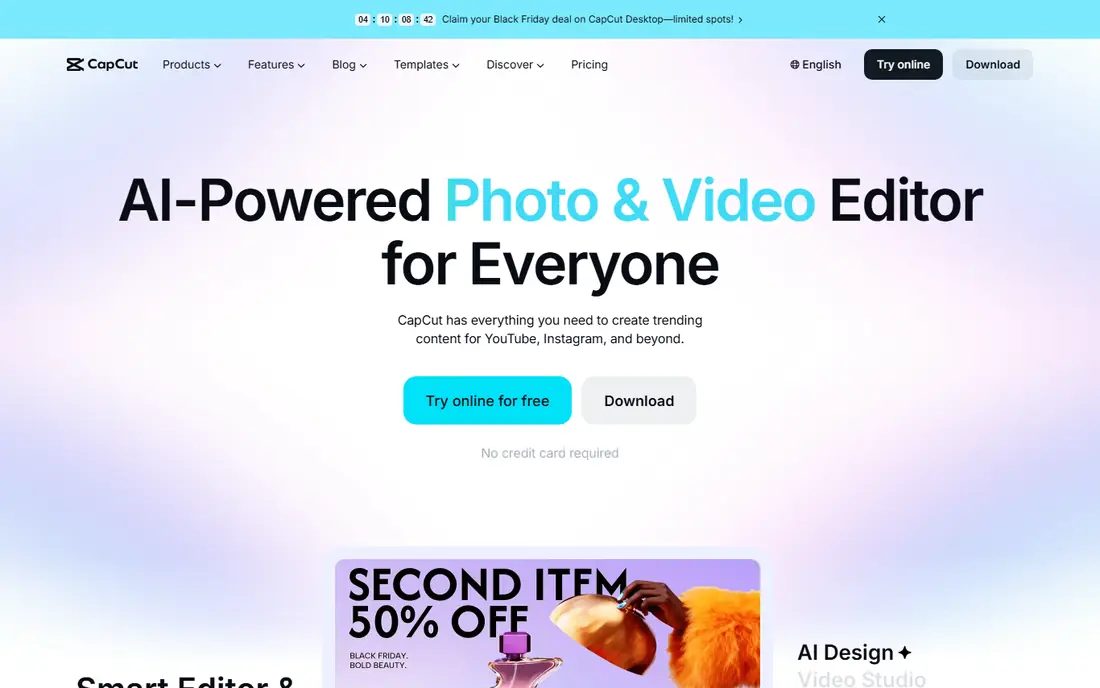
CapCut is the quickest route from a camera roll to a finished video. Pick a template, drop in your photos, and the app lines up transitions and music beats for you. That template first workflow suits festival greetings, birthday reels and short tribute videos where speed matters more than fine control.
Hindi text works in CapCut through its text tool and caption features, and the app supports a wide set of languages for auto captions. Keep titles short and test the font you choose, since decorative fonts sometimes render Devanagari characters less cleanly than plain ones. The free plan covers most everyday slideshow needs, with paid plans adding premium templates, extra effects and larger cloud storage.
The catch is depth. Once you want frame level control over each photo, layered text animation or careful audio mixing, CapCut starts to feel limited next to KineMaster or a desktop editor. Treat it as the fast option in your toolkit rather than the only editor you will ever need.
What we like- Large template library
- Auto captions in many languages
- Easy music syncing
Watch out for- Some premium templates and effects need a paid plan
- Advanced controls are thinner than desktop editors
Starting priceSee website
Free planYes
KineMaster gives phone editors a proper timeline. Photos, text, stickers and music each sit on their own layer, so you can animate a Hindi title sliding in while a photo slowly zooms behind it. Keyframes let you control exactly how each element moves, which is what separates a polished invitation video from a plain slideshow.
The app lists Hindi among the languages supported by its auto captions, and its text styling tools let you adjust fonts, colours, outlines and shadows for each word. That matters for Devanagari text, where a good font and clear outline keep the message readable over a busy photo. The asset store adds thousands of stickers, fonts, music tracks and transitions, though premium assets sit behind the subscription.
Free users should know about the watermark, which appears on exports until you subscribe to Premium. If you only make videos for family groups, that watermark may not bother you. If you post publicly or make videos for clients, factor the subscription into your decision from the start.
What we like- Multi-layer timeline
- Keyframe animation for text and images
- 4K export on supported devices
Watch out for- Free exports carry a watermark
- Some features strain older or budget phones
Starting priceSee website
Free planFree trial
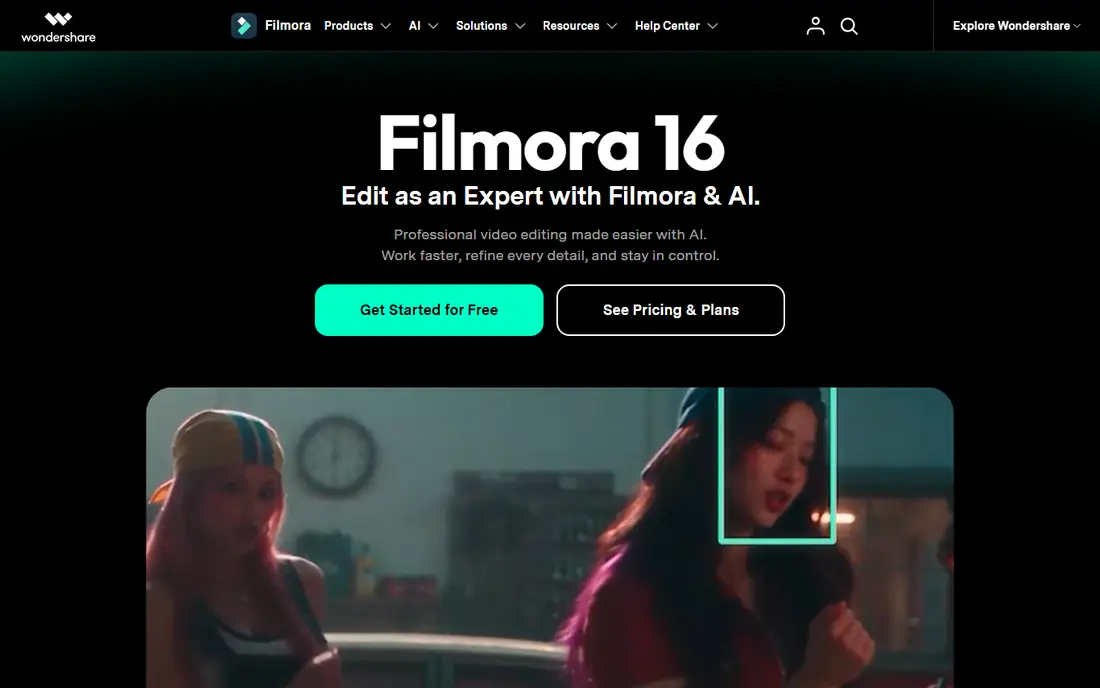
Filmora is a desktop editor from Wondershare that also offers a mobile app, and it fits longer slideshow projects better than most phone-only tools. A wedding album video with fifty photos, chapter titles and a music bed is easier to manage on a big screen, where you can see the whole timeline at once and adjust each photo duration with a mouse.
The editor covers the basics well: trimming, cropping, transitions, titles, filters and a music library with royalty free tracks. Photo import covers common formats, and exports go up to 4K on supported machines. Hindi titles are straightforward to add through the text tool, and the larger screen makes it easier to check that the script renders correctly before export.
The trial version is fully featured but watermarks exported videos, so budget for a paid plan if you plan to share finished work. Filmora also asks more of your computer than a phone app does, so check the system requirements if your machine is older.
What we like- Large effects and music library
- Simple timeline for beginners
- 4K export support
Watch out for- Trial exports carry a watermark
- Desktop focus means less handy for quick phone edits
Starting priceSee website
Free planYes
VivaVideo has been around for years as a phone-first video maker, and its strength is themed creation. Choose a theme, add photos, pick music, and the app assembles a video with transitions and effects that fit the occasion. For a birthday, an anniversary or a Diwali greeting, that guided path gets a shareable result in minutes.
Editing tools cover trimming, cutting, merging, collage layouts, speed control and filters, which is enough for most family videos. The app is easy to learn, and its sharing options send finished videos straight to the apps where family and friends already watch them. Hindi text can be added as titles and captions, though font choice is narrower than in KineMaster or Canva.
The trade off is control. VivaVideo does not offer the layered timeline or keyframe animation that serious creators want, and some of its best themes and effects require payment. Use it when the occasion matters more than the edit, and pick a deeper editor when the project does.
What we like- Ready themes for birthdays and festivals
- Simple storyboard editing
- Direct sharing to social apps
Watch out for- Advanced editing controls are limited
- Premium features sit behind a subscription
#5Canva
Best for: Template based greetings and invitations4.7/5 on
G2 (7,678 reviews, checked Oct 2026)
Visit canva.com
Starting priceSee website
Free planYes
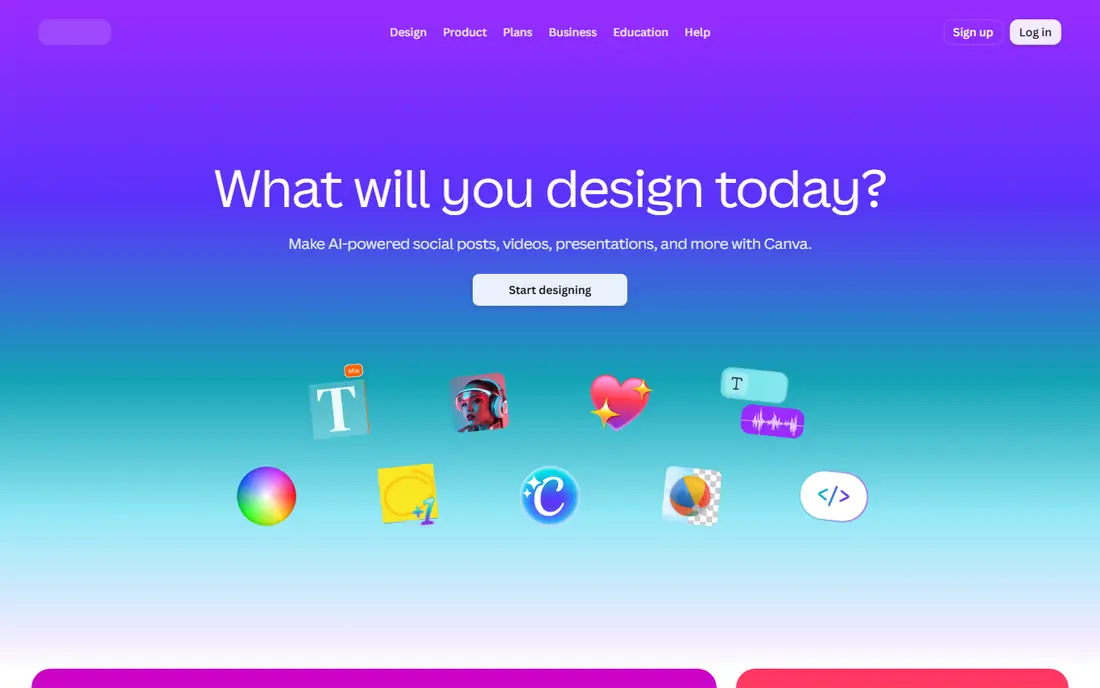
Canva approaches photo video from the design side. Instead of starting with a timeline, you start with a template for an invitation, a greeting card or a social post, then swap in your photos and text. That makes it a strong pick for Hindi invitation videos, where the design, the colours and the wording matter as much as the motion.
The drag and drop editor is friendly for beginners, and the template library covers festivals, weddings, birthdays and business announcements. Hindi text can be typed directly into designs, and Canva offers fonts that support Devanagari script, though you should preview your exact wording before export. The free plan includes a large template and stock library, with Pro adding premium templates, brand kits, background removal and more storage.
Video editing itself is the weak point. Canva lacks multi-track audio mixing, colour grading and frame level control, and video exports top out at 1080p in most cases. Choose Canva when the design leads the project, and pair it with a real video editor when the edit itself is the star.
What we like- Huge template library for invitations and greetings
- Easy drag and drop editing
- Works in a browser and on phones
Watch out for- Video timeline is simpler than dedicated editors
- Export is capped at 1080p for video in many plans
#6PowerDirector
Best for: Feature rich editing on phone and desktop4.4/5 on
G2 (57 reviews, checked Oct 2026)
Visit cyberlink.com
Starting priceSee website
Free planFree trial
PowerDirector from CyberLink is one of the most complete editors on this list, with versions for phones and desktop computers. Its mobile app offers templates, filters, effects and music, while the desktop version adds multi-cam editing, keyframes, colour tools and AI features such as auto edit, which can turn a set of photos and clips into a finished video with captions and music.
For Hindi photo videos, the appeal is flexibility. You can start a quick slideshow on your phone, then move to the desktop version when a project grows, or stay on mobile for everything. The AI storytelling and caption tools can speed up narration and subtitle work, and the stock library adds music and footage when your own photos need support.
The free version exports with a watermark, and the sheer number of features can feel like a lot on a first project. Beginners should start with a template or the auto edit path and learn the manual timeline gradually. PowerDirector rewards that patience with the deepest toolkit here outside Filmora.
What we like- AI tools including auto edit and captions
- Strong effects and template library
- Phone and desktop versions
Watch out for- Free version watermarks exports
- The full feature set can overwhelm first time editors
Starting priceSee website
Free planYes
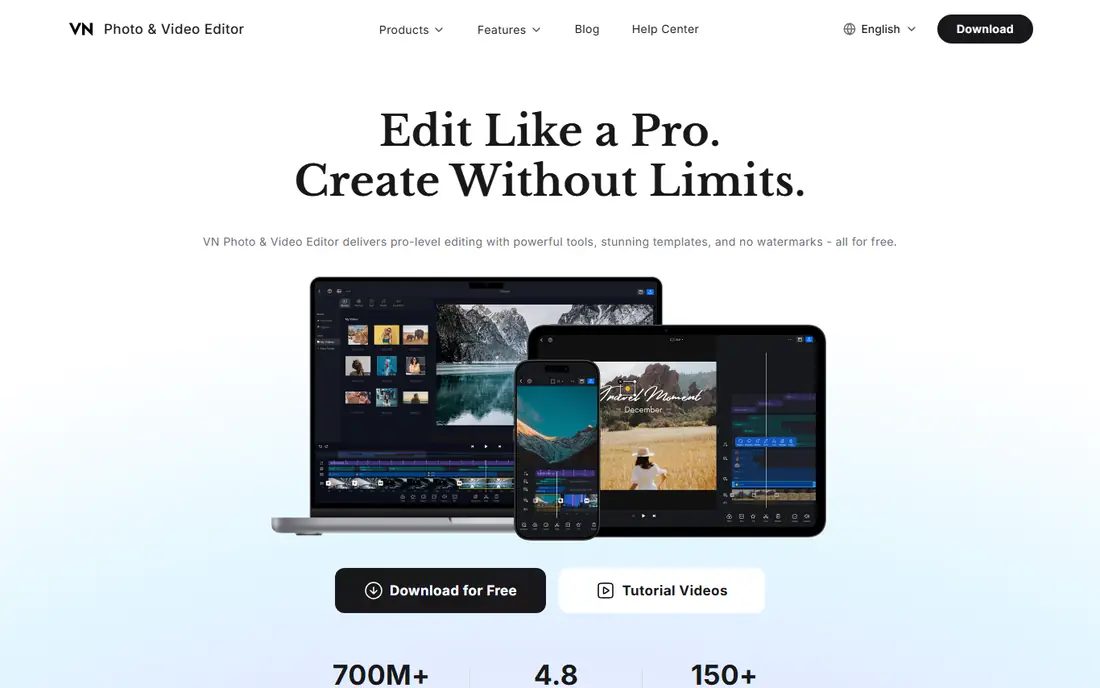
VN Video Editor, often just called VN, is the pick for creators who want a powerful free editor. Its homepage promises pro level editing with no watermarks on free exports, and that single point makes it stand out against KineMaster and PowerDirector, where removing the watermark means paying. The app supports Hindi among its interface languages, and its text tools handle Devanagari titles for greetings and invitations.
The editor itself is serious: a multi-track timeline, keyframe animation, speed curves, filters, effects and templates, with export options that suit social platforms. Photo to video projects benefit from precise control over each photo duration, zoom and transition, and the lack of a watermark means finished videos look clean even on the free plan. A paid Pro option exists for extra features and credits, but the core editor costs nothing.
The downsides are modest. VN has fewer ready made trending templates than CapCut, so you build more from scratch, and its depth takes a few projects to learn. For Hindi photo videos made on a budget, though, that trade is easy to accept.
What we like- No watermark on free exports
- Multi-track timeline with keyframes
- Hindi listed among supported languages
Watch out for- Smaller template library than CapCut
- Advanced features take time to learn
How we chose
We checked each vendor homepage to confirm the product exists and belongs to the app named, then compared features that matter for photo to video work: template quality, text and font support for Hindi, timeline control, music options, export resolution and watermark rules. Pricing pages and app store listings were used for free plan details, and where a current vendor price could not be verified we wrote See website rather than repeating a third party figure. Public reviews on app stores and editing communities were used only to sense common strengths and complaints, not as proof of any claim.
What to check before you pick an app
Start with the language test. Type your exact Hindi message into the app, pick the font you plan to use, and export a ten second clip. Watch it on the phone where your audience will see it, and check that conjunct characters render correctly and the text stays readable over your photos. An app that fails this test is the wrong app for your project, no matter how good its templates look.
Next, match the app to the length of your video. Short reels and greetings under a minute suit CapCut, VivaVideo or Canva, where templates do most of the work. Videos longer than a few minutes, or projects with many photos and chapter titles, are easier in KineMaster, VN or a desktop editor like Filmora or PowerDirector, where the timeline stays manageable as the project grows.
Music, export quality and sharing
Music shapes how a slideshow feels, so check whether the app includes tracks you can use publicly or only for personal sharing. Some free music libraries cover personal posts but not business pages or monetised channels, and using a popular film song without permission can get a video muted or removed. When in doubt, use the app built in library or a track you own.
Export settings matter too. Check the resolution, frame rate and file size before a long export, and confirm whether the free plan watermarks the result. A 1080p export without a watermark beats a 4K export with one for most sharing, since WhatsApp and social apps compress video anyway. Finally, save your project inside the app as well as the finished video, so you can fix a spelling mistake in a Hindi title without rebuilding the whole video.
Paid plans and free limits
Free plans differ more than they first appear. One app may give you every editing tool but watermark exports, while another gives clean exports but locks its best templates and music. Before paying, list the exact limits you hit in real projects, such as the watermark, a template you need or an export cap, and pay only for the plan that removes that limit. Prices also vary by region and by platform, so check the price in your own app store rather than trusting a figure quoted for another country.
Frequently asked questions
Which app is best for making a video from photos with Hindi songs?
CapCut and VN Video Editor are strong starting points, since both handle photo timelines well and let you add music and Hindi text. CapCut is faster through templates, while VN gives cleaner free exports without a watermark. Pick CapCut for speed and VN when you want full control at no cost.
Can I add Hindi text to my photo video?
Yes, all the apps listed let you add text, and several list Hindi among their supported languages. Type your exact message, choose a font that renders Devanagari script cleanly, and export a short test clip before building the full video. Decorative fonts sometimes display conjunct characters poorly, so plain readable fonts are the safer choice.
Which free app makes photo videos without a watermark?
VN Video Editor exports without a watermark on its free plan, which sets it apart on this list. Canva free exports are also generally clean for designs you build yourself, though some premium assets carry their own restrictions. KineMaster and PowerDirector add a watermark on free exports, which a subscription removes.
How long should a photo video be?
For social sharing, one to two minutes works well, with each photo on screen for three to five seconds. Longer videos suit family events and anniversaries, where viewers already care about the people in the photos. If attention drops, shorten photo durations and let the music carry the pace rather than adding more effects.
Do I need a computer to make a good photo video?
No, a phone is enough for most photo videos, and KineMaster, VN and CapCut all produce polished results on mobile. A computer helps for long projects, careful audio work and large photo collections, which is where Filmora and PowerDirector earn their place. Start on your phone and move to desktop only when a project outgrows it.
Can these apps use my own music instead of their library?
Yes, each app lets you import audio from your device, though the exact steps differ. Using your own music is the best option when you own the track or have permission to use it. Avoid adding popular film songs to videos you post publicly, since platforms may mute or remove them.
Sources we checked (8)
- https://www.capcut.com
- https://www.kinemaster.com
- https://filmora.wondershare.com
- https://www.vivavideo.tv
- https://www.canva.com
- https://www.cyberlink.com
- https://vlognow.me
- https://alightmotion.com
Is your product missing or out of date?
We review this list regularly. Vendors can request a listing, send updated pricing or ask about featured placement.

Shihab Mia · Founder, Rankite
Shihab has 5+ years in B2B and SaaS SEO. He writes Rankite's software buying guides from pricing pages, documentation and public user reviews. More about Shihab.