How we make this list: we compare pricing pages, product documentation and public user reviews. Rankite is independent; if a vendor ever pays for a featured spot, that listing is clearly labeled Partner.
Key takeaways
- Microsoft PowerPoint remains the default for compatibility, while Canva and Google Slides win on fast collaboration and design.
- AI-first tools like Gamma, Beautiful.ai, and Plus AI build a first draft deck in minutes, but you still need to review the output before presenting.
- Most paid plans sit between $10 and $20 per user per month, with free tiers strong enough for basic slides.
Quick comparison
| Tool | Best for | Starting price | Free plan |
|---|
 Microsoft PowerPoint Microsoft PowerPoint | full compatibility and offline editing | $179.99 one-time (standalone) | Yes |
 Canva Canva | fast, designed decks for non-designers | $18/month (Pro) | Yes |
 Google Slides Google Slides | real-time collaboration on a budget | Free | Yes |
 Prezi Prezi | zooming, movement-heavy presentations | $19/month (Plus, billed annually) | Yes |
 Beautiful.ai Beautiful.ai | auto-formatted decks that stay on brand | $14.50/month (Pro, billed annually) | Free trial |
 Gamma Gamma | AI-generated decks from a prompt | $12/month (Plus) | Yes |
 Pitch Pitch | startup teams that present often | $10/user/month (Plus, billed annually) | Yes |
 Plus AI Plus AI | drafting PowerPoint and Slides decks with AI | $15/month (Basic) | Free trial |
 Decktopus Decktopus | quick AI-assisted decks for busy founders | $9.99/month (Pro) | Yes |
Is your product missing or out of date?
We review this list regularly. Vendors can request a listing, send updated pricing or ask about featured placement.
The best apps for PowerPoint presentations
Starting price$179.99 one-time (standalone)
Free planYes
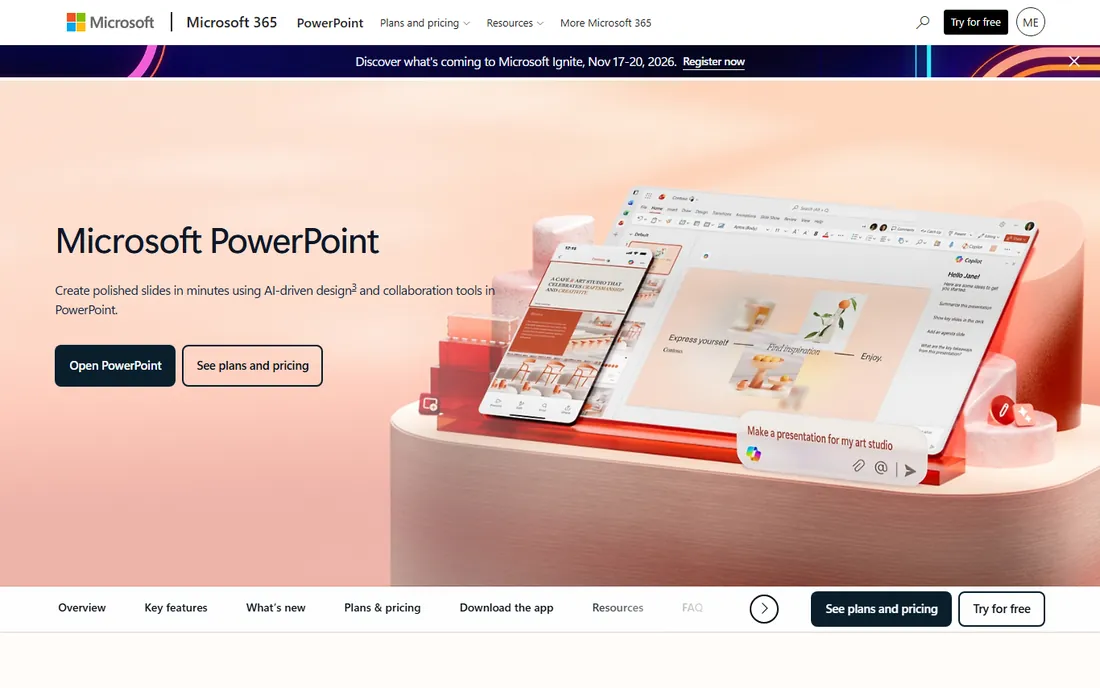
The deck is due Friday. Three people edited it on three different computers, the fonts broke on the conference room laptop, and nobody knows which version is final. PowerPoint remains the one app that sidesteps almost all of this, because every client, vendor, and colleague already has it or can open its files. If your business lives inside the Microsoft ecosystem, nothing else matches it for compatibility.
What PowerPoint does best is the boring stuff that matters in a deadline crunch. It handles huge files, embedded video, complex charts, and speaker notes without fuss. Offline editing means the hotel Wi-Fi situation never ruins your morning presentation. The trade-off is collaboration. Co-authoring through OneDrive or SharePoint works, but it still feels bolted on compared with tools that were built in the browser from day one.
Pricing is straightforward once you pick a lane. A standalone license costs $179.99 as a one-time purchase, while Microsoft 365 plans bundle PowerPoint with the rest of the Office suite on a yearly subscription. There is also a free web version that covers basic editing and real-time co-authoring.
What we like- Opens any .pptx file exactly as intended
- Works fully offline
- Deep feature set for advanced formatting
Watch out for- Collaboration is clunky compared with browser tools
- The full version costs more than most rivals
Starting price$18/month (Pro)
Free planYes
Canva is the pick for the team member who says they are not a designer and does not want to become one. Thousands of presentation templates, stock photos, icons, and fonts live inside the editor, so a decent-looking deck comes together in an hour rather than a day. For marketing teams that produce pitch decks, one-pagers, and social graphics in the same week, having all of that in one account saves real time.
The honest catch is PowerPoint compatibility. Canva exports to .pptx, but complex slides sometimes arrive in PowerPoint with shifted text boxes or swapped fonts. If the final deliverable must be a native PowerPoint file that a client will edit, build it in PowerPoint or budget time to fix the export. Within Canva itself, sharing and commenting work well, and the Pro plan adds a brand kit so colors and logos stay consistent across the team.
Canva Pro costs $18 per month when billed monthly, or $144 per year (about $12 per month) when billed annually. The free plan is generous for basic decks and includes many templates. Canva for Teams adds per-seat pricing with shared brand controls and admin tools.
What we like- Huge template and stock library
- Very easy to learn
- Good brand kit controls on paid plans
Watch out for- Exports to .pptx can shift layouts
- Advanced animation is limited
Starting priceFree
Free planYes
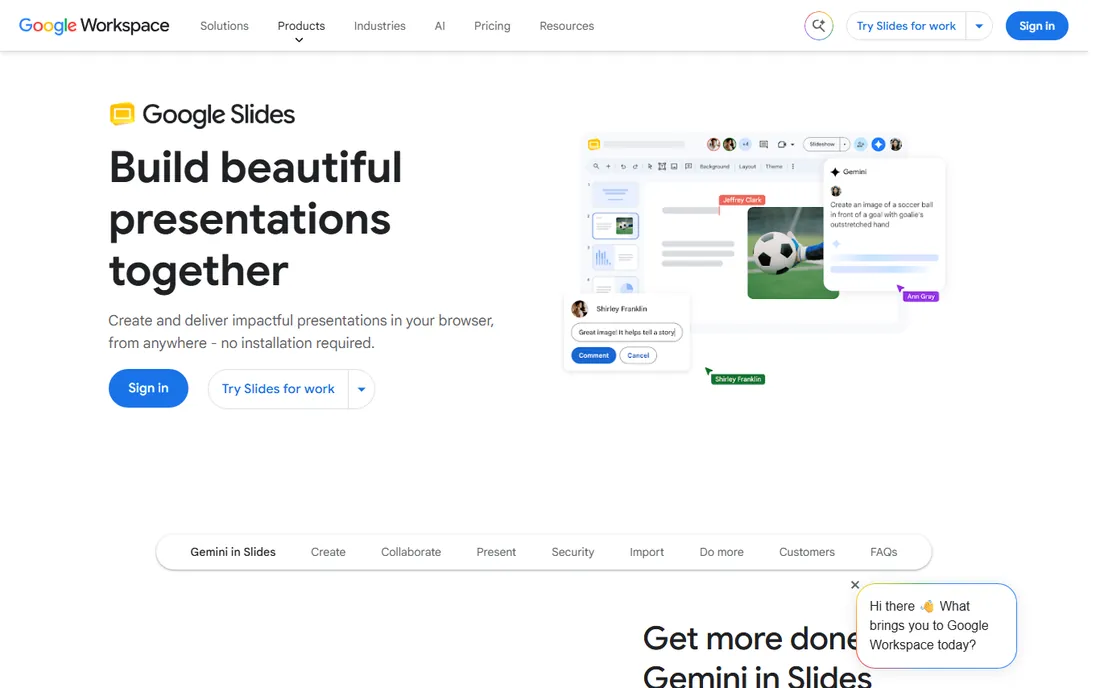
Nobody picks Google Slides for its design tools. People pick it because three coworkers can edit the same deck at the same time, every change saves itself, and nobody has to email a file called FINAL_v7.pptx ever again. For internal decks, weekly reports, and anything that lives and dies by fast feedback, that workflow advantage is hard to beat.
The downside shows up at the handoff. Slides imports and exports .pptx files, but heavy formatting, custom fonts, and intricate layouts can shift in transit. Presentations that stay inside Google Workspace avoid the problem entirely. Offline support exists through Chrome, though it is less complete than a desktop app. Slides also integrates naturally with Google Drive, Docs, and Meet, which is a quiet productivity win for teams already on Google Workspace.
Pricing is the simplest story in this list: free for anyone with a Google account. Paid Google Workspace plans (starting around $7 per user per month for Business Starter) add custom email, more storage, and admin controls, but Slides itself does not change.
What we like- Free with any Google account
- Best-in-class real-time co-editing
- Automatic cloud saving
Watch out for- Smaller template selection
- Formatting fidelity can slip when round-tripping through .pptx
Starting price$19/month (Plus, billed annually)
Free planYes
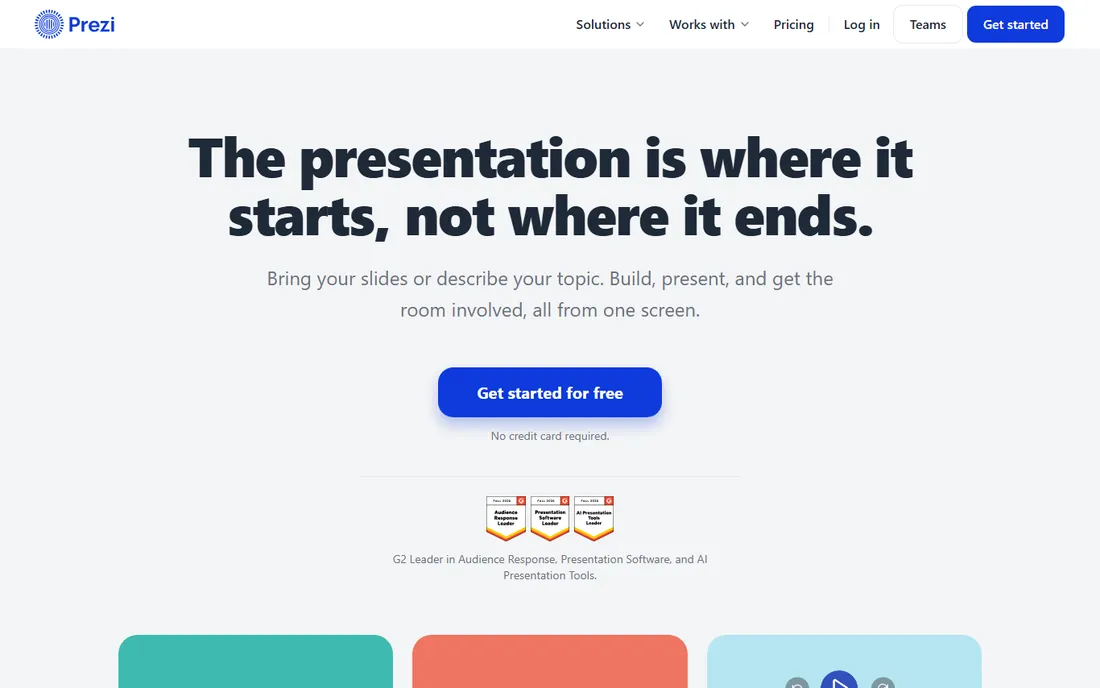
Prezi is the answer when your presentations feel like a sedative and you want to change that. Instead of flipping through slides, you zoom across a single canvas, which keeps an audience's eyes on the screen during sales pitches and conference talks. Prezi Video, which puts the presenter on screen alongside the content, is genuinely useful for remote pitches and recorded demos.
The catch is taste and fit. The zooming style can annoy a boardroom that expects a standard deck, and building a good Prezi takes longer than building a standard slide deck because you have to think about the spatial layout. It is a presentation tool, not a document tool, so do not try to force a 40-slide data report into it. Used for the right moments, though, it makes a small company look more polished than its headcount suggests.
Prezi's free Basic plan covers simple presentations with public sharing. Paid plans start with Plus at $19 per month billed annually, then Premium at $29 and Teams at $39, adding privacy controls, analytics, offline access, and admin features as you go up.
What we like- Distinctive zooming canvas that holds attention
- Strong video presentation features
- Reusable content library
Watch out for- The motion style does not suit formal decks
- Steeper learning curve for new users
Starting price$14.50/month (Pro, billed annually)
Free planFree trial
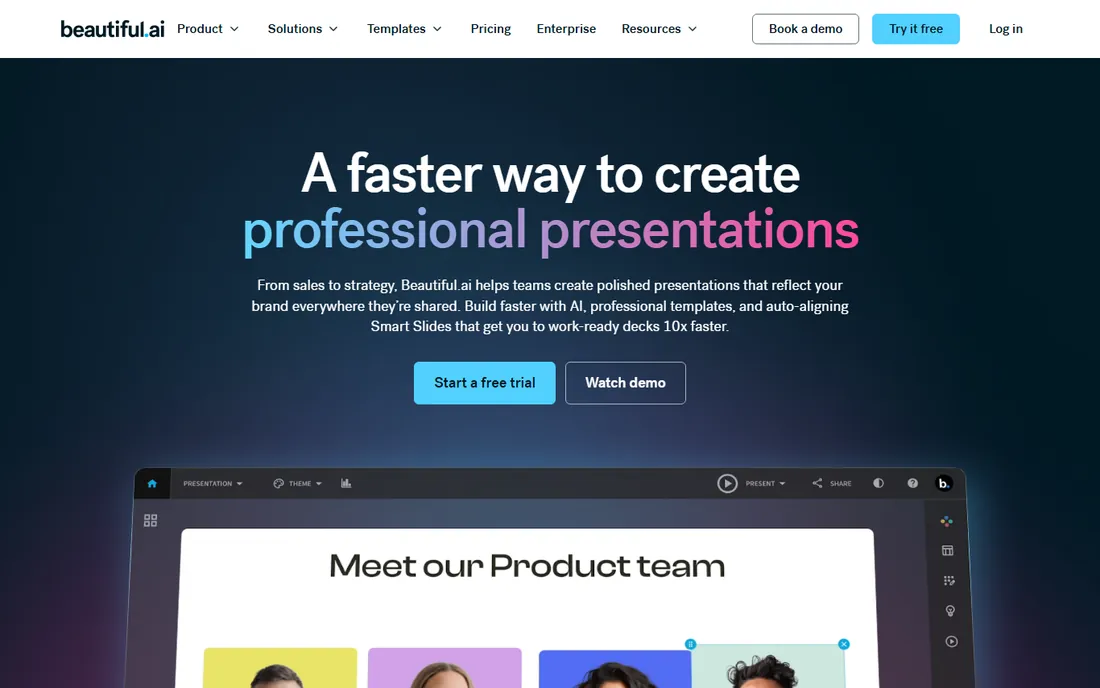
If your decks always look slightly off because nobody on the team has an eye for spacing and alignment, Beautiful.ai is worth a look. Its smart slides rearrange themselves as you add content, so text never overflows and charts never collide with headers. The result is a deck that looks professionally designed even when it was assembled by an accountant at 11 p.m.
The trade is control. You work inside Beautiful.ai's template system, which means less freedom to build something truly custom. Teams that want pixel-perfect bespoke design will feel fenced in. But for recurring investor updates, monthly reports, and sales decks that need to look sharp without a designer on call, the constraint is the point. It keeps everyone on brand by default rather than by discipline.
Beautiful.ai Pro costs $14.50 per month billed annually ($174 per year) or $45 per month billed monthly. Team plans add per-seat pricing with shared slide libraries and admin controls. There is no free plan, though a 14-day trial lets you test the editor before paying.
What we like- Smart templates that auto-adjust layouts
- Consistent branding with minimal effort
- Good for recurring reports
Watch out for- Less creative freedom than Canva
- No free tier, only a trial
Starting price$12/month (Plus)
Free planYes
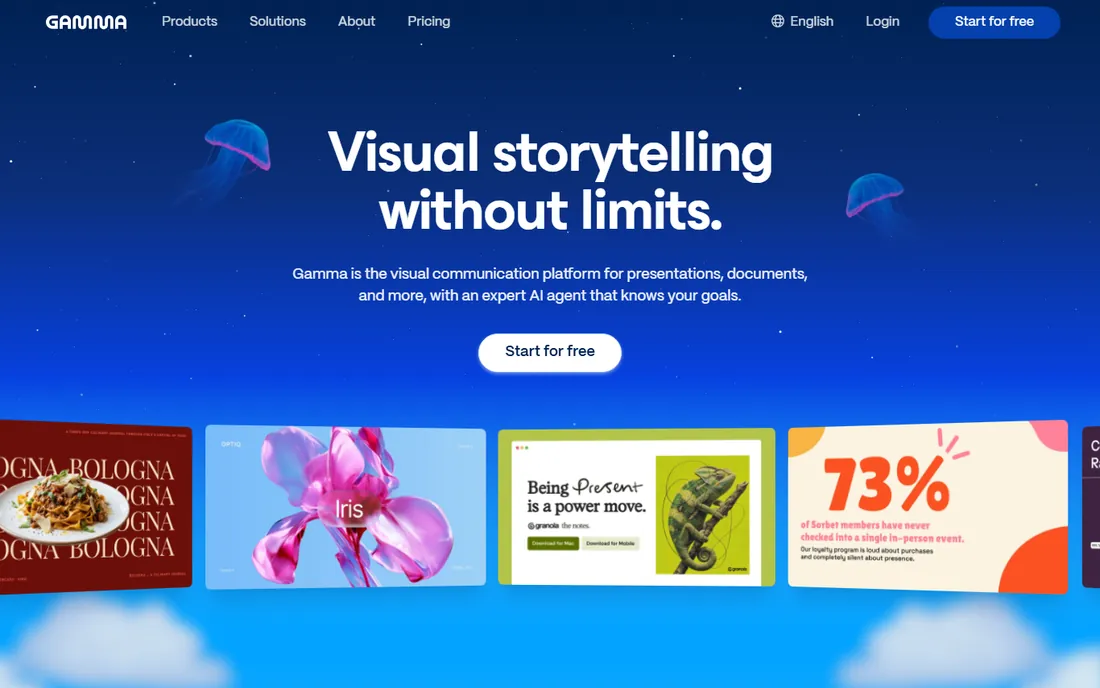
Gamma belongs to the new wave of tools that write your first draft for you. Type a topic or paste an outline, and it generates a structured deck with text, images, and layouts in a few minutes. For founders who need a pitch deck by tomorrow and marketers turning a blog post into a webinar, that speed is the whole selling point.
The honest weakness is the same one every AI writing tool has: the output is a starting point, not a finished product. Statistics may be vague, claims may need sourcing, and the design choices sometimes miss the mark for your brand. Plan on a solid review pass. Export to .pptx works but can require cleanup, so Gamma fits best when the deck lives as a shared web link rather than a file attachment.
Gamma's free plan includes a one-time allowance of 400 AI credits, which covers a few decks. Plus costs $12 per month billed monthly or about $9 per month billed annually ($108 per year), and Pro at $25 per month adds more credits and features.
What we like- Turns a prompt or outline into a full deck in minutes
- Clean modern themes
- Easy web sharing
Watch out for- AI output needs fact-checking and design review
- Exports can need cleanup in PowerPoint
Starting price$10/user/month (Plus, billed annually)
Free planYes
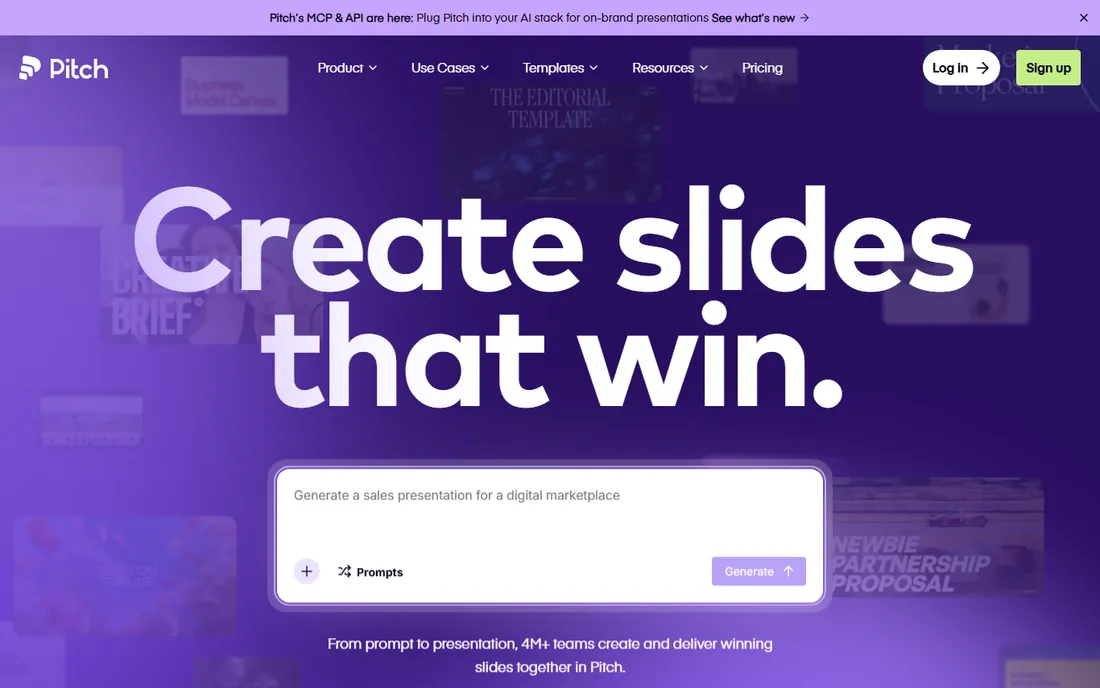
Pitch feels like what PowerPoint would be if it were invented this decade. The editor is fast, the templates are modern, and collaboration is built in rather than added later. It is aimed squarely at startups and scale-ups that produce decks constantly: fund-raising, sales, all-hands, board meetings. Shared workspaces, version history, and presentation analytics all come standard on paid plans.
Where it falls short is the ecosystem. PowerPoint has thirty years of add-ins, templates, and integrations, while Pitch has a fraction of that. If your workflow depends on a specific data connector or a compliance-approved template library in .pptx format, check compatibility before committing. For most small teams, though, the core editing and sharing experience is more than enough, and the learning curve is nearly flat for anyone who has used slides before.
Pitch is free for basic use. Plus costs $10 per user per month billed annually, with Team and Business tiers above that adding admin controls, SSO, and dedicated support. Billing is per seat, so costs scale with the team.
What we like- Fast modern editor built for teams
- Good template gallery
- Sensible per-seat pricing
Watch out for- Smaller ecosystem than PowerPoint
- Fewer third-party integrations
#8
Plus AI
Best for: drafting PowerPoint and Slides decks with AI
Visit plusai.com
Starting price$15/month (Basic)
Free planFree trial
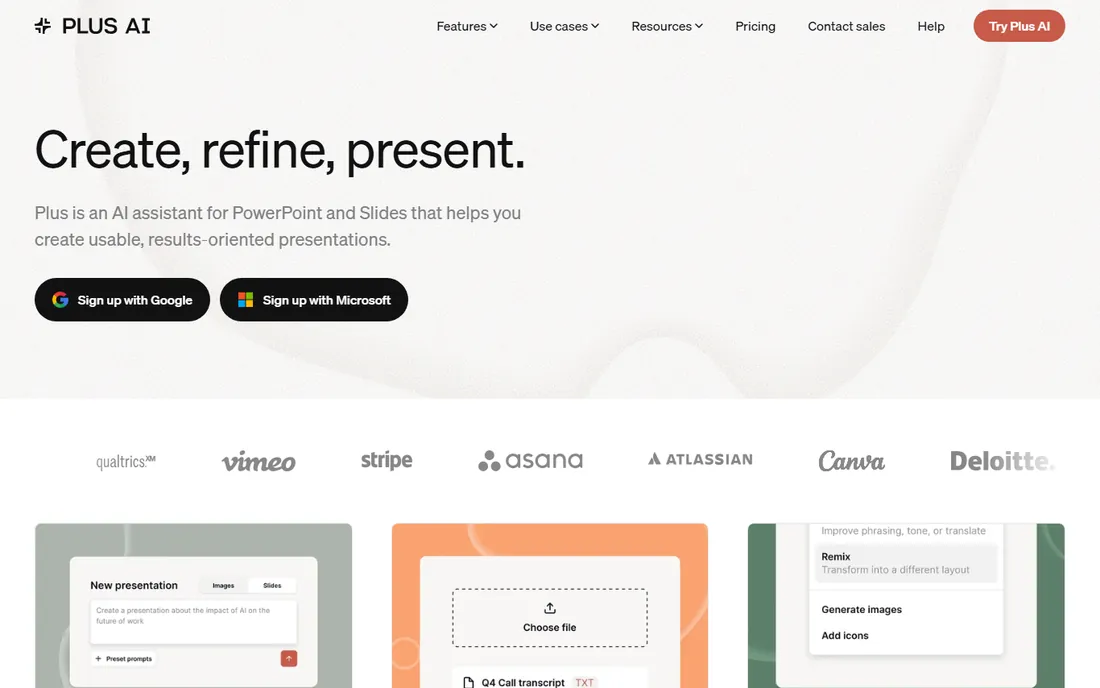
Plus AI takes a different approach from Gamma and Decktopus: instead of asking you to learn a new app, it adds AI drafting directly inside PowerPoint and Google Slides. You describe the deck you need, and it generates an outline, then fills in slides with text and layouts in the tool you already use. For teams that must deliver real .pptx files, this removes the export-cleanup headache that plagues standalone AI tools.
The catch is that the AI draft is only as good as your prompt and your review process. Generic topics come out bland, and niche or technical subjects need heavy editing. Think of it as a fast research assistant and layout helper, not a replacement for knowing your material. It also adds a separate subscription on top of whatever you already pay Microsoft or Google, which is worth weighing if budgets are tight.
Plus AI's Basic plan costs $15 per month or $10 per month billed annually, with higher tiers for teams and heavier usage. A 7-day free trial is available, and setup is a quick add-in install.
What we like- Works inside PowerPoint and Google Slides, not a separate app
- Generates outlines and full slides from prompts
- Keeps your existing workflow
Watch out for- Quality varies by topic and needs editing
- Subscription cost on top of your Office or Google bill
Starting price$9.99/month (Pro)
Free planYes
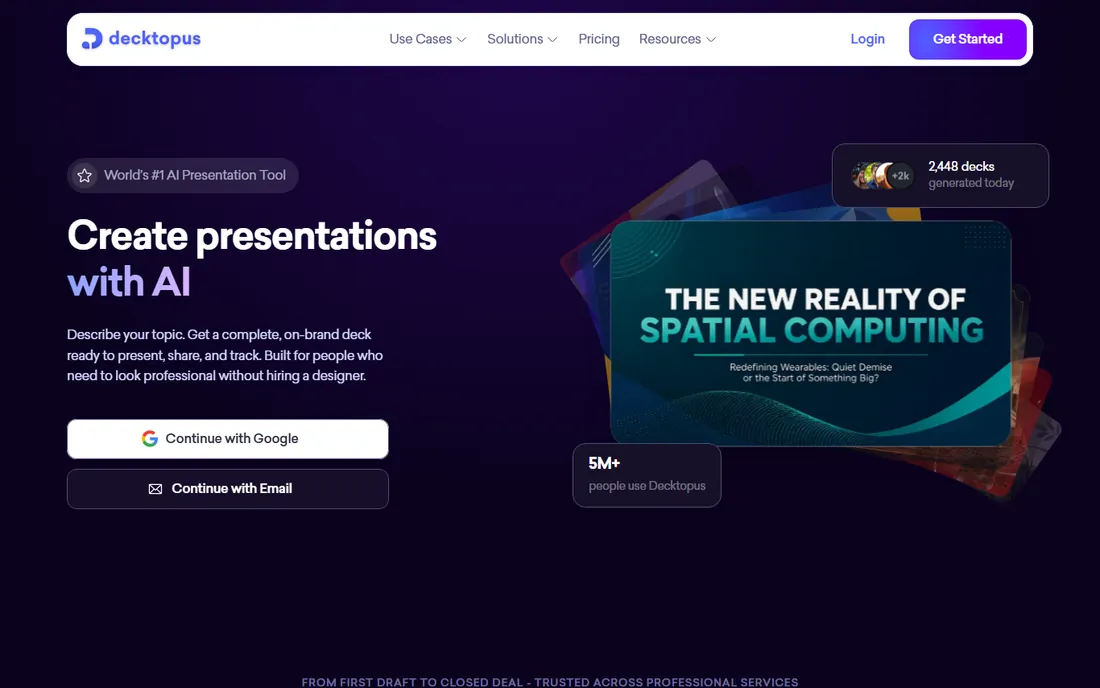
Decktopus is built for speed above all else. Answer a few questions about your topic and audience, and it assembles a structured deck with suggested content, layouts, and images. Solo founders, consultants, and small agencies use it to get a presentable draft without staring at a blank slide. At under $10 a month, it is the cheapest paid option in this list, which makes it an easy experiment.
The limitation is depth. You get less control over design details and fewer advanced features than Canva or PowerPoint, and the AI content is generic enough that you will rewrite most of the text for anything important. It is a drafting tool, not a finishing tool. If your bar is a clean, simple deck produced quickly, it clears it. If you need precision, look elsewhere.
Decktopus Pro costs $9.99 per month. A free plan covers basic use with limits on decks and AI features. The whole product runs in the browser, so there is nothing to install.
What we like- Very low starting price
- Guided deck-building flow
- Fast turnaround on simple decks
Watch out for- Limited customization depth
- Smaller feature set than established rivals
How we chose
We started with the tools small and mid-size teams actually use in 2026, then narrowed the list to products that exist today and accept new signups. For each one we checked the vendor's own pricing page, read the feature documentation, and looked at public reviews on G2 and Capterra plus discussion threads on Reddit. We compared collaboration features, .pptx compatibility, template quality, AI capabilities, and fit for a company of 5 to 200 people. We did not claim hands-on testing; every fact here comes from vendor pages and public sources.
What to check before you buy
A presentation app is only as good as its fit with how your team actually works. Run through these checks before you commit to a paid plan.
Pricing traps to watch
Monthly billing is usually 30 to 50 percent more expensive than annual billing, and several tools only show the cheaper annual number up front. Per-seat plans multiply fast: a $10 per user plan costs $600 a year for a five-person team. Free plans look generous until you hit export limits, watermarked files, or locked templates.
Collaboration and control
Ask who needs to edit and who only needs to comment. Browser tools handle simultaneous editing well; desktop-first tools rely on cloud sync that can lag. If you handle sensitive data, check for SSO, admin controls, and private sharing links, which usually sit on team or business tiers.
Export and compatibility
If any recipient lives in PowerPoint, test the .pptx export before you pay. Fonts, charts, and animations are the usual casualties. Some tools export cleanly and some shift layouts enough to need manual fixes.
Pricing, broken down simply
Presentation apps cluster into three price bands. Free tools like Google Slides and the free tiers of Canva, Prezi, Gamma, Pitch, and Decktopus cover basic decks with limits on storage, exports, or AI use. The middle band, roughly $10 to $20 per user per month, buys full features, branding controls, and collaboration. At the top, standalone PowerPoint at $179.99 one-time suits buyers who want to pay once and avoid subscriptions.
The cheapest path is not always the lowest sticker price. A free tool that forces an hour of export cleanup per deck costs more in staff time than a $15 plan that exports cleanly.
Frequently asked questions
Can I open PowerPoint files in these apps?
Most of them, yes. Google Slides, Canva, Prezi, and Pitch all import .pptx files, and PowerPoint itself is the reference standard. Complex formatting, custom fonts, and animations may shift during import, so test with a real deck before committing.
Which app is best for team collaboration?
Google Slides and Pitch are the strongest for real-time co-editing, with Canva close behind. If simultaneous editing is your main need, start with the browser-native tools.
Do AI presentation tools replace designers?
No. Tools like Gamma, Beautiful.ai, Plus AI, and Decktopus produce solid first drafts fast, but the output needs review for accuracy, tone, and brand fit. They save hours on structure and layout; they do not replace judgment about what your audience needs.
Is the free version of PowerPoint enough?
The free web version handles basic editing, viewing, and co-authoring, which covers many users. It lacks some advanced formatting, offline access, and the full desktop feature set. If you present often or work with complex files, a paid license pays for itself quickly.
How do I keep my decks on brand across a team?
Use a tool with brand kits or shared template libraries, such as Canva Pro, Beautiful.ai, or Pitch's team plans. Lock down colors, fonts, and logos in one place, and make the approved templates the easiest starting point. Without that, every deck drifts.
What is the cheapest good option for a small team?
Google Slides is free and covers collaboration well. If you need nicer design without hiring a designer, Canva's free plan or Decktopus Pro at $9.99 per month are the lowest-cost upgrades.
Sources we checked (9)
- https://www.microsoft.com/en-us/microsoft-365/powerpoint
- https://www.canva.com/pricing
- https://www.google.com/slides/about/
- https://prezi.com/pricing
- https://www.beautiful.ai/pricing
- https://gamma.app/pricing
- https://pitch.com/pricing
- https://plusai.com/pricing
- https://decktopus.com/pricing
Is your product missing or out of date?
We review this list regularly. Vendors can request a listing, send updated pricing or ask about featured placement.

Shihab Mia · Founder, Rankite
Shihab has spent more than a decade helping SaaS and e-commerce brands grow through search. He writes Rankite's software buying guides from pricing pages, documentation and public user reviews. More about Shihab.