How we make this list: we compare pricing pages, product documentation and public user reviews. Rankite is independent; if a vendor ever pays for a featured spot, that listing is clearly labeled Partner.
Key takeaways
- Todoist is the safest default: fast capture, natural language input and a genuinely useful free plan on every device.
- TickTick suits people who want tasks, calendar, habits and Pomodoro focus in one app.
- Things 3 and OmniFocus are the Apple-only power options; beautiful, deep, and paid with no free tier.
- Any.do and Microsoft To Do are the simple free choices, with Any.do adding family-friendly sharing.
- Google Tasks and Remember The Milk fit people already living in Google Workspace or who want a plain, dependable list.
Quick comparison
| Tool | Best for | Starting price | Free plan |
|---|
 Todoist Todoist | fast capture and a system that scales | See website | Yes |
 TickTick TickTick | tasks plus calendar, habits and focus timer | See website | See website |
 Any.do Any.do | simple lists with family sharing | See website | Yes |
 Things 3 Things 3 | Apple users who want beautiful GTD | See website | No |
 Microsoft To Do Microsoft To Do | free tasks inside the Microsoft account | See website | Yes |
 OmniFocus OmniFocus | GTD power users on Apple devices | See website | Free trial (14 days) |
 Remember The Milk Remember The Milk | a plain dependable list everywhere | See website | See website |
 Google Tasks Google Tasks | minimal tasks inside Google Workspace | See website | Yes |
Is your product missing or out of date?
We review this list regularly. Vendors can request a listing, send updated pricing or ask about featured placement.
The 8 personal task management apps
Starting priceSee website
Free planYes
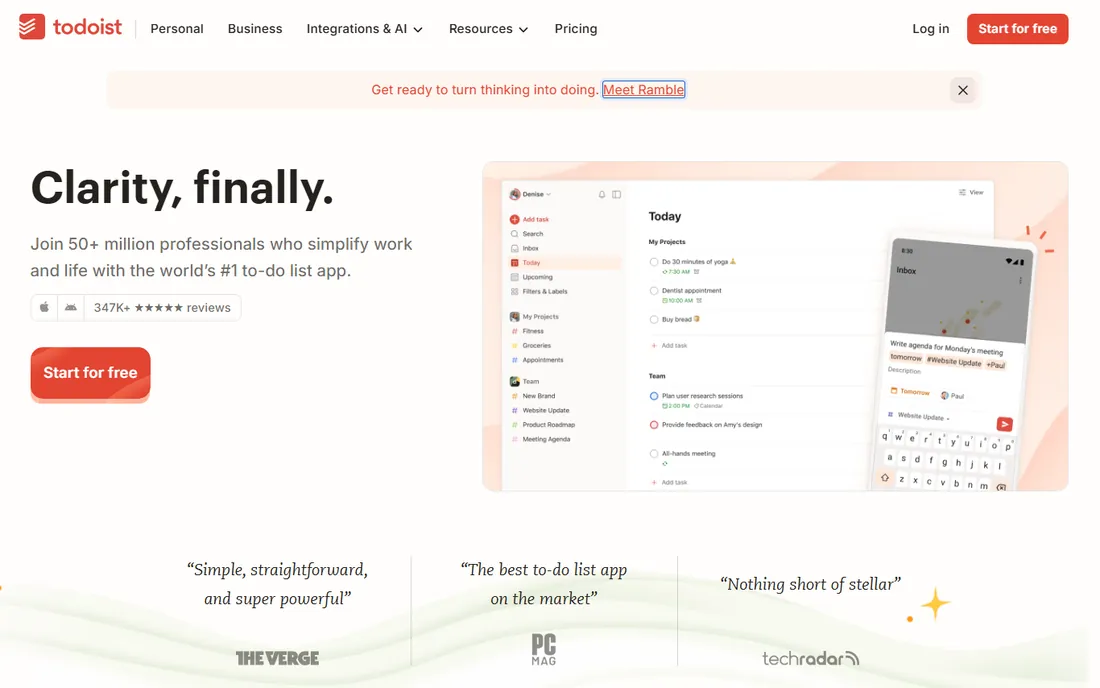
Todoist has spent nearly two decades becoming the default answer to personal task management, and it shows. Typing "call dentist tomorrow at 9am #errands" creates a scheduled, labeled task in one line. Projects, labels, filters and recurring dates cover everything from a grocery list to a freelance client system.
The free plan is genuinely usable, not a demo: you get projects, labels and the core apps on every device. The catch is that power features like custom filters, calendar layout and longer activity history need the Pro plan. If you want one app that handles both a simple list and a serious GTD setup, Todoist is the safest pick on this list.
What we like- Natural language task entry that actually works
- Available on every platform including watches
- Free plan covers personal use
Watch out for- The best views and filters sit behind the paid plan
- No built-in calendar or habit tracking
Starting priceSee website
Free planSee website
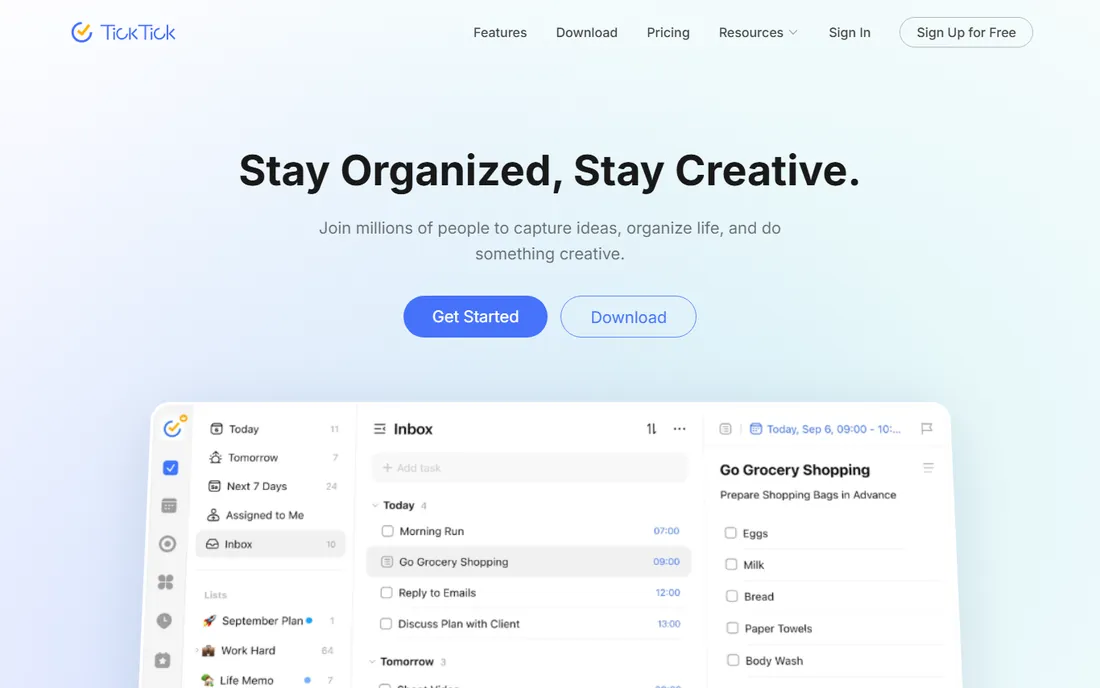
TickTick is for people whose to-do list, calendar and habits all live in the same brain and want one app to match. Tasks sit alongside yearly to lifetime calendar views, a habit tracker with statistics, a Pomodoro focus timer and even countdown widgets. Few apps pack this much without feeling broken.
The breadth is the appeal and the tradeoff. If you only want a clean list, TickTick can feel like too much app. Check the current free tier limits on ticktick.com, since the line between free and premium moves. For students and anyone building a personal productivity system, it is the most complete package here.
What we like- Calendar views, habit tracker and Pomodoro timer in one app
- Generous feature set
- Fast and pleasant to use
Watch out for- The free tier limits some advanced features
- Design is busy compared with Things
#3
Any.do
Best for: simple lists with family sharing
Visit any.do
Starting priceSee website
Free planYes
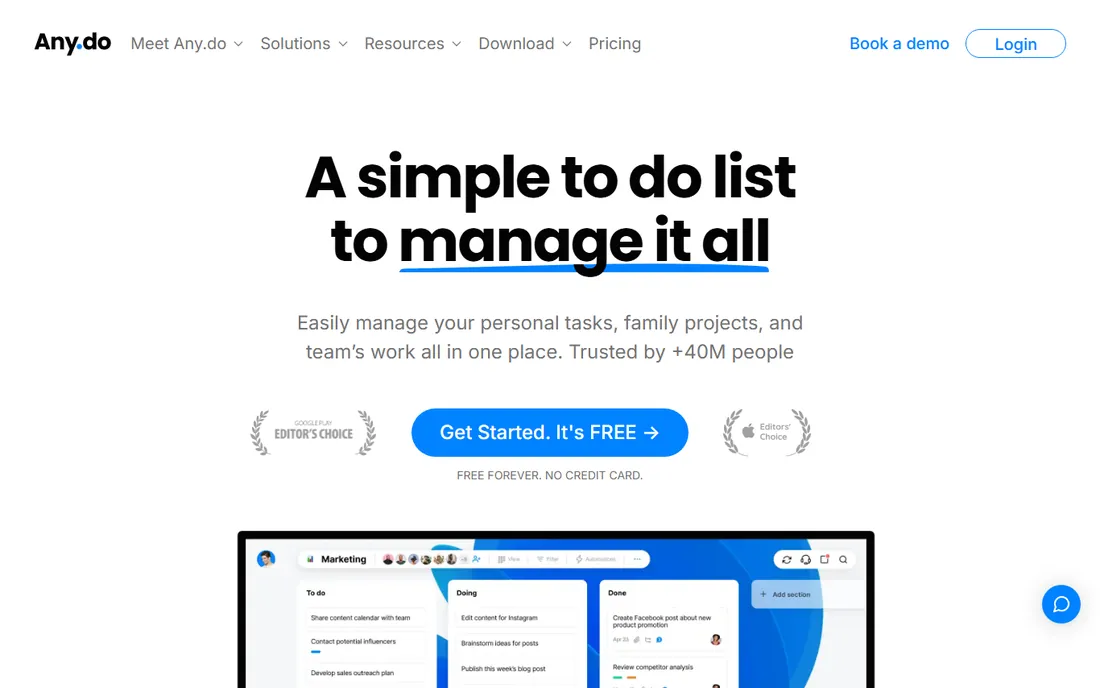
Any.do keeps the promise most apps break: a free plan that stays free. The pitch is a simple to-do list for personal tasks, family projects and light team work, and the shared grocery list that auto-sorts by aisle is the kind of small delight that keeps families using it. It runs on every major platform including watches.
It is less of a power tool than Todoist or TickTick. Kanban boards and automations exist but feel secondary to the core list experience. If your needs are a dependable shared list with reminders and a calendar view, the free tier is enough and you will never need to pay.
What we like- Free forever tier with no card required
- Shared grocery and family lists
- Clean calendar integration
Watch out for- Advanced project features are thinner than Todoist
- Premium upsells appear in the app
Starting priceSee website
Free planNo
Things 3 is the connoisseur's pick. It has won Apple Design Awards for good reason: everything from the animations to the keyboard shortcuts feels considered, and the Today and Upcoming views make planning the day genuinely pleasant. Areas, projects and headings give you GTD structure without GTD jargon.
The deal is simple and old-fashioned: you buy the app once per platform, no subscription. There is no free tier and no Android, Windows or web version, so it only works if your life runs on Apple hardware. For that audience, it is the most enjoyable task manager ever made. For everyone else, it is not an option.
What we like- The best-designed task app on Apple platforms
- Fast and calm to use
- One-time purchase, no subscription
Watch out for- Apple only, no Android, Windows or web
- No free tier
- Collaboration is minimal
Starting priceSee website
Free planYes
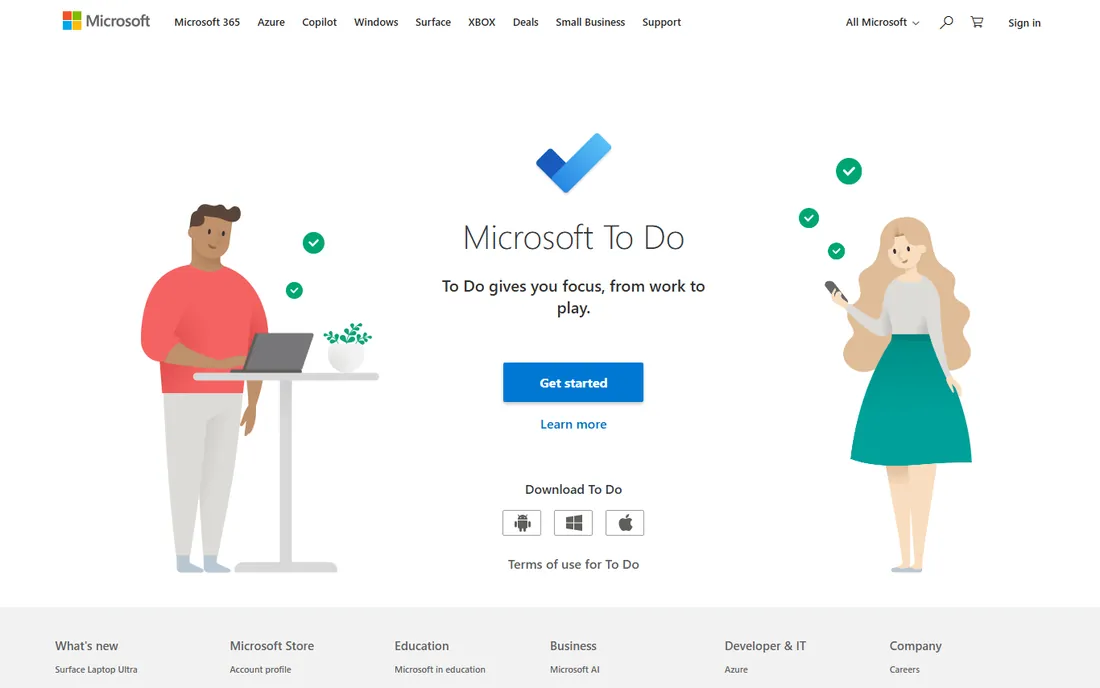
Microsoft To Do is the quiet workhorse. It is free, it syncs across Windows, Mac, iOS, Android and the web, and the My Day view gives you a clean daily planning ritual. If your work email is Outlook, flagged emails become tasks automatically, which removes a whole category of copying.
It will not impress anyone. There is no natural language parsing, no labels system like Todoist, no habits or Pomodoro. But it is free forever with no premium tier to graduate into, and for many people that plus Outlook integration is exactly enough. Sometimes the best app is the one that asks nothing of you.
What we like- Completely free with a Microsoft account
- My Day view for daily planning
- Syncs with Outlook tasks
Watch out for- Feature set is basic
- No natural language input or advanced filters
Starting priceSee website
Free planFree trial (14 days)
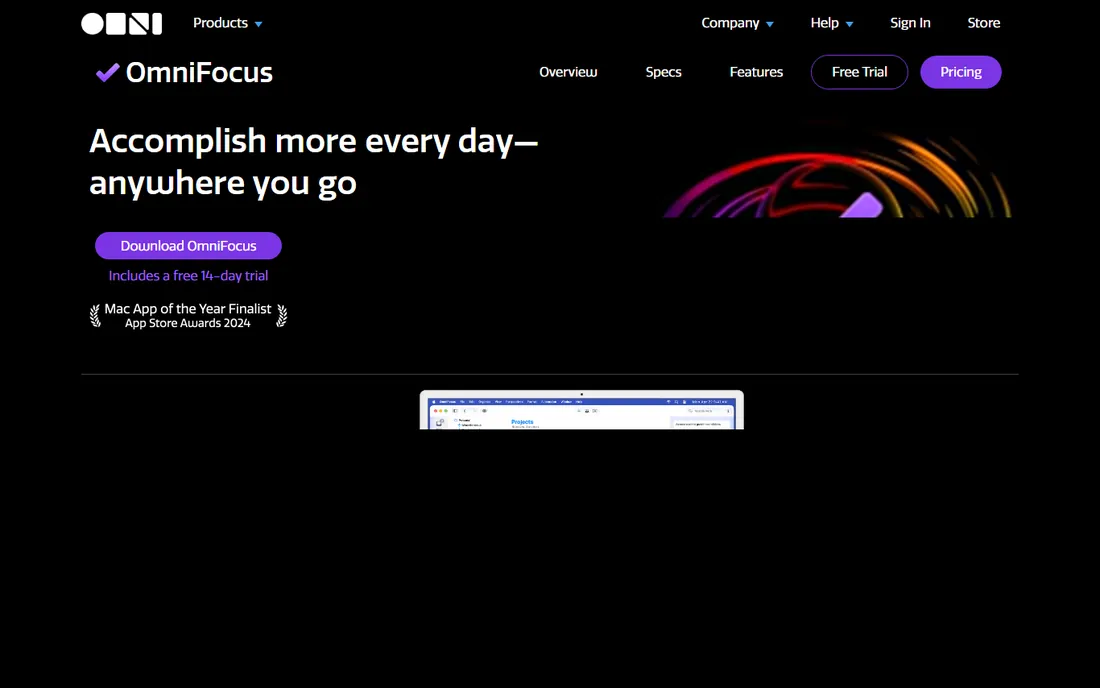
OmniFocus is where Getting Things Done devotees end up. Projects, tags, defer dates, custom perspectives and the Forecast view give you total control over a complex life, and the review feature keeps the system trustworthy week after week. David Allen himself has praised it, which tells you the target audience.
That depth comes with a learning curve and a price tag. There is a 14-day trial, then you buy or subscribe. If your task list is "buy milk, call mom," this is the wrong tool. If you run a business, a household and three side projects from one system, nothing else on this list keeps up.
What we like- The deepest GTD implementation available
- Custom perspectives for any workflow
- Forecast view for the week ahead
Watch out for- Apple-first with a learning curve
- No free tier beyond the trial
- Overkill for simple lists
Starting priceSee website
Free planSee website
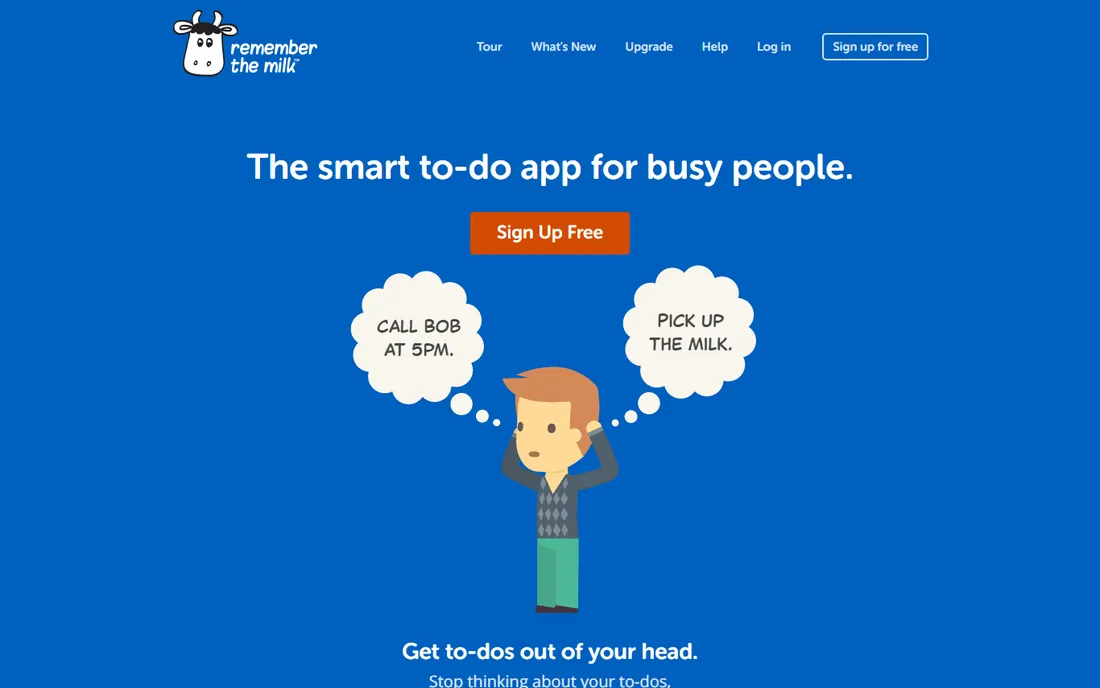
Remember The Milk is one of the original web to-do apps, and its longevity is the feature. Smart Add parses natural language, smart lists slice your tasks any way you like, and it syncs across every device including integrations with Gmail, Google Calendar and Evernote. It even connects with AI assistants now.
The honest weakness is freshness. The design and some workflows feel like a product from another era next to Todoist or Things. Check the current plan limits on the site, since the free tier restricts some features. If you want a plain, reliable list from a company that has survived every trend, it still delivers.
What we like- Around for nearly two decades and still maintained
- Smart lists and subtasks
- Syncs everywhere
Watch out for- Interface feels dated
- The free tier has limits that push toward paid
Starting priceSee website
Free planYes
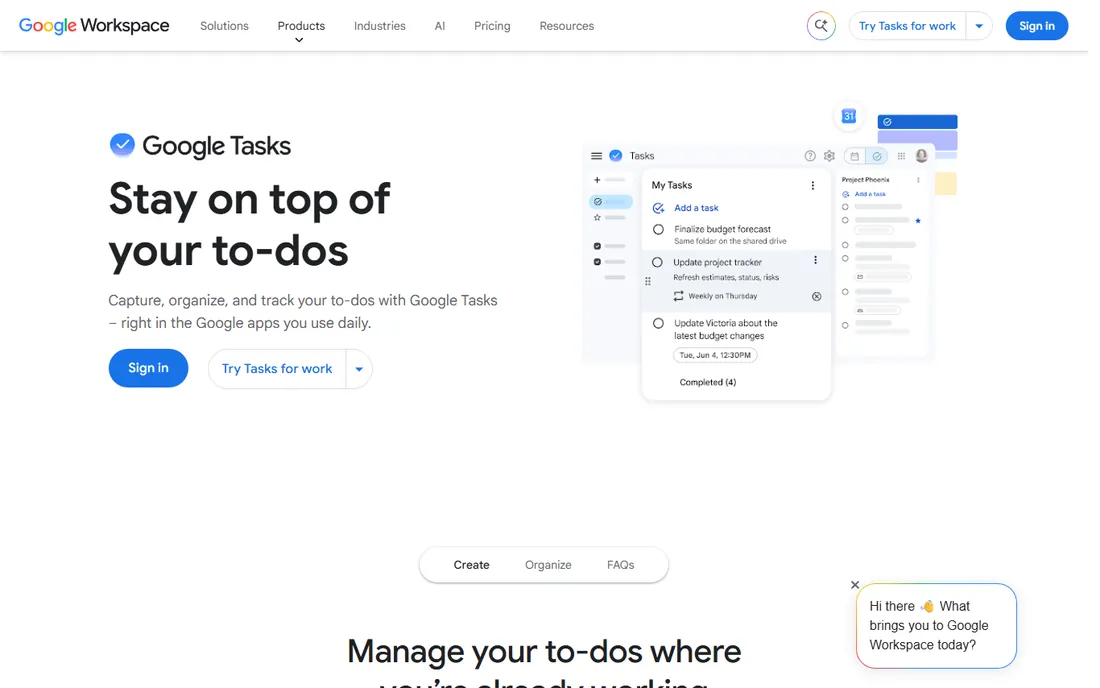
Google Tasks is the minimalist of the group. It lives in the side panel of Gmail, Calendar, Drive and Chat, plus a standalone site and mobile apps, and it costs nothing beyond your Google account. Turn an email into a task, set a date, and it appears on your calendar. For light personal use inside Google Workspace, the friction is near zero.
That is the whole story, and the limitation. There are no real projects, no tags, no filters, no collaboration to speak of. Anyone with a serious system will outgrow it. But if your needs are "remember these ten things this week" and you live in Gmail, it is already installed and already free.
What we like- Free with any Google account
- Lives inside Gmail, Calendar and Drive
- Dead simple
Watch out for- Very basic, no projects or labels depth
- Easy to outgrow
How we compared them
We picked the apps that dominate personal task management discussions: the cross-platform leaders, the Apple-only specialists, the free defaults from Microsoft and Google, and the long-running independents. For each one we opened the vendor site to confirm the product, current positioning and what the vendor itself says about free plans and trials. We weighed capture speed, platform coverage, free tier honesty and depth of organization features. We did not run hands-on trials; this comparison is built on public product information and review consensus.
Picking the right one for how you work
Match the app to your capture habit, because the best system is the one you actually feed. If you think of tasks on your phone and want them filed in seconds, Todoist's natural language input or Any.do's simplicity wins. If you plan your week on Sunday with a calendar open, TickTick's views or Things' Upcoming list fits better.
Then check your platform reality. Apple-only people get the luxury choice between Things and OmniFocus. Everyone else should shortlist Todoist, TickTick and Any.do, then pick by feel. And if your tasks are mostly "remember to do the thing from that email," skip the decision entirely: Microsoft To Do or Google Tasks, whichever matches your inbox, is already waiting.
Why most task apps fail their owners
The app is rarely the problem. Task systems die from three causes: capture friction, review neglect and over-engineering. If adding a task takes more than ten seconds, you will stop adding them. If you never do a weekly review, the list rots into a guilt archive. If you build a 40-label taxonomy on day one, you will abandon it by day ten.
Start embarrassingly simple. One inbox, one today list, one weekly review. Add structure only when the simple version breaks. Every app on this list can run that system; the difference between them only matters once you have the habit. Pick the one you will open tomorrow morning, not the one with the longest feature list.
Frequently asked questions
What is the best free app for personal task management?
Todoist and Any.do have the strongest free tiers among the dedicated apps. Microsoft To Do and Google Tasks are completely free with no paid tier. Any.do's free plan is explicitly free forever.
Is Todoist or TickTick better?
Todoist is better for pure task management with fast capture and filters. TickTick is better if you also want calendar views, habit tracking and a Pomodoro timer in the same app. Try both free tiers and keep the one you open more.
Is Things 3 worth the price?
For Apple-only users who value design and calm, yes. It is a one-time purchase per platform with no subscription, and many users keep it for years. There is no free tier, so be sure the Apple-only limitation works for you.
Can I use OmniFocus on Windows or Android?
OmniFocus is built for Apple devices, with OmniFocus for the Web covering other platforms through a browser. There are no native Windows or Android apps. A 14-day trial is available.
Do I need a paid task app?
Most people do not. The free tiers of Todoist, Any.do, TickTick and the fully free Microsoft To Do and Google Tasks cover personal use. Pay only when you hit a specific limit, like advanced filters or collaboration features you actually use.
What happened to Wunderlist?
Microsoft acquired Wunderlist and replaced it with Microsoft To Do, which inherited its design DNA. If you were a Wunderlist user, Microsoft To Do is the direct successor.
Sources we checked (8)
- https://todoist.com
- https://ticktick.com
- https://any.do
- https://culturedcode.com/things/
- https://todo.microsoft.com
- https://www.omnigroup.com/omnifocus/
- https://rememberthemilk.com
- https://tasks.google.com
Is your product missing or out of date?
We review this list regularly. Vendors can request a listing, send updated pricing or ask about featured placement.

Shihab Mia · Founder, Rankite
Shihab has spent more than a decade helping SaaS and e-commerce brands grow through search. He writes Rankite's software buying guides from pricing pages, documentation and public user reviews. More about Shihab.