How we make this list: we compare pricing pages, product documentation and public user reviews. Rankite is independent; if a vendor ever pays for a featured spot, that listing is clearly labeled Partner.
Key takeaways
- Figma is the industry standard: browser-based, collaborative, and where most product design happens now.
- Sketch remains strong for Mac-based teams with deep plugin ecosystems and local files.
- Framer bridges design and publishing: design a site and ship it live.
- Penpot is the open source alternative: free, self-hostable, and increasingly capable.
- Axure, ProtoPie, UXPin, Justinmind, and Lunacy serve prototyping depth, specific workflows, and budget needs.
Quick comparison
| Tool | Best for | Starting price | Free plan |
|---|
 Figma Figma | Collaborative product design | Free | Yes |
 Sketch Sketch | Mac-based design teams | See website | No |
 Framer Framer | Design to live site | Free | Yes |
 Penpot Penpot | Free open source design | Free (open source) | Yes |
 Axure RP Axure RP | Complex interactive prototypes | See website | No |
 ProtoPie ProtoPie | High-fidelity interactions | Free | Yes |
 UXPin UXPin | Code-based prototyping | See website | No |
 Justinmind Justinmind | Interactive wireframes | Free | Yes |
 Lunacy Lunacy | Free Windows design tool | Free | Yes |
Is your product missing or out of date?
We review this list regularly. Vendors can request a listing, send updated pricing or ask about featured placement.
The best app design software
Starting priceFree
Free planYes
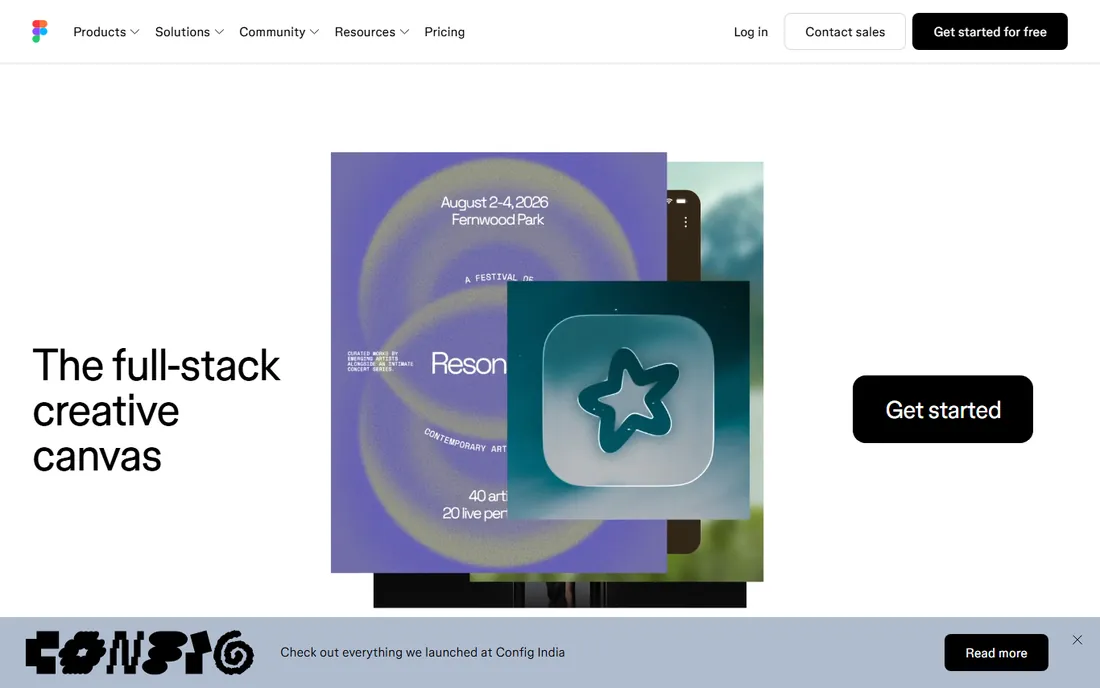
Figma won the design tools war: browser-based, real-time collaborative, and now the default for product design teams. Designers, developers, and stakeholders work in the same files; Dev Mode hands off specs cleanly; the plugin and widget ecosystem extends everything. FigJam covers whiteboarding. For most teams, the question is not whether to use Figma but which plan.
It needs an internet connection, and the professional features (advanced prototyping, organization libraries) cost per editor. But the network effects are decisive: everyone knows Figma, everyone shares Figma files, and hiring designers who do not know it is increasingly hard. It earned the standard position through genuine product superiority, not marketing: the multiplayer collaboration simply works better than anything that came before it.
What we like- Browser-based multiplayer
- Huge plugin ecosystem
- Industry standard
Watch out for- Needs internet
- Advanced features paywalled
Starting priceSee website
Free planNo
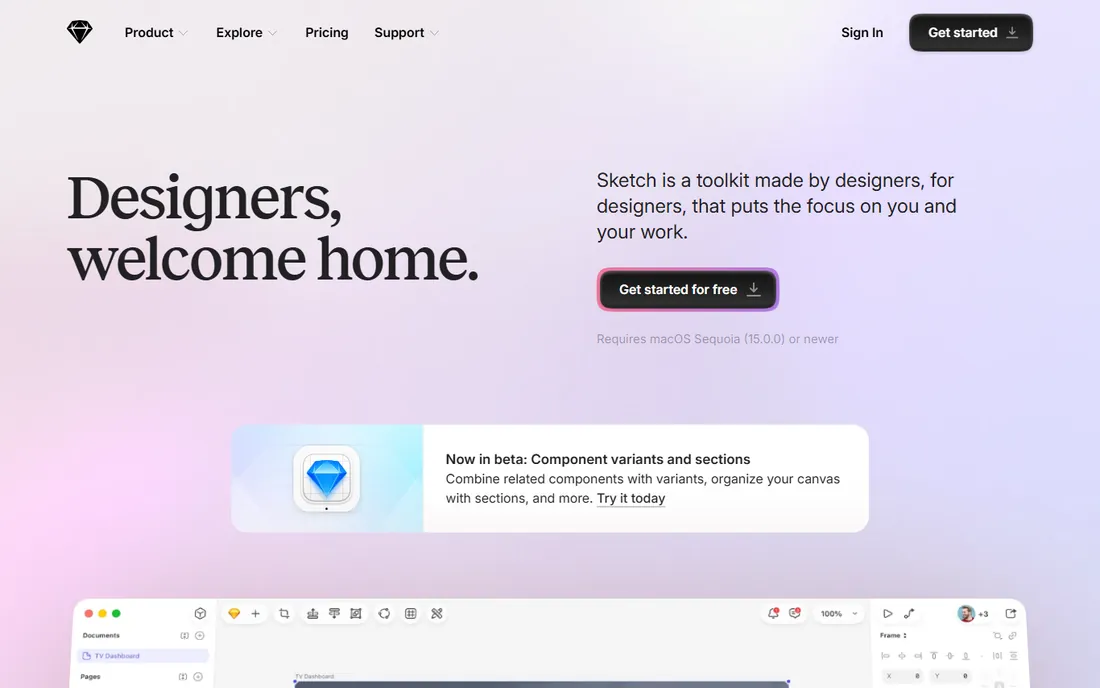
Sketch defined modern UI design before Figma existed, and it remains a capable native Mac application: fast, with a mature plugin ecosystem and a workflow generations of designers know deeply. Teams standardized on Mac hardware who prefer native apps and local files find it comfortable. Recent versions added real-time collaboration and web handoff.
Mac-only is the hard limit, and momentum clearly moved to Figma. But "lost the war" is not "bad tool": Sketch still designs excellent interfaces, and some designers prefer its native feel. Mac-based teams with existing Sketch workflows have no urgent reason to switch.
What we like- Native Mac performance
- Mature plugin ecosystem
- One-time-ish pricing history
Watch out for- Mac only
- Lost momentum to Figma
Starting priceFree
Free planYes
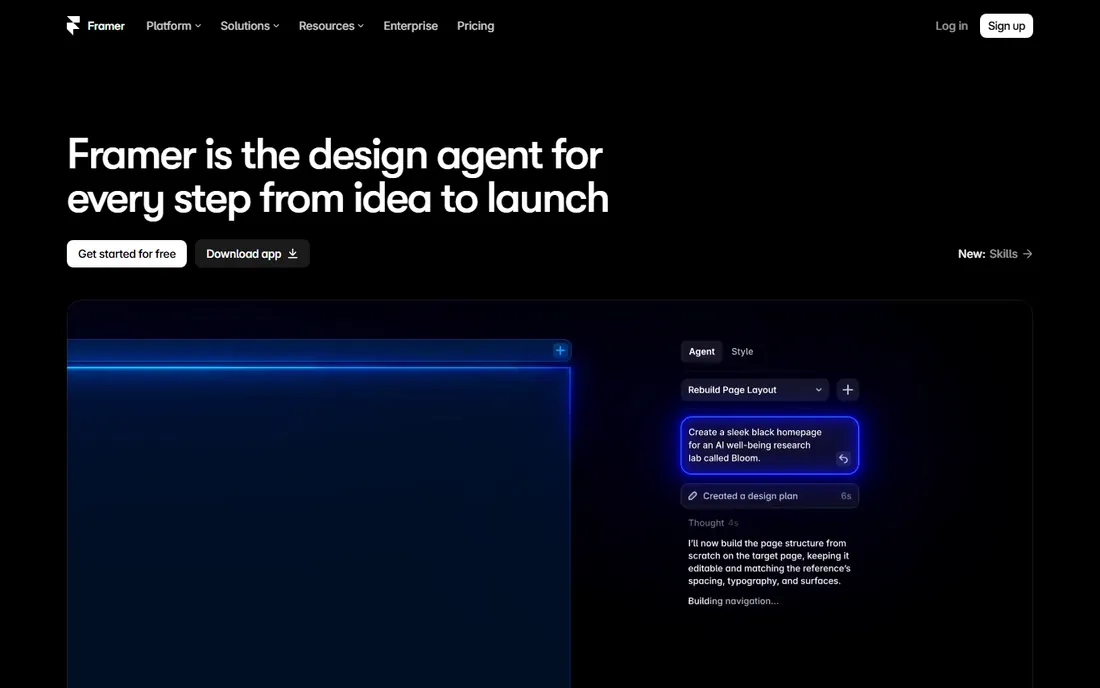
Framer occupies a unique position: design with a Figma-like canvas, then publish the result as a real, hosted website. For landing pages, marketing sites, and portfolios, it eliminates the design-to-development handoff entirely. The interaction design tools are excellent, and the CMS handles dynamic content. Designers who ship web work love the directness.
Mobile app design is not its strength; Framer is web-first. Advanced customization has a learning curve. But for designers whose output is websites, Framer's "design is the site" model removes an entire step from the process. It is both a design tool and a publishing platform.
What we like- Designs publish as real websites
- Great interactions
- CMS included
Watch out for- Less for mobile app design
- Learning curve for advanced features
Starting priceFree (open source)
Free planYes
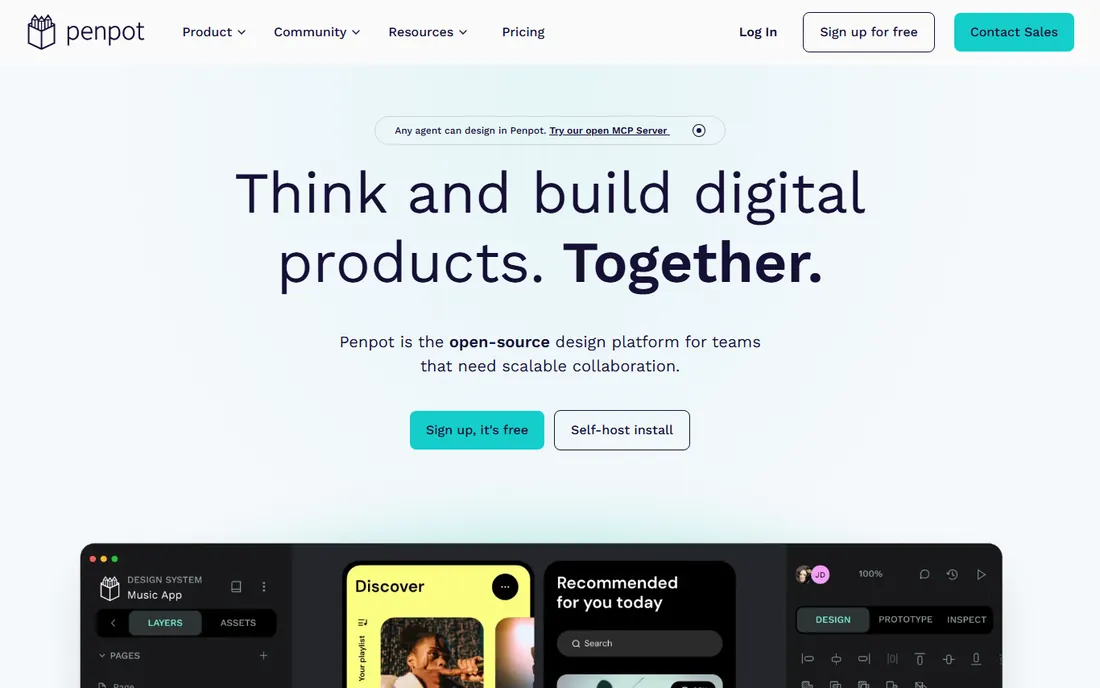
Penpot is the open source answer to Figma: browser-based UI design with prototyping, collaboration, and components, free forever and self-hostable for organizations that need data control. It uses open standards (SVG) rather than proprietary formats. Development has been steady and capability grows with each release.
The plugin ecosystem and advanced features trail Figma. But the fundamentals are solid, and for teams with budget constraints, open source requirements, or data sovereignty needs, Penpot is genuinely viable. Every designer should know the free option exists before assuming design software must be expensive.
What we like- Completely free
- Open source
- Self-hostable
- No vendor lock-in
Watch out for- Smaller ecosystem
- Fewer advanced features
Starting priceSee website
Free planNo
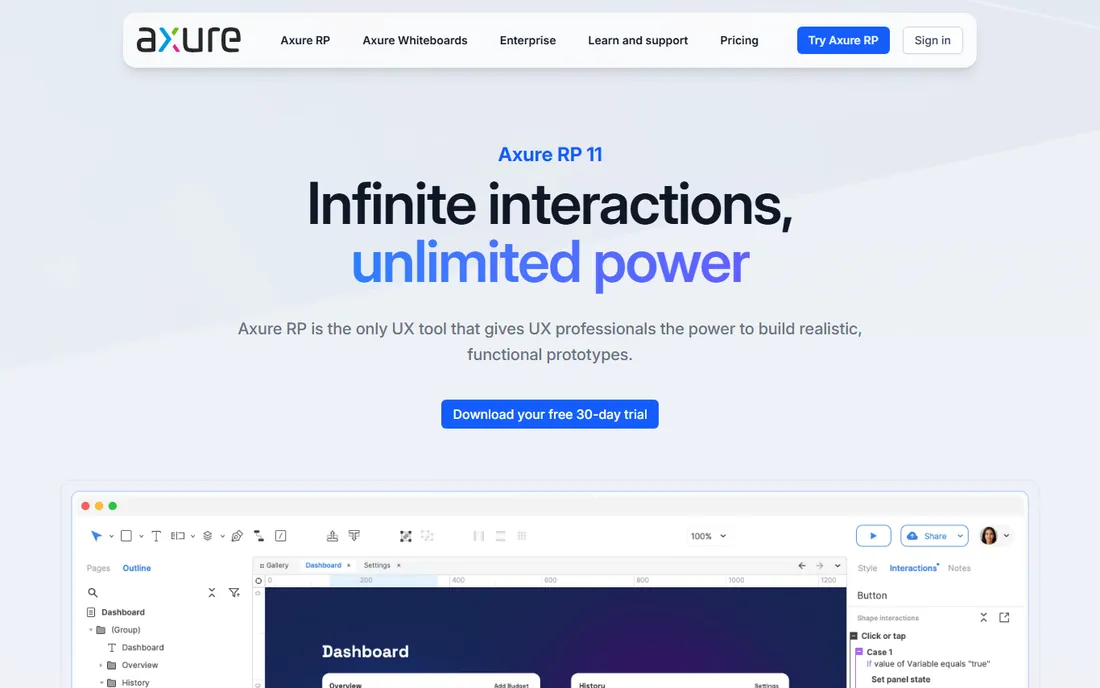
Axure RP remains the most powerful prototyping tool for complex interactions: conditional logic, variables, dynamic panels, and data-driven prototypes that behave like real applications. UX teams testing complicated workflows (enterprise software, multi-step processes) build prototypes in Axure that no other tool can match. Documentation features generate specs from the prototype.
The interface shows its age and it is overkill for simple marketing sites. But for serious UX prototyping where the interactions are the product, Axure's depth is unmatched. Enterprise UX teams with complex testing needs keep it for exactly this reason.
What we like- Unmatched prototyping logic
- Conditional flows
- Documentation features
Watch out for- Interface is dated
- Overkill for simple designs
Starting priceFree
Free planYes
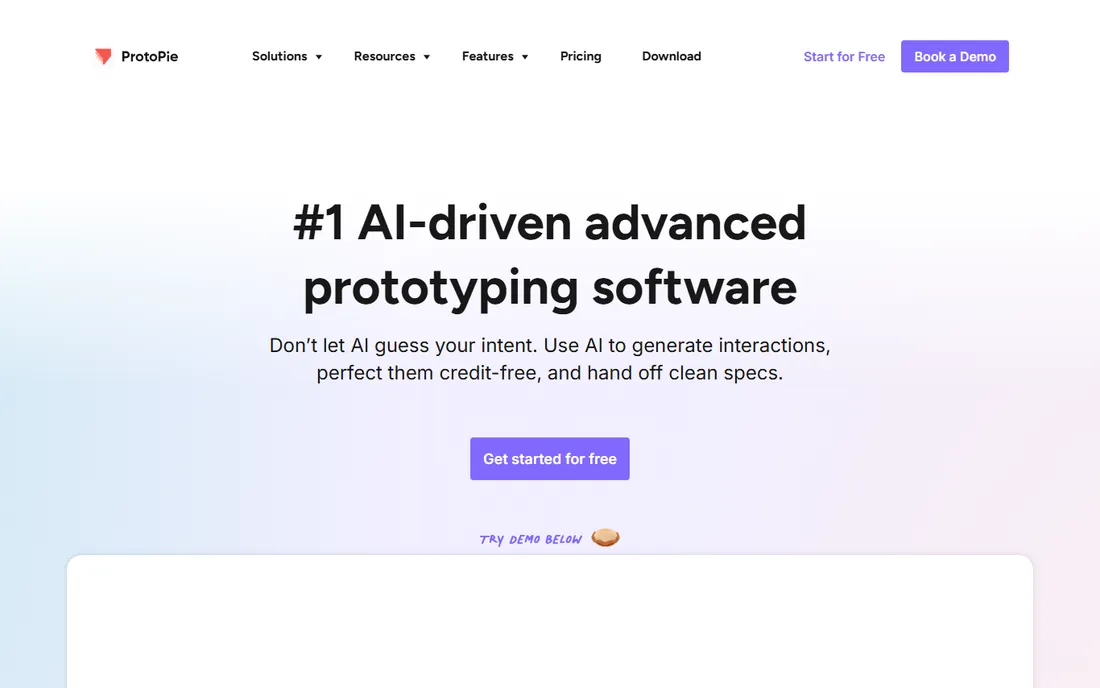
ProtoPie creates the most realistic app prototypes without code: device sensors, camera input, voice, haptics, and complex gesture interactions that make prototypes feel like real apps. Designers import from Figma or Sketch, add the interactions ProtoPie specializes in, and test on real devices. The free tier is generous for learning.
It is a prototyping companion, not a full design tool; you still design screens elsewhere. But for interaction designers and teams usability-testing mobile experiences, ProtoPie's fidelity reveals issues that click-through prototypes miss. When the interaction is what you are testing, fidelity matters.
What we like- Realistic interactions without code
- Sensors and device features
- Good free tier
Watch out for- Not a full design tool
- Companion to Figma/Sketch
Starting priceSee website
Free planNo
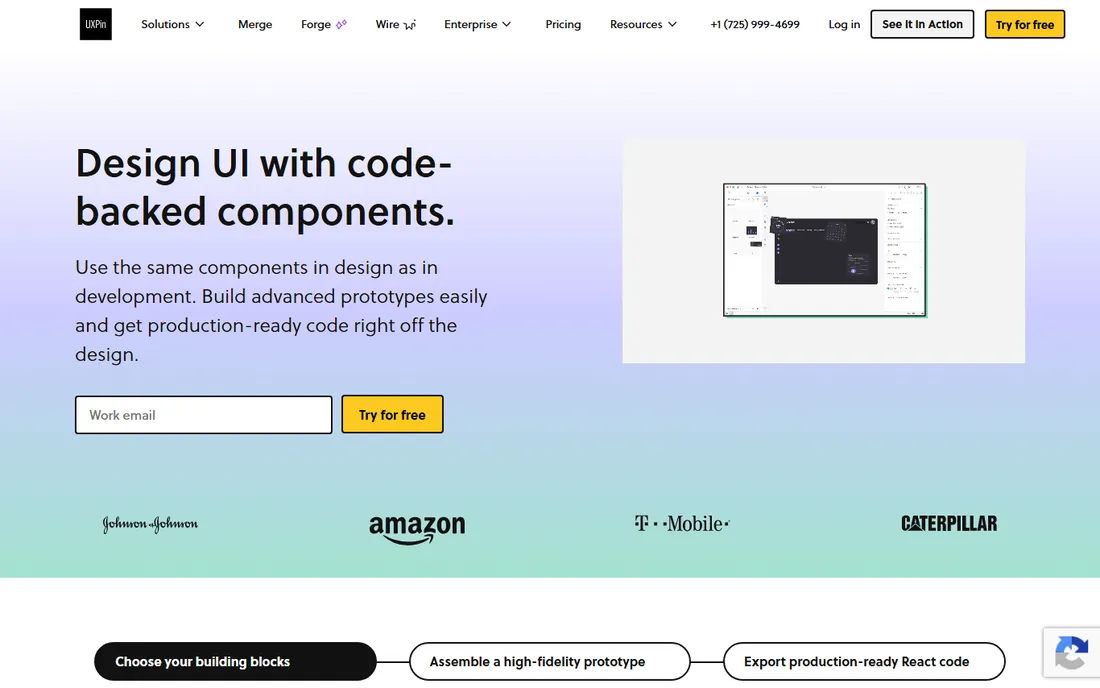
UXPin's Merge technology lets teams prototype with actual coded components from their design system: the prototype uses the real React components developers ship, so what stakeholders test is what gets built. This closes the design-development gap more fundamentally than prettier mockups. Interactive states and logic add depth.
The code-component setup requires developer involvement, and pricing targets teams. But for organizations with mature design systems, UXPin's approach eliminates the drift between designed and built interfaces. The prototype stops being a picture and becomes the product's twin.
What we like- Prototypes with real code components
- Design system integration
- Interactive logic
Watch out for- Learning curve
- Priced for teams
Starting priceFree
Free planYes
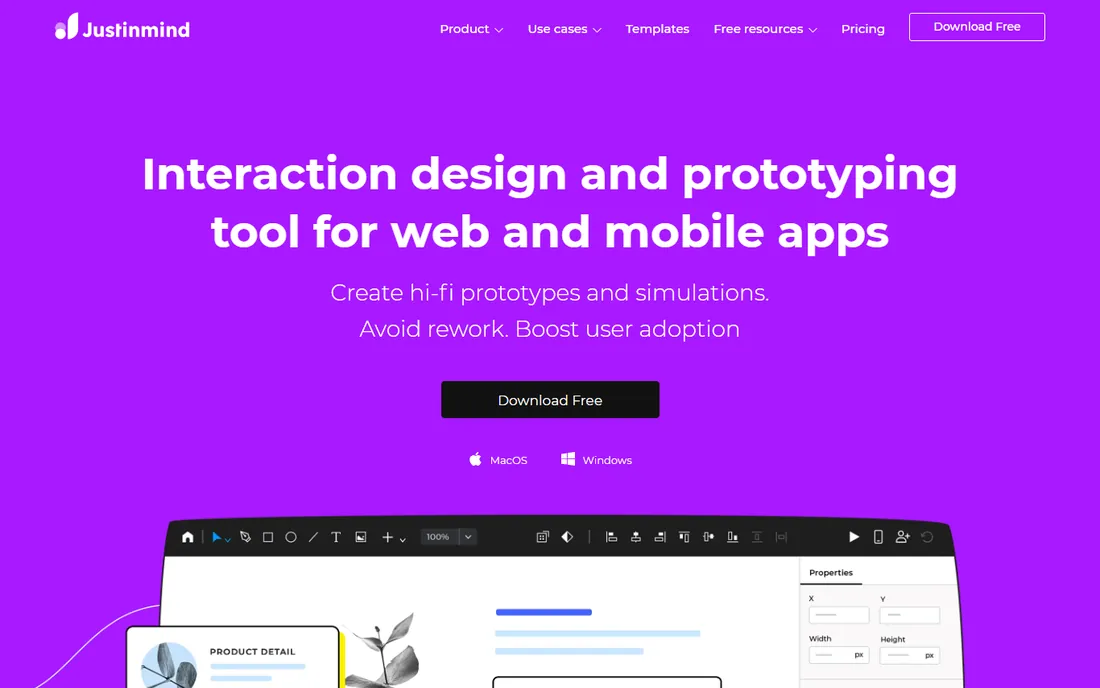
Justinmind has served UX professionals for years with powerful wireframing and prototyping: interactive wireframes with realistic data, conditional navigation, and device emulation. Enterprise UX teams appreciate the depth for testing complex flows before visual design. The free tier covers evaluation and small projects.
The interface is denser than modern tools and it lacks Figma's cultural momentum. But capability-wise it remains strong, particularly for wireframe-to-prototype workflows in enterprise settings. UX teams that prototype before designing visuals find its approach practical.
What we like- Powerful wireframing
- Realistic prototypes
- Good for enterprise UX
Watch out for- Interface is dense
- Less trendy than Figma
Starting priceFree
Free planYes
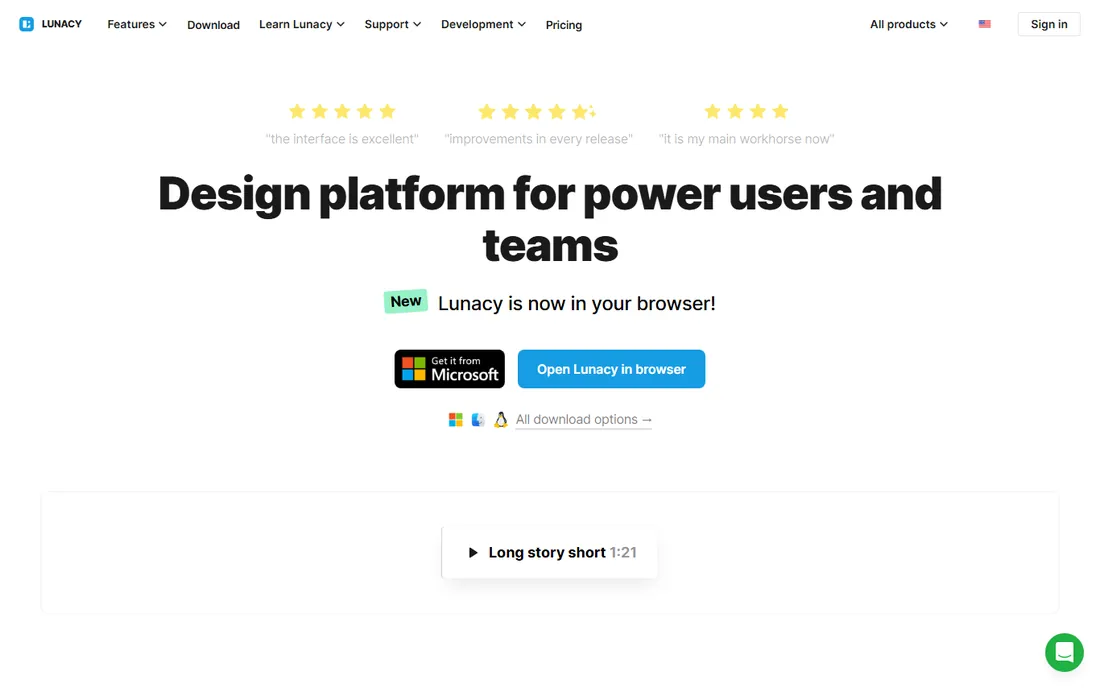
Lunacy, from Icons8, is a free native design application for Windows (plus Mac and Linux): vector design, prototyping basics, and Sketch file compatibility without a subscription. Windows-based designers who cannot or will not use browser tools get a real desktop application for free. Built-in assets (icons, photos, illustrations) from Icons8 speed up work.
The community and collaboration features are smaller than Figma's. But as a free desktop tool, it fills a real gap: not everyone works in the browser, and not every team can pay per-editor fees. For Windows designers on a budget, Lunacy is the practical choice.
What we like- Free
- Native Windows app
- Opens Sketch files
Watch out for- Smaller community
- Fewer collaboration features
Two former giants are gone from this list, and buyers should know why. InVision shut down its design collaboration services at the end of 2024 (its Freehand whiteboard went to Miro); old InVision links now lead nowhere. Adobe XD is in maintenance mode: Adobe stopped investing after its Figma acquisition failed, pulled standalone sales, and offers it only to existing Creative Cloud subscribers. If your team still has files in either tool, migrate them now: Figma imports XD files, and the longer you wait, the harder the move gets. Do not start new work in discontinued tools.
What to check before you choose
Team collaboration needs
Solo designers can use anything. Teams need real-time collaboration, shared libraries, commenting, and version history. Figma leads here; others vary. Evaluate the collaboration workflow with your actual team during trials, not just the design features.
Handoff to developers
Designs become products through developers. Check the handoff: inspect tools, code generation, design tokens, and integration with the development workflow. Figma's Dev Mode, UXPin's code components, and Penpot's open formats address this differently. Bad handoff wastes more time than any design feature saves.
Design system support
Mature teams need components, variants, tokens, and documentation. Verify how each tool handles design systems at scale: library management, versioning, and governance. This matters more as the team grows; a tool that works for three designers may break at thirty.
Total cost at team size
Per-editor pricing multiplies fast. Model the cost at your actual team size including occasional contributors, developers needing access, and stakeholders. Free tiers from Figma, Framer, Penpot, ProtoPie, Justinmind, and Lunacy cover many situations completely; pay only for what the free tier cannot do.
How we chose
We selected app design and prototyping tools with active development and real user bases in 2026, from full design platforms to specialized prototyping tools. We evaluated design capability, prototyping depth, collaboration, handoff, and fit for different team types. We excluded discontinued products (InVision, Adobe XD) and generic graphic design tools. No vendor paid for placement, and we did not run design trials.
Frequently asked questions
Which is better: Figma or Sketch?
For most teams in 2026, Figma: browser-based collaboration, bigger ecosystem, and industry momentum. Sketch suits Mac-only teams that prefer native apps and already have Sketch workflows. New teams should default to Figma; existing Sketch teams need not switch urgently.
Is there a free alternative to Figma?
Yes: Penpot is free and open source with real capability, and Lunacy is a free desktop app. Figma's own free tier is generous for individuals and small projects. Framer, ProtoPie, and Justinmind also offer free tiers. The free options cover most needs short of large-team collaboration.
What happened to InVision?
InVision discontinued its design collaboration services at the end of 2024 after losing the market to Figma; its Freehand product was acquired by Miro. Old prototype links stopped working. Former InVision users have mostly migrated to Figma for design and Miro for whiteboarding.
Do designers still need prototyping tools if they have Figma?
Figma's prototyping covers common cases well. Specialized tools earn their place for specific needs: Axure for complex logic, ProtoPie for realistic device interactions, UXPin for code-component fidelity. Most designers never need them; UX specialists with demanding testing requirements do.
How do I migrate from Adobe XD to Figma?
Figma offers an XD file importer that handles basic designs; complex prototypes with interactions need manual rebuilding. Export assets from XD first, then reconstruct interactions natively in Figma. Treat migration as an opportunity to clean up the design system rather than a mechanical file conversion.
Sources we checked (10)
- https://www.figma.com
- https://www.sketch.com
- https://www.framer.com
- https://penpot.app
- https://www.axure.com
- https://www.protopie.io
- https://www.uxpin.com
- https://www.justinmind.com
- https://icons8.com/lunacy
- https://en.wikipedia.org/wiki/Adobe_Experience_Design
Is your product missing or out of date?
We review this list regularly. Vendors can request a listing, send updated pricing or ask about featured placement.

Shihab Mia · Founder, Rankite
Shihab has spent more than a decade helping SaaS and e-commerce brands grow through search. He writes Rankite's software buying guides from pricing pages, documentation and public user reviews. More about Shihab.