How we make this list: we compare pricing pages, product documentation and public user reviews. Rankite is independent; if a vendor ever pays for a featured spot, that listing is clearly labeled Partner.
Key takeaways
- ShareX and Greenshot cover most annotation needs for free on Windows, with no account required.
- Snagit remains the most polished capture-plus-editor combo for documentation teams, now at $39 per year.
- CleanShot X is the one-time-purchase pick for Mac users who annotate screenshots all day.
- Markup Hero, Droplr, Gyazo, Monosnap and Jumpshare all pair annotation with instant share links, which changes the workflow from files to links.
Quick comparison
| Tool | Best for | Starting price | Free plan |
|---|
 ShareX ShareX | Windows power users who want everything | Free | Yes |
 Snagit Snagit | polished documentation and tutorials | $39 per year | Free trial |
 Greenshot Greenshot | fast, no-fuss Windows annotation | Free | Yes |
 CleanShot X CleanShot X | Mac users who live in screenshots | $29 one-time | Free trial |
 Markup Hero Markup Hero | annotating without installing anything | See website | Yes |
 Monosnap Monosnap | screenshots that need a link immediately | See website | Yes |
 Droplr Droplr | teams that communicate in screenshots | See website | Free trial |
 Gyazo Gyazo | the fastest possible share link | See website | Yes |
 Jumpshare Jumpshare | screenshots plus every other file type | See website | Yes |
Is your product missing or out of date?
We review this list regularly. Vendors can request a listing, send updated pricing or ask about featured placement.
Starting priceFree
Free planYes
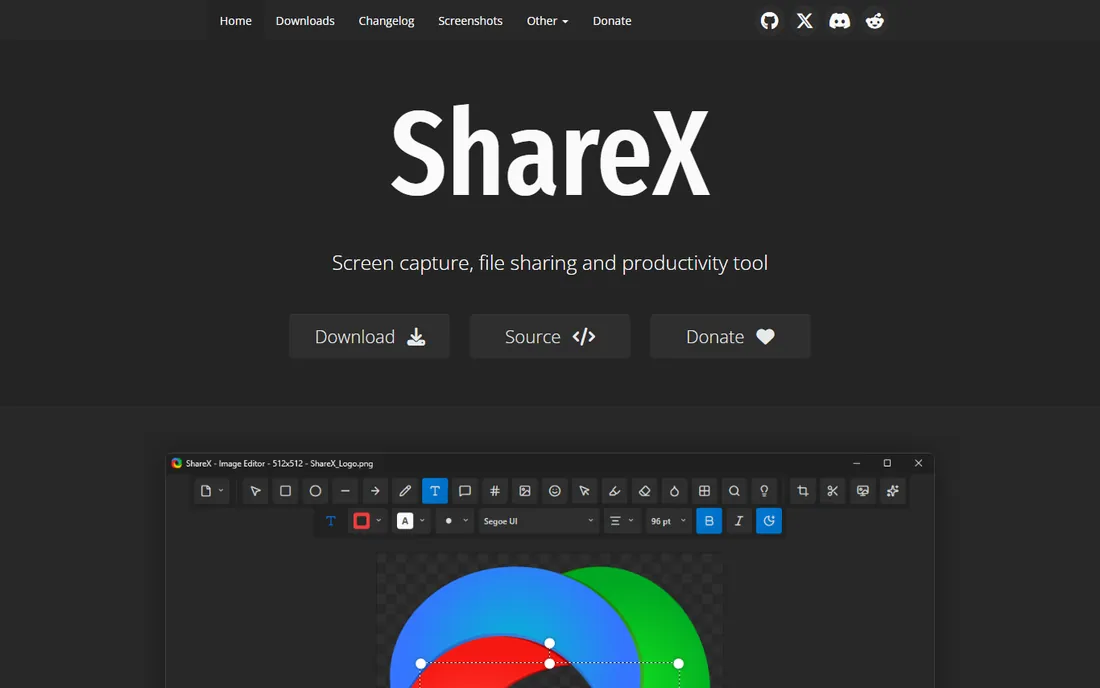
ShareX is the tool other free screenshot apps get measured against. It captures regions, windows, scrolling pages and screen recordings, then offers annotation, blur, pixelation, step numbering and dozens of upload destinations, all without charging anything or requiring an account. For technical writers and support staff on Windows, it replaces two or three paid tools at once.
The price of all that power is complexity. The settings panels run deep, and first-time users sometimes bounce off the sheer number of options. Stick with the defaults for capture and annotation, learn the workflow hotkeys, and it becomes the fastest free way to produce marked-up screenshots on Windows.
What we like- Huge feature set including scrolling capture and OCR
- Uploads to dozens of destinations
- Free and open source
Watch out for- Windows only
- Settings depth can intimidate newcomers
Starting price$39 per year
Free planFree trial
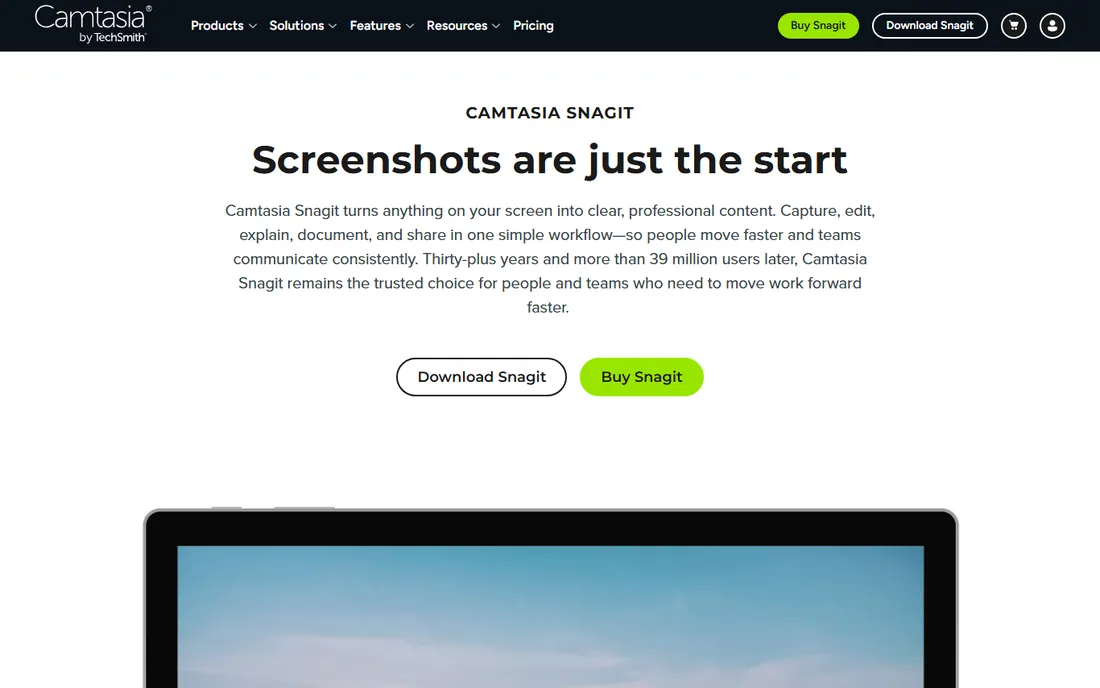
TechSmith's Snagit has been the professional standard for annotated screenshots for decades, and the current version keeps that position. The editor is the difference: smart move for rearranging callouts, simplify tool for turning busy screenshots into clean diagrams, templates for step-by-step guides, and a library that keeps every capture searchable. Panoramic capture handles windows that scroll in both directions.
Pricing moved to a $39 per year individual subscription, with education pricing available. There is a free trial but no free plan, so casual users should look at the free options on this list. For teams producing help docs, tutorials or training material every week, the time saved in the editor justifies the cost.
What we like- Best-in-class editor with templates and stamps
- Scrolling and panoramic capture
- Text grab with OCR
Watch out for- No free tier, trial only
- Annual subscription now rather than perpetual
Starting priceFree
Free planYes
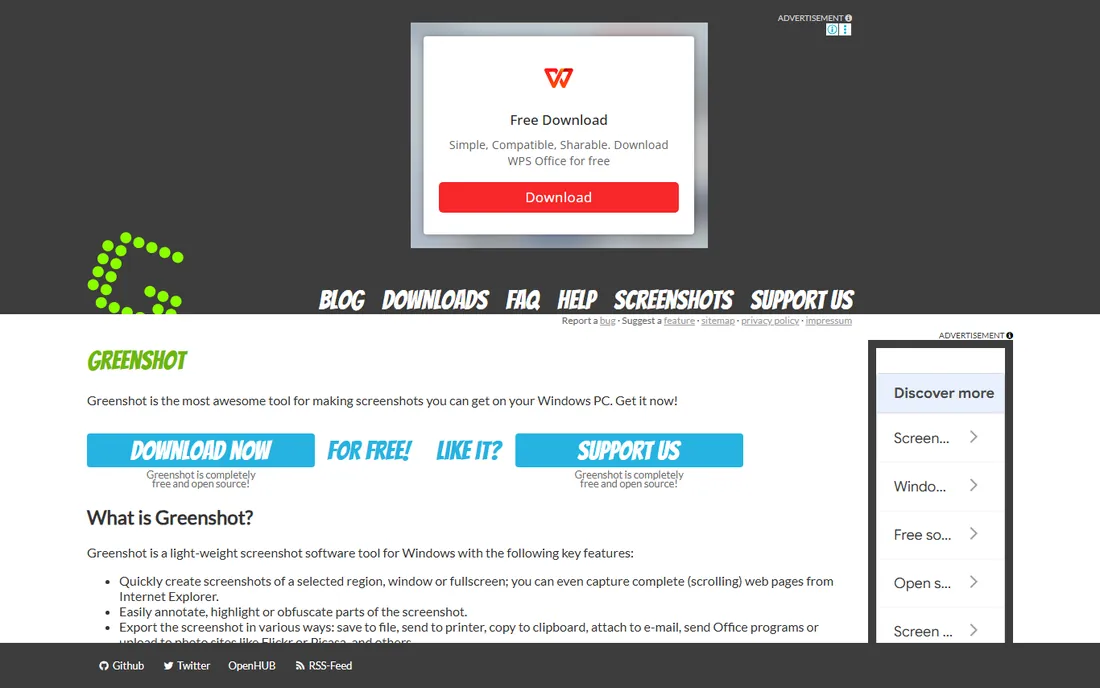
Greenshot is the simpler free alternative to ShareX on Windows. It sits in the system tray, captures regions and windows with a hotkey, and opens a compact editor with arrows, text, highlights, obfuscation and effects. Export targets include files, printers, Office applications and image hosts.
It does less than ShareX and it shows its age in places, but many users prefer exactly that: install, learn it in ten minutes, annotate hundreds of screenshots a year. It is free and open source, with an optional paid version in the Microsoft Store for those who want to support development and get automatic updates.
What we like- Lightweight and quick to learn
- Solid annotation editor
- Exports to Office, Imgur and more
Watch out for- Windows only
- Development pace is slow
- Fewer capture modes than ShareX
Starting price$29 one-time
Free planFree trial
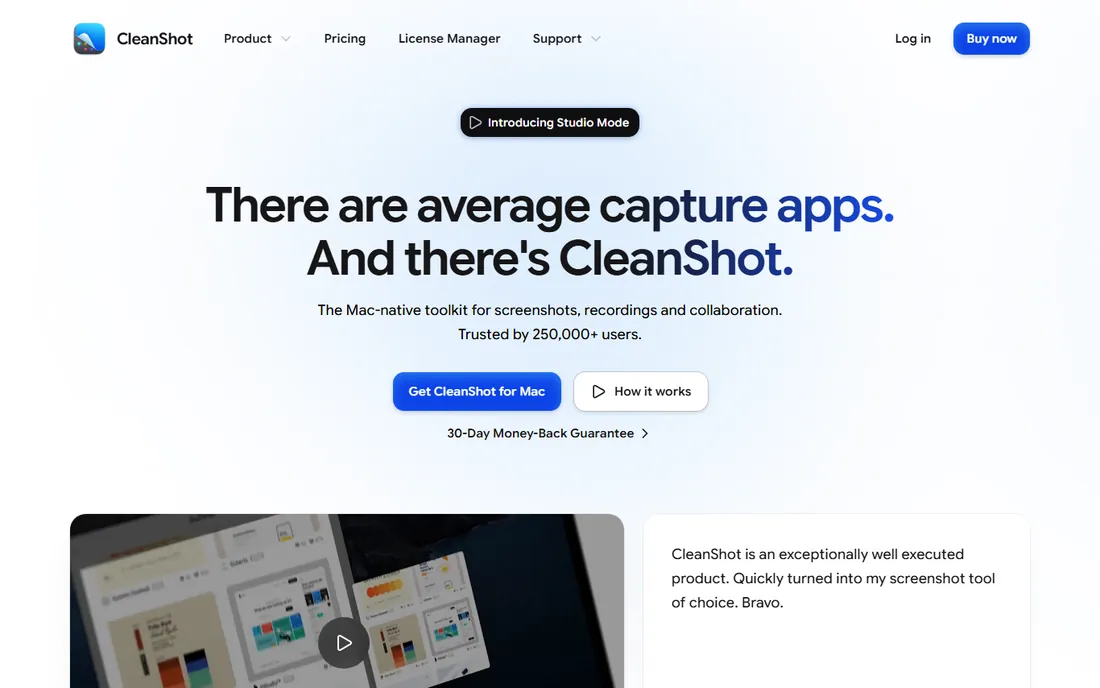
CleanShot X is what Mac users install when the built-in screenshot tool is not enough. Capture is instant and elegant: scrolling capture for full pages, annotation with arrows and blur, pin screenshots on top of other windows while you work, and record screen as video or GIF. Everything feels fast and considered.
The $29 one-time purchase includes the app for life plus a year of updates, with an optional $19 yearly renewal for continued updates. That non-subscription model is rare in this category and a big part of its appeal. The catch is the platform lock: there is no Windows version, and team cloud features sit on the separate Pro plan at $8 per user per month.
What we like- One-time purchase, no subscription
- Scrolling capture, blur and pinning
- Clean, fast interface
Watch out for- MacOS only
- Cloud features need the Pro plan
Starting priceSee website
Free planYes
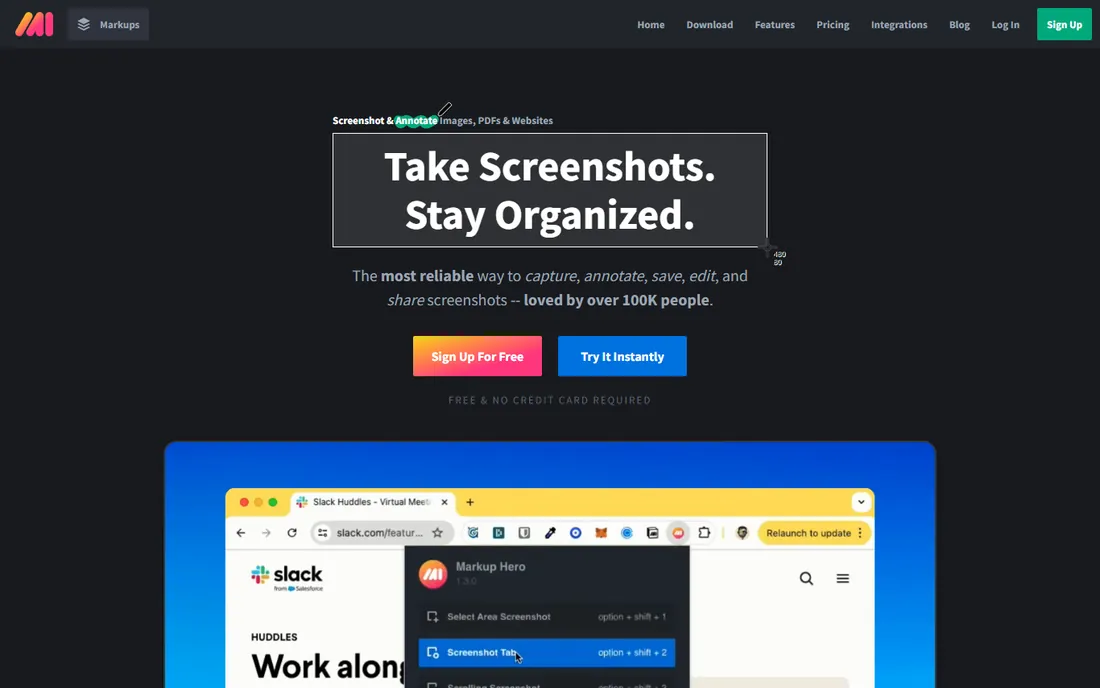
Markup Hero takes the opposite approach from the desktop tools: paste or upload an image in the browser and start marking it up. Arrows, text, shapes, blur and multi-page PDFs all work without installing anything, and every annotated image stays in a searchable history you can revisit and re-edit later.
That makes it ideal for quick feedback on a Chromebook, a borrowed machine or a locked-down work laptop. The free tier covers casual use; heavier users hit limits that the paid plans remove. If you annotate daily on your own machine, a native app will feel faster, but for zero-install convenience Markup Hero is hard to beat.
What we like- Runs entirely in the browser
- History of every markup
- Easy sharing links
Watch out for- Needs an internet connection
- Advanced features require a paid plan
Starting priceSee website
Free planYes
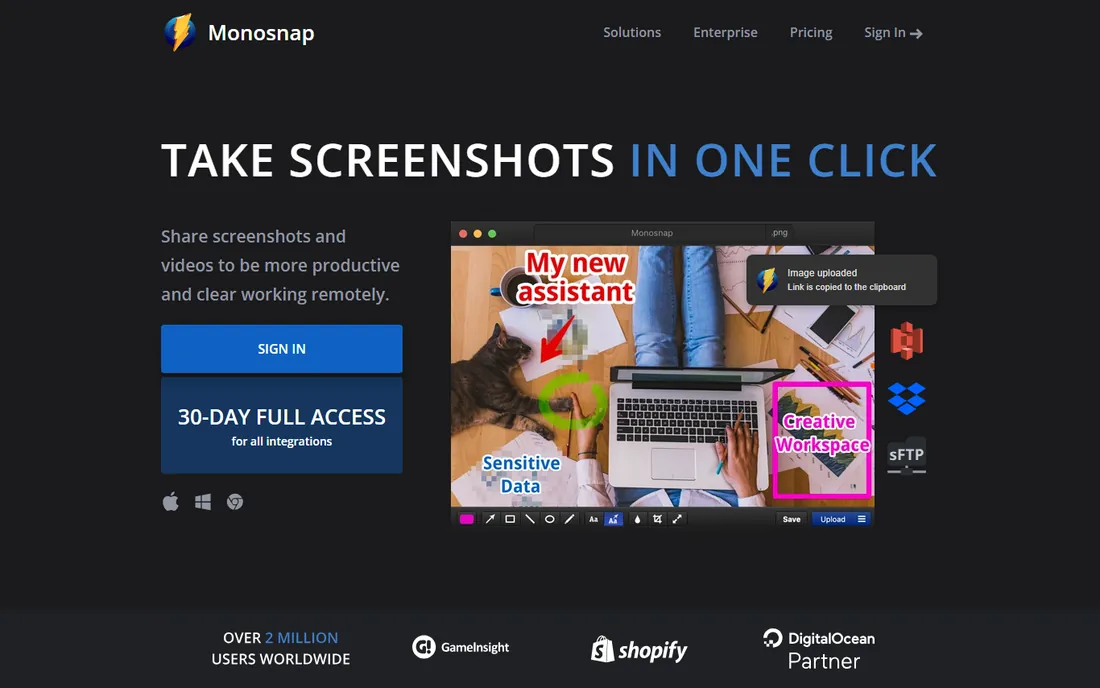
Monosnap compresses the whole screenshot workflow into one action: capture, mark it up, and get a shareable link. The built-in editor covers arrows, text, blur and shapes, and uploads go to Monosnap's own cloud or your own S3, FTP or WebDAV storage. Screen recording with webcam overlay is included too.
The free plan is genuinely usable for individuals, with paid plans raising storage and removing limits. It is cross-platform across Mac and Windows, which matters for mixed teams. The editor will not win design awards next to CleanShot X, but for support teams firing off annotated screenshots all day, the speed of the capture-to-link flow is the point.
What we like- Capture, annotate and upload in one flow
- Own cloud storage included
- Works on Mac and Windows
Watch out for- Free cloud storage is limited
- Interface is functional rather than beautiful
Starting priceSee website
Free planFree trial
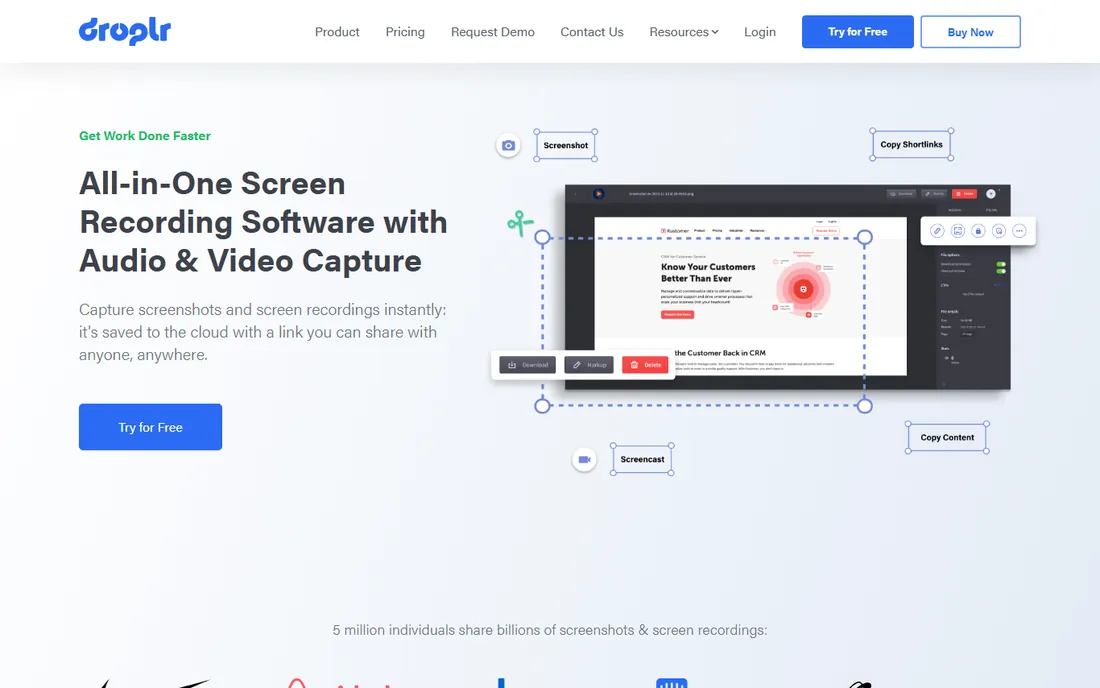
Droplr is built for teams where screenshots are a communication channel, not an occasional task. Capture a screen or record a quick video, annotate it, and paste the link into Slack or a Jira ticket. Everything is organized in boards, links can be password protected or set to self-destruct, and integrations cover the usual workplace stack.
Pricing is per user per month with a free trial and no permanent free plan, which positions it clearly as a team purchase rather than a personal utility. For support, QA and product teams, the organized library and integrations justify it. Solo users who just need arrows on a screenshot should pick a free tool instead.
What we like- Fast capture-to-link workflow
- Screen recording and GIFs
- Integrations with Slack, Jira and project tools
Watch out for- No free tier
- Per-user pricing adds up for large teams
Starting priceSee website
Free planYes
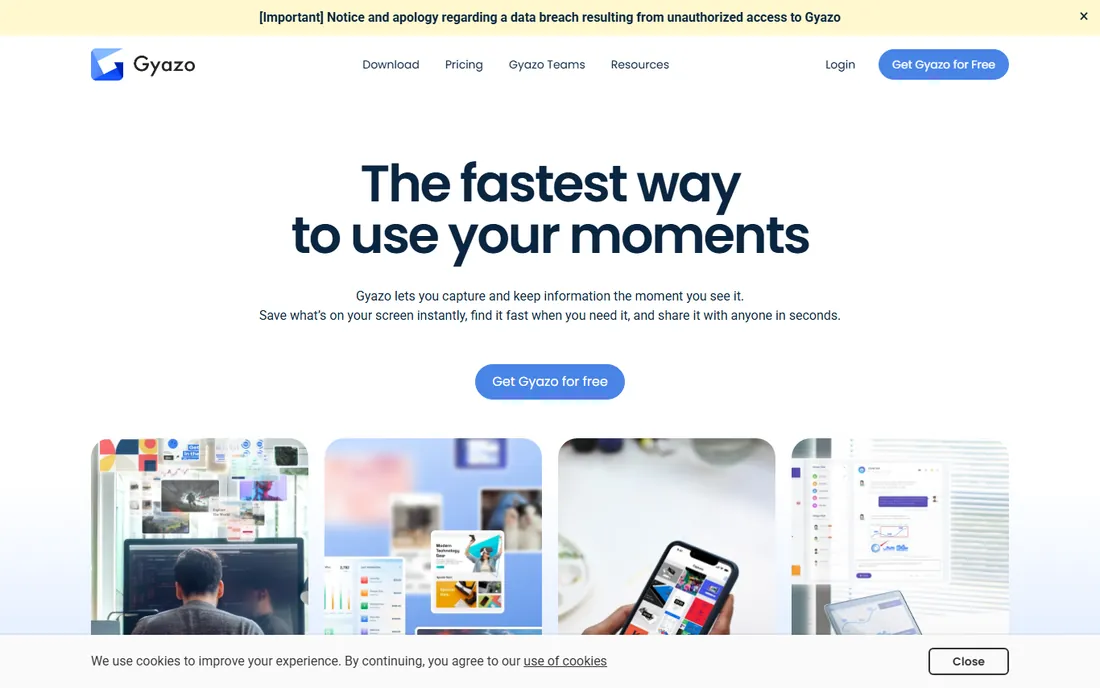
Gyazo's whole pitch is speed: take a screenshot and the link is already in your clipboard. Annotation exists, with arrows, text and blur, but it is deliberately minimal compared to Snagit or ShareX. The audience is people who share screen grabs constantly in chat and want zero friction.
The free tier handles that core loop, while Gyazo Pro removes ads, raises limits and adds features like unlimited captures. If your annotation needs go beyond a quick arrow and a blurred password field, look elsewhere. If you want the screenshot-to-link pipeline to disappear into muscle memory, Gyazo does it better than anyone.
What we like- Capture uploads instantly with a link copied
- Very simple
- GIF capture included
Watch out for- Annotation tools are basic
- Free version shows ads
Starting priceSee website
Free planYes
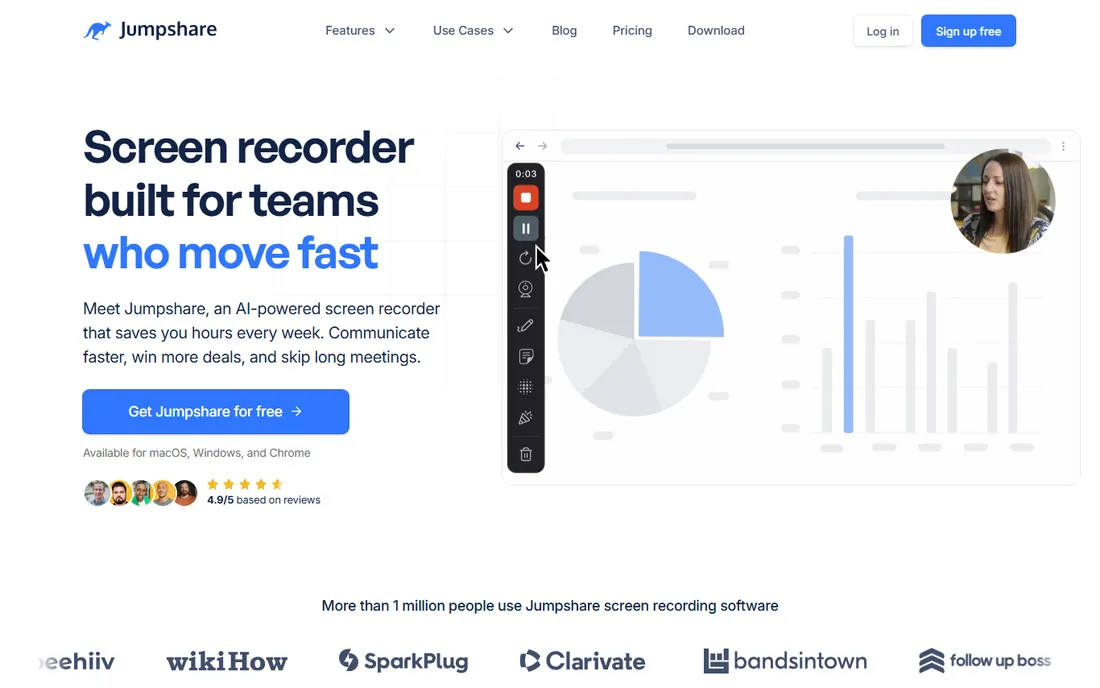
Jumpshare started as file sharing and grew a capable screenshot and annotation tool inside it. Capture, draw arrows and shapes, blur sensitive bits, then share the link; the same account also handles screen recordings, GIFs and plain file sharing with version history. The free tier is generous enough for regular personal use.
That breadth is both the appeal and the limitation. As a pure annotation editor it is not as deep as Snagit, but as an everyday communication toolkit for a small team or freelancer it covers more ground than any single-purpose tool here. Paid Plus plans raise the limits and add business controls.
What we like- Annotates screenshots, GIFs and videos
- Generous free tier
- Screen recording with drawing
Watch out for- Annotation is one feature among many, not the specialty
- Business features need Plus
Picking the right annotation workflow
Start with how the annotated image travels. If screenshots go into documents, tickets and emails as files, a desktop editor like ShareX, Greenshot, Snagit or CleanShot X fits best. If they go out as links in chat, pick a capture-to-link tool like Monosnap, Gyazo, Droplr or Jumpshare and skip the file management entirely.
Platform narrows the field fast. Windows users get the two best free options in ShareX and Greenshot. Mac users choose between CleanShot X's one-time purchase and the free tier of Monosnap. Markup Hero covers everything else through the browser.
Free versus paid in this category
Annotation is one of the categories where free tools genuinely compete: ShareX and Greenshot handle the core job at zero cost. Paid tools earn their price in three ways: a better editor that saves minutes per screenshot (Snagit), a nicer daily experience (CleanShot X), or team infrastructure like shared libraries and integrations (Droplr). Count how many screenshots you annotate per week; under ten, stay free.
How we compared them
We focused on the annotation experience itself: the markup tools available, how fast capture turns into a finished image, sharing options, and platform coverage. We checked vendor sites and current pricing, read recent user reviews, and favored tools with active development. We did not run hands-on timing tests.
Frequently asked questions
What is the best free annotation software?
ShareX on Windows is the most capable free option, with Greenshot as the simpler alternative. On Mac, Monosnap's free tier or the browser-based Markup Hero cover most needs.
Is Snagit worth paying for?
For people who produce documentation, tutorials or training materials regularly, yes. The editor's templates, smart move and text tools save real time per screenshot. Occasional users will not get $39 per year of value from it.
Can I annotate screenshots without installing software?
Yes. Markup Hero runs entirely in the browser: paste or upload an image and start marking it up. It is the best option on locked-down or shared machines.
Which annotation tool is best for Mac?
CleanShot X, at $29 one-time. It is fast, polished and purpose-built for macOS, with scrolling capture and a genuinely pleasant annotation experience.
Do any of these tools annotate PDFs or video?
Markup Hero handles multi-page PDFs in the browser. Several tools on this list, including ShareX, Monosnap, Droplr and Jumpshare, also capture screen recordings and GIFs with basic annotation.
What is the difference between annotation software and a screenshot tool?
Screenshot tools capture the image; annotation software adds the markup layer of arrows, text, shapes and blur, plus sharing. Most tools on this list do both, but the annotation depth varies a lot.
Sources we checked (11)
- https://getsharex.com/
- https://www.techsmith.com/snagit/
- https://getgreenshot.org/
- https://cleanshot.com/
- https://markuphero.com/
- https://monosnap.com/
- https://droplr.com/
- https://gyazo.com/
- https://jumpshare.com/
- https://vidocu.ai/blog/9-best-free-image-annotation-tools-online-2026
- https://wifitalents.com/best/photo-markup-software/
Is your product missing or out of date?
We review this list regularly. Vendors can request a listing, send updated pricing or ask about featured placement.

Shihab Mia · Founder, Rankite
Shihab has spent more than a decade helping SaaS and e-commerce brands grow through search. He writes Rankite's software buying guides from pricing pages, documentation and public user reviews. More about Shihab.