How we make this list: we compare pricing pages, product documentation and public user reviews. Rankite is independent; if a vendor ever pays for a featured spot, that listing is clearly labeled Partner.
Key takeaways
- Blender, OpenToonz, Pencil2D and Synfig Studio are completely free, and each teaches real animation skills that transfer to paid tools.
- Adobe Animate ($22.99 per month) and Toon Boom Harmony Essentials ($30 per month) are the paid 2D standards, both with free trials.
- Moho Debut ($59.99 one-time) is the cheapest paid route into rigged character animation without a subscription.
- Animaker and Powtoon skip drawing entirely, with templates and characters for explainer videos and social content.
- Start with a free 2D tool for a month before paying, because the style you enjoy determines the tool you should buy.
Quick comparison
| Tool | Best for | Starting price | Free plan |
|---|
 Blender Blender | free 3D animation, pro quality | Free | Yes |
 Adobe Animate Adobe Animate | vector animation and web interactivity | $22.99/month (annual, billed monthly) | Free trial |
 Toon Boom Harmony Toon Boom Harmony | professional 2D cartoon pipeline | $30/month | Free trial |
 OpenToonz OpenToonz | studio-grade 2D, free and open source | Free | Yes |
 Pencil2D Pencil2D | simple frame-by-frame drawing | Free | Yes |
 Synfig Studio Synfig Studio | vector tweening without frame-by-frame work | Free | Yes |
 Moho Moho | rigged character animation, one-time price | $59.99 one-time | Free trial |
 Animaker Animaker | template-based animated videos | Free | Yes |
 Powtoon Powtoon | explainer videos for business and school | Free | Yes |
Is your product missing or out of date?
We review this list regularly. Vendors can request a listing, send updated pricing or ask about featured placement.
The best animation software for beginners
Starting priceFree
Free planYes
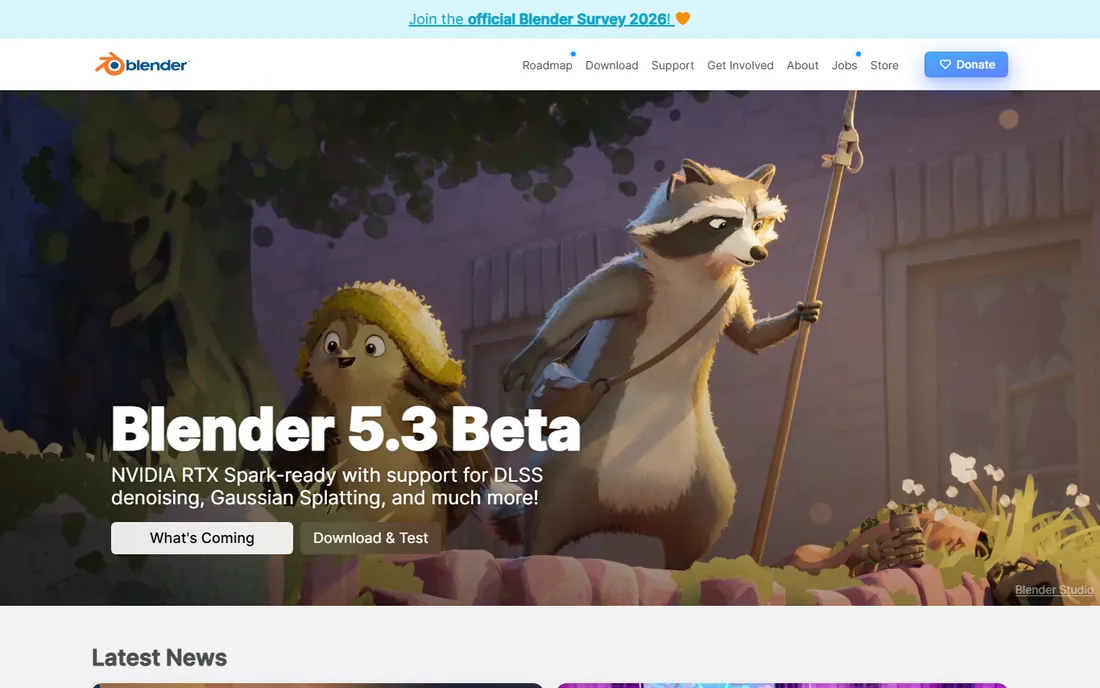
Blender is the most generous deal in all of creative software. It is a complete 3D animation suite, modeling, rigging, animation, rendering, video editing, that costs nothing and is genuinely used in professional productions. For a beginner, the 2D Grease Pencil tools are the secret weapon: you can draw frame-by-frame animation in a 3D space, getting the best of both worlds while you learn. The tutorial ecosystem on YouTube is unmatched, with entire beginner courses free.
The honest catch is the learning curve. Blender's interface packs a decade of professional features into one window, and your first week will feel like sitting in a cockpit. Push through the first month with a structured course and it clicks. If your dream is 3D characters, short films or game art, starting anywhere else means paying for less. Blender asks only for your time.
What we like- Full 3D pipeline used by real studios
- Grease pencil for 2D animation inside 3D
- Enormous free tutorial community
Watch out for- The interface overwhelms at first
- 3D fundamentals take months to learn properly
#2
Adobe Animate
Best for: vector animation and web interactivity
Visit adobe.com
Starting price$22.99/month (annual, billed monthly)
Free planFree trial
Adobe Animate is the modern descendant of Flash, and it remains the standard for vector-based 2D animation for the web, TV and games. You draw with vectors that stay crisp at any size, animate with tweens instead of redrawing every frame, and publish to HTML5, video or interactive content. The 2026 version includes camera tools, layer parenting and auto-lip-sync features that speed up real projects. A 7-day free trial lets you test it.
At $22.99 per month on the annual plan, it is a real commitment for a hobbyist, and it makes most sense if you are already in the Adobe ecosystem or aiming at professional work. The upside is employability: Animate skills transfer directly to studio jobs. If you want to make cartoons for YouTube or interactive web animation, this is the paid tool to beat.
What we like- Industry standard for web and broadcast vector animation
- Camera and layer parenting simplify scenes
- Integrates with the Creative Cloud workflow
Watch out for- Subscription adds up fast
- Overkill if you only want simple frame-by-frame drawing
Starting price$30/month
Free planFree trial
Toon Boom Harmony is what professional 2D studios use, from TV series to feature films, and the Essentials tier at $30 per month (or $252 billed annually) puts that pipeline within a beginner's reach. Its strength is cut-out animation: you build a character once as separate pieces, rig it with bones, and animate by posing the rig instead of redrawing. A walk cycle that takes hours frame-by-frame takes minutes rigged. Deformers bend limbs naturally, and the node compositor handles effects.
Essentials is deliberately limited compared to Advanced and Premium, but it covers the full animation process a beginner needs. The 14-day trial is generous enough to finish a short test scene. If your goal is working in animation professionally, learning Harmony is the most direct path, because the studios you want to join already use it.
What we like- The software behind major TV productions
- Cut-out rigging saves enormous time
- 14-day trial on all tiers
Watch out for- Essentials tier limits some advanced effects
- Professional pricing beyond the entry tier
Starting priceFree
Free planYes
OpenToonz has the most interesting origin story here: it is the open-source release of Toonz, the software Studio Ghibli used on its films. That means you get professional-grade 2D animation tools, including the famous GTS scanning tools and particle effects, for free. It handles both traditional frame-by-frame and cut-out workflows, and there are no paid tiers holding features back.
The price of free is polish. The interface feels like professional software from another era, documentation is thin, and you will lean on community tutorials. But for a beginner who wants real 2D skills without spending, it is remarkable. If Pencil2D feels too simple and Harmony too expensive, OpenToonz is the middle ground that costs nothing.
What we like- Used by Studio Ghibli in production
- Professional scanning and compositing tools
- Completely free with no tier limits
Watch out for- The interface is clunky and poorly documented
- Smaller tutorial community than Blender
Starting priceFree
Free planYes
Pencil2D is the digital equivalent of a flipbook, and that is its whole point. You draw a frame, draw the next one slightly changed, and play it back. There are no rigs, no node graphs, no particle systems to learn. A beginner can make their first bouncing ball in an evening, which matters more than it sounds, because early wins keep you animating. It supports both bitmap and vector drawing layers and runs happily on modest machines.
It is not a tool you grow into for years. There is no character rigging, no effects pipeline and no real compositing, and very large projects have historically been unstable. But as a first step into traditional animation, nothing is friendlier. Many animators start here to learn timing and spacing, then move to OpenToonz or Harmony when they outgrow it.
What we like- The simplest real animation workflow available
- Bitmap and vector layers in one timeline
- Lightweight and runs on old hardware
Watch out for- No rigging, effects or advanced compositing
- Crashes were historically common on large projects
#6
Synfig Studio
Best for: vector tweening without frame-by-frame work
Visit synfig.org
Starting priceFree
Free planYes
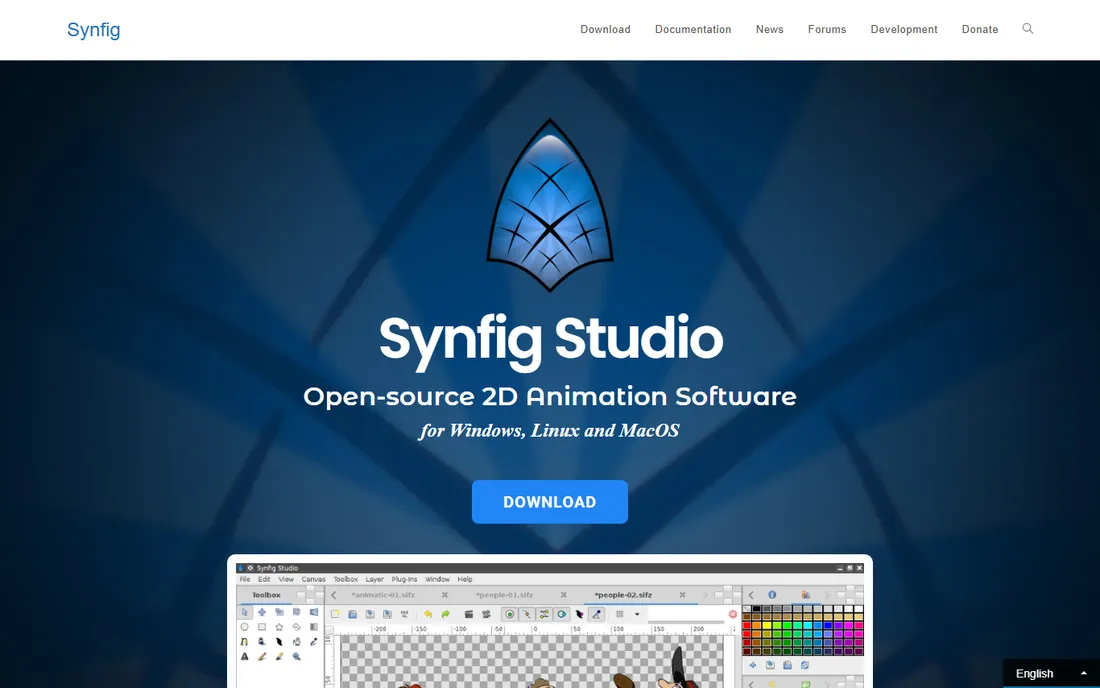
Synfig Studio answers the beginner's biggest complaint about 2D animation: redrawing every frame is exhausting. Instead, you draw your character once as vector shapes, set keyframes for the poses, and Synfig tweens the in-between frames automatically. It includes a bone system for rigging characters, a library of over 50 layer types for effects, and full control over the animation curves. All free, on all major platforms.
The trade-off is the learning curve of its unusual workflow. Synfig does not work like Animate or Harmony, so tutorials from those tools do not transfer directly, and you will need its own documentation. Rendering complex scenes can also be slow. But if you want to animate characters without drawing hundreds of frames and without paying, it is the best free option for that style.
What we like- Automatic tweening between keyframes saves drawing time
- Bone rigging for cut-out characters
- Free on Windows, Mac and Linux
Watch out for- The workflow is unusual and takes getting used to
- Rendering can be slow on complex scenes
Starting price$59.99 one-time
Free planFree trial
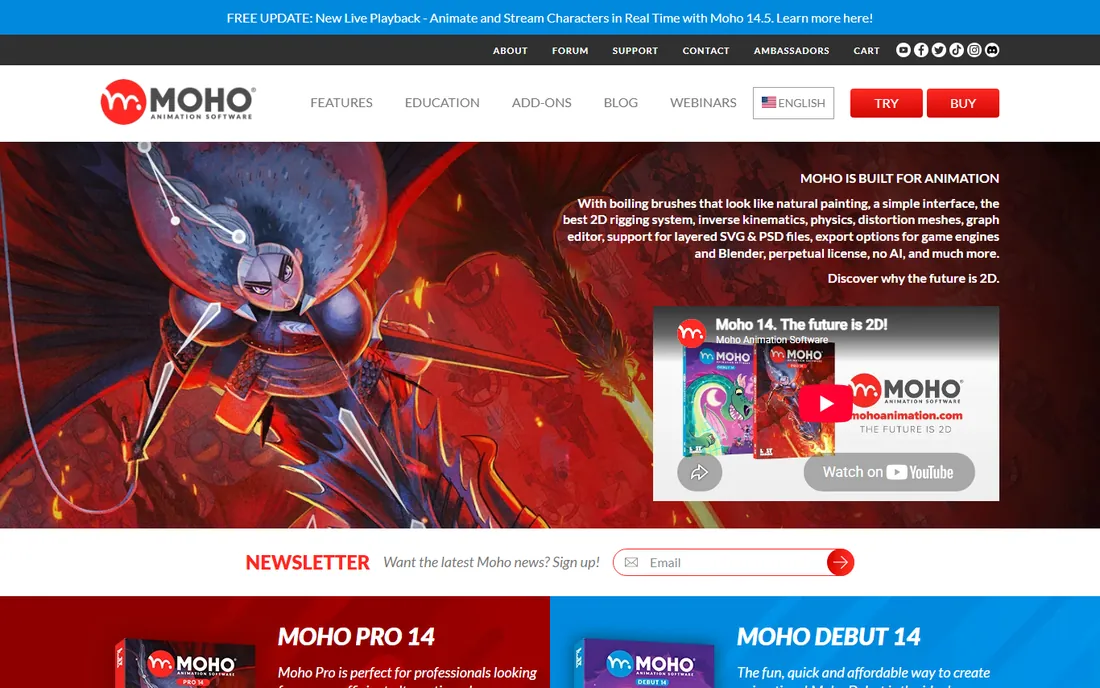
Moho, formerly Anime Studio, is the best value in paid 2D animation for beginners who want rigged characters. The Debut version costs $59.99 once, no subscription, and includes the bone rigging system that made the software famous: smart bones that automatically handle joint bending, squash and stretch, and character turnarounds. The Pro version at $399.99 adds advanced rigging, physics and 3D object import for serious production work.
The free trial lets you test the rigging workflow before buying. Moho's weakness is traditional drawing: if you want to hand-draw every frame, Harmony or OpenToonz serve you better. But for the popular YouTube style of rigged 2D characters talking and acting, Moho Debut does the job for the price of two months of Adobe Animate, forever.
What we like- Powerful bone rigging with smart bones
- Debut tier is a $59.99 one-time purchase
- Used for YouTube cartoons and web series
Watch out for- Frame-by-frame drawing tools are weaker than Harmony's
- Smaller community than the Adobe tools
Starting priceFree
Free planYes
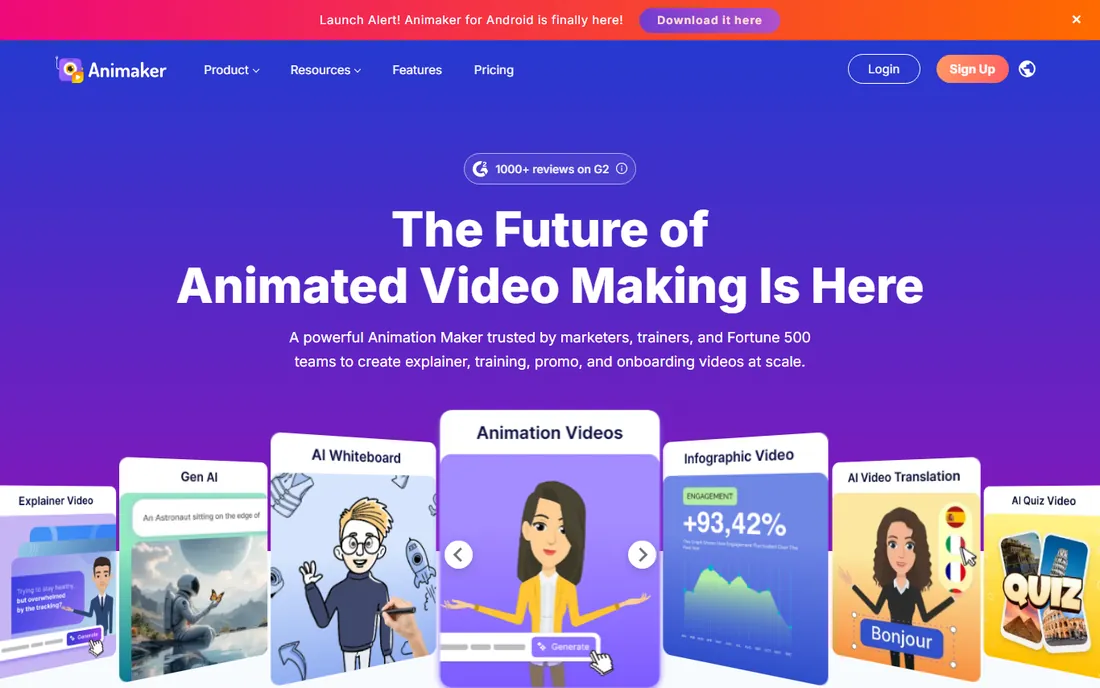
Animaker is for beginners who want a finished animated video, not animation skills. You pick a template, customize pre-built characters and scenes, add voiceover or auto-generated subtitles, and export. It covers 2D character animation, whiteboard videos, infographics and more, with AI-assisted features for script and voice. The free plan lets you make unlimited videos with watermarks and HD limits.
The paid plans start at $15 per month billed annually for the Basic tier, which removes watermarks and raises quality. The honest limitation is originality: template-based videos look template-based, and viewers can tell. For explainer videos, internal training, school projects and social content, that trade is fine. If you want to develop as an animator, this is a video maker, not a training ground.
What we like- Thousands of templates and pre-made characters
- No drawing skill needed at all
- Exports up to 4K on paid plans
Watch out for- The free plan watermarks videos and caps quality
- Template look is recognizable
Starting priceFree
Free planYes
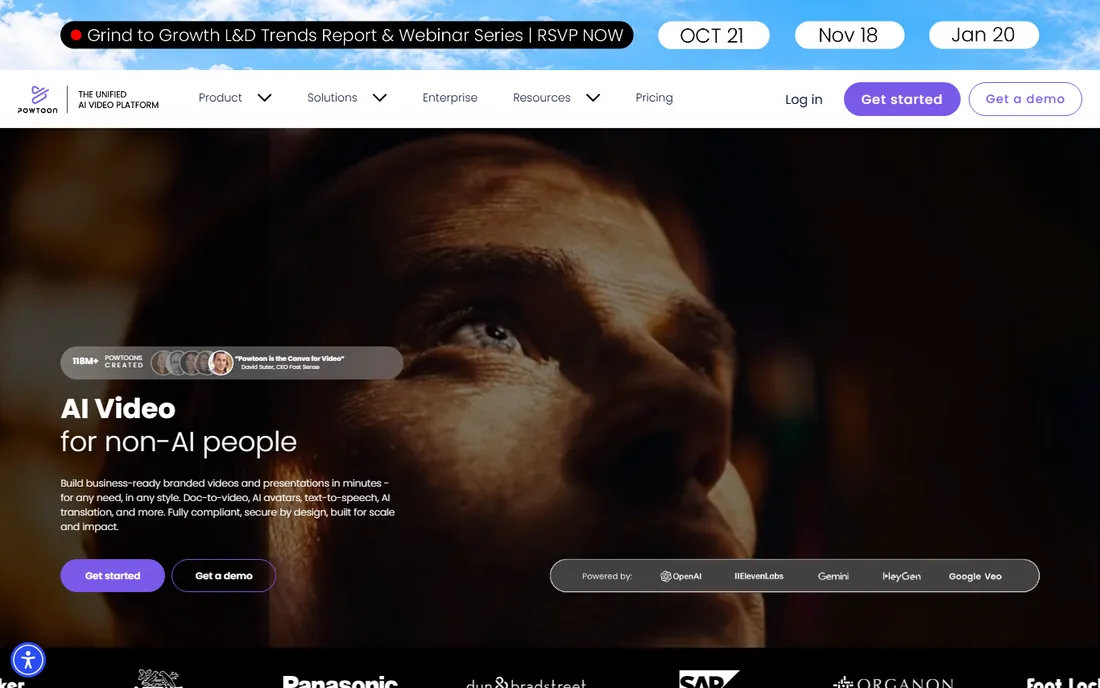
Powtoon plays in the same space as Animaker with a stronger business and education focus. Its templates are designed for the videos companies actually make: product explainers, onboarding, training modules, investor pitches and classroom lessons. The character builder is flexible, the drag-and-drop timeline is genuinely easy, and sharing options cover everything from YouTube to LMS embedding.
The free plan gives you 3-minute videos with watermarks, enough to test the workflow. Paid plans start at $15 per month billed annually for Lite. Like all template tools, it will not teach you animation, and heavy users hit the limits of customization. For a marketer or teacher who needs an animated video this week, it is one of the fastest routes.
What we like- Polished templates for business and education
- Character builder with diverse options
- Easy sharing and embedding
Watch out for- Free exports are short and watermarked
- Monthly pricing is high for casual use
Start here: the fastest path for a true beginner
If you have never animated before, pick based on the outcome you want. Want to learn real animation as a skill? Start with Pencil2D for a week to learn timing, then move to OpenToonz or Blender's Grease Pencil for the real thing, all free. Want a finished video without learning to draw? Animaker or Powtoon will have you done by Friday. Want characters that move like TV cartoons? Moho Debut's rigging is the cheapest paid on-ramp.
Give it a month before you pay
Every paid tool here has a free trial, and the free tools are genuinely good. Spend your first month making small finished pieces, a bouncing ball, a walk cycle, a ten-second scene, rather than collecting software. The style you enjoy making determines the tool worth buying. A month of Blender tells you more than a year of reading comparisons.
Tutorials matter more than features
Beginner progress tracks tutorial quality almost exactly. Blender's free course ecosystem is the best in this list, Adobe and Toon Boom have structured learning paths, and the open-source tools rely on community videos of varying quality. Before committing to a tool, watch one beginner series for it. If you cannot find a teacher whose style clicks, you will stall no matter how good the software is.
How we chose
We prioritized tools a genuine beginner can start with this week, weighing the learning curve, tutorial availability and price alongside features. For each tool we checked the vendor's pricing page and documentation, then read beginner experiences on Reddit, YouTube comments and review sites to see where newcomers actually get stuck. We excluded professional-only suites with no entry tier, dead projects with no 2026 activity and template sites that are really stock video libraries. Prices reflect what we found in October 2026.
What to look for as you improve
The beginner tool that got you started will not be your last tool, and that is fine. The skills transfer: timing, spacing, posing and storytelling work in every package. When you are ready to level up, look for rigging systems that save redrawing time, export options that match your platform, and a community making the kind of work you want to make. Many animators keep a free tool like Blender alongside a paid one like Harmony, using each where it is strongest.
Frequently asked questions
What is the best free animation software for beginners?
Blender is the most capable free option overall, with 3D and 2D tools used professionally. For pure 2D, OpenToonz gives you studio-grade tools for free, while Pencil2D is the friendliest first step into frame-by-frame drawing. All three cost nothing and teach real skills.
Is Blender too hard for a beginner?
It is challenging but very doable with a structured course. The interface is dense because it is professional software, but the beginner tutorial ecosystem is the best of any tool on this list. Start with the 2D Grease Pencil or basic 3D modeling before tackling character animation, and expect the first month to be the hardest.
Should I learn 2D or 3D animation first?
Neither is objectively first; it depends on what you want to make. 2D teaches drawing, timing and acting with a gentler technical load. 3D teaches modeling, rigging and rendering with more technical depth. Many beginners try both free for a month, 2D in OpenToonz or Pencil2D and 3D in Blender, then commit to the one they enjoy.
Can I make money with free animation software?
Yes. Blender is used in professional productions, and OpenToonz powered real studio films. Clients pay for the finished video, not the software license. The paid tools matter more for studio employment, where knowing Harmony or Animate is often a job requirement.
How long does it take to learn animation?
You can make your first simple animations in a weekend with Pencil2D or Animaker. Reaching a level where your work looks polished typically takes three to six months of regular practice in any tool. Professional-quality character animation is a multi-year craft, but beginners consistently underestimate how good their work can look after a few focused months.
Do I need a drawing tablet?
For 2D frame-by-frame work, a tablet helps enormously and a basic pen tablet is affordable. For rigged character animation in Moho or Harmony, you can work entirely with a mouse. For 3D in Blender, a mouse and keyboard are standard. Start with what you have and buy the tablet when drawing becomes the bottleneck.
Sources we checked (10)
- https://www.blender.org/
- https://www.adobe.com/
- https://www.toonboom.com/
- https://opentoonz.github.io/
- https://www.pencil2d.org/
- https://www.synfig.org/
- https://moho.lostmarble.com/
- https://www.animaker.com/
- https://www.powtoon.com/
- https://www.adobe.com/products/animate.html
Is your product missing or out of date?
We review this list regularly. Vendors can request a listing, send updated pricing or ask about featured placement.

Shihab Mia · Founder, Rankite
Shihab has spent more than a decade helping SaaS and e-commerce brands grow through search. He writes Rankite's software buying guides from pricing pages, documentation and public user reviews. More about Shihab.