How we make this list: we compare pricing pages, product documentation and public user reviews. Rankite is independent; if a vendor ever pays for a featured spot, that listing is clearly labeled Partner.
Key takeaways
- Vyond (from $49/month) is the business standard: character animation with lip-sync for training and corporate video.
- Animaker (from $12.50/month) is the value pick: the widest animation styles per dollar, from whiteboard to 2D character.
- Doodly and Toonly (from $39/month) own whiteboard and cartoon explainer niches with one-time deal histories.
- Watermarks are the free-tier trap: every free plan here watermarks exports, so budget for at least the entry paid tier.
Quick comparison
| Tool | Best for | Starting price | Free plan |
|---|
 Vyond Vyond | Corporate training and character animation | From $49/month (billed annually) | Free trial (14 days) |
 Animaker Animaker | All-round animation on a budget | From $12.50/month (billed annually) | Yes (watermarked) |
 Powtoon Powtoon | Quick business explainers and presentations | See website | Yes (watermarked) |
 Renderforest Renderforest | Intros, logo animation and promo videos | From $9.99/month | Yes (watermarked) |
 Moovly Moovly | Template-driven business video | From $24.99/month | Yes (watermarked) |
 Biteable Biteable | Fast studio-quality marketing clips | See website | Yes (watermarked) |
 Doodly Doodly | Whiteboard doodle videos | From $39/month | Free trial |
 Toonly Toonly | Cartoon explainer characters | From $39/month | Free trial |
Is your product missing or out of date?
We review this list regularly. Vendors can request a listing, send updated pricing or ask about featured placement.
The best animation maker software
Your product needs an explainer video, your course needs engaging lessons, your client needs a whiteboard pitch. Hiring an animator costs thousands; these tools let non-animators produce respectable animated video with templates, characters and drag-and-drop timelines. The honest trade-off: template animation always looks like template animation. Pick the tool whose templates you can live with.
#1
Vyond
Best for: Corporate training and character animation
Visit vyond.com
Starting priceFrom $49/month (billed annually)
Free planFree trial (14 days)
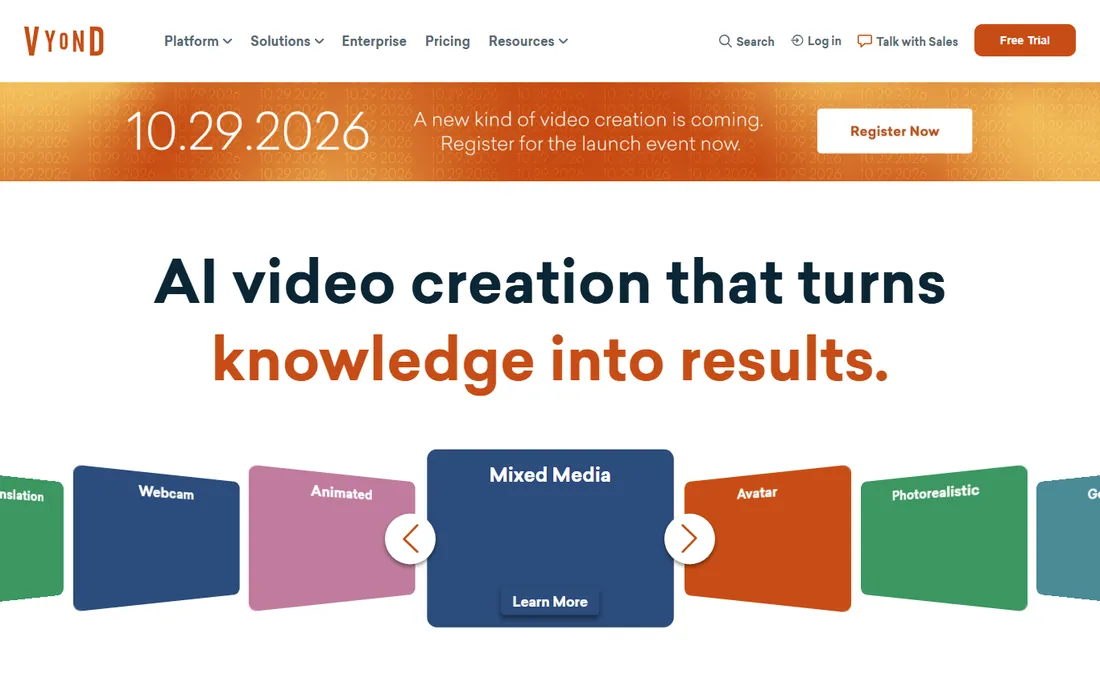
Vyond (formerly GoAnimate) is what corporate training videos are made of. The character creator builds diverse business characters, automatic lip-sync matches dialogue, and the action library covers everything from handshakes to forklift operation. L&D teams produce compliance and onboarding video without an agency. The template library leans professional rather than playful.
The honest catch is the price and the look. From $49 per month billed annually, it is the most expensive start here, and the Vyond character style is instantly recognizable. If your audience watches a lot of corporate video, they have seen this aesthetic. For training at scale, the productivity justifies it. For one video, it does not.
What we like- Best character animation here: lip-sync, actions and expressions
- Business-focused asset library (offices, professions, scenarios)
- Strong for training, HR and compliance video
Watch out for- The priciest entry point on this list
- The character style is recognizable as Vyond
Starting priceFrom $12.50/month (billed annually)
Free planYes (watermarked)
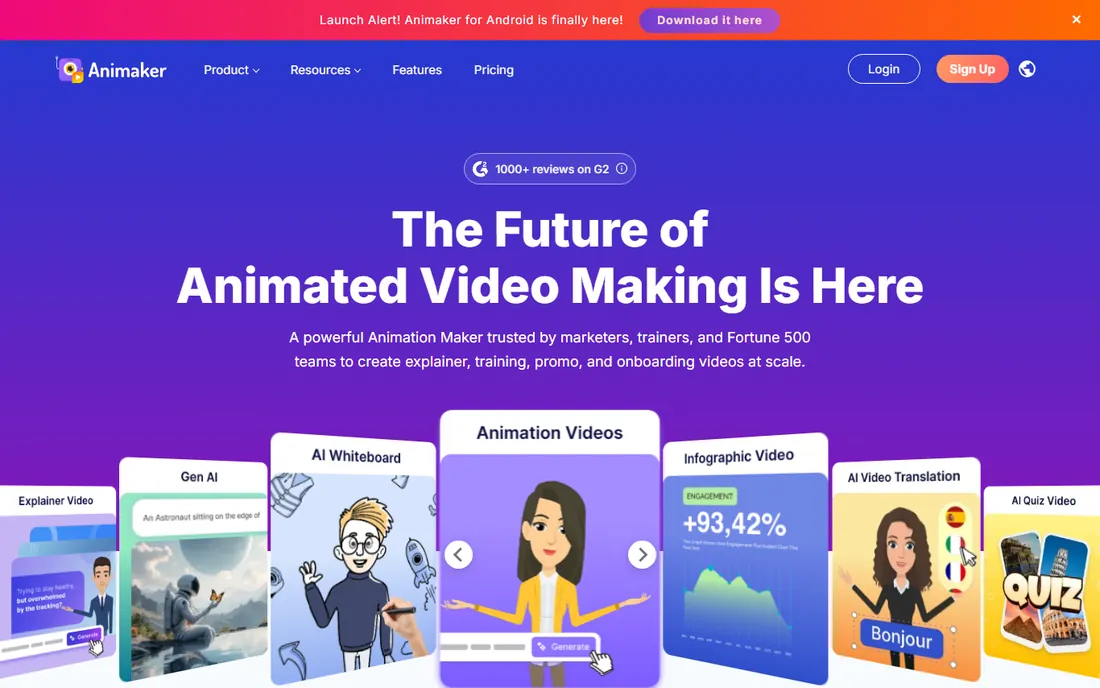
Animaker is the value buffet: 2D character animation, whiteboard, infographics, kinetic typography and more, starting around $12.50 per month billed annually. The asset library is enormous, and the free tier (watermarked, limited) lets you learn the whole app before paying. For marketers and educators who need varied video styles on a budget, nothing covers more ground per dollar.
The catch is depth per style. No single Animaker style matches Vyond's characters or Doodly's whiteboard focus; it is breadth over mastery. The interface shows the feature count. If you make many kinds of animated video, the breadth is the point. If you make one kind, buy the specialist.
What we like- Six animation styles in one app (2D, whiteboard, infographic, typography and more)
- Huge asset and template library
- The cheapest capable entry point
Watch out for- The interface packs a lot in and can overwhelm
- Export quality and character depth trail Vyond
Starting priceSee website
Free planYes (watermarked)
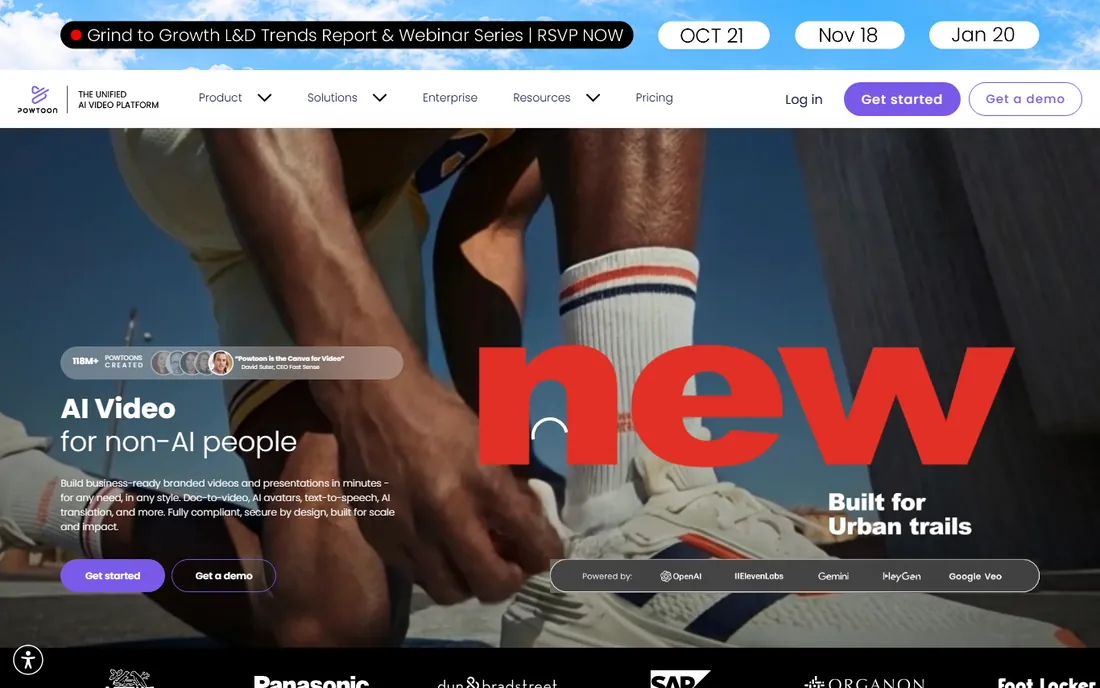
Powtoon pioneered the "animated explainer in an afternoon" category and still does it well. The workflow moves from script to scenes to finished video quickly, and the presentation import turns slide decks into animated video. Business users get brand kits and collaboration. It is the tool for the marketing manager told "make a video by Friday."
The honest catch is tone. The default style is bouncy and casual, which suits startups and educators better than law firms. Pricing requires checking the current page. For fast, friendly explainers, it remains a solid pick. For gravitas, look elsewhere.
What we like- Fastest path from script to finished explainer
- Good presentation-to-video workflow
- Brand controls for business users
Watch out for- Pricing needs a website visit
- The cartoon style skews casual for serious topics
Starting priceFrom $9.99/month
Free planYes (watermarked)
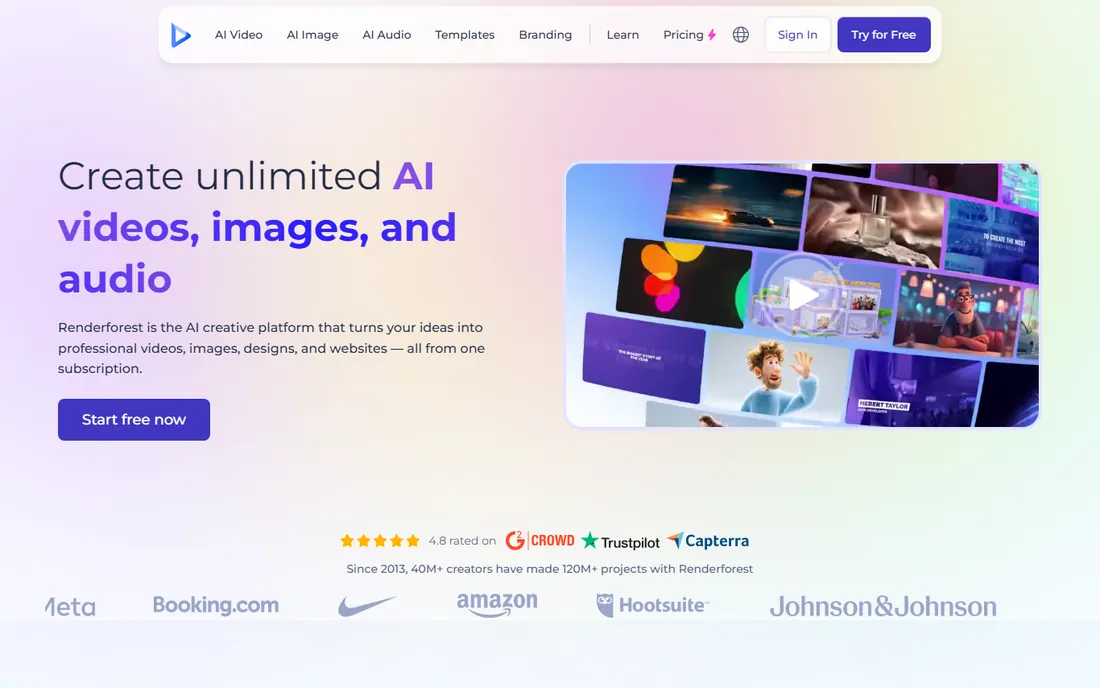
Renderforest is the intro-and-promo specialist. Its logo animation templates (hundreds of styles) produce the polished openers that make small channels look professional, and the broader toolkit covers promo videos, slideshows and mockups. From $9.99 per month, it is the cheapest paid start here.
The catch is the template boundary. You customize within the template's structure; you do not animate freely. Character animation and storytelling are thin. For intros, ads and promos, it is excellent value. For explainer narratives, the animation makers above go further.
What we like- Excellent logo animation and intro templates
- Broad video toolkit (promos, slideshows, mockups)
- Affordable entry pricing
Watch out for- Template-driven: customization beyond the template is limited
- Longer narrative animation is not its strength
Starting priceFrom $24.99/month
Free planYes (watermarked)
Moovly is the quiet business pick: template-driven animated video with clean design and straightforward branding. Educators and small businesses produce lessons and promos without a learning curve, and the API supports automated video generation for platforms that need it. From $24.99 per month, it sits mid-pack on price.
The honest catch is the middle-of-the-road everything. Smaller library than Animaker, weaker characters than Vyond, less speed than Powtoon. It is competent rather than exciting. For teams that want decent business video without fuss, competence is enough.
What we like- Clean template library for business and education
- Easy brand customization
- API and integrations for automated video
Watch out for- Smaller asset library than Animaker
- Less character animation depth than Vyond
Starting priceSee website
Free planYes (watermarked)
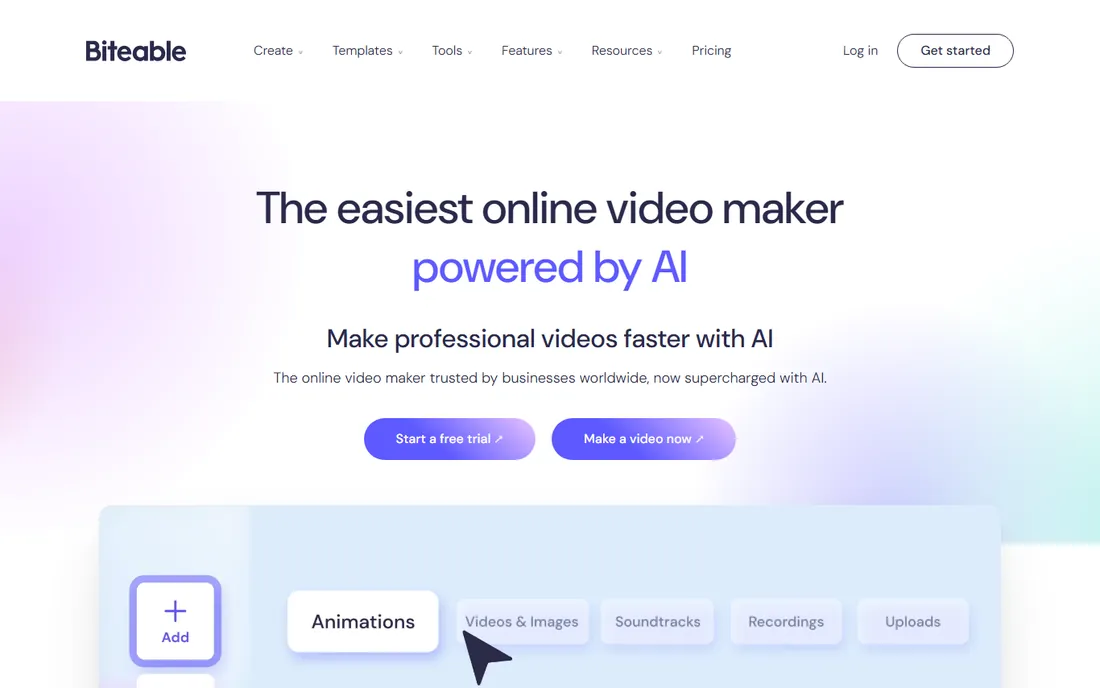
Biteable sells speed and polish: pick a modern template, swap in your brand and message, export a marketing clip that looks agency-made. The templates are genuinely well designed, and the stock footage integration covers live-action needs. Social and ad teams produce weekly content without a video person.
The catch is creative control. You are restyling templates, not animating; the look stays within Biteable's aesthetic. Pricing requires a check. For marketing clips at volume, the template quality justifies it. For unique animation, it is the wrong tool.
What we like- Polished, modern templates that look professionally designed
- Very fast production for ads and social
- Good stock footage integration
Watch out for- Pricing needs a website visit
- Template-bound with limited custom animation
Starting priceFrom $39/month
Free planFree trial
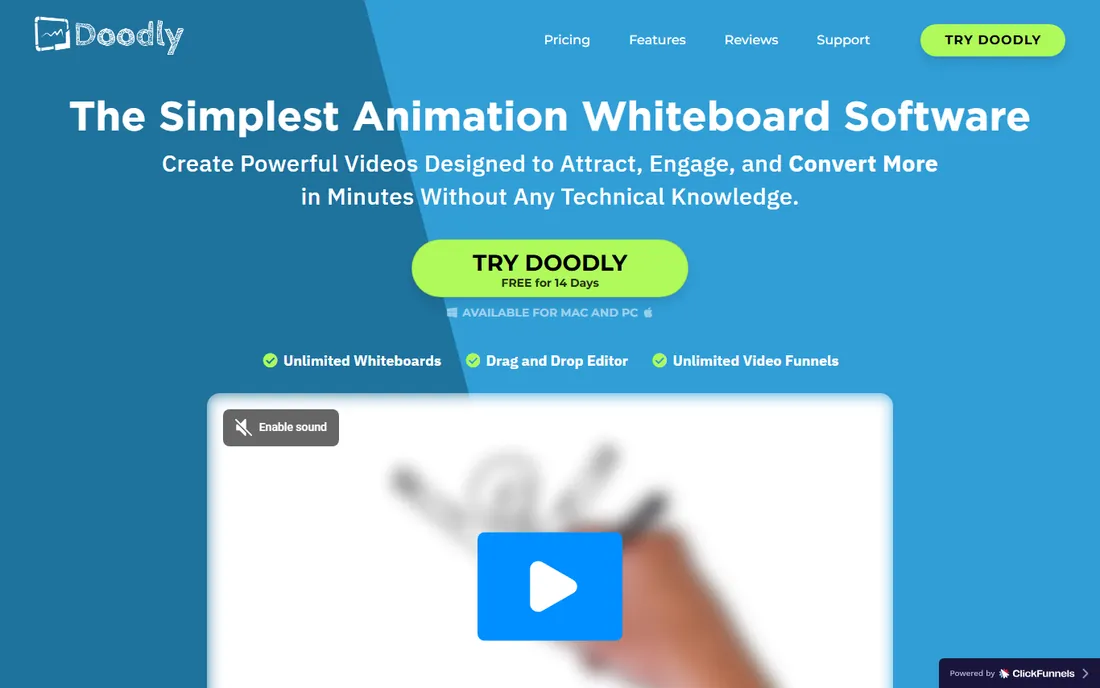
Doodly owns the whiteboard niche. The hand draws your message with customizable hand styles (male, female, various skin tones), and the prop library covers business, education and marketing scenarios. Drawing paths can be customized per element. Sales pages, course lessons and explainer intros in the whiteboard style start here.
The honest catch is the single style and the price. From $39 per month for whiteboard-only animation is steep against Animaker's multi-style $12.50, though Doodly has offered one-time deals historically. If whiteboard is your format, it is the best at it. If you need variety, the value case collapses.
What we like- The whiteboard standard: hand-drawn animation with huge prop and character libraries
- Custom hand styles and drawing paths
- One-time purchase deals have existed
Watch out for- Whiteboard only: no character animation or other styles
- The monthly price is high for a single style
Starting priceFrom $39/month
Free planFree trial
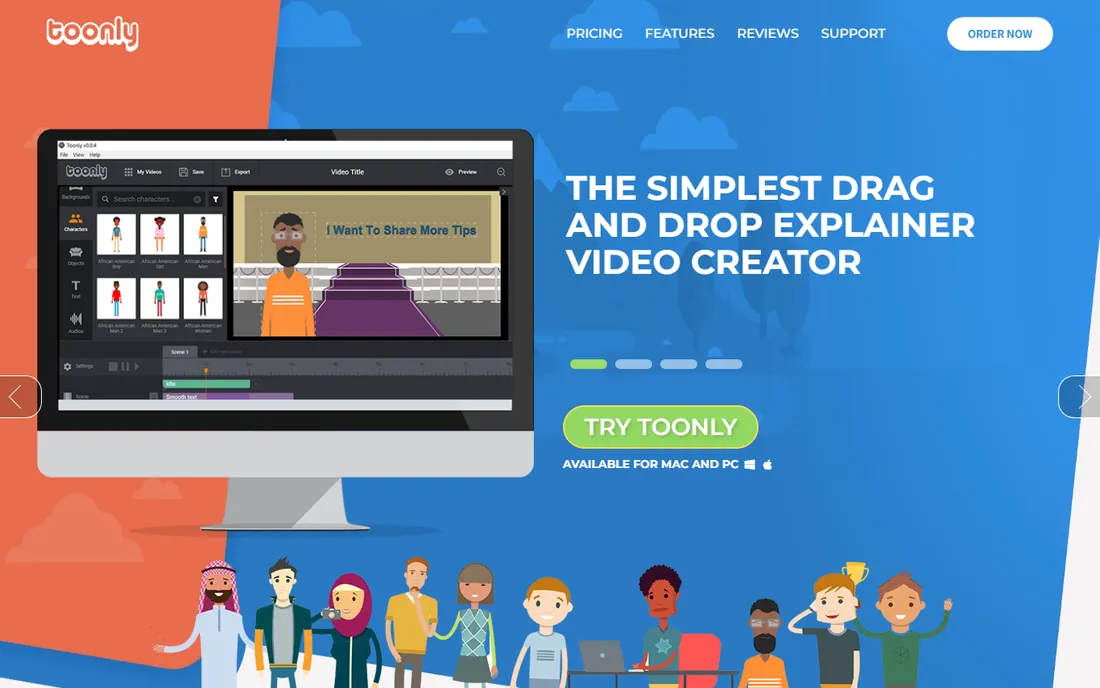
Toonly is Doodly's cartoon sibling: cheerful explainer characters, simple scenes, drag-and-drop everything. The character customization (outfits, poses, expressions) is fun and fast, and the workflow will feel familiar to Doodly users. Course creators and small businesses make friendly explainers quickly.
The catch mirrors Doodly's: one style, $39 per month. The cartoon look suits upbeat topics and bounces off serious ones. Check for one-time deal availability before subscribing monthly. For cartoon explainers specifically, it is the purpose-built pick.
What we like- Cheerful cartoon characters with easy customization
- Simple drag-and-drop scenes
- Same maker as Doodly with a consistent workflow
Watch out for- Cartoon-only style limits serious topics
- Monthly pricing is high for one style
What to check before you buy
Start with the video you actually need, because style is the whole decision. Corporate training: Vyond. Varied marketing and education: Animaker. Whiteboard: Doodly. Cartoon explainer: Toonly. Intros and promos: Renderforest or Biteable. Buying the wrong style and forcing it is the classic waste.
Then check the watermark and export terms. Every free tier here watermarks, and entry paid tiers sometimes cap resolution, length or monthly exports. Verify your needed resolution (1080p minimum for professional use), maximum video length and commercial usage rights on the plan you will actually buy, not the homepage headline.
Finally, test the voiceover workflow. Most animated video needs narration: check text-to-speech quality, voice recording, and how dialogue syncs to characters (Vyond's lip-sync is the benchmark). The tool with the smoothest voice workflow saves hours per video.
The template look problem
Template animation has a tell: the same characters, transitions and music your audience has seen in a hundred other videos. The fix is customization depth: change the color palettes, use the brand kit consistently, write original scripts (the script matters more than the animation), and avoid the most-used templates.
The deeper fix is matching effort to lifespan. A video that lives for years (homepage explainer, flagship course) deserves custom animation or at least heavy template customization. A video with a two-week lifespan (social promo, internal update) should be templated and fast. Spend animation budget where the audience and the shelf life justify it.
How we chose
We started with the searches buyers actually run: animation maker software, whiteboard animation software and Vyond alternative. For each candidate we checked the vendor's own pricing page, confirmed the product is current, and compared animation styles, asset libraries, ease of use and export terms against public reviews on G2, Capterra and creator communities. Where a price could not be verified on the vendor's page, we wrote "See website" rather than guessing.
Frequently asked questions
What is the best animation software for beginners?
Animaker for variety (six styles, cheap entry), Powtoon for speed (script to video fast), Doodly for whiteboard specifically. All three are template-driven with minimal learning curves. Avoid professional tools like After Effects until templates genuinely limit you.
How much does animation maker software cost?
Entry paid tiers run $9.99 to $49 per month billed annually: Renderforest ($9.99), Animaker ($12.50), Moovly ($24.99), Doodly and Toonly ($39), Vyond ($49). Free tiers exist but watermark exports. Budget the annual plan; monthly billing costs more.
Can I use these videos commercially?
Paid plans generally include commercial usage rights; free tiers often do not. Check the specific plan's terms, especially for client work and paid ads. Vyond and Animaker's business tiers are built for commercial use; verify before publishing client videos on a free tier.
Do I need drawing skills to make animated videos?
No. These tools are template and asset-based: you arrange characters, props and scenes rather than drawing. Writing a good script and choosing good voiceover matter far more than drawing ability. The animation skill these tools need is timing and storytelling.
Whiteboard vs character animation: which converts better?
It depends on the audience and message. Whiteboard (Doodly) suits educational and explanatory content with a personal feel. Character animation (Vyond, Toonly) suits scenarios, training and stories with people. Test both styles with your actual audience; the message matters more than the medium.
Can I add my own voiceover?
Yes, all eight support uploading recorded voiceover, and most include text-to-speech. Vyond's automatic lip-sync to dialogue is the standout feature. For professional results, record with a decent microphone in a quiet room; the voice carries the video.
Sources we checked (9)
- https://www.vyond.com/plans/
- https://www.animaker.com/pricing
- https://www.powtoon.com
- https://www.renderforest.com/pricing
- https://www.moovly.com/pricing/
- https://www.biteable.com
- https://www.doodly.com
- https://www.toonly.com
- https://www.g2.com/categories/video-editing
Is your product missing or out of date?
We review this list regularly. Vendors can request a listing, send updated pricing or ask about featured placement.

Shihab Mia · Founder, Rankite
Shihab has spent more than a decade helping SaaS and e-commerce brands grow through search. He writes Rankite's software buying guides from pricing pages, documentation and public user reviews. More about Shihab.