How we make this list: we compare pricing pages, product documentation and public user reviews. Rankite is independent; if a vendor ever pays for a featured spot, that listing is clearly labeled Partner.
Key takeaways
- Jasper remains the strongest pick for marketing teams that need brand voice controls and campaign workflows, at $59 per seat per month billed annually.
- Grammarly at $12 per month is the cheapest way to lift the quality of writing your team already produces, and its free plan covers the basics.
- Rytr's $7.50 per month unlimited plan is the budget pick for solo creators who need volume without a big subscription.
- Sudowrite is the only tool here built for fiction, while Notion AI makes sense only if your team already lives in Notion.
Quick comparison
| Tool | Best for | Starting price | Free plan |
|---|
 Jasper Jasper | Marketing teams that need consistent brand voice | $59/seat/month (billed annually) | Free trial (7 days) |
 Copy.ai Copy.ai | Sales and go-to-market teams | $24/month (billed annually) | No |
 Writesonic Writesonic | SEO content produced at scale | $79/month (billed annually, Starter) | Free trial |
 Grammarly Grammarly | Polishing writing your team already produces | $12/month (billed annually, Pro) | Yes |
 Notion AI Notion AI | Teams that already run on Notion | $20/member/month (billed annually, Business with full AI) | Free trial |
 Rytr Rytr | Solo creators who need cheap AI writing volume | $7.50/month (billed annually, Unlimited) | Yes |
 Sudowrite Sudowrite | Fiction writers and novelists | $10/month (billed annually, Hobby) | Free trial |
Is your product missing or out of date?
We review this list regularly. Vendors can request a listing, send updated pricing or ask about featured placement.
The best AI writing software
#1
Jasper
Best for: Marketing teams that need consistent brand voice
Visit jasper.ai
Starting price$59/seat/month (billed annually)
Free planFree trial (7 days)
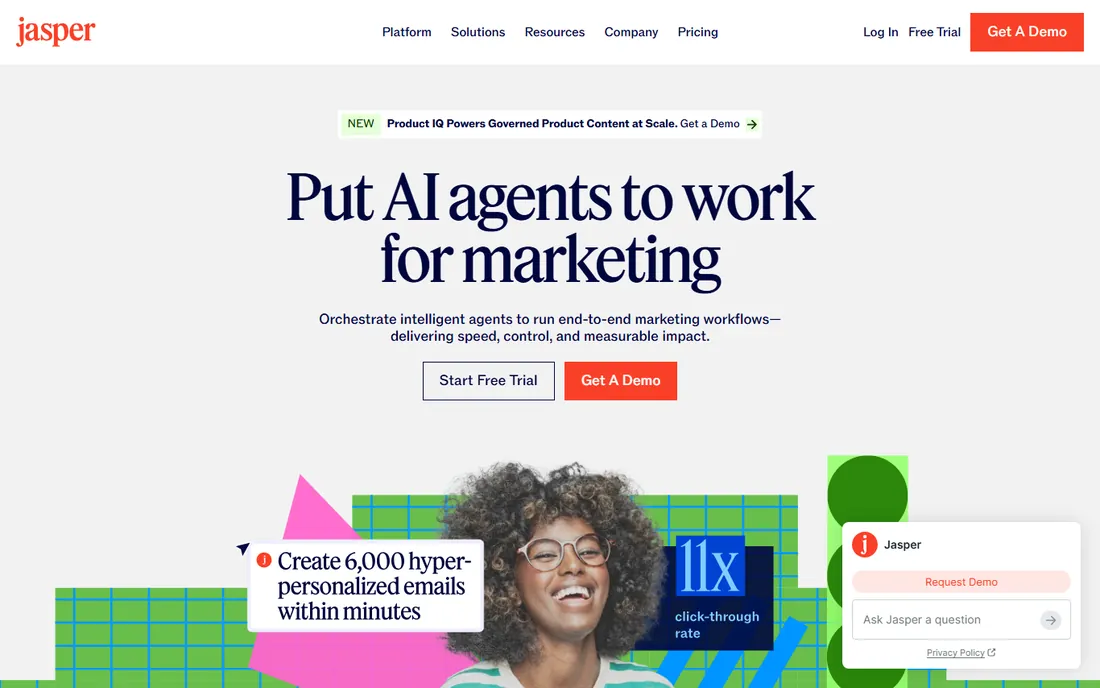
Jasper built its reputation on marketing copy, and that focus still shows. The brand voice feature learns your tone from samples, which means ten writers (or one writer and an AI) produce drafts that sound like the same company. For agencies and in-house teams publishing at volume, that consistency is worth more than raw generation quality.
The price reflects the positioning. At $59 per seat per month billed annually, a five-person team pays nearly $3,500 a year before add-ons. Solo creators will find cheaper ways to generate drafts. Jasper earns its fee when several people create content under one brand and need guardrails more than inspiration.
What we like- Brand voice training keeps output on-message
- Campaign and workflow templates
- Solid integrations with Surfer and Webflow
Watch out for- Per-seat pricing gets expensive for large teams
- Long-form still needs heavy editing
- No free plan
Starting price$24/month (billed annually)
Free planNo
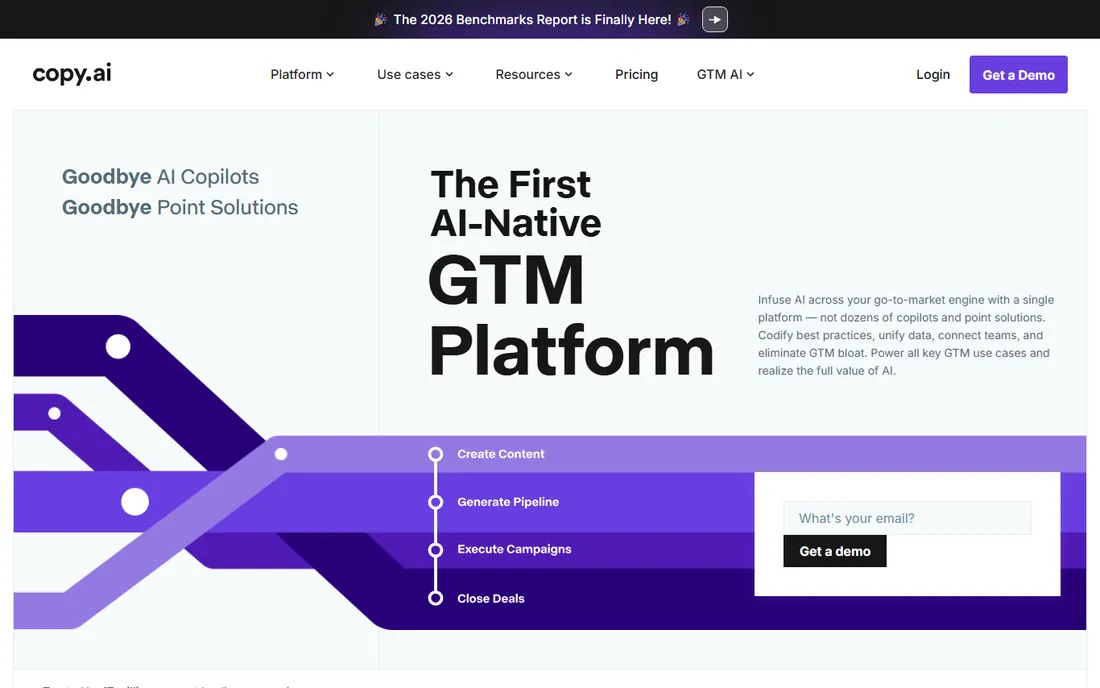
Copy.ai pivoted from generic copy generation toward go-to-market workflows, and the product is better for it. Instead of asking for "a blog post," teams build repeatable workflows: enrich a lead list, draft personalized outreach, summarize calls. That automation layer is where the value sits now.
Writers looking for a pure drafting assistant may find the marketing templates thinner than Jasper's or Writesonic's. There is also no free plan, only a trial, so you commit before you have fully tested it. It fits sales-led teams more than content studios.
What we like- Workflow automation beyond simple generation
- Strong sales and prospecting use cases
- Cleaner pricing than rivals
Watch out for- No free plan to test casually
- Marketing copy quality trails Jasper
- Templates can feel generic
Starting price$79/month (billed annually, Starter)
Free planFree trial
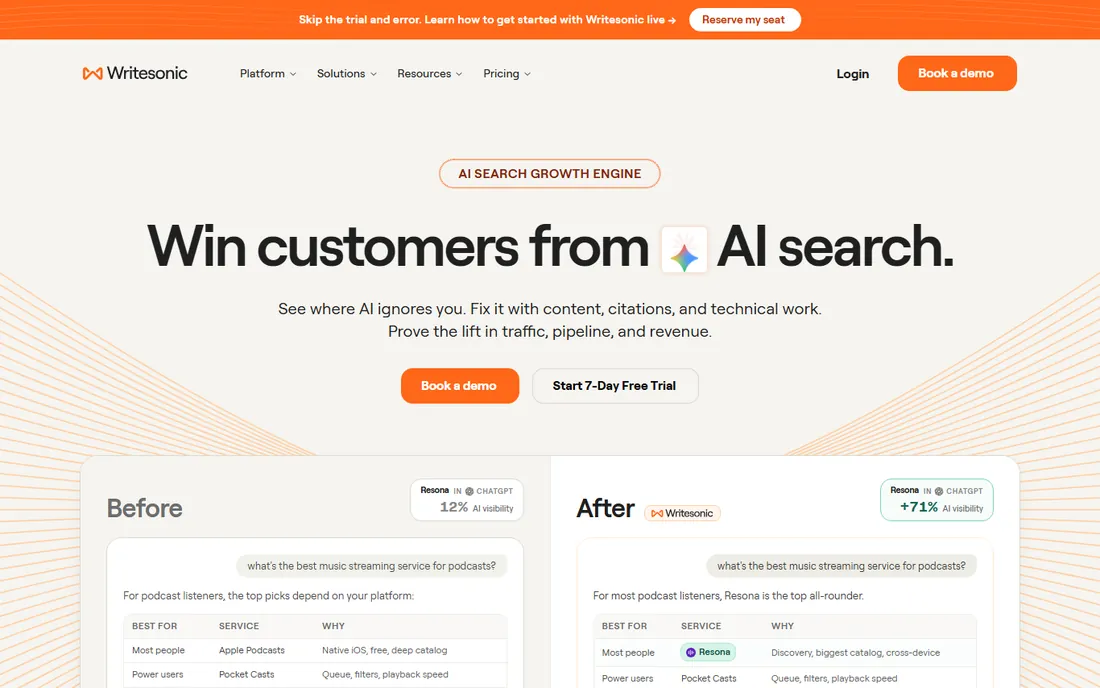
Writesonic aims squarely at the "publish fifty optimized articles" use case. Its long-form writer takes a keyword brief and produces structured drafts with headings, meta descriptions, and internal linking suggestions. For content programs measured in output volume, that pipeline matters more than beautiful prose.
The honest caveat applies to every tool in this category but hits SEO content hardest: search engines and readers both punish thin, generic articles. Writesonic drafts are starting points that need subject-matter editing, original examples, and fact-checking. Budget editor hours alongside the $79 per month subscription.
What we like- Article writer built around SEO briefs
- Bulk generation for large content programs
- Plagiarism and fact-check helpers
Watch out for- Starter tier limits word counts
- Output needs human editing for expertise
- Pricier than generalist tools
Starting price$12/month (billed annually, Pro)
Free planYes
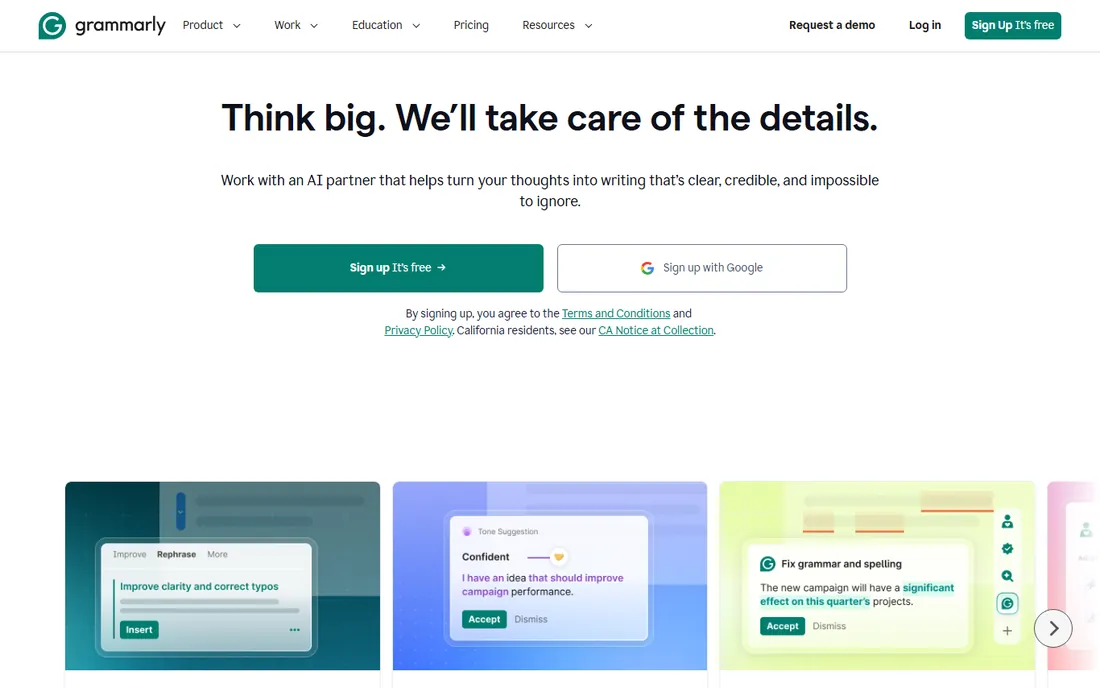
Grammarly is the odd one out here because it improves human writing rather than replacing it, and for many teams that is the smarter buy. The Pro plan at $12 per month per user adds tone suggestions, full-sentence rewrites, and plagiarism checks across email, docs, and browsers. The free plan already fixes grammar and spelling.
It will not write your blog posts for you. The generative AI features exist but trail tools built for drafting. Buy Grammarly when your bottleneck is quality control on human-written content, not when you need net-new articles from a blank page.
What we like- Catches grammar, tone, and clarity issues everywhere you type
- Generous free plan
- Affordable per-user pricing
Watch out for- Generative features lag dedicated AI writers
- Suggestions can be overzealous
- Privacy-conscious teams may hesitate
Starting price$20/member/month (billed annually, Business with full AI)
Free planFree trial
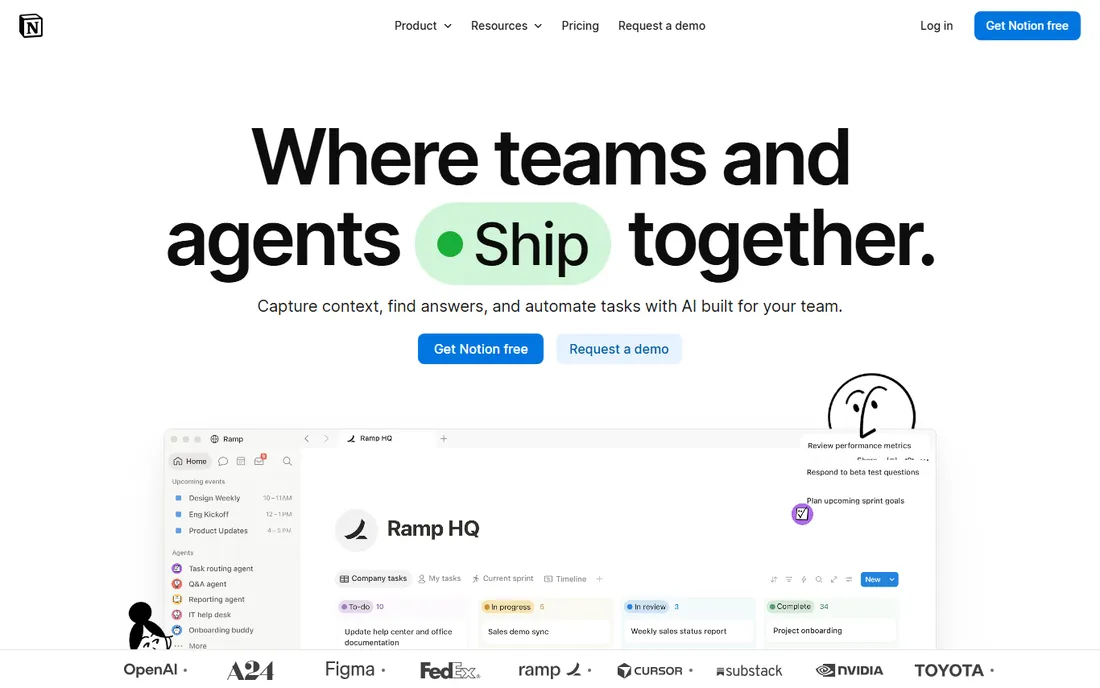
Notion AI's pitch is location, not brilliance. Your drafts, meeting notes, and wikis already live in Notion, so asking AI to summarize a page, draft a follow-up, or brainstorm inside the doc you are editing removes all context switching. Full AI access comes with the Business plan at $20 per member per month billed annually.
As a standalone writing tool it is unremarkable, and nobody should adopt Notion just for the AI. But if your team already pays for Notion, the marginal value of in-context drafting and summarization is real, and it is cheaper than adding a separate AI writing subscription.
What we like- AI lives inside your docs and wikis
- Summarizes meetings and drafts from existing pages
- No new tool to learn
Watch out for- Only makes sense for Notion users
- Writing quality is general-purpose
- Per-member cost adds up
#6
Rytr
Best for: Solo creators who need cheap AI writing volume
Visit rytr.me
Starting price$7.50/month (billed annually, Unlimited)
Free planYes
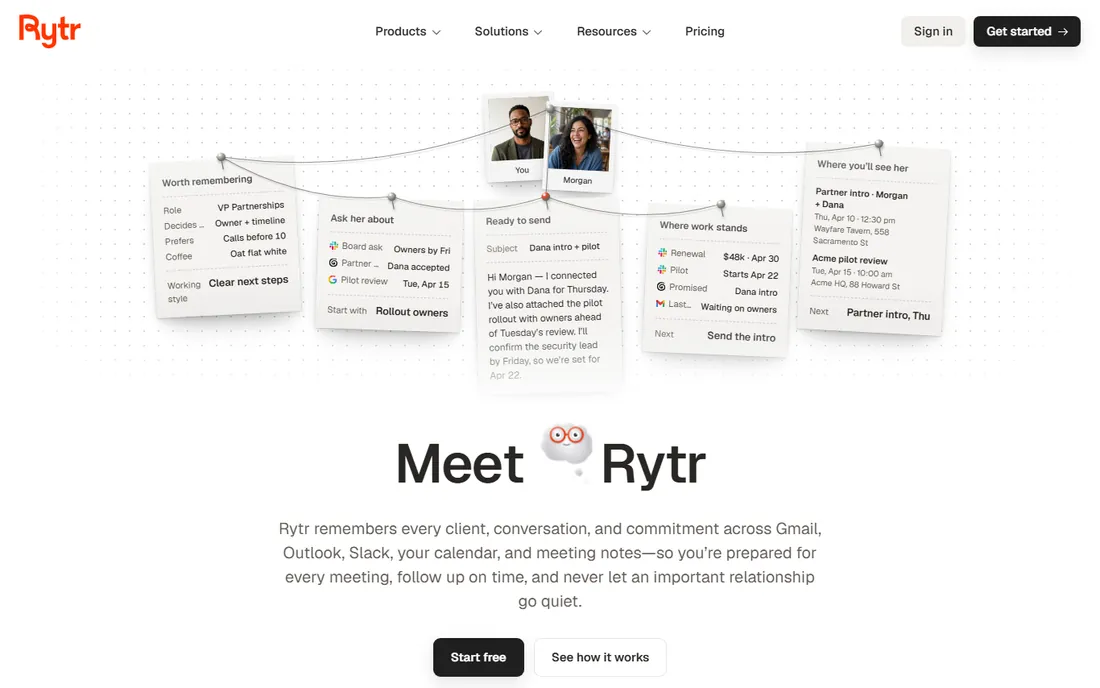
Rytr is the budget answer to AI writing software, and the math is striking: $7.50 per month billed annually for unlimited generations, against $59 per seat for Jasper. Freelancers, students, and side-project creators get emails, outlines, ad copy, and short posts without watching a word counter.
You get what you pay for in depth. Long-form output needs more guidance and editing than premium rivals, and the template library is thinner. For short-form volume on a tight budget, though, Rytr is genuinely hard to beat.
What we like- Unlimited plan undercuts every rival
- Simple interface with 40-plus use cases
- Free plan for light use
Watch out for- Output quality trails premium tools
- Fewer integrations
- Smaller template library
Starting price$10/month (billed annually, Hobby)
Free planFree trial
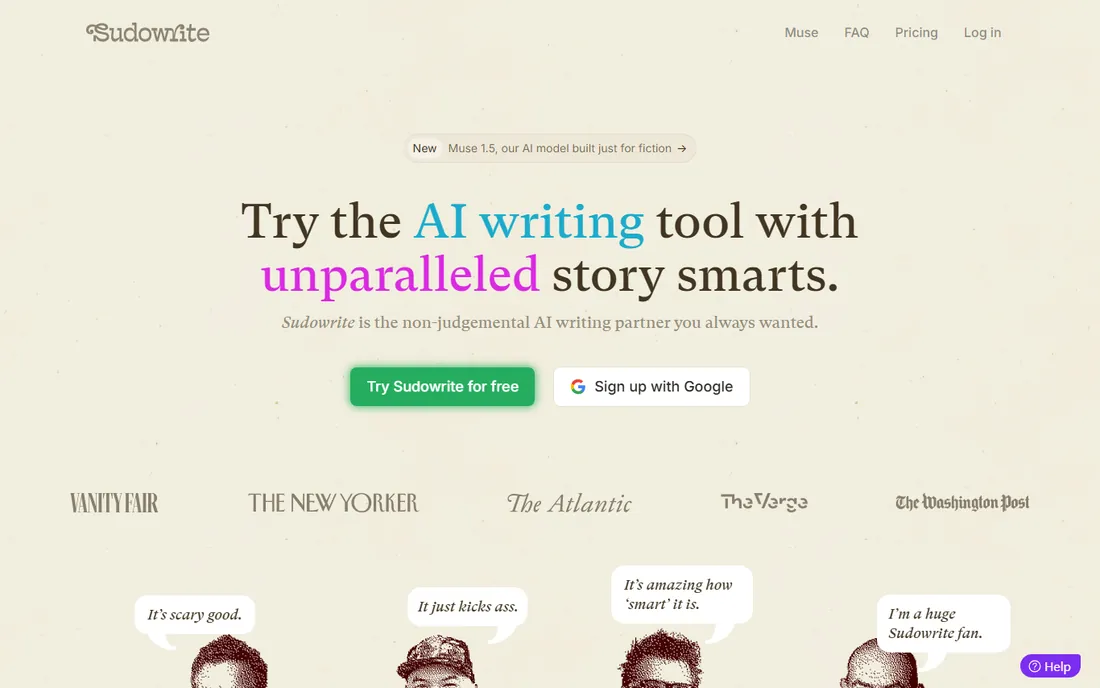
Every other tool here writes landing pages. Sudowrite writes novels, or at least tries to. Its features map to fiction problems: expanding a scene, sharpening sensory description, brainstorming plot twists, and keeping a story bible consistent across chapters. Working novelists use it as a sparring partner rather than a ghostwriter.
The Hobby plan at $10 per month billed annually buys a modest credit allowance, and heavy users graduate to pricier tiers fast. Business buyers should look elsewhere. For fiction writers, it is the only tool on this list that understands what a chapter needs.
What we like- Built for story craft, not marketing copy
- Brainstorming and "show don't tell" tools
- Story bible keeps long projects coherent
Watch out for- Credit-based plans limit heavy users
- Useless for business content
- Niche means slower feature growth
What to look for in AI writing software
The category is crowded and the marketing all sounds the same. These are the practical differences that matter when you buy.
Output quality for your use case
A tool brilliant at ad headlines can be mediocre at 2,000-word guides. Test each candidate on your actual work: paste a real brief, generate a draft, and count the edits needed before it could publish. That single exercise tells you more than any feature list.
Brand voice and guardrails
Teams publishing under one brand need consistency controls: custom tones, banned phrases, style guides the AI actually follows. Jasper leads here; generalist tools mostly offer a tone dropdown. If five people will generate content, guardrails are worth paying for.
Workflow fit
Where does the tool live? Grammarly and Notion AI work inside apps you already use. Jasper and Writesonic are destinations with integrations. Copy.ai builds multi-step workflows. The best tool is the one your team will open without being reminded.
Pricing model
Watch the unit economics: per-seat (Jasper, Grammarly, Notion AI), flat monthly (Copy.ai, Writesonic, Rytr, Sudowrite), and word or credit caps that punish heavy users. Model your real monthly volume before comparing sticker prices, and check what happens when you exceed plan limits.
Factuality and plagiarism controls
AI writes confidently and wrongly. Tools with built-in fact-checking, citation helpers, or plagiarism scans (Writesonic, Grammarly Pro) reduce editorial risk. Whatever you buy, keep a human review step for anything published under your name.
How we chose
We compared current pricing pages and feature documentation for the most widely adopted AI writing tools, checked public reviews on G2, Capterra, and Reddit for reliability and support complaints, and weighted each tool for a realistic buyer: a marketing team or creator who needs publishable drafts, not demos. No hands-on testing is claimed; these picks reflect documented capabilities, pricing, and reviewer consensus.
Where AI writing actually pays off
The honest pattern across thousands of teams: AI writing software pays for itself on high-volume, formulaic content and loses money on work that needs original thinking. Product descriptions, meta descriptions, email subject line variants, ad copy iterations, and first drafts of SEO briefs are the sweet spot. A writer who spent a day on fifty product descriptions can now spend it on ten, with AI handling the repetitive middle.
It fails in the opposite direction. Thought leadership, original research, technical explainers, and anything where your expertise is the product still need a human author. Teams that publish AI drafts unedited usually discover the cost in search rankings or reader trust months later. The winning setup is boring: AI drafts, human edits, and a clear line between content types the machine handles and ones it never touches.
Frequently asked questions
Which AI writing software is best for marketing teams?
Jasper, for its brand voice controls and campaign workflows. At $59 per seat per month it is not cheap, but teams publishing under one brand need the consistency guardrails more than raw generation. Pair it with an editor; no tool on this list publishes finished work unsupervised.
Is there a good free AI writing app?
Grammarly's free plan is the best free option for improving writing you already do, and Rytr's free plan covers light AI generation. Both have real limits: Grammarly will not draft articles for you, and Rytr's free tier caps monthly usage. Expect to pay once volume grows.
Can AI writing software replace freelance writers?
For formulaic, high-volume content it can reduce freelance spend, but it does not replace writers who bring expertise, interviews, or original ideas. Most teams land on a hybrid: AI handles first drafts and variations, humans handle strategy, editing, and anything where credibility matters.
How much does AI writing software cost?
Anywhere from $7.50 per month (Rytr Unlimited, billed annually) to $59 per seat per month (Jasper Pro) and beyond for team plans. Most serious options cluster between $12 and $30 per user per month. Always check word or credit caps, since the sticker price means little if your volume pushes you into overages.
Will Google penalize AI-written content?
Google penalizes low-quality, unhelpful content regardless of how it was produced. AI drafts that are edited, fact-checked, and genuinely useful can rank; mass-published unedited AI text tends to fail. The safe rule is the same as it has always been: publish things worth reading.
Sources we checked (7)
- https://www.jasper.ai/
- https://www.copy.ai/
- https://www.writesonic.com/
- https://www.grammarly.com/
- https://www.notion.so/
- https://www.rytr.me/
- https://www.sudowrite.com/
Is your product missing or out of date?
We review this list regularly. Vendors can request a listing, send updated pricing or ask about featured placement.

Shihab Mia · Founder, Rankite
Shihab has spent more than a decade helping SaaS and e-commerce brands grow through search. He writes Rankite's software buying guides from pricing pages, documentation and public user reviews. More about Shihab.