How we make this list: we compare pricing pages, product documentation and public user reviews. Rankite is independent; if a vendor ever pays for a featured spot, that listing is clearly labeled Partner.
Key takeaways
- Pricing is now credit-based almost everywhere: you pay per task, execution, or credit, not per seat.
- Make at $9 per month and Zapier at $19.99 per month are the two mainstream starting points, with Zapier ahead on app coverage.
- n8n and Activepieces offer self-hosting for teams that want full control over data and costs.
- Lindy, Gumloop, and Relevance AI are AI-agent-first platforms built for teams that want agents doing work, not just workflows.
- Relay.app shut down in September 2026, a reminder to pick vendors with staying power.
Quick comparison
| Tool | Best for | Starting price | Free plan |
|---|
 Zapier Zapier | the mainstream automation default | From $19.99/month (billed annually, 750 tasks) | Yes (100 tasks per month) |
 Make Make | visual workflows on a budget | From $9/month (billed annually, 10,000 credits) | Yes (1,000 credits per month) |
 n8n n8n | technical teams and self-hosting | From €20/month (billed annually, 2,500 executions) | Yes (free self-hosted Community edition) |
 Gumloop Gumloop | AI agents for power users | From $37/month (20,000 credits) | 14-day free trial |
 Lindy Lindy | AI teammates in Slack and email | From $49.99/user/month (5,000 credits each) | $50 in free credits (no credit card required) |
 Relevance AI Relevance AI | enterprise AI agent teams | From $19/month (billed annually) | No (free plan retired) |
 Activepieces Activepieces | open-source automation at flat pricing | From $20/month | Yes (1,000 credits per month) |
 Microsoft Power Automate Microsoft Power Automate | Microsoft 365 organizations | From $15/user/month (billed annually) | Free trial (desktop app free on Windows) |
Is your product missing or out of date?
We review this list regularly. Vendors can request a listing, send updated pricing or ask about featured placement.
A bad automation tool costs you twice: once in the subscription, and again in every task it runs that you did not plan for. Credit-based pricing means a runaway loop or an AI agent calling expensive models can burn a month's budget overnight. And the category has real churn: Relay.app, once a favorite, shut down in September 2026. The right choice is the tool whose pricing model you can predict and whose vendor will still exist next year.
Starting priceFrom $19.99/month (billed annually, 750 tasks)
Free planYes (100 tasks per month)
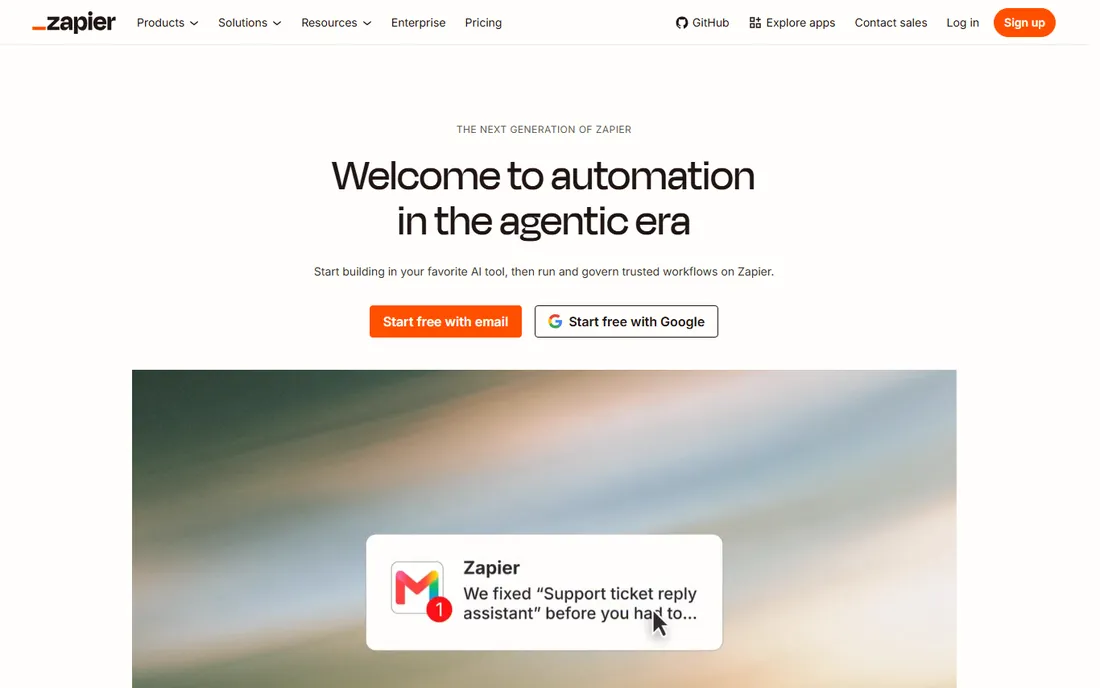
Zapier remains the default answer to workflow automation. Its library of thousands of apps means whatever you run, the connector probably exists. In 2026 it has moved into the agentic era: Zapier Agents handle AI-driven work, and Zapier MCP lets teams start workflows inside Claude, ChatGPT, or Cursor and run them on Zapier. The entry paid plan is $19.99 per month billed annually for 750 tasks.
The honest catch is cost at volume. Zapier is the priciest of the mainstream tools once workflows scale, and its free plan stops at 100 tasks and two-step Zaps, which pushes even moderate users onto paid tiers. Stay when app breadth and team adoption matter most; leave when the task bill forces you to.
What we like- The largest app library with 7,000+ integrations
- Easiest onboarding for non-technical users
- Now has Zapier Agents and MCP connectivity
Watch out for- One of the priciest options at scale
- Free plan limited to two-step workflows
Starting priceFrom $9/month (billed annually, 10,000 credits)
Free planYes (1,000 credits per month)
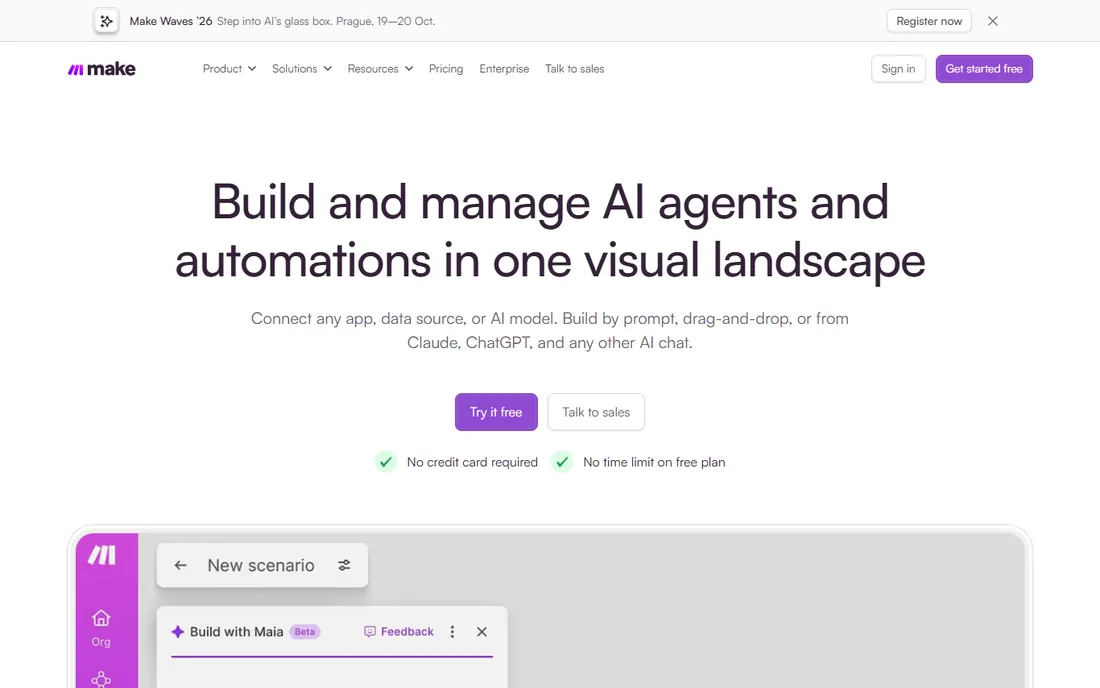
Make is the favorite of teams that want Zapier-like power at a fraction of the price. Its visual scenario builder handles multi-step logic, branching, and error handling that Zapier's linear Zaps make awkward. The Core plan starts at $9 per month billed annually for 10,000 credits, and the free plan gives 1,000 credits a month with no time limit and no credit card.
The honest catch is breadth. With 3,500+ apps it covers the mainstream well, but niche integrations may need custom API work. It is the right pick when workflows are complex and budgets are real.
What we like- Powerful visual builder with branching and error handling
- Much cheaper per action than Zapier
- Free plan has no time limit
Watch out for- Smaller app library than Zapier
- Visual complexity can overwhelm beginners
#3
n8n
Best for: technical teams and self-hosting
Visit n8n.io
Starting priceFrom €20/month (billed annually, 2,500 executions)
Free planYes (free self-hosted Community edition)
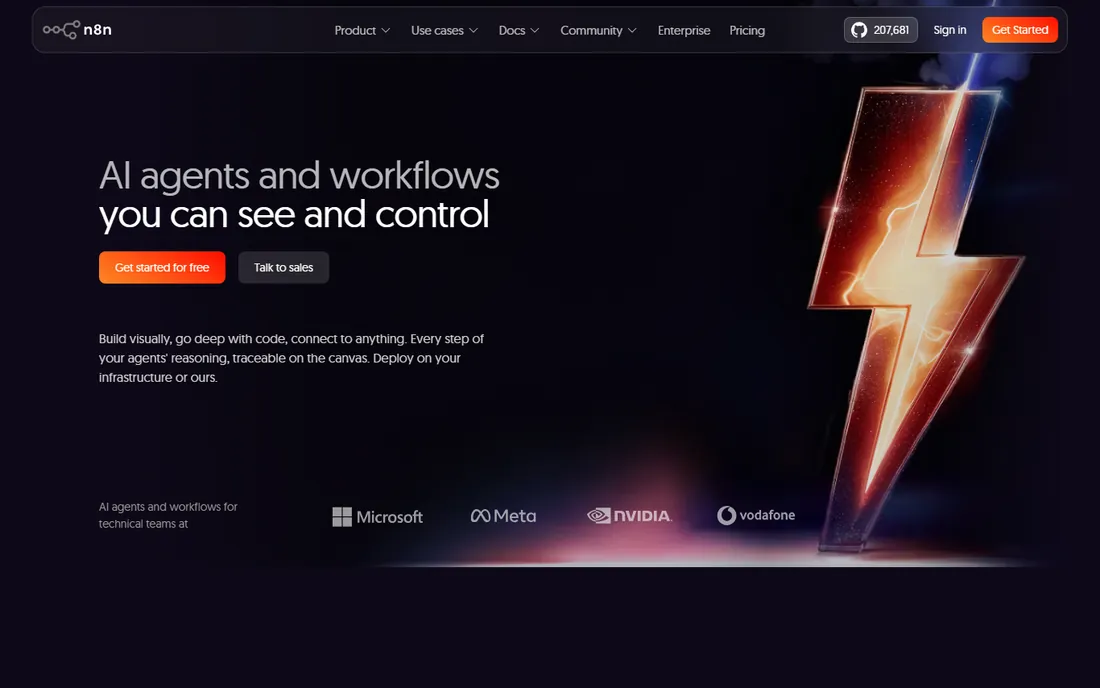
n8n is the tool developers reach for when no-code platforms hit their limits. Every step can drop into code, the whole thing can self-host for free with unlimited users, and AI features like native evaluations are built in. The cloud Starter plan is €20 per month billed annually for 2,500 executions.
The honest catch is the skill floor. n8n rewards technical teams and punishes non-technical ones. If you have engineers who want control, data residency, and no per-user pricing, it is the strongest value in the category.
What we like- Full control with code nodes in JavaScript and Python
- Free self-hosting with unlimited users
- Strong AI-native workflow features
Watch out for- Requires technical skill to run well
- Cloud pricing bills per execution
Starting priceFrom $37/month (20,000 credits)
Free plan14-day free trial
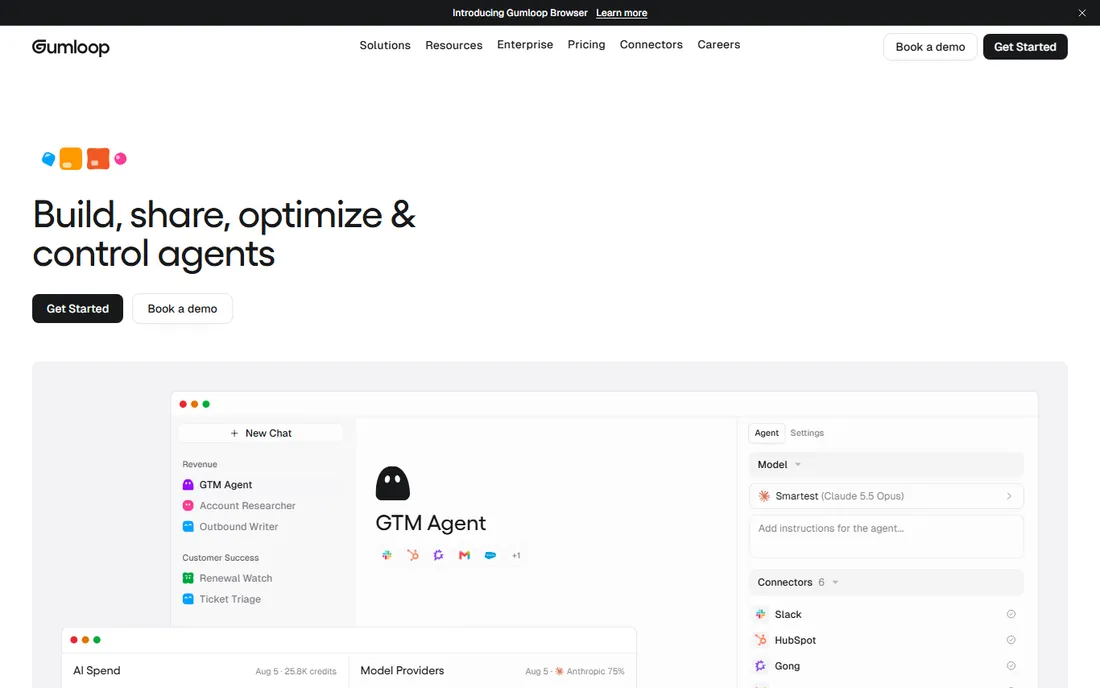
Gumloop builds AI agents on a visual canvas: scrape sites, summarize documents, classify text, and route tasks with conditions, all using GPT, Claude, or Gemini nodes. Its agent browser opens real websites with saved logins and CAPTCHA handling, and agents can be triggered from Slack, Gmail, or Teams. Plans start at $37 per month with 20,000 credits.
The honest catch is predictability. Credit-based billing with an orchestration fee means heavy AI workflows need watching, and there is no permanent free tier, only a 14-day trial. For growth teams that want serious AI automation without engineering, it is worth the learning curve.
What we like- Canvas-based builder with AI-native nodes
- Agents can browse the web like a person
- Model router picks the right model per task
Watch out for- No permanent free tier
- Credit costs can be hard to predict for heavy AI use
Starting priceFrom $49.99/user/month (5,000 credits each)
Free plan$50 in free credits (no credit card required)
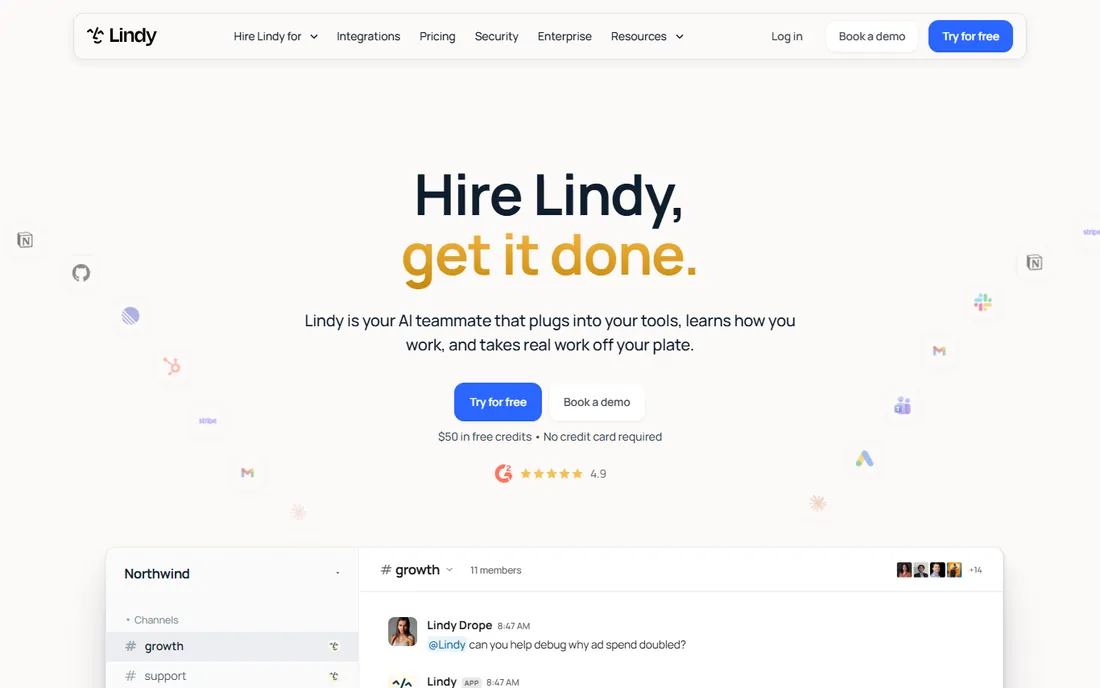
Lindy positions its AI as a teammate rather than a workflow: you @mention it in Slack, email it, or text it, and it does the work across 1,500+ integrations, from meeting notes to CRM updates. Pricing is on the homepage: $50 in free credits to start, then $49.99 per user per month with 5,000 credits each in a shared pool. Setup takes minutes with no API keys.
The honest catch is the billing model. Every active user is billed, including the first person who mentions Lindy in Slack, and some reviewers report hallucinations and difficulty canceling. Check the billing terms carefully before adding a card, but for teams that want AI help inside the tools they already use, the experience is compelling.
What we like- Works wherever the team works: Slack, iMessage, email
- Vendor-verified pricing with $50 free credits to start
- Skills and memory that compound across the team
Watch out for- Per-user pricing gets expensive for large teams
- Reliability complaints surface in reviews
Starting priceFrom $19/month (billed annually)
Free planNo (free plan retired)
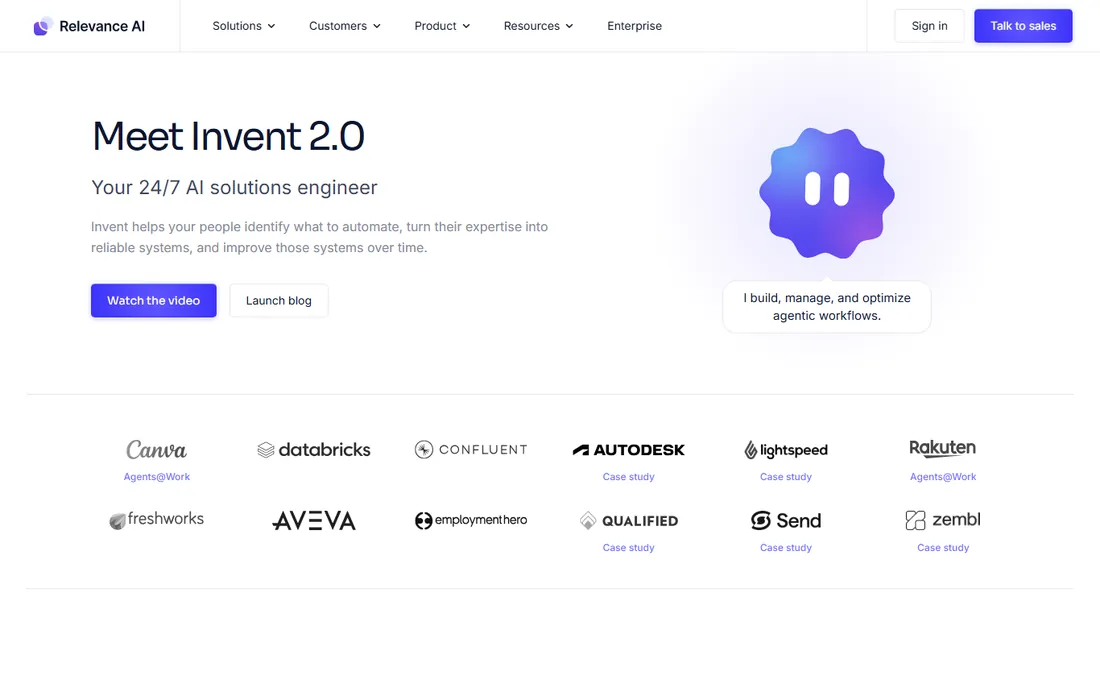
Relevance AI builds specialist AI agents for sales, marketing, and operations teams, with a platform that maps the path from assisted copilots to fully autonomous agent workforces. It emphasizes evaluation, monitoring, and governance, which is what separates enterprise agent platforms from chatbot demos. Plans start at $19 per month billed annually.
The honest catch is fit. The free plan is retired, and the product's enterprise framing, embedded deployment teams, and governance tooling are aimed at organizations, not solo users. For companies rolling out AI agents across teams with compliance requirements, it is a serious contender.
What we like- Purpose-built AI agents with evaluation and governance
- Embedded deployment team for enterprise rollouts
- Strong security with SOC 2 and no training on data
Watch out for- Free plan retired
- Enterprise positioning means complexity for small teams
Starting priceFrom $20/month
Free planYes (1,000 credits per month)
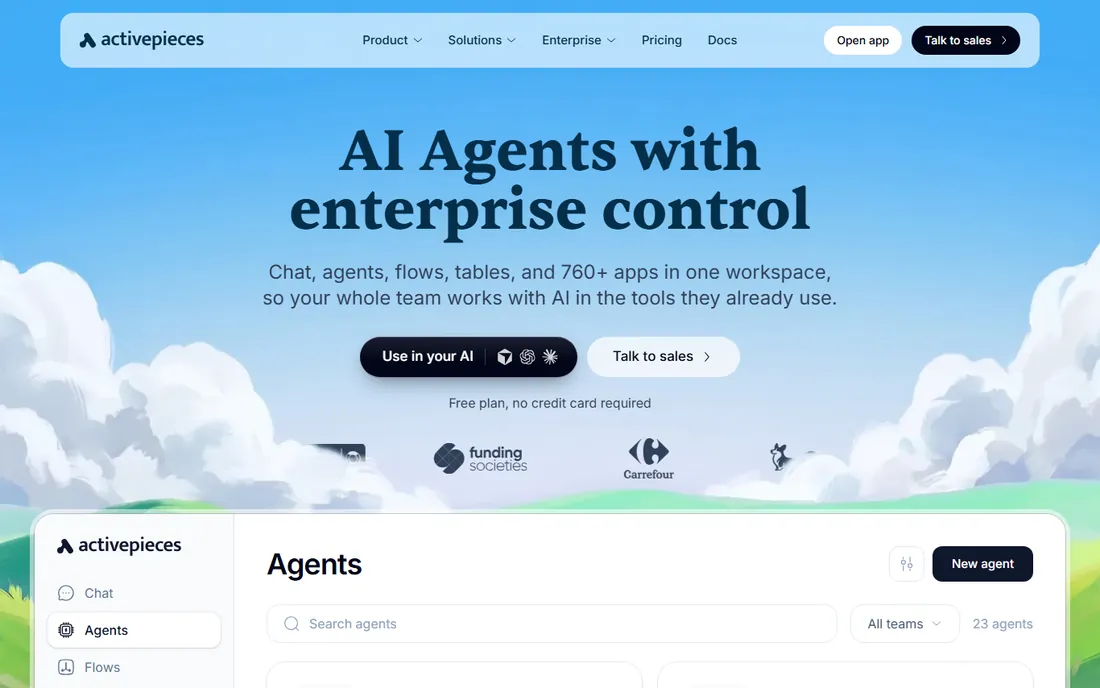
Activepieces is the open-source automation platform for teams that want Zapier-style flows without Zapier-style bills. Every piece is MIT-licensed, you can self-host on Docker or Kubernetes, and every plan includes unlimited flows: you pay for how often flows run, not for logic complexity. The cloud plan starts at $20 per month with a free tier of 1,000 credits.
The honest catch is maturity. Its community and integration catalog are smaller than n8n's, and the AI features are catching up rather than leading. For budget-conscious teams that want open-source automation with approval flows and access controls, it is a strong, honest option.
What we like- MIT-licensed open source with 760+ pieces
- Self-hosting on your own servers
- Flat pricing with unlimited flows
Watch out for- Smaller community than n8n
- Fewer AI-native features out of the box
Starting priceFrom $15/user/month (billed annually)
Free planFree trial (desktop app free on Windows)
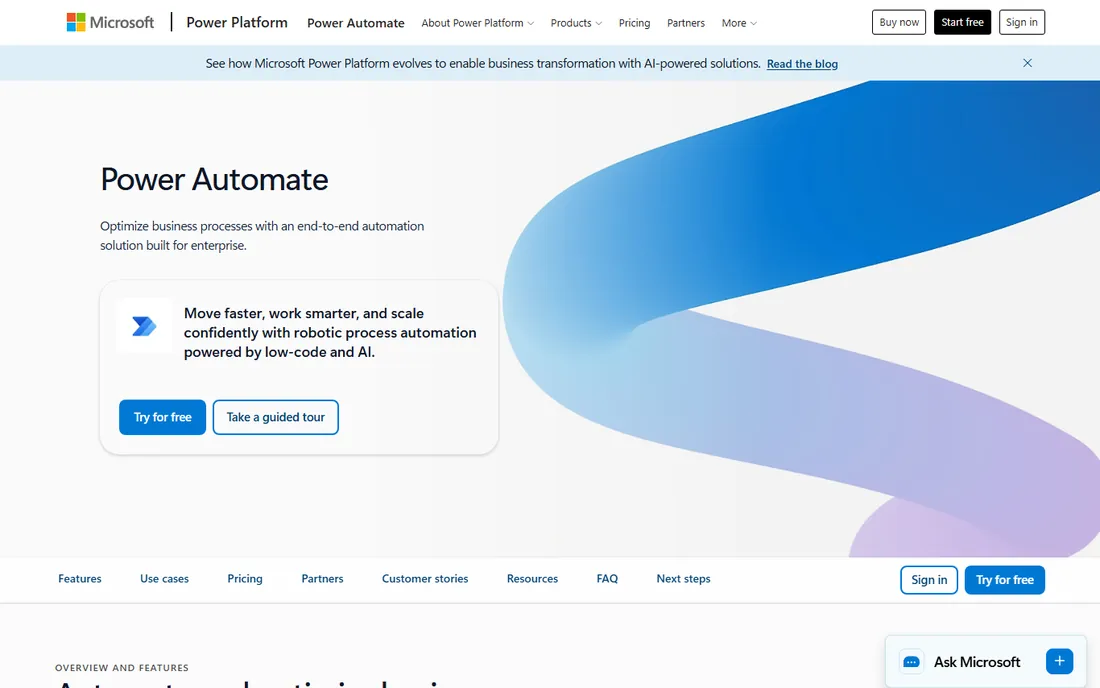
Power Automate is the automation layer for organizations that run on Microsoft 365. It connects 1,400+ apps with prebuilt certified connectors, handles approvals and business processes, and adds RPA through desktop flows that automate systems without APIs. Pricing starts at $15 per user per month billed annually, and the desktop app is free on Windows.
The honest catch is the ecosystem lock-in. Outside Microsoft 365, Power Automate loses much of its advantage, and the licensing structure takes real effort to understand. For Microsoft shops, it is the natural choice; everyone else should look above.
What we like- Native to Microsoft 365, Teams, and SharePoint
- 1,400+ prebuilt connectors
- RPA desktop flows for non-API systems
Watch out for- Licensing is complex
- Best value only inside the Microsoft ecosystem
How we chose
We compared eight AI workflow automation tools in October 2026 using vendor homepages and documentation, plus October 2026 pricing roundups from automation publications and developer forums. We prioritized published pricing, free-tier generosity, the billing unit each tool charges for, AI agent capabilities, self-hosting options, and fit for non-technical versus technical teams. No vendor paid for placement, and nothing here is based on hands-on product testing.
Pricing models, decoded
The billing unit is the single most important detail in this category. Zapier charges per task, Make per credit, n8n per execution, and Lindy per user plus pooled credits. Two tools at the same sticker price can cost wildly different amounts for the same workload. Before committing, map one real workflow to the billing unit and do the math.
Free tiers are genuinely useful for evaluation. Make and Activepieces offer 1,000 credits a month with no time limit, Lindy hands you $50 in credits, and n8n is free forever if you self-host. Relevance AI retired its free plan, and Gumloop offers only a 14-day trial. Start free, measure your real usage, then buy the plan that fits the measured number, not the marketing promise.
Why Relay.app is gone, and what it teaches
Relay.app shut down in September 2026, closing free accounts in August and paid ones in September, after appearing in recommendation lists for years. Its users had to migrate workflows on a deadline. The lesson is structural: in a credit-based category, your automations are your operations, and a shutdown is a business continuity event.
When you evaluate these tools, check funding, growth, and how long the vendor has existed. Prefer platforms with data export and, where it matters, self-hosting options like n8n or Activepieces. The cheapest tool is not cheap if you have to rebuild everything in a year.
Frequently asked questions
What is the best AI workflow automation tool?
Zapier is the safest mainstream choice with the largest app library. Make is the best value for visual workflows. n8n is best for technical teams that want control. Lindy and Gumloop lead for AI-agent-first automation. The right pick depends on technical skill, budget, and use case.
How much does Zapier cost?
Zapier's paid plans start at $19.99 per month billed annually for 750 tasks. The free plan covers 100 tasks per month with two-step Zaps. Costs scale with task volume, so heavy users often find Make or n8n cheaper.
What is the difference between Zapier and Make?
Both connect apps with no-code workflows. Zapier has more integrations and easier onboarding. Make has a more powerful visual builder with branching and error handling, and costs much less per action. Make is usually the better pick for complex workflows on a budget.
Is there a free workflow automation tool?
Yes. Make and Activepieces have free plans with 1,000 credits per month, Zapier offers 100 free tasks, Lindy gives $50 in free credits, and n8n is free to self-host with unlimited users. Relevance AI and Gumloop do not have permanent free tiers.
What happened to Relay.app?
Relay.app shut down in September 2026, closing free accounts in August and paid accounts in September. Its appearance in older recommendation lists is a reminder to check that automation vendors are still operating before building critical workflows on them.
Can AI agents replace workflow automation?
They complement it. AI agents handle ambiguous, judgment-based work like triage and research, while deterministic workflows handle repeatable processes reliably and cheaply. The best setups on this list, like Lindy's teammates and Zapier's agents, combine both.
Sources we checked (11)
- https://zapier.com/
- https://make.com/
- https://n8n.io/
- https://www.gumloop.com/
- https://lindy.ai/
- https://relevance.ai/
- https://www.activepieces.com/
- https://www.microsoft.com/en-us/power-platform/products/power-automate
- https://dev.to/stimlau/best-zapier-alternatives-in-2026-cheaper-and-more-powerful-16eg
- https://editorialge.com/no-code-tools-for-small-business-automation/
- https://www.getmacha.com/blog/best-lindy-ai-alternatives
Is your product missing or out of date?
We review this list regularly. Vendors can request a listing, send updated pricing or ask about featured placement.

Shihab Mia · Founder, Rankite
Shihab has spent more than a decade helping SaaS and e-commerce brands grow through search. He writes Rankite's software buying guides from pricing pages, documentation and public user reviews. More about Shihab.