How we make this list: we compare pricing pages, product documentation and public user reviews. Rankite is independent; if a vendor ever pays for a featured spot, that listing is clearly labeled Partner.

Key takeaways
- Synthesia and HeyGen lead for avatar-led corporate video, with HeyGen offering the stronger free starting point.
- Runway and Luma generate cinematic clips from text or images, which suits ads and creative teams rather than talking-head training.
- Pictory and InVideo turn existing content like scripts and blogs into finished videos, which is the fastest path for busy marketers.
- Descript and Colossyan sit at opposite ends of the editing spectrum: Descript polishes footage you already shot, Colossyan builds training courses from documents.
A regional insurance company needed its 40-page onboarding deck turned into something new hires would actually watch. Hiring a video crew was out of budget, so the HR team tried an AI video platform instead. They pasted the deck into an avatar tool, translated the result into Spanish, and had a watchable training series in a week. That story captures what the best AI video platforms do well right now: they remove the camera, the crew, and the editing timeline from routine video work, which lets small teams produce video at a scale that used to require an agency.
Quick comparison
| Tool | Best for | Starting price | Free plan |
|---|
 Synthesia Synthesia | corporate training and internal communications at scale | See website | Free trial |
 HeyGen HeyGen | realistic personal avatars and quick marketing video | See website | Yes (free plan) |
 Runway Runway | creative teams making ads, B-roll and short-form video | See website | Free trial (limited credits) |
 Luma Luma | realistic motion and animating still images | See website | Yes (free tier) |
 InVideo InVideo | marketers who want AI agents to handle editing | See website | Yes (free plan) |
 Pictory Pictory | turning written content into finished videos | $25 per month | Free trial |
 Descript Descript | podcasters and teams editing recorded video | See website | Yes (free plan) |
 Colossyan Colossyan | building training courses from company knowledge | See website | Yes (free Starter tier) |
Is your product missing or out of date?
We review this list regularly. Vendors can request a listing, send updated pricing or ask about featured placement.
#1
Synthesia
Best for: corporate training and internal communications at scale
Visit synthesia.io
Starting priceSee website
Free planFree trial
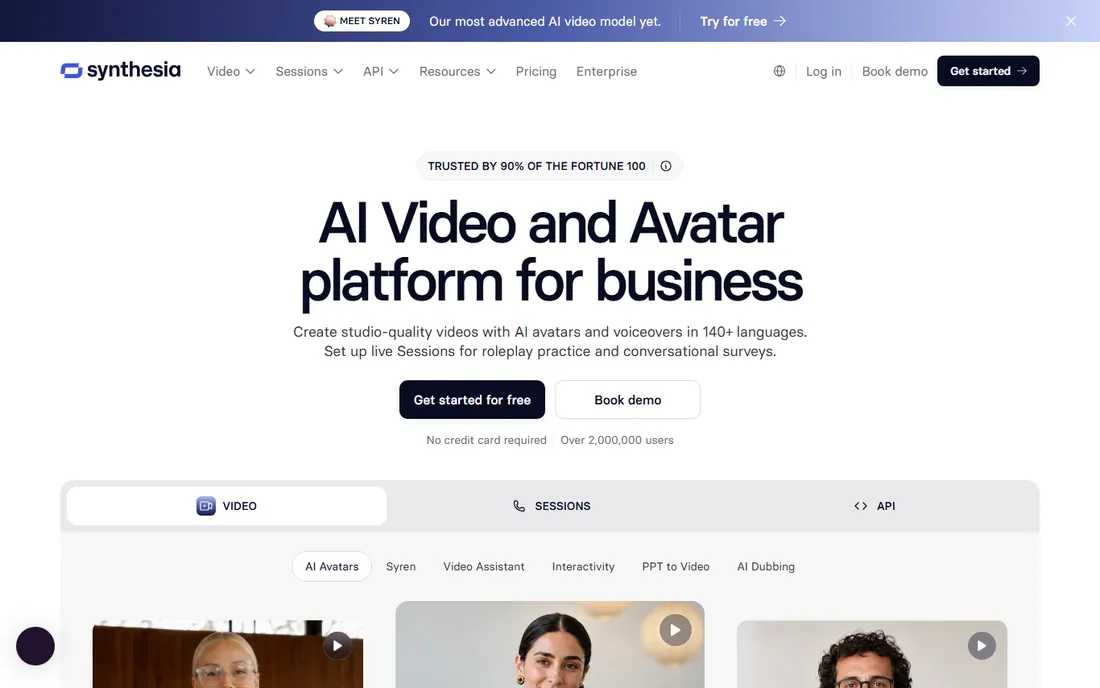
Synthesia is the default choice for companies that need a lot of talking-head video without filming anyone. You type or paste a script, pick an avatar, and get a studio-style video with voiceover in your choice of language. Its translation engine keeps terminology consistent across languages, which matters for compliance and training content. The platform also handles publishing details like SCORM output for learning management systems.
The trade-off is tone. Synthesia videos look polished but formal, which fits onboarding and product updates better than social media. Pricing starts with a personal tier and moves to custom enterprise quotes, so small teams should check the current pricing page before assuming it fits the budget. For volume corporate video, though, it remains the reference point the rest of the market is measured against.
What we like- Large avatar library with 140+ languages
- Strong translation and brand controls
- Enterprise security certifications
Watch out for- Pricing is not public for higher tiers
- Avatar videos can feel formal for casual brands
#2
HeyGen
Best for: realistic personal avatars and quick marketing video
Visit heygen.com
Starting priceSee website
Free planYes (free plan)
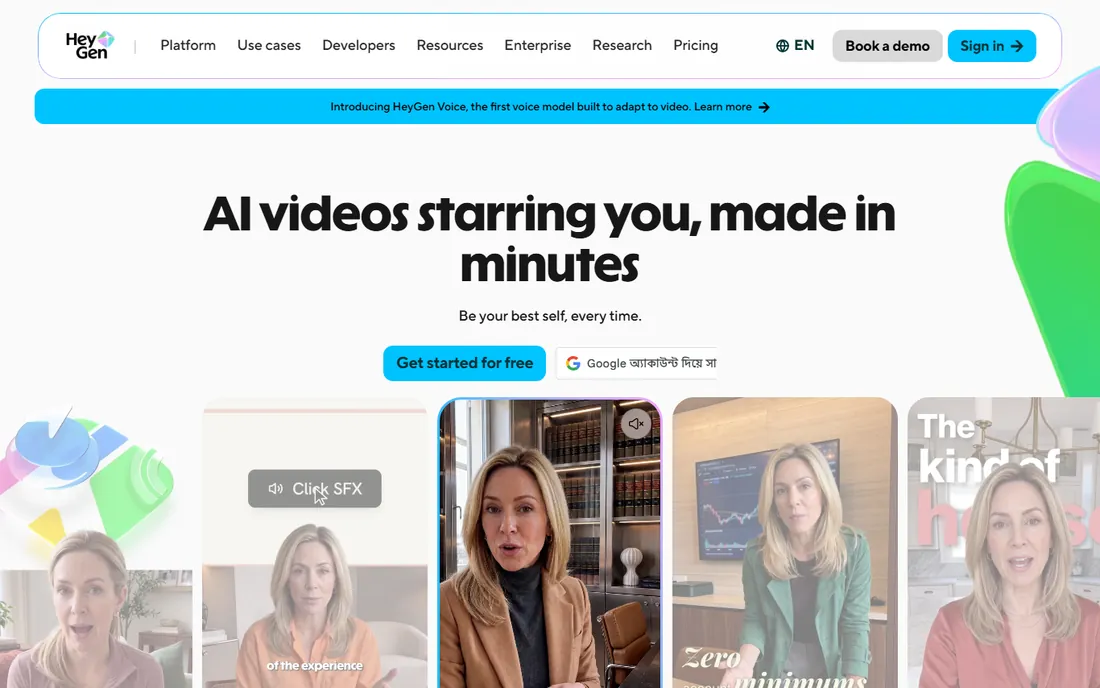
Where Synthesia feels corporate, HeyGen feels personal. Its avatar pipeline captures how you move and gesture, not just how you look, which makes custom avatars noticeably more natural. The free plan lets you make real videos without a credit card, so you can judge the quality before paying. A Video Agent feature turns a written idea into a finished video, which suits marketers who need drafts fast.
Pricing runs on credits, which takes some getting used to. Longer videos and higher-end models consume more, so costs depend on output, not just the subscription tier. The company puts real effort into consent and moderation, requiring identity verification for custom avatars, which is reassuring for businesses worried about deepfake issues. For founder-led content and sales outreach video, HeyGen is hard to beat.
What we like- Very lifelike avatars with identity verification
- Prompt-to-video agent for fast drafts
- 175+ languages
Watch out for- Credit-based pricing can be hard to predict
- Best results need good source footage for custom avatars
#3
Runway
Best for: creative teams making ads, B-roll and short-form video
Visit runwayml.com
Starting priceSee website
Free planFree trial (limited credits)
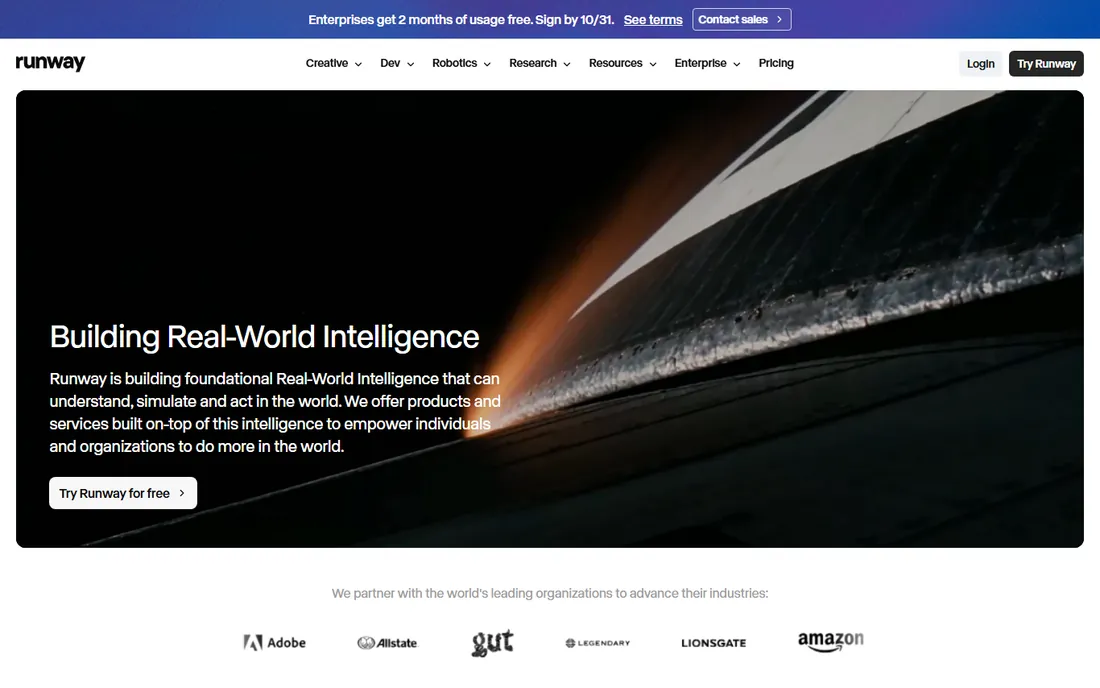
Runway does something different from the avatar tools. It generates video itself: cinematic clips from text prompts or still images, with control over camera moves and motion. Ad agencies and content teams use it for product shots, B-roll, and visuals that would be expensive or impossible to film. Its editing tools also handle tasks like green screen removal and object editing in the browser.
This is a creative professional's tool, not a marketer's shortcut. Getting good results requires learning how to prompt, and the credit system means experimenting has a cost. The free trial credits are enough to test whether the output fits your needs. If your video needs are mostly presenters talking to camera, an avatar platform will serve you better. If you need original visuals, Runway is the category leader.
What we like- Industry-leading text and image to video quality
- Fine motion and camera control
- Developer API
Watch out for- Steep learning curve for non-creatives
- Credit costs add up for heavy generation
Starting priceSee website
Free planYes (free tier)
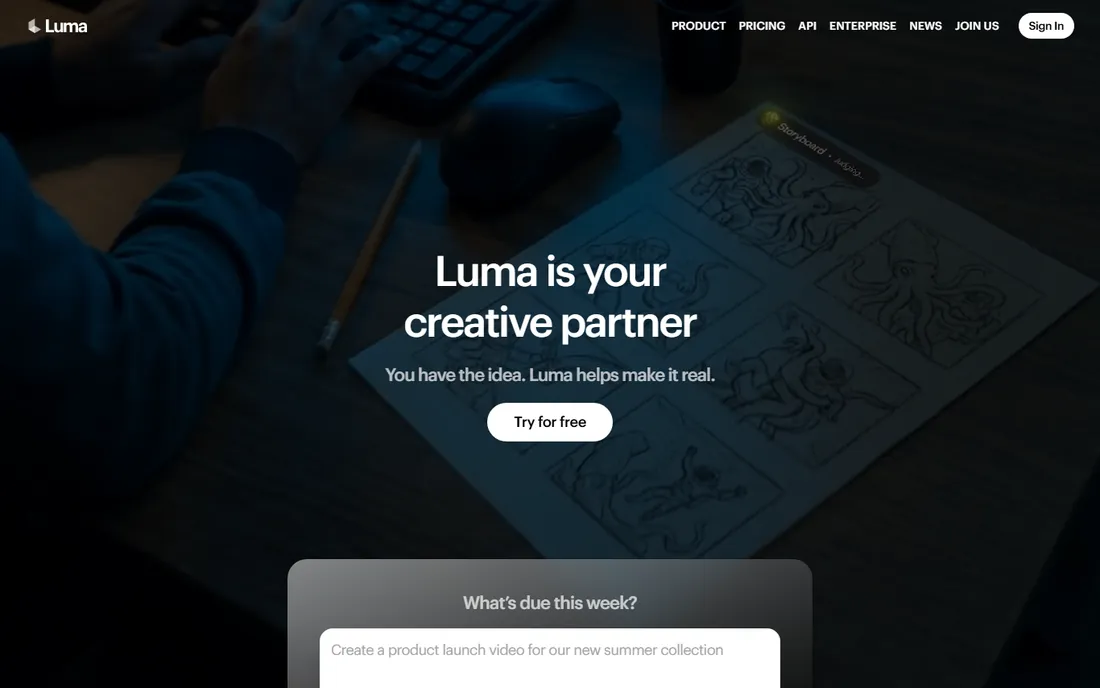
Luma's Dream Machine built its reputation on motion that looks right. Water splashes, camera moves, and character animation come out with a physical believability that cheaper generators miss. The interface keeps things simple: a prompt bar with clickable concept suggestions for lighting, style, and camera moves, plus boards for organizing projects. Newer models add brand intelligence, carrying style and character references across assets.
The free tier gives limited generations, which is enough to evaluate quality but not to run a content program. Luma is a direct alternative to Runway for generative video, with a friendlier interface and a research team shipping quickly. Creative teams often keep accounts on both and compare output per project.
What we like- Strong physics and natural motion
- Simple prompt bar with concept suggestions
- Brand-aware generation models
Watch out for- Younger ecosystem than Runway
- Output length limits on the free tier
#5
InVideo
Best for: marketers who want AI agents to handle editing
Visit invideo.io
Starting priceSee website
Free planYes (free plan)
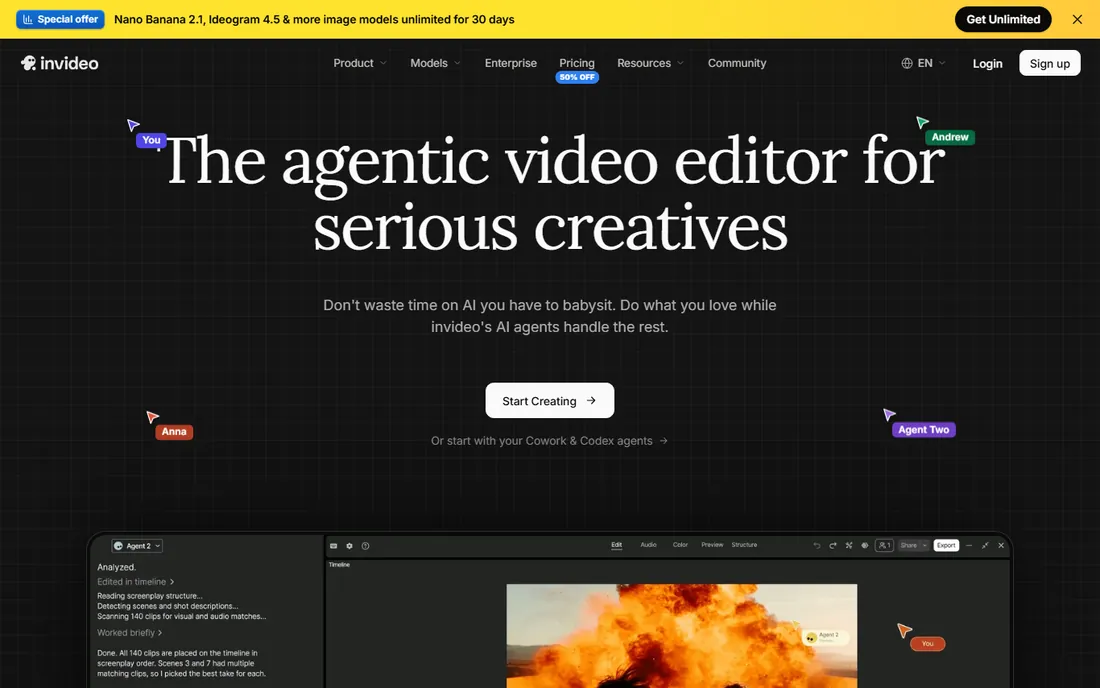
InVideo has evolved from a template library into an agentic video editor. You describe what you want in plain language and AI agents handle trimming, color grading, B-roll generation, and assembly on a full timeline. It can also connect to coding agents you already use, which is unusual in this space. Multiplayer editing with live cursors makes it workable for teams.
The pricing model takes effort to decode, with credits, seats, guest seats, and model-specific limits. Check the current plans page carefully before committing, because what you can generate depends heavily on the tier. For a marketing team that produces a lot of social and ad video and wants AI to do the heavy lifting inside a real editor, InVideo is worth the learning curve.
What we like- Agentic editing that assembles cuts from natural-language direction
- Multiplayer editing
- Access to frontier models
Watch out for- Plans are credit-based and complex
- Interface has changed a lot across versions
#6
Pictory
Best for: turning written content into finished videos
Visit pictory.ai
Starting price$25 per month
Free planFree trial
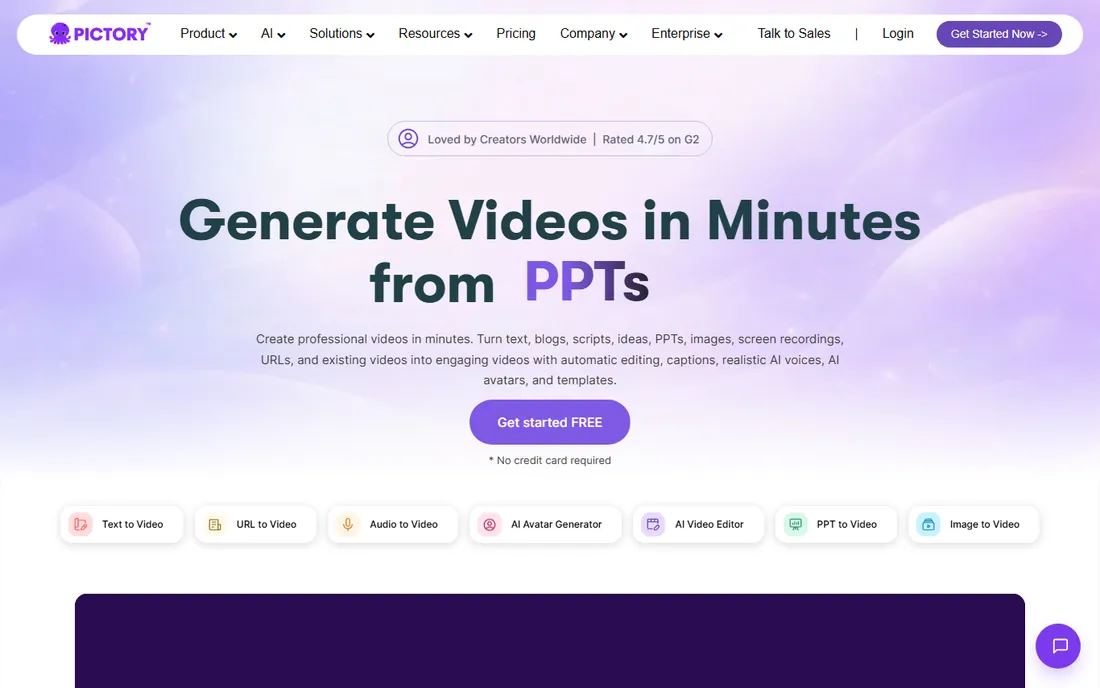
Pictory takes the content you already have and turns it into video. Paste a blog post, upload a script, or point it at a URL, and it builds scenes with matched visuals, captions, and AI voiceover. For marketers repurposing written content into YouTube or social video, this is the shortest path from draft to publish. The free trial requires no credit card, just a name and email.
It is not an editor in the traditional sense. You cannot do precise frame work or complex motion graphics, and the AI still needs a human pass on scripts it generates itself. But for its job, turning text into watchable video fast, it is one of the most practical tools on this list. The entry price of $25 per month is reasonable for the output volume it supports.
What we like- Excellent script, blog and PPT to video workflows
- No credit card needed to try
- Getty Images library on higher tiers
Watch out for- No frame-accurate editing
- Long videos capped at 30 minutes
Starting priceSee website
Free planYes (free plan)
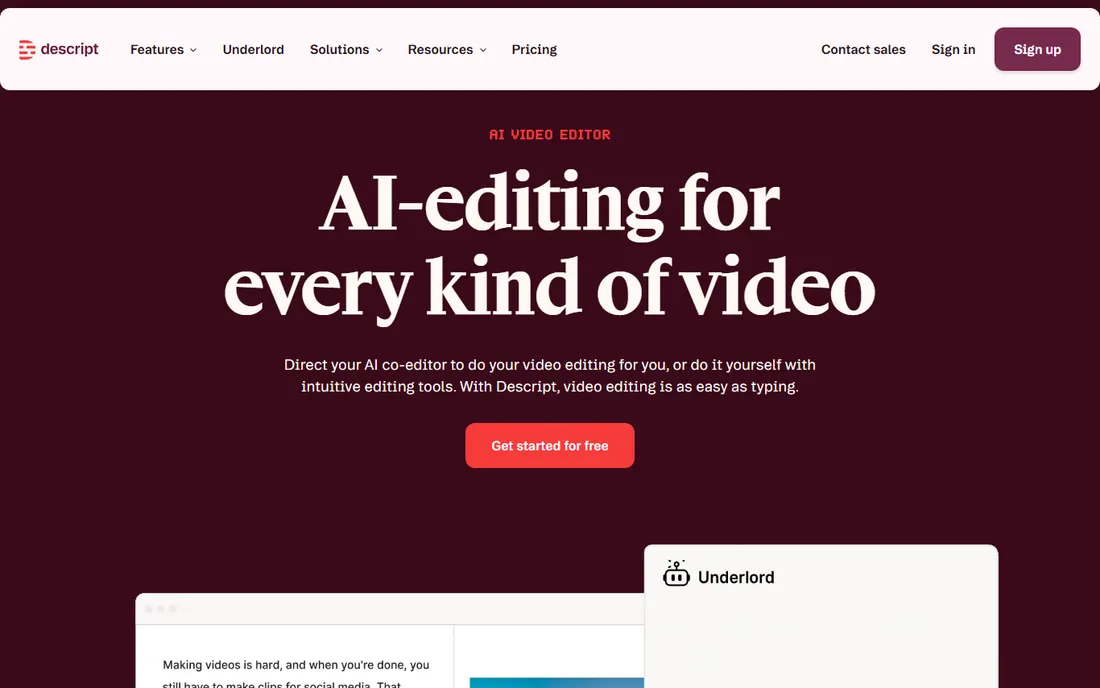
Descript starts where the others end: with footage you already recorded. Its core trick is text-based editing. The AI transcribes your recording, and deleting a sentence deletes that moment of video. Rearranging paragraphs rearranges the footage. For podcasts, webinars, demos, and course recordings, this is dramatically faster than timeline editing. Underlord, its AI co-editor, removes filler words, cleans audio with Studio Sound, and assembles clips.
Do not buy Descript expecting to generate videos from nothing. It creates B-roll and voiceovers to fill gaps, but generation is a side feature. The free plan covers real work without a credit card, which makes it easy to test on an actual project. For anyone who records more than they generate, Descript belongs in the stack regardless of which generator they use.
What we like- Edit video by editing the transcript
- Underlord AI co-editor handles cleanup
- Screen recorder built in
Watch out for- Not a generative video tool
- Timeline features are secondary to text editing
Starting priceSee website
Free planYes (free Starter tier)
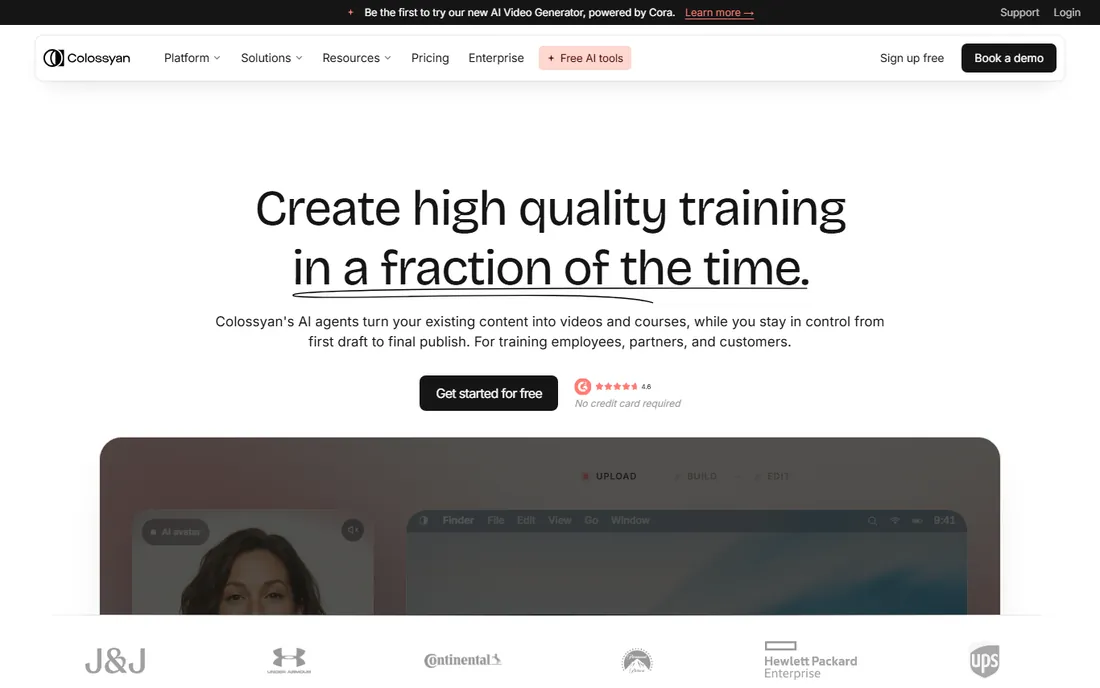
Colossyan goes beyond single videos into full training programs. Its AI agent drafts scenes from your documents, slide decks, or prompts, and nothing renders until you approve it. Then you can build structured courses with interactive elements, quizzes, and localization into over 100 languages. The free Starter tier covers core creation, with professional and enterprise plans adding collaboration, governance, and custom avatars.
This specialization is both the strength and the limit. If you need onboarding, compliance, or sales enablement content that stays current, Colossyan replaces several tools at once. If you need punchy marketing video, look at HeyGen or InVideo instead. For learning and development teams, it is one of the most complete platforms available.
What we like- AI drafts scenes from docs and decks for your approval
- Full course builder with quizzes
- 100+ languages
Watch out for- Focused on training, not marketing video
- Best features sit on higher tiers
We reviewed vendor homepages, pricing pages, and product documentation, then cross-checked claims against seller and creator feedback on G2, Capterra, Reddit, and review sites. We looked at avatar quality, generation quality, language support, editing models, and how pricing actually works in practice, including credit systems that are easy to misunderstand. Company size fit mattered too: a tool built for enterprise training teams scores differently than one built for solo creators. We did not test any of these tools hands-on; all findings come from published sources and user reviews.
Start with the job, not the tool. Avatar platforms like Synthesia and HeyGen are for presenter-led video. Generative tools like Runway and Luma create original visuals. Repurposing tools like Pictory convert existing content. Editing tools like Descript polish recordings. Buying a generator when you need an editor wastes money, and the reverse wastes time.
Understand the pricing model before you sign up
Some tools charge flat subscriptions, others run on credits, and a few mix both. Credit systems make costs depend on output length, model choice, and how much you experiment. Run a realistic month of your actual usage through the pricing page before committing, and check what happens to unused credits.
Check the commercial use terms
Most paid plans allow commercial use, but free tiers and trials often do not. If the video will run in ads or on client work, confirm the license terms on the vendor's site. Avatar tools add another layer: make sure anyone depicted has consented, and prefer vendors that require identity verification.
Avatar video vs. generated video: which do you need
Avatar video puts a realistic presenter on screen reading your script. It is ideal for training, explainers, and sales outreach where a human face builds trust. Generated video creates the visuals themselves from prompts or images, which suits ads, B-roll, and creative concepts where no presenter is needed. Many teams end up using both: avatars for the talking parts, generated clips for everything around them.
Frequently asked questions
Can AI video replace hiring a video team?
For routine content like training, product updates, and social clips, often yes. For brand films, commercials with real people, and anything needing precise creative direction, human production still wins. Most companies use AI video for volume work and reserve crews for flagship pieces.
Which AI video platform is best for beginners?
HeyGen and Pictory have the gentlest learning curves, with free plans or trials that need no credit card. If you can paste a script and click generate, you can make a video on either within an hour.
Do I own the videos I create?
Generally yes on paid plans, but check each vendor's terms. Free tiers sometimes restrict commercial use or add watermarks. For client work, confirm the license on the pricing page before you deliver anything.
How much does AI video cost per month?
It ranges from free tiers with limits to roughly $25 to $30 per month for entry plans, with credit-based systems on top of that for heavy generation. Enterprise training platforms run into custom pricing. The honest answer is to price your actual monthly output, not the subscription.
Can these tools translate videos into other languages?
Yes, and it is one of their strongest features. Synthesia, HeyGen, and Colossyan all offer multi-language translation with lip sync, which makes them popular for global training and marketing teams.
Will viewers know the video is AI-generated?
Avatar videos are getting hard to distinguish from real footage, especially for short clips. Generated creative video can still show artifacts on close inspection. Disclosure practices vary by platform and use case, so check your industry's norms.
Sources we checked (8)
- https://www.synthesia.io
- https://www.heygen.com
- https://runwayml.com
- https://lumalabs.ai
- https://invideo.io
- https://pictory.ai
- https://www.descript.com
- https://www.colossyan.com
Is your product missing or out of date?
We review this list regularly. Vendors can request a listing, send updated pricing or ask about featured placement.

Shihab Mia · Founder, Rankite
Shihab has spent more than a decade helping SaaS and e-commerce brands grow through search. He writes Rankite's software buying guides from pricing pages, documentation and public user reviews. More about Shihab.