How we make this list: we compare pricing pages, product documentation and public user reviews. Rankite is independent; if a vendor ever pays for a featured spot, that listing is clearly labeled Partner.
Key takeaways
- Descript is the best AI video editor software for podcasters and talkers: editing video by editing a transcript changes the whole workflow.
- Runway leads on generative video quality, with a free tier for experimenting and a Standard plan at $12 per user per month billed annually.
- Synthesia dominates AI-avatar training videos, but its per-minute pricing makes it expensive for high-volume creators; the Basic plan is free.
- OpusClip is the specialist pick for turning long videos into shorts, with a vendor-confirmed $15 per month Starter plan.
- Kapwing and VEED serve browser-based team editing with real free tiers, while CapCut remains the free mobile-first default for social creators.
Quick comparison
| Tool | Best for | Starting price | Free plan |
|---|
 Descript Descript | text-based video and podcast editing | See website | Yes |
 Runway Runway | generative AI video and image models | $12 per user/month (billed annually) | Yes |
 Pictory Pictory | turning scripts and blogs into videos | See website | Free trial |
 Synthesia Synthesia | AI avatar training and explainer videos | $29 per user/month (billed monthly) | Yes |
 Lumen5 Lumen5 | social videos from articles and blogs | See website | Yes |
 InVideo InVideo | prompt-to-video marketing content | See website | See website |
 Kapwing Kapwing | browser-based collaborative editing | $16 per user/month (billed annually) | Yes |
 OpusClip OpusClip | turning long videos into short clips | $15/month | Yes |
 CapCut CapCut | free mobile-first social editing | See website | Yes |
 VEED VEED | captioned social clips and quick edits | See website | Yes |
Is your product missing or out of date?
We review this list regularly. Vendors can request a listing, send updated pricing or ask about featured placement.
Ten AI video editors worth your time in 2026
Picture the usual Tuesday. You have a 45-minute webinar recording, a blog post that should have been a video months ago, and a client asking for captions in three languages. Doing all of that by hand takes a week. The tools below exist because a growing number of creators decided a week was too long.
They fall into three camps. Text-based editors like Descript change how you cut footage. Generators like Runway, Synthesia, and InVideo create footage from prompts. Repurposers like Pictory, OpusClip, and Lumen5 turn content you already have into content you need. Prices come from the vendors' own sites, checked in October 2026.
Starting priceSee website
Free planYes
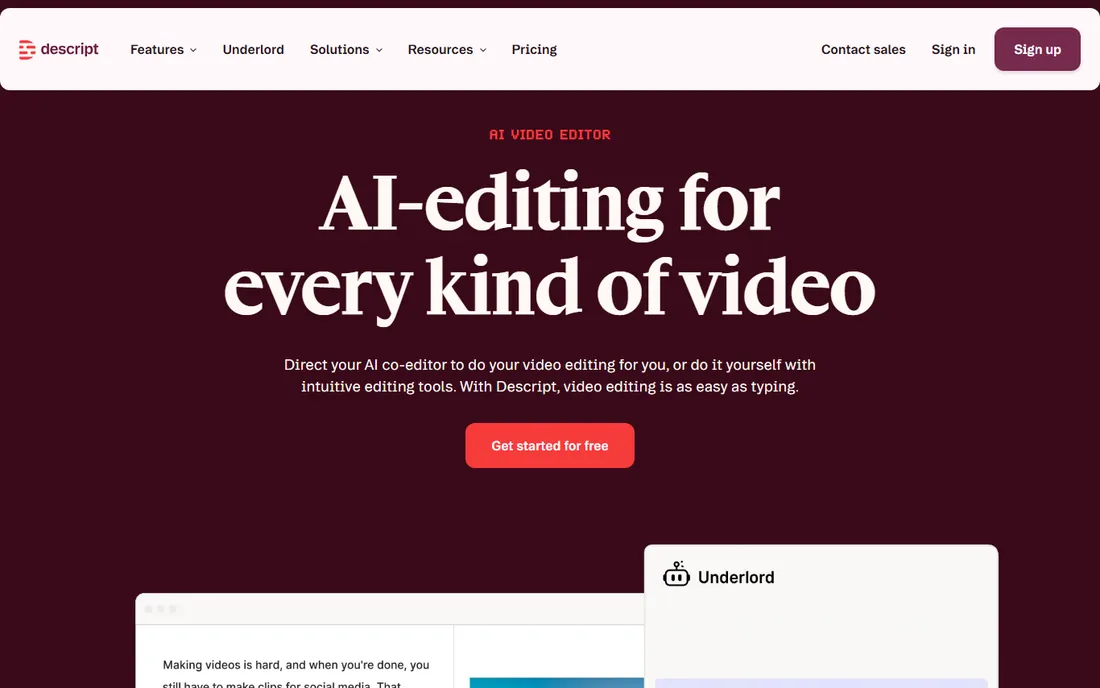
Descript's idea is simple and hard to give up once you try it: transcribe the video, then cut words in the transcript to cut the footage. Removing filler words, rearranging sections, and generating clips from a long recording all happen in a document-like interface. Underlord, its AI co-editor, can take a rough cut most of the way on its own.
The vendor's own homepage confirms a free plan with no credit card required, which is the right way to evaluate it. Paid plans run Hobbyist, Creator, and Business tiers with media hours and AI credits per editor, but the pricing page did not expose dollar figures in our check, so confirm on descript.com before budgeting. For podcasters and talking-head creators, nothing else edits this fast.
What we like- Edit video by editing the transcript
- Studio Sound cleans audio in one click
- Free plan needs no credit card
Watch out for- Pricing numbers are not shown clearly on the vendor page
- Heavy AI use consumes credits fast
Starting price$12 per user/month (billed annually)
Free planYes

Runway is where generative video grew up. The platform offers text-to-video, image-to-video, and editing tools built on its own models plus third-party ones, all in one cloud workspace. Creators use it for B-roll that does not exist, style transfers, and shots that would cost thousands to film.
The vendor's pricing page is unusually clear: Free forever with 125 one-time credits, Standard at $12 per user per month billed annually ($15 monthly), Pro at $28 annually, and Max at $76. Credits are the real currency, with a few seconds of top-tier generation costing real money. It is the best playground for generative video, but budget like you would for a metered utility.
What we like- Leading generative video models with 4K upscaling
- Vendor pricing page is transparent
- Free tier includes 125 one-time credits
Watch out for- Credits burn quickly at high quality
- Serious use needs the Pro tier at $28 per month annually
Starting priceSee website
Free planFree trial

Pictory built its name on one workflow: paste a blog post URL or script, and get a narrated video with stock visuals and captions minutes later. For content marketers sitting on archives of written content, it is the fastest repurposing tool in this list. The editor lets you swap visuals and voices without starting over.
The vendor homepage confirms you can start without a credit card, and third-party pricing snapshots put plans in the $19 to $99 per month range, but the buy page was not cleanly verifiable at research time, so check pictory.ai. The honest limitation is sameness: stock-footage videos need your branding and editing to avoid looking like everyone else's.
What we like- Fast text-to-video from URLs, scripts, and PPTs
- Realistic AI voices included
- No editing skill required
Watch out for- Outputs lean on stock footage and can feel generic
- Pricing details need a check on the vendor site
Starting price$29 per user/month (billed monthly)
Free planYes
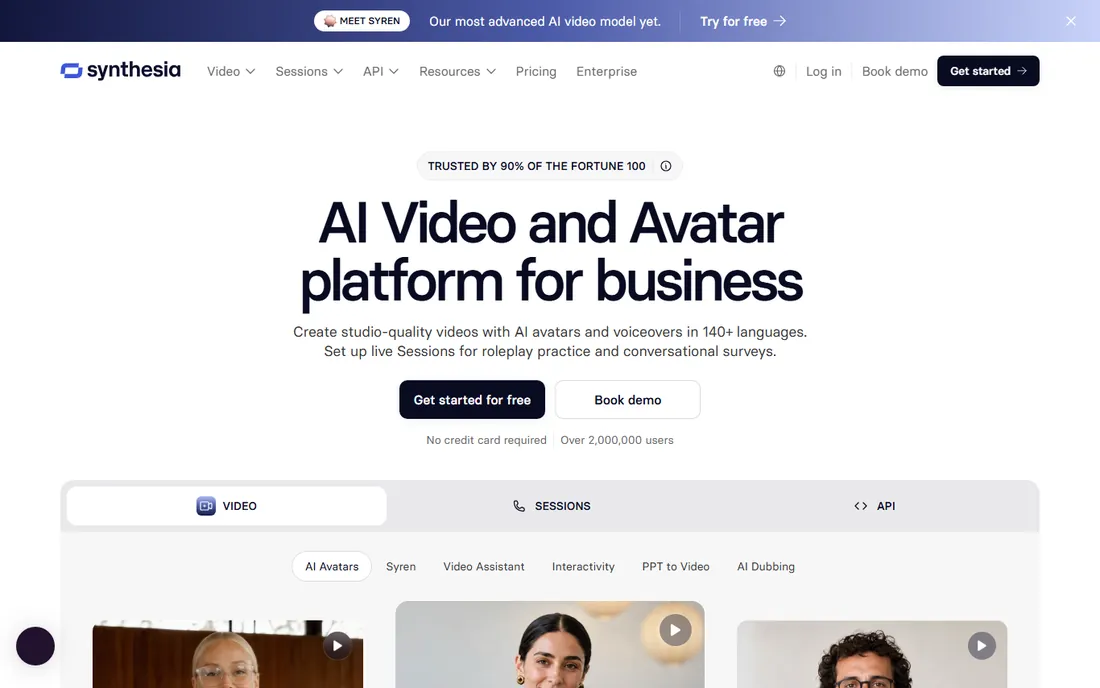
Synthesia is the enterprise pick for a reason: type a script, pick an avatar, and get a presenter-led video in over 140 languages without a camera. Training teams, onboarding flows, and product explainers are its home turf, and the compliance stack (SOC 2, GDPR, SSO on higher tiers) is built for big companies.
The vendor's own pricing page lays it out: Basic is free with 10 minutes of video a month and a watermark, Starter is $29 per user per month billed monthly, Pro is $89, and Enterprise is custom. Annual billing lowers those figures. The per-minute economics punish high-volume creators, so this is a tool for teams with training budgets, not YouTubers.
What we like- The most polished AI avatars in the business
- 140-plus languages with dubbing
- Free Basic plan for testing
Watch out for- Per-minute pricing gets expensive at volume
- Avatar videos suit corporate content more than creative work
Starting priceSee website
Free planYes

Lumen5 has been turning articles into social videos since 2017, and the workflow shows the polish of that experience. Paste a URL, get a storyboard with matched stock footage, adjust, and export in platform-ready aspect ratios. Marketing teams use it to keep a steady cadence of LinkedIn and social video without a designer.
The vendor homepage offers free signup, and third-party snapshots put paid plans at $19 to $149 per month on annual billing, but verify on lumen5.com. The fair criticism is that it assembles stock rather than generating original visuals, and the AI minutes are metered tightly. For content repurposing at team scale, it remains the benchmark.
What we like- The original blog-to-video workflow, refined over years
- Huge stock library on paid plans
- Brand kits keep output consistent
Watch out for- Default workflow still assembles stock footage rather than generating visuals
- Paid plans are pricey for solo creators
Starting priceSee website
Free planSee website
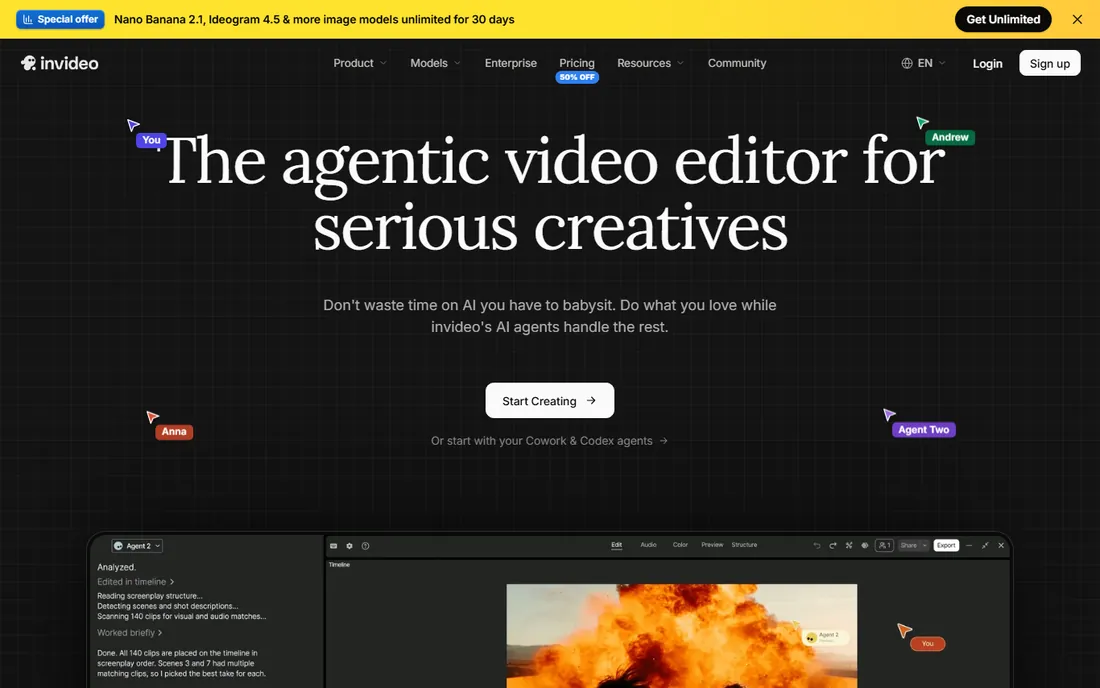
InVideo rebuilt itself around AI agents that plan, generate, and edit video from prompts, with access to frontier models for generation and a full timeline editor for finishing. The pitch is a complete workflow from idea to published video without leaving the browser, and the model catalog is genuinely broad.
The catch is pricing clarity. InVideo restructured its plans and credit system in 2026, and third-party snapshots disagree on the current numbers, so we list the starting price as "see website" and advise reading invideo.io carefully. The free tier exists but is designed for evaluation, with watermarks and weekly caps. When the pricing is understood, it is a powerful package for marketing teams.
What we like- Agentic editing with frontier video models
- Timeline editor plus AI agents in one workspace
- Strong stock and voiceover options
Watch out for- Credit system is complex and restructured in 2026
- Pricing needs a careful read of the vendor page
Starting price$16 per user/month (billed annually)
Free planYes
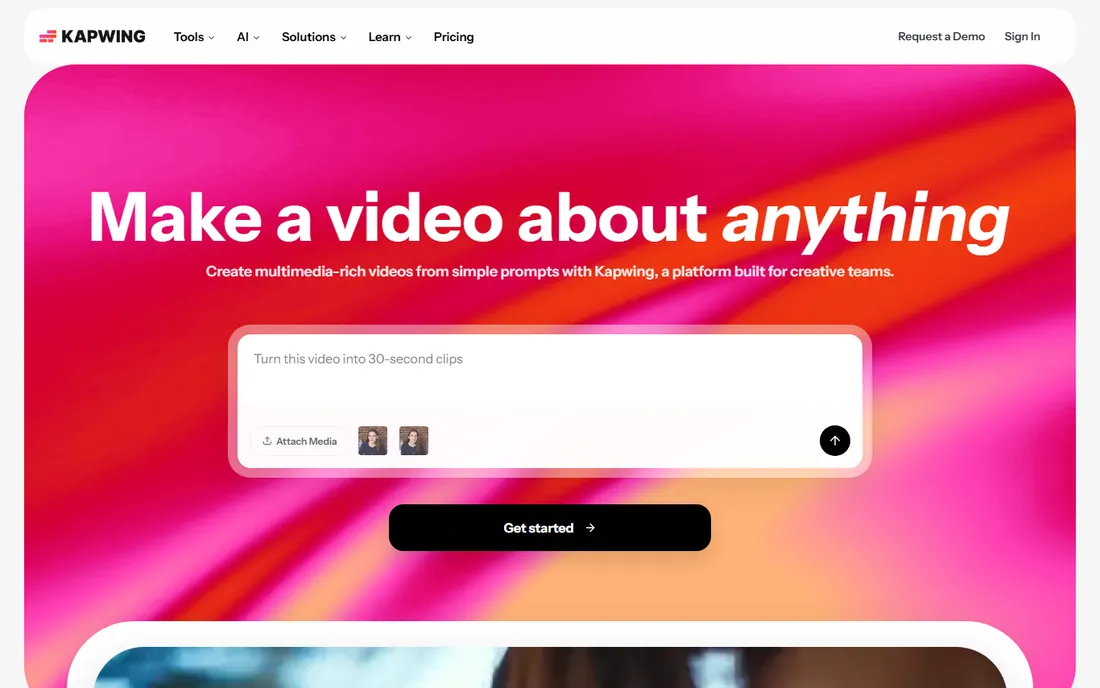
Kapwing is the Google Docs of video editing: nothing to install, real-time collaboration, and a full timeline with AI tools for subtitles, dubbing, background removal, and smart cuts. Social teams and educators live in it because a link is all anyone needs to review or co-edit.
The vendor's own pricing page confirms the numbers: Free at $0 with 10 credits and watermarked 720p exports, Pro at $16 per member per month billed annually ($24 monthly), Business at $50, and Enterprise custom. Per-member pricing means a team of five pays five seats, so size the plan to your headcount. For collaborative browser editing, it is the most complete option here.
What we like- Full editor in the browser with real-time collaboration
- Vendor pricing page is transparent
- Generous AI subtitle tools
Watch out for- Browser performance limits heavy projects
- Free exports are watermarked at 720p
#8
OpusClip
Best for: turning long videos into short clips
Visit opus.pro
Starting price$15/month
Free planYes
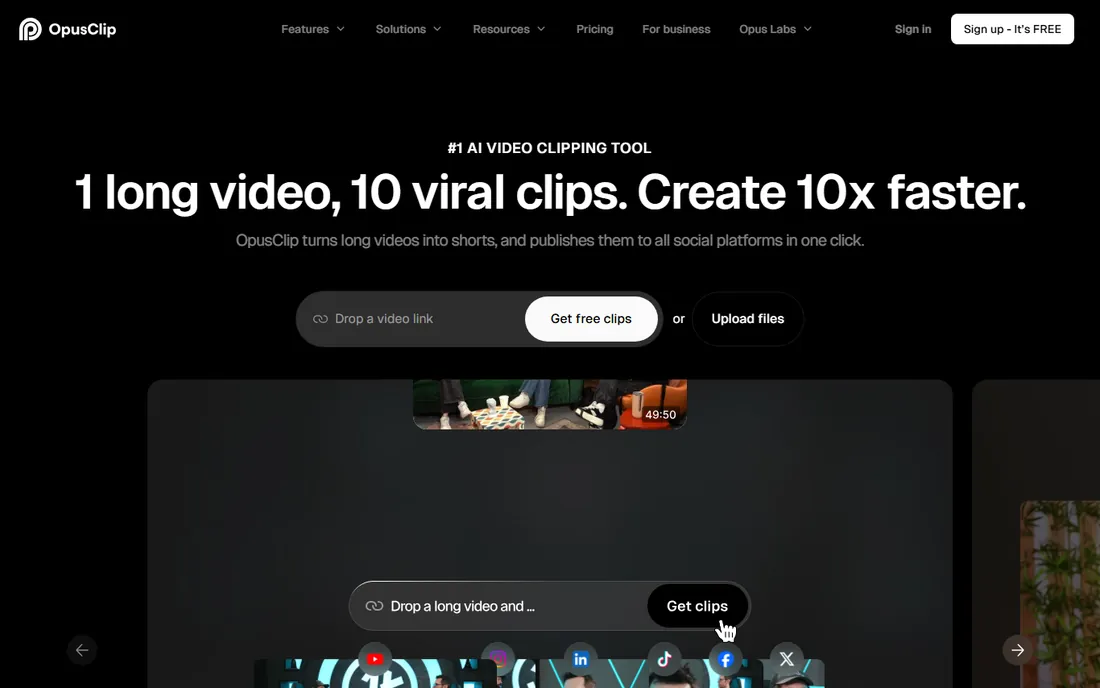
OpusClip does one job extremely well: feed it a podcast or webinar, and it returns ranked short clips with captions, reframing, and hooks. The virality score is a blunt instrument, but as a shortlist of moments worth posting it saves hours of scrubbing. Direct posting to Shorts, TikTok, and Reels closes the loop.
The vendor's own pricing page confirms the tiers: Free at $0 with 60 processing credits a month, Starter at $15 per month, Pro at $29, and Business custom. One credit equals one minute of source video, so size the plan to your recording schedule, not your clip count. For creators repurposing long-form content weekly, it pays for itself in the first month.
What we like- AI finds the best moments and reframes them vertically
- Vendor pricing confirmed on its own page
- Virality scores help prioritize clips
Watch out for- Credit system meters source-video minutes, not output
- The $15 Starter plan has no annual discount
Starting priceSee website
Free planYes
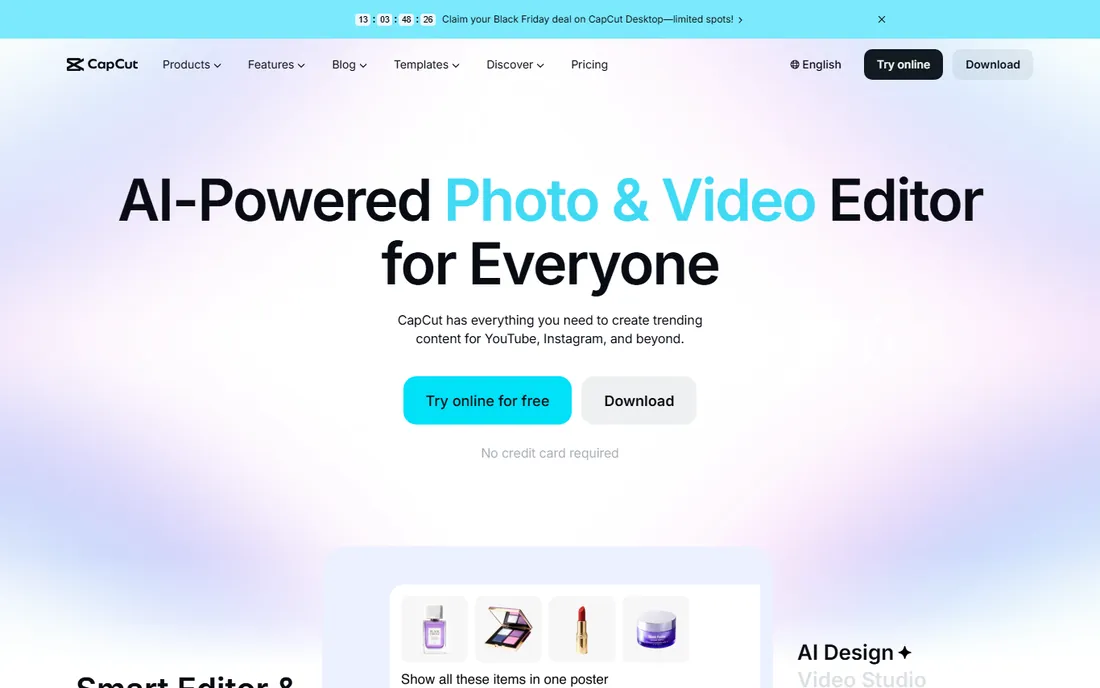
CapCut is the default editor for an entire generation of social creators because the free tier does so much: multi-track timeline, auto captions, effects, templates, and 1080p export without paying. ByteDance's ownership means deep TikTok integration and a template ecosystem no rival matches.
The 2026 pricing restructure split paid plans into tiers around $9.99 and $19.99 per month, but prices vary by region and platform, with app-store billing running higher than web checkout, so confirm on capcut.com. The vendor homepage confirms you can start free with no credit card. For social-first creators on a budget, start here before paying for anything.
What we like- The most generous free tier in social editing
- Templates and effects built for TikTok and Reels
- Works on mobile, desktop, and web
Watch out for- Paid pricing restructured in 2026 and varies by region
- Free exports can carry watermarks on some assets
#10
VEED
Best for: captioned social clips and quick edits
Visit veed.io
Starting priceSee website
Free planYes
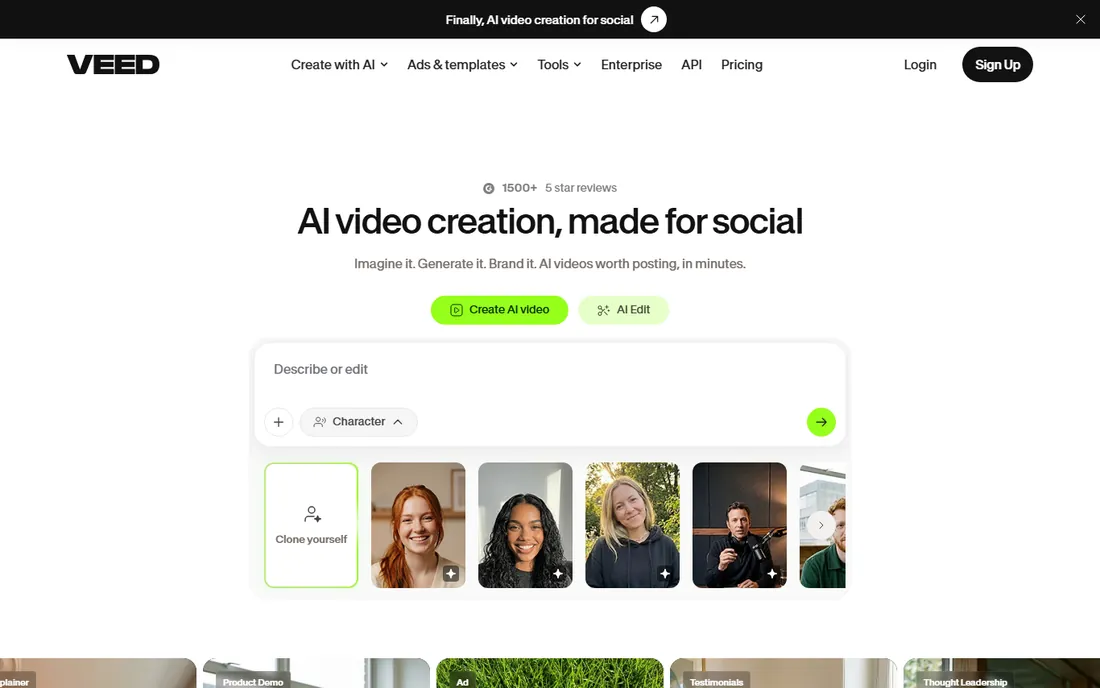
VEED built its reputation on subtitles and has grown into a full browser editor with AI avatars, text-to-video, dubbing, and one-click cleanup tools. Marketing teams use it for the same reason individuals do: open the browser, edit, export, done, with collaboration for review.
VEED restructured its plans in 2026 and third-party snapshots disagree on the current lineup, so we list pricing as "see website" and point you to veed.io/pricing. The vendor's own blog confirms a free plan exists with watermarked exports. It sits between Kapwing and Descript in spirit: less collaborative than the former, less transcript-driven than the latter, with the best subtitle engine of the three.
What we like- Excellent auto-subtitles in many languages
- AI tools for cleanup, translation, and avatars
- Clean browser workflow
Watch out for- Plan names and prices changed in 2026, so verify on the vendor site
- Free exports carry a watermark
How we chose
We opened each vendor's homepage and pricing page, recorded plan limits and free-tier terms from the vendor's own words, and cross-referenced user feedback on G2, Capterra, and Reddit. Tools qualified with an active 2026 product, a distinct job to do, and pricing we could verify or honestly mark as "see website." We never claim hands-on testing; these comparisons come from documented features, published prices, and reported user experience.
Where AI video editors still need a human
AI handles the mechanical parts of video work brilliantly: transcription, captioning, silence removal, rough cuts, and first-draft generation. What it does not do is taste. The tools above will happily generate a bland script, pick generic stock footage, and caption it all perfectly, and the result will underperform anything with a point of view.
The winning workflow is AI for drafts, humans for decisions. Let Descript or OpusClip find the moments, then cut with judgment. Let Runway or InVideo generate the B-roll, then art-direct it. Teams that treat these tools as junior editors with infinite stamina get the value; teams that publish the first draft get content that looks like everyone else's.
What to check before paying for an AI video editor
Read the credit and minute math before the feature list. Most of these tools meter something: Runway meters credits per generation, Synthesia meters video minutes, OpusClip meters source-video minutes, and Descript meters media hours and AI credits. Your monthly output decides the real price, not the headline plan.
Then check export terms. Watermarks, resolution caps, and commercial-use rights vary by tier, and the free plan that looks generous may not allow client work. Confirm whether unused credits roll over, since several vendors forfeit them monthly. Finally, test on your own footage during the trial: AI voice quality, avatar realism, and caption accuracy are subjective, and no review can settle them for you.
Frequently asked questions
What is the best AI video editor software for beginners?
CapCut for free social editing, Descript for talking-head content, and Pictory for turning written content into video. All three have free entry points and need no prior editing skill. Pick based on your source material: footage, scripts, or articles.
Can AI video editors replace Premiere Pro or DaVinci Resolve?
For social content, repurposing, and talking-head videos, largely yes. For color grading, complex compositing, and long-form craft, no. Most professionals end up with both: an AI tool for speed and a traditional editor for finishing.
How much does AI video editing cost?
Free tiers cover testing and light use across most tools here. Paid plans range from $12 to $16 per month billed annually for Runway and Kapwing, through $29 per month for Synthesia Starter and OpusClip Pro, up to custom enterprise pricing. Credit-based tools can cost more at high volume.
Do AI video editors add watermarks?
Free plans usually do. CapCut, Kapwing, VEED, Synthesia, and others watermark free exports or cap resolution. Paid plans remove watermarks across the board, so check the specific plan's export terms before publishing client work.
Which AI video editor is best for YouTube Shorts and TikTok?
OpusClip for converting long videos into ranked shorts, CapCut for editing them free on mobile, and VEED or Kapwing for captions and browser-based finishing. The combination of OpusClip plus CapCut covers most short-form workflows at minimal cost.
Sources we checked (15)
- https://www.descript.com
- https://www.descript.com/pricing
- https://runwayml.com
- https://runwayml.com/pricing
- https://pictory.ai
- https://www.synthesia.io
- https://www.synthesia.io/pricing
- https://lumen5.com
- https://invideo.io
- https://kapwing.com/
- https://www.kapwing.com/pricing
- https://opus.pro/
- https://www.opus.pro/pricing
- https://www.capcut.com/
- https://veed.io/
Is your product missing or out of date?
We review this list regularly. Vendors can request a listing, send updated pricing or ask about featured placement.

Shihab Mia · Founder, Rankite
Shihab has spent more than a decade helping SaaS and e-commerce brands grow through search. He writes Rankite's software buying guides from pricing pages, documentation and public user reviews. More about Shihab.