How we make this list: we compare pricing pages, product documentation and public user reviews. Ratings come from G2, Capterra or Trustpilot, with the date we checked them.
Key takeaways
- Descript suits talking-head and podcast editing, since you edit video by editing its transcript.
- Runway suits AI-generated clips and creative editing, with generation, inpainting, and restyling in one platform.
- Pictory and InVideo suit script-to-video work, turning text, articles, and prompts into finished videos with stock footage or generated clips.
- Synthesia suits corporate training, with AI avatars that present scripts in over 140 languages.
- Kapwing and VEED suit browser-based team editing, while OpusClip suits turning long videos into short vertical clips.
Quick comparison
| Tool | Best for | Starting price | Free plan |
|---|
 Runway Runway | AI-generated video and creative editing | $12 per month (billed annually) | Yes |
 Descript Descript | Transcript-based video and podcast editing | $16 per month (billed annually) | Yes |
 Kapwing Kapwing | Browser-based team video editing | $16 per month (billed annually) | Yes |
 Pictory Pictory | Script and article to video | $25 per month (billed annually) | Free trial |
 Synthesia Synthesia | AI avatar training videos | $18 per month (billed annually) | Yes |
 InVideo InVideo | Prompt-to-video with a timeline editor | $20 per month (billed annually) | Yes |
 VEED VEED | Social video editing with AI tools | See website | Yes |
 OpusClip OpusClip | Long video to short clips | $15 per month | Yes |
Is your product missing or out of date?
We review this list regularly. Vendors can request a listing, send updated pricing or ask about featured placement.
The best AI video editing software
#1Runway
Best for: AI-generated video and creative editing4.1/5 on
G2 (105 reviews, checked Oct 2026)
Visit runwayml.com
Starting price$12 per month (billed annually)
Free planYes
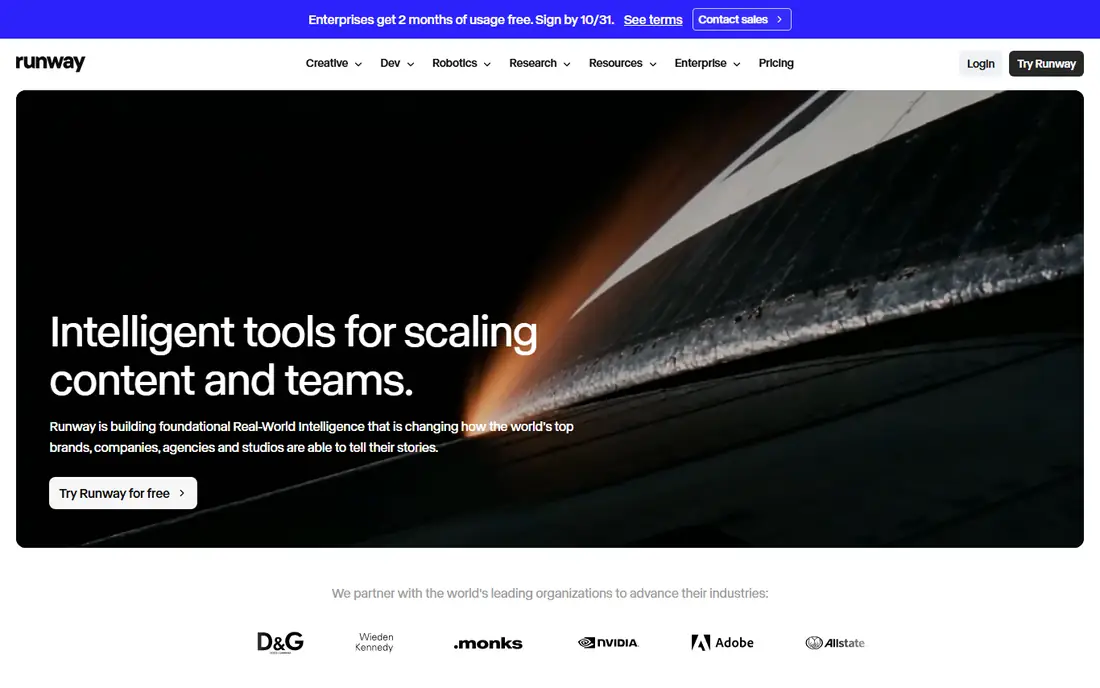
Runway is a cloud creative platform for generating and editing video, images, and audio. Its models generate clips from text and images, while editing tools cover inpainting, expansion, restyling, and object removal. That combination suits filmmakers, advertisers, and creators who want generated footage beside real footage.
The free plan includes 125 one-time credits with watermarked exports, while Standard, at $12 per month billed annually, adds a monthly credit allowance and watermark-free exports. Pro adds more credits and models. If you generate clips often, budget for credits carefully, since iteration burns through an allowance faster than a flat subscription suggests.
What we like- Strong generation and editing suite
- Camera-direction controls
- Large creator community and docs
Watch out for- Free credits are one-time and exports carry a watermark
- Credit costs rise with newer models
- Long shots can drift in consistency
#2Descript
Best for: Transcript-based video and podcast editing4.6/5 on
G2 (928 reviews, checked Oct 2026)
Visit descript.com
Starting price$16 per month (billed annually)
Free planYes
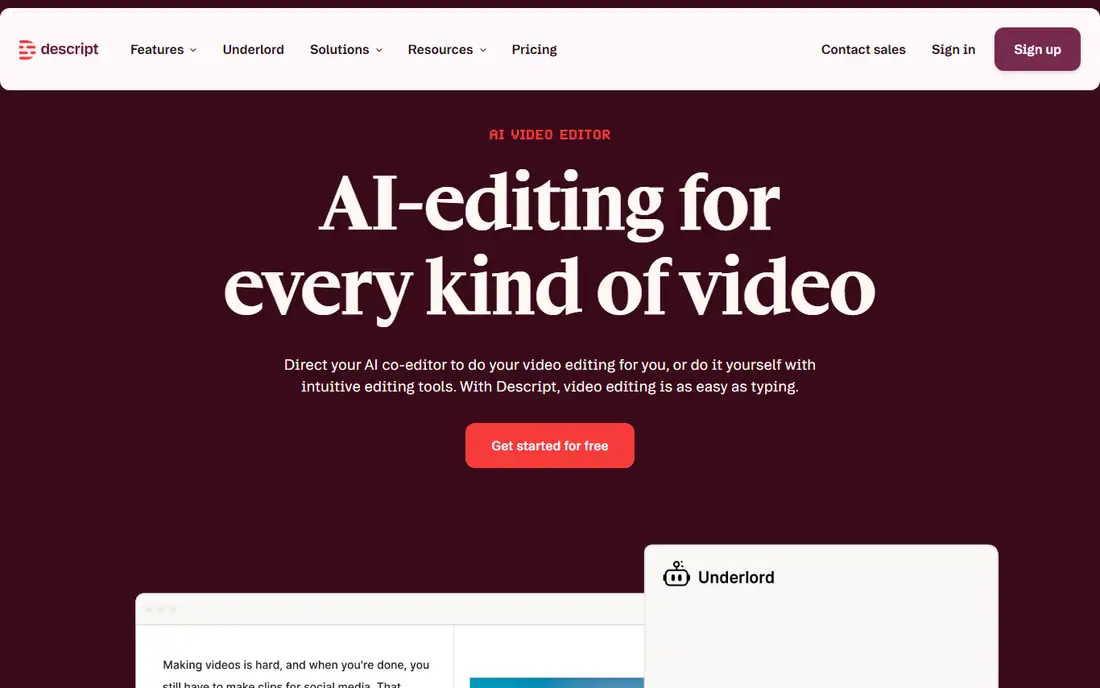
Descript changes video editing into document editing. Upload or record a video, get a transcript, and cut footage by deleting words, move scenes by moving sentences, and remove filler words in bulk. Studio Sound cleans up noisy audio with one click, and the Underlord agent can turn a raw recording into a tight cut or a set of clips.
The free plan covers basic recording and editing with limits, while Hobbyist, at $16 per month billed annually, adds more media minutes and AI credits. Creator and Business plans add more minutes, seats, and controls. For podcasts, interviews, and talking-head videos, Descript is the fastest editor here.
What we like- Edit video by editing text
- Studio Sound cleanup
- Underlord AI agent for rough cuts and clips
Watch out for- Media minutes cap uploads and recordings
- Paid plans bill per seat
- Learning curve for timeline work
#3Kapwing
Best for: Browser-based team video editing3.9/5 on
G2 (40 reviews, checked Oct 2026)
Visit kapwing.com
Starting price$16 per month (billed annually)
Free planYes
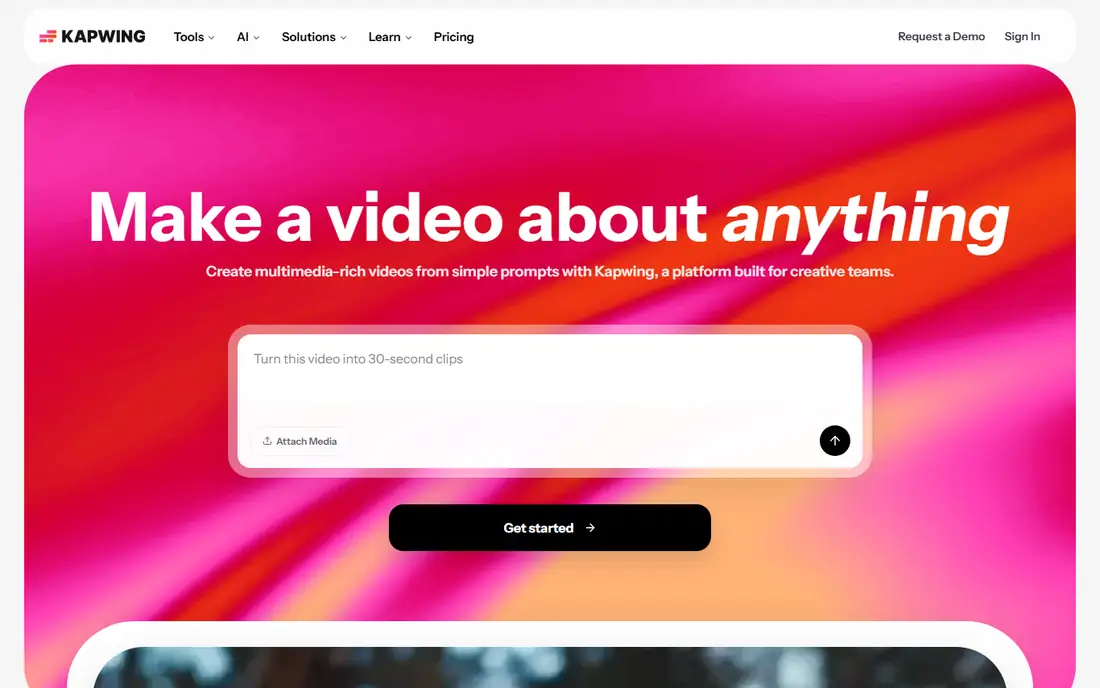
Kapwing is a browser video platform for teams that publish often. The editor covers trimming, captions, templates, and AI tools such as auto-subtitles, dubbing, and background removal, with collaboration built in. A prompt can also generate a first draft project with layers, timing, and sound.
The free plan allows unlimited exports, but each is watermarked and limited to 720p and short length. Pro, at $16 per month billed annually, removes the watermark and adds 4K export and more credits. For marketing teams that edit in a browser and share drafts often, Kapwing is a practical team choice.
What we like- Full browser editor with no install
- AI captions, dubbing, and background removal
- Templates and collaboration
Watch out for- Free exports are watermarked and capped at 720p
- Browser editing can lag on long timelines
- Pro is needed for 4K export
#4Pictory
Best for: Script and article to video4.6/5 on
G2 (81 reviews, checked Oct 2026)
Visit pictory.ai
Starting price$25 per month (billed annually)
Free planFree trial
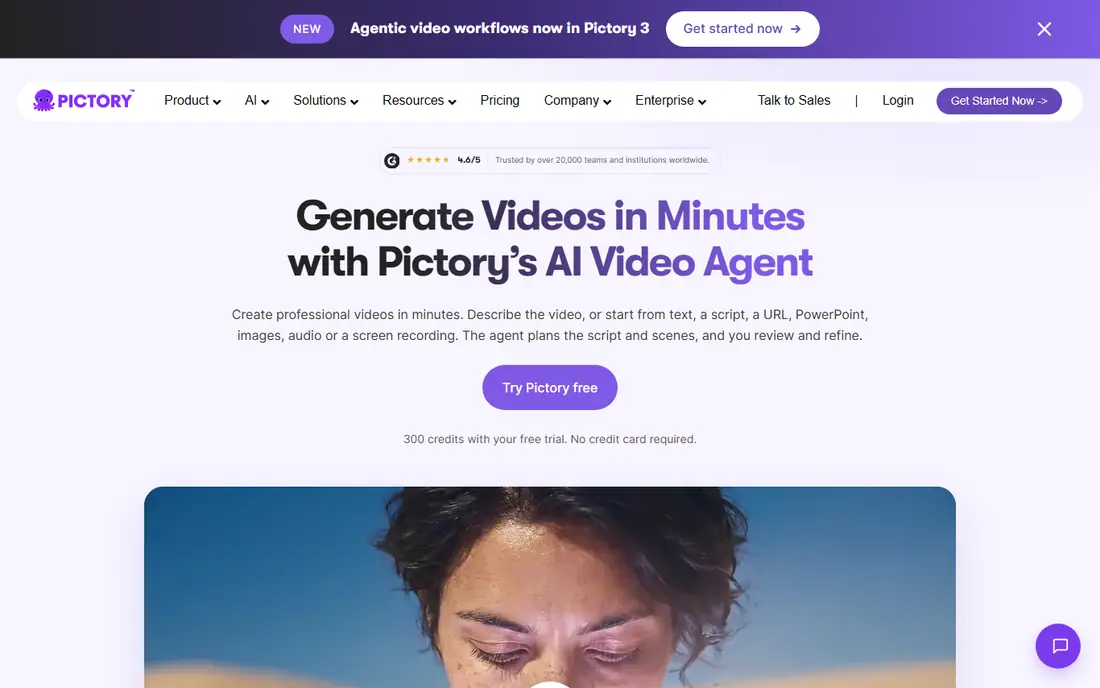
Pictory turns text into video. Paste a script, article, or URL, or upload slides or audio, and Pictory builds scenes with visuals, captions, and an AI voice. The newer agent workflow plans the script and scenes, lets you review them, and then generates the final video, which keeps the process closer to editing than to blind generation.
A free trial includes 300 credits with no card required, while Starter, at $25 per month billed annually, adds monthly video minutes and more features. Brand kits apply colors, fonts, and logos across scenes. If you repurpose blog posts, lessons, or training scripts into video every week, Pictory is one of the most direct tools for that job.
What we like- Turns scripts, URLs, slides, and audio into video
- AI voices and avatars
- Brand kits and captions
Watch out for- No permanent free plan, only a trial
- Stock footage can feel generic
- Heavy use needs higher plans
#5Synthesia
Best for: AI avatar training videos4.6/5 on
G2 (2,804 reviews, checked Oct 2026)
Visit synthesia.io
Starting price$18 per month (billed annually)
Free planYes
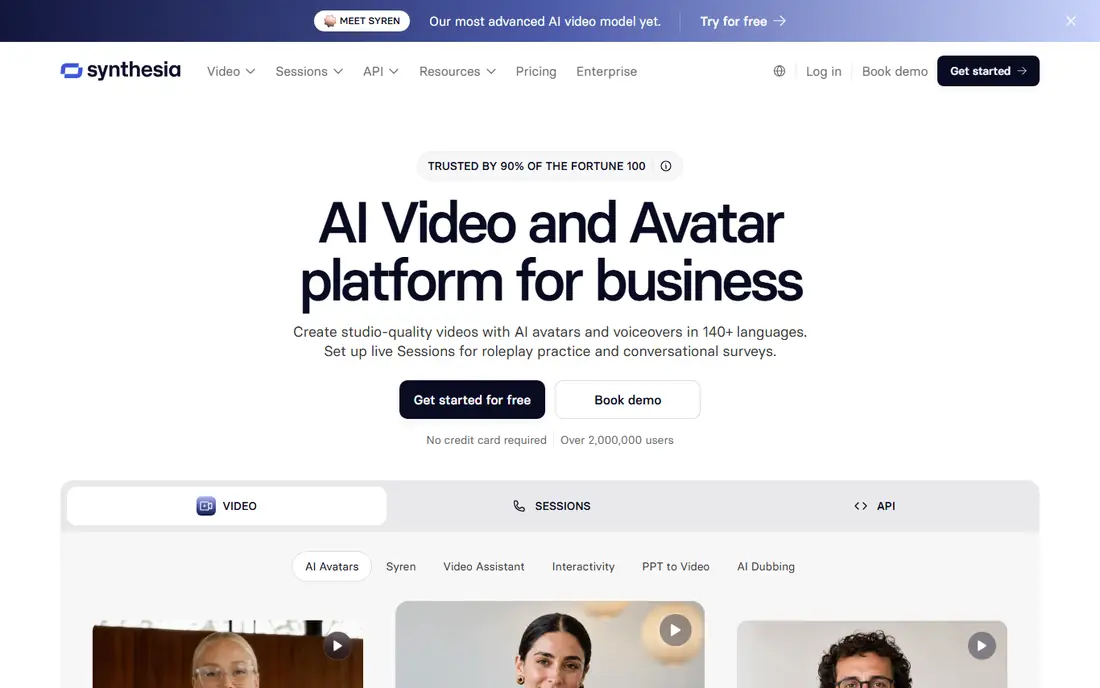
Synthesia lets you make studio-style videos without a camera. Type a script, pick an avatar, and the avatar presents it in your chosen language, with translation across 140 or more languages. Updates are simple: edit the script and regenerate, rather than booking a shoot and re-recording.
Starter, at $18 per month billed annually, covers small-scale training and internal videos, while higher plans add more minutes, brand controls, and collaboration. Publishing options include links, embeds, and SCORM for learning platforms. For onboarding, compliance, and product training, Synthesia replaces repeat filming with a repeatable process.
What we like- AI avatars in 140+ languages
- Easy updates without reshooting
- LMS publishing and analytics
Watch out for- Avatar videos suit training more than creative film
- Minutes and credits limit volume
- Higher plans needed for scale
#6InVideo
Best for: Prompt-to-video with a timeline editor4.2/5 on
G2 (183 reviews, checked Oct 2026)
Visit invideo.io
Starting price$20 per month (billed annually)
Free planYes
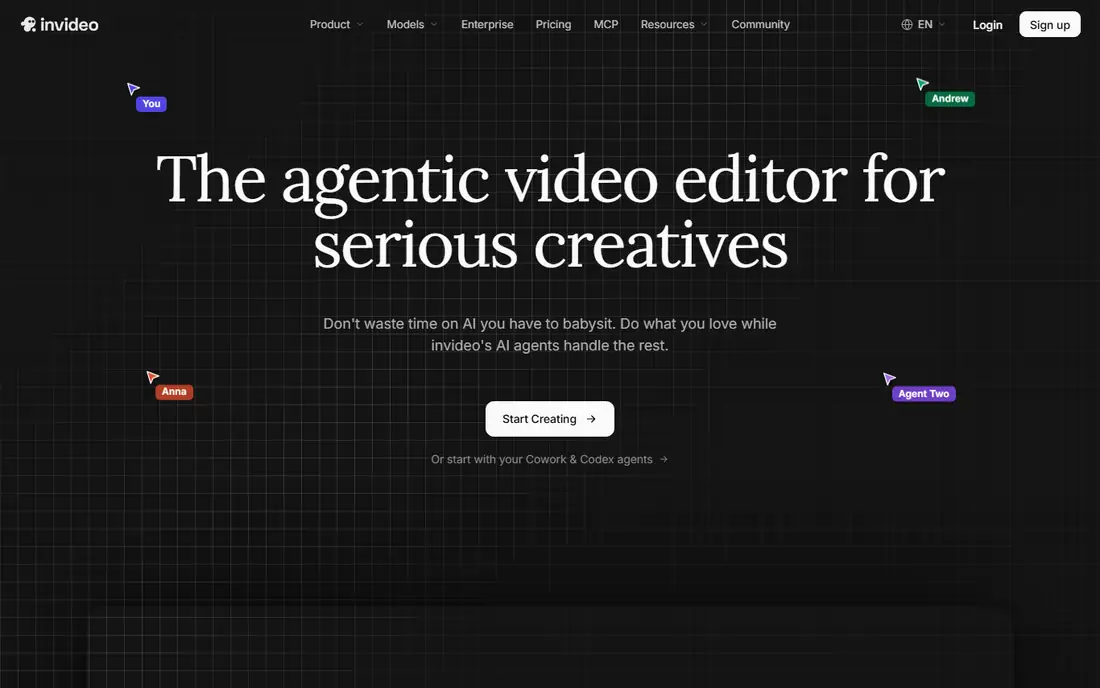
InVideo pairs AI generation with a real timeline editor. AI agents help write scripts, plan shots, and build a first cut, and you can then refine timing, color, audio, and 3D elements on the timeline. Multiplayer editing lets teams work in the same project with live cursors.
Starter, at $20 per month billed annually, includes 400 credits per seat per month, while Plus and Max add far more credits, models, and storage. That credit model means the right plan depends on how many generated clips you make, not just how many videos you publish. For creators who want AI generation plus manual control, InVideo covers both sides.
What we like- AI agents for scripting, storyboarding, and editing
- Full timeline editor
- Large stock library and voice options
Watch out for- Credit system needs careful budgeting
- Starter excludes some newer models
- Free plan carries limits and watermarks
#7VEED
Best for: Social video editing with AI tools4.6/5 on
G2 (2,175 reviews, checked Oct 2026)
Visit veed.io
Starting priceSee website
Free planYes
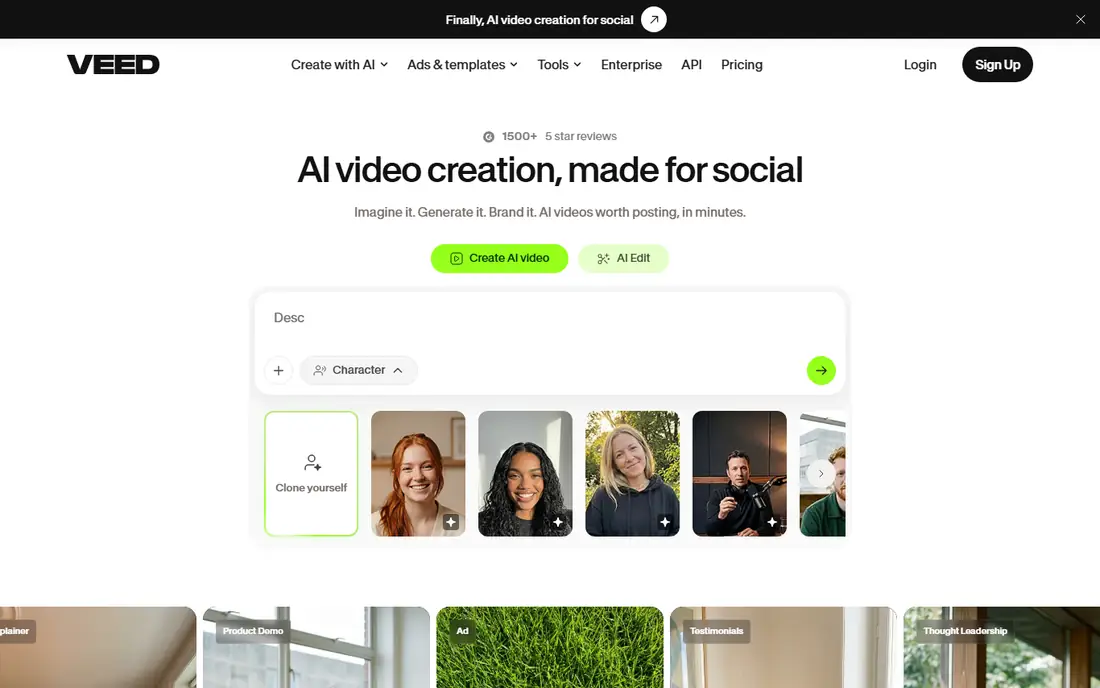
VEED is an AI video platform built for social and marketing content. The browser editor covers trimming, captions, templates, and brand kits, while AI tools add subtitles, translation, dubbing, and eye-contact correction. You can generate videos from a prompt or polish recorded footage in the same workflow.
The free plan lets you test the editor, but exports carry a watermark and limits apply. Paid plans add watermark-free exports, more AI credits, and team features. For social teams that publish short videos often and want one browser tool for editing and AI polish, VEED is a strong fit.
What we like- Browser editor with templates
- AI subtitles, translation, and eye-contact correction
- Brand kits for teams
Watch out for- Free plan is watermarked and limited
- Pricing varies by plan and billing
- Heavy AI use needs higher tiers
#8OpusClip
Best for: Long video to short clips4.6/5 on
G2 (123 reviews, checked Oct 2026)
Visit opus.pro
Starting price$15 per month
Free planYes
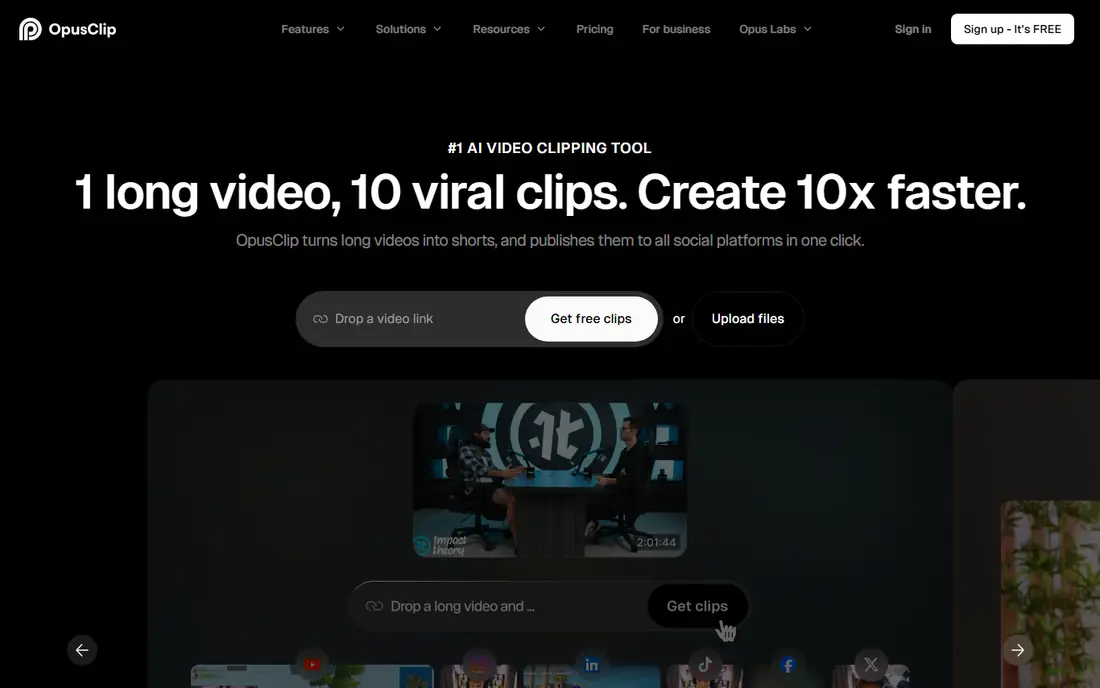
OpusClip turns long videos into short vertical clips. Upload a podcast, webinar, vlog, or interview, and its models find the strongest moments, reframe them vertically with subject tracking, add captions, and score each clip. That workflow suits creators who publish Shorts, Reels, and TikToks from one long recording each week.
A free plan includes 60 minutes of processing time refreshed monthly, with a 7-day Pro trial for new users. Paid plans start at $15 per month and add more processing time and features. If your main video job is repurposing rather than generating, OpusClip saves more editing time than any general editor here.
What we like- Finds strong moments in long videos automatically
- Vertical reframing with subject tracking
- Captions and virality scores
Watch out for- Needs source footage, it does not generate original video
- Clip quality varies by source
- Free plan limits processing time
How we chose
We compared tools on the job each one does best: generation, transcript editing, avatar presentation, script-to-video, browser editing, and clipping. Pricing and free-plan details were checked against vendor pricing pages and product pages, and feature claims were checked against vendor documentation. We favored tools that exist today, offer a free plan or trial, and serve a distinct video workflow rather than duplicating the same feature set.
We also weighed the meter behind each price. Credit, minute, and seat pricing behave differently, so a low monthly price can still cost more at high volume. Check which meter you will exhaust first before committing to an annual plan.
How to pick AI video software
Start with your source material
If you start from a script, pick Pictory, InVideo, or Synthesia. If you start from a recording, pick Descript or Kapwing. If you start from a long video, pick OpusClip. If you start from nothing, pick Runway for generated clips.
Check exports before you pay
Test one full video on the free plan or trial and export it. Check for watermarks, resolution limits, and whether captions, brand kits, and aspect ratios for each platform are included. A tool that looks fast in a demo can still fail on your export needs.
Budget for credits and minutes
Add up your monthly output in clips, minutes, or credits, then pick the plan that covers it with room for rework. Generation tools burn credits on every retry, while transcript editors burn media minutes on every upload, so track both meters in your first month.
Frequently asked questions
What is the best AI video editing software for beginners?
Descript is the easiest start for recorded video, since editing text feels familiar. Kapwing and VEED suit beginners who want browser editing and templates, while Pictory suits beginners who start from a script.
Can AI video tools replace a human editor?
For routine cuts, captions, clips, and training videos, yes, they handle most of the work. For creative films, brand campaigns, and complex stories, a human editor still decides pacing, structure, and taste, with AI tools speeding up the rough work.
Do free plans allow commercial use?
It depends on the tool and plan. Runway and Kapwing free exports carry watermarks, which make them unsuitable for published work. Paid plans generally allow commercial use, but check each vendor's terms before publishing client work.
Which tool is best for YouTube Shorts?
OpusClip is the best pick for Shorts made from long videos, with automatic clipping, vertical reframing, and captions. InVideo and VEED also suit Shorts, especially when you generate or edit short videos from scratch.
How much do AI video tools cost per month?
Entry paid plans here range from $12 to $25 per month on annual billing, with higher plans for more credits, minutes, or seats. VEED pricing varies, so check its pricing page for the current plan figures.
Is Synthesia suitable for marketing videos?
Synthesia suits training, onboarding, and internal videos best, where a consistent presenter matters. For marketing videos that need real footage, product shots, or creative scenes, Pictory, InVideo, or Runway fit better.
Sources we checked (8)
- https://runwayml.com
- https://www.descript.com
- https://www.kapwing.com
- https://pictory.ai
- https://www.synthesia.io
- https://invideo.io
- https://www.veed.io
- https://www.opus.pro
Is your product missing or out of date?
We review this list regularly. Vendors can request a listing, send updated pricing or ask about featured placement.

Shihab Mia · Founder, Rankite
Shihab has 5+ years in B2B and SaaS SEO. He writes Rankite's software buying guides from pricing pages, documentation and public user reviews. More about Shihab.