How we make this list: we compare pricing pages, product documentation and public user reviews. Ratings come from G2, Capterra or Trustpilot, with the date we checked them.
Key takeaways
- Descript leads for talking-head and podcast video, because editing the transcript edits the video.
- CapCut and Kapwing are the fastest routes to short-form social video, with auto captions and reframing built in.
- Runway suits creators who want generative visuals and effects, while Premiere Pro and DaVinci Resolve suit longer professional projects.
- AI pricing often depends on credits, export minutes, or media hours, so check those limits before comparing monthly prices.
- A free plan is useful for learning a tool, but watermark-free HD exports usually need a paid plan.
Quick comparison
| Tool | Best for | Starting price | Free plan |
|---|
 Descript Descript | Talking-head and podcast editing | $16 per month (billed annually) | Yes |
 Runway Runway | Generative video and effects | $12 per month (billed annually) | Yes |
 CapCut CapCut | Short-form social video | See website | Yes |
 Adobe Premiere Pro Adobe Premiere Pro | Professional long-form editing | $22.99 per month (billed annually) | Free trial |
 DaVinci Resolve DaVinci Resolve | Color, audio, and pro editing value | Free | Yes |
 VEED VEED | Browser-based team editing | See website | Yes |
 Opus Clip Opus Clip | Turning long videos into clips | $14.50 per month (billed annually) | Yes |
 Wondershare Filmora Wondershare Filmora | Beginner-friendly YouTube editing | $49.99 per year | Yes |
Is your product missing or out of date?
We review this list regularly. Vendors can request a listing, send updated pricing or ask about featured placement.
#1Descript
Best for: Talking-head and podcast editing4.6/5 on
G2 (928 reviews, checked Oct 2026)
Visit descript.com
Starting price$16 per month (billed annually)
Free planYes
Descript changes the first pass of editing for anyone who talks to a camera. The tool transcribes the video, and deleting a sentence in the transcript removes it from the video. Filler words and long pauses can be removed in bulk, which saves hours on interviews, lessons, and podcast episodes.
The limits matter for volume. Free and lower plans cap media hours and resolution, and AI features draw on credits or usage allowances. Descript is not the best choice for heavy visual effects or cinematic color work. For dialogue-led content, though, few tools shorten the rough cut as much.
What we like- Transcript-based editing
- Filler-word removal
- Studio Sound audio cleanup
Watch out for- Media hours and AI credits limit heavy users
- Less suited to complex visual effects
#2Runway
Best for: Generative video and effects4.1/5 on
G2 (105 reviews, checked Oct 2026)
Visit runwayml.com
Starting price$12 per month (billed annually)
Free planYes
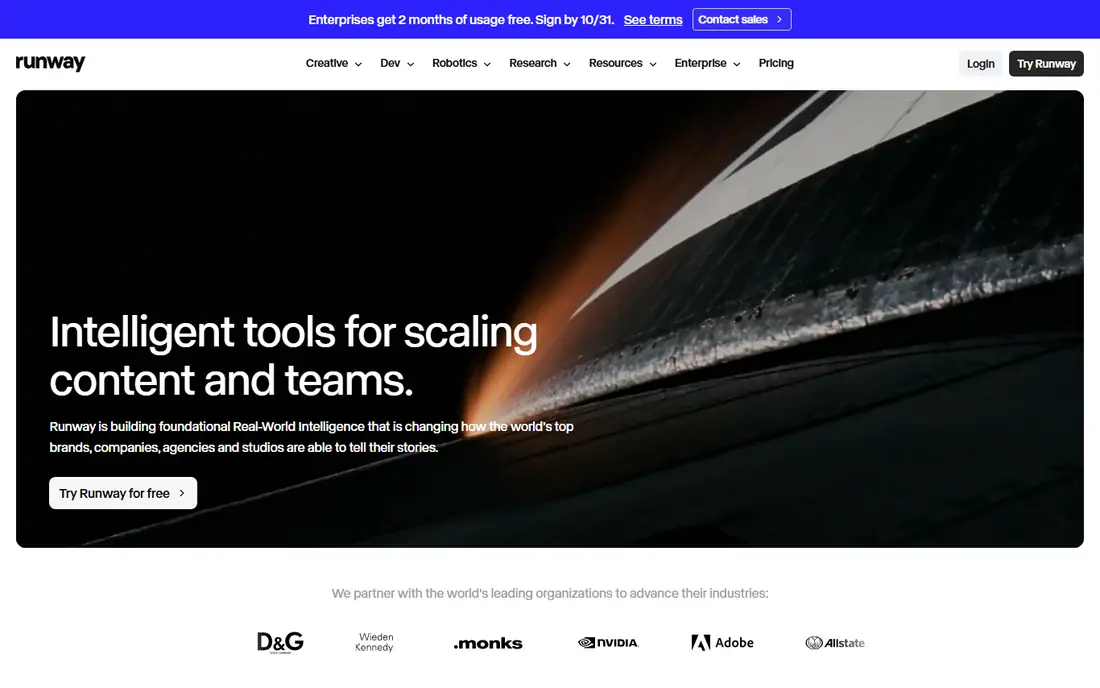
Runway sits closer to a creative studio than a standard editor. Creators can generate b-roll, extend scenes, remove objects, and transform footage with prompts and brushes. For ads, music videos, and experimental shorts, that range opens options that a timeline editor alone cannot offer.
Credit use is the main catch. Each generation costs credits, and a project with many attempts can use a monthly allowance quickly. Results also vary, so a creator should budget time for retries and checks. Runway works best as a companion to a main editor, or as the main tool for short generative pieces.
What we like- Text-to-video generation
- Inpainting and background tools
- Browser-based workflow
Watch out for- Generation uses credits that run out fast
- Output needs review for artifacts
Starting priceSee website
Free planYes
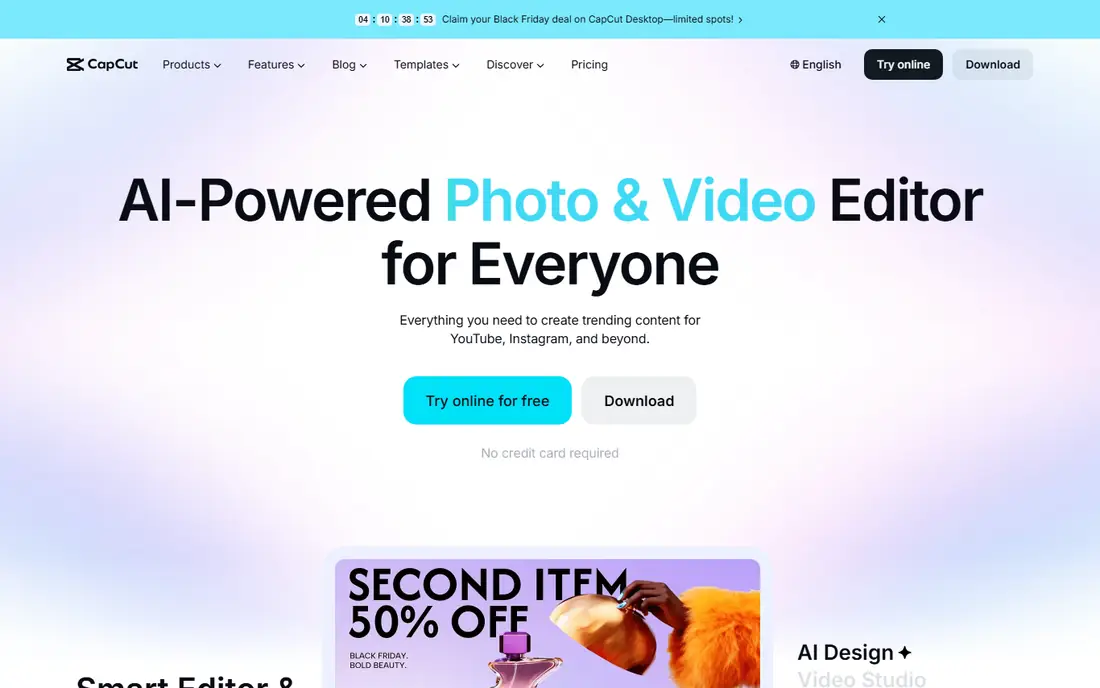
CapCut is the default choice for many short-form creators because it is fast and familiar. Auto captions, beat sync, background removal, and templates cover most TikTok, Reels, and Shorts needs without a long setup. The mobile app makes it easy to edit on a phone, while the desktop version suits longer sessions.
Free exports and AI allowances are limited, and the Pro plan is the realistic option for creators who publish daily. CapCut also leans toward social formats rather than long documentaries or broadcast work. For short, frequent posts, that focus is an advantage, not a weakness.
What we like- Fast auto captions
- Templates and trending effects
- Mobile and desktop apps
Watch out for- AI features and exports have usage limits
- Pro features need a paid plan
#4Adobe Premiere Pro
Best for: Professional long-form editing4.5/5 on
G2 (1,675 reviews, checked Oct 2026)
Visit adobe.com
Starting price$22.99 per month (billed annually)
Free planFree trial
Premiere Pro adds AI to a full professional editor rather than building around one trick. Text-based editing, speech-to-text captions, auto reframe for different aspect ratios, and object removal sit inside a timeline that handles long projects, multi-camera work, and detailed color grading. Teams already in the Adobe system get added value from shared assets and fonts.
The cost and complexity are real barriers for casual creators. A 7-day trial helps with evaluation, but there is no permanent free desktop plan. Premiere Pro makes sense when a creator needs control over every part of a long video and can justify a monthly subscription.
What we like- Transcript editing and auto reframe
- Deep color and audio tools
- Broad format support
Watch out for- Subscription cost
- Learning curve for beginners
- Generative features use credits
Starting priceFree
Free planYes
DaVinci Resolve offers an unusual deal: a full professional editor for free, with a one-time Studio license for advanced features. Color grading, Fairlight audio, and Fusion effects are built in, and Studio adds Neural Engine tools such as Magic Mask and voice isolation. For creators who dislike subscriptions, that model is a strong draw.
The interface takes time to learn, and beginners can feel lost among its pages for editing, color, audio, and effects. Hardware demands are also higher than a browser editor. For a creator willing to learn, Resolve delivers professional depth without a monthly bill, and the free version alone handles most YouTube work.
What we like- Full free editor
- Strong color and audio tools
- Neural Engine AI in Studio
Watch out for- Steep learning curve
- Advanced AI tools need the paid Studio license
#6VEED
Best for: Browser-based team editing4.6/5 on
G2 (2,175 reviews, checked Oct 2026)
Visit veed.io
Starting priceSee website
Free planYes
VEED suits teams that edit in a browser and share drafts for review. A user uploads footage, adds auto subtitles, cleans audio, and shares a link for comments without installing software. Translation and caption styling help marketing teams repurpose one video for several audiences.
Free exports are watermarked and limited to lower resolution, so paid plans are needed for publish-ready work. Long or effects-heavy projects may run better in a desktop editor. For social clips, training videos, and internal content, VEED keeps the workflow simple and collaborative.
What we like- No install needed
- Auto subtitles and translation
- Team review tools
Watch out for- Free exports carry a watermark and resolution limits
- Heavy projects suit desktop editors better
#7Opus Clip
Best for: Turning long videos into clips4.6/5 on
G2 (7 reviews, checked Oct 2026)
Visit opus.pro
Starting price$14.50 per month (billed annually)
Free planYes
Opus Clip answers a specific need: turning a long podcast or stream into short clips. The tool finds highlights, reframes the video for vertical formats, adds captions, and scores clips for likely attention. For creators who publish daily shorts from weekly long videos, that pipeline saves a large amount of manual scrubbing.
The output still needs review. AI picks can miss context, cut a thought short, or choose a moment that reads differently out of context. Free credits cover only a small amount of work. Used as a first draft machine with a human final check, Opus Clip is a practical addition to a creator workflow.
What we like- AI highlight selection
- Auto reframe and captions
- Virality scoring for clips
Watch out for- Clips need human review for context
- Free credits are limited
Starting price$49.99 per year
Free planYes
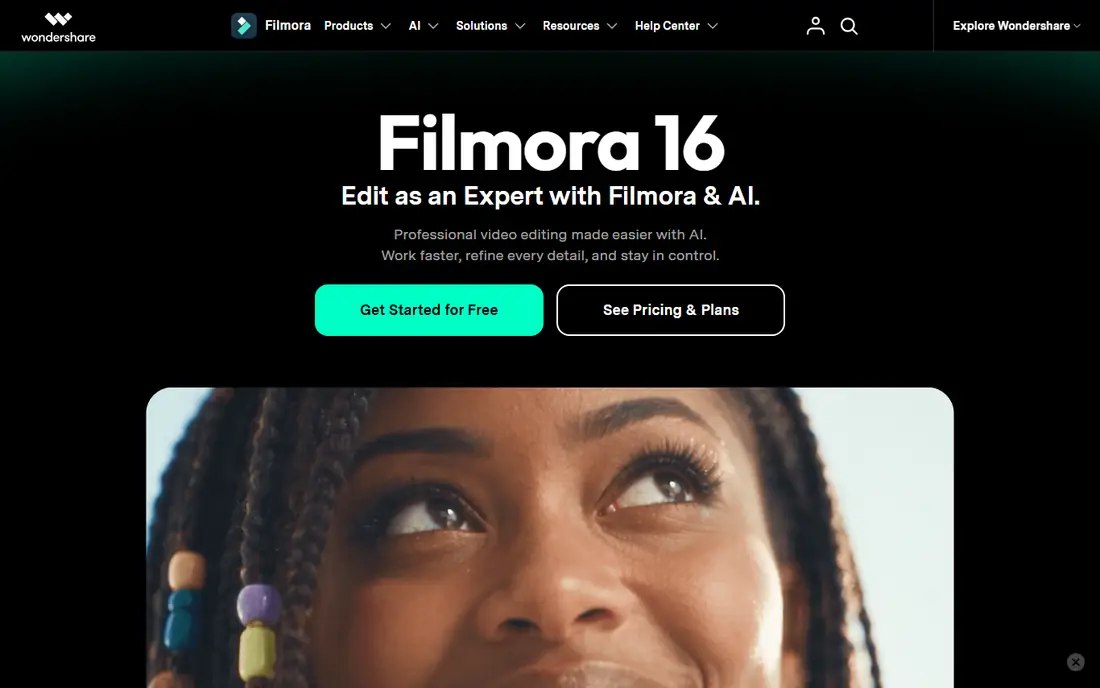
Filmora targets beginners who want a desktop editor without the complexity of Premiere Pro or Resolve. The timeline is clear, templates and effects are easy to apply, and AI tools cover captions, short-clip creation, and basic cleanup. YouTube creators who edit weekly will find the pace comfortable.
Free exports include a watermark, so paid plans are needed for published work. Credit-based AI features also need attention on high-volume projects. For a new creator who wants a guided editor with room to grow, Filmora is a sensible middle step before moving to a professional suite.
What we like- Easy timeline for beginners
- Smart Short Clips and AI tools
- Large effects library
Watch out for- Free exports carry a watermark
- AI features use credits on some plans
How we chose
We compared pricing pages, product documentation, and public reviews on G2, Capterra, and Reddit, and looked at caption accuracy claims, export limits, credit systems, platform support, and team features. We favored editors that exist today and use AI for a real editing task, such as transcription, captioning, reframing, or generation, rather than adding a single AI button to a basic trimmer. Where a current price could not be confirmed, we listed it as See website.
Start with the kind of video you make most. Dialogue-led creators should prioritize transcript editing and audio cleanup, so Descript or Premiere Pro will save more time than a clip generator. Social creators should prioritize captions, reframing, and templates, which points to CapCut, VEED, or Opus Clip. Visual creators who need generated scenes should test Runway with a small project first, to learn how credits and output quality behave.
Next, check the limits that hide behind the monthly price. Look at export resolution, watermark rules, media hours, AI credits, and seat counts. A cheap plan with a low credit allowance can cost more in practice than a higher plan with room to work. Also check export formats and whether captions can be edited as text after generation, since fixing captions by hand is a common time sink.
Finally, test with real footage before paying for a year. Edit one full video, from import to export, and time the steps that matter most. Pay attention to upload and render times, caption accuracy on your voice and accent, and how the tool handles your usual video length. A tool that feels fast on a 30-second demo can feel slow on a 40-minute episode.
A final check before paying is export and caption editing. Export a finished video in the format you publish most, then open the captions file and fix names, terms, and punctuation. Some tools export captions as a separate file, while others burn them into the video, and that difference matters when a platform needs its own caption style. Also check whether projects can be exported or moved to another editor, since a library of locked projects becomes costly to leave later. A short paid month, used for real projects, reveals these limits better than a feature list.
Frequently asked questions
Which AI video editor is best for beginners?
CapCut and Filmora are the easiest starting points for most beginners, with templates, auto captions, and clear timelines. VEED is also simple because it runs in a browser. DaVinci Resolve is more powerful but takes longer to learn.
Do AI video editors replace human editing?
No. AI speeds up captions, rough cuts, clip selection, and cleanup, but a person still needs to check story, context, pacing, and accuracy. The best results come from using AI for the first draft and a human for the final review.
Are free AI video editors good enough for YouTube?
Free plans work for learning and for drafts, but most add a watermark or limit resolution and exports. Creators who publish regularly usually need a paid plan for clean HD exports and enough AI credits.
How do AI credits work?
Many tools give a monthly allowance of credits, minutes, or media hours, and each AI task uses part of that allowance. Generation, translation, and long transcriptions tend to use more. Check the allowance before choosing a plan, and avoid annual billing until the usage pattern is clear.
Can I edit video by editing text?
Yes, with Descript and Premiere Pro. Both transcribe speech and let a user cut video by deleting or moving transcript text. This method works best for clear speech and dialogue-led videos, and it still needs a check for cut points and pacing.
Can I use an AI editor on a phone?
Yes, for short-form work. CapCut and similar mobile editors handle captions, cuts, and effects on a phone, while desktop and browser tools suit longer projects. For a full episode, start on desktop and use mobile only for quick trims and posting checks.
Sources we checked (8)
- https://www.descript.com/pricing
- https://runwayml.com/pricing
- https://www.capcut.com/pricing
- https://www.adobe.com/products/premiere.html
- https://www.blackmagicdesign.com/products/davinciresolve
- https://www.veed.io/pricing
- https://www.opus.pro/pricing
- https://filmora.wondershare.com/pricing.html
Is your product missing or out of date?
We review this list regularly. Vendors can request a listing, send updated pricing or ask about featured placement.

Shihab Mia · Founder, Rankite
Shihab has 5+ years in B2B and SaaS SEO. He writes Rankite's software buying guides from pricing pages, documentation and public user reviews. More about Shihab.