How we make this list: we compare pricing pages, product documentation and public user reviews. Rankite is independent; if a vendor ever pays for a featured spot, that listing is clearly labeled Partner.
Key takeaways
- Opus Clip (opus.pro) leads AI clipping: turn long videos into viral Shorts automatically with smart moment detection.
- Pictory and InVideo generate full videos from scripts or articles, ideal for faceless channels.
- Synthesia creates AI avatar presenters for training and explainer content without filming.
- Descript, VidIQ, TubeBuddy and Lumen5 cover editing, optimization and repurposing across the YouTube workflow.
Quick comparison
| Tool | Best for | Starting price | Free plan |
|---|
 Opus Clip Opus Clip | turning long videos into viral Shorts automatically | Free; paid plans (see website) | Yes |
 Pictory Pictory | faceless YouTube channels from scripts | Free trial; paid plans (see website) | Free trial |
 InVideo InVideo | template-driven video creation at scale | Free; paid plans (see website) | Yes |
 Synthesia Synthesia | AI avatar presenters for training and explainers | Free; paid plans (see website) | Yes |
 Descript Descript | editing video by editing text | Free; paid plans (see website) | Yes |
 VidIQ VidIQ | optimizing videos to get discovered | Free; paid plans (see website) | Yes |
 TubeBuddy TubeBuddy | bulk management and YouTube SEO | Free; paid plans (see website) | Yes |
 Lumen5 Lumen5 | turning blog posts into videos | Free; paid plans (see website) | Yes |
Is your product missing or out of date?
We review this list regularly. Vendors can request a listing, send updated pricing or ask about featured placement.
#1
Opus Clip
Best for: turning long videos into viral Shorts automatically
Visit opus.pro
Starting priceFree; paid plans (see website)
Free planYes
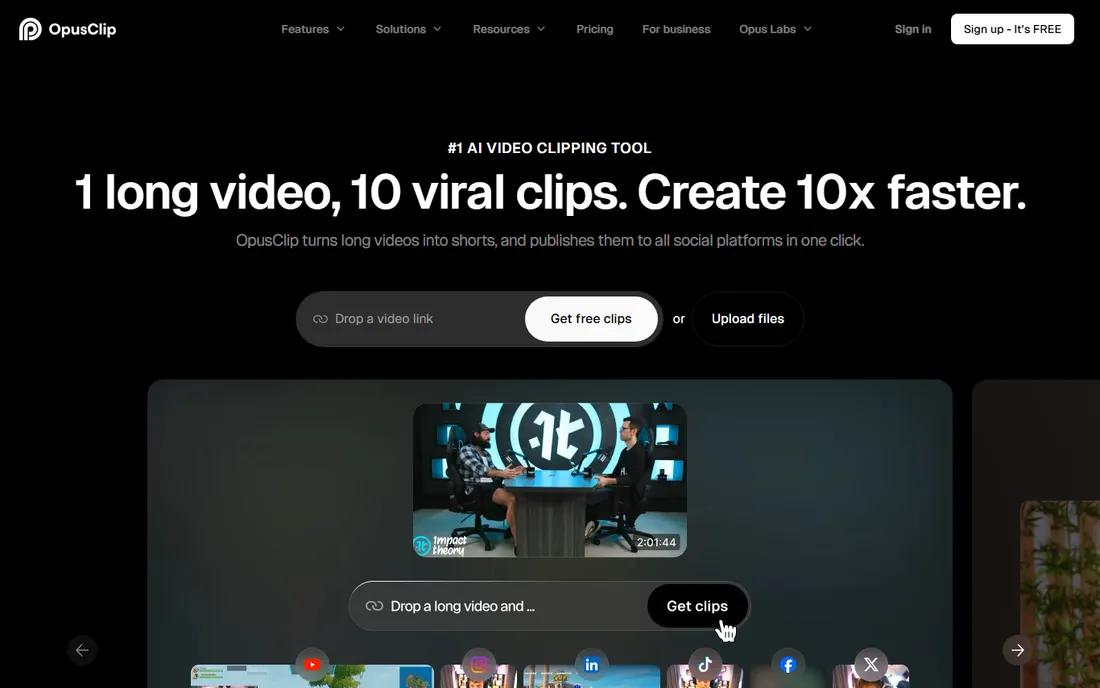
Opus Clip watches your long video, finds the moments most likely to perform as Shorts, and edits them with captions, reframing and hooks automatically. Podcasters and streamers repurpose hours of content into dozens of clips without manual editing. The virality scoring helps prioritize which clips to publish.
The AI struggles with slow-paced, highly visual or context-dependent content where the "moment" is not in the words. Credit pricing means heavy users pay meaningfully. For talk-heavy content (podcasts, interviews, streams), it is the most effective repurposing tool available.
What we like- Smart viral-moment detection
- Auto captions and reframing
- Direct social publishing
Watch out for- AI misses context in slow or visual content
- Credit-based pricing
Starting priceFree trial; paid plans (see website)
Free planFree trial
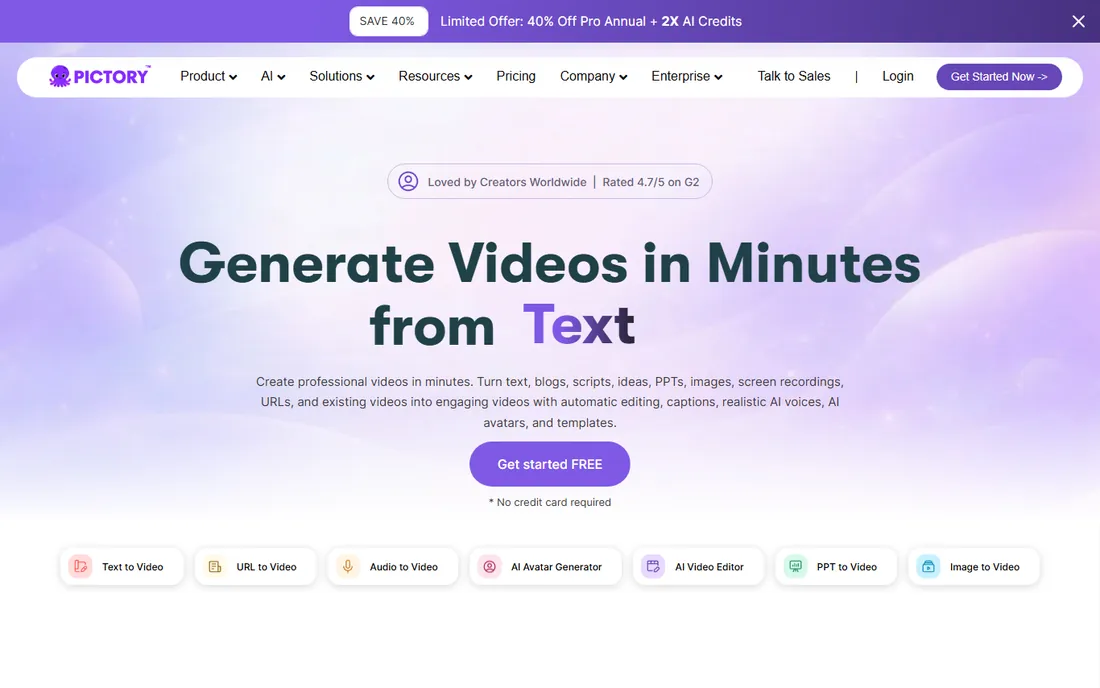
Pictory turns a script or blog post into a complete video: stock footage matched to the text, AI voiceover, captions and music, all automatic. Faceless channels in finance, history and listicle niches produce daily content without filming or voice recording. The workflow from idea to published video can be under an hour.
Uncustomized output looks templated, and viewers increasingly recognize AI voices. Successful channels invest in customizing visuals and using better voices. For volume-driven faceless content, the economics are unbeatable: one person can run multiple channels.
What we like- Script-to-video in minutes
- Huge stock library
- Automatic voiceovers
Watch out for- Template feel without customization
- AI voices still recognizable
Starting priceFree; paid plans (see website)
Free planYes
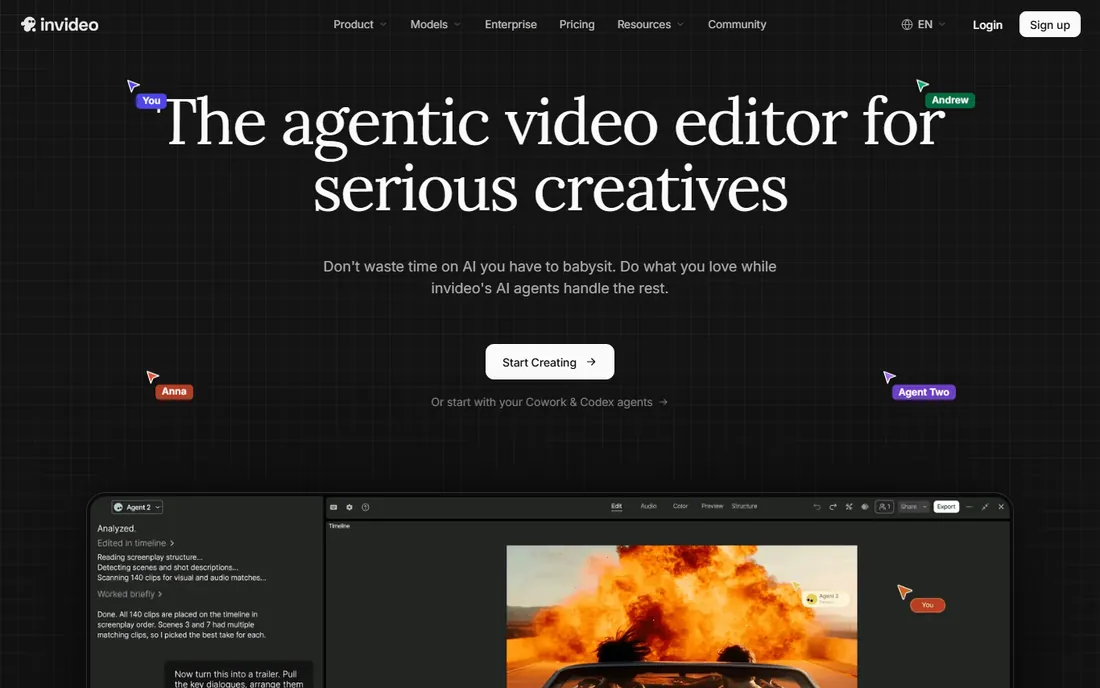
InVideo combines templates with AI assistance: start from thousands of templates or generate from a prompt, then customize in a capable editor. The free tier is genuinely useful, and the template quality exceeds most competitors. Teams producing marketing videos and social content work fast.
It is less fully automated than Pictory's script-to-video pipeline: expect more manual assembly. Premium stock media sits on higher tiers. For creators who want template speed with human creative control, the balance is right.
What we like- Massive template library
- Intuitive editor
- Good free tier
Watch out for- Less AI automation than Pictory
- Premium stock costs extra
Starting priceFree; paid plans (see website)
Free planYes
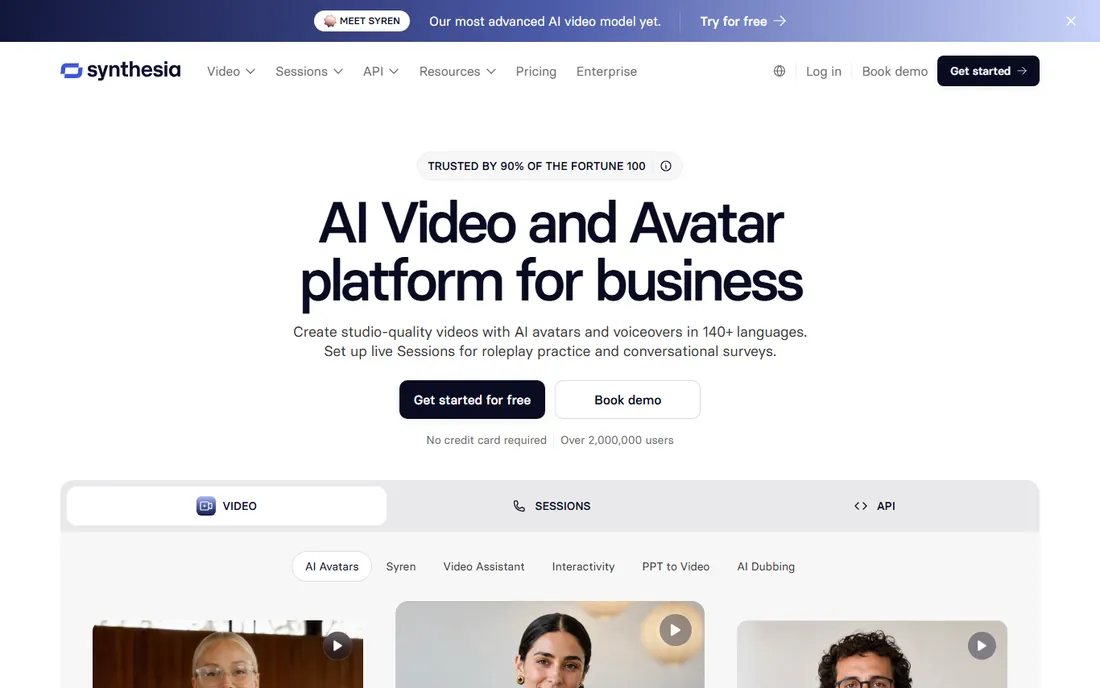
Synthesia generates videos of AI presenters speaking your script in over 140 languages. Training departments localize courses without re-filming; explainer channels produce presenter-led content without cameras. The avatars keep improving, and for informational content they suffice.
Close viewing reveals the artificiality, and emotional delivery is flat compared to human presenters. It suits training, onboarding and informational content, not entertainment. The cost versus filming real presenters in multiple languages is not close.
What we like- Realistic AI avatars
- 140+ languages
- No filming needed
Watch out for- Uncanny valley on close inspection
- Limited emotional range
Starting priceFree; paid plans (see website)
Free planYes
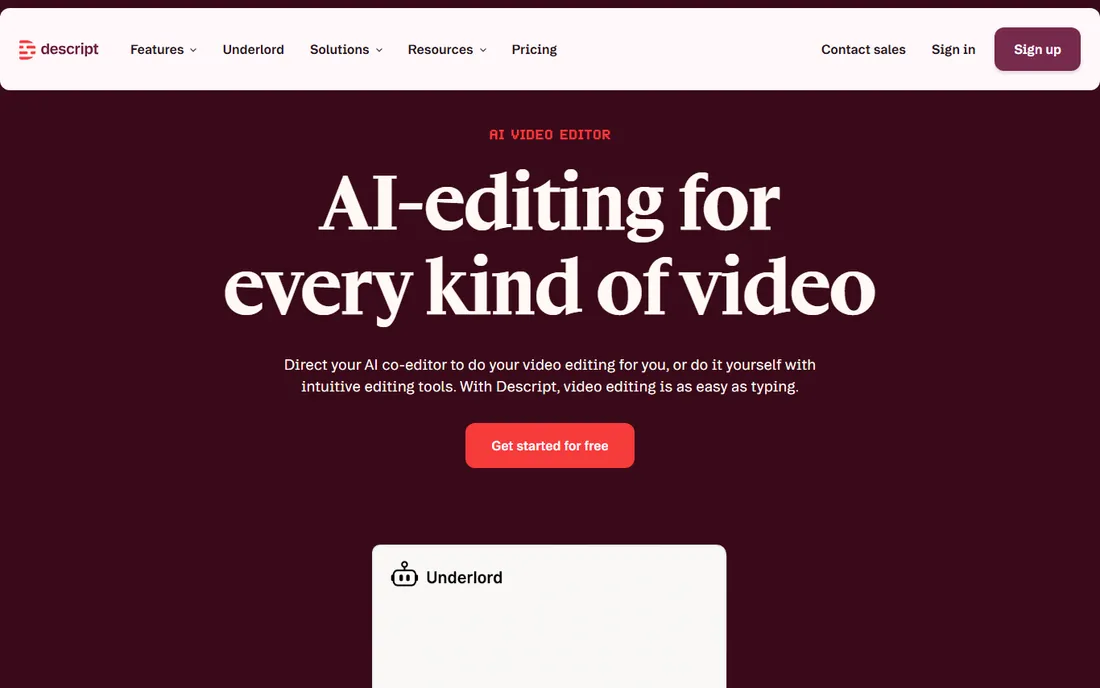
Descript transcribes your video and lets you edit by deleting text: cut a sentence from the transcript and the video cuts itself. Overdub clones your voice to fix mistakes without re-recording. For talking-head YouTube, podcasts and courses, it compresses editing time dramatically.
Complex visual effects, color grading and motion graphics are thinner than Premiere or Resolve. Transcription errors in technical or accented speech need correction. It is not a full NLE replacement, but for dialogue-driven content it is transformative.
What we like- Revolutionary text-based editing
- Overdub voice cloning
- Great for podcasts
Watch out for- Less powerful for complex visual editing
- Transcription errors need fixing
Starting priceFree; paid plans (see website)
Free planYes
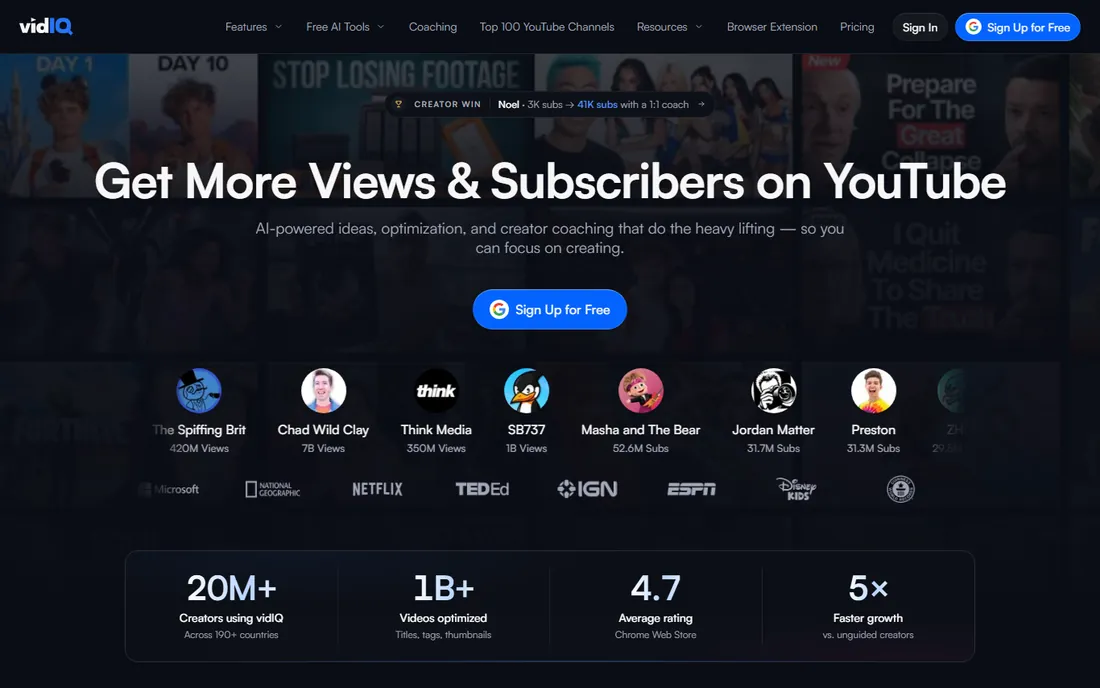
VidIQ is the SEO toolkit for YouTube: keyword scores, trending topics, competitor analysis and AI-generated titles, descriptions and thumbnail ideas. The browser extension puts the data inside YouTube itself. Channels serious about growth use it to pick topics with proven demand.
The view and keyword data are estimates, not exact figures. Meaningful features require paid tiers. It does not replace making good videos, but it ensures good videos get found. Pair it with TubeBuddy or use it standalone for the research side.
What we like- Keyword research for YouTube
- Competitor tracking
- AI title and thumbnail help
Watch out for- Data estimates not exact
- Best features on paid tiers
Starting priceFree; paid plans (see website)
Free planYes
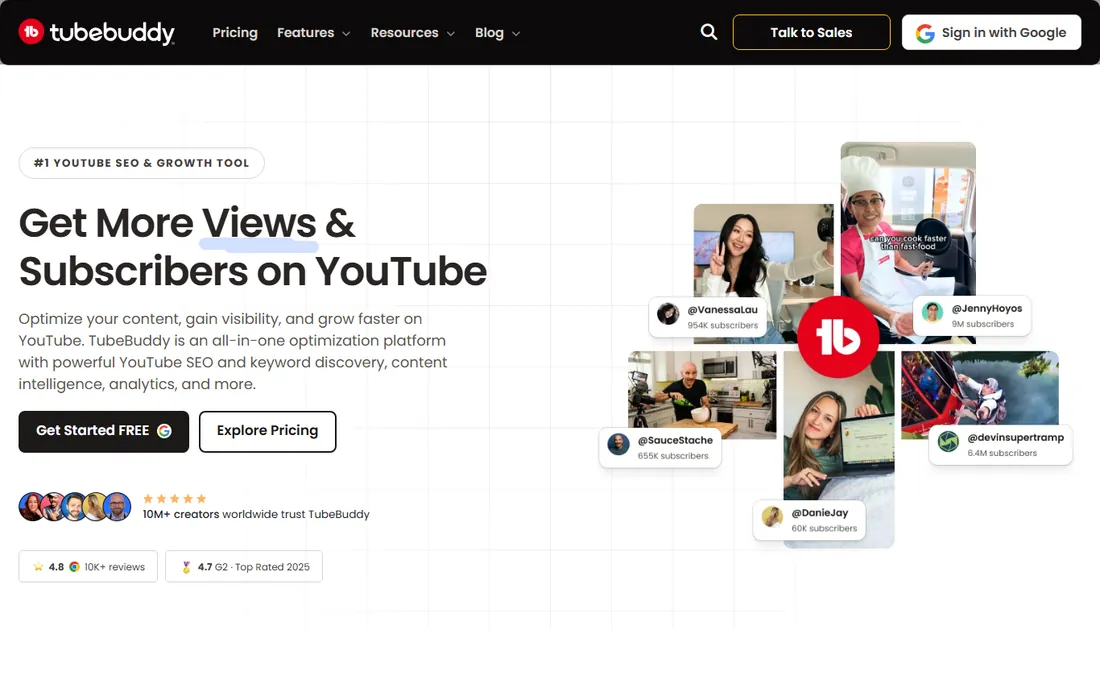
TubeBuddy excels at channel operations: bulk update descriptions, cards and end screens across hundreds of videos; A/B test thumbnails; find and fix SEO issues at scale. Established channels with large back catalogs save hours weekly.
The interface feels dated next to VidIQ, and the feature sets overlap enough that most creators pick one. Thumbnail A/B testing is the standout unique feature. For channels with 100+ videos, the bulk tools alone justify it.
What we like- Bulk processing tools
- A/B thumbnail testing
- Solid SEO features
Watch out for- Interface dated
- Overlaps with VidIQ
Starting priceFree; paid plans (see website)
Free planYes
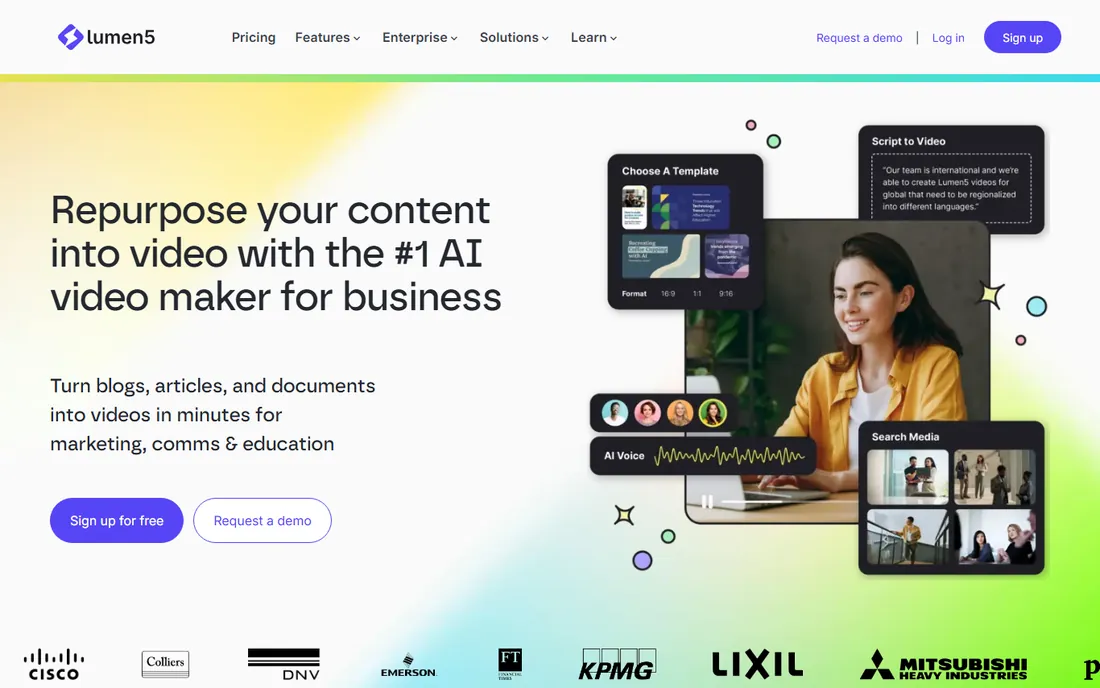
Lumen5 converts articles into videos automatically: it extracts key points, matches stock footage, and applies your brand kit. Bloggers and content marketers extend written content to YouTube without video skills. The brand customization keeps output on-brand.
The AI's footage matching sometimes misses the mark, requiring manual fixes. Creative flexibility is limited compared to InVideo or Pictory. For systematic blog-to-video repurposing at volume, the focused workflow beats general tools.
What we like- Purpose-built for content repurposing
- Brand kits
- Simple workflow
Watch out for- Less flexible than general editors
- AI matching imperfect
How we chose
We evaluated AI video tools on automation quality, output usefulness, pricing and real creator feedback, cross-checked against 2026 reviews and creator communities. Every tool listed is actively maintained with a live homepage as of October 2026. We covered clipping, generation, avatars, editing and optimization because "YouTube automation" spans the whole workflow. Prices reflect each vendor's own published tiers.
The monetization reality check
YouTube automation attracts get-rich-quick promises that deserve skepticism. Faceless AI channels can earn revenue, but YouTube's monetization policies require original value: mass-produced low-effort AI content gets demonetized or suppressed. The successful automated channels add genuine curation, scripting quality or niche expertise.
Treat these tools as force multipliers for real content strategy, not as money printers. The creators winning with AI automation in 2026 combine AI efficiency with human judgment: better topics, better scripts, better packaging. The tools compress production time; they do not replace taste. Anyone selling "fully automated passive income" is selling the dream, not the business.
What to check before you sign
Start with your content type. Talking-head creators need Descript; podcasters need Opus Clip; faceless channels need Pictory or InVideo; trainers need Synthesia. Buying the wrong category wastes money. Map your actual workflow steps, then match tools to steps.
Then test output quality ruthlessly during free tiers. Publish test videos privately and watch them critically: would you subscribe to a channel of this? AI quality varies enormously by niche and input quality. The tools that work for finance listicles may fail for comedy or storytelling.
Finally, check the commercial terms. Confirm you own the output videos outright, understand voice and avatar licensing, and verify stock media licenses cover YouTube monetization. Some AI tools have usage restrictions that matter for commercial channels. Read the terms before building a business on the platform.
Also consider the content pipeline beyond production. Automation tools create videos fast, but publishing cadence, thumbnail design, title optimization and community engagement still need attention. The most successful automated channels systematize the whole pipeline: content calendar, production batching, scheduled publishing and performance review. VidIQ and TubeBuddy cover the optimization side; build processes for the rest. A tool stack without a workflow is just expensive software.
Frequently asked questions
Can I really automate a YouTube channel with AI?
Partially. AI handles production (clipping, voiceover, editing, optimization), but strategy, topics and quality control need humans. Fully hands-off channels produce content YouTube increasingly demonetizes. Think augmentation, not replacement.
Will YouTube demonetize AI-generated content?
YouTube targets low-quality mass-produced content regardless of how it is made. AI-assisted videos with genuine value monetize fine. Channels publishing hundreds of near-identical AI videos risk suppression. Quality and originality matter more than production method.
What is the best AI tool for YouTube Shorts?
Opus Clip for repurposing long videos into Shorts; CapCut for creating Shorts from scratch. The combination covers most Shorts workflows. Focus on the hook in the first two seconds: AI can edit, but the moment selection determines performance.
How much does YouTube automation cost?
From free tiers to $50-100/month for serious use across two or three tools. A typical stack (Opus Clip + Pictory + VidIQ) runs $60-120/month on paid tiers. Compare against the cost of human editors: the ROI is usually obvious within weeks.
Do I need to show my face on YouTube?
No. Faceless channels thrive in many niches using stock footage, AI voiceovers and avatars. But faceless raises the bar on scripting and packaging: without a personality on camera, the content itself must carry the video.
How do I avoid AI content looking generic?
Customize aggressively: unique scripts, branded visuals, better AI voices, human review of every output. The template look comes from accepting defaults. Top automated channels spend their saved production time on better ideas and packaging, not on publishing more mediocre videos.
Which AI voice sounds most natural?
Voice quality varies by tool and keeps improving. ElevenLabs voices (often integrated) currently lead for naturalness. Test voices with your actual scripts: a voice that sounds great reading narration may fail at energetic Shorts delivery. Budget for premium voices: the free AI voices are the most recognizable and the fastest way to sound generic.
How many videos should I publish per week?
Quality beats quantity, but consistency beats both. Most growing channels publish 1-3 long videos weekly plus daily Shorts repurposed via Opus Clip. Automation makes this cadence sustainable for small teams. Do not sacrifice quality for volume: one excellent video outperforms five mediocre ones in the algorithm.
The batching strategy works best: dedicate one day to scripting, one to production, one to optimization and scheduling. Automation tools compress each phase, but the batching discipline is what makes the cadence sustainable. Sporadic publishing, even with great tools, loses to consistent mediocrity in the algorithm's eyes.
Sources we checked (8)
- https://www.opus.pro
- https://www.pictory.ai
- https://www.invideo.io
- https://www.synthesia.io
- https://www.descript.com
- https://www.vidiq.com
- https://www.tubebuddy.com
- https://www.lumen5.com
Is your product missing or out of date?
We review this list regularly. Vendors can request a listing, send updated pricing or ask about featured placement.

Shihab Mia · Founder, Rankite
Shihab has spent more than a decade helping SaaS and e-commerce brands grow through search. He writes Rankite's software buying guides from pricing pages, documentation and public user reviews. More about Shihab.