How we make this list: we compare pricing pages, product documentation and public user reviews. Ratings come from G2, Capterra or Trustpilot, with the date we checked them.
Key takeaways
- Synthesia and HeyGen lead for avatar-led training and marketing videos, with HeyGen offering stronger translation and realism.
- InVideo and Pictory are the best all-rounders for turning scripts and articles into finished marketing videos.
- Descript is unmatched for editing recorded video by editing text, while OpusClip wins for turning long videos into shorts.
- Kapwing and VEED suit teams that need a browser editor with AI assists, not just generation.
- Fliki is the budget pick for faceless channels and voiceover-heavy content, with a large voice library.
Quick comparison
| Tool | Best for | Starting price | Free plan |
|---|
 Synthesia Synthesia | Corporate training and explainers | $18 per month (billed annually) | Yes |
 HeyGen HeyGen | Avatar marketing and translation | $24 per month (billed annually) | Yes |
 InVideo InVideo | Prompt-to-video marketing videos | $20 per month (billed annually) | Yes |
 Pictory Pictory | Turning articles and scripts into video | $25 per month (billed annually) | Free trial |
 Descript Descript | Editing video by editing text | See website | Yes |
 Kapwing Kapwing | Browser editing with AI assists | $16 per month (billed annually) | Yes |
 OpusClip OpusClip | Long video to vertical shorts | $15 per month | Yes |
 VEED VEED | Browser editing plus AI generation | See website | Yes |
 Fliki Fliki | Faceless voiceover videos on a budget | $21 per month (billed annually) | Yes |
Is your product missing or out of date?
We review this list regularly. Vendors can request a listing, send updated pricing or ask about featured placement.
The best ai tools for video content creation
#1Synthesia
Best for: Corporate training and explainers4.6/5 on
G2 (2,804 reviews, checked Oct 2026)
Visit synthesia.io
Starting price$18 per month (billed annually)
Free planYes
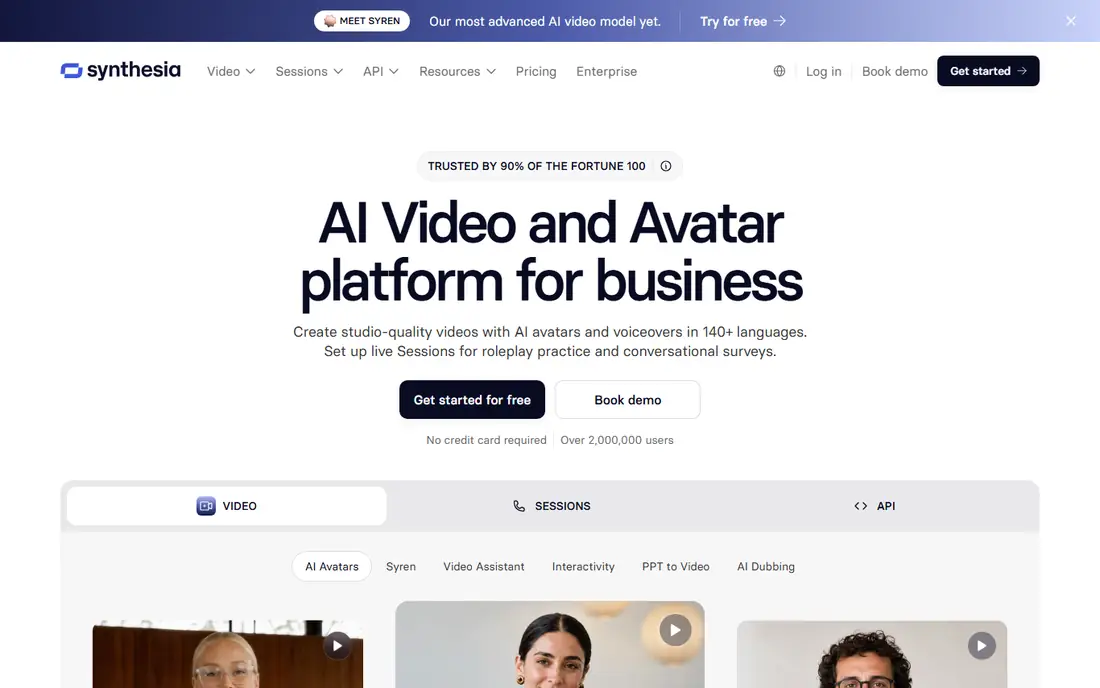
Synthesia turns a written script into a presenter video without a camera, studio, or actor. That makes it ideal for training, onboarding, product explainers, and internal updates that change often, since updating a video means editing text rather than re-recording. Support for more than 160 languages also helps global teams produce consistent training in many markets from one script.
The limits are style and minutes. Synthesia videos look like presenter videos, not cinematic footage, and lower plans cap monthly video minutes. Starter pricing is around $18 per month billed annually, with a free Basic plan offering limited minutes for testing. For corporate communication, it remains the safest and most predictable choice.
What we like- 160 plus languages
- Templates for training and internal communication
- Easy script updates
Watch out for- Avatar style is recognizable
- Video minutes are limited on lower plans
#2HeyGen
Best for: Avatar marketing and translation4.8/5 on
G2 (1,973 reviews, checked Oct 2026)
Visit heygen.com
Starting price$24 per month (billed annually)
Free planYes

HeyGen competes with Synthesia on avatar quality and wins on marketing use. Its avatars look more natural in motion, and its video translation feature can convert a presenter video into another language with matched lip sync, which is valuable for global campaigns. The free plan allows a few videos per month, and Creator pricing is around $24 per month billed annually.
HeyGen's credit system means longer videos and translations consume budget faster than a simple minute count suggests, so test a full campaign workflow before committing. For marketing teams that need avatar ads, localized videos, and social content from one tool, HeyGen is the stronger creative pick, while Synthesia remains better for formal training.
What we like- Very lifelike avatars
- One-click video translation with lip sync
- Strong marketing templates
Watch out for- Credits and video length limits need careful management
- Higher plans needed for teams
#3InVideo
Best for: Prompt-to-video marketing videos4.2/5 on
G2 (183 reviews, checked Oct 2026)
Visit invideo.io
Starting price$20 per month (billed annually)
Free planYes
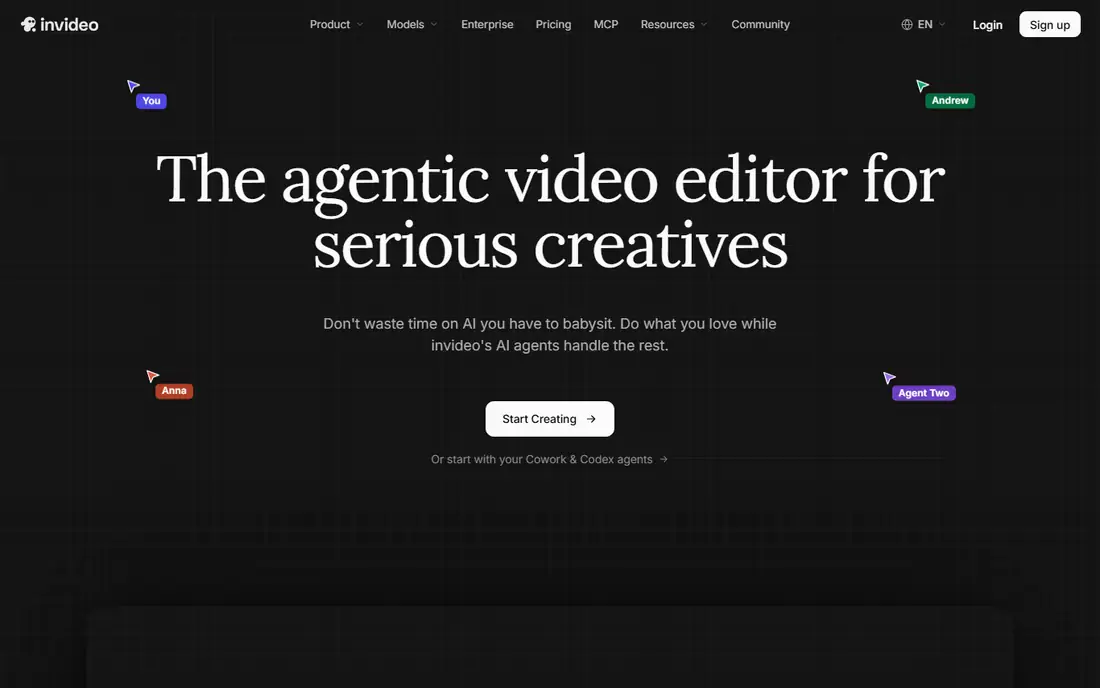
InVideo is the most versatile tool on this list for marketing video. Give it a prompt, script, or topic, and it assembles a draft video from stock footage, AI-generated clips, voiceover, and captions, which you then refine in its editor. Access to generative models, including newer video models on higher plans, keeps it competitive as generation quality improves.
The catch is credits. Different models, resolutions, and durations consume credits at different rates, and unused credits do not roll over on subscription plans. Paid plans start around $20 per month billed annually, with a free plan that includes watermarked exports. For YouTube creators and marketers who publish weekly, InVideo's breadth justifies the learning curve.
What we like- Prompt-to-video with stock and generative models
- Large media library
- Templates for YouTube and ads
Watch out for- Credit use varies by model and resolution
- Generated clips often need manual cleanup
#4Pictory
Best for: Turning articles and scripts into video4.6/5 on
G2 (81 reviews, checked Oct 2026)
Visit pictory.ai
Starting price$25 per month (billed annually)
Free planFree trial

Pictory is designed for one job: turning written content into video. Paste a blog post, script, or URL, and Pictory matches scenes to stock footage, adds voiceover and captions, and produces a shareable video. It also extracts highlights from long recordings, which helps repurpose webinars and podcasts into short clips.
Pictory dropped its free plan in favor of a 14-day trial, and Starter pricing is around $25 per month billed annually. The visual style is clean but template-led, so brands that want a distinctive look will need to customize heavily. For content marketers with a large blog archive to repurpose, Pictory's workflow speed is its main advantage.
What we like- Purpose-built for blog-to-video
- Automatic highlight extraction
- Voiceover and captions included
Watch out for- No free plan, only a 14-day trial
- Visual style is template-led
#5Descript
Best for: Editing video by editing text4.6/5 on
G2 (928 reviews, checked Oct 2026)
Visit descript.com
Starting priceSee website
Free planYes
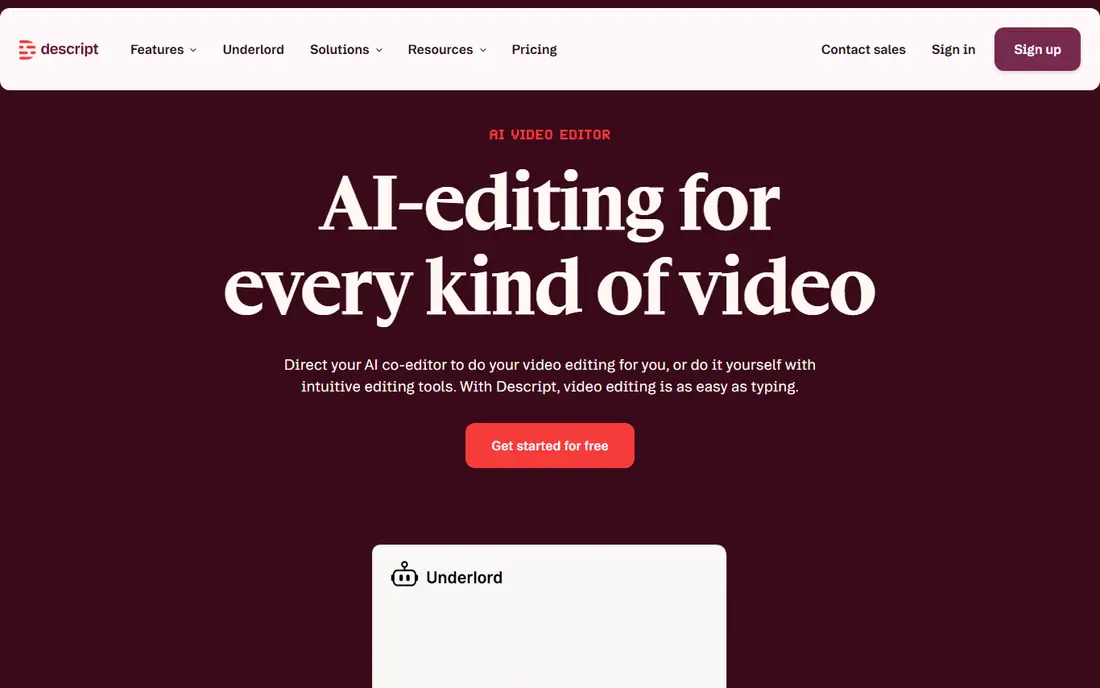
Descript changes how recorded video is edited. Transcribe a recording, delete words from the transcript, and the video edits itself, which makes cutting interviews, podcasts, and talking-head videos dramatically faster. Filler-word removal, overdub-style voice correction, and remote recording tools round out a package that suits creators who record themselves rather than generate footage.
Descript is less suited to pure generation, since its strength is editing real recordings. Pricing is best checked on the vendor page, as plans and credit allowances have shifted, and a free plan exists for testing. For YouTubers, podcasters, and course creators who film themselves, Descript saves more time than any generator on this list.
What we like- Edit video by editing its transcript
- Filler-word removal
- Studio-quality remote recording
Watch out for- Pricing has changed frequently
- AI features consume credits on some plans
#6Kapwing
Best for: Browser editing with AI assists3.9/5 on
G2 (40 reviews, checked Oct 2026)
Visit kapwing.com
Starting price$16 per month (billed annually)
Free planYes
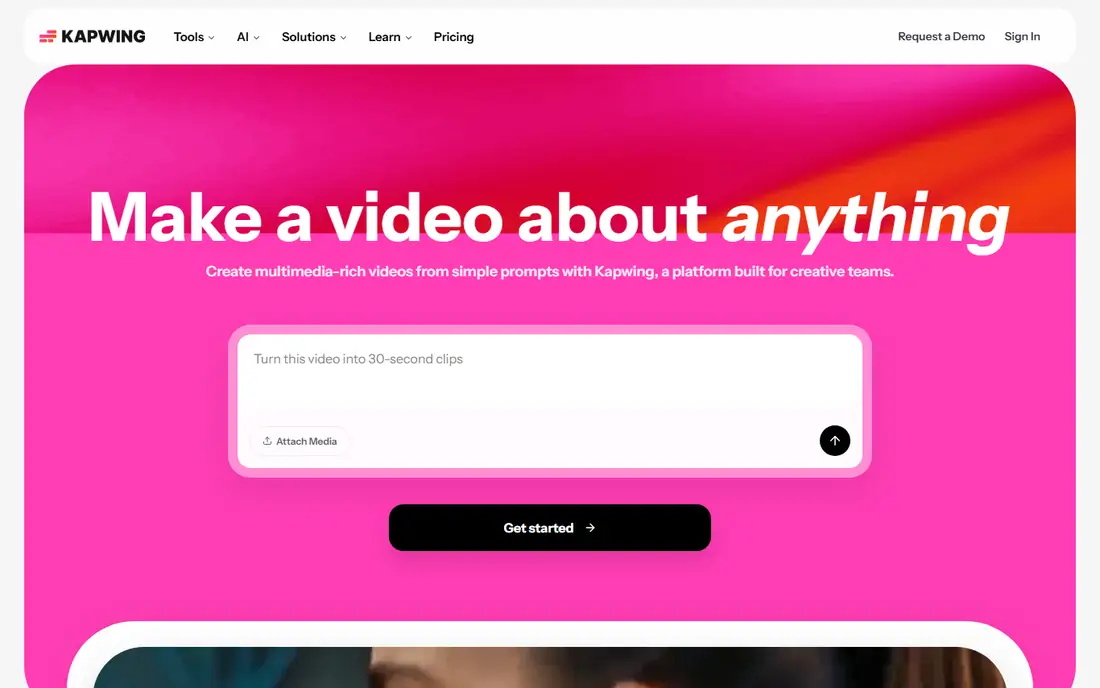
Kapwing is a browser-based editor with AI layered in, rather than a generator with light editing. Its article-to-video tool, faceless video maker, text-to-speech in many languages, and auto-subtitles help teams turn written ideas into social videos, then finish them on a real timeline. Collaboration features suit small marketing teams that review and approve together.
Free use exports at 720p with a watermark and limited export length, and Pro pricing is around $16 per month billed annually. Kapwing's strength is finishing: captions, branding, resizing for platforms, and trimming are all easy here. Creators who need a complete editing home, not just a generation step, should shortlist it.
What we like- Full browser editor with AI tools
- Article-to-video and faceless video makers
- Collaboration features
Watch out for- Free exports are watermarked at 720p
- Rendering can be slow for long projects
#7OpusClip
Best for: Long video to vertical shorts4.6/5 on
G2 (123 reviews, checked Oct 2026)
Visit opus.pro
Starting price$15 per month
Free planYes
OpusClip solves a specific, valuable problem: turning a long video into many vertical shorts. Upload a podcast, webinar, or stream, and OpusClip identifies engaging moments, adds animated captions, reframes for vertical formats, and scores clips for likely performance. For creators repurposing one long recording into a week of social content, that automation saves hours.
Human review remains essential, since automated picks sometimes miss context or choose a weak hook. Starter pricing is around $15 per month, with a free plan offering limited monthly credits and watermarked output. Pair OpusClip with Descript for the best long-to-short workflow: Descript for the main edit, OpusClip for the social cuts.
What we like- Finds viral moments in long videos automatically
- Auto-captions and reframing
- Direct social publishing
Watch out for- Clip selection still needs human review
- Quality depends on the source recording
#8VEED
Best for: Browser editing plus AI generation4.6/5 on
G2 (2,175 reviews, checked Oct 2026)
Visit veed.io
Starting priceSee website
Free planYes
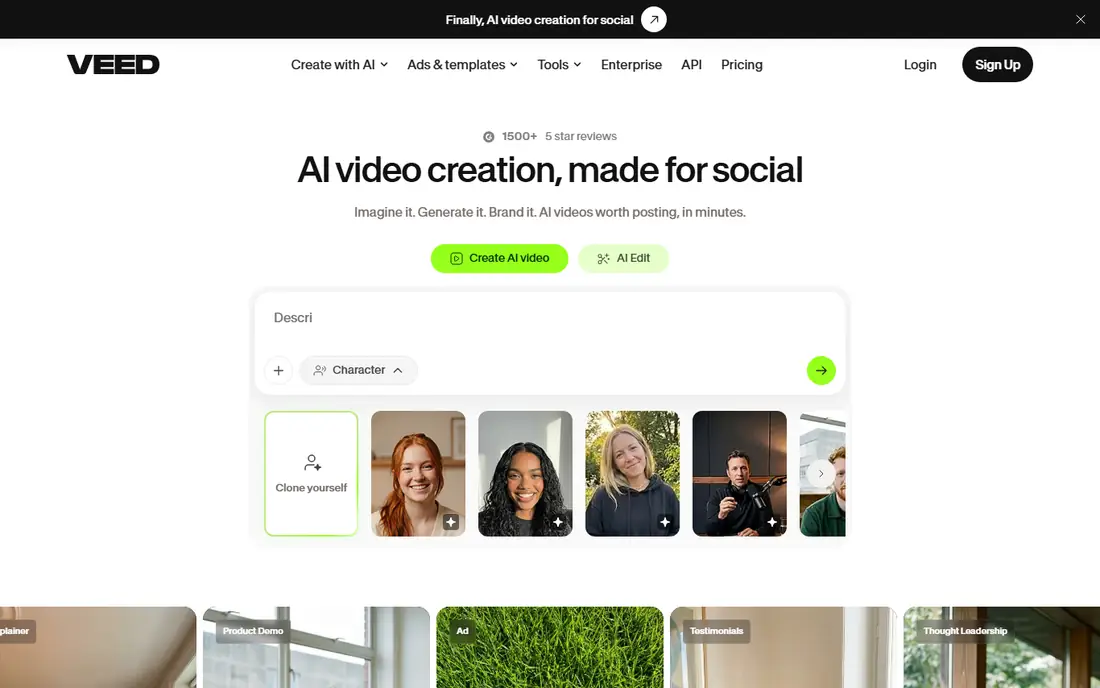
VEED combines a capable browser editor with AI generation, avatars, voiceover, subtitles, and translation. That breadth makes it a good single home for teams that record, generate, caption, and publish from one place. Subtitling accuracy and translation tools are particular strengths for creators serving multilingual audiences.
Pricing deserves a fresh check on the vendor page, since plans and credit allowances have changed, and free exports carry a watermark at 720p with length limits. VEED suits marketing and social teams that want editing plus AI assists without desktop software, while pure generation buyers may prefer InVideo or HeyGen.
What we like- Browser editor with AI avatars, voiceover, and subtitles
- Translation and dubbing tools
- Team workspaces
Watch out for- Pricing and credit rules have changed often
- Free exports are watermarked at 720p
#9Fliki
Best for: Faceless voiceover videos on a budget4.7/5 on
G2 (179 reviews, checked Oct 2026)
Visit fliki.ai
Starting price$21 per month (billed annually)
Free planYes
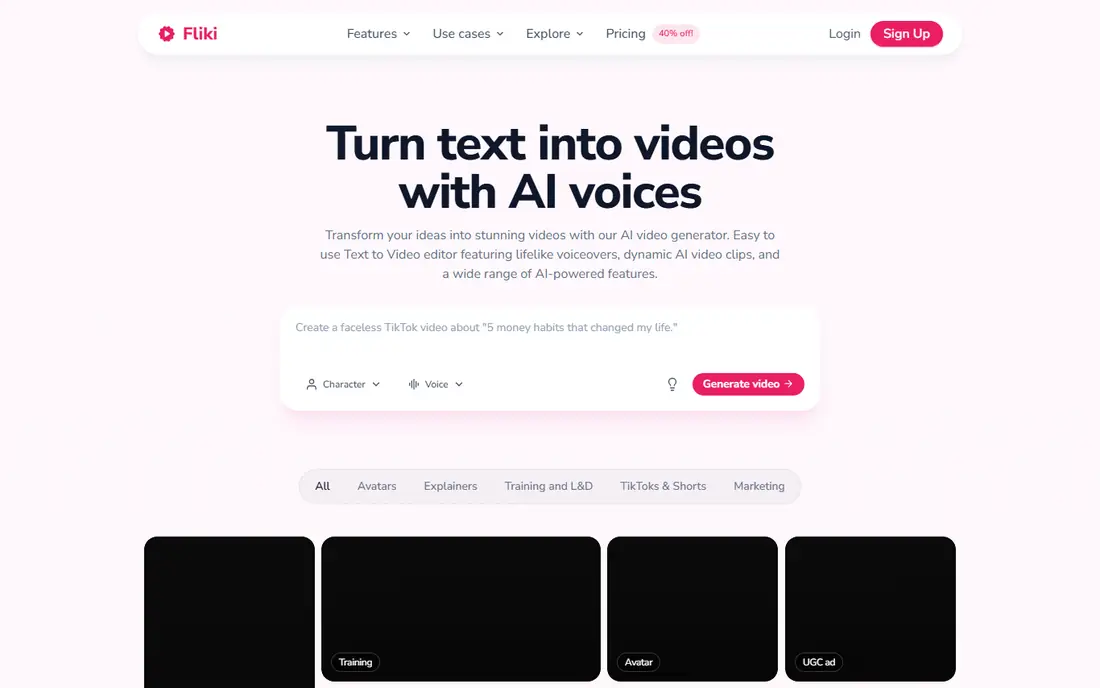
Fliki is built for faceless channels, explainers, and voiceover-led content. Paste a script, choose from thousands of AI voices, and Fliki matches scenes to stock footage or AI images, adds captions, and renders a finished video. That workflow suits creators who publish frequently and do not want to appear on camera.
The visual side is less distinctive than generative tools, since stock footage repeats across channels, and free use is limited to a few minutes per month at lower resolution with a watermark. Standard pricing is around $21 per month billed annually. For volume publishing on a budget, Fliki's voice quality and speed are hard to beat.
What we like- Huge voice library in many languages
- Script-to-video with stock and AI visuals
- Avatar options
Watch out for- Visuals rely heavily on stock
- Higher plans needed for longer videos
How we chose
We compared vendor pricing pages, product documentation, and public reviews, and we required each tool to use AI in a meaningful part of video creation, whether generation, avatars, voiceover, editing, or repurposing. Tools were judged on output quality, workflow speed, pricing clarity, export limits, and suitability for US creators and teams. Where pricing varied by billing period, we gave the annual figure and advised checking the vendor page.
Most creators need two tools, not one: a generator or avatar tool for raw material, and an editor for finishing. A practical stack is HeyGen or Synthesia for presenter video, InVideo or Pictory for marketing drafts, and Descript or Kapwing for editing and captions. OpusClip then turns finished long videos into shorts, which extends every recording further.
Budgeting for credits
AI video pricing is rarely a flat monthly fee in practice. Credits, video minutes, and model choices all affect how much you can publish. Before buying, map a typical month: how many videos, what length, what resolution, and how many retries. Choose the plan that covers that real month, not the cheapest plan that looks sufficient on paper.
Keeping output on brand
Templates speed work but can make every creator look alike. Build a small brand kit in your chosen editor: fonts, colors, intro and outro, caption style, and music. Apply it consistently, and review generated visuals for off-brand stock footage or awkward avatar gestures before publishing. A short human review pass protects quality more than any model upgrade.
Frequently asked questions
What is the best AI tool for video content creation overall?
There is no single winner, because the jobs differ. Synthesia and HeyGen lead for avatar video, InVideo and Pictory for marketing drafts, Descript for editing recordings, and OpusClip for shorts. Pick by the video type you publish most, then add a second tool for finishing if needed.
Can AI tools replace a video editor?
Not fully. AI tools generate drafts, avatars, voiceovers, and captions quickly, but human review, story structure, and brand judgment still matter. Most creators use AI to speed the first draft and an editor such as Descript, Kapwing, or VEED to finish it.
How much do AI video tools cost?
Entry prices on this list range from free tiers to about $25 per month, with team and enterprise plans higher. Credit and minute limits mean the real cost depends on publishing volume, so model a typical month before choosing a plan.
Do AI avatar videos look realistic?
Modern avatars from HeyGen and Synthesia look natural for training and marketing use, especially at a glance, but close viewers can still spot avatar tells. They work best for explainers, updates, and localized content, not for replacing a human presenter in high-trust or emotional contexts.
Which tool is best for faceless YouTube channels?
Fliki and InVideo are the strongest picks for faceless content, with voiceover libraries, stock footage, and script-to-video workflows. Pictory also suits faceless repurposing from articles. Check voice quality and visual variety on your niche before committing to one.
Can I use AI-generated video commercially?
Generally yes on paid plans, but terms vary by vendor, plan, and region, and some tools restrict certain uses. Read the license for your plan, keep subscription records, and confirm rights for music, stock footage, and voices used in the final video.
Sources we checked (9)
- https://www.synthesia.io/pricing
- https://www.heygen.com/pricing
- https://invideo.io/pricing
- https://pictory.ai/pricing
- https://www.descript.com/pricing
- https://www.kapwing.com/pricing
- https://www.opus.pro/pricing
- https://www.veed.io/pricing
- https://fliki.ai/pricing
Is your product missing or out of date?
We review this list regularly. Vendors can request a listing, send updated pricing or ask about featured placement.

Shihab Mia · Founder, Rankite
Shihab has 5+ years in B2B and SaaS SEO. He writes Rankite's software buying guides from pricing pages, documentation and public user reviews. More about Shihab.