How we make this list: we compare pricing pages, product documentation and public user reviews. Ratings come from G2, Capterra or Trustpilot, with the date we checked them.
Key takeaways
- Figma remains the safest home for AI-assisted design work, because its AI features sit inside the tool most product teams already use for handoff.
- UX Pilot and Visily are the best choices for fast wireframes and flows, with UX Pilot leaning toward product teams and Visily toward non-designers.
- v0 and Lovable suit teams that want a working web app from a prompt, not just a picture of one, though code review is still required.
- Framer and Relume suit marketing sites, with Framer offering a live canvas and Relume offering component-based sites that export to Figma, Webflow or React.
- AI output should be treated as a first draft: check spacing, contrast, mobile behaviour and real copy before showing it to users or stakeholders.
Quick comparison
| Tool | Best for | Starting price | Free plan |
|---|
 Figma Figma | Product teams that already design and hand off in Figma | See website | Yes |
 Framer Framer | Marketing and product sites designed and published on one canvas | See website | Yes |
 v0 v0 | Turning a prompt into a working React web app | See website | Yes |
 Relume Relume | Marketing websites assembled from a human-designed component library | $12 per site/month (Launch hosting) | Yes |
 Visily Visily | Non-designers who need polished mockups fast | See website | Yes |
 UX Pilot UX Pilot | Rapid wireframes, full flows and predictive heatmaps | See website | Yes |
 Lovable Lovable | Non-developers building a full product from a description | See website | Yes |
Is your product missing or out of date?
We review this list regularly. Vendors can request a listing, send updated pricing or ask about featured placement.
#1Figma
Best for: Product teams that already design and hand off in Figma4.7/5 on
G2 (1,593 reviews, checked Oct 2026)
Visit figma.com
Starting priceSee website
Free planYes
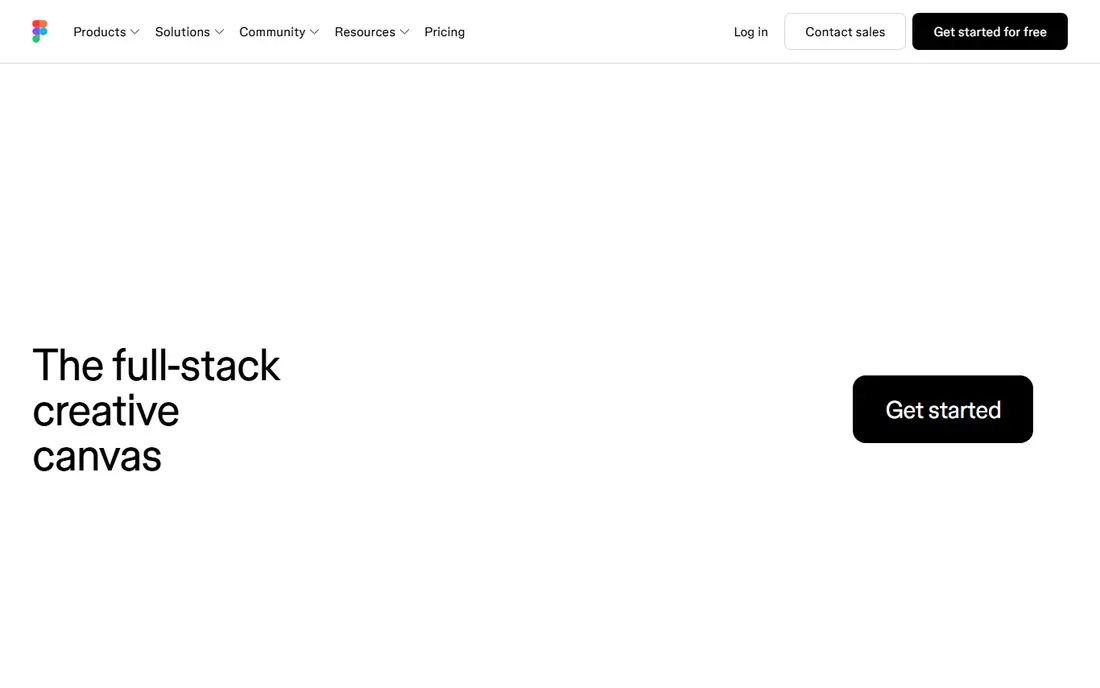
Figma is the least risky AI choice because it does not ask a team to move. Designers can generate first drafts, rename layers, remove backgrounds, write copy variations and search designs with AI, then refine the result with the same components and variables the team already uses. Developers receive specs, assets and code snippets from the same file, which removes the export step that breaks many AI-only tools.
The trade-off is that Figma's AI is an assistant, not a replacement for design judgment. It can speed up routine work and unblock a blank canvas, but it will not decide information architecture, test a flow with users, or fix a weak value proposition. Teams that already pay for Figma should start here and add a specialist tool only for a job Figma handles slowly, such as generating a full multi-screen flow from one prompt.
What we like- AI features inside the main design canvas
- Components, variables and design systems stay consistent
- Strong collaboration and developer handoff
Watch out for- Pricing varies by editor type and plan, so the pricing page must be checked
- AI output still needs designer review
- Advanced AI features sit on paid plans
#2Framer
Best for: Marketing and product sites designed and published on one canvas4.5/5 on
G2 (144 reviews, checked Oct 2026)
Visit framer.com
Starting priceSee website
Free planYes
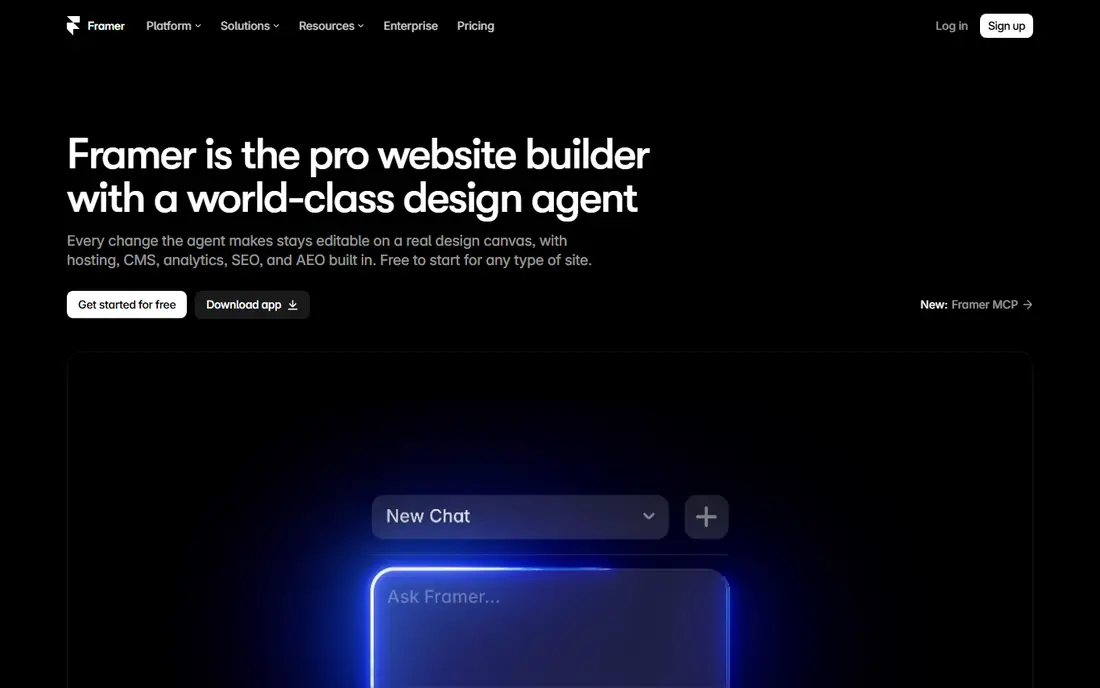
Framer suits a designer who wants the AI draft to be the site, not a mockup of it. Its design agent generates and refines sections on the canvas, with changes visible and editable in place, and the same tool handles CMS content, hosting and publishing. That shortens the path from a landing page idea to a live page that can be measured, which is valuable for marketing teams that test messages often.
Framer is less suited to complex app UX, where flows, states and data matter more than page layout. A product team designing a multi-step onboarding flow or a dashboard will still need Figma or UX Pilot for the app itself, and may use Framer only for the marketing site around it. For website work, though, Framer's live canvas is a real advantage over tools that export a static picture.
What we like- AI agent works directly on the live site canvas
- CMS, hosting and publishing built in
- Designs stay editable rather than locked as images
Watch out for- Best for websites rather than mobile app flows
- Advanced features and custom domains need paid plans
- Teams tied to another stack may prefer an export-first tool
#3v0
Best for: Turning a prompt into a working React web app4.5/5 on
G2 (28 reviews, checked Oct 2026)
Visit v0.app
Starting priceSee website
Free planYes
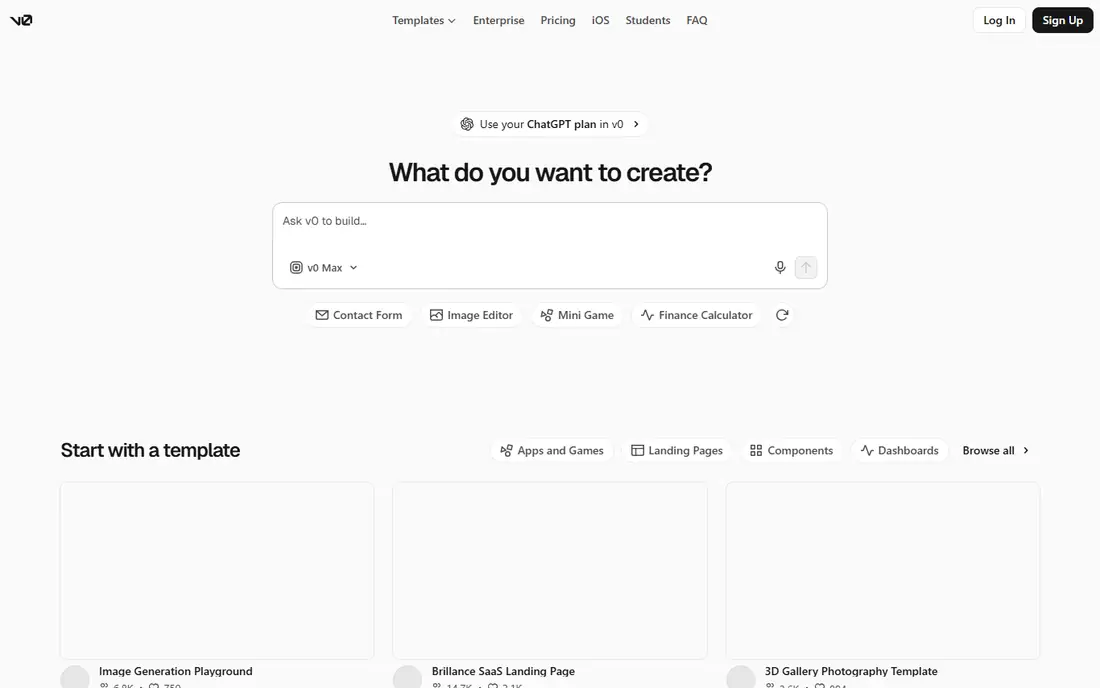
v0, from Vercel, takes a plain-language description and returns a working web application with code, which a team can edit, deploy and iterate on. Templates and design system controls help keep output consistent, and the visual design mode lets a non-developer adjust details without editing code directly. For a prototype, a hackathon project or an internal tool, v0 can compress days of setup into an afternoon.
The catch is the same as with any code-generating tool: generated code must be reviewed. Accessibility, performance, error handling and security do not come free with a good-looking first screen, and a team that ships v0 output without review will inherit those gaps. Used as a prototyping and scaffolding tool, with developers refining the result, v0 is powerful. Used as a substitute for engineering, it will disappoint.
What we like- Generates working code, not just images
- Deploys to Vercel in seconds
- GitHub sync and visual design mode for refinement
Watch out for- Credit-based pricing needs a pricing page check
- Output code needs review for quality, accessibility and security
- Best for web apps rather than native mobile design
#4Relume
Best for: Marketing websites assembled from a human-designed component library3.3/5 on
G2 (8 reviews, checked Oct 2026)
Visit relume.io
Starting price$12 per site/month (Launch hosting)
Free planYes
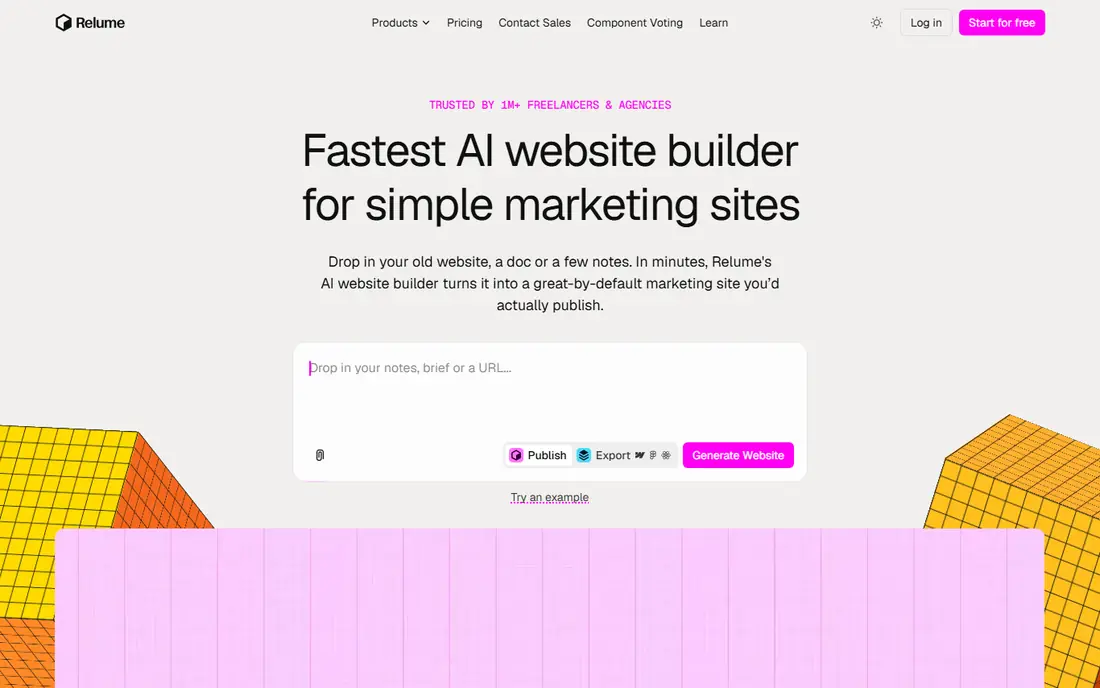
Relume takes a different approach from most AI builders: instead of writing a layout from scratch each time, it assembles a site from a library of components designed and maintained by people. A brief becomes a sitemap, wireframes and a style guide, then pages built from those components, which helps the result stay responsive and consistent. Sites can be published on Relume with hosting and SSL, or exported to Figma, Webflow or React for further work.
That component approach is both the strength and the limit. Marketing sites, landing pages and agency client sites benefit most, since they share common patterns that a library covers well. A product team designing a novel app interface will find the library less useful and should look at Figma, UX Pilot or v0 instead. For agencies that produce many marketing sites, Relume's speed and export options are hard to beat.
What we like- Sitemap, wireframes and style guide generated from a brief
- Sites assembled from maintained components rather than raw generated code
- Export to Figma, Webflow or React
Watch out for- Focused on marketing sites, not app UX
- Paid usage limits apply beyond the free plan
- Custom design beyond the component system takes extra work
#5Visily
Best for: Non-designers who need polished mockups fast4.4/5 on
G2 (36 reviews, checked Oct 2026)
Visit visily.ai
Starting priceSee website
Free planYes
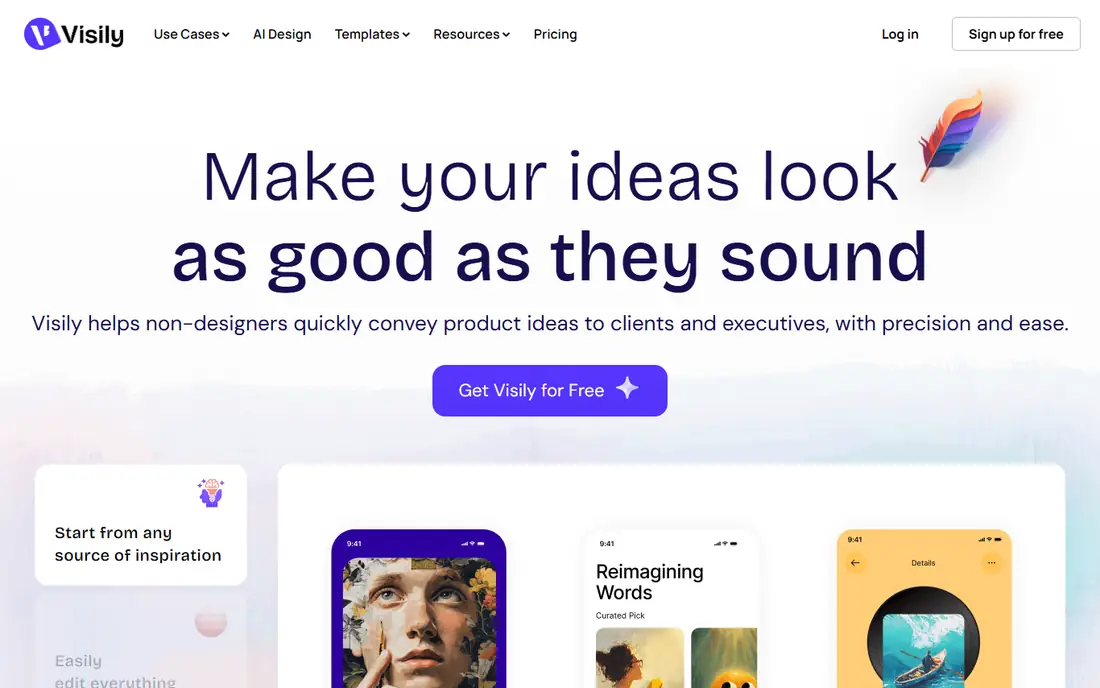
Visily is built for the product manager, founder or analyst who needs to show an idea clearly without learning a professional design tool. A screenshot can become an editable mockup, a text prompt can become a wireframe, and templates cover common app and web patterns. Smart components and auto-prototyping help a rough idea become a clickable flow that stakeholders can actually follow, rather than a slide deck describing one.
The limit is handoff depth. Visily produces high-fidelity concepts and prototypes, but a development team will still need production design or code from Figma, v0 or a similar tool. For early exploration, stakeholder alignment and user interviews, that is fine, and often preferable to spending designer time on an idea that may change. Visily earns its place as the communication tool in a design stack, not as the whole stack.
What we like- Generate wireframes from text, screenshots, diagrams or templates
- Drag-and-drop editing with smart components
- Collaboration with comments and follower mode
Watch out for- Pricing details need a pricing page check
- Output is a mockup rather than production code
- Professional designers may prefer Figma for system-level work
#6
UX Pilot
Best for: Rapid wireframes, full flows and predictive heatmaps
Visit uxpilot.ai
Starting priceSee website
Free planYes
UX Pilot is the most UX-focused tool in this list. It generates wireframes and high-fidelity screens, builds complete user flows, and adds predictive heatmaps that estimate where attention will fall on a design. Designers can import Figma components to train a custom model, so output follows an existing system instead of inventing a new style each time. Export to Figma and code, plus GitHub sync, keeps the result usable beyond the tool itself.
Heatmaps deserve a caution: they predict visual attention from patterns, they do not observe real users, and they cannot tell whether a user understood a task or completed it. Treat them as a triage aid, then run usability tests with real people for decisions that matter. With that caveat, UX Pilot is the fastest route from a product idea to a testable flow that a team can discuss and refine.
What we like- Generate single screens or complete flows from a prompt
- Import Figma components to keep output on-brand
- Export to Figma and code, with GitHub sync
Watch out for- Credit-based pricing, so heavy use costs need checking
- Generated designs still need UX review
- Heatmaps predict attention and do not replace user testing
#7Lovable
Best for: Non-developers building a full product from a description4.6/5 on
G2 (456 reviews, checked Oct 2026)
Visit lovable.dev
Starting priceSee website
Free planYes
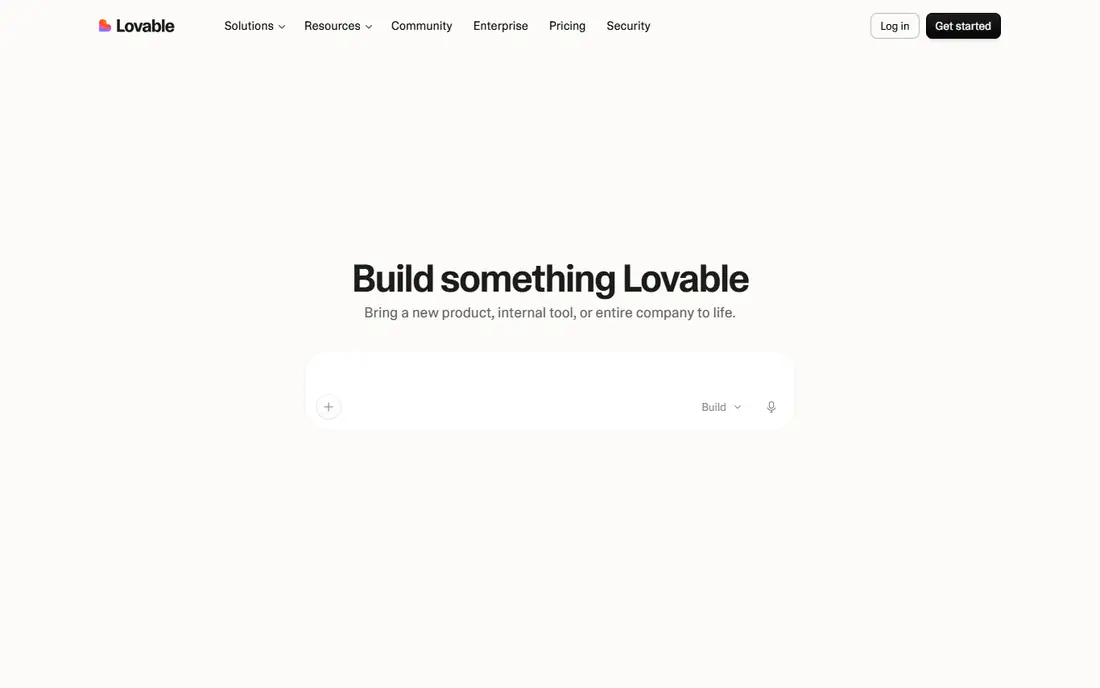
Lovable lets someone describe a product in plain language and watch a working application take shape, with hosting, authentication and integrations handled by the platform. Internal tools, dashboards and small customer products are the natural fit, since they need real functionality rather than a mockup. Iteration happens in conversation: describe a change, see it applied, and keep refining until the product feels right.
As with v0, the review step matters. A product that handles real user data needs attention to security, privacy, backups and performance, none of which are guaranteed by a good first build. Lovable is best for validating an idea, building an internal tool, or launching a simple product, with developers involved before scale or sensitive data enters the picture. For pure UI exploration without code, Visily or UX Pilot will be faster and cheaper.
What we like- Builds a working product with hosting, auth and integrations
- Iterate in plain language
- Suitable for internal tools and small customer products
Watch out for- Credit-based pricing needs a pricing page check
- Generated products need review for security, data handling and scale
- Complex products still need developers
How we chose
We compared vendor homepages and feature documentation, and we weighed each tool by editability of output, flow coverage beyond single screens, design system support, handoff to developers, and pricing transparency. Tools whose homepages no longer offered a UI design product, or whose pricing could not be checked at all, were left out or replaced. Where pricing is credit-based or varies by plan, we list See website rather than guessing a monthly rate.
Using AI design output responsibly
Treat every AI screen as a draft, and run it through the same checks as a human draft: does the hierarchy guide the eye to the main action, does the layout work on a small phone screen, does the contrast meet accessibility standards, and does the copy describe what the user actually gets. Replace placeholder text with real content early, since real copy often breaks a layout that looked fine with short labels. Then test the flow with five real users before polishing visual details, because a flow problem found early is cheap and a flow problem found after build is not.
Keep a human in the loop for brand and accessibility
AI tools tend toward generic layouts and common patterns, which is useful for speed but risky for differentiation. Feed the tool a brand guide, real components or an existing design system where possible, and keep a designer reviewing output for consistency. Accessibility checks, including keyboard navigation, focus states and screen reader labels, should be part of review, not an afterthought, since generated code and designs often miss them.
Frequently asked questions
What is the best AI tool for UI UX design?
Figma is the safest default for product teams, since its AI features work inside the tool used for design systems and handoff. UX Pilot is best for fast flows and wireframes, Visily is best for non-designers, and v0 or Lovable are best when a working app, not just a mockup, is the goal.
Can AI design tools replace a UX designer?
No, they replace routine production work, not research, strategy or judgment. AI can generate screens and flows quickly, but a designer still needs to define the problem, test with users, check accessibility and decide what should not be built. Teams that skip those steps get faster output and weaker products.
Do AI design tools produce code developers can use?
Some do. v0 and Lovable generate working code, UX Pilot exports code and syncs with GitHub, and Relume exports to React. Figma and Framer focus on design and publishing rather than app code. In all cases, developers should review generated code before it reaches production.
Are AI design tools good for mobile app design?
UX Pilot, Visily and Figma all support mobile screens and flows, while v0, Lovable, Framer and Relume focus mainly on web. For native mobile apps, design in Figma or UX Pilot first, then hand off to native developers, rather than expecting a web builder to produce a native app.
How much do AI UI UX tools cost?
Pricing is mostly credit-based or plan-based and varies by tool, so the vendor pricing page is the reliable source. Most tools here offer a free plan or free credits for trying, with paid plans that add more generations, better models or team features. Budget by expected generations per month, not by seat count alone.
Should I start from a prompt, a screenshot or a template?
Start from a screenshot or template when an existing pattern already works, since that constrains the AI toward a proven layout. Start from a prompt when exploring a new idea. In both cases, give the tool context: audience, main task, brand colours and any screens that must stay consistent.
Sources we checked (7)
- https://www.figma.com/pricing
- https://www.framer.com/pricing
- https://v0.app/pricing
- https://www.relume.io/pricing
- https://www.visily.ai/pricing
- https://uxpilot.ai/pricing
- https://lovable.dev/pricing
Is your product missing or out of date?
We review this list regularly. Vendors can request a listing, send updated pricing or ask about featured placement.

Shihab Mia · Founder, Rankite
Shihab has 5+ years in B2B and SaaS SEO. He writes Rankite's software buying guides from pricing pages, documentation and public user reviews. More about Shihab.