How we make this list: we compare pricing pages, product documentation and public user reviews. Rankite is independent; if a vendor ever pays for a featured spot, that listing is clearly labeled Partner.

#1
Microsoft 365 Copilot
Best for: Organizations already standardized on Microsoft 365
Visit microsoft.com
Starting price$30 per user per month (enterprise add-on, billed annually; base Microsoft 365 license required)
Free planNo
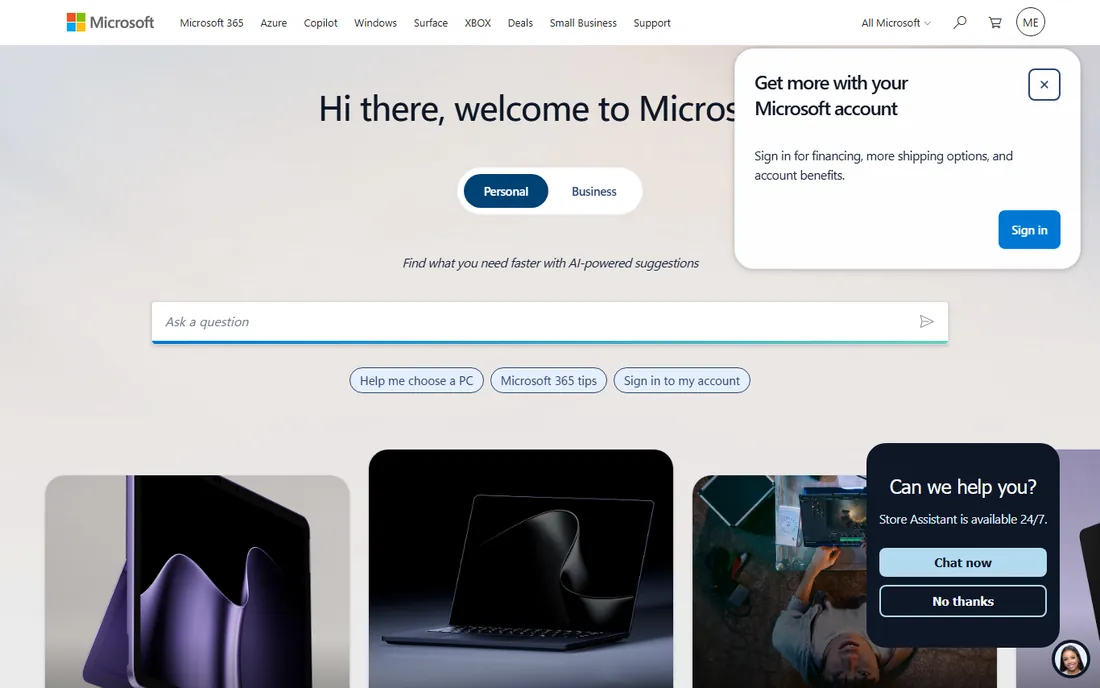
Copilot is the path of least resistance for Microsoft shops. Because it only ever surfaces data the signed-in user already has permission to open, your SharePoint permissions become your AI permissions with no extra mapping. It drafts in Word, analyzes in Excel, summarizes in Teams, and catches you up in Outlook, all inside the tenant boundary you already govern.
The security story is genuinely strong: Microsoft's compliance commitments and data residency options carry over. The risk is organizational, not technical. Copilot will faithfully surface the salary spreadsheet someone left in a shared folder, because that is what permission-aware means. Budget for a permissions cleanup before rollout, and watch utilization: at $30 a seat, unused licenses are the most common complaint.
What we like- Respects existing Microsoft 365 permissions
- Works inside Word, Excel, Teams, and Outlook
- EU Data Boundary option
Watch out for- $30 per seat adds up fast
- Exposes bad data hygiene
- Utilization varies widely by team

#2
Glean
Best for: Companies drowning in scattered SaaS knowledge
Visit glean.com
Starting priceSee website (quote-based; buyer reports put it around $50-75 per user per month)
Free planNo
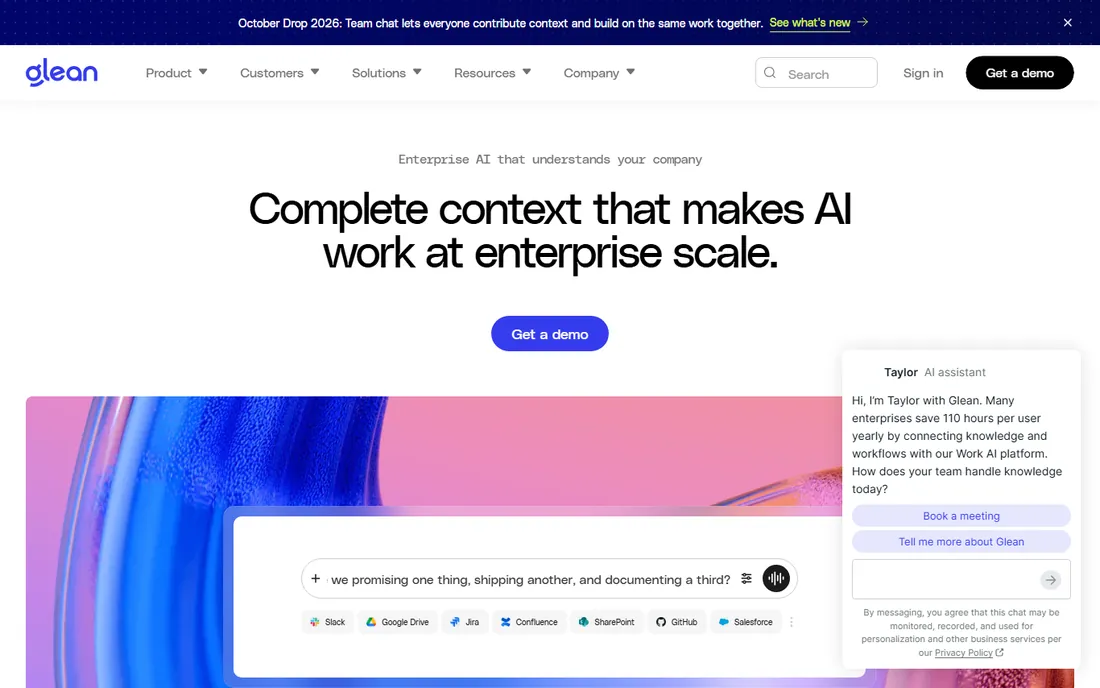
Glean connects to your workplace apps and builds a knowledge graph that understands people, content, and activity, then answers questions with citations while respecting every access control. Its homepage carries the badges security teams look for: SOC 2 Type II, ISO 27001, ISO 42001, HIPAA, GDPR, and TX-RAMP. The "users only see what they are allowed to see" promise is the core design, not a feature.
Pricing is the friction. There is no rate card; buyers report $50-75 per user per month with minimums around 100 seats, and paid proofs of concept are common. It is search-first rather than action-first: Glean finds and summarizes brilliantly but does not execute workflows in downstream systems. For governed knowledge access at scale, it remains the benchmark.
What we like- Permission-aware knowledge graph across 275+ apps
- SOC 2 Type II, ISO 27001, HIPAA, GDPR certified
- Model-neutral with 40+ LLMs
Watch out for- No public pricing
- Typical 100+ seat minimums
- Real implementation work required

#3
Writer
Best for: Regulated industries that need governed AI agents
Visit writer.com
Starting priceSee website (quote-based; 14-day trial available)
Free planFree trial
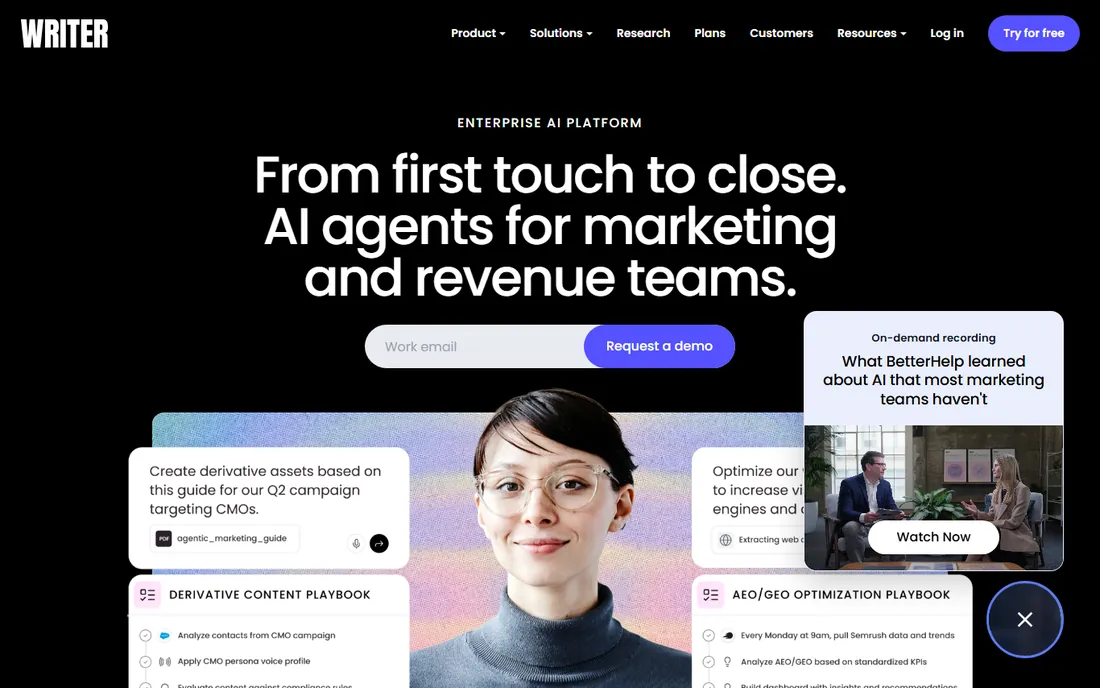
Writer builds its own Palmyra model family rather than routing your documents through a third-party API, which matters for regulated industries where sending internal documents to an outside lab is a non-starter. The compliance page lists SOC 2 Type II, ISO 27001, ISO 27701, ISO 42001, GDPR, HIPAA, PCI, and the Data Privacy Framework. PII redaction, audit trails, and SSO round out the procurement checklist.
The catch: Writer took dollar figures off its pricing page, so the entry Starter plan and the Enterprise tier both start with a conversation. The features that make Writer distinctive, agents, Knowledge Graph, and fine-tuning, live on Enterprise. If governance is the buying criterion, shortlist it; if transparent pricing is, look elsewhere.
What we like- Own Palmyra models keep data inside Writer's stack
- SOC 2 Type II, ISO 27001/27701/42001, HIPAA, PCI
- PII redaction and audit trails
Watch out for- Vendor removed published pricing
- Differentiating features sit on Enterprise
- Sales-led process

#4
Amazon Q Business
Best for: AWS-centric enterprises wanting a managed AI assistant
Visit aws.amazon.com
Starting price$3 per user per month (Lite); $20 per user per month (Pro)
Free planNo
Amazon Q Business is the rare enterprise AI product with public pricing: $3 per user per month for Lite, $20 for Pro, plus index capacity billed hourly. It answers questions over your enterprise data, takes actions in tools like Jira, Salesforce, and ServiceNow, and lets employees build lightweight Q Apps. Security is structural: it understands your existing identities, roles, and permissions, and the search index retains fine-grained access controls.
Watch the index math. Enterprise indexes run about $0.264 per hour per unit, and large document collections need many units, so model the total before promising a number to finance. For organizations already on AWS with IAM Identity Center, it is the lowest-friction secure assistant available.
What we like- Published per-seat pricing
- Respects IAM identities, roles, and permissions
- Index retains fine-grained permissions
Watch out for- Index units add meaningful cost at scale
- AWS-centric
- Q Apps need the Pro tier

#5
Perplexity Enterprise
Best for: Research-heavy teams that need cited answers with admin controls
Visit perplexity.ai
Starting price$40 per user per month (Enterprise Pro; $400 per year)
Free planNo
Perplexity Enterprise takes the consumer research product and wraps it in the controls IT requires: single sign-on, SCIM provisioning, audit logs, and an explicit guarantee that enterprise data is not used for training. Answers come with citations, which makes it unusually defensible for legal, finance, and research teams that need to show their work. SOC 2 Type II, HIPAA, and GDPR coverage is documented.
Enterprise Pro lists at $40 per user per month ($400 annually), while Enterprise Max at $325 a seat is priced for organizations running Perplexity as infrastructure. It is the best answer engine on this list and the weakest agent builder: if the job is research with receipts, it wins; if the job is multi-step workflow automation, pair it with something else.
What we like- Cited answers from live sources
- SSO, SCIM, and audit logs
- No training on enterprise data
- SOC 2 Type II
Watch out for- Final quote is sales-gated
- Enterprise Max is very expensive
- Research tool, not an agent platform

#6
IBM watsonx
Best for: Enterprises that want deploy-anywhere AI with built-in governance
Visit ibm.com
Starting pricePay as you go (Standard from $1,110 per month; free Toolbox tier available)
Free planYes (Toolbox: 300,000 tokens per month)
watsonx.ai is IBM's studio for building, tuning, and deploying AI on foundation models including its Granite family plus third-party and open models. The security argument is architectural: you can run it in IBM Cloud, AWS, or your own data center, keeping data inside boundaries you control, and IBM documents that customer prompts are not used to improve its models. watsonx.governance adds model monitoring, risk assessment, and compliance reporting.
Pricing is pay-as-you-go with a free Toolbox tier (300,000 tokens a month), Essentials from $0 plus usage, and Standard from $1,110 a month. This is a builder's platform, not a chatbot: expect integration work and ML-adjacent skills on the team. For regulated enterprises that refuse to send data to a SaaS black box, it is the most credible deploy-anywhere option.
What we like- Deploy in your cloud, on-premises, or hybrid
- IBM states prompts are not used to train models
- Watsonx.governance for compliance
Watch out for- Complex pricing across tiers
- Enterprise setup overhead
- Steeper learning curve than SaaS assistants

#7
Amazon Bedrock
Best for: Builders who want model choice inside their AWS account
Visit aws.amazon.com
Starting pricePay as you go (per-token; from $0.035 per 1M input tokens)
Free planNo
Bedrock is not an assistant but the platform assistants get built on: one API into Claude, Nova, Llama, Mistral, and more, all running inside your AWS account. For security teams, that tenancy is the point. Requests never leave your account boundary, you choose the region for data residency, and Bedrock Guardrails adds content filtering and PII redaction. VPC endpoints keep traffic off the public internet.
The pricing model is pure usage, from $0.035 per million input tokens for small models to much more for frontier ones. Budget carefully: token amplification in agents, Knowledge Base retrieval costs, and per-assessment Guardrail charges routinely push invoices to 1.5-2x initial estimates. Powerful and private, but not simple.
What we like- Hundreds of foundation models behind one API
- Data stays in your AWS account and region
- Guardrails, VPC, and private networking
Watch out for- Invoices surprise newcomers
- Needs real AWS expertise
- Knowledge base and guardrail fees add up
Starting pricePay as you go (usage-based, per-token and compute)
Free planFree trial ($300 in new-customer credits)
Google folded Vertex AI into the Gemini Enterprise Agent Platform at Cloud Next '26, so the Vertex AI name now points at this broader agent platform. It combines model selection across 200+ models, an Agent Studio for low-code building, and an Agent Development Kit for code-first teams, with governance, observability, and cryptographic agent identities for audit trails. Data residency follows Google Cloud's regional controls.
Pricing is usage-based across tokens, agent compute, memory, and storage, with $300 in new-customer credits to start. The platform story is the strongest agent story here; the caveat is the rebrand itself, which means documentation and naming are still settling. If your enterprise already runs on Google Cloud, this is the native choice.
What we like- 200+ models including Gemini and Claude
- Agent platform with governance built in
- Regional data controls
Watch out for- Fresh rebrand creates confusion
- Usage bills need active monitoring
- Google-centric ecosystem

#9
Box AI
Best for: Enterprises whose content already lives in Box
Visit box.com
Starting priceSee website (consumption-based AI Units on top of Box plans)
Free planNo
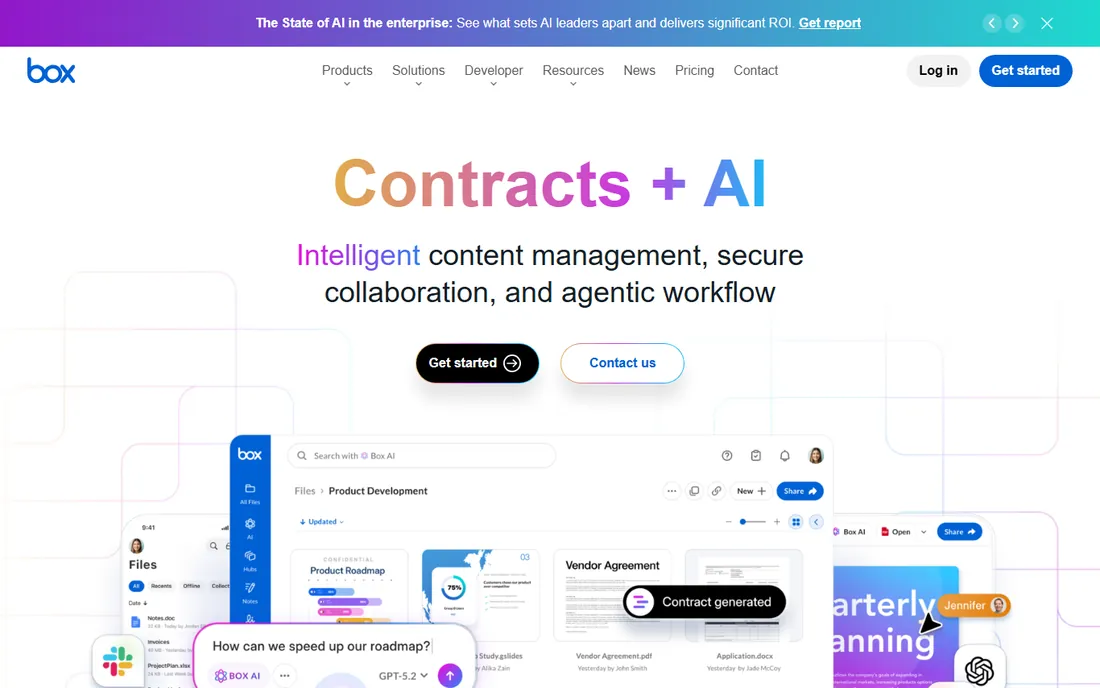
Box AI brings leading models from OpenAI, Anthropic, and Google to the documents already sitting in Box, with one decisive security property: it applies Box's existing permission model, so employees can only use AI on content they are allowed to see. Box states plainly that customer content is not used to train the underlying models, and the platform carries GDPR, HIPAA, and FINRA compliance.
The pricing catch is the AI Unit model introduced in late 2025: AI features consume units, Business plans include none, and Enterprise tiers include monthly allowances (1,000 to 20,000 depending on tier) with top-ups through sales. If your contracts, policies, and records already live in Box, it is the shortest path to governed AI on unstructured data.
What we like- Respects Box file permissions automatically
- Content not used to train models
- GDPR, HIPAA, and FINRA posture
Watch out for- Consumption pricing is complex
- Meaningful AI allowances need Enterprise tiers
- Box-centric by design
Key takeaways
- Permission-aware design is the dividing line: Copilot, Glean, Q Business, and Box AI all answer based on what the user is already allowed to see.
- Get the no-training promise in writing. Every vendor above states it; make sure your contract does too.
- Published pricing exists for Copilot ($30), Q Business ($3-20), Perplexity Enterprise ($40), and watsonx (pay as you go); Glean, Writer, and Box AI are quote-led.
- Model choice matters less than data boundaries. Pick the platform whose tenancy model your security team already trusts.
How we chose
We selected platforms with documented enterprise security postures: published compliance certifications, permission-aware data access, and contractual no-training commitments. Consumer chatbots and API-only model providers were excluded. Prices were checked against vendor pricing pages and vendor-verified sources on 2026-10-14; where vendors publish no pricing, we say so. Two products from early shortlists were replaced after 2026 acquisitions changed their status; both replacements are noted in the FAQ.
Security questions to ask every vendor
Where does our data go, and who can see it?
Ask whether prompts and documents stay inside your tenant, your cloud account, or your region. Copilot stays in your Microsoft 365 tenant; Bedrock and watsonx can stay in your account or data center; SaaS assistants should document their subprocessors.
Is our content used to train models?
Every vendor on this list states that it does not train on customer data. Ask for the clause in the data processing agreement, not just the marketing page, and confirm whether the promise covers prompts, retrieved documents, and feedback signals separately.
Which certifications actually matter for us?
SOC 2 Type II is table stakes. Regulated buyers should map their own requirements: HIPAA for healthcare, FINRA for financial services, ISO 42001 for AI management systems, FedRAMP for US public sector. Glean and Writer publish broad certification portfolios; verify the audit dates.
Can we keep data in a specific region or our own cloud?
Data residency is a separate question from encryption. Bedrock and watsonx offer region and on-premises control; Copilot offers the EU Data Boundary; Google and AWS provide regional controls. If your regulator names a geography, get the region list in writing before the pilot.
The permission problem
The biggest enterprise AI risk is not a data breach but a well-meaning assistant showing someone a document they were never meant to see. Traditional search had this solved with access controls; early AI assistants broke it by ingesting everything into one index. The platforms that get this right, Glean's knowledge graph, Copilot's tenant permissions, Q Business's IAM integration, Box AI's file permissions, re-apply the user's access rights at query time. When evaluating anything else, the demo question is simple: show me what happens when a user asks about a file they cannot open. If the answer is anything other than a refusal, keep shopping.
Frequently asked questions
What does SOC 2 Type II actually guarantee for AI tools?
It certifies that the vendor's security controls operated effectively over an audit period, covering areas like access control and change management. It does not certify the AI model's behavior, the accuracy of answers, or that your data cannot leak through a misconfigured permission. Treat it as a floor, not a verdict.
Can we deploy enterprise AI inside our own cloud or data center?
With some platforms, yes. IBM watsonx supports on-premises and hybrid deployment, and Amazon Bedrock runs inside your AWS account and region of choice. Pure SaaS assistants like Glean, Writer, and Perplexity run in the vendor's cloud under their certifications. Match the deployment model to your regulator before you evaluate features.
Will the AI vendor train models on our company data?
All nine vendors above state that they do not use customer data for training. The details differ: some exclude prompts only, others exclude retrieved documents and feedback too. Confirm the exact scope in the data processing agreement, and ask specifically about human review of prompts, which some vendors use for safety monitoring.
How much does enterprise AI really cost per employee?
From $3 per user per month for Amazon Q Business Lite to $30 for Microsoft 365 Copilot, $40 for Perplexity Enterprise Pro, and roughly $50-75 for Glean. Quote-based platforms like Writer and Box AI typically land in the tens of thousands annually at minimum. Add implementation, permissions cleanup, and training: the license is usually less than half the first-year cost.
What happened to Moveworks and Sana AI?
ServiceNow completed its acquisition of Moveworks in December 2025 and folded its technology into ServiceNow's unified AI experience, so the standalone product is gone; Amazon Q Business replaces it on this list as the independent enterprise assistant. Sana was folded into Workday's AI platform in late 2025; Perplexity Enterprise replaces it as the independent research-focused option.
Sources we checked (11)
- https://www.glean.com
- https://writer.com/
- https://aws.amazon.com/q/business/pricing/
- https://www.ibm.com/products/watsonx-ai/pricing
- https://aws.amazon.com/bedrock/pricing/
- https://www.cloudzero.com/blog/amazon-bedrock-pricing/
- https://www.cloudzero.com/blog/perplexity-pricing/
- https://pureai.com/articles/2026/04/30/google-packages-enterprise-ai-agents-into-new-gemini-platform.aspx
- https://www.rezolve.ai/compare/moveworks
- https://www.educate-me.co/blog/sana-labs-alternatives
- https://infotechlead.com/artificial-intelligence/is-microsoft-365-copilot-worth-the-cost-30-million-paid-seats-put-ai-business-at-10-8-billion-list-price-scale-98408
Is your product missing or out of date?
We review this list regularly. Vendors can request a listing, send updated pricing or ask about featured placement.

Shihab Mia · Founder, Rankite
Shihab has spent more than a decade helping SaaS and e-commerce brands grow through search. He writes Rankite's software buying guides from pricing pages, documentation and public user reviews. More about Shihab.