How we make this list: we compare pricing pages, product documentation and public user reviews. Rankite is independent; if a vendor ever pays for a featured spot, that listing is clearly labeled Partner.
Key takeaways
- If you already live in PowerPoint or Google Slides, Plus AI and SlidesAI.io add AI generation without forcing you into a new app.
- Gamma and Beautiful.ai are the purest AI-first options: prompt in, finished deck out, with auto-formatting doing the visual work.
- Pitch is the team pick, with a free plan covering unlimited decks plus real collaboration, viewer analytics and client rooms.
- Canva Magic Design and Visme AI suit visual, data-heavy decks where templates, charts and assets matter more than raw generation speed.
- Every AI deck still needs a human pass: verify facts, fix branding, and cut the filler slides the AI loves to add.
Quick comparison
| Tool | Best for | Starting price | Free plan |
|---|
 Gamma Gamma | AI-first decks, docs and sites from a prompt | See website | Yes |
 Beautiful.ai Beautiful.ai | auto-formatted business presentations | See website | Free trial |
 Plus AI Plus AI | AI slides inside PowerPoint and Google Slides | $10 per user/month (billed annually) | Free trial |
 Presentations.ai Presentations.ai | fast branded decks from prompts or documents | See website | Yes |
 Decktopus Decktopus | guided deck building for non-designers | See website | Yes |
 SlidesAI.io SlidesAI.io | turning text into slides in Google Slides | $8.33 per month (billed annually) | Yes |
 Pitch Pitch | teams collaborating on pitch decks | €10 per month (billed annually) | Yes |
 Canva Magic Design Canva Magic Design | design-heavy slides with AI assistance | See website | Yes |
 Visme AI Visme AI | data-rich presentations and infographics | $12.25 per person/month (billed annually) | Yes |
 PopAi PopAi | quick AI decks from documents and prompts | See website | Yes |
Is your product missing or out of date?
We review this list regularly. Vendors can request a listing, send updated pricing or ask about featured placement.
#1
Gamma
Best for: AI-first decks, docs and sites from a prompt
Visit gamma.app
Starting priceSee website
Free planYes
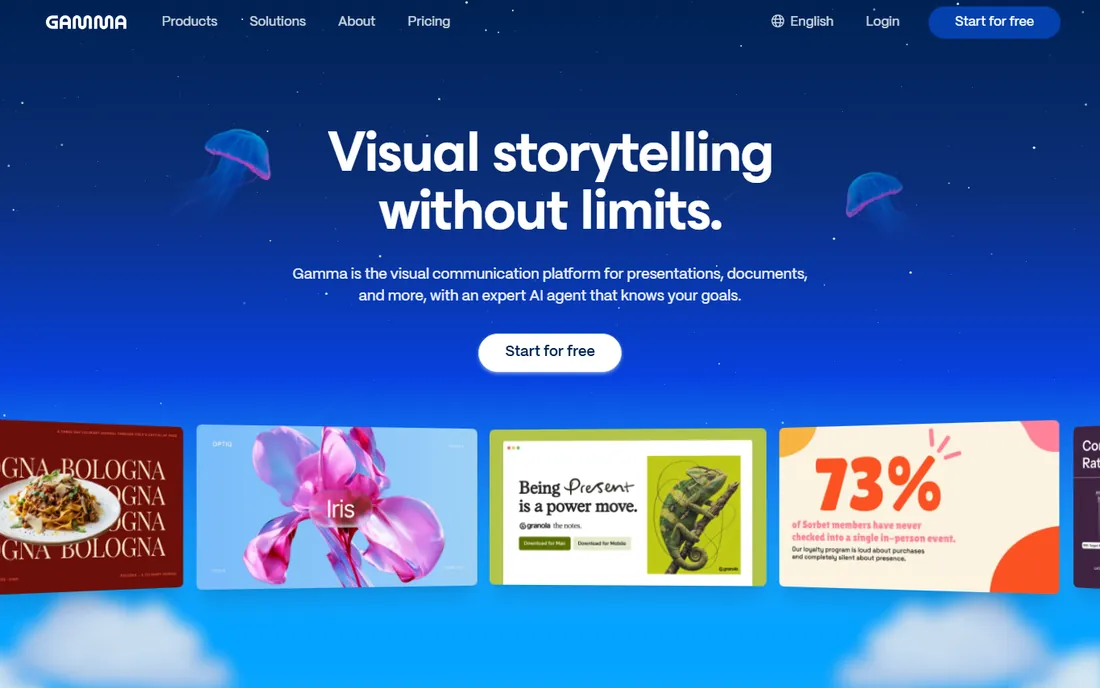
Gamma is the closest thing to typing a sentence and receiving a presentation. You describe the topic, and it produces structured cards with text, images and layouts already applied. The free plan gives you real AI credits to test with, and paid tiers (Plus, Pro, Ultra) raise the per-prompt slide limits and remove Gamma branding. Export options include PPTX and Google Slides, so the deck can live wherever your team works.
The honest catch is sameness. Gamma decks have a recognizable house style, and heavy customization fights the tool's purpose. Use it when speed beats uniqueness: first drafts, internal updates, outlines that need to look finished quickly. Then export and polish elsewhere if the audience is external.
What we like- Generates a complete deck from a single prompt in under a minute
- Clean, modern layouts with no design skills required
- Exports to PPTX, PDF and Google Slides
Watch out for- AI layouts can feel generic across decks
- Less fine-grained control than manual slide editors
- Free plan credits run out fast on big projects
Starting priceSee website
Free planFree trial
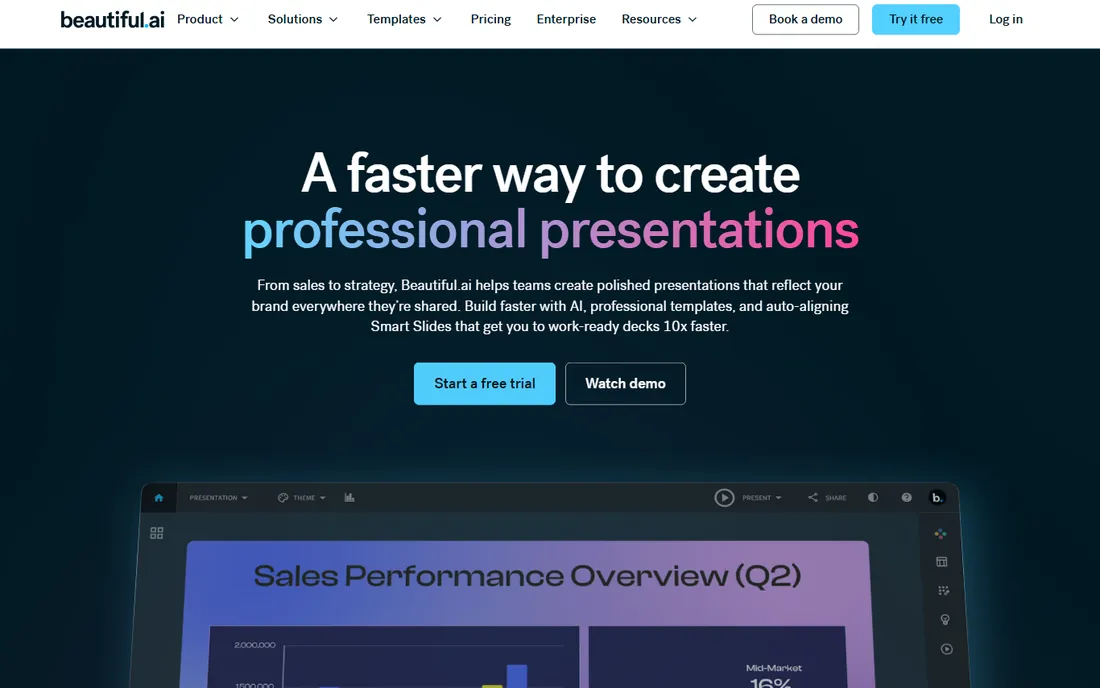
Beautiful.ai takes a different approach from prompt-to-deck generators: it gives you smart slides that design themselves as you type. Add a bullet list, and the layout adjusts. Drop in data, and the chart styles itself. For sales decks, investor updates and team reviews, this guardrailed approach produces consistent, professional results with minimal fiddling.
The trade-off is flexibility. You work within the template system, and designers who want full creative control will feel constrained. There is also no free tier beyond the 14-day trial, so evaluation has a clock on it. For business users who value consistency over creativity, it remains one of the most reliable AI-assisted options.
What we like- Smart templates reformat automatically as you add content
- Strong brand controls keep every deck on-style
- Fast path to board-ready business slides
Watch out for- No free plan, only a 14-day trial
- Less creative freedom than open-canvas tools
- Decks can share a recognizable template look
Starting price$10 per user/month (billed annually)
Free planFree trial
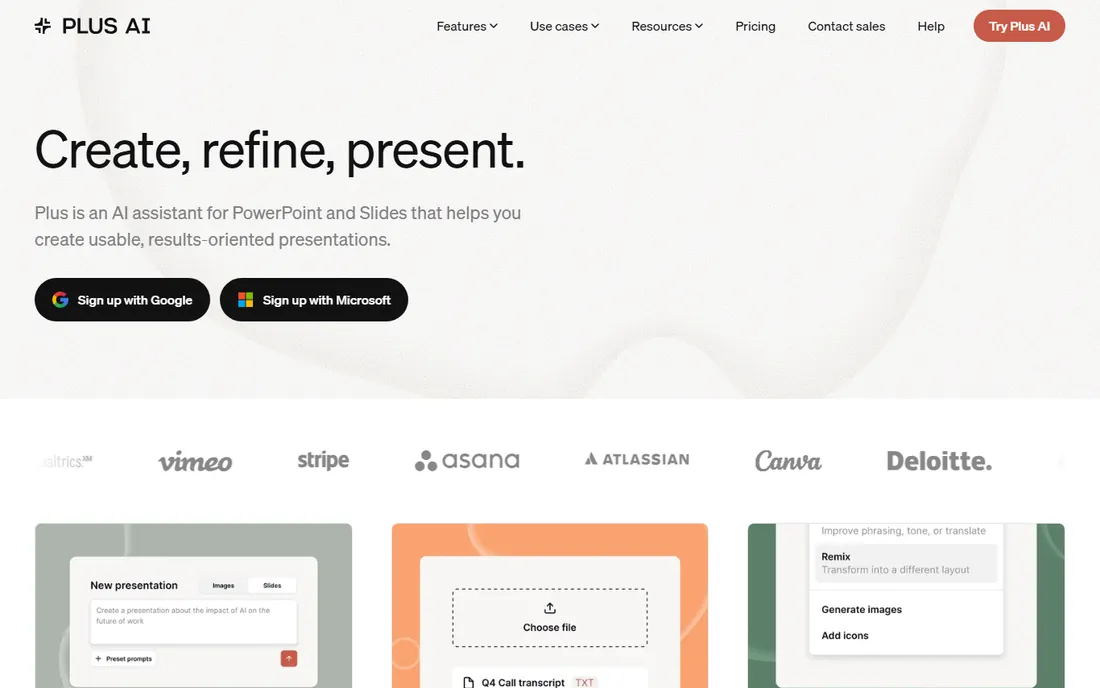
Plus AI is the pragmatic choice for teams standardized on Microsoft or Google. Instead of exporting between tools, you generate, rewrite and restyle slides directly inside PowerPoint or Google Slides. Plans start at $10 per user per month billed annually (Basic), with Pro at $20 and Team at $30 adding collaboration and brand features. The 7-day trial is generous enough to run a real deck through it.
The limitation is that Plus AI inherits the design ceiling of the host app. It will not turn PowerPoint into a design studio; it makes your existing workflow faster. If your team already pays for Microsoft 365 or Google Workspace and just wants AI acceleration, this is the lowest-friction option on the list.
What we like- Works inside PowerPoint and Google Slides, no new app to learn
- 7-day free trial includes 1,000 AI credits
- API and Zapier support for automated deck workflows
Watch out for- No free plan once the trial ends
- Credit limits cap heavy AI users
- Final polish still depends on your own templates
Starting priceSee website
Free planYes
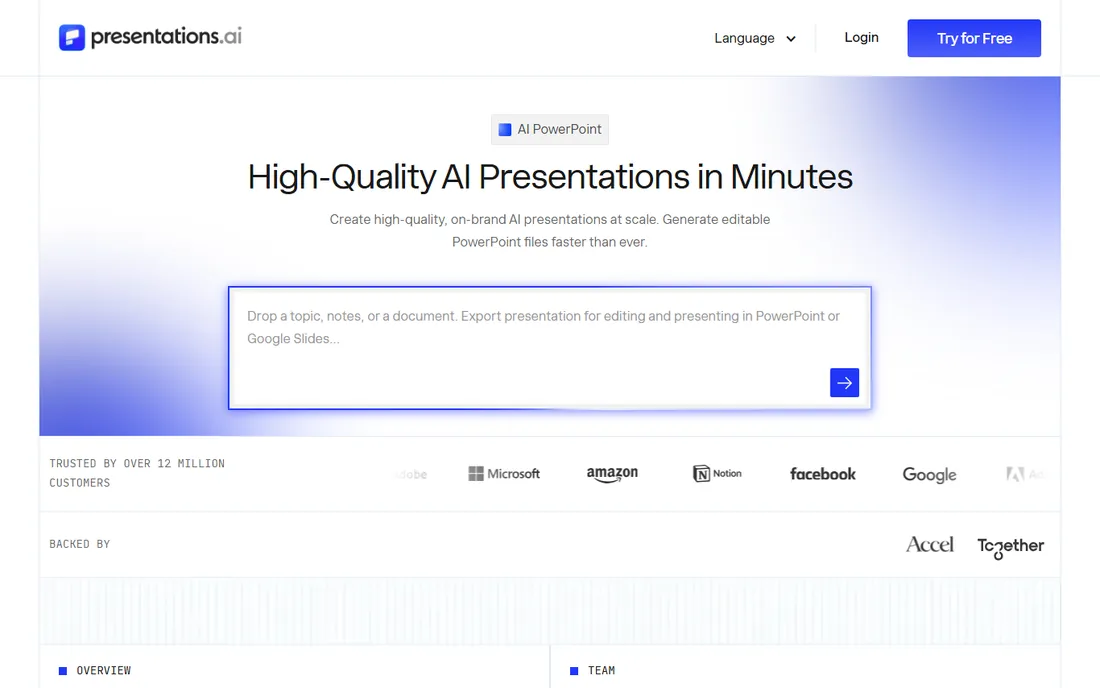
Presentations.ai pitches itself as the ChatGPT of presentations, and the free Starter plan makes it easy to test that claim: you can create full presentations without paying. Brand sync is the standout feature for companies, pulling your visual identity into every generated deck so marketing does not have to fix each one. Multilingual generation suits distributed teams.
As with every generator here, the output needs a human review pass. Layouts are solid more often than inspired, and complex data stories may need rebuilding in a dedicated tool. For teams that produce high volumes of standard business decks, the speed is hard to argue with.
What we like- Free Starter plan creates full presentations at no cost
- Brand sync applies your colors, fonts and logos automatically
- Supports 20+ languages for global teams
Watch out for- AI design quality varies and needs review
- Best features sit on paid tiers
- Smaller template ecosystem than the biggest rivals
Starting priceSee website
Free planYes
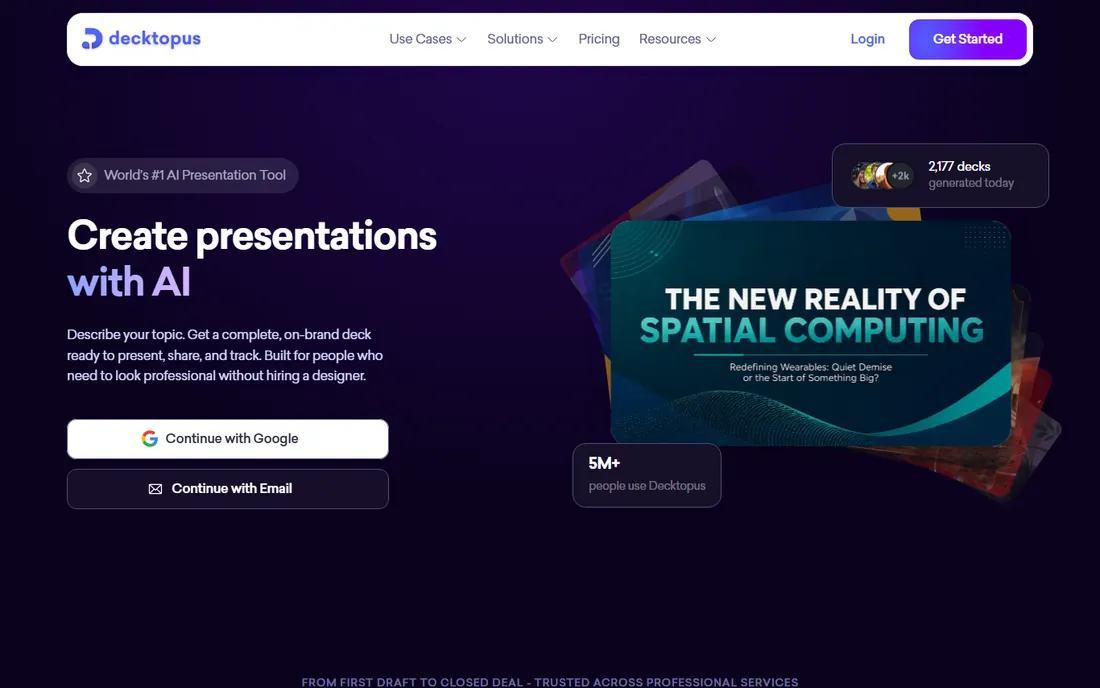
Decktopus holds your hand through the whole process: answer questions about your topic, audience and goal, and it builds a structured deck around your answers. That guided flow makes it one of the friendliest options for people who rarely make presentations, such as founders preparing a first pitch or students assembling a class deck.
The cost of that guidance is range. You get fewer templates and less layout freedom than the bigger platforms, and the AI's first draft is a starting point, not a finished product. Treat Decktopus as training wheels that produce decent decks, and graduate to a deeper tool when your needs outgrow the wizard.
What we like- Step-by-step builder asks questions and assembles the deck
- Genuinely usable free tier
- Quick route to pitch and sales presentations
Watch out for- Template variety is narrower than Canva or Visme
- AI output regularly needs manual editing
- Pricing details are harder to pin down
Starting price$8.33 per month (billed annually)
Free planYes
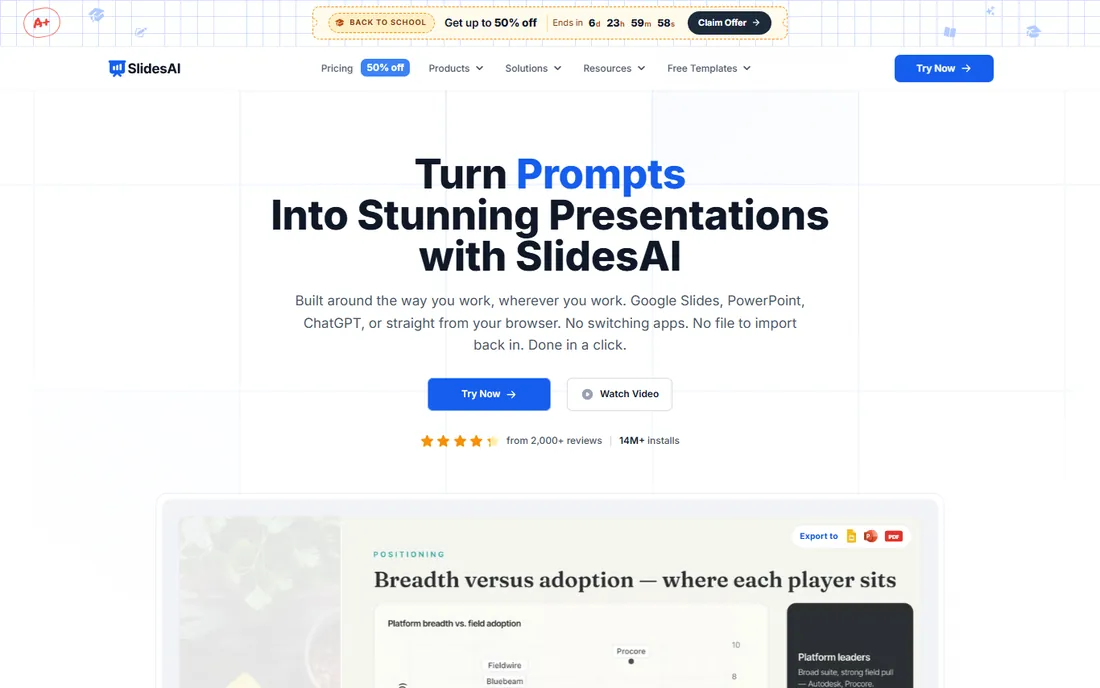
SlidesAI.io is built for people drowning in text: paste a document or outline, and it returns a structured slide deck inside Google Slides or PowerPoint. The free Basic plan (12 presentations per year) is enough for occasional users, while Pro starts at $8.33 per month billed annually and Premium at $16.67 for heavier use. Because it works as an add-on, there is nothing new to learn.
The output is a first draft, not a final deck. Branding, imagery and narrative flow need your attention, and the tool is honest about that. For educators, marketers and founders who already live in Google Slides and want to skip the blank-page phase, it is one of the most practical AI options available.
What we like- Lives inside Google Slides and PowerPoint as an add-on
- Free Basic plan includes 12 presentations per year
- Converts long text into clean slide sections fast
Watch out for- Generated slides need manual polish for branding
- Less capable than full design platforms
- AI credit limits on lower plans
Starting price€10 per month (billed annually)
Free planYes
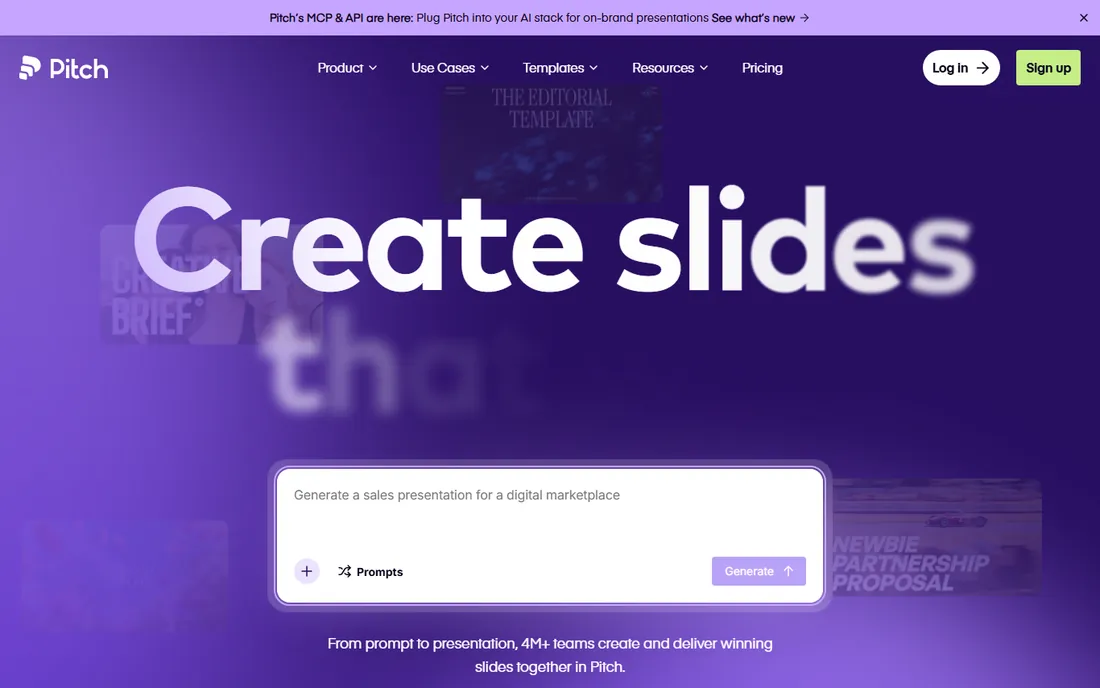
Pitch is less an AI generator and more an AI-assisted workspace for teams that live in decks. The free plan is unusually generous: unlimited presentations for up to 5 members. Collaboration is the core strength, with commenting, shared templates and brand libraries, plus analytics showing who viewed your deck and for how long. Pitch rooms let you bundle decks and resources for clients.
AI features exist (generation, rewriting, visuals) but run on credits: 100 one-time on free, 500 per month on paid plans. Paid tiers start at €10 per month billed annually for Plus. If your priority is a team producing polished decks together rather than pure prompt-to-slides generation, Pitch is the strongest collaboration-first pick here.
What we like- Free plan includes unlimited presentations
- Real-time collaboration built for teams
- Viewer analytics and pitch rooms for client-facing decks
Watch out for- Paid plans billed in euros on a per-seat basis
- AI credits are limited (100 one-time on the free plan)
- Template gallery smaller than Canva's
#8
Canva Magic Design
Best for: design-heavy slides with AI assistance
Visit canva.com
Starting priceSee website
Free planYes
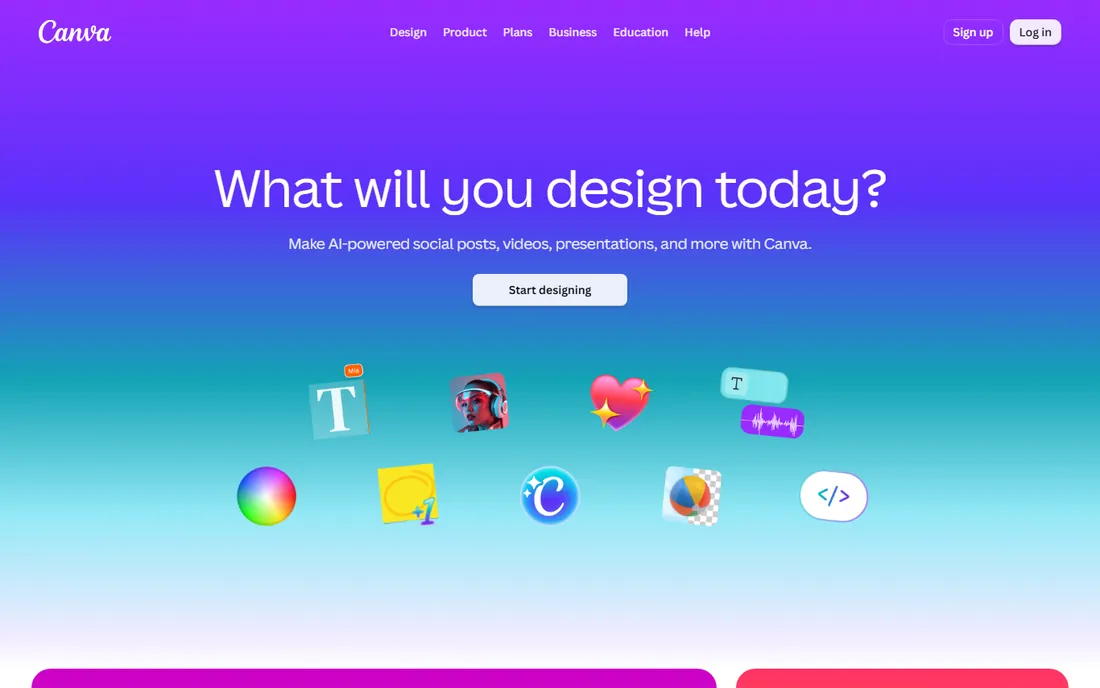
Canva needs little introduction, and Magic Design brings AI generation into its vast design ecosystem. Describe what you need, and it produces slide layouts you can then refine with Canva's full editor, stock library and brand assets. The free tier is genuinely useful, which is why so many small teams start here and never leave.
The catch is that Canva is a design platform first and a presentation tool second. Animation, presenter tools and deck analytics are thinner than in dedicated apps, and the best AI features sit behind the Pro subscription. For visually rich marketing decks and social-style presentations, though, the combination of AI generation and Canva's asset depth is tough to beat.
What we like- Magic Design generates slides and layouts from text prompts
- Enormous template, photo and asset library
- Generous free tier for casual use
Watch out for- Heavier AI use pushes you toward a paid plan
- Animation and transitions trail dedicated presentation tools
- Brand kit features require Pro
#9
Visme AI
Best for: data-rich presentations and infographics
Visit visme.co
Starting price$12.25 per person/month (billed annually)
Free planYes
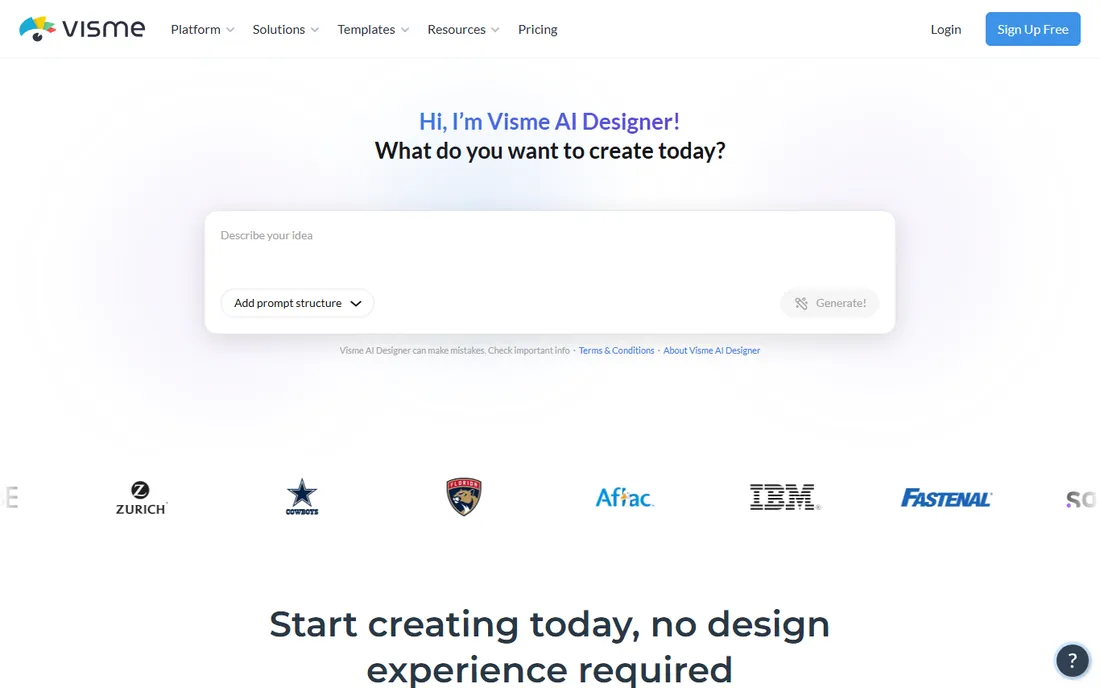
Visme AI targets the decks where data does the talking: reports, proposals and infographics with charts, maps and diagrams. The AI assists with design and content while the platform's real strength, data visualization widgets, handles the numbers. Pricing is transparent: Basic is free, Starter is $12.25 per person per month billed annually, and Pro is $24.75.
The interface carries the weight of everything Visme does beyond presentations, which can overwhelm first-time users. And while the AI features are improving, they trail the pure generators for prompt-to-deck speed. Choose Visme AI when your presentations are really data stories that happen to be slides.
What we like- Charts, maps and data widgets built for numbers-heavy slides
- Free Basic plan to start
- Exports to PPTX, video, HTML5 and more
Watch out for- Interface is busier than simpler generators
- AI design features less mature than the leaders
- Per-person pricing adds up for teams
#10
PopAi
Best for: quick AI decks from documents and prompts
Visit popai.pro
Starting priceSee website
Free planYes
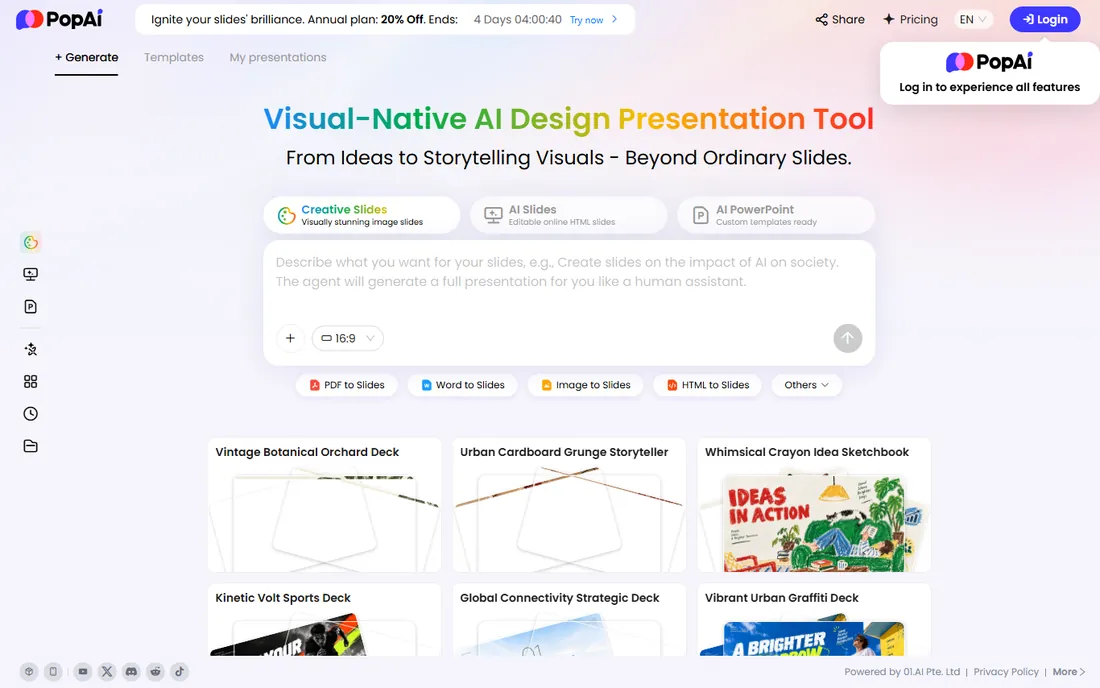
PopAi takes a document-first approach: upload a PDF, paper or report, and it generates a presentation summarizing the content. The chat-style interface will feel familiar to anyone who has used an AI chatbot, and the free tier lets you test the document-to-deck pipeline before committing.
Being a smaller player shows. The template range and design refinement lag the category leaders, and community resources are thin. But for the specific job of turning long documents into presentable slide summaries, it is a focused tool worth a trial, especially since trying it costs nothing.
What we like- Converts documents and PDFs into presentations quickly
- Simple chat-style interface with low learning curve
- Free tier available for trying it out
Watch out for- Lesser-known with a smaller community and fewer tutorials
- Design quality is inconsistent
- Pricing details are sparse on the site
Choosing an AI presentation maker
Decide where the deck will live
If final decks must be PPTX files, shortlist tools with clean PowerPoint export (Gamma, Visme AI) or ones that work inside PowerPoint itself (Plus AI, SlidesAI.io). If decks live as share links, browser-native tools like Gamma and Pitch are fine.
Check the AI credit limits
Most tools ration AI generation with credits. Compare what the free plan and cheapest paid plan actually include: number of presentations, slides per prompt, and whether credits renew monthly. Heavy users should price the tier above the entry plan.
Verify export before you commit
Generate a test deck and export it to PPTX early in your trial. Fonts, layouts and charts sometimes shift in translation. A tool that exports cleanly saves more time than one with slightly better generation.
Test brand control on a real template
Upload your logo, colors and fonts during the trial and generate three decks. If every output still needs manual rebranding, the AI is not saving you as much as the marketing suggests. Beautiful.ai and Presentations.ai lead here.
How we chose
We evaluated these tools from vendor pricing pages, product documentation and public review sources including G2, Capterra and user discussions on Reddit. We weighted AI-specific factors (generation quality, credit limits, prompt flexibility) alongside presentation fundamentals (templates, PPTX export, collaboration, brand control). We did not claim hands-on testing of every plan; prices come from vendors' own pricing pages, and anything we could not verify is marked See website.
Where AI decks still need a human
AI presentation makers are fast, but they have predictable blind spots. They invent statistics and quotes, so every fact needs checking against your source material. They pad decks with generic filler slides (the obligatory "Thank You" closer, the vague agenda) that weaken your story. And they cannot know what your audience already believes, which is the actual job of a presentation. The winning workflow is AI for the first draft, human for the argument: generate in minutes, then spend your saved hours on the message, the data and the delivery. Teams that skip the human pass end up with polished decks that say nothing.
Frequently asked questions
What is the best free AI presentation maker?
Gamma's free plan, SlidesAI.io's Basic plan (12 presentations per year), Presentations.ai's free Starter plan, Pitch's free tier with unlimited decks, and Canva's free plan all generate real presentations at no cost. The best free pick depends on whether you need PPTX export, Google Slides integration or team collaboration.
Can these AI tools export to PowerPoint?
Most of them, yes. Gamma, Visme AI, Pitch and Canva export to PPTX, while Plus AI and SlidesAI.io work directly inside PowerPoint and Google Slides so no export is needed. Always test-export a sample deck during your trial, since complex layouts can shift between formats.
Are AI-generated presentations accurate?
Not reliably. AI tools can invent statistics, misattribute quotes and oversimplify your arguments. Treat every generated deck as a first draft: verify each fact against your own sources before presenting, especially for client or investor audiences.
Which AI tool is best for business presentations?
Beautiful.ai and Presentations.ai are built for business use, with brand controls that keep decks consistent. Pitch adds team collaboration and viewer analytics for client-facing work. For one-off internal decks where speed matters most, Gamma or SlidesAI.io get you there faster.
Do I need design skills to use an AI presentation maker?
No, and that is the point. These tools handle layout, typography and imagery from your prompt or document. Design judgment still helps for reviewing the output, choosing images and cutting weak slides, but you can produce a clean deck with zero design training.
How much does an AI presentation tool cost?
Free tiers cover light use on most tools here. Paid plans generally start around $8 to $15 per user per month billed annually, with team and business tiers running higher for collaboration, brand controls and larger AI credit allowances. Check credit limits carefully, since heavy generation can push you to a higher tier.
Sources we checked (14)
- http://gamma.app/
- https://gamma.app/pricing
- https://www.beautiful.ai/
- https://www.plusdocs.com/
- https://www.plusdocs.com/pricing
- https://www.presentations.ai/
- https://decktopus.com/
- https://www.slidesai.io/
- https://pitch.com/
- https://pitch.com/pricing
- https://canva.com/
- https://www.visme.co/
- https://www.visme.co/pricing
- https://www.popai.pro/
Is your product missing or out of date?
We review this list regularly. Vendors can request a listing, send updated pricing or ask about featured placement.

Shihab Mia · Founder, Rankite
Shihab has spent more than a decade helping SaaS and e-commerce brands grow through search. He writes Rankite's software buying guides from pricing pages, documentation and public user reviews. More about Shihab.