How we make this list: we compare pricing pages, product documentation and public user reviews. Rankite is independent; if a vendor ever pays for a featured spot, that listing is clearly labeled Partner.
Key takeaways
- Synthesia ($89/month) remains the standard for corporate training videos with AI presenters, while HeyGen ($29/month) is the value challenger with faster generation.
- Pictory ($25/month) and Fliki are the quickest path from a blog post or script to a finished video, using stock footage and AI voiceovers.
- Runway ($15/month) is the only true text-to-video generator here. It creates footage from prompts instead of assembling stock clips, but outputs need human curation.
- Nearly every tool rations usage through credits or minutes per month. Check how many finished minutes your plan includes before you commit, because overage fees add up fast.
Quick comparison
| Tool | Best for | Starting price | Free plan |
|---|
 Synthesia Synthesia | Corporate training and onboarding videos with AI presenters | $89/month (Creator) | Yes, limited free plan |
 HeyGen HeyGen | Fast avatar videos without the enterprise price tag | $29/month (Creator, or $24/month billed annually) | Yes, limited free credits |
 Pictory Pictory | Turning scripts and blog posts into finished videos | $25/month (Starter) | Free trial |
 Runway Runway | Generating original footage from text prompts | $15/month (Standard) | Yes, free tier with limited credits |
 InVideo InVideo | Template-driven social and promo videos | See website | Yes, free plan |
 Fliki Fliki | Videos carried by realistic AI voiceovers | See website | Yes, free plan |
 Lumen5 Lumen5 | Marketing teams repurposing content at scale | See website | Yes, free plan |
 Descript Descript | Editing video by editing its transcript | $16/month (paid plans start here) | Yes, free plan |
 Colossyan Colossyan | Training videos with multiple AI presenters in conversation | See website | Free trial |
 Kapwing Kapwing | All-in-one browser editing with AI assists | See website | Yes, free plan (exports carry a watermark) |
Is your product missing or out of date?
We review this list regularly. Vendors can request a listing, send updated pricing or ask about featured placement.
The best AI software for creating videos
#1
Synthesia
Best for: Corporate training and onboarding videos with AI presenters
Visit synthesia.io
Starting price$89/month (Creator)
Free planYes, limited free plan
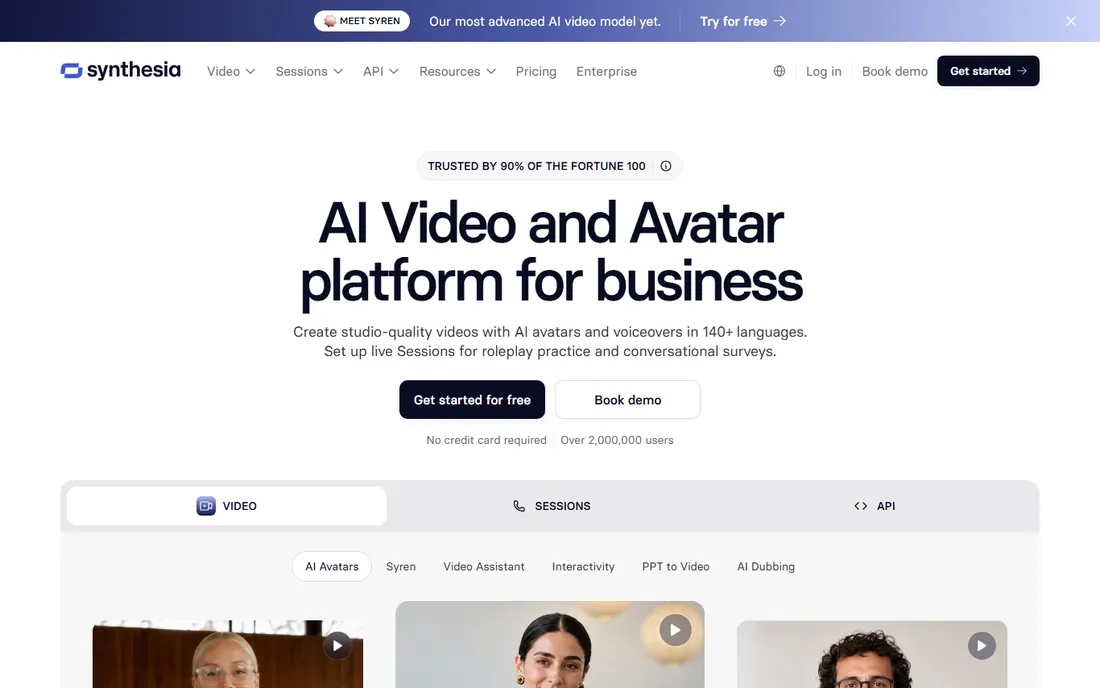
Picture this: your HR team needs forty onboarding videos in six languages, and hiring a film crew is out of the question. That is the exact job Synthesia was built for. You type or paste a script, pick one of the stock AI presenters (or build a custom avatar of a real employee), and get a studio-style talking-head video without a camera. The lip sync and gestures are the most convincing in this category, and the 140-plus language support means one script becomes a global training library in an afternoon.
The catch is cost and creative ceiling. $89 a month is steep for a few videos, and no AI presenter matches a real human for warmth. Scene design is template-driven, so marketing videos can look corporate. For training, compliance and internal comms at companies with real volume, though, Synthesia is the reference product everyone else is measured against.
What we like- Most realistic AI avatars in the category
- 140+ languages and accents
- Brand kits, SSO and team workspaces on paid tiers
Watch out for- Creator tier is pricey for solo creators
- Avatars can feel stiff on emotional delivery
- Limited camera and scene creativity
#2
HeyGen
Best for: Fast avatar videos without the enterprise price tag
Visit heygen.com
Starting price$29/month (Creator, or $24/month billed annually)
Free planYes, limited free credits

HeyGen does roughly what Synthesia does at a third of the entry price, and it does it fast. The Creator plan at $29 a month ($24 on annual billing) buys you an avatar presenter, voice cloning, auto-translate dubbing and templates for product explainers and social clips. Generation times are short enough that you can iterate on a script three or four times in one sitting, which matters when a founder keeps rewriting the voiceover.
Where HeyGen shows its challenger status is polish and limits. Monthly credits cap how many minutes you can produce, and heavy users hit the ceiling quickly. A few features feel rushed at launch. But for a small marketing team that needs talking-head videos weekly without an $89 subscription, HeyGen is the pragmatic pick, and its free credits let you test avatar quality before paying.
What we like- Quick generation turnaround
- Avatar quality close to Synthesia
- Lower entry price with annual billing
Watch out for- Monthly credit caps limit output
- Some newer features ship half-finished
- Support response times vary
#3
Pictory
Best for: Turning scripts and blog posts into finished videos
Visit pictory.ai
Starting price$25/month (Starter)
Free planFree trial
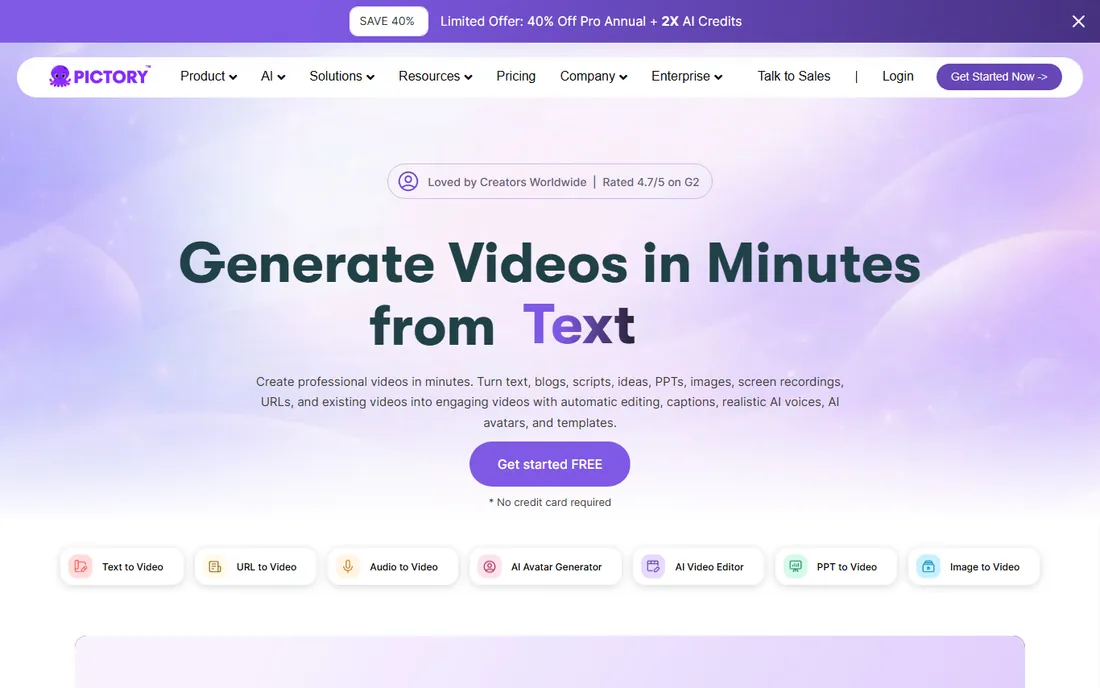
Pictory answers a different question from the avatar tools: what if you already have the words and just need the video? Paste a blog post URL or a script and Pictory builds scenes from stock footage, adds an AI voiceover, captions everything and pulls out highlight clips for social. At $25 a month for the Starter tier it is the cheapest paid entry on this list, and the workflow from article to video genuinely takes under fifteen minutes once you learn the editor.
The trade-off is originality. Stock footage is stock footage, and viewers can tell when a "custom" video is assembled from the same clips everyone else uses. There are no AI presenters, so talking-head content is out. Pictory is a repurposing machine, excellent for content marketers turning a blog archive into YouTube and social inventory, less suited to anyone who needs a distinctive visual brand.
What we like- Script-to-video in minutes
- Automatic captions and highlights
- Low $25 entry price
Watch out for- Visuals lean on stock footage that can feel generic
- No AI presenters
- Limited fine control over timing
#4
Runway
Best for: Generating original footage from text prompts
Visit runway.com
Starting price$15/month (Standard)
Free planYes, free tier with limited credits
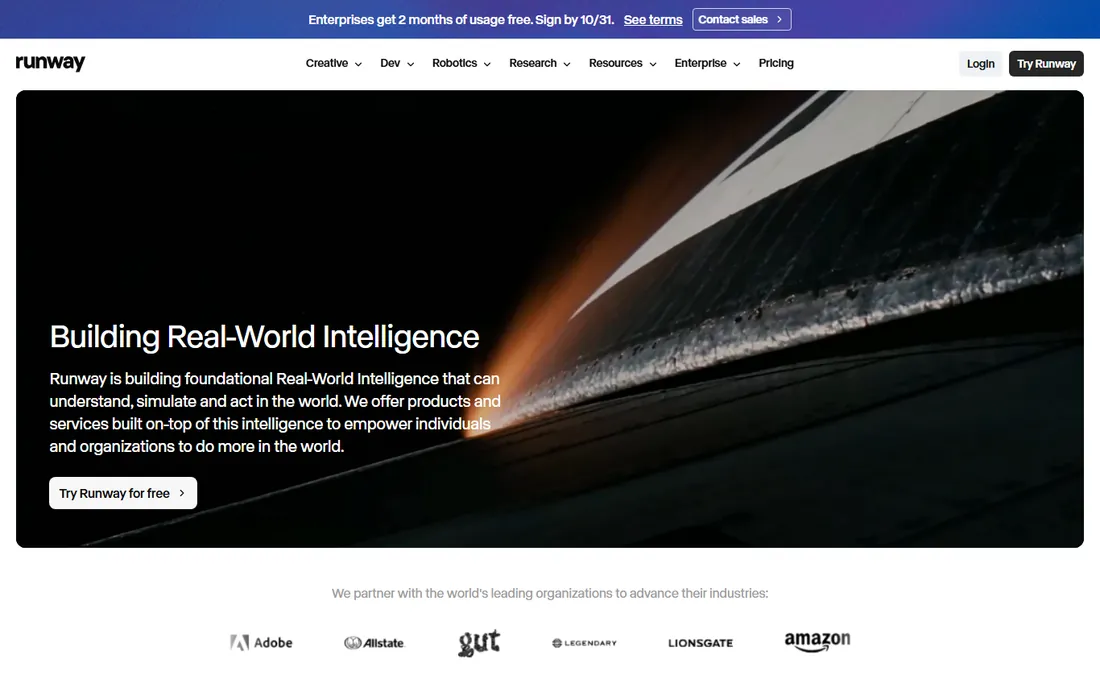
Runway is the only product here that creates video rather than assembling it. Its Gen-4 model turns text prompts or still images into moving footage, and tools like inpainting let you erase objects from real video or restyle scenes. At $15 a month for the Standard tier it is remarkably affordable for what the technology does, and the free tier gives you enough credits to learn whether generative video fits your workflow.
Set expectations honestly. AI-generated footage still has the occasional six-fingered hand or melting background, and getting a usable ten-second clip often takes three or four generations. This is a tool for creatives, agencies and marketers who want visuals nobody else has, not for a manager who needs a training video by Friday. Pair it with Descript or Kapwing for editing and you have a full AI production pipeline.
What we like- True generative video (Gen-4) from text and images
- Inpainting and motion brush for editing real footage
- Generous creative control
Watch out for- Outputs need curation and often several attempts
- Learning curve steeper than template tools
- Long clips burn credits fast
Starting priceSee website
Free planYes, free plan
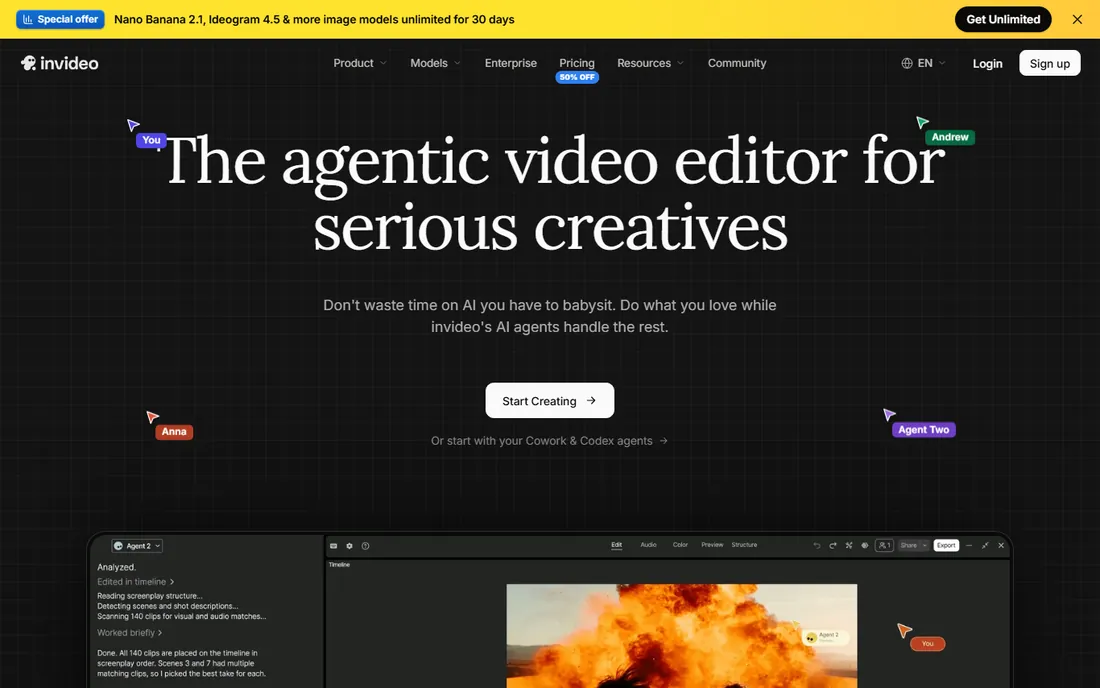
InVideo sits between the template libraries of old and the AI generators of now. You start from one of thousands of templates sized for YouTube, Reels, TikTok or ads, then let the AI draft the script, pick visuals and generate the voiceover. For a social media manager who needs five short promos a week, the assembly-line workflow is hard to beat, and the free plan lets you learn the editor before spending anything.
Two frustrations show up in reviews. Pricing details are vague until you create an account, which is never a great sign, and the free plan watermarks exports. The AI scene selection sometimes picks visuals that only loosely match your script, so plan on swapping clips. If you want maximum template choice and do not mind doing light cleanup, InVideo delivers volume fast.
What we like- Thousands of templates for every format
- AI script and voiceover generation
- Quick exports for social platforms
Watch out for- Pricing is hard to pin down before signup
- Free exports carry a watermark
- AI-generated scenes vary in quality
#6
Fliki
Best for: Videos carried by realistic AI voiceovers
Visit fliki.ai
Starting priceSee website
Free planYes, free plan

Fliki's bet is that voice makes the video. Its library of AI voices is one of the largest anywhere, with natural pacing and emphasis that avoids the monotone robot read of older text-to-speech. The signature workflows convert a blog post, a PowerPoint or even a tweet thread into a narrated video with matching stock visuals and subtitles. Podcasters use it to turn audio episodes into YouTube videos; bloggers use it to squeeze video inventory out of written archives.
The visuals are the weak link, since everything comes from stock libraries with limited customization. Pricing is not published on the site without an account, so budget planning requires a signup. And if you need precise editing, the timeline tools are basic next to Kapwing or Descript. Choose Fliki when the narration carries the content and the visuals just need to be competent.
What we like- Huge voice library with natural inflection
- Blog-to-video and tweet-to-video workflows
- Simple timeline editor
Watch out for- Pricing not shown before signup
- Visuals are stock-based
- Advanced editing features are thin
#7
Lumen5
Best for: Marketing teams repurposing content at scale
Visit lumen5.com
Starting priceSee website
Free planYes, free plan
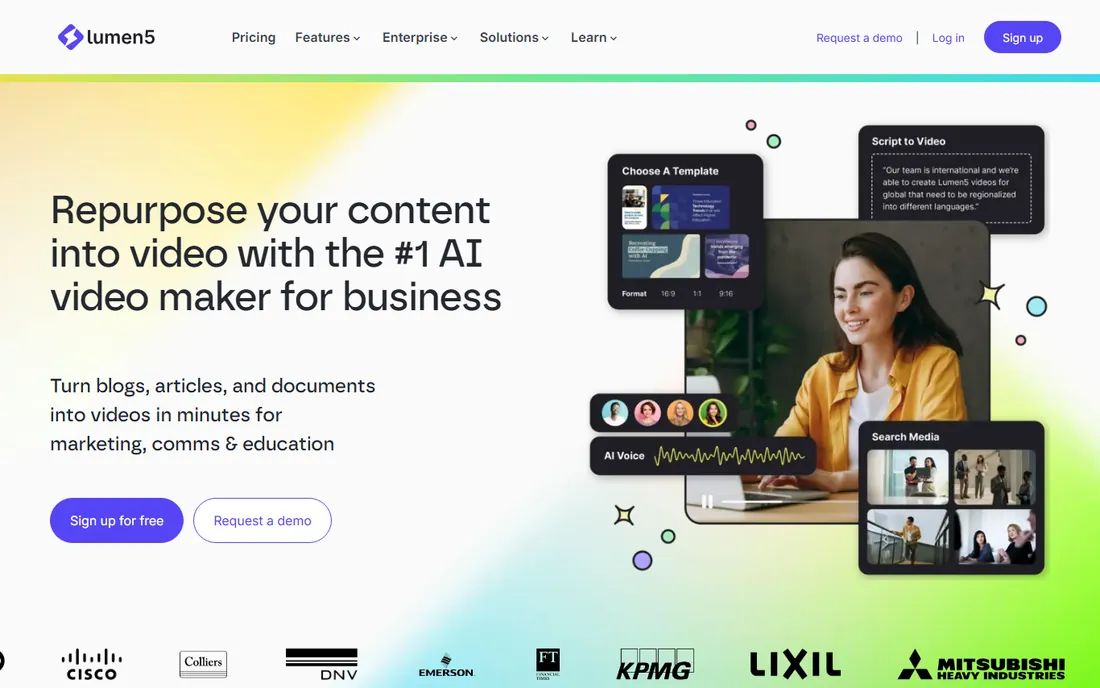
Lumen5 has been turning blog posts into videos longer than most competitors have existed, and it shows in the workflow. Brand kits lock in your fonts, colors and logo so every video a junior marketer produces still looks like your company made it. Team workspaces add review and approval steps, which matters once three people touch the same content calendar. The free plan is genuinely usable for experimenting with the format.
The downsides are price opacity and sameness. You cannot see pricing without signing up, and paid tiers cost more than Pictory or Fliki for output that looks similar to a trained eye. The template aesthetic is recognizable once you have seen a few Lumen5 videos. It earns its place for teams that need brand control and collaboration more than they need the lowest price.
What we like- Brand kits keep every video on-style
- Team workspaces and approvals
- Purpose-built for content repurposing
Watch out for- Pricing hidden behind signup
- Template look is recognizable
- Costs more than simpler rivals for similar output
Starting price$16/month (paid plans start here)
Free planYes, free plan
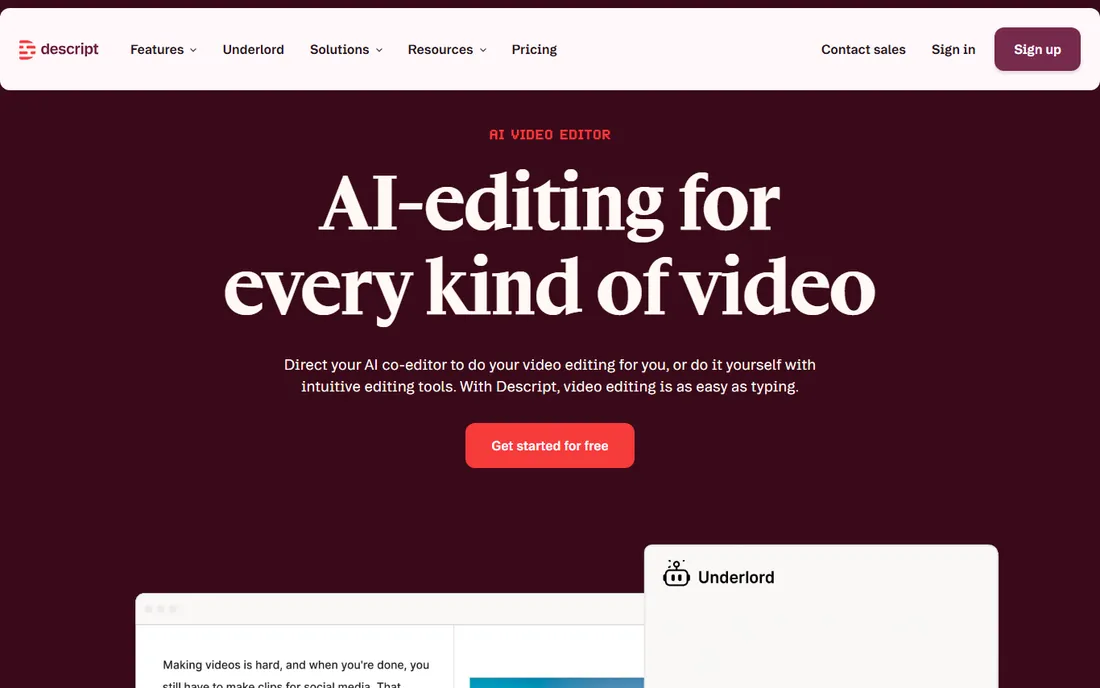
Descript belongs on this list sideways: it does not generate video from nothing, but it is the best AI tool for turning raw footage into finished video. Upload a recording and Descript transcribes it; then you edit by deleting sentences from the text, and the video cuts itself. Overdub clones your voice so you can fix a flubbed line by typing the correction. Studio Sound removes room echo, and one click strips every "um" and "uh." Paid plans start at $16 a month, and the free plan covers short projects.
The limitation is right in the strength: you need source footage. Descript will not conjure a presenter or B-roll from a prompt. Complex motion graphics and color grading still belong in Premiere or DaVinci. But for talking-head YouTube videos, course lessons and podcast video, the transcript workflow cuts editing time so dramatically that many creators never go back.
What we like- Delete a word in the transcript and it vanishes from the video
- Overdub creates an AI clone of your voice
- Filler-word removal and Studio Sound
Watch out for- Not a video generator, it edits footage you provide
- Learning curve for the transcript workflow
- Heavy effects work still needs a traditional editor
#9
Colossyan
Best for: Training videos with multiple AI presenters in conversation
Visit colossyan.com
Starting priceSee website
Free planFree trial
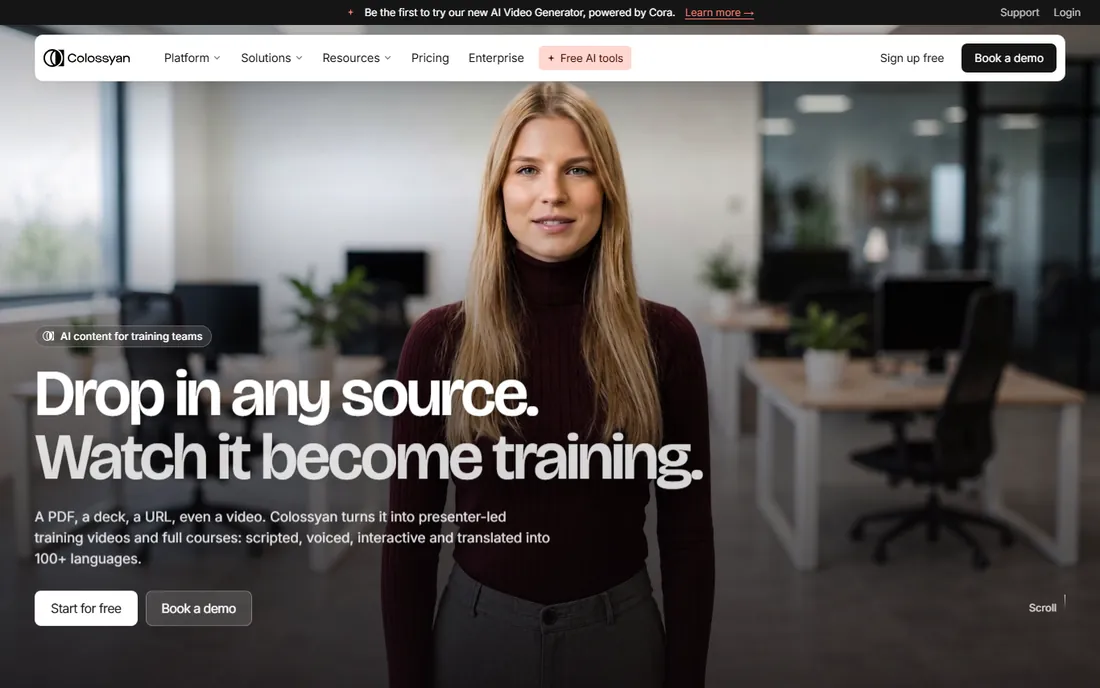
Colossyan's signature trick is conversation: two AI presenters in side view who take turns delivering a dialogue, which makes compliance scenarios and sales training feel less like a lecture. Auto-translation converts a finished video into dozens of languages while keeping the same presenters, and the templates are built around workplace learning scenarios. Setup is quick enough that an L&D team can publish its first course video the same day.
It is a narrower product than Synthesia. The avatars are good but not quite as lifelike, there is no free tier beyond the trial, and pricing details are thin on the site. Colossyan fits learning teams that specifically want dialogue-style training videos and multilingual output without enterprise complexity. If you need a single presenter or marketing content, the bigger platforms give you more.
What we like- Side-view avatars that talk to each other
- Automatic translation into dozens of languages
- Simple scenario-based templates
Watch out for- No free tier, trial only
- Avatar realism trails Synthesia
- Pricing requires contacting sales on higher tiers
Starting priceSee website
Free planYes, free plan (exports carry a watermark)
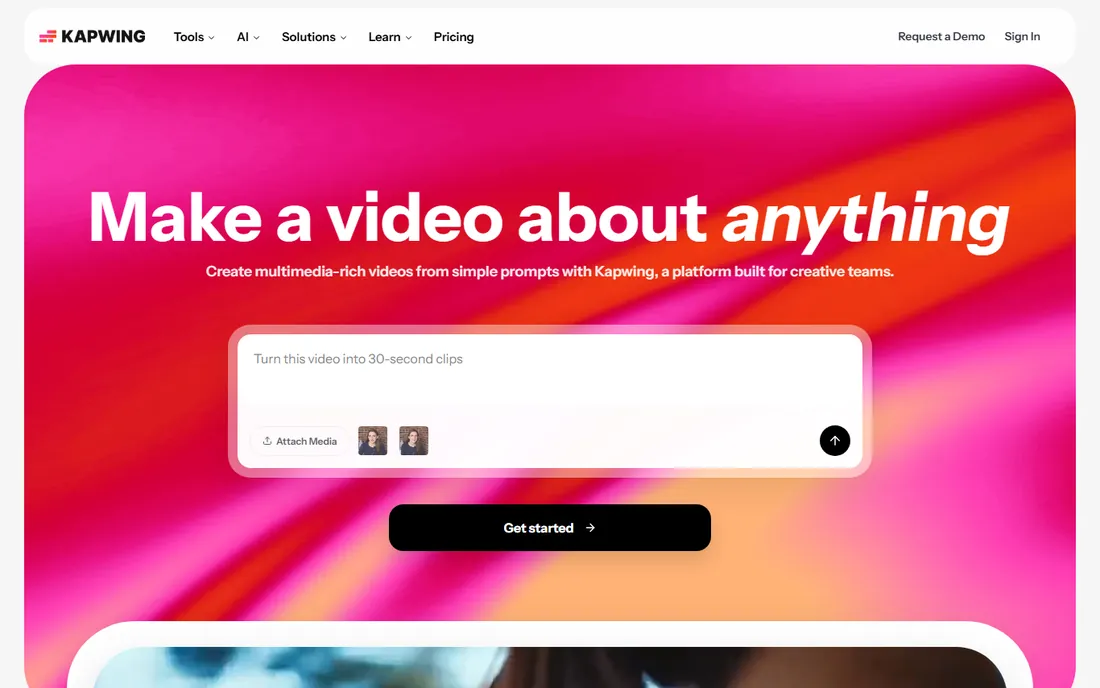
Kapwing is the Swiss-army option: a complete video editor that runs in your browser, with AI features layered on top. Auto-captions in dozens of languages, background removal, eye-contact correction, silence trimming and a repurposing tool that cuts long videos into shorts. Teams can comment and edit the same project simultaneously, which remote content teams love. The free plan is generous for learning, though exports carry a watermark until you pay.
It is an editor first and a generator second. The AI video generation exists but does not match Runway's quality or Synthesia's presenters. Very long or 4K timelines can get sluggish in a browser tab. For a small team that needs one tool for editing, captioning, resizing and light AI generation, Kapwing replaces three subscriptions. For pure AI generation, pick a specialist above.
What we like- Full editor in the browser, no install
- AI tools for captions, cleanup and repurposing
- Real-time collaboration like Google Docs
Watch out for- Free exports are watermarked
- AI generation less deep than dedicated tools
- Long 4K projects can strain browser performance
The credit system, explained
Almost every AI video tool rations output through credits or minutes per month, and this is where buyers get surprised. "Unlimited videos" usually means unlimited projects, not unlimited rendering: each finished minute costs credits. HeyGen's Creator tier, Pictory's Starter and Runway's Standard all reset monthly, and unused credits typically do not roll over.
Before you buy, estimate your real volume. Count your finished minutes per month, then double it for revisions. Check whether avatars, voiceovers and translations share one credit pool. And read the overage terms: some tools cut you off, others bill extra minutes at rates that dwarf the subscription.
What to match to your video job
Start from the job, not the tool. Talking-head training videos point to Synthesia, HeyGen or Colossyan. Turning written content into video points to Pictory, Fliki or Lumen5. Original creative footage points to Runway. Editing recorded footage points to Descript or Kapwing. Buying a generator when you needed an editor (or the reverse) is the most common expensive mistake in this category.
Next, check the voices and languages you actually need. If your audience is multilingual, test the specific languages on the free tier before paying; quality varies enormously between English and smaller languages. If the voice carries your brand, compare voice cloning samples across HeyGen, Fliki and Descript's Overdub with your own ears.
Finally, look at export and ownership terms. Confirm the resolution and watermark policy on your tier, whether you can download project files, and what the commercial-use license covers. A watermarked export is fine for testing and fatal for client work.
How we chose
We pulled pricing and plan limits from each vendor's own pricing page, then tested what the free tiers actually allow without a credit card. We read G2, Capterra and Reddit threads for complaints about credit burn, generation quality and support, and we weighted the picks for a small US business buyer: a marketing manager or owner who needs finished videos weekly without hiring an editor. Products that had shut down, merged, or pivoted away from video creation were left out.
Frequently asked questions
How much does AI video software cost per month?
Entry tiers run $15 to $30 a month (Runway $15, Pictory $25, HeyGen $29); mid tiers with more minutes run $60 to $90 (Synthesia Creator $89). Every tool offers a free tier or trial, but free output is watermarked or limited. Budget for the tier covering your monthly minutes including revisions.
Can AI avatars replace hiring actors?
For training, onboarding and internal updates, usually yes: the quality is good enough and the cost difference is enormous. For advertising and brand storytelling, most viewers still sense the artificiality, and a real human performs better. A common setup is AI avatars for high-volume routine video and real shoots for flagship content.
What is the difference between credits and minutes?
Minutes measure finished video length; credits are the vendor's internal currency where different actions cost different amounts (an avatar minute might cost more than a voiceover minute). Always translate the plan into finished minutes per month for your use case before comparing prices across tools.
Do I own the videos I create?
Generally yes for paid tiers: vendors grant commercial-use licenses to the output. Read the terms for your specific tier, since free plans sometimes restrict commercial use or claim broader rights. Keep local copies of final exports regardless of what the platform promises about hosting.
Which tool is best for YouTube faceless channels?
Pictory and Fliki are the most popular: script in, narrated stock-footage video out, with auto captions. Runway adds original visuals if you want to stand out. YouTube still requires original commentary, not auto-generated slideshows.
Can these tools clone my voice?
HeyGen, Fliki and Descript (Overdub) all offer voice cloning from a short recording sample. Quality ranges from convincing to slightly off depending on the sample. Get written consent before cloning anyone else's voice, and check your state's rules on synthetic media disclosure for ads.
Sources we checked (10)
- https://www.synthesia.io/pricing
- https://www.heygen.com/pricing
- https://pictory.ai/pricing
- https://runway.com/pricing
- https://invideo.io/pricing
- https://fliki.ai/pricing
- https://lumen5.com/pricing
- https://www.descript.com/pricing
- https://www.colossyan.com/pricing
- https://www.kapwing.com/pricing
Is your product missing or out of date?
We review this list regularly. Vendors can request a listing, send updated pricing or ask about featured placement.

Shihab Mia · Founder, Rankite
Shihab has spent more than a decade helping SaaS and e-commerce brands grow through search. He writes Rankite's software buying guides from pricing pages, documentation and public user reviews. More about Shihab.