How we make this list: we compare pricing pages, product documentation and public user reviews. Ratings come from G2, Capterra or Trustpilot, with the date we checked them.

Direct answer
Creatify is the best AI product video generator for most stores because it turns a product URL into video ads with scripts, avatars, and voices, starting at $10 per month. HeyGen suits brands that want avatar explainers in many languages. Runway fits teams that want cinematic product shots and reshoots.
Key takeaways
- Stores that want product URL to video ads should start with Creatify Standard at $10 per month, with 10 free monthly credits for testing.
- Brands selling in many languages should compare HeyGen Creator at $29 per month, with narration in 177+ languages and 600 credits per month.
- Creative teams should price Runway Standard at $12 per month billed annually, where 625 credits equal about 52 seconds of Gen-4.5 video.
- TikTok Shop sellers should look at Pippit Starter at USD101 yearly, built around link to video selling and publishing.
- Photo-first catalogs should check Photoroom Max at 34.99 USD, the cheapest Photoroom plan with video tools.
Quick comparison
| Tool | Best for | Starting price | Free plan |
|---|
 Creatify | Product URL to UGC ad variations | Standard $10/month | 10 monthly credits, up to 2 video ads or 20 image ads, watermark |
 HeyGen | Avatar product explainers in many languages | Creator $29/month ($24/month billed annually) | Free $0/month, 3 videos/month, up to 1 min each, 1080p |
 Runway | Cinematic product shots and reshoots | Standard $12/month billed annually | 125 one-time credits |
 Pippit | TikTok Shop link to video selling | Starter USD101/Yearly | USD0, no credit card, free daily credits, amount not stated |
 PixVerse | One photo to finished product commercial | See website | None found on vendor page |
 Luma AI | Premium product films with edit control | See website | Free trial credits included, amount not stated |
 Kling AI | Realistic product motion from images | See website | None found on vendor page |
 Topview AI | Many ad concepts with product avatars | Plus $36, $432 billed annually | None found on vendor page |
 InVideo AI | Prompt based social product videos | Starter $10 per seat/mo, billed annually | Free plan mentioned in pricing FAQ, limits not stated |
 Photoroom | Existing product photos to listing videos | Max 34.99 USD, cheapest plan with video | None found on vendor page |
Is your product missing or out of date?
We review this list regularly. Vendors can request a listing, send updated pricing or ask about featured placement.
The best AI product video generators
Product video used to need a shoot, an edit, and a voiceover session. AI generators now start from a product URL, a photo, or a short prompt and return a video with script, voice, captions, and music. The tools differ in what they optimize: Creatify and Pippit build ad variations from product links, Runway and Luma focus on film quality and camera control, and Photoroom animates the photos already in your catalog. Credits decide the real price, since one finished video can cost a few credits or several hundred. This list ranks 10 tools on product workflow, published credit costs, and free tiers. Prices were checked on vendor pages on 2026-11-28.
Starting priceStandard $10/month
Free plan10 monthly credits, up to 2 video ads or 20 image ads, watermark
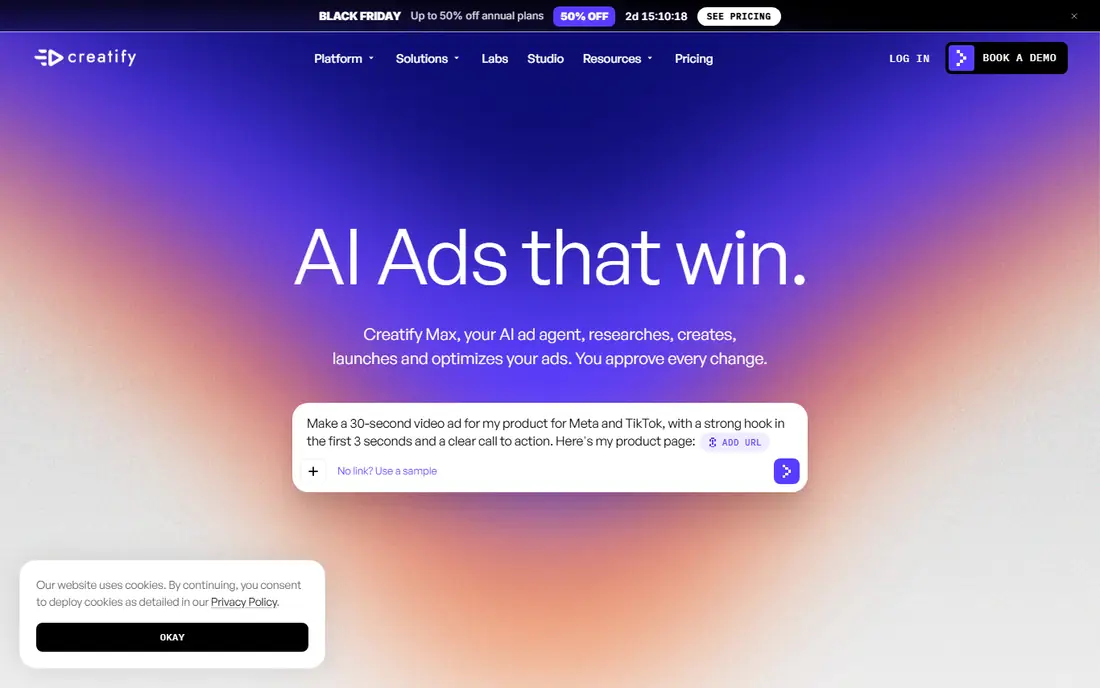
Creatify is built for one job: paste a product URL and get video ads. It supports Amazon, Shopify, App Store, and Google Play links, and generates scripts, avatars, and voices in 75+ languages. Standard costs $10 per month on the pricing page checked, which carried a Black Friday annual promotion, so confirm the rate at signup. The free tier gives 10 monthly credits, enough for up to 2 video ads or 20 image ads with a watermark. For a store testing many products, URL input removes the manual step of copying titles, prices, and images into a video tool.
The catch is throughput and credit math. Standard caps video length at 2 min with 1 parallel generation, and credit use varies by model and output, so the $10 plan suits testing more than volume production. Free exports carry a watermark. Pick Creatify if you want fast ad variations from product links. Look elsewhere if you need long-form product films or frame-level camera control.
What we like- Turns product URLs into video with scripts, avatars, and voices
- Supports Amazon, Shopify, App Store, and Google Play links
- 75+ languages
Watch out for- Standard limits video length to 2 min with 1 parallel generation
- Credit use varies by model and output
Starting priceCreator $29/month ($24/month billed annually)
Free planFree $0/month, 3 videos/month, up to 1 min each, 1080p

HeyGen turns product material into avatar-led videos with narration in 177+ languages and lip sync. Creator costs $29 per month, or $24 per month billed annually, with 600 credits per month, 1080p export, and watermark removal. The free plan allows 3 videos per month up to 1 min each at 1080p. HeyGen's ecommerce video maker adds pans and zooms to product photos, auto captions, and an AI spokesperson, which suits explainers and localized product demos more than raw UGC-style ads.
The catch is volume. The free plan stops at 3 short videos a month, and Creator is a 1080p tier, so 4K product films need Pro. Six hundred credits a month also limits how many finished videos a busy catalog can produce. Pick HeyGen if one product video must ship in many languages with a consistent presenter. Look elsewhere if you want dozens of UGC-style variations from product URLs.
What we like- Product photos into moving video with pans and zooms
- Narration in 177+ languages with lip sync
- Auto captions and AI spokesperson
Watch out for- Free plan capped at 3 short videos a month
- Creator exports at 1080p, with 4K on Pro
Starting priceStandard $12/month billed annually
Free plan125 one-time credits
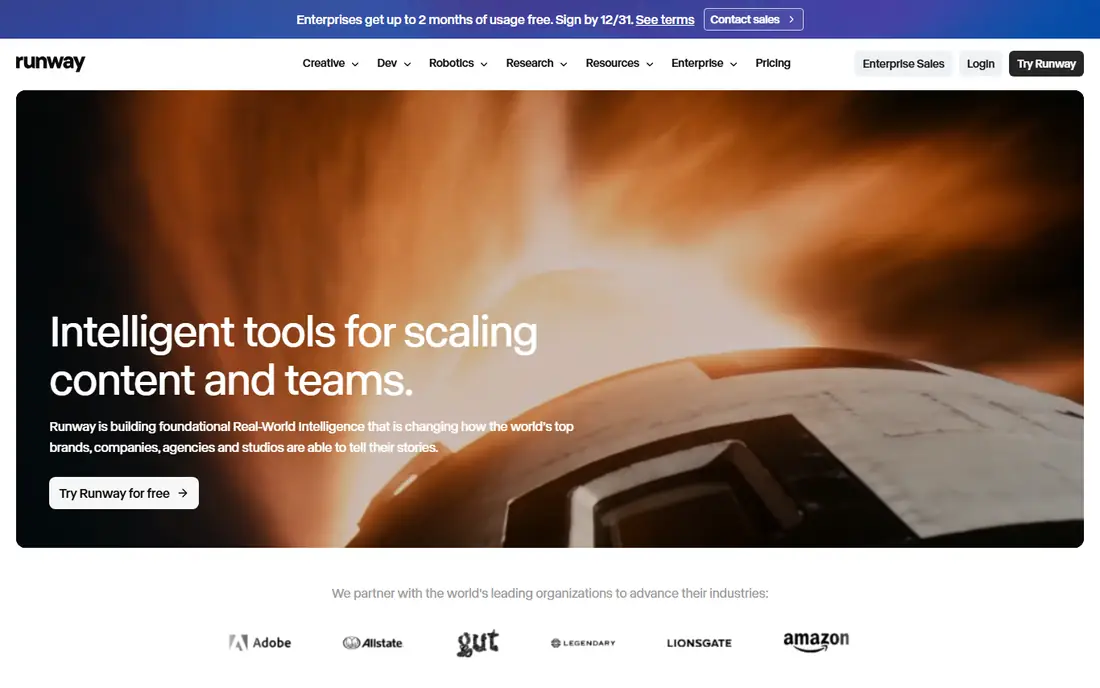
Runway is a film-grade generator rather than an ad factory. Standard costs $12 per month billed annually, with a first year promotion shown at $8.40 per month, and includes 625 credits per month. It gives access to all AI video and image models including Gen-4.5, plus product reshoots and scene relights that suit hero product shots. Paid plans remove watermarks and add 4K upscaling. The free tier is 125 one-time credits with 5GB storage, enough to judge output quality on your own products.
The catch is credit burn. Standard's 625 credits equal about 52 seconds of Gen-4.5, so a single polished 15 second product film with retries can consume much of a month. Credits on Standard and Pro do not roll over. Pick Runway if visual quality and shot control matter more than volume. Look elsewhere if you need 50 ad variations a week from product links.
What we like- Access to all AI video and image models including Gen-4.5
- Product reshoots and scene relights
- Paid plans have no watermarks and 4K upscaling
Watch out for- Standard 625 credits equal about 52s of Gen-4.5
- Standard and Pro credits do not roll over
Starting priceStarter USD101/Yearly
Free planUSD0, no credit card, free daily credits, amount not stated
Pippit, formerly CapCut Commerce Pro, is built for social commerce sellers. Starter costs USD101 yearly with 1,575 monthly credits, and the free plan costs USD0 with no credit card and free daily credits, though the daily amount is not stated. The Video Agent takes a link, media, or file and applies aspect ratio, language, and duration controls. Pippit also handles TikTok Shop links, scheduling, publishing, and analytics, plus product photos and batch edits in its Image studio. For a TikTok Shop seller, creation and posting live in one tool.
The catch is billing shape and free tier opacity. The paid price is yearly and auto-renews, watermark removal is paid, and the free daily credit amount is not published, so test output volume before planning a content calendar around it. Pick Pippit if you sell through TikTok Shop and want link to video in one flow. Look elsewhere if you need monthly billing or published per-video credit costs.
What we like- Video Agent takes any link, media, or file with aspect ratio, language, and duration controls
- TikTok Shop links, scheduling, publishing, and analytics
- Product photos and batch edit in Image studio
Watch out for- Paid price is yearly and auto-renews
- Watermark removal is a paid feature
Starting priceSee website
Free planNone found on vendor page
PixVerse focuses on turning a single product photo into a finished commercial. Its Ad Master takes one product photo and selling points and returns a 32-second commercial with voiceover, captions, and music. The platform also lists lip sync, audio, editing, multi-frame control, and character reference, with API docs for production workflows. That one-photo input suits catalogs with good stills and no video assets. The subscription page did not open during checking, so the starting price is listed as See website rather than copied from a third party.
The catch is verification on two levels. PixVerse itself says product accuracy still needs human review before paid distribution, so logos, labels, and colors need a check on every output. The price also could not be confirmed on the vendor page. Pick PixVerse if one-photo commercials fit your catalog and you will review outputs. Look elsewhere if you need a published price and credit table before testing.
What we like- Ad Master turns one product photo and selling points into a 32-second commercial with voiceover, captions, and music
- Lip sync, multi-frame control, and character reference
- API docs for production workflows
Watch out for- Vendor page says product accuracy still needs human review before paid distribution
- Pricing page did not open, so price is unverified
Starting priceSee website
Free planFree trial credits included, amount not stated
Luma AI, now presented as Luma with Ray3.2 in place of the Dream Machine name, targets premium product films. It offers multi-keyframe sequencing, HDR workflows, EXR export, image-to-video with camera control, and Motion Transfer. The Layers feature edits one element while preserving the layout, which helps when a product detail changes. The pricing page lists credit amounts by plan, Plus 10,000, Pro 40,000, and Ultra 150,000, and states all plans include free trial credits and commercial use, but dollar amounts did not appear in the page text checked.
The catch is credit burn at quality settings. A 1080p Ray3.2 clip costs 400 credits per 5 seconds, so a 30 second product film with retries consumes thousands of credits. With no dollar price copied from the vendor page, cost per video needs a live check. Pick Luma if you want film-level control over product shots. Look elsewhere if you need predictable per-video pricing for ad volume.
What we like- Ray 3.2 multi-keyframe sequencing with HDR workflows and EXR export
- Image-to-video with camera control and Motion Transfer
- Layers edits one element while preserving the layout
Watch out for- 1080p Ray3.2 costs 400 credits per 5 sec, so credits run down fast
- Dollar price not shown in pricing page text checked
#7
Kling AI
Best for: Realistic product motion from images
Visit kling.ai
Starting priceSee website
Free planNone found on vendor page
Kling AI generates realistic motion from product images, with vendor examples covering ecommerce fashion showcases and consumer electronics breakdowns built from product images and selling points. Its Canvas agent handles scripts, storyboards, and post-production steps in one workspace. For products where movement sells the item, such as apparel on a model or a device feature demo, image-to-video quality is the draw. The membership page opened with only a heading in the text checked, so no price could be copied and the starting price is listed as See website.
The catch is that Kling is a general creative studio first. Ecommerce is one application among many, and no free limits were found on the pages checked, so testing cost is unclear until signup. Pick Kling AI if realistic product motion from stills is your priority. Look elsewhere if you want a product URL workflow with published ad pricing.
What we like- Ecommerce fashion showcases from product images
- Electronics product breakdowns and feature demos from images and selling points
- Canvas agent for scripts, storyboards, and post-production
Watch out for- Membership page showed no price in text checked
- Homepage is a general creative studio with ecommerce as one application
Starting pricePlus $36, $432 billed annually
Free planNone found on vendor page
Topview AI is built for testing many ad concepts with product avatars. Plus costs $36 per month billed as $432 annually, with 100 credits per month. The vendor lists unlimited saved Product Avatars, 5000+ public avatars, and published credit costs by model and resolution, so buyers can estimate cost per video before generating. A TikTok Ad Library with unlimited browsing and filtering helps teams study formats before producing their own. For performance marketers, avatar variety plus a reference library is the appeal.
The catch is credit volume. One hundred credits a month on Plus limits finished videos once model and resolution costs are applied, and no free plan is listed on the pricing page. Annual billing also commits budget before output quality is proven on your products. Pick Topview if avatar-led ad testing is your main workflow. Look elsewhere if you want a free tier to validate quality first.
What we like- Unlimited saved Product Avatars and 5000+ public avatars
- Published credit costs by model and resolution
- TikTok Ad Library with unlimited browsing and filtering
Watch out for- Plus includes only 100 credits per month
- No free plan listed on the pricing page
Starting priceStarter $10 per seat/mo, billed annually
Free planFree plan mentioned in pricing FAQ, limits not stated
InVideo AI turns prompts into social videos with a full timeline editor on every plan. Starter costs $10 per seat per month billed annually with 400 credits per seat per month. Multiplayer editing suits small teams that review cuts together. Higher plans add Seedance 2.5 and Seedance 2.0 access for stronger generation models. For product videos, the prompt workflow fits sellers who start from a script or selling points rather than a product URL, and the timeline editor allows manual fixes after generation.
The catch is tier gating. Starter has no Seedance 2.5 or 2.0 access and includes Agent Two Lite only, and unused credits do not roll over. The vendor also reserves the right to update credit costs without prior notice. Pick InVideo AI if you want prompt generation plus a real editor. Look elsewhere if product URL input matters more than editing control.
What we like- Full timeline editor on every plan
- Multiplayer editing
- Plus and Max add Seedance 2.5 and Seedance 2.0 access
Watch out for- Starter lacks Seedance 2.5 and 2.0 access
- Unused credits do not roll over
Starting priceMax 34.99 USD, cheapest plan with video
Free planNone found on vendor page
Photoroom starts from the photos already in your catalog. Its Product Animator uses 1 to 4 photos with 300+ templates and downloads in under a minute, and the Video Ad Maker guides shots, script, and voiceover, then exports 5, 8, or 10-second videos in 9:16 or 16:9. Background removal and animation sit in one platform, which suits sellers already cleaning product images there. Max at 34.99 USD is the cheapest plan with video; the billing period was not shown in the pricing text checked, so confirm it at signup.
The catch is plan gating. Both video tools require Max or Ultra, since Pro has no video, and Max allows up to 50 video generations only if credits go to video rather than images. App plans include no API allowance. Pick Photoroom if your catalog photos are strong and you want short listing videos fast. Look elsewhere if you need avatar presenters or URL-based ad generation.
What we like- Product Animator uses 1 to 4 photos and 300+ templates, download in under a minute
- Video Ad Maker exports 5, 8, or 10-second videos in 9:16 or 16:9
- Background removal and animation in one platform
Watch out for- Video tools are Max and Ultra only, Pro has no video
- Max allows up to 50 video generations only if credits go to video
What does one finished product video actually cost?
Credits decide the real price, so convert plans to cost per finished video. On Runway Standard at $12 per month, 625 credits equal about 52 seconds of Gen-4.5, so one 15 second product film with two retries can use most of a month. On Luma, 1080p Ray3.2 costs 400 credits per 5 seconds, so a 30 second film costs 2,400 credits before retries. On Creatify, the free tier's 10 credits cover up to 2 video ads, which prices a test video at about 5 credits. On HeyGen Creator, 600 credits a month at $29 spreads across explainers rather than short ads. Before buying, generate one video with your own product on the free tier, count the credits it used, and multiply by your monthly video target. That number, not the plan price, tells you the monthly bill.
Creatify is the direct answer: it accepts Amazon, Shopify, App Store, and Google Play product links and returns video ads with scripts, avatars, and voices, starting at $10 per month. Pippit also takes links through its Video Agent, with TikTok Shop publishing built in, at USD101 yearly. URL input matters when you test many products, since titles, images, and prices carry over without manual copying. If your source material is photos rather than links, Photoroom's Product Animator or PixVerse Ad Master fits better.
Are AI product videos good enough for paid ads?
They are good enough to test, with a human check before spend. PixVerse states product accuracy still needs human review before paid distribution, which applies across generators: logos, label text, and colors can shift. Creatify and Topview are built for ad testing volume, with avatars and templates aimed at short social ads. Runway and Luma produce stronger hero shots but burn credits faster. A practical workflow is to generate several variations, review product details frame by frame, then put budget behind the cleanest cut.
What is the cheapest way to test AI product videos?
Start with free tiers that use your own product. Creatify gives 10 monthly credits for up to 2 video ads, HeyGen gives 3 videos a month up to 1 min at 1080p, and Runway gives 125 one-time credits. Pippit offers free daily credits with no credit card. Generate the same product video in two or three tools, compare product accuracy and credit use, then buy the plan whose credit math fits your monthly volume. Avoid annual plans until one tool proves quality on your catalog.
Frequently asked questions
What is the best AI tool to turn product photos into videos?
Photoroom is the photo-first pick: Product Animator uses 1 to 4 photos with 300+ templates on Max at 34.99 USD. PixVerse Ad Master turns one photo and selling points into a 32-second commercial, but its price is See website. Runway suits photo-based hero shots where quality matters more than volume.
How much does an AI product video cost?
It depends on credits per finished video. Creatify Standard is $10 per month and its free 10 credits cover up to 2 video ads. Runway Standard is $12 per month for 625 credits, about 52 seconds of Gen-4.5. Luma charges 400 credits per 5 seconds at 1080p. Always price your own test video before choosing a plan.
Which generator is best for Shopify product videos?
Creatify supports Shopify product links directly and starts at $10 per month. Pippit targets TikTok Shop selling at USD101 yearly with publishing and analytics included. For Shopify stores that also run TikTok ads, test Creatify for URL-based variations and Pippit for shop-linked posting, then keep the one with lower credit cost per usable video.
Can AI generators make UGC-style product ads?
Yes. Creatify builds UGC-style ads from product URLs with avatars and voices in 75+ languages. Topview offers unlimited saved Product Avatars and 5000+ public avatars on Plus at $36 per month billed annually. Review every output for product accuracy before paid distribution, since generated labels and logos can drift.
Do free plans include watermarks?
Some do. Creatify free exports include a watermark, and Runway free images carry a watermark while paid plans remove them. HeyGen free allows 3 videos a month at 1080p, with watermark removal on Creator at $29 per month. Pippit free daily credits exist, but watermark removal is a paid feature. Check watermark terms before using free output in ads.
What to look for before you buy
First, match the input to your assets: product URLs suit Creatify, photos suit Photoroom and PixVerse, and prompts suit InVideo AI. Second, convert credits to cost per finished video using your own product, including retries. Third, check output specs that matter for ads, such as 9:16 export, captions, and watermark removal. Fourth, confirm language and voice needs, since HeyGen covers 177+ languages while others focus on ad formats. Fifth, review product accuracy on every generated video before paid distribution, and keep a human approval step in the workflow.
How we chose
We screened 18 AI video tools, then picked 10 that are live, accept product photos, URLs, or prompts, and publish pricing or state it on vendor pages. Prices and credit costs were checked on vendor pricing and product pages on 2026-11-28. PixVerse, Luma AI, and Kling AI are listed as See website because prices did not render on the pages checked. Photoroom's billing period was not shown in the pricing text, so confirm it at signup. We did not publish test videos or run ad campaigns.
Sources we checked (10)
- https://creatify.ai/pricing
- https://www.heygen.com/tool/ecommerce-video-maker
- https://runway.com/pricing
- https://pippit.ai/pricing
- https://pixverse.ai/en/blog/best-ai-video-generator-for-ecommerce
- https://lumalabs.ai/pricing
- https://kling.ai/
- https://www.topview.ai/pricing
- https://invideo.io/pricing/
- https://www.photoroom.com/tools/video-generator
Is your product missing or out of date?
We review this list regularly. Vendors can request a listing, send updated pricing or ask about featured placement.

Shihab Mia · Founder, Rankite
Shihab has 5+ years in B2B and SaaS SEO. He writes Rankite's software buying guides from pricing pages, documentation and public user reviews. More about Shihab.