How we make this list: we compare pricing pages, product documentation and public user reviews. Rankite is independent; if a vendor ever pays for a featured spot, that listing is clearly labeled Partner.
Key takeaways
- ChatGPT Plus ($20/month) is the best value if you already need a chatbot subscription, since image generation is included with generous limits.
- Midjourney still produces the most distinctive, art-directed imagery, but it has no free tier and your generations are public on the two cheapest plans.
- Ideogram is the clear pick when the image must contain readable text, such as posters, ads or packaging mockups.
- Adobe Firefly is the safest option for client work because its models are trained on licensed content and Adobe offers IP indemnification on paid plans.
- For high-volume production, API-based pricing from Black Forest Labs or Stability AI usually beats a flat subscription once you pass a few hundred images a month.
Your designer is booked solid for two weeks, but the landing page needs a hero image by Friday. The product shots from the warehouse look flat, and stock photo sites keep showing the same smiling people in headsets. This is the exact situation AI image platforms are built for. The problem is no longer whether AI can make a usable image. It is which platform fits your workflow, your budget and your tolerance for fiddling with prompts.
The ten platforms below cover the full range, from chatbots that happen to make images to professional design studios built around generation. Prices were checked in October 2026 and change often, so confirm before you subscribe.
Quick comparison
| Tool | Best for | Starting price | Free plan |
|---|
 Midjourney Midjourney | distinctive, art-directed imagery | $10/month (billed monthly) | No |
 ChatGPT ChatGPT | everyday images inside a subscription you may already pay for | Free; Plus $20/month | Yes |
 Adobe Firefly Adobe Firefly | commercially safe images for client work | Free; Standard $9.99/month | Yes (limited daily generations) |
 Leonardo AI Leonardo AI | game art, concept design and batch production | Free; $12/month | Yes (150 tokens per day) |
 Ideogram Ideogram | posters, ads and logos with readable text | Free; Plus $20/month | Yes |
 Recraft Recraft | logos, icons and vector brand assets | Free; Basic $10/month | Yes |
 Black Forest Labs Black Forest Labs | photorealistic images through an API at scale | Usage-based, from about $0.02 per image (API) | Free playground for experimenting |
 Stability AI Stability AI | open models, self-hosting and full control | Free (open weights); Stable Assistant from $9/month | Yes |
 Playground Playground | fast, casual image creation in the browser | Free; Pro $15/month | Yes |
 Google Gemini Google Gemini | conversational image editing for Google users | Free; Google AI Pro $19.99/month for higher limits | Yes |
Is your product missing or out of date?
We review this list regularly. Vendors can request a listing, send updated pricing or ask about featured placement.
Starting price$10/month (billed monthly)
Free planNo
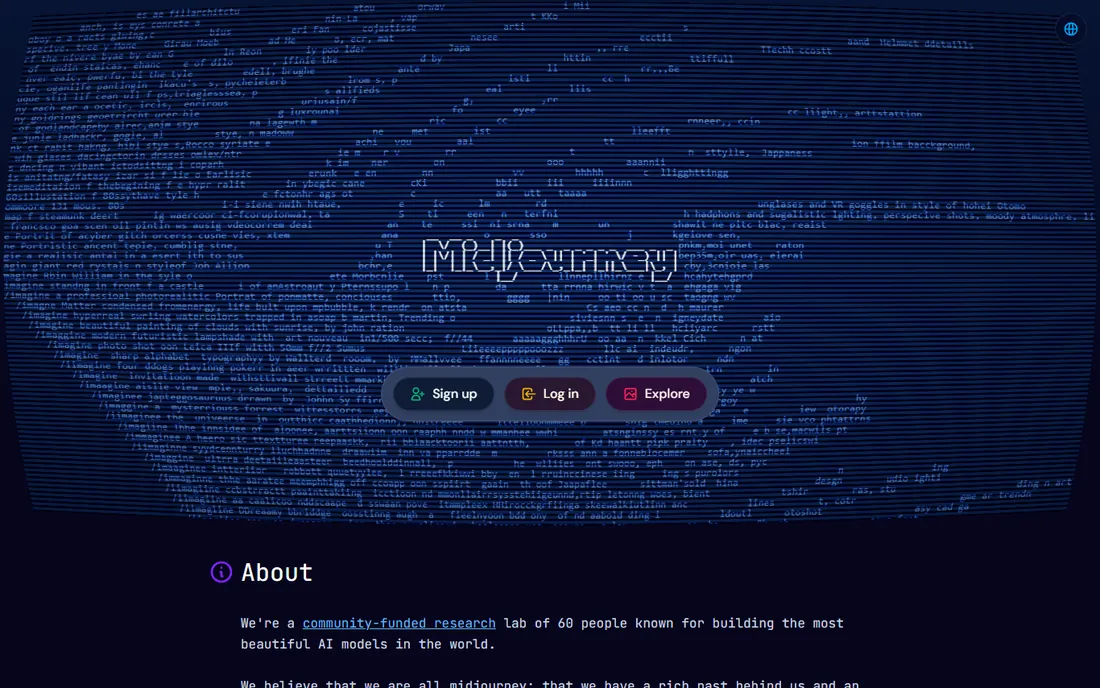
Midjourney remains the platform people mean when they say an image "looks AI-generated" in a good way. Its V8 models produce painterly, cinematic and richly detailed images with less prompt engineering than competitors demand. If your brand leans on mood and atmosphere, such as a boutique hotel, a coffee brand or a game studio, Midjourney gets you there faster than anything else here.
The pricing is straightforward but unforgiving. You are buying GPU time, not images: Basic gives 3.3 fast hours a month (roughly 200 images), Standard adds unlimited slower Relax-mode generation for $30. There is no free tier, and Stealth mode requires the $60 Pro plan. Companies earning over $1 million a year must also be on Pro or above for the commercial terms to apply.
What we like- Highest aesthetic ceiling in the category
- Strong community and style exploration
- Commercial rights on paid plans
Watch out for- No free tier or trial
- Generations are public on Basic and Standard plans
#2
ChatGPT
Best for: everyday images inside a subscription you may already pay for
Visit chatgpt.com
Starting priceFree; Plus $20/month
Free planYes
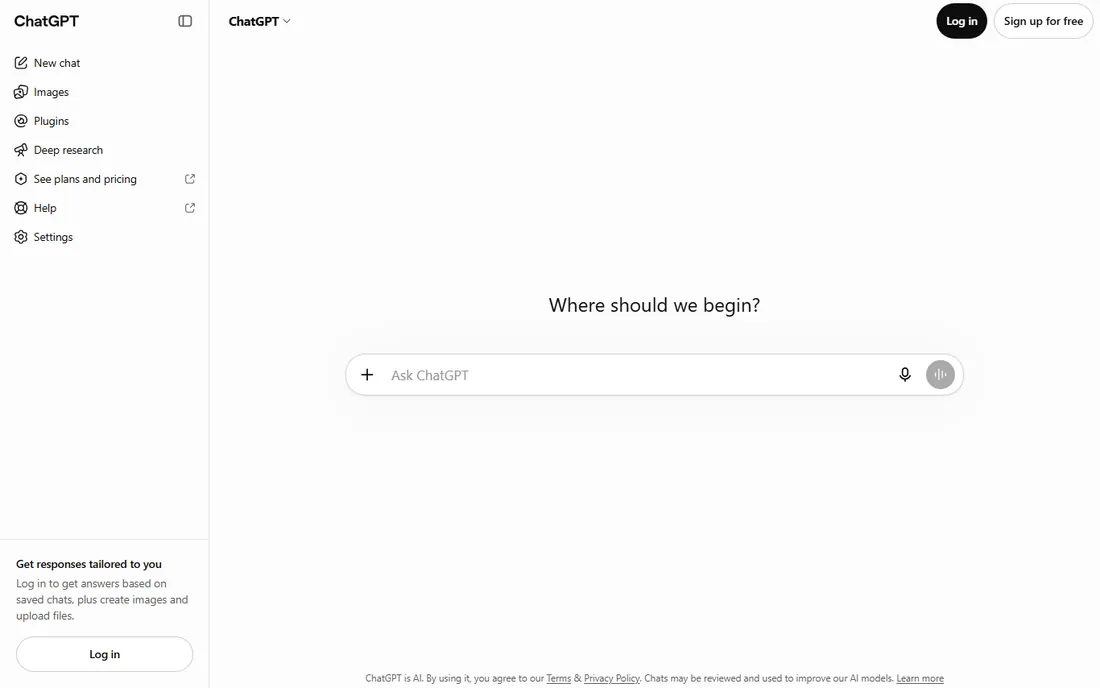
Most small businesses will never need anything beyond ChatGPT for routine image work. Describe the image, get four options, then refine by talking: "make the sky darker," "remove the text," "try it as a watercolor." The editing flow is the most natural in this roundup because it happens in plain language rather than through masks and sliders.
The free plan includes image generation with daily limits, and Plus at $20 a month raises those limits substantially while removing ads. Image quality is strong for marketing graphics, blog headers and social posts, though it rarely matches Midjourney's artistic flair. If your team already pays for Plus, the image capability is effectively free.
What we like- Best instruction following and editing through conversation
- No separate account or billing
- Generous free tier
Watch out for- Weaker at pure artistic style than Midjourney
- Image limits on the free plan are tight
Starting priceFree; Standard $9.99/month
Free planYes (limited daily generations)
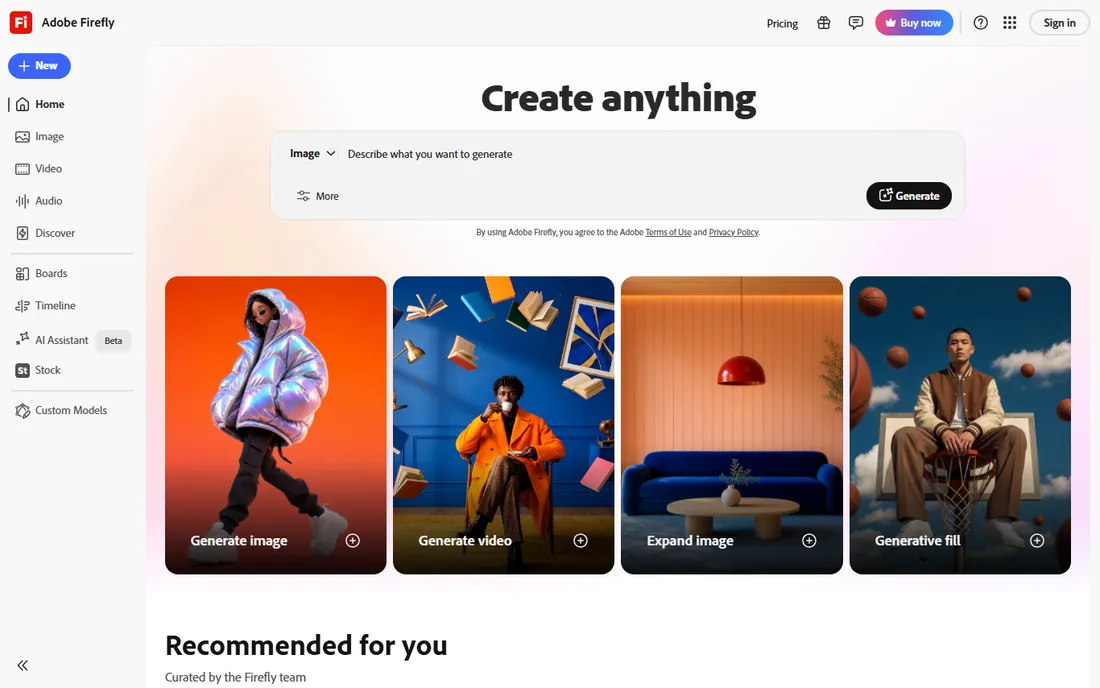
Firefly is the platform you choose when the legal department has questions. Adobe trained its base models on licensed Adobe Stock content and public-domain material, and paid plans include indemnification against IP claims. For agencies producing work for clients, that single fact outweighs benchmark scores.
The free tier offers limited daily generations, and the $9.99 Standard plan brings 2,000 monthly generative credits plus unlimited standard image features like Generative Fill. Firefly also opens the door to partner models from Google, OpenAI and Black Forest Labs inside one interface. The catch is that Firefly's own generations can look generic next to Midjourney or FLUX.
What we like- Trained on licensed content with IP indemnification
- Deep Photoshop and Express integration
- 30+ models including partner models
Watch out for- Aesthetic quality trails Midjourney
- Credit system gets expensive at high volume
#4
Leonardo AI
Best for: game art, concept design and batch production
Visit leonardo.ai
Starting priceFree; $12/month
Free planYes (150 tokens per day)
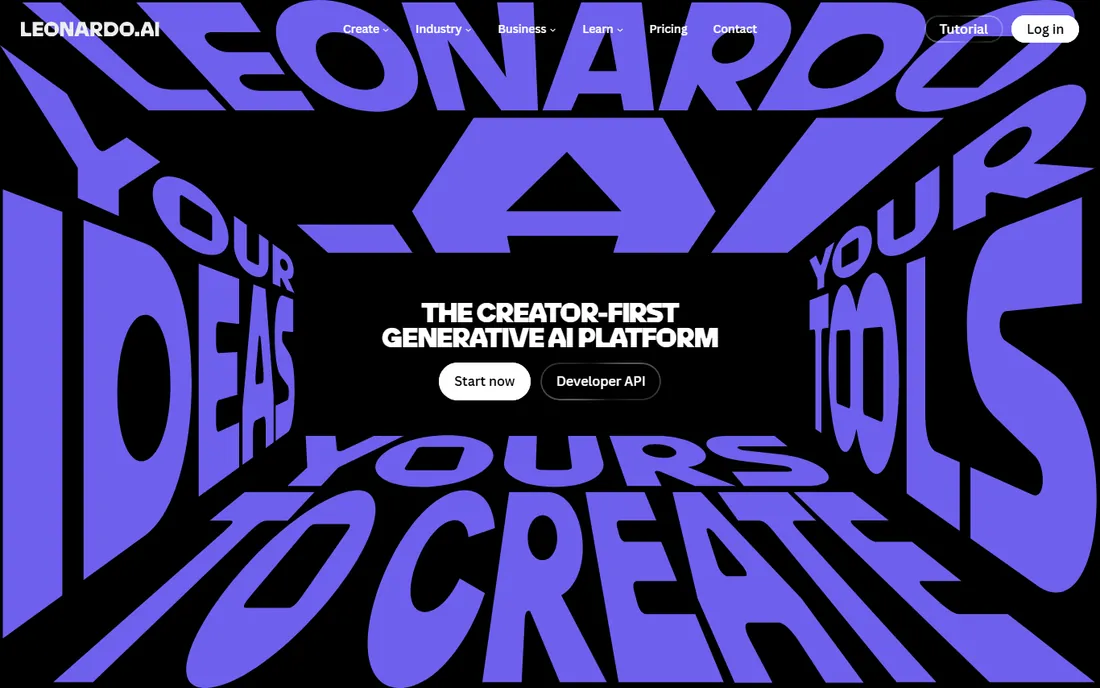
Leonardo built its reputation with game artists and illustrators, and it shows. The platform ships with fine-tuned models for anime, concept art, character design and isometric game assets that would take serious prompt work to replicate elsewhere. Paid users can train custom models on their own reference images, which is genuinely useful for keeping a consistent character or brand style across dozens of assets.
The free plan hands out 150 tokens a day, enough for 20 to 30 basic images. Paid plans start at $12 a month and add private generations, which the free tier lacks. The token math is the main learning curve: different actions consume different amounts, so watch your balance during the first week.
What we like- One of the most generous free tiers
- Fine-tuned models for game and anime styles
- Custom model training on paid plans
Watch out for- Token system takes time to understand
- Interface can feel dense for beginners
Starting priceFree; Plus $20/month
Free planYes
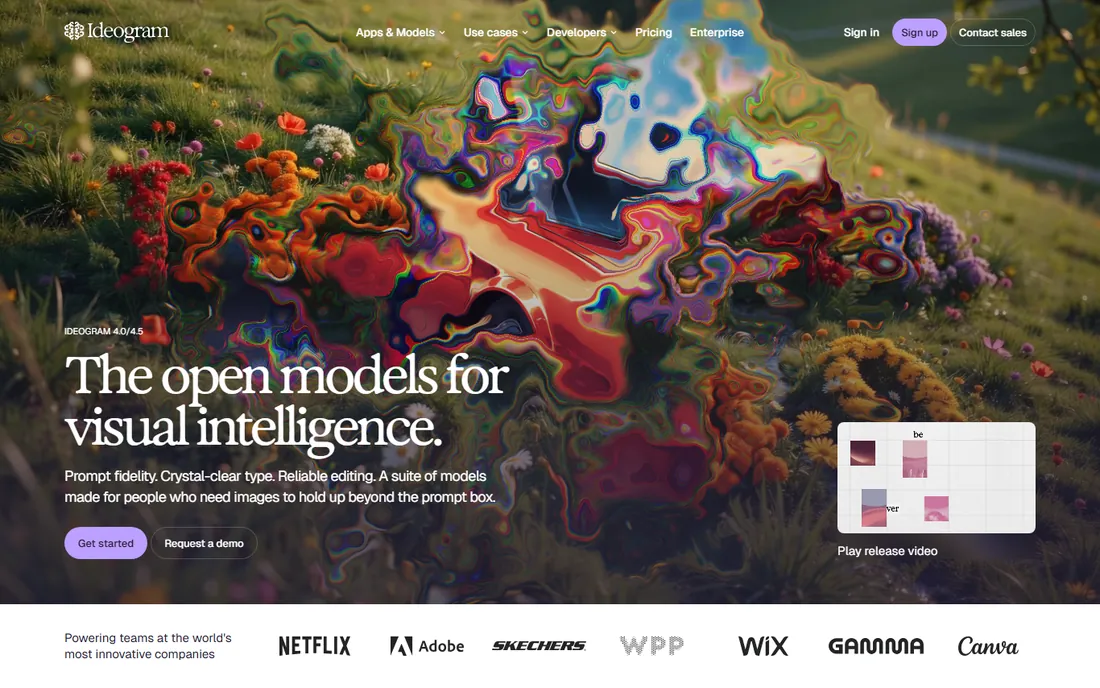
Text inside AI images used to be a gamble. Ideogram solved it. Give it a poster headline, a t-shirt slogan or a logo lockup and the words come out spelled correctly in a layout that looks designed rather than generated. For marketing teams, that one capability is worth more than any aesthetic benchmark.
The free plan is usable for testing and light work, though generations are public and advanced editing requires priority credits. Plus at $20 a month ($15 on annual billing) adds 2,400 monthly priority credits, private generation and unlimited slow-queue generations. Pure photography-style realism is not its strength, so pair it with a photorealistic platform if you need both.
What we like- Best text rendering in the industry
- Strong prompt adherence
- Open-weight model available
Watch out for- Photorealism trails FLUX
- Free tier images are public with no editing tools
Starting priceFree; Basic $10/month
Free planYes
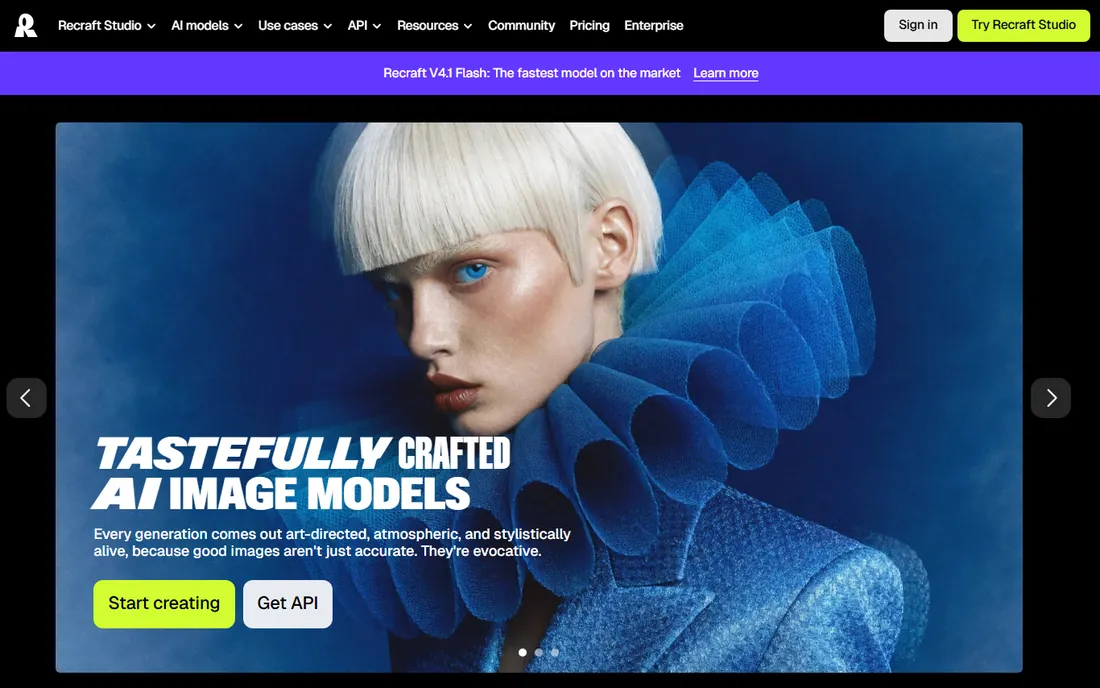
Designers who need vectors should start here. Recraft generates genuinely editable SVG files, not just pictures of logos, which means you can open the output in Illustrator or Figma and adjust the curves. It also handles brand consistency well: feed it your palette and style references and it keeps new assets on-brand without retraining a model.
The free plan offers daily credits with public generations, and Basic at $10 a month adds commercial rights and private generations. The standard generation tier is a bargain for drafts, while the Pro tier delivers the sharpest output measured in recent independent tests but costs several times more per image. If your deliverable is a raster hero image rather than a vector asset, the generalist platforms give you more range.
What we like- Native editable SVG vector output
- Brand style controls
- Sharp high-resolution results
Watch out for- Design-focused, not a general-purpose image tool
- Pro quality tier costs noticeably more per image
Starting priceUsage-based, from about $0.02 per image (API)
Free planFree playground for experimenting
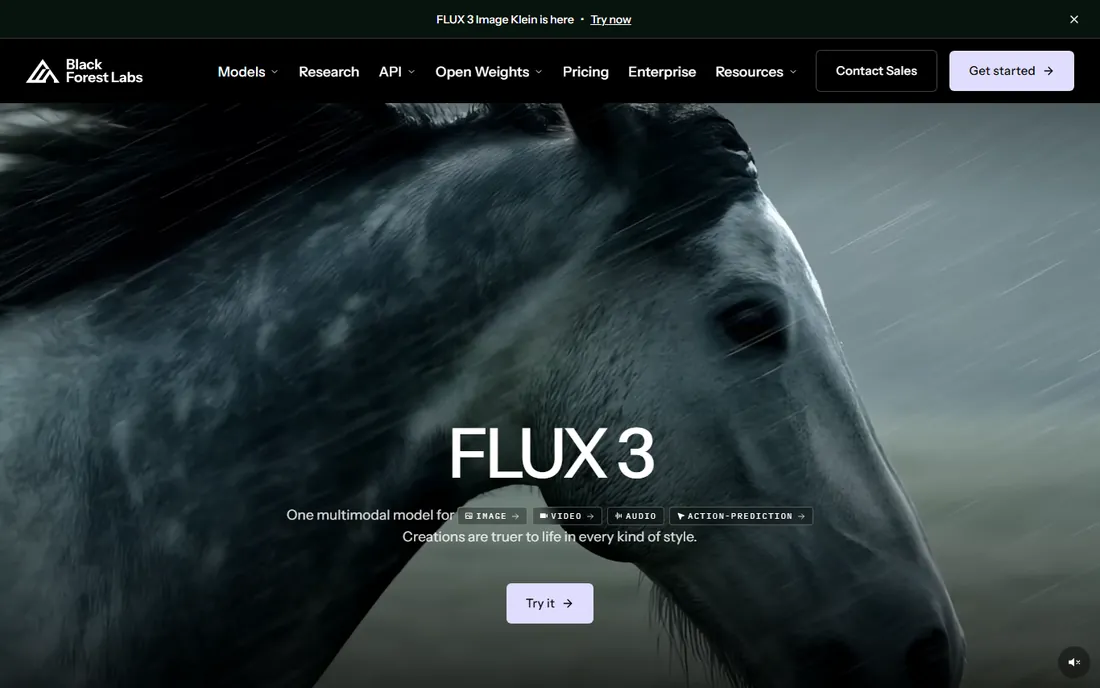
FLUX is the engine behind a surprising share of the AI images you see online. Black Forest Labs, founded by the team behind Stable Diffusion, sells the models rather than a consumer app: you generate through their API, through a free browser playground, or by downloading the open weights and running them on your own hardware. The photorealism, especially for product shots and people, is the best in this roundup.
Pricing is usage-based, starting around two cents per image for the lighter variants through the official API, with the top Pro models costing more. There is no subscription to manage, which suits teams with spiky workloads: pay for the month you launch a campaign, pay nothing the month you do not. The trade-off is that you need a developer or a third-party app to make it usable for non-technical staff.
What we like- Industry-leading photorealism
- Open-weight models for self-hosting
- Simple pay-per-image API
Watch out for- Primarily a developer product with no polished consumer app
- Pricing varies by model and host
Starting priceFree (open weights); Stable Assistant from $9/month
Free planYes
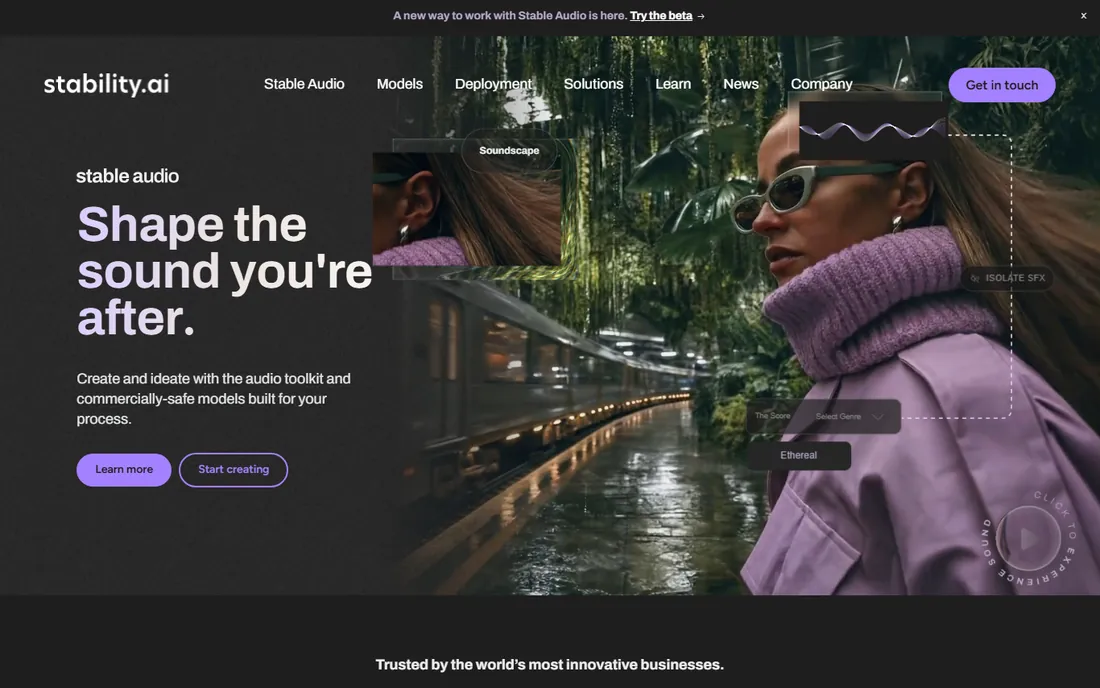
Stability AI plays two roles. It gives away open-weight Stable Diffusion models that anyone can download and run for free, and it sells a polished consumer app, Stable Assistant, plus a straightforward API. For a business with engineering resources, self-hosting removes the subscription question entirely: once the model runs on your own GPU, generations cost only electricity.
Stable Assistant starts at $9 a month with a three-day trial and works like a normal chatbot with image generation built in. The developer API bills at a flat $0.01 per credit with no subscription required. The honest weakness is that the consumer experience is less refined than ChatGPT or Gemini, and companies earning over $1 million a year need an enterprise license for commercial use of the open models. Choose Stability when control and cost at scale matter more than convenience.
What we like- Open-weight models you can run anywhere
- No usage caps when self-hosted
- Simple $0.01 per credit API
Watch out for- Self-hosting needs technical skill and a good GPU
- Consumer app lags behind rivals in polish
Starting priceFree; Pro $15/month
Free planYes
Playground is the easiest on-ramp in this list. Open the site, type a prompt, get an image in seconds. Under the hood it now routes to strong third-party models including GPT Image and Nano Banana alongside its own, plus a canvas editor for inpainting and outpainting that covers the most common edits without a learning curve.
The free tier is genuinely usable for trying ideas, though it refills in small batches on a rolling window and forbids commercial use. Pro at $15 a month ($12 on annual billing) lifts the caps and adds a worldwide royalty-free commercial license. Playground will not replace a specialist tool for game art or vector logos, but for social posts, thumbnails and quick mockups it is the fastest path from idea to image.
What we like- Quick and approachable
- Multiple models including GPT Image and Nano Banana
- Canvas editor with inpainting
Watch out for- Free tier is rate-limited and personal-use only
- Less depth than specialist platforms
Starting priceFree; Google AI Pro $19.99/month for higher limits
Free planYes
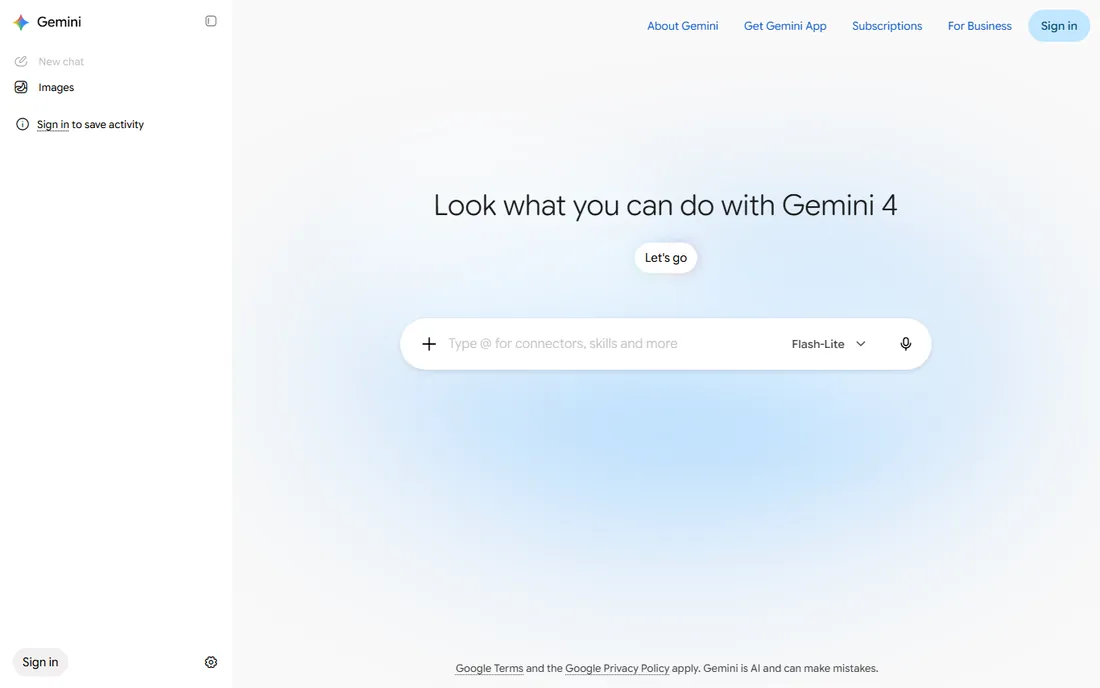
Gemini is the quiet value pick. Anyone with a Google account can generate and edit images for free, and its editing is unusually good at multi-turn refinement: ask for three rounds of changes and the subject stays consistent instead of drifting. Text inside images renders well, and the conversational flow means no new interface to learn.
Higher usage limits and the best models sit behind Google AI Pro at $19.99 a month, which also covers Gemini Advanced, NotebookLM and expanded Drive storage. Gemini is not a production design studio, and teams generating hundreds of assets a month will want the controls of Leonardo or the API economics of FLUX. But as a free starting point that most of your staff can already access, it is hard to beat.
What we like- Strong multi-turn editing that preserves the subject
- Free with any Google account
- Good text rendering
Watch out for- Generation is one feature among many, not a dedicated studio
- Highest limits need a paid Google plan
How we chose
We started with the platforms that dominate current G2, Capterra and Reddit discussions about AI image generation, then filtered for tools a small or mid-size US business could actually buy and use today: live products with public pricing, no waitlist, and terms that permit commercial use. Pricing and plan details were checked against each vendor's own pricing page in October 2026, and feature claims were cross-checked with vendor documentation and recent independent reviews. We did not run hands-on generation tests for this guide; instead we weighted real buyer concerns such as commercial rights, output privacy, per-image cost at volume, and how much technical skill each platform demands.
What to look for before you buy
Commercial rights and indemnification
Read the terms before you use AI images in paid work. Most paid plans grant commercial rights, but the details vary: Midjourney requires larger companies to be on Pro, free tiers often keep rights with the platform or make images public, and only Adobe currently offers IP indemnification. If clients will see the output, this section of the terms matters more than any feature list.
Subscription, credits or API
Three pricing models dominate. Subscriptions (Midjourney, Firefly, Leonardo) suit steady monthly volume. Credit packs (Ideogram, Recraft) suit bursty work where some months are quiet. APIs (Black Forest Labs, Stability AI) suit high volume and product integration, and usually win on per-image cost past a few hundred images a month. Map your actual monthly volume before choosing, because the wrong model can easily double your cost.
Privacy of your generations
Several platforms make free-tier generations public by default. That is fine for experiments and a real problem for unreleased products or client campaigns. If confidentiality matters, confirm that your plan includes private generation: it starts at $12 a month on Leonardo, $20 on Ideogram and $60 on Midjourney.
Text rendering and editing
If your images contain words, test this first. Ideogram and Gemini handle typography far better than Midjourney or Stable Diffusion variants. Also check how editing works: conversational editing (ChatGPT, Gemini) is fastest for non-designers, while canvas-based inpainting (Playground, Leonardo) gives precise control.
Subscription versus pay-per-image: which is cheaper
Do the math on your monthly volume. A $20 subscription that yields 200 usable images costs $0.10 per image, while an API at $0.03 per image costs $6 for the same 200. The crossover usually lands around 300 to 500 images a month: below it, subscriptions win on simplicity; above it, usage-based pricing wins on cost. Watch for hidden multipliers too. Upscaling and variations often consume extra credits, and most credit balances do not roll over.
Frequently asked questions
Can I use AI-generated images for my business legally?
Usually yes on a paid plan, but check the terms. Paid tiers of the platforms above generally grant commercial rights, while free tiers may restrict commercial use or make your images public. Adobe Firefly goes further with IP indemnification on paid plans. When in doubt, keep a record of which plan and model produced each asset.
Which AI image platform is best for beginners?
ChatGPT and Google Gemini: you describe what you want in plain language, nothing new to learn. Playground is the next step up when you want a canvas and more visual controls without a subscription.
Which platform makes the best photorealistic images?
Black Forest Labs' FLUX models currently lead on photorealism, followed closely by Midjourney for stylized realism and Gemini for edited photos. If you need product shots at scale, the FLUX API is the most cost-effective route.
Do I need a paid plan to try these tools?
Nine of the ten platforms here offer a free tier or playground; only Midjourney requires payment from the first image. Free tiers are fine for evaluation, but expect public generations, watermarks or daily limits.
How many images do I actually get per month?
It depends on the pricing model. Subscriptions like Midjourney's sell GPU time or Relax-mode access, not a fixed image count. Credit platforms publish per-action costs, so a "2,400 credit" plan might yield 200 to 800 images depending on resolution and model.
Can these tools edit my existing photos?
Yes, most of them. ChatGPT, Gemini, Firefly, Leonardo and Playground all support uploading a photo and describing changes. Quality varies: Gemini and ChatGPT lead at conversational multi-step edits, while canvas-based tools give pixel-level control.
Sources we checked (18)
- https://www.midjourney.com
- https://chatgpt.com/
- https://firefly.adobe.com
- https://leonardo.ai/
- https://ideogram.ai/
- https://recraft.ai/
- https://blackforestlabs.ai
- https://stability.ai/
- https://playgroundai.com/
- https://gemini.google.com
- https://dev.to/stimlau/midjourney-pricing-explained-standard-pro-and-mega-in-2026-33n8
- https://www.krea.ai/blog/what-is-ideogram-ai-features-pricing-and-alternatives-in-2026
- https://fluxnote.io/guides/leonardo-ai-pricing-guide-2026
- https://www.therundown.ai/tools/adobe-firefly
- https://www.therundown.ai/tools/playground-ai
- https://fast.io/resources/playground-ai-review-2026/
- https://www.eweek.com/news/ai-pricing-cheat-sheet-2026/
- https://dev.to/mckennachapman/best-ai-image-generators-in-2026-12-tools-real-prices-and-the-cost-of-one-image-cec
Is your product missing or out of date?
We review this list regularly. Vendors can request a listing, send updated pricing or ask about featured placement.

Shihab Mia · Founder, Rankite
Shihab has spent more than a decade helping SaaS and e-commerce brands grow through search. He writes Rankite's software buying guides from pricing pages, documentation and public user reviews. More about Shihab.