How we make this list: we compare pricing pages, product documentation and public user reviews. Rankite is independent; if a vendor ever pays for a featured spot, that listing is clearly labeled Partner.
Key takeaways
- Adobe Lightroom remains the professional standard; Luminar Neo is the best AI-first alternative without a subscription.
- Topaz Photo AI is the specialist for upscaling, denoising and restoration.
- Canva, Pixlr and Fotor cover everyday AI editing free in the browser.
- One-time purchases from Luminar and Topaz beat subscriptions for photographers who dislike monthly bills.
The best AI photo editing software
AI has collapsed the skill gap in photo editing: sky replacement, object removal, portrait retouching and upscaling now take seconds instead of hours. But the tools split into two camps: professional editors with AI built in, and quick browser tools for everyday edits. These eight cover both, from Lightroom's AI masking to one-click background removal.

#1
Adobe Lightroom
Best for: professional photographers and batch workflows
Visit adobe.com
Starting price~$9.99/month
Free planNo (free trial)
Lightroom is the professional standard for a reason: AI masking selects subjects, skies and backgrounds automatically, Generative Remove erases distractions, and the cloud library keeps every edit synced across desktop and mobile. Batch editing and presets make short work of wedding and event galleries.
The Photography plan runs around $9.99 a month. There is no free tier beyond the trial, and heavy cloud users pay for storage. For working photographers, the workflow depth justifies the subscription; casual editors should look at the free tools below. The mobile app is genuinely useful too: cull and edit on a tablet, and everything syncs to the desktop catalog.
What we like- AI masking and generative remove
- Cloud sync across devices
- Industry-standard color grading
Watch out for- Subscription only
- Learning curve for beginners
- Cloud storage costs extra at scale

#2
Luminar Neo
Best for: AI-powered editing without a subscription
Visit skylum.com
Starting price$119 one-time
Free planNo (7-day trial)
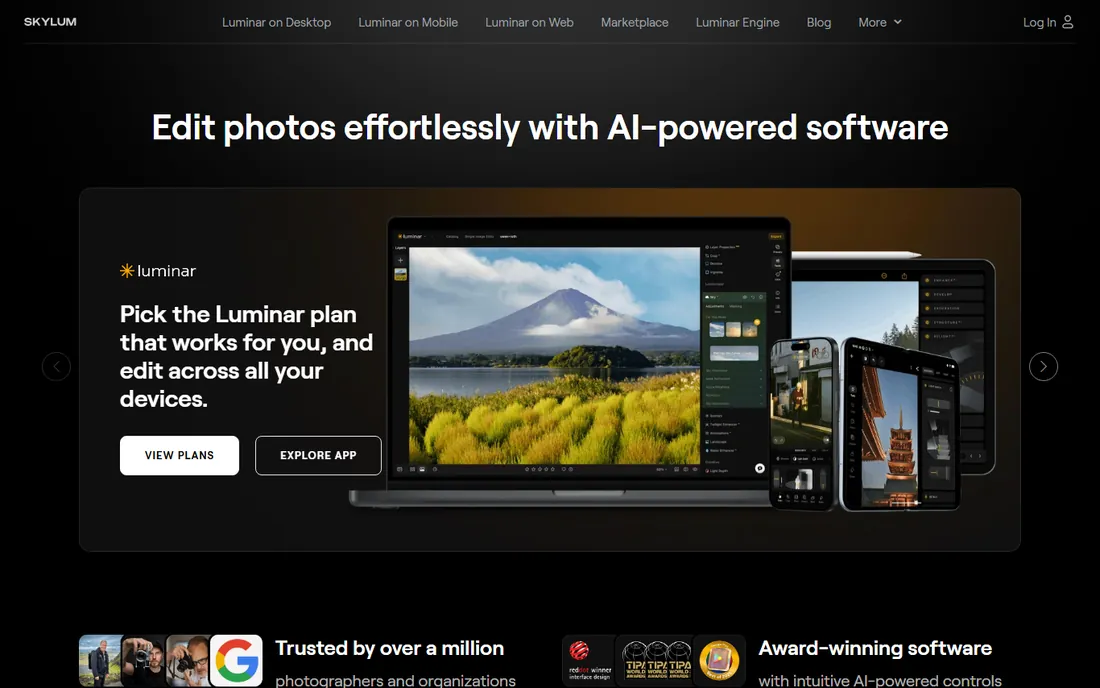
Luminar Neo is the best AI-first editor for photographers who hate subscriptions: Sky AI replaces skies with automatic relighting, GenErase removes objects with AI fill, GenSwap replaces elements from text prompts, and GenExpand extends images beyond the frame. Portrait AI and photo restoration round out the toolkit.
The desktop license costs $119 one-time, though generative AI features on the perpetual plan are limited to a year. A 7-day trial lets you test before buying. For fast AI edits without monthly bills, nothing beats it. It also works as a plugin for Photoshop and Lightroom Classic, so you can add its AI tools to an existing Adobe workflow without switching editors.
What we like- One-time purchase option
- Sky AI, GenErase and GenSwap
- Portrait and restoration tools
Watch out for- No free tier
- AI tools limited to one year on perpetual plan
- High RAM usage
Starting price$199 one-time
Free planNo (free trial)
Topaz Photo AI does one job better than anyone: rescuing image quality. AI upscaling, noise reduction and sharpening recover detail from blurry, noisy or low-resolution photos that other editors cannot fix. It works standalone or as a plugin for Lightroom and Photoshop.
The $199 one-time purchase includes a year of updates, then $99 a year for continued updates. It is not a full editor, pair it with Lightroom or Luminar. For photographers with archives of imperfect shots, it pays for itself. Real estate and event photographers get particular value: rescuing one unrepeatable shot per month justifies the price within a season.
What we like- Best-in-class AI upscaling and denoising
- One-time purchase
- Batch processing
Watch out for- Specialist tool, not a full editor
- $199 is steep
- Updates cost $99 a year after the first

#4
Canva
Best for: beginners and creators needing quick AI edits
Visit canva.com
Starting priceFree; Pro ~$18/month
Free planYes

Canva's Magic Studio brings AI photo editing to everyone: Magic Edit, background remover, and one-click enhancements inside the design platform millions already use. For social posts, thumbnails and marketing assets, it is the fastest option.
The free tier is generous; Pro at around $18 a month adds more AI features. It is not a replacement for Lightroom: no RAW editing, no batch color grading. For creators who edit photos as part of design work, it is the default.
What we like- Magic Edit and background remover
- Huge template library
- Generous free tier
Watch out for- Not a real photo editor
- No RAW support
- Edits are destructive compared to Lightroom
Starting priceFree; from ~$1.49/month
Free planYes
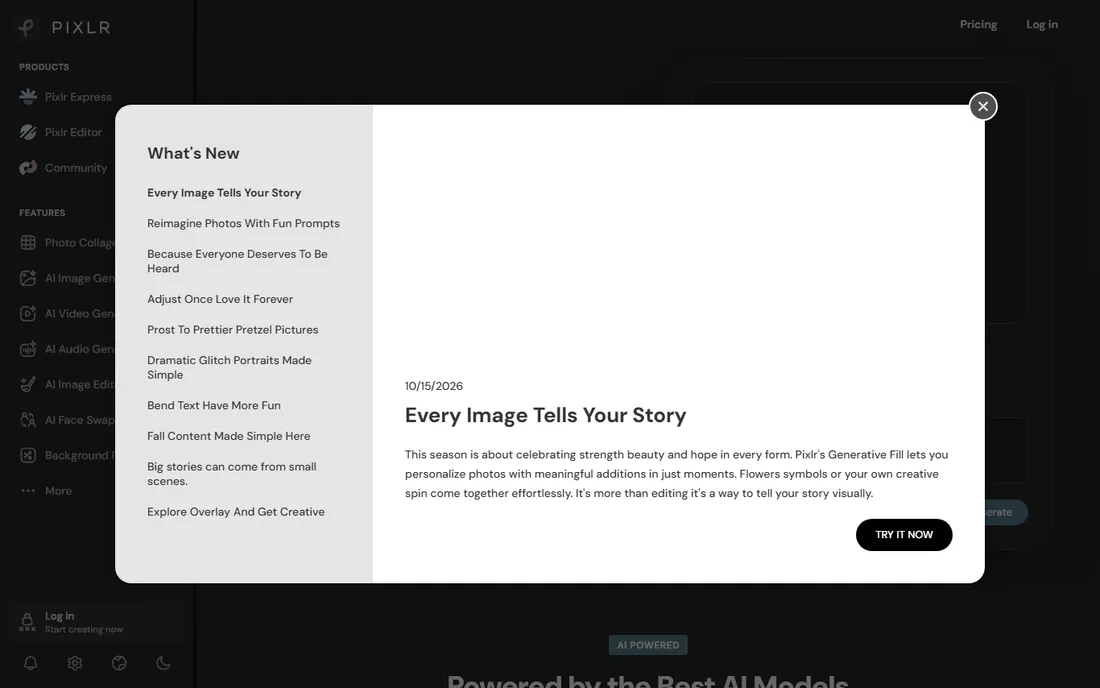
Pixlr offers real photo editing free in the browser: AI background removal, object removal, filters and adjustments with no install. Paid plans start around $1.49 a month to remove ads and open premium features.
The free tier is ad-supported and genuinely useful. For quick edits on any computer without installing software, Pixlr is the best free browser editor. Power users will eventually want Lightroom or Luminar, but most people never will. The AI background and object removal tools are the standout: one click where Photoshop needs ten minutes of masking.
What we like- Free browser editing with AI tools
- Background removal
- No install needed
Watch out for- Ads on the free tier
- Advanced features need paid plans
- Interface can feel cluttered

#6
Fotor
Best for: one-click AI enhancement for everyday photos
Visit fotor.com
Starting priceFree; from ~$3.33/month
Free planYes

Fotor is the one-click option: AI enhance, portrait retouching and background removal with minimal effort, plus collage and design tools. The free tier handles casual editing; paid plans from about $3.33 a month add premium features.
It will not replace a professional editor, but for family photos, listings and social posts, the one-click results are impressive. The all-in-one platform suits users who also make collages and graphics.
What we like- One-tap AI enhance
- Collage and design tools
- Free tier for casual use
Watch out for- Not for professional workflows
- No RAW support
- Premium features behind paywall
Starting priceFree; from ~$0.20/image
Free planYes
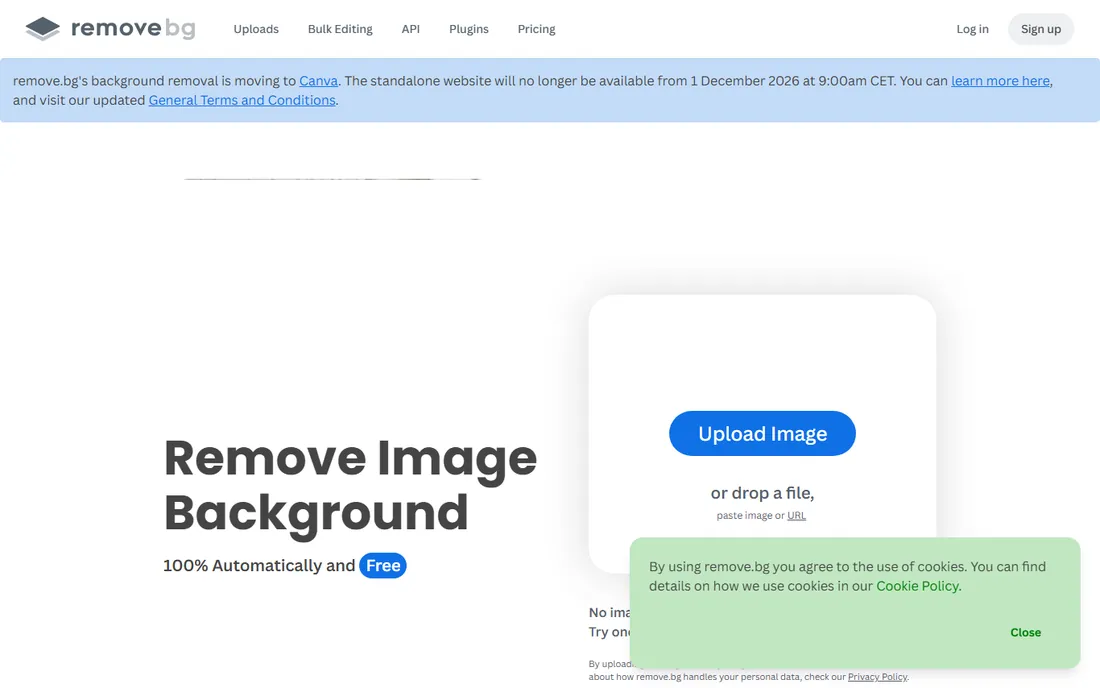
Remove.bg does one thing perfectly: erase photo backgrounds automatically with AI, in seconds, with edge quality that beats manual masking. The free tier covers low-resolution images; high-res downloads use credits from about $0.20 an image or a subscription.
For product photos, headshots and composites, it is the industry standard. The API and plugins integrate it into existing workflows. Buy it for backgrounds, not for editing. E-commerce teams processing hundreds of product shots a week save hours of masking labor with the batch tools.
What we like- Best automatic background removal
- API for bulk work
- Plugins for Photoshop and Figma
Watch out for- Single-purpose tool
- High-res downloads need credits
- Subscription or pay-per-image
Starting priceFree; from ~$5/month
Free planYes

Picsart is the creative playground: AI background removal, enhancement, effects, stickers and templates aimed at social content. The mobile app is where it shines, with a free tier that covers casual use and paid plans from about $5 a month.
It is not a photographer's tool: no RAW workflow, no serious color grading. For creators making TikToks, Reels and memes, the effects library and speed are unmatched. Match the tool to the output.
What we like- Huge effects and sticker library
- AI tools for backgrounds and enhancement
- Strong mobile app
Watch out for- Geared to social, not photography
- Ads on free tier
- Subscription for full features
How to choose AI photo editing software
First, be honest about your output. Professional photography work needs Lightroom, Luminar Neo or Capture One with RAW support and non-destructive editing. Social content and marketing assets need Canva, Picsart or Fotor. Product photos need Remove.bg plus a basic editor. The wrong tier wastes money or limits quality.
Second, decide how you feel about subscriptions. Lightroom, Canva and Picsart are subscription-only. Luminar Neo at $119 and Topaz Photo AI at $199 are one-time purchases, which suit photographers who would rather pay once. Calculate the two-year cost before choosing: subscriptions often win short-term and lose long-term.
Third, try the free tiers seriously. Pixlr, Fotor, Canva and Remove.bg all have genuinely useful free plans. Many people's editing needs are fully covered without spending anything. Only buy when you hit a specific limit, resolution caps, missing RAW support, or batch workflow needs, that the free tier cannot cross.
Fourth, check where the AI runs. Desktop tools like Lightroom, Luminar Neo and Topaz process locally, which keeps client photos private and works offline. Browser tools upload your images to servers, which matters for sensitive or client work. For professional shoots, local processing is not just a preference, it is a privacy requirement.
Frequently asked questions
What is the best AI photo editor for beginners?
Canva, Pixlr and Fotor are the easiest starting points: free tiers, one-click AI enhancements, and no learning curve. For beginners who want to grow into photography, Luminar Neo offers AI power with a gentler learning curve than Lightroom.
Are AI photo editors good enough for professional work?
Yes, for the right tasks. Lightroom's AI masking and Generative Remove are professional-grade. Topaz Photo AI's upscaling beats manual techniques. Luminar Neo handles fast client turnarounds. But final retouching for print and commercial work still benefits from human judgment.
What is the best free AI photo editor?
Pixlr offers the most capable free browser editing with AI tools. Canva's free tier covers design-adjacent editing. Remove.bg is free for low-res background removal. Photopea is a free Photoshop-like editor for manual work. Combine them and most editing needs cost nothing.
How much does AI photo editing software cost?
Subscriptions run $5 to $23 a month: Picsart around $5, Lightroom around $9.99, Canva Pro around $18, Photoshop around $22.99. One-time options: Luminar Neo $119, Topaz Photo AI $199. Free tiers from Canva, Pixlr, Fotor and Remove.bg cover casual use.
Can AI upscale old or low-resolution photos?
Yes. Topaz Photo AI is the specialist, with AI upscaling, denoising and sharpening that recover remarkable detail. Luminar Neo's photo restoration also repairs damaged photos. Results depend on the source: decent originals upscale beautifully, while tiny thumbnails have limits no AI can cross.
Quick comparison
| Tool | Best for | Starting price | Free plan |
|---|
| Adobe Lightroom | professional photographers and batch workflows | ~$9.99/month | No (free trial) |
| Luminar Neo | AI-powered editing without a subscription | $119 one-time | No (7-day trial) |
 Topaz Photo AI Topaz Photo AI | upscaling, denoising and photo restoration | $199 one-time | No (free trial) |
| Canva | beginners and creators needing quick AI edits | Free; Pro ~$18/month | Yes |
 Pixlr Pixlr | free browser-based AI photo editing | Free; from ~$1.49/month | Yes |
| Fotor | one-click AI enhancement for everyday photos | Free; from ~$3.33/month | Yes |
 Remove.bg Remove.bg | automatic background removal | Free; from ~$0.20/image | Yes |
 Picsart Picsart | creative mobile editing for social content | Free; from ~$5/month | Yes |
Is your product missing or out of date?
We review this list regularly. Vendors can request a listing, send updated pricing or ask about featured placement.
Sources we checked (7)
- https://superprompt.com/blog/best-ai-photo-editing-apps
- https://visionvix.com/best-ai-photo-editor/
- https://memeburn.com/best-ai-photo-editor/
- https://www.scmgalaxy.com/tutorials/top-10-photo-editing-software-tools-in-2025-features-pros-cons-comparison/
- https://beebom.com/best-photo-editing-software/
- https://skylum.com/luminar/pricing?irpid=245060&aclid=
- https://github.com/urielbitton/mark-ai
Is your product missing or out of date?
We review this list regularly. Vendors can request a listing, send updated pricing or ask about featured placement.

Shihab Mia · Founder, Rankite
Shihab has spent more than a decade helping SaaS and e-commerce brands grow through search. He writes Rankite's software buying guides from pricing pages, documentation and public user reviews. More about Shihab.