How we make this list: we compare pricing pages, product documentation and public user reviews. Rankite is independent; if a vendor ever pays for a featured spot, that listing is clearly labeled Partner.
Key takeaways
- AI app builders split into two camps: prompt-to-app generators like Base44 that build from a sentence, and visual builders like Adalo and FlutterFlow that added AI assistance to a proven editor.
- If you need a real native app in the App Store and Google Play, FlutterFlow, BuildFire, GoodBarber and Shoutem publish actual native binaries; web-first AI tools output web apps you wrap or publish as PWAs.
- The apps AI generates are starting points, not finished products: expect to fix logic, polish design and handle store submission yourself.
- Watch the credit model on AI builders: prompt-based pricing means every regeneration costs you, so budget for iteration.
Quick comparison
| Tool | Best for | Starting price | Free plan |
|---|
 Adalo Adalo | simple native apps without code | See website | Yes |
 FlutterFlow FlutterFlow | production-grade Flutter apps | See website | Yes |
 Base44 Base44 | prompt-to-app AI generation | $16 per month (billed annually) | Yes |
 BuildFire BuildFire | done-for-you app development | See website | Free trial |
 Glide Glide | spreadsheet-to-app in minutes | See website | Yes |
 Thunkable Thunkable | block-based logic for beginners | See website | Yes |
 Draftbit Draftbit | React Native with code export | See website | Free trial |
 GoodBarber GoodBarber | polished native apps for content brands | See website | Free trial |
 Shoutem Shoutem | white-label apps for agencies | See website | Free trial |
 Appy Pie Appy Pie | broad no-code suite with AI assist | See website | Free trial |
Is your product missing or out of date?
We review this list regularly. Vendors can request a listing, send updated pricing or ask about featured placement.
The best ai mobile app builder
Starting priceSee website
Free planYes
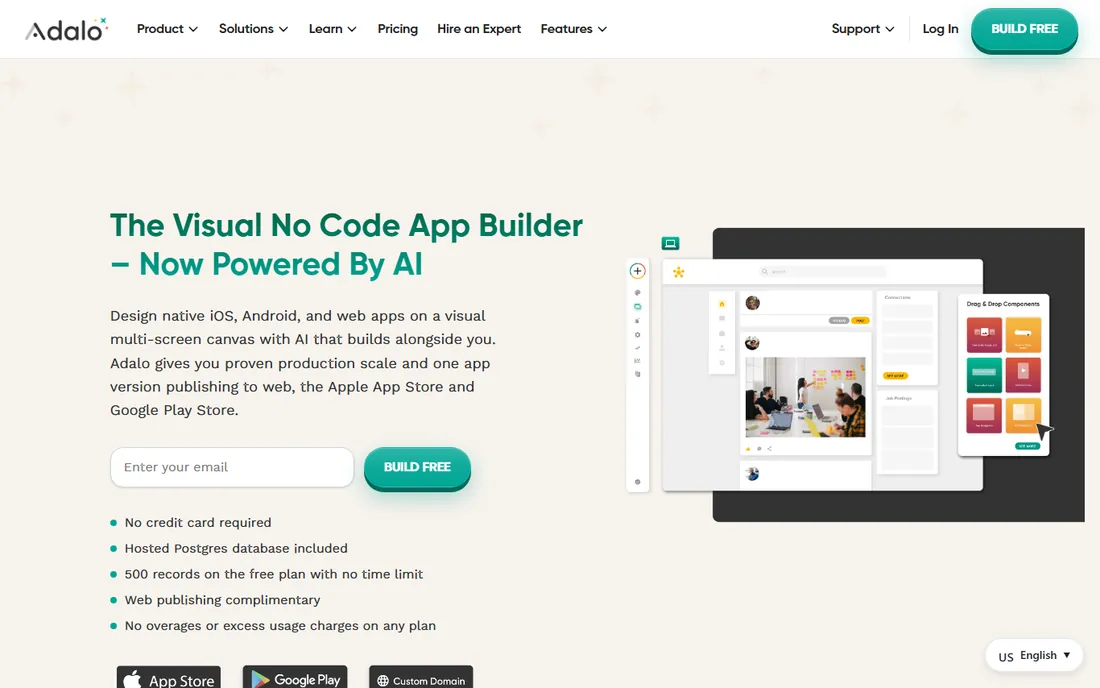
Adalo is the friendliest way to build a real native mobile app without writing code. You drag components onto screens, connect a built-in database or external collections, add actions and logic, and publish to the App Store and Google Play. It has added AI assistance to speed up layout and content generation, but the core remains a visual editor.
The appeal is the path from idea to installable app. Solo founders, small businesses and creators ship directory apps, booking apps, marketplaces and internal tools without hiring developers. The component marketplace extends what you can build, and integrations connect to tools like Zapier and Airtable. A free plan lets you build and test before paying.
The honest limits show at scale. Complex business logic, heavy data processing and highly custom UI push against the platform's ceiling. Pricing is per app per month, which adds up if you run several apps, and performance on data-heavy screens can lag. Use Adalo to validate and launch; plan a rebuild if the app takes off technically.
What we like- True drag-and-drop native builder
- Publishes to App Store and Google Play
- Gentle learning curve
Watch out for- Limited for complex logic
- Performance and pricing scale poorly for big apps
Starting priceSee website
Free planYes
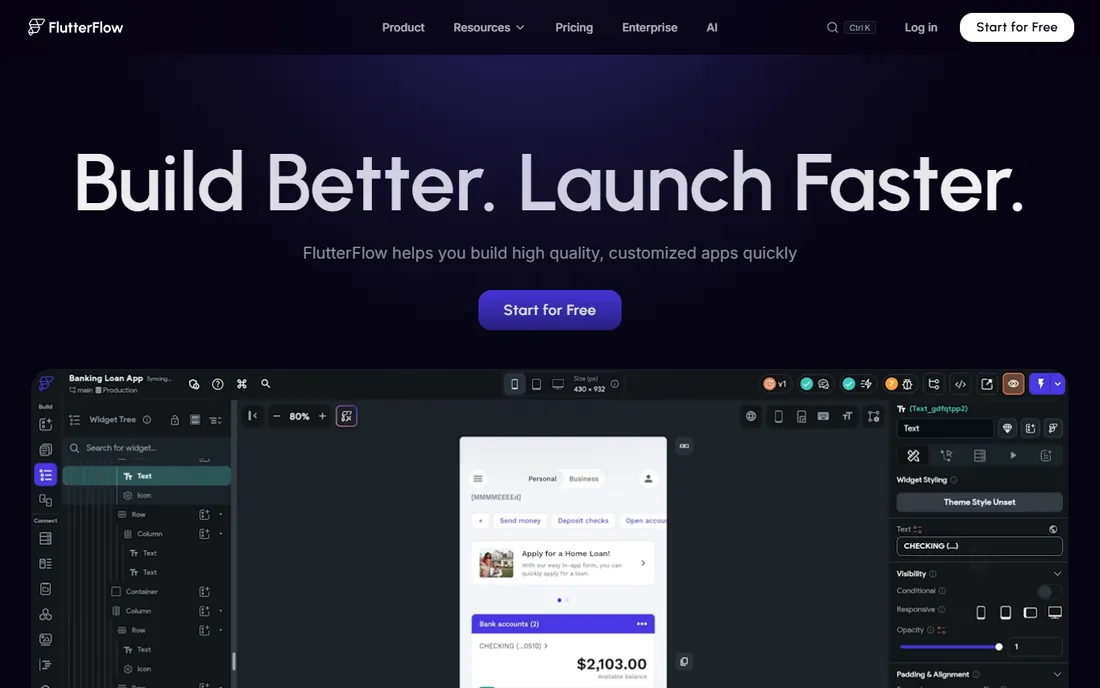
FlutterFlow is the no-code builder developers respect. It is a visual development platform for Flutter, Google's UI framework, and it generates clean Dart code you can download and own. The AI features help generate screens, widgets and logic from descriptions, but the workflow is still fundamentally visual building with professional-grade control.
The differentiator is code ownership and quality. Because output is real Flutter code, apps perform like hand-built native apps and you are not locked into the platform forever. Teams use it for startups, agency client work and internal tools, connecting to Firebase, Supabase, REST APIs and custom backends. The free plan is genuinely usable for learning and prototyping.
The catch is complexity. FlutterFlow is more powerful than Adalo and harder to learn; non-technical users face a real ramp. The AI generation is an accelerator, not a replacement for understanding app structure. Pricing is per user per month with tiers that include code download and team features, so check the current plans.
What we like- Generates real Flutter code you own
- Visual builder with serious power
- One codebase for iOS, Android and web
Watch out for- Steeper learning curve than Adalo
- AI features assist rather than replace building
Starting price$16 per month (billed annually)
Free planYes
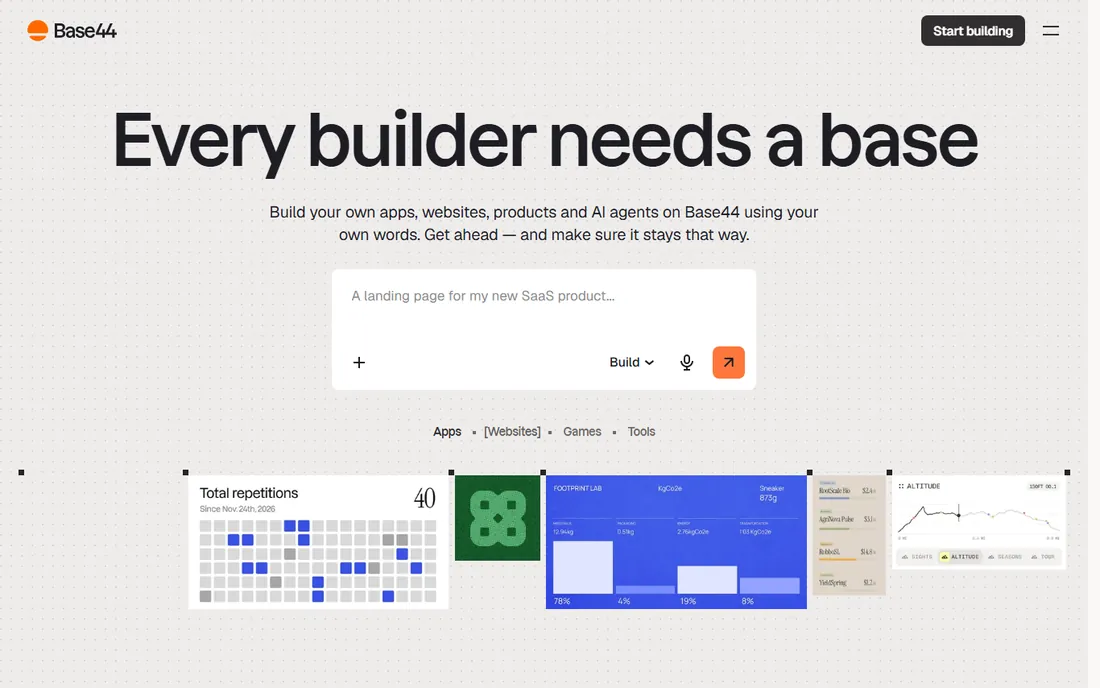
Base44 is the purest expression of the AI app builder idea. You type what you want in plain language, and it generates the interface, database, authentication, integrations and hosting as a working app. Wix acquired it in 2025 for a reported $80 million, and it now supports publishing to iOS and Android alongside web. Pricing starts at $16 per month billed annually, with a free plan offering monthly AI message credits.
The speed is the selling point. Founders report going from idea to a working CRM, booking system or internal tool in under an hour. Because the backend is managed, there is nothing to configure: users, payments via Stripe, email and file uploads all come built in. GitHub sync on higher plans gives developers an exit path.
The honest trade-offs are control and cost model. AI-generated apps need review and fixing, and complex custom logic still requires developer input. The credit system means every prompt and regeneration consumes credits, so heavy iteration burns through plans. Treat it as the fastest route to a working MVP, then evaluate whether the generated app meets your quality bar before scaling.
What we like- Describe the app in plain English and get a working product
- Backend, auth and hosting included
- Fast iteration
Watch out for- Output is web-first rather than native
- Credit-based pricing charges per iteration
Starting priceSee website
Free planFree trial
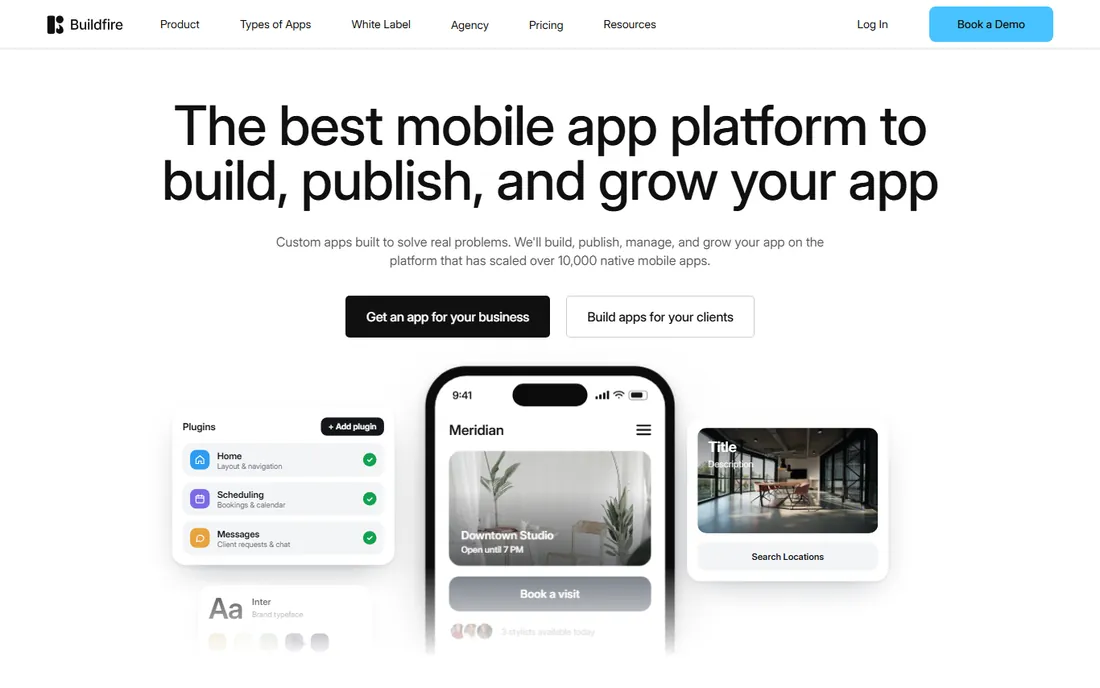
BuildFire takes a different approach: a no-code builder backed by a team that will build the app for you. The platform itself offers drag-and-drop building with a large plugin library covering loyalty programs, ordering, content, push notifications and more. If you would rather not build at all, their services team handles design, development and store submission.
The managed publishing is the standout. Getting through App Store review trips up many first-time builders, and BuildFire handles the certificates, screenshots, descriptions and submission process. Businesses in fitness, restaurants, events and membership organizations use it for customer-facing apps without in-house technical staff.
The drawback is price. Plans run higher than self-serve builders, reflecting the service component. Design flexibility is good but bounded by the template and plugin system. If you want full creative control or have developers on staff, FlutterFlow or Draftbit give you more. If you want an app built and maintained for you, BuildFire is the practical choice.
What we like- Managed publishing to both stores
- Large plugin library
- Human development services available
Watch out for- Monthly cost is high for small projects
- Less design freedom than code-based tools
Starting priceSee website
Free planYes
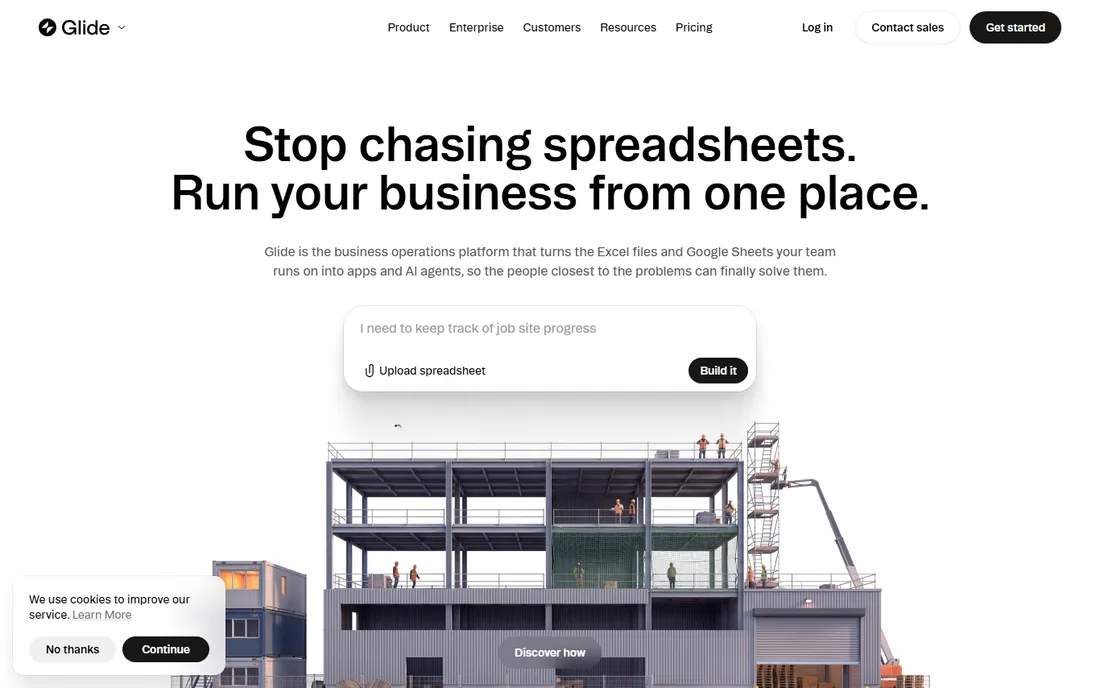
Glide turns a Google Sheet, Excel file or Airtable base into a mobile-friendly app in minutes. You connect your data, pick a layout, and Glide generates screens with search, filters, forms and user accounts. AI features help generate content and structure from your data. It is the fastest tool on this list for internal business apps.
The use case is internal tools: inventory trackers, CRMs, field data collection, directories and dashboards for teams that already live in spreadsheets. Because the app reflects the underlying data live, updates are instant. The free plan covers small projects, and paid plans add users, integrations and white-labeling.
The limitation is that Glide apps are progressive web apps, not native App Store binaries. That is fine for internal tools accessed via link, but not for a consumer app you want in the stores. Complex logic and custom design are also limited compared with Adalo or FlutterFlow. Use it where the data already exists in a sheet and speed matters most.
What we like- Fastest path from a spreadsheet to a working app
- Excellent for internal tools
- AI data features
Watch out for- Not truly native
- Design and logic depth are limited
Starting priceSee website
Free planYes
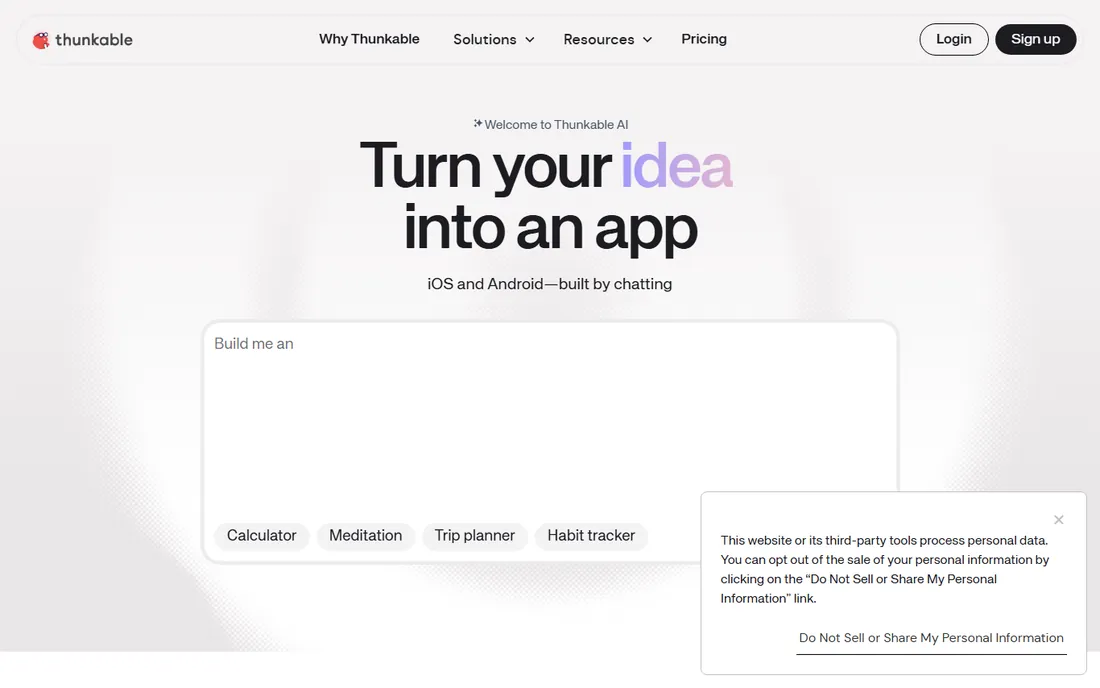
Thunkable uses drag-and-drop blocks for logic, in the tradition of MIT App Inventor, wrapped in a modern builder that publishes real native apps. You design screens visually, snap together logic blocks for behavior, connect to data sources and APIs, and ship to both app stores. It has grown from an education tool into a legitimate prototyping platform.
The strength is approachability. Beginners learn programming concepts while building something real, which is why schools and bootcamps use it heavily. For simple to medium apps with standard features like maps, media, push notifications and payments, it works well. The free plan is generous for learning.
The honest limit is the block paradigm itself. As app logic grows complex, walls of blocks become hard to manage compared with code or even visual workflows. Design polish requires effort, and advanced integrations need workarounds. It is excellent for learning, prototyping and straightforward apps; production apps with complex requirements usually graduate to FlutterFlow.
What we like- Visual blocks teach real programming logic
- Publishes native iOS and Android apps
- Strong education community
Watch out for- Block logic gets unwieldy for complex apps
- Design polish takes effort
Starting priceSee website
Free planFree trial
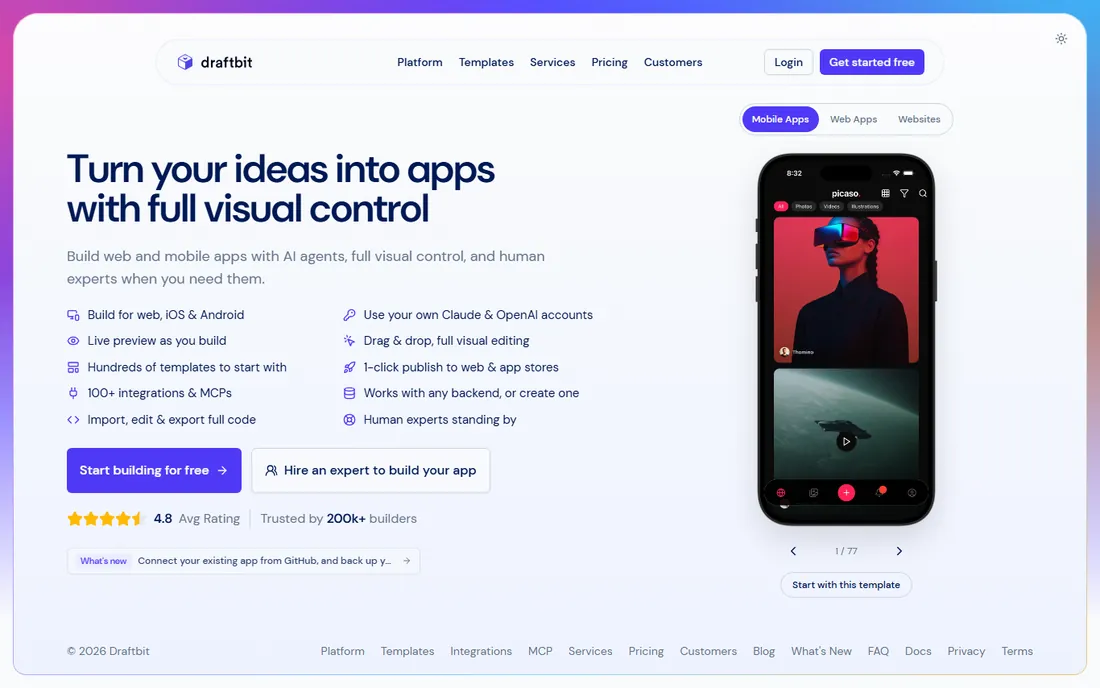
Draftbit is the visual builder for teams that want React Native output. Like FlutterFlow does for Flutter, Draftbit lets you design screens visually and export clean React Native code your developers can extend. It suits agencies and startups that want a visual head start without surrendering the codebase.
The workflow bridges design and engineering. Designers and product people build real screens with real data connections, then developers take the exported code into their normal workflow. That handoff is cleaner than rebuilding a prototype from scratch. AI assistance helps with screen generation and boilerplate.
The catch is the audience. Draftbit assumes more technical comfort than Adalo or Glide; it is a tool for teams with engineers, not for non-technical founders working alone. The ecosystem and community are smaller than FlutterFlow's. If your stack is React Native and you want visual building with code ownership, it fits. Otherwise, pick the tool that matches your team's skills.
What we like- Exports real React Native code
- Developer-friendly architecture
- Good for teams with engineers
Watch out for- Expects more technical skill than Adalo
- Smaller ecosystem than FlutterFlow
Starting priceSee website
Free planFree trial
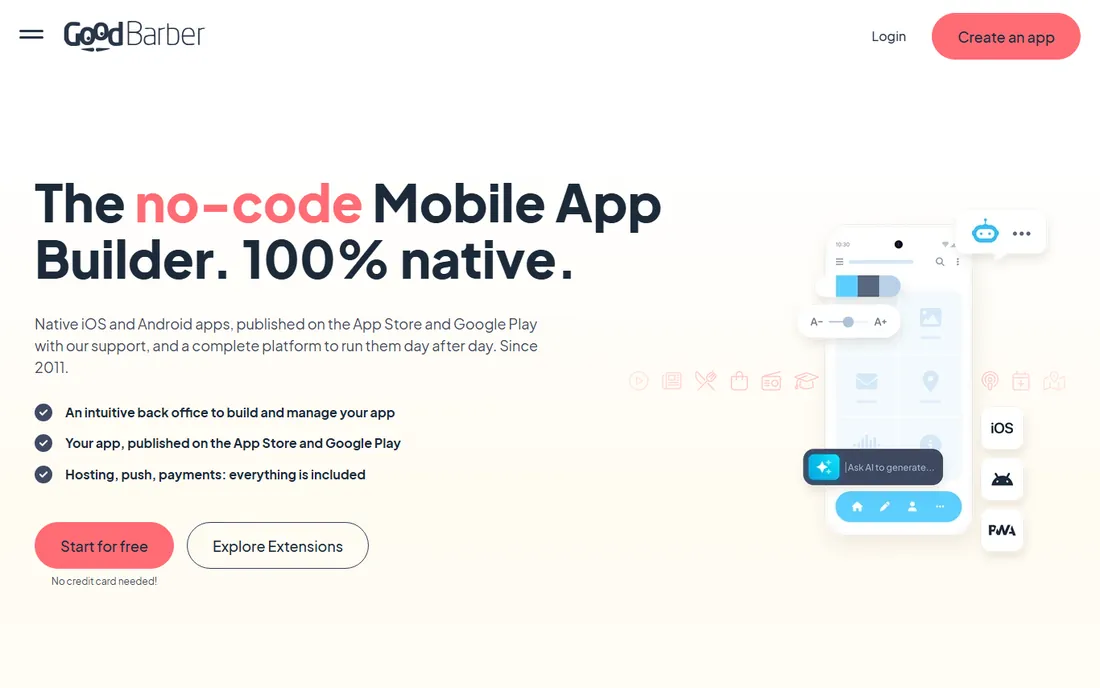
GoodBarber, from France, builds polished native apps for content publishers, media brands, retailers and event organizers. The builder is template-driven: pick a design system, connect your content or products, configure push notifications and publish native iOS and Android apps. The output looks professional with relatively little effort.
The strengths are design quality and engagement features. Push notification campaigns, geofencing, chat and loyalty features come built in, and the shopping app extensions handle mobile commerce well. For a magazine, radio station, church or store that needs a beautiful branded app, it delivers faster than custom development.
The trade-off is the template model. Apps built on the same design systems can feel similar, and deep custom logic is limited. Pricing is per app, which suits single-brand publishers but adds up for portfolios. It is a content-app specialist, not a general development platform.
What we like- Beautiful native output for content and commerce
- Strong push notification engine
- E-commerce extensions
Watch out for- Template-driven design limits uniqueness
- Pricing per app adds up
Starting priceSee website
Free planFree trial
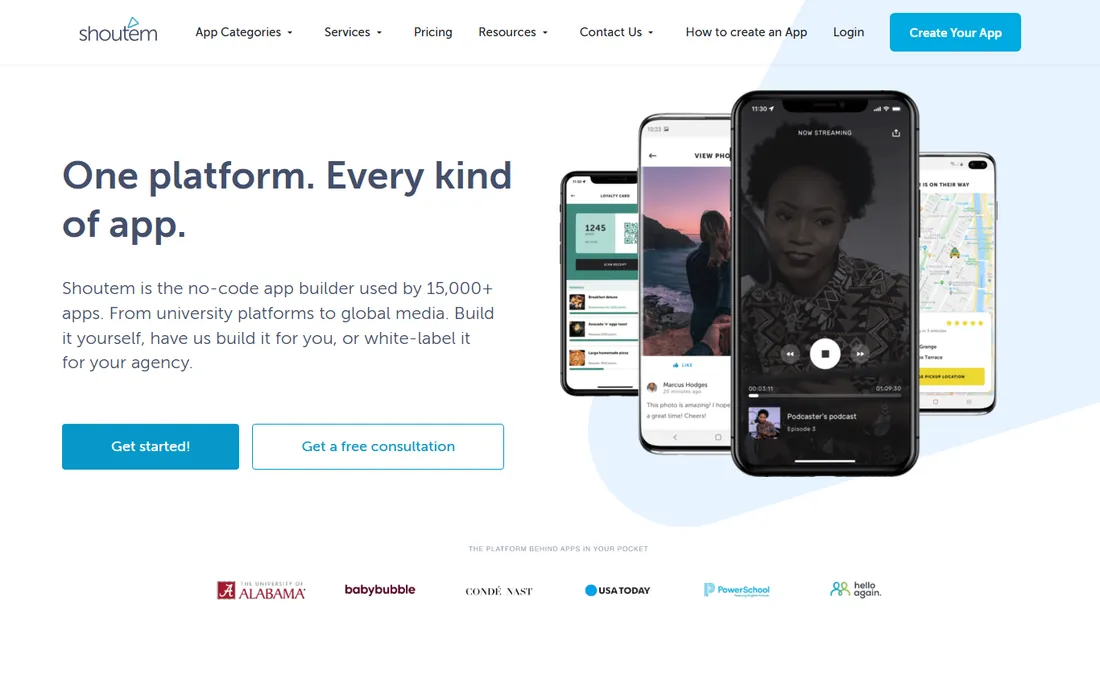
Shoutem is a white-label app builder aimed at agencies and entrepreneurs who build apps for clients. You create apps with the drag-and-drop builder, brand them fully as your own product and resell them under your agency's name. The platform handles the building blocks; you handle the client relationship.
The model suits digital agencies adding app development as a service line without hiring mobile developers. Features cover the standard small-business app needs: content, directories, events, loyalty, ordering integrations and push notifications. Publishing to both stores is supported.
The honest drawback is that the platform feels less modern than Adalo or FlutterFlow, and the community and extension ecosystem are smaller. It is a business-model tool first and a builder second: great if you sell apps to clients, less compelling if you are building your own product.
What we like- White-label platform for reselling apps
- Solid native output
- Agency-friendly pricing
Watch out for- Dated feel in places
- Smaller community than leaders
Starting priceSee website
Free planFree trial
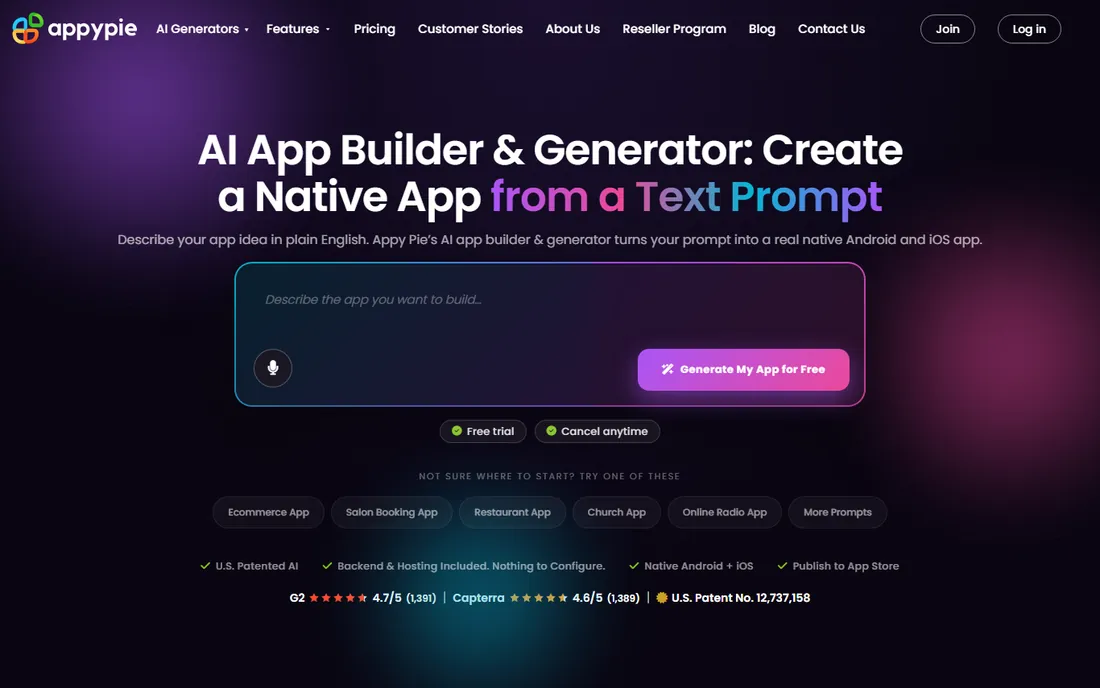
Appy Pie is a no-code platform that covers app building, website building, chatbots, workflow automation and more. The app builder includes an AI generator that creates an app outline from a description, which you then refine in the visual editor. It publishes to both app stores and supports many app types.
The breadth is the pitch. A small business can build its app, website, chatbot and automations in one account with one vendor. The feature list is long, covering everything from restaurant ordering to dating apps to e-learning. Free trials let you test before committing.
The catch is depth. No single module matches the best specialist: the app builder is not as polished as Adalo, the AI generation not as strong as Base44, the automation not as deep as dedicated tools. Pricing across the suite can also accumulate. It suits small businesses that value one vendor for everything over best-in-class anything.
What we like- App builder plus website, chatbot and automation tools
- AI app generator
- Very broad feature list
Watch out for- Jack-of-all-trades depth
- Upsells across the suite add up
What to check before you buy an AI app builder
First, define what "app" means for your project. A native App Store app, a web app and an internal PWA are different products with different builders. If you need App Store distribution, shortlist only tools that publish native binaries. Second, test the AI output with your real requirements, not the demo prompt. Generate the core screens, then try the hard parts: user roles, payments, offline behavior and data relationships.
Third, understand the pricing model completely. Credit-based AI pricing charges per generation, per-app pricing charges per product, and per-user pricing charges per team member. Model your real usage, including the iteration you will inevitably do. Fourth, check the exit. Can you export the code? Can you export your data? AI builders make starting easy; make sure leaving is possible too.
The honest truth about AI-generated apps
AI app builders are genuinely impressive at producing working software from a sentence, and genuinely limited at producing finished products. The generated app usually needs fixes to logic, design polish, proper error handling and real-world testing. Budget as much time for refinement as for generation.
The second truth is that the store submission, user acquisition and maintenance are unchanged. Apple and Google review standards apply to AI-built apps exactly as they do to hand-coded ones, and users judge the app, not how it was made. Use AI builders for speed of iteration and lower cost of experiments, not as a way to skip product thinking. The founders who succeed with these tools treat the AI output as a strong first draft and keep a human in charge of the product.
How we chose
We compared vendor pricing pages, product documentation and public reviews, then confirmed every homepage was live in October 2026. We verified Base44's current pricing on its own pricing page; where we could not verify a vendor-published price we say so. We focused on tools that produce real mobile apps rather than pure web prototypes, while including the leading AI-native generator because the keyword demands it. Nothing here reflects hands-on testing; assessments come from documentation, feature lists and public user feedback.
Frequently asked questions
Can AI really build a complete mobile app?
AI builders can generate a working app from a description, including screens, database and basic logic. But "working" is not "finished": expect to fix logic, polish design, test thoroughly and handle store submission. Treat AI output as a strong first draft.
Will Apple approve an AI-built app?
Yes, if it meets the guidelines. Apple reviews the app, not the tool that made it. AI-built apps get rejected for the same reasons hand-built ones do: thin functionality, broken features and guideline violations. Build something genuinely useful.
What is the difference between native apps and web apps from these builders?
Native apps install from the App Store and Google Play with full device access. Web apps run in a browser or as installable PWAs with some limitations. Tools like FlutterFlow, BuildFire and Adalo produce native apps; Glide and Base44 lean web-first.
How much does it cost to maintain an app built with these tools?
Beyond the builder subscription, budget for store developer accounts (Apple charges annually), any third-party services the app uses, and your time for updates. Per-app and credit-based pricing means costs scale with the number of apps and the amount of AI iteration.
Do I own the code and data?
It depends on the tool. FlutterFlow and Draftbit let you export real code. Base44 offers GitHub sync on higher plans. Others keep you on the platform. Check the export story before you build anything important.
Sources we checked (15)
- https://www.adalo.com
- https://flutterflow.io
- https://base44.com
- https://base44.com/pricing
- https://base44.com/blog/what-is-base44
- https://buildfire.com
- https://www.glideapps.com
- https://thunkable.com
- https://draftbit.com
- https://www.goodbarber.com
- https://www.goodbarber.com/blog/best-app-builders-for-mobile-apps-a1419/
- https://shoutem.com
- https://www.appypie.com
- https://slashdot.org/software/comparison/Adalo-vs-BuildFire-vs-GoodBarber/
- https://slashdot.org/software/comparison/Appy-Pie-vs-FlutterFlow/
Is your product missing or out of date?
We review this list regularly. Vendors can request a listing, send updated pricing or ask about featured placement.

Shihab Mia · Founder, Rankite
Shihab has spent more than a decade helping SaaS and e-commerce brands grow through search. He writes Rankite's software buying guides from pricing pages, documentation and public user reviews. More about Shihab.