How we make this list: we compare pricing pages, product documentation and public user reviews. Rankite is independent; if a vendor ever pays for a featured spot, that listing is clearly labeled Partner.
Key takeaways
- Midjourney is the aesthetic pick for art and editorial imagery, but there is no free tier and private generations need the $60/month Pro plan.
- Ideogram and Recraft are the only picks if your images must contain readable text; Ideogram has the better free tier, Recraft gives you real vector output.
- Adobe Firefly is the safest commercial bet for teams already paying for Creative Cloud, with a $9.99/month entry and partner models like Imagen and Flux built in.
- If cost per image matters, Stable Diffusion self-hosting has zero marginal cost while the Stability API charges a few cents per generation.
- Canva Magic Media and Microsoft Designer are free or nearly free, but they are best for quick social graphics, not final production work.
Quick comparison
| Tool | Best for | Starting price | Free plan |
|---|
 Midjourney Midjourney | Artistic and editorial imagery | $10/month (Basic; $8/month billed annually) | No |
 DALL-E 3 DALL-E 3 | Conversational prompting inside ChatGPT | $20/month (ChatGPT Plus) | Yes (limited) |
 Adobe Firefly Adobe Firefly | Commercially safe creative team work | $9.99/month (Standard) | Yes |
 Leonardo AI Leonardo AI | Game art and consistent characters | $12/month (Apprentice; $10/month billed annually) | Yes (150 tokens/day) |
 Ideogram Ideogram | Images with readable text | $20/month (Plus; $15/month billed annually) | Yes (limited) |
 Recraft Recraft | Vector graphics and brand assets | $12/month (Basic; $10/month billed annually) | Yes (limited, personal use) |
 Stable Diffusion Stable Diffusion | Self-hosted and API pipelines | See website (pay-as-you-go from about $0.01 per credit) | Yes (open weights) |
 Canva Magic Media Canva Magic Media | Fast design-ready social graphics | $15/month (Canva Pro; $10/month billed annually) | Yes (50 lifetime uses) |
 Freepik AI (Magnific) Freepik AI (Magnific) | Multi-model generation plus stock | $20/month (Premium; $14.50/month billed annually) | Yes (daily limit) |
 Microsoft Designer Microsoft Designer | Free everyday graphics | Free with a Microsoft account | Yes |
Is your product missing or out of date?
We review this list regularly. Vendors can request a listing, send updated pricing or ask about featured placement.
Which AI image generator actually earns its subscription
The honest truth: most AI image generators now produce good images, so the buying decision is really about workflow, price per image, and what happens after generation. A freelancer making thumbnails needs something different from a brand team that needs vectors and commercial indemnification. The ten tools below cover that whole spread, from free to enterprise-grade.
Each one is judged on the same things: output quality for real work (not cherry-picked demos), how much it costs at realistic volumes, and where it quietly falls short. Prices come from the vendors' own pricing pages as of October 2026.
Starting price$10/month (Basic; $8/month billed annually)
Free planNo
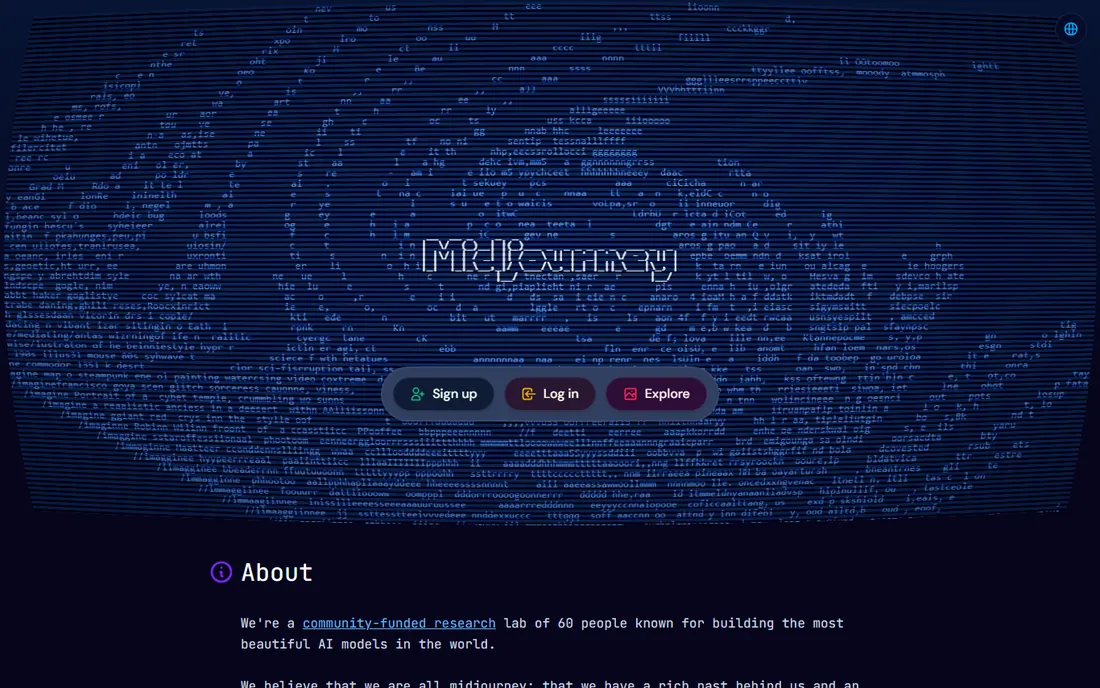
Midjourney remains the generator people compare everything else to, mostly because its default output looks finished. Feed it a sparse prompt and you get gallery-ready color and composition without fiddling with parameters. That consistency is why concept artists, editorial designers, and mood-board creators keep paying for it.
The pricing is simple: four flat tiers from $10 to $120 a month, each buying a set number of Fast GPU hours, with unlimited slower Relax generation from the $30 Standard tier up. But read the fine print before using it for client work. Stealth Mode (keeping your generations private) starts at Pro, and companies earning over $1 million in annual revenue must be on Pro or Mega under the commercial terms. Text rendering inside images is still one of its weaker points, so posters and labels will disappoint.
What we like- Distinctive aesthetic quality out of the box
- Simple flat tiers
- Web app plus Discord access
Watch out for- No free tier or trial
- Private generations need the $60/month Pro plan
Starting price$20/month (ChatGPT Plus)
Free planYes (limited)
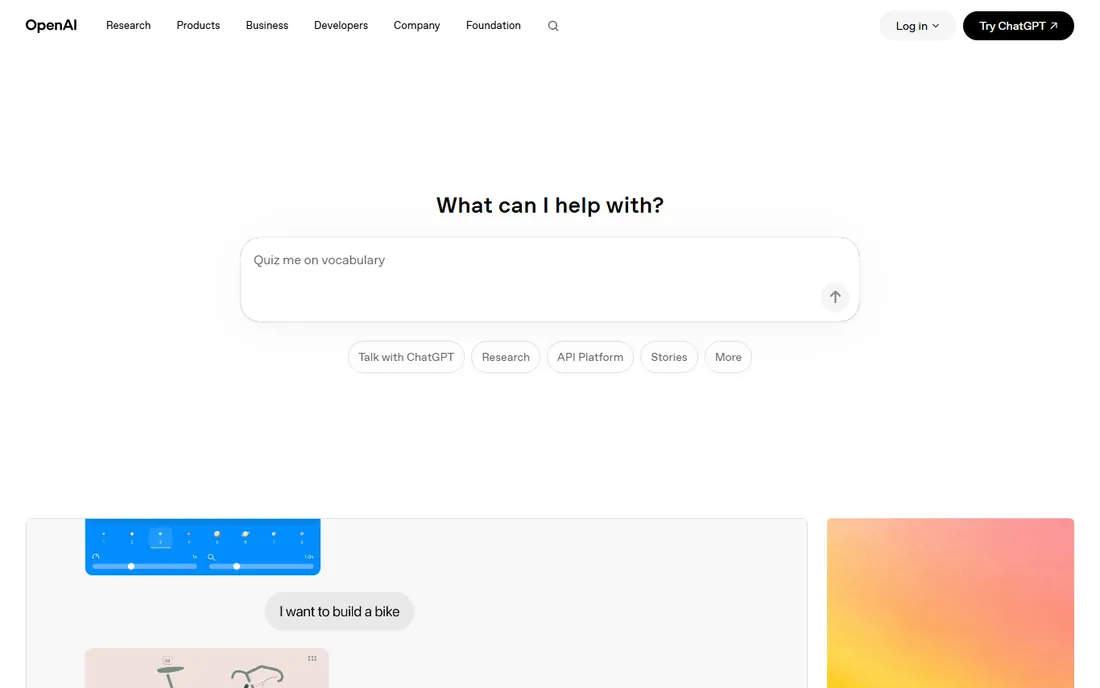
DALL-E 3's advantage is not raw image quality. It is the fact that it lives inside ChatGPT, where you describe what you want in plain language and iterate by chatting. For marketers and non-designers who hate prompt engineering, that conversational loop is genuinely easier than learning another platform's parameter system.
Access runs through ChatGPT Plus at $20 a month, which also gets you the chatbot itself, or through the OpenAI API at per-image rates (around $0.04 for a standard image). Free ChatGPT users get a small daily allowance. The catches are real: DALL-E 3 refuses requests for named public figures and living artists' styles, and the photorealism lags behind the best specialist models. Buy it for convenience and prompt understanding, not for pushing image quality limits.
What we like- Understands long detailed prompts
- Built into ChatGPT
- Full commercial rights to outputs
Watch out for- $20 a month is steep if you only need images
- Heavy content restrictions
Starting price$9.99/month (Standard)
Free planYes
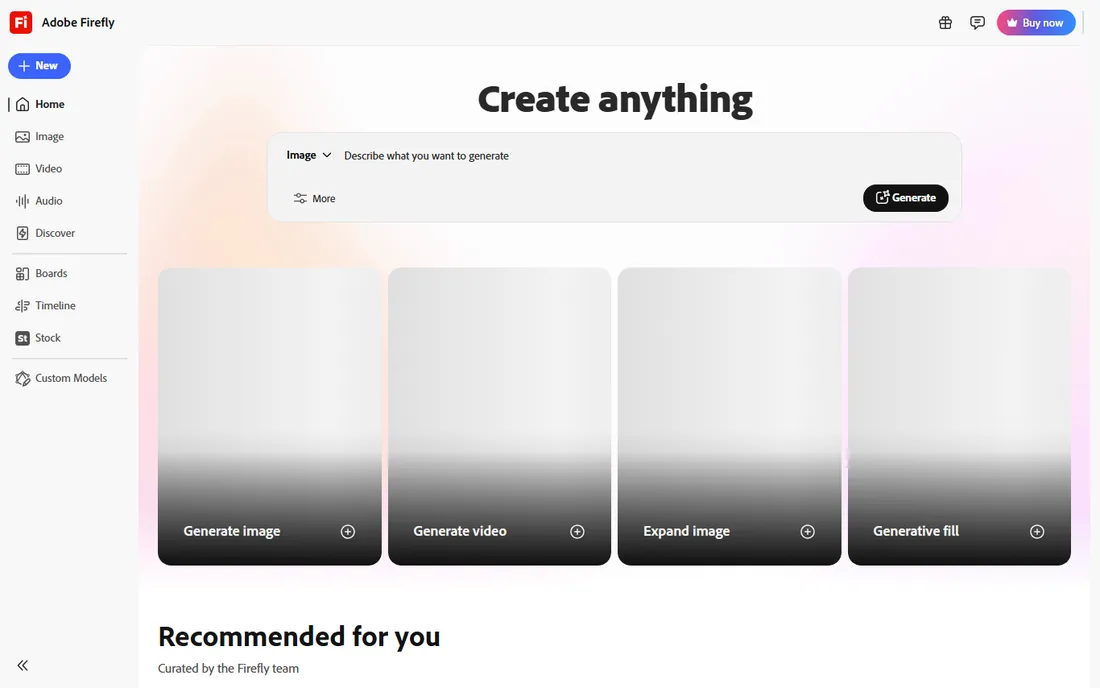
Firefly is the generator for people who need to answer the question "are we allowed to use this in a client deliverable" without flinching. Adobe trained its Firefly models on licensed and public domain content, and the platform attaches Content Credentials for provenance. For agencies and brand teams, that legal posture matters more than a small edge in image quality.
The standalone tiers run $9.99 to $199.99 a month, built around generative credits, with unlimited standard image generations on paid plans. The interesting move is that Firefly now hosts partner models like Google Imagen and OpenAI's image model behind the same bill, so you can compare models for one job without separate subscriptions. If you already pay for Creative Cloud, the bundled credits often make a standalone plan unnecessary. If you do not, the per-credit math deserves a look before you commit.
What we like- Trained on licensed content for commercial safety
- Connects to Photoshop and Express
- Multiple partner models in one bill
Watch out for- Credit system adds math
- Best value requires the Adobe ecosystem
Starting price$12/month (Apprentice; $10/month billed annually)
Free planYes (150 tokens/day)
Leonardo carved out the game-art and illustration niche early and still owns it. The library of fine-tuned models for anime, photoreal, and stylized work is unmatched, and paid plans let you train custom models on your own reference images. That is exactly what indie game studios need for character concepts, item icons, and environment mood boards.
The free plan is one of the most generous in the category at 150 tokens a day, though advanced features like the Alchemy refiner eat through that quickly. Paid plans start at $12 a month with private generations, which you will want, because free-tier images land in the public community gallery. The one persistent weakness: readable text inside images is unreliable, so send poster work elsewhere.
What we like- Fine-tuned model library for game art
- Custom LoRA training
- Generous free tier
Watch out for- Tokens drain fast with advanced features
- Free-tier images are public
Starting price$20/month (Plus; $15/month billed annually)
Free planYes (limited)
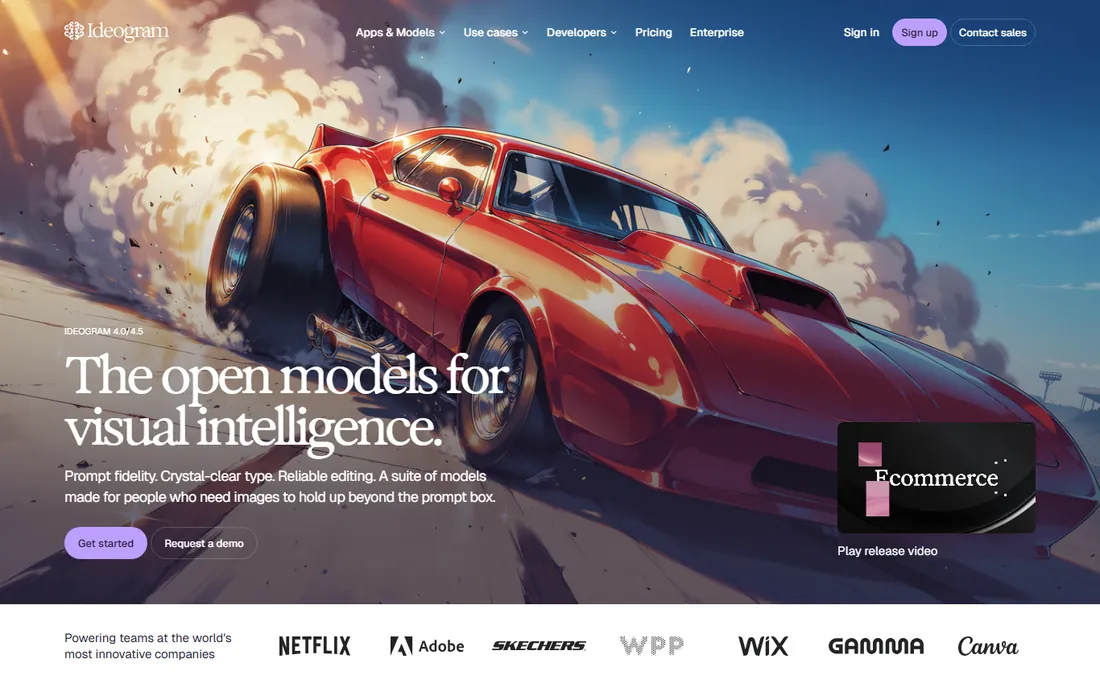
Ideogram solved the problem that ruins most AI images for marketing: garbled text. Posters, logos, social cards, and ad creatives come out with legible, well-placed typography at accuracy rates far ahead of the general models. If your image needs words, this is the first tool to try.
The free tier gives limited slow-queue generations with full commercial rights, which is unusually fair. Plus at $20 a month adds private generation and priority credits, and Pro adds CSV batch generation for campaign variations. Magic Prompt rewrites rough descriptions into detailed prompts, which flattens the learning curve for beginners. Where it loses: pure photorealism and artistic illustration, where Midjourney and others pull ahead.
What we like- Best-in-class text rendering
- Generous free tier with commercial rights
- Batch generation on Pro
Watch out for- No private generations on free
- Photorealism trails specialists
Starting price$12/month (Basic; $10/month billed annually)
Free planYes (limited, personal use)
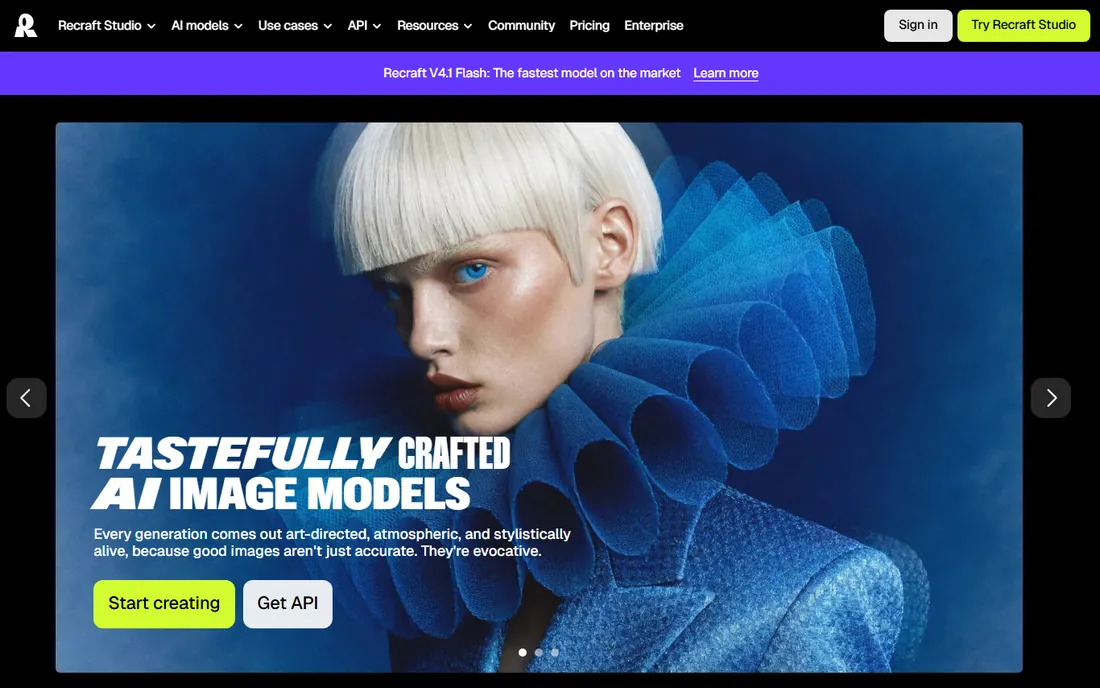
Recraft is built for designers rather than casual image-makers. The standout feature is real vector generation: icons, logos, and illustrations as editable SVG files you can drop into Figma or send to print. Its custom style library lets you lock a palette and line weight once and reuse it across a whole campaign, which is how brand teams actually work.
Basic at $12 a month buys commercial rights and private generations, plus access to partner models alongside Recraft's own. Text rendering is strong, close to Ideogram for typography-heavy work. The catch that matters: the free plan allows personal use only, with public images, so you cannot even prototype client work without paying. Video generation sits on Pro, two tiers above the entry paid plan.
What we like- True vector (SVG) output
- Custom style libraries
- Strong text rendering
Watch out for- No commercial rights on free plan
- Video generation needs Pro
Starting priceSee website (pay-as-you-go from about $0.01 per credit)
Free planYes (open weights)
Stable Diffusion is the only serious option where you can run the whole thing yourself. The weights are free under the Community License for non-commercial use and commercial use under $1 million in annual revenue. That means zero per-image cost once you have the hardware, plus no model-level content filtering, which matters for some teams.
Stability also sells API access on a transparent credit system (new accounts get 25 free credits), with per-image costs from under a cent on older models to around $0.08 on the flagship. The tradeoffs are obvious: self-hosting needs a capable GPU (12 GB VRAM is a practical floor), the ecosystem of interfaces and fine-tunes takes learning, and default output quality often trails the best closed models. This is a tool for developers and teams with volume, not for someone who wants a picture in ten seconds.
What we like- Open weights with local control
- Free commercial use under $1M revenue
- Huge community ecosystem
Watch out for- Not a one-click product
- Self-hosting needs a real GPU
#8
Canva Magic Media
Best for: Fast design-ready social graphics
Visit canva.com
Starting price$15/month (Canva Pro; $10/month billed annually)
Free planYes (50 lifetime uses)
Canva's pitch is different from everyone else's: the image is not the product, the finished design is. Generate an image with Magic Media and it is already inside your social post, presentation, or flyer, with brand kits, templates, and publishing built around it. For small marketing teams and founders, that removes the round trip through a separate design tool.
Magic Media comes with Canva Pro at $15 a month (or $10 a month billed annually), which also adds the newer Dream Lab engine powered by Leonardo technology. The free plan allows only 50 lifetime generations, so this is a paid decision from the start for real use. Image quality is good, not great, and you would not pick Canva for hero art. You pick it when speed and an editable result matter more than pixel-level quality.
What we like- Generated images land inside an editor
- Huge template library
- Easy for non-designers
Watch out for- Image quality lags specialists
- Free tier is very limited
#9
Freepik AI (Magnific)
Best for: Multi-model generation plus stock
Visit freepik.com
Starting price$20/month (Premium; $14.50/month billed annually)
Free planYes (daily limit)
Freepik rebranded its AI generation suite to Magnific in 2026, but the play is the same: one subscription that puts Flux, Imagen, Ideogram, and others behind a single bill, plus a 200-million-asset stock library. For creators who like comparing models for each job, the value is real. You also get upscaling and editing tools in the same subscription.
Premium starts at $20 a month with annual credit pools rather than monthly resets, and higher tiers add unlimited generation on selected models. Watch the model-specific credit costs before choosing a tier: premium video and image models burn credits at very different rates. The free plan offers a daily generation allowance, but outputs are personal-use only. Commercial work needs a paid tier, and even then AI output does not get the stock library's standard legal protection.
What we like- Many frontier models behind one subscription
- Bundled 200M+ stock library
- Annual credit pools
Watch out for- Credit costs vary by model
- Free outputs lack a commercial license
Starting priceFree with a Microsoft account
Free planYes
If you need AI images and do not want to pay anything, Designer is the first stop. Image generation powered by DALL-E runs free with a personal Microsoft account, and it is built into the Edge sidebar and Microsoft 365 apps. Stickers, invitations, social graphics, and quick blog art are all easy.
The free tier works on a daily "boost" allowance that resets, and Copilot Pro at $20 a month raises the limit. The editor itself is basic compared to Canva or Adobe Express, and Microsoft's commercial-use terms for generated images are less explicit than Adobe's indemnification story. For personal projects and quick internal graphics, it is genuinely free and good. For client deliverables, verify the license terms yourself first.
What we like- Free image generation with a Microsoft account
- Built into Edge and Microsoft 365
- Simple templates
Watch out for- Daily boost limits
- Commercial licensing less clear than Adobe's
How we chose
We started from the vendors' own pricing pages and documentation, cross-checked against October 2026 comparison coverage from sources like Dev.to, The Rundown AI, ToolJunction, and TechSifted, plus public reviews on G2 and Capterra and practitioner threads on Reddit. Each tool had to be a live, buyable product today with a verifiable current price. We never claim hands-on testing; quality judgments come from published independent tests and reviewer consensus. Tools were scored on fit for real buyer profiles: freelancers, marketing teams, brand designers, game artists, and developers, with pricing, free tiers, commercial rights, and integration depth weighted alongside raw output quality.
How many images will you actually make?
Credit-based tools punish heavy users and reward light ones unevenly. Leonardo's 150 daily free tokens vanish in minutes if you use the Alchemy refiner, while Midjourney's unlimited Relax mode from $30 a month suits daily generators. Estimate your monthly volume honestly, then pick the pricing shape (flat subscription, credits, or pay-as-you-go API) that fits it.
Who owns the output, and can you use it commercially?
This is the question that separates casual tools from business tools. Midjourney and Recraft restrict commercial rights or privacy by tier, Adobe attaches Content Credentials, and Freepik's free outputs are personal-use only. If client deliverables are involved, read the license terms on the vendor's site before generating anything.
Do you need text in the image?
Most generators still garble typography. If your work includes posters, logos, or social cards with headlines, shortlist Ideogram and Recraft first. The gap to general models is still large enough that this single requirement should drive the choice.
Where does the image go after generation?
An image that lands in Canva or Photoshop is closer to a deliverable than one that needs downloading and re-uploading. Factor your existing stack into the decision: Canva for marketing teams, Firefly for Adobe shops, Recraft's SVG export for designers, APIs for automated publishing pipelines.
Pricing models explained
The category has settled into three shapes. Flat subscriptions (Midjourney, Ideogram Plus) are predictable and favor daily users. Credit or token pools (Leonardo, Firefly, Recraft, Freepik) are flexible but require watching consumption, since advanced features and video cost far more than basic generations. Pay-as-you-go APIs (Stability, Ideogram's API) suit developers with variable volume. Annual billing typically saves 15 to 25 percent, but locks you in, so test monthly first when you can.
Frequently asked questions
What is the best AI image generator overall in 2026?
There is no single winner. Midjourney leads on aesthetic quality for art and editorial work, Ideogram leads on images with text, Adobe Firefly leads on commercial safety, and Stable Diffusion leads on control and cost for technical teams. Match the tool to the job, not to a ranking.
Which AI image generator is best for commercial use?
Adobe Firefly and Recraft are the strongest picks for client work: Firefly for its licensed training data and Content Credentials, Recraft for commercial rights on paid plans and vector output. Check each vendor's current terms yourself, because commercial rights often depend on the tier you buy.
Is there a good free AI image generator?
Yes, several. Microsoft Designer and Canva's free tier cover everyday graphics, Leonardo gives 150 free tokens a day, Ideogram and Recraft have usable free tiers, and Stable Diffusion's weights are free to run yourself. Free tiers usually limit commercial use or keep images public, so read the terms.
Can AI image generators create readable text in images?
Ideogram and Recraft handle typography reliably, and DALL-E 3 does well with short strings. Midjourney and Leonardo still struggle with in-image text. If your deliverables include posters, labels, or logos with words, choose accordingly.
How much does it cost to generate one AI image?
It ranges from fractions of a cent to about $0.20 depending on the model and resolution. Flat subscriptions like Ideogram Plus work out to roughly $0.06 per image at realistic volumes, while API pricing varies from about $0.009 for older Stable Diffusion models to $0.08 for the flagship ones.
Do I need a paid plan to use these tools for client work?
Usually yes. Free tiers commonly restrict commercial use, keep generations public, or cap output too low for production. Midjourney has no free tier at all, and its Stealth Mode starts at the $60/month Pro plan.
Sources we checked (13)
- https://dev.to/stimlau/midjourney-pricing-explained-standard-pro-and-mega-in-2026-33n8
- https://www.techsifted.com/guides/adobe-firefly-pricing-2026/
- https://www.toolquestor.com/vs/adobe-firefly-vs-midjourney
- https://www.fluxnote.io/guides/leonardo-ai-pricing-guide-2026
- https://www.krea.ai/blog/what-is-ideogram-ai-features-pricing-and-alternatives-in-2026
- https://www.recraft.ai/pricing
- https://dev.to/mckennachapman/best-ai-image-generators-in-2026-12-tools-real-prices-and-the-cost-of-one-image-cec
- https://www.raqmedia.com/2026/05/canva-2-0-new-ai-features-review-activate.html
- https://www.eesel.ai/blog/freepik-ai-pricing
- https://www.therundown.ai/tools/freepik-pikaso
- https://support.microsoft.com/en-us/designer/welcome-to-microsoft-designer
- https://en.wikipedia.org/wiki/Ideogram_(text-to-image_model
- https://en.wikipedia.org/wiki/Stable_Diffusion
Is your product missing or out of date?
We review this list regularly. Vendors can request a listing, send updated pricing or ask about featured placement.

Shihab Mia · Founder, Rankite
Shihab has spent more than a decade helping SaaS and e-commerce brands grow through search. He writes Rankite's software buying guides from pricing pages, documentation and public user reviews. More about Shihab.