How we make this list: we compare pricing pages, product documentation and public user reviews. Ratings come from G2, Capterra or Trustpilot, with the date we checked them.
Key takeaways
- Topaz Photo AI is the gold standard for blur and focus recovery, combining sharpen, Super Focus, denoise, face recovery and upscale in one desktop application.
- VanceAI and PicWish give the cheapest browser-based deblurring, from $6.99 to $9 per month, while Upscayl is free and open source for upscaling and sharpening.
- Remini is the fastest mobile option for blurry faces, but weekly pricing adds up fast for large batches.
- Severe blur and badly missed focus cannot be perfectly reconstructed by any tool: AI guesses detail, and strong settings can create unnatural results if pushed too far.
Quick comparison
| Tool | Best for | Starting price | Free plan |
|---|
 Topaz Photo AI Topaz Photo AI | Blur and focus recovery | $199 per year | Free trial (fully featured, cannot save) |
 VanceAI VanceAI | Browser-based deblurring | $9 per month (Starter, billed annually) | Yes (free credits) |
 Remini Remini | Mobile face deblurring | See website | Free trial |
 HitPaw FotorPea HitPaw FotorPea | Desktop batch deblurring | $22.39 per month | Free trial |
 PicWish PicWish | Budget batch enhancement | $6.99 per month | Yes (5 free enhancements per day) |
 Fotor Fotor | Budget all-in-one editing | $8.99 per month | Yes (limited) |
 Upscayl Upscayl | Free open-source upscaling | $0 | Yes |
 Adobe Photoshop Adobe Photoshop | Advanced editing and control | $22.99 per month (annual plan) | Free trial (7 days) |
Is your product missing or out of date?
We review this list regularly. Vendors can request a listing, send updated pricing or ask about featured placement.
#1Topaz Photo AI
Best for: Blur and focus recovery4.3/5 on
G2 (2 reviews, checked Oct 2026)
Visit topazlabs.com
Starting price$199 per year
Free planFree trial (fully featured, cannot save)
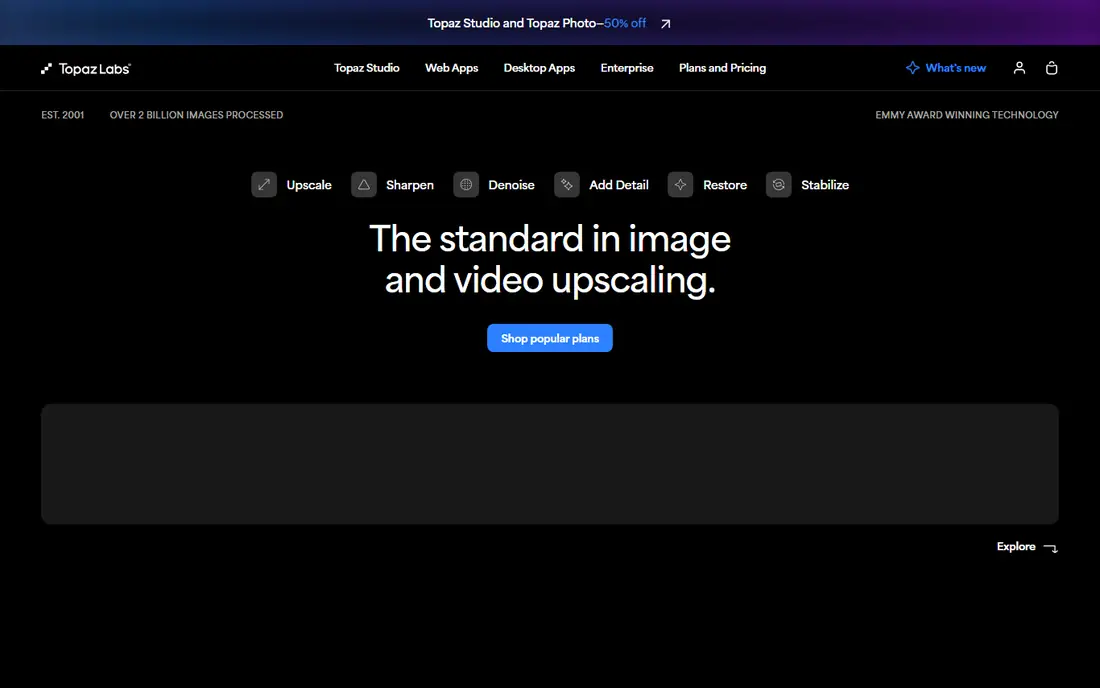
Topaz Photo AI is the tool photographers reach for when a photo is technically flawed: noise at high ISO, motion blur, soft focus, or too-small resolution. Its sharpen, Super Focus, denoise, face recovery and upscale models consistently rank best in the category, and it works standalone or as a Lightroom plugin. The current product is Topaz Photo, not the discontinued standalone Topaz Sharpen AI branding used in older guides.
Pricing is listed at $199 per year in one 2026 guide and $199 one-time in older comparisons, with monthly billing at $25 to $39 per month, so confirm the current licence terms. Processing is slow on older machines, and default settings can give skin a plastic look on portraits, so dial the sliders back. Topaz fits photographers whose images need difficult blur and focus recovery, not just a quick polish.
What we like- Strongest blur and focus recovery
- Sharpen, Super Focus, denoise, face recovery and upscale in one app
- Local workflow
Watch out for- Highest cost here
- Slow on older machines
- Strong settings can create unnatural detail
Starting price$9 per month (Starter, billed annually)
Free planYes (free credits)
VanceAI combines deblurring with denoise, upscale and face recovery in a browser workflow that needs no software installation. The Starter plan shows $9 per month on annual billing with 200 credits per month in one vendor-checked comparison, while another guide cites $5.94 per month for 100 credits, so confirm the current credit allowance before buying.
Credits are the limit: each full-resolution download uses credits, so a large batch can drain a plan quickly. VanceAI fits users with moderate batches who want browser convenience and a genuine free tier for testing before paying.
What we like- One-click browser workflow
- Deblur, denoise, upscale and face recovery in one pass
- Batch processing
Watch out for- Credit limits drain fast on large batches
- Web processing needs an internet connection
#3Remini
Best for: Mobile face deblurring4.6/5 on
G2 (13 reviews, checked Oct 2026)
Visit remini.ai
Starting priceSee website
Free planFree trial
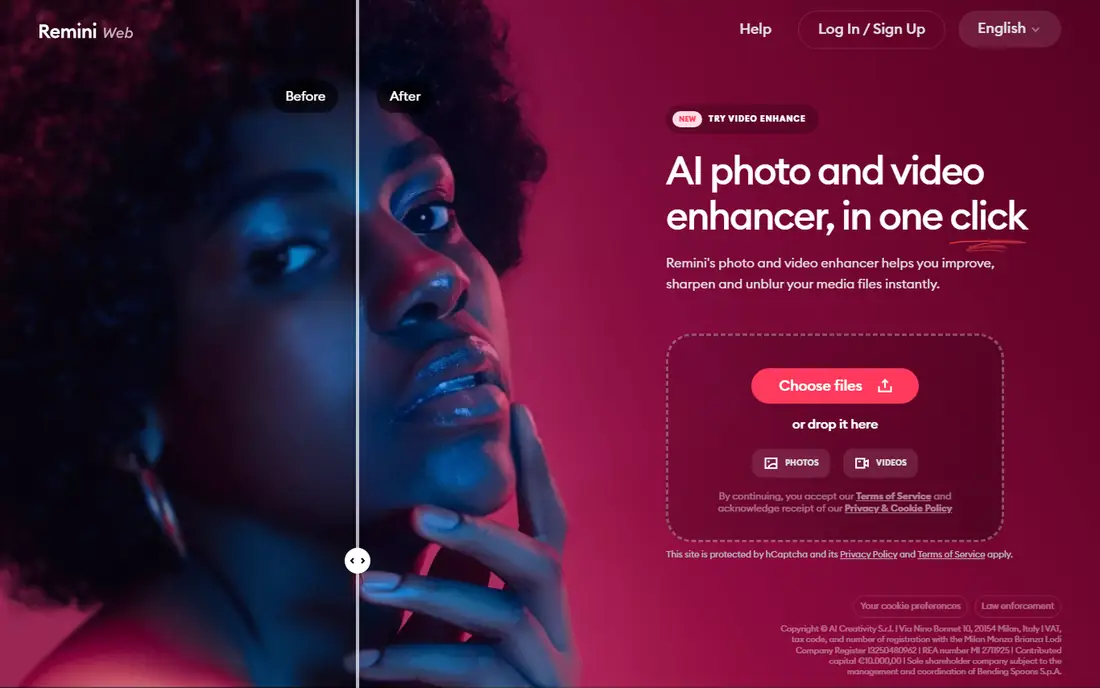
Remini built its reputation on taking a blurry face and rebuilding it in seconds on a phone: upload a faded portrait, tap enhance, and the AI sharpens eyes, skin texture and hair with quality that still surprises reviewers. For a single damaged family photo to share at a reunion, few tools get there faster.
The business model is the catch: weekly subscriptions cited around $6.99 per week for Personal and $9.99 for Business add up fast for hundreds of photos, and the free tier carries ads, daily limits and possible watermarks. Remini fits quick mobile face jobs, not archive-scale deblurring.
What we like- Fastest mobile face deblurring
- One-tap workflow
- Strong on portraits
Watch out for- Weekly pricing adds up fast
- Can over-smooth faces
- Uploads leave your device
Starting price$22.39 per month
Free planFree trial
HitPaw FotorPea is a desktop application with upscale, sharpen, denoise and face enhancement in one package, plus newer vintage restoration and colorization models. Pricing runs $22.39 per month, $90.39 per year, or around $130 for a lifetime licence in one comparison, and a free online version handles small jobs in the browser.
The monthly price is high compared with VanceAI or PicWish, and buyers should check how many credits the lifetime plan includes before buying. HitPaw fits users who want desktop batch processing and a lifetime option instead of a web subscription.
What we like- Desktop batch processing
- Upscale up to 8x
- Vintage restoration and colorization models
- Lifetime option
Watch out for- Monthly price high compared with VanceAI
- Check lifetime credit limits before buying
#5PicWish
Best for: Budget batch enhancement4.8/5 on
G2 (6 reviews, checked Oct 2026)
Visit picwish.com
Starting price$6.99 per month
Free planYes (5 free enhancements per day)
PicWish is the budget batch pick: $6.99 per month with 5 free enhancements per day on the free tier, covering deblurring alongside enhancement and cleanup in a simple browser workflow. For everyday blurry photos, screenshots and product images, that price and simplicity are hard to beat.
Depth trails Topaz on difficult blur, missed focus and heavy noise, where specialist models recover more detail. PicWish fits users with regular batches of mildly blurry images who want the lowest paid price and a usable free tier.
What we like- Cheapest paid option here
- Batch enhancement and cleanup
- Simple workflow
Watch out for- Depth trails Topaz on difficult blur
- Credit-based limits on free tier
#6Fotor
Best for: Budget all-in-one editing4.2/5 on
G2 (342 reviews, checked Oct 2026)
Visit fotor.com
Starting price$8.99 per month
Free planYes (limited)
Fotor is the budget all-in-one: a browser photo editor with one-click enhancement alongside cropping, filters, collage and design tools. Pro costs $8.99 per month in one guide and $39.99 per year on annual billing in another, and the free tier handles small batches of lightly blurred photos.
Deblurring depth trails VanceAI and Topaz, especially on motion blur or missed focus, since Fotor is a general editor first. Fotor fits casual users with a few blurry photos and a need for general editing, not photographers rescuing difficult shots.
What we like- Full photo editor beyond deblurring
- Quick one-click fixes
- Low cost
Watch out for- Deblurring depth trails dedicated tools
- Free tier limited
Starting price$0
Free planYes
Upscayl is the free, open-source desktop application for AI upscaling, with batch processing and multiple models on Windows, Mac and Linux. Cloud Pro costs $24.99 per month for users who want web processing, but the desktop app costs nothing and keeps photos local.
Its focus is upscaling rather than dedicated deblurring, so difficult motion blur may need a specialist tool as well. Upscayl fits budget-conscious users, open-source fans and anyone who wants local processing without a subscription.
What we like- Free and open source
- Batch processing
- Multiple AI models
- Runs locally on Windows, Mac and Linux
Watch out for- Upscaling focus, not dedicated deblurring
- Interface less polished than paid tools
#8Adobe Photoshop
Best for: Advanced editing and control4.6/5 on
G2 (13,426 reviews, checked Oct 2026)
Visit adobe.com
Starting price$22.99 per month (annual plan)
Free planFree trial (7 days)
Adobe Photoshop remains the full-control option: AI editing, retouching and Super Resolution inside the industry-standard editor, at $22.99 per month on the annual plan or $263.88 per year prepaid. For a photo that needs manual repair after AI deblurring, or a composite built around a rescued image, nothing else matches its depth.
The learning curve and subscription cost make it overkill for one-click deblurring alone. Photoshop fits editors who already use it and want deblurring inside a complete retouching workflow, not casual users fixing a handful of photos.
What we like- Full creative control
- Super Resolution and AI editing
- Industry standard for manual repair
Watch out for- Subscription cost
- Learning curve
- Overkill for one-click deblurring
How we chose
We compared tools on deblurring quality by blur type, pricing model, free tier quality, privacy of processing and the limits reviewers cite most often. Sources included a 2026 AI photo editing guide, a ten-tool fix-old-photos comparison, a photo enhancer comparison and a sharpening software guide. Where prices conflicted across guides, the article uses the most recent figure and notes the difference. We did not claim hands-on testing, and severe blur cannot be perfectly reconstructed by any tool here.
What to check before you sign
Start by sorting blur by type. Slight softness and compression blur suit one-click tools like VanceAI, PicWish and Fotor, while motion blur and missed focus need Topaz Photo AI or manual Photoshop work. No tool reliably rebuilds a face from a heavily blurred original, so set expectations before paying.
Next, test on your worst photo, not your best. Run the free trial or free tier on the most difficult image in your batch and compare the result against the original at full size, watching for plastic skin, invented detail and halos around edges. Strong recovery settings create unnatural detail if pushed too far, so dial sliders back until the result looks real. Pay special attention to text, jewellery and fine patterns, since these are the details AI most often invents or smears when the original information is missing.
Finally, check privacy and cost at your batch size. Web tools upload photos to their servers, while desktop tools like Topaz, HitPaw, Upscayl and Photoshop keep everything local. Credit-based plans drain fast on large batches, so count photos against credits before buying, and prefer a one-time or unlimited plan for archive-scale work, since a subscription that runs out mid-project leaves half your archive unfinished.
Frequently asked questions
What is the best AI image deblurring tool?
For difficult blur and missed focus, Topaz Photo AI. For cheap browser deblurring, VanceAI or PicWish. For mobile faces, Remini. For free local upscaling, Upscayl. The right pick depends on blur type, batch size and platform.
Can AI fix a very blurry photo?
Partly. AI recovers mild to moderate blur well, but severe blur and badly missed focus cannot be perfectly reconstructed, since the detail was never captured. Results improve with mild blur and degrade as blur worsens.
Is Topaz Photo AI worth $199?
For photographers who regularly rescue difficult images, yes: it combines sharpen, focus recovery, denoise, face recovery and upscale in one desktop tool, and the licence beats a subscription for regular use. For occasional users, VanceAI or PicWish cost far less, and the free trial lets you test on your own worst images before spending anything.
Can I deblur photos for free?
Yes, within limits. Upscayl is free and open source, VanceAI and PicWish offer free tiers, and Fotor offers limited free enhancement. For a small batch, free options may be all you need.
Does deblurring change what a person looks like?
AI fills in detail it guesses, so it can alter faces subtly, especially on badly blurred portraits. Compare the result against the original, dial settings back if skin looks plastic, and keep the original file untouched.
Should I use a web tool or desktop software?
Web tools are convenient and cheap for small batches, but they upload photos to servers, charge per credit, and may watermark free outputs. Desktop tools keep photos local, suit large batches, and offer more control, at higher upfront cost, but they pay for themselves quickly over time.
Sources we checked (5)
- https://blutoolboxhq.com/articles/ai-photo-editing-tools
- https://rankite.com/blog/best-software-to-fix-old-photos
- https://www.fontmirror.com/en/best-photo-enhancer-html/
- https://rankite.com/blog/best-software-for-restoring-old-photos
- http://www.aiarty.com/ai-image-enhancer/photo-sharpening-software.htm?ttpath=image-enhancer-index-de
Is your product missing or out of date?
We review this list regularly. Vendors can request a listing, send updated pricing or ask about featured placement.

Shihab Mia · Founder, Rankite
Shihab has 5+ years in B2B and SaaS SEO. He writes Rankite's software buying guides from pricing pages, documentation and public user reviews. More about Shihab.