How we make this list: we compare pricing pages, product documentation and public user reviews. Ratings come from G2, Capterra or Trustpilot, with the date we checked them.
Key takeaways
- Midjourney leads for stylized art and illustration, while Adobe Firefly suits designers who need commercial-use guidance inside Adobe apps.
- Ideogram is the strongest choice when an image must contain readable text, such as a poster, logo, or product label.
- Leonardo AI and Stable Diffusion suit creators who want many models, styles, and control over the generation process.
- ChatGPT and Canva suit beginners who want image generation inside a chat or design app they already use.
- Always check the license for commercial use, since free tiers, paid plans, and model terms differ, and AI images can still include errors in hands, text, and logos.
Quick comparison
| Tool | Best for | Starting price | Free plan |
|---|
 Midjourney Midjourney | Stylized art, illustration, and mood images | See website | No |
 Adobe Firefly Adobe Firefly | Designers who work in Photoshop, Illustrator, and Express | See website | Yes |
 Ideogram Ideogram | Posters, logos, and images that must include text | Free | Yes |
 Leonardo AI Leonardo AI | Game art, concept art, and character design | Free | Yes |
 ChatGPT ChatGPT | Everyday image generation inside a chat app | Free | Yes |
 Canva Canva | Social posts, marketing images, and presentations | Free | Yes |
 FLUX FLUX | Photorealistic images and developer projects | See website | No |
 Stable Diffusion Stable Diffusion | Open models, local generation, and custom workflows | Free | Yes |
Is your product missing or out of date?
We review this list regularly. Vendors can request a listing, send updated pricing or ask about featured placement.
#1Midjourney
Best for: Stylized art, illustration, and mood images4.4/5 on
G2 (102 reviews, checked Oct 2026)
Visit midjourney.com
Starting priceSee website
Free planNo
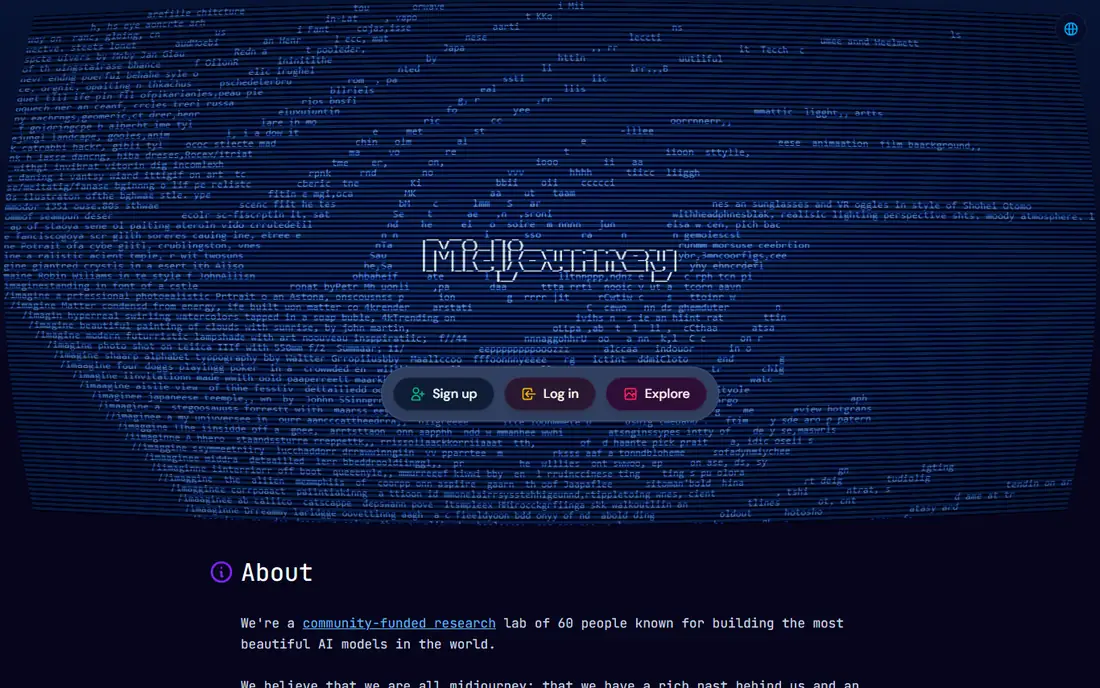
Midjourney remains the first name many artists mention, and the reason is visual taste. A short prompt can produce a poster, book cover, or concept image with a coherent style, lighting, and composition, rather than a flat stock-style result. Parameters for aspect ratio, style strength, and version give a creator control without a long prompt, and reference images can guide a character or style across several generations.
The learning curve is real. Generation happens through Discord commands or the web editor, and a new user needs time to learn parameters, upscaling, and variations. Midjourney also has no free tier, so testing requires a paid plan, and commercial use terms should be read for the exact plan chosen. For a creator whose main need is striking art, rather than a quick product photo, Midjourney is still the benchmark.
What we like- Distinctive, polished art styles
- Strong community and prompt sharing
- Useful style and character reference features
Watch out for- No free tier
- Runs mainly through Discord and web tools, which takes learning
- Commercial terms depend on plan and account type
#2Adobe Firefly
Best for: Designers who work in Photoshop, Illustrator, and Express4.4/5 on
G2 (373 reviews, checked Oct 2026)
Visit adobe.com
Starting priceSee website
Free planYes
Adobe Firefly is built for a designer who already uses Adobe tools. An image can be generated in Firefly, then opened in Photoshop for generative fill, extended, or composited, or used in Express for a social post. That workflow matters more than any single generation, since most commercial images need cropping, retouching, and layout after the first version.
Adobe positions Firefly models as designed to be commercially safe, with training data and content credentials that help a business check provenance. Free credits let a new user test generation, but regular use needs a paid Firefly or Creative Cloud plan, with credit limits that vary by plan. For a team that already pays for Adobe apps, Firefly adds image generation without a new vendor or a new file workflow.
What we like- Trained with commercial-use guidance in mind
- Built into Adobe apps
- Text-to-image, generative fill, and text effects in one family
Watch out for- Free credits run out quickly for heavy use
- Best results need Adobe app knowledge
- Some styles look more polished than others
#3
Ideogram
Best for: Posters, logos, and images that must include text
Visit ideogram.ai
Starting priceFree
Free planYes
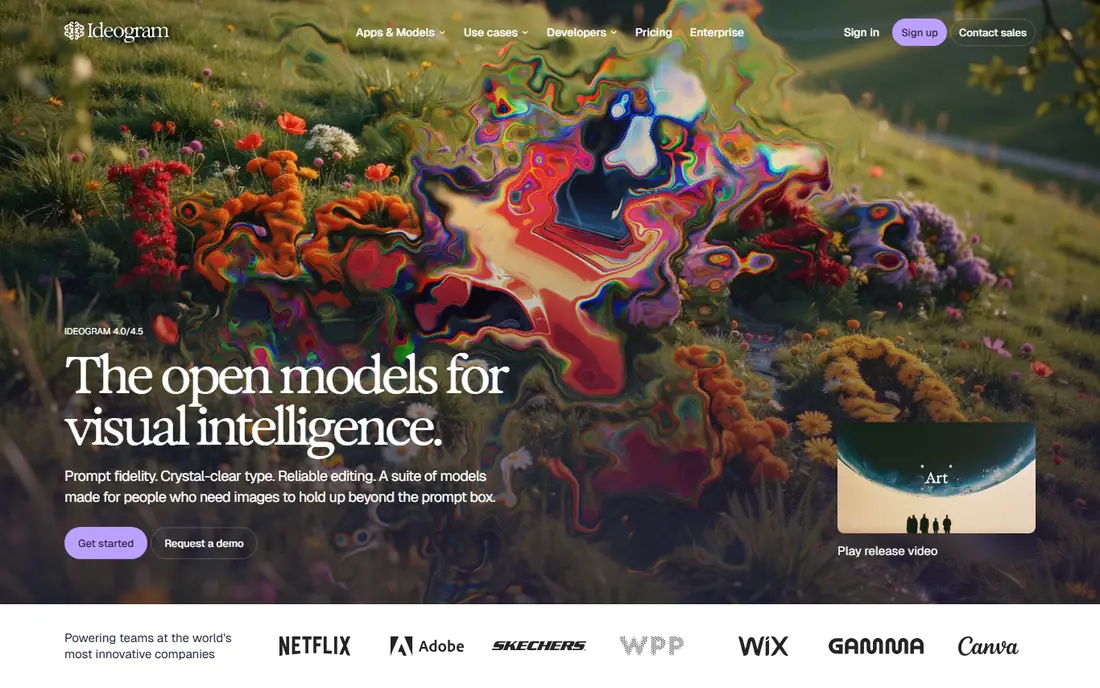
Ideogram solves the problem that trips up many image tools: text inside the picture. A poster headline, a shop sign, a book title, or a product label comes out readable far more often than with general models, and layouts such as centered titles or badge designs hold together. That makes Ideogram useful for marketing images, thumbnails, and social graphics, not just for art experiments.
The free tier covers testing and light use, with paid plans for more generations, higher priority, and business features. Ideogram 4.0 and 4.5 models focus on prompt fidelity and editing, so a revision can change one element without rebuilding the whole image. For any project where a word must be spelled correctly in the image itself, Ideogram should be the first tool tested.
What we like- Clear, readable text in images
- Strong prompt fidelity
- Editing tools that keep the original intent
Watch out for- Art styles are narrower than Midjourney
- Higher-resolution and commercial features sit on paid plans
- API pricing needs a separate check
#4Leonardo AI
Best for: Game art, concept art, and character design4.5/5 on
G2 (32 reviews, checked Oct 2026)
Visit leonardo.ai
Starting priceFree
Free planYes
Leonardo AI is built for creators who iterate on characters, environments, and game assets. A user can pick a model tuned for anime, photorealism, illustration, or 3D style, generate variations, upscale a chosen image, and edit it on a canvas without leaving the app. Motion tools can turn a still image into a short clip for social or pitch use.
Free tokens renew daily, which suits testing and occasional work, while paid plans add more tokens, faster generation, and private mode. The range of models is a benefit and a drawback: a beginner may spend time finding the right model for a job, while an experienced creator will value that choice. For concept art and game visuals, Leonardo AI offers more control than a single-model chat tool.
What we like- Many models and styles in one app
- Canvas, upscaling, and motion tools
- Free daily tokens for light use
Watch out for- Token limits can slow heavy sessions
- Interface has many panels for a beginner
- Some models are better for art than for photos
#5ChatGPT
Best for: Everyday image generation inside a chat app4.6/5 on
G2 (3,089 reviews, checked Oct 2026)
Visit openai.com
Starting priceFree
Free planYes
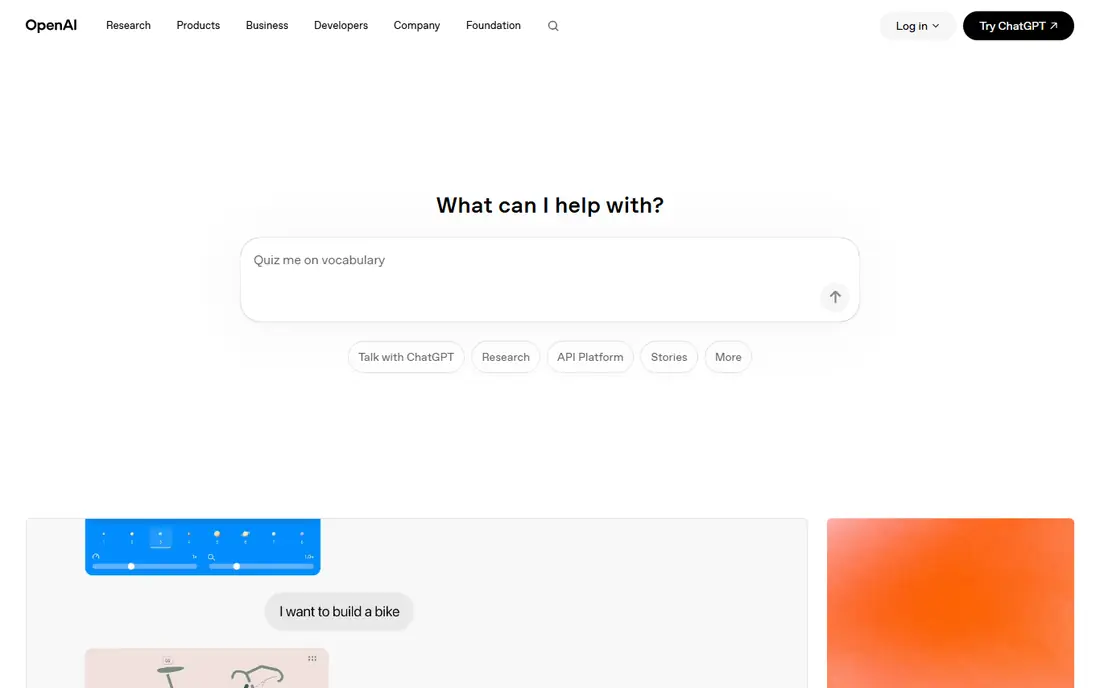
ChatGPT is the easiest way for most people to make an AI image, since image generation sits inside the same chat used for writing and research. A user can describe a scene, ask for a change in lighting or style, upload a photo to edit, and keep refining in plain language, without learning parameters or model names. That conversational loop helps a beginner who wants a quick social image, a story illustration, or a mockup.
Limits matter for regular use. The free tier allows only a limited number of image generations per day, and paid plans raise that limit. Results can also look generic when a prompt is short, so adding subject, setting, lighting, and style improves the output. For a creator who needs a few images a week and values ease over fine control, ChatGPT is a practical starting point.
What we like- No new app to learn
- Image edits by conversation
- Strong at following a detailed prompt and editing an uploaded photo
Watch out for- Free tier limits image generations
- Art style can feel generic without a detailed prompt
- Commercial terms depend on plan
#6Canva
Best for: Social posts, marketing images, and presentations4.7/5 on
G2 (7,678 reviews, checked Oct 2026)
Visit canva.com
Starting priceFree
Free planYes
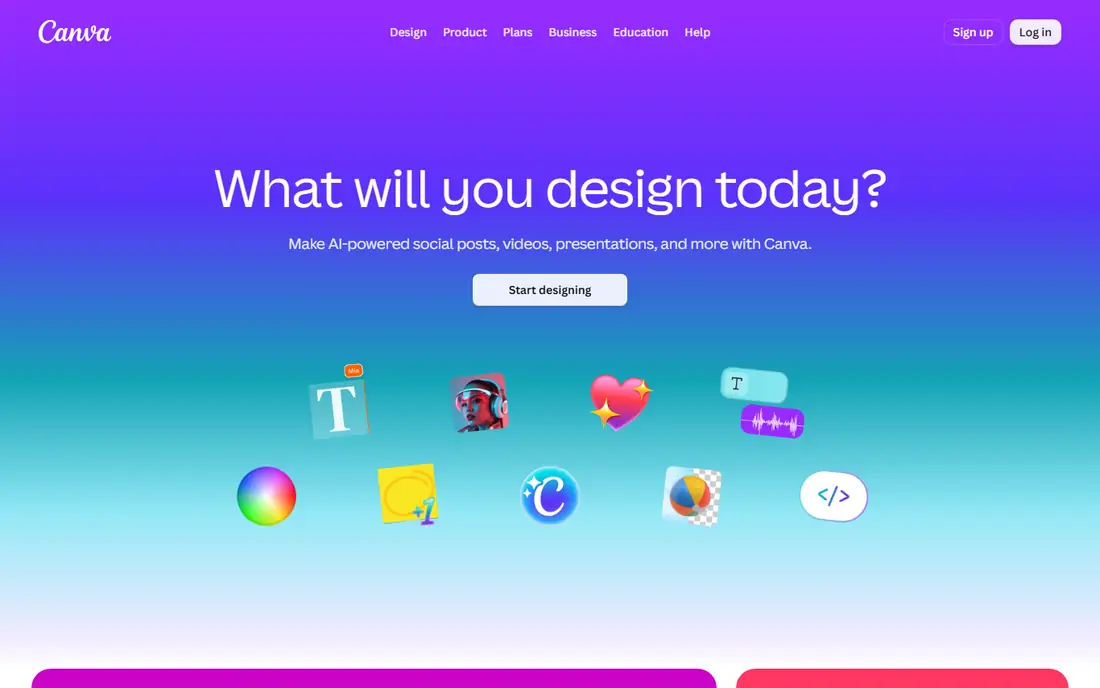
Canva is not the best pure image generator in this list, and that is not its job. Its strength is what happens after generation: the image drops straight into a template, text and branding are added, and the design is resized for Instagram, a presentation, or a print flyer. For a small business owner or a social manager, that single workflow saves more time than a slightly better image from a separate app.
Canva offers a free plan with limited AI credits, and paid Pro plans add more credits, background removal, and brand tools. Prompt control is simpler than in Midjourney, with fewer parameters for style and composition, so a detailed art brief may need another tool. For marketing images that need text, layout, and fast export, Canva is the most useful choice here.
What we like- Image generation inside a full design app
- Templates, text, and layout tools in one place
- Easy resizing for each platform
Watch out for- Image quality varies by model and prompt
- Free plan limits AI credits
- Detailed art control is less than in Midjourney or Leonardo AI
#7
FLUX
Best for: Photorealistic images and developer projects
Visit bfl.ai
Starting priceSee website
Free planNo
FLUX, from Black Forest Labs, is known for images that look like photographs, with natural skin, lighting, and scene detail that hold up at a closer look. A playground lets a user test prompts in a browser, while an API lets a developer add generation to a product, and open-weight models let a technical team run FLUX on its own infrastructure. That range makes FLUX useful both for a single realistic image and for a production workflow.
The trade-off is ease. FLUX is less of a one-click consumer app than ChatGPT or Canva, and pricing is through the playground, API credits, or an enterprise agreement, rather than a single consumer subscription. A photographer, product team, or developer who needs realistic results and programmatic control will get more from FLUX than a casual user who wants one quick picture.
What we like- Strong photorealism and prompt accuracy
- Open-weight models for local use
- API for products and workflows
Watch out for- No simple free consumer tier like Canva
- Best use needs API or playground knowledge
- Commercial terms depend on model and license
#8Stable Diffusion
Best for: Open models, local generation, and custom workflows4.3/5 on
G2 (10 reviews, checked Oct 2026)
Visit stability.ai
Starting priceFree
Free planYes
Stable Diffusion is the open foundation behind many image tools, and it suits a creator who wants control over the model, the data, and the workflow. Open-weight models can run on a local computer with a capable graphics card, or through online services and APIs, and community models cover anime, realism, illustration, and product styles. Extensions for inpainting, upscaling, and control of pose and composition add depth that closed apps may not offer.
That freedom comes with work. Local setup needs software installation, model downloads, and prompt and setting knowledge, and a beginner can spend hours before a first good image. Stability AI also offers commercial products and APIs for teams that want support without local setup. For a technical creator, a studio, or a team building a product, Stable Diffusion offers the most control in this list.
What we like- Open-weight models that can run locally
- Large community of models, tools, and guides
- No vendor lock-in for the base model
Watch out for- Setup is technical, especially for local use
- Quality depends heavily on model and settings
- Support is community-led for open tools
How we chose
We compared vendor product pages, pricing pages, and documentation, and we checked each vendor homepage to confirm the product still exists and matches the category. We favored tools that cover distinct needs, such as art, readable text, photorealism, design workflows, and open models, rather than listing eight similar chat tools. Prices above use the free tier where one exists, and say See website where pricing is by credits, API use, or a plan that varies by region, instead of presenting an unverified figure as fact.
Getting better images and using them safely
Write a prompt like a brief
A good prompt names the subject, the setting, the lighting, the style, and the format, such as a square social image or a wide banner. Add what to avoid, such as extra text or distorted hands, and generate several variations before picking one. Small changes in wording can change composition more than a new tool, so test the same brief in two tools before judging either one.
Check text, hands, faces, and logos closely
AI images still make errors, especially in small text, hands, faces in a crowd, and brand logos. Zoom in before publishing, and fix errors in an editor such as Photoshop, Firefly, or Canva rather than generating endlessly. For a client or product image, a human review pass is part of the workflow, not an optional extra.
Read the license before commercial use
Free tiers may allow personal use only, or may limit commercial use, while paid plans often allow broader use with conditions. Check whether the tool claims rights over outputs, whether training data affects commercial safety, and whether a model requires attribution. Adobe Firefly and Stable Diffusion open models sit at different ends of this question, so the right choice depends on how the image will be used and where it will be published.
Frequently asked questions
Which AI tool is best for image generation?
Midjourney is best for stylized art, Ideogram is best for images with readable text, Adobe Firefly is best inside Adobe design workflows, and ChatGPT is best for quick everyday images. The best tool depends on whether the image needs art, text, photorealism, or a full design layout.
What is the best AI app for pictures on a phone?
ChatGPT, Canva, and Leonardo AI all offer mobile apps for generating and editing images on a phone. Canva suits social designs, ChatGPT suits quick generations and edits by chat, and Leonardo AI suits art and concept images. Check free credit limits before relying on a phone app for daily work.
Can I use AI generated images commercially?
It depends on the tool and plan. Many paid plans allow commercial use, while some free tiers limit it, and terms can change by model. Read the current license for the exact plan used, keep a record of the generation, and review the image for errors and trademarked elements before publishing.
Is there a free AI image generator?
Yes, Ideogram, Leonardo AI, ChatGPT, Canva, and Stable Diffusion open models all offer free starting options, with daily or monthly limits. Free tiers suit testing and light use, while regular commercial work usually needs a paid plan for more generations, higher resolution, and private mode.
Why does AI art get text wrong?
Text in an image is harder for a model than a shape or a color, since each letter must be placed and spelled correctly in the right order. Ideogram and newer models handle text better than older ones, but errors still happen, especially in long phrases. Keep text short, check it at full size, and fix errors in an editor.
Is Stable Diffusion free to use?
Open-weight Stable Diffusion models can be downloaded and run locally at no license cost, apart from computer hardware and electricity. Online services, APIs, and commercial products built on Stable Diffusion may charge for generation, storage, or support. Check the license for the exact model and service used.
Sources we checked (8)
- https://www.midjourney.com
- https://www.adobe.com
- https://www.ideogram.ai
- https://www.leonardo.ai
- https://www.openai.com
- https://www.canva.com
- https://www.bfl.ai
- https://www.stability.ai
Is your product missing or out of date?
We review this list regularly. Vendors can request a listing, send updated pricing or ask about featured placement.

Shihab Mia · Founder, Rankite
Shihab has 5+ years in B2B and SaaS SEO. He writes Rankite's software buying guides from pricing pages, documentation and public user reviews. More about Shihab.