How we make this list: we compare pricing pages, product documentation and public user reviews. Rankite is independent; if a vendor ever pays for a featured spot, that listing is clearly labeled Partner.
Key takeaways
- MagicSchool is the most complete free starting point, with 60+ teacher tools including a worksheet generator.
- Diffit is the differentiation specialist: paste any text and get leveled readings with questions at multiple reading levels.
- Education Copilot (from $9/month) bundles worksheets with lesson plans, rubrics and quizzes in one affordable toolkit.
- QuestionWell turns any reading, video or website into questions with learning outcomes attached.
- Wayground (formerly Quizizz) now combines its giant activity library with AI generation and built-in accommodations.
- TeachTools is the privacy-first pick: FERPA-compliant by design with a free-forever tier and plans from $2/month.
Sunday-night prep, minus the hours
Ask a teacher what eats their weekend and worksheets are near the top of the list. Writing good practice problems, reading passages and quizzes takes hours, and differentiating them for mixed-ability classes multiplies the work. AI worksheet generators change the economics: you describe the topic, grade and standards, and get a structured first draft in seconds that you can edit and print.
The catch is that not every generator is built for education. Generic chatbots produce text that looks fine but misses pedagogical basics like reading level, answer keys and standards alignment. The eight platforms below are teacher-specific, and every homepage was verified live in October 2026.

#1
MagicSchool
Best for: Teachers who want one free platform covering worksheets and nearly every other prep task
Visit magicschool.ai
Starting priceSee website
Free planYes, free for teachers

MagicSchool is the default starting point for AI-assisted teaching prep, and its adoption numbers explain why. The platform offers more than 60 tools covering lesson plans, worksheets, rubrics, IEPs, report card comments and more, all free for teachers to sign up for. The worksheet and quiz tools handle grade level, standards and question types, with output that exports into Word and Google Docs.
The platform has grown from a teacher toolkit into a district platform, with admin dashboards and LMS integrations. That growth is a plus for schools but can make the interface feel large to a teacher who just wants a worksheet. Still, as a free starting point, nothing else on this list covers as much ground.
What we like- 60+ tools built for educators
- Free for teachers
- MagicStudent adds guarded student-facing AI
- SOC 2 Type II and FERPA compliance
Watch out for- Size can overwhelm new users
- Some advanced features sit behind paid tiers
- MagicStudent needs careful setup for younger students

#2
Diffit
Best for: Teachers who need the same content at multiple reading levels
Visit diffit.me
Starting priceSee website
Free planYes, free plan
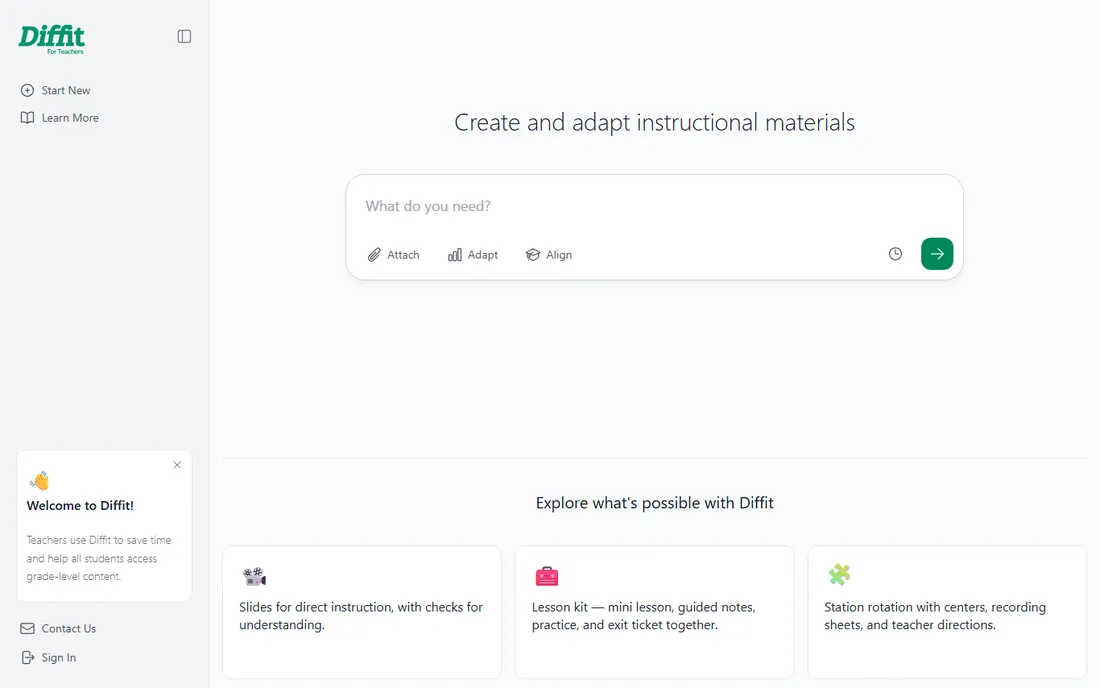
Diffit does one thing better than anyone: differentiation. Paste a text, link a video or describe a topic, and it generates leveled readings plus summaries, key vocabulary and comprehension questions adapted to your students' reading levels. For classrooms with wide ability ranges, this is the single most valuable AI feature.
The workflow is deliberately simple: input your source, choose the reading level, and Diffit produces the adapted materials. It will not replace a full planning platform, and its print formatting is more functional than polished, but as a differentiation engine it earns its place in almost every teacher's toolkit.
What we like- Instant text leveling is its superpower
- Generates summaries, vocabulary and comprehension questions
- Simple workflow
- Free tier for teachers
Watch out for- Narrower than all-in-one platforms
- Less focus on printable formatting
- Advanced features need paid plans

#3
Education Copilot
Best for: Teachers who want worksheets, lesson plans and rubrics in one affordable toolkit
Visit educationcopilot.com
Starting priceFrom $9/month
Free planYes, free forever plan
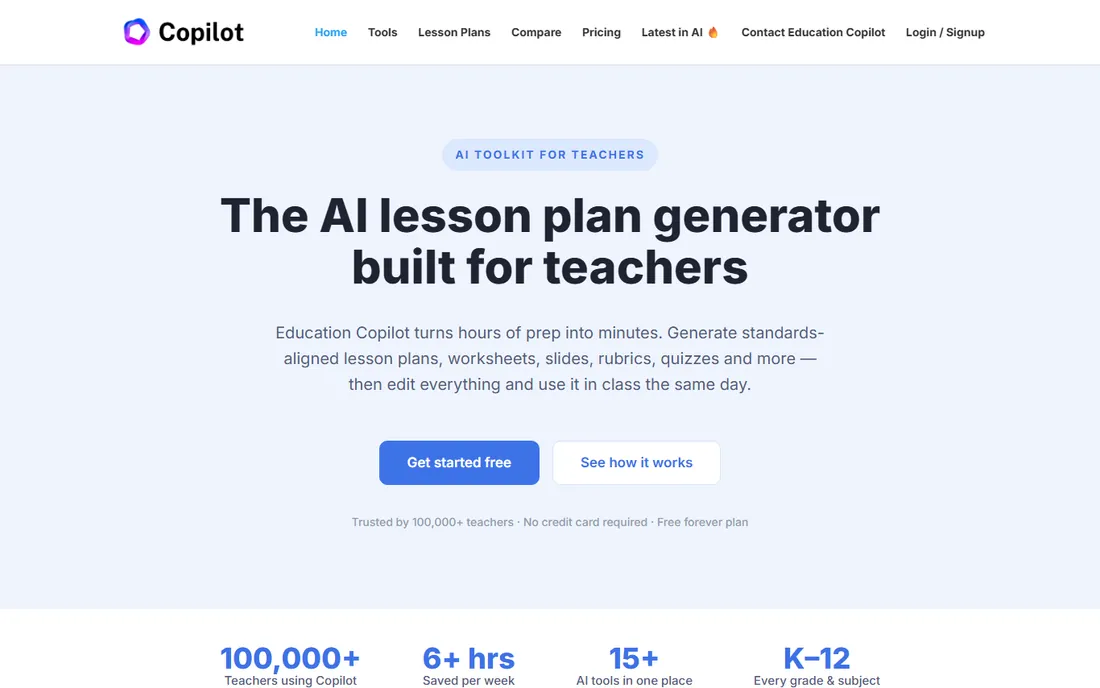
Education Copilot takes the opposite approach to MagicSchool's breadth: a focused toolkit of 15+ generators that share the same context, so a lesson plan, its worksheet and its rubric stay aligned on vocabulary, standards and difficulty without re-entering details. The vendor's own site confirms a free forever plan, and Pro at $9 per month opens up unlimited use of every tool.
With over 100,000 teachers on the platform, it has found its audience: teachers who want one login and one workflow instead of a dozen single-purpose apps. For pure worksheet generation it is fast and standards-aware, and the pricing is among the most transparent in the category.
What we like- Starts free with no credit card
- Pro is $9/month for unlimited generations
- 15+ tools share one context
- Standards-aligned output
Watch out for- Smaller tool library than MagicSchool
- $9/month adds up for teachers paying out of pocket
- Fewer integrations

#4
QuestionWell
Best for: Teachers who want to turn readings, videos or websites into question sets
Visit questionwell.org
Starting priceSee website
Free planYes, free plan
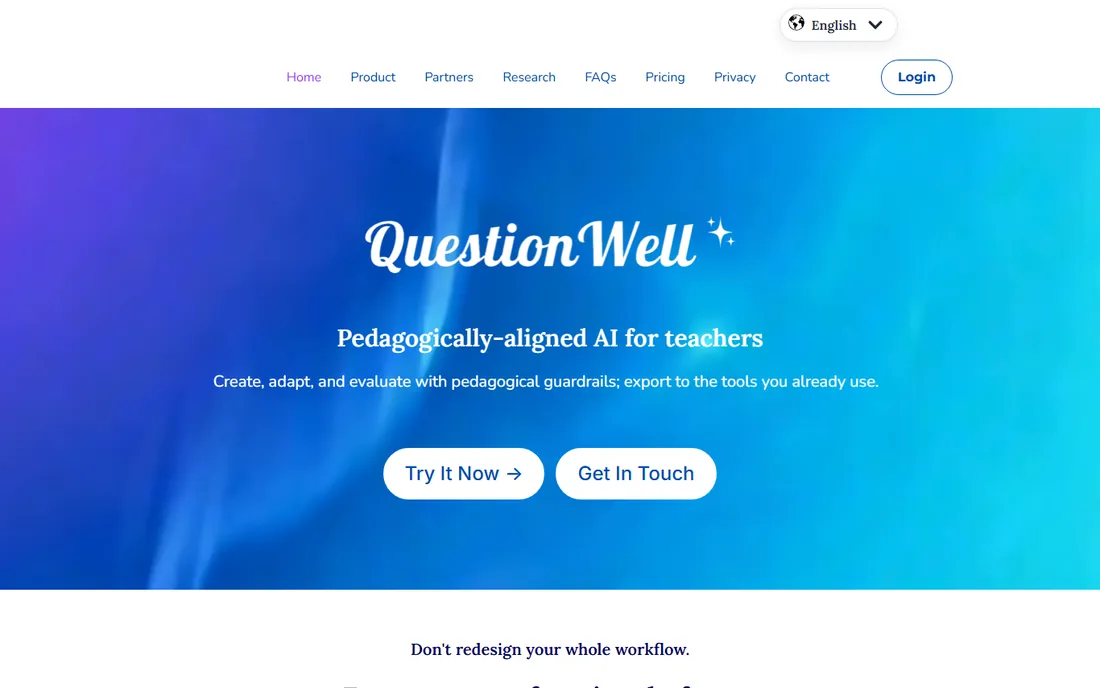
QuestionWell was founded by a middle school science teacher who was tired of hand-writing questions and retyping them into learning platforms. That origin shows in the workflow: paste a reading, link a YouTube video or drop in a website, and the AI generates learning outcomes, discussion questions and aligned multiple-choice questions with answers.
The export options are the killer feature: send question sets straight to Kahoot, Wayground, Canvas or Google Forms instead of retyping. The free tier covers multiple-choice generation; premium opens up short-answer, fill-in-the-blank and longer reading support. For assessment-heavy subjects, it is one of the best values available.
What we like- Generates from text, YouTube or web links
- Attaches learning outcomes automatically
- Exports to Kahoot, Wayground and Google Forms
- Free to start with a Google account
Watch out for- Core strength is questions, not full worksheet design
- Premium question types need the paid plan
- Interface is utilitarian

#5
Wayground
Best for: Teachers who want AI generation plus a massive library of ready-made activities
Visit wayground.com
Starting priceSee website
Free planYes, free for teachers
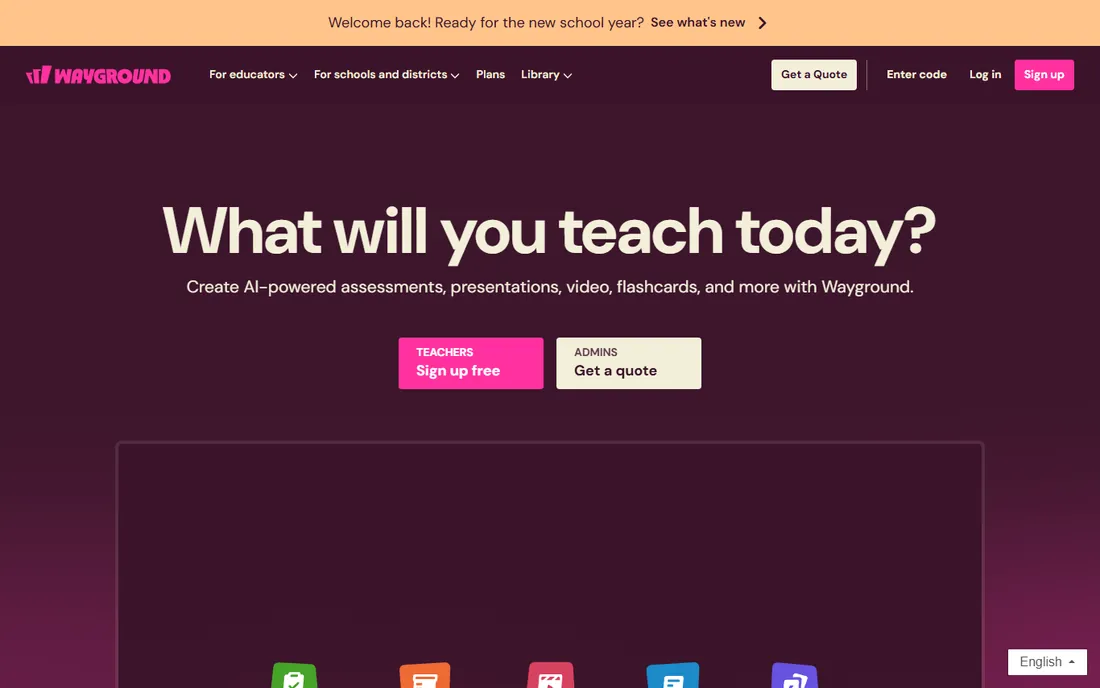
Wayground is the new name for Quizizz, rebranded in 2025, and the platform has grown far beyond quizzes. Teachers can generate full activities from a topic, document, standard or upload, then run them as games, homework, flashcards or exit tickets. The built-in accommodations stand out: leveled text, dyslexia fonts, read-aloud and translation live inside every activity.
The resource library remains the draw: millions of teacher-created, standards-aligned activities to search before you generate your own. For worksheet generation specifically, the AI can turn your existing worksheets and handouts into interactive formats, or draft new practice aligned to your curriculum. Note the rename: if you knew it as Quizizz, you are in the right place.
What we like- Rebranded Quizizz with huge teacher-created library
- AI builds activities from docs and standards
- 25+ built-in accommodations
- Trusted in 90% of US schools
Watch out for- Rebrand may confuse users searching for Quizizz
- Breadth means a learning curve
- District features add complexity

#6
Brisk Teaching
Best for: Teachers who want AI built into the browser where they already work
Visit briskteaching.com
Starting priceSee website
Free planYes, free for educators
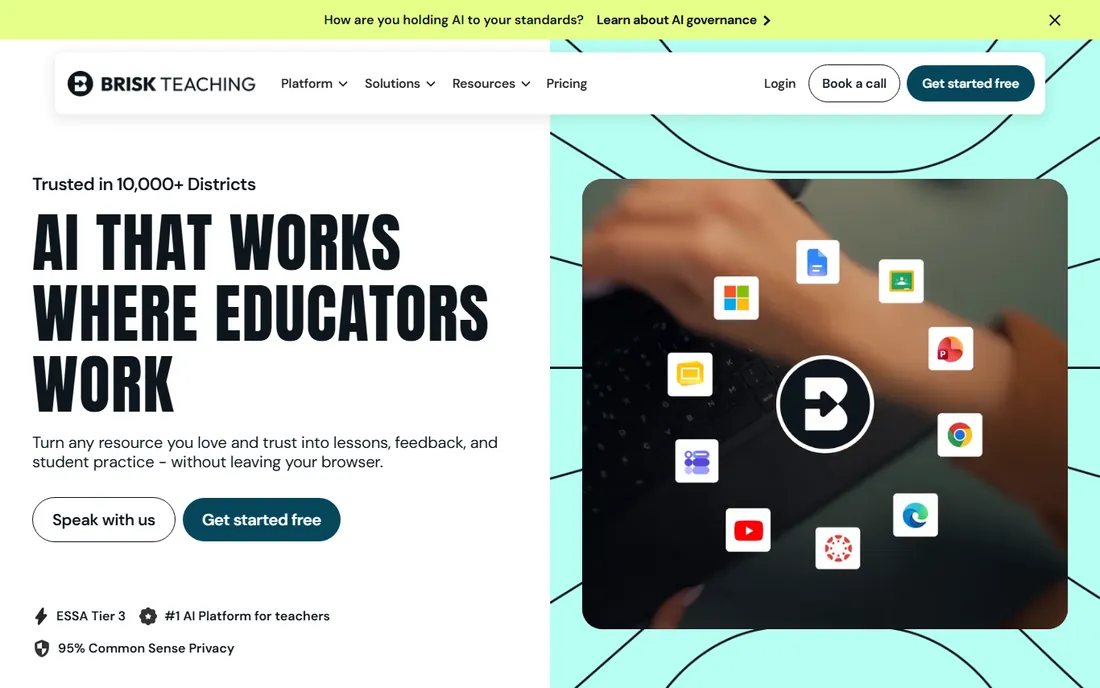
Brisk Teaching lives where teachers already work: as a Chrome and Edge extension inside Google Docs, Slides and the web pages they teach from. Open anything you teach with, chat with Brisk, and generate lesson plans, quizzes, writing prompts or feedback without leaving the tab. The vendor reports one in three US teachers use it, with a 95% Common Sense Privacy rating.
For worksheets, the differentiation tools are the highlight: adjust reading levels or translate content for multilingual learners in seconds. It is less of a print-and-go worksheet studio than some entries here, but as a daily workflow tool that removes friction from every prep task, it is hard to beat.
What we like- Chrome extension works inside Google Docs and Slides
- Free for educators
- 1 in 3 US teachers use it
- Strong privacy rating
Watch out for- Browser-based, so less of a standalone platform
- Premium features need school licenses
- Less print-focused

#7
Eduaide
Best for: Teachers who want research-grounded tools with strong differentiation and export options
Visit eduaide.ai
Starting priceSee website
Free planYes, free tier
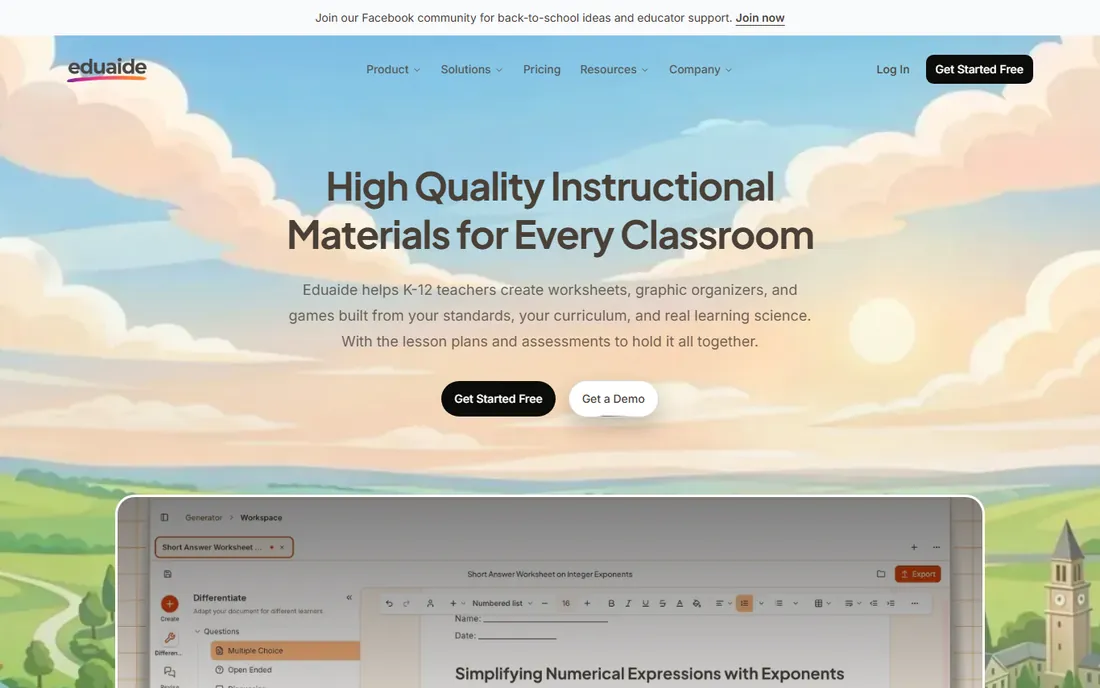
Eduaide positions itself as the teacher-built alternative, with over 100 specialized tools grounded in learning science rather than one generic chatbot. The worksheet and assessment builders offer nine question types with difficulty controls, and the differentiation tools adjust reading level, add scaffolds and change question formats for different learners.
The export story is solid: send finished work to Google Docs, Word, Google Forms, plain text or PDF without rebuilding it elsewhere. Standards support spans 50+ jurisdictions, which matters for teachers outside the US Common Core bubble. The free tier is limited but enough to test, with an affordable Pro plan for full access.
What we like- Built by teachers with learning-science grounding
- 100+ specialized tools
- Standards from 50+ jurisdictions
- Exports to Docs, PDF and Forms
Watch out for- Free tier limits monthly generations
- Interface is dense
- Less known than MagicSchool

#8
TeachTools
Best for: Privacy-conscious teachers who want print-ready worksheets with answer keys
Visit teachtools.co
Starting priceFrom $2/month
Free planYes, 3 generations/month
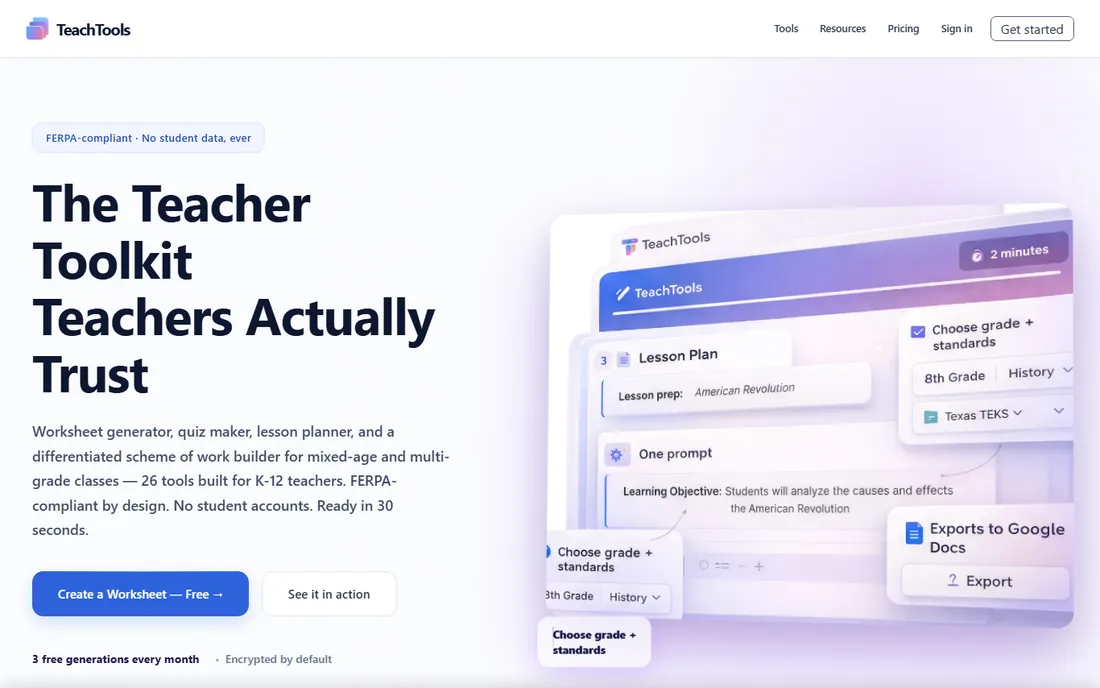
TeachTools is the focused privacy pick. The homepage leads with FERPA compliance: no student accounts, no student data ever, AES-256 encryption, and inputs never used for model training. For teachers whose districts vet every tool, that clean privacy story removes the biggest adoption blocker.
The output is deliberately print-ready: professional formatting, headers, footers and answer keys included, exported as PDF or Google Docs. Pricing is refreshingly teacher-friendly: a free-forever tier with 3 generations per month, paid plans from $2 per month, and unlimited Pro at $10 per month that can be paused during summer break. If your workflow is simple and you just want good worksheets, it is worth a look.
What we like- FERPA-compliant by design with no student data
- Print-ready PDFs with answer keys
- Free-forever tier
- Plans from $2/month, pausable in summer
Watch out for- 3 free generations per month is tight
- Newer with a smaller community
- 26 tools is fewer than the giants
Quick comparison
| Tool | Best for | Starting price | Free plan |
|---|
| MagicSchool | Teachers who want one free platform covering worksheets and nearly every other prep task | See website | Yes, free for teachers |
| Diffit | Teachers who need the same content at multiple reading levels | See website | Yes, free plan |
| Education Copilot | Teachers who want worksheets, lesson plans and rubrics in one affordable toolkit | From $9/month | Yes, free forever plan |
| QuestionWell | Teachers who want to turn readings, videos or websites into question sets | See website | Yes, free plan |
| Wayground | Teachers who want AI generation plus a massive library of ready-made activities | See website | Yes, free for teachers |
| Brisk Teaching | Teachers who want AI built into the browser where they already work | See website | Yes, free for educators |
| Eduaide | Teachers who want research-grounded tools with strong differentiation and export options | See website | Yes, free tier |
| TeachTools | Privacy-conscious teachers who want print-ready worksheets with answer keys | From $2/month | Yes, 3 generations/month |
Is your product missing or out of date?
We review this list regularly. Vendors can request a listing, send updated pricing or ask about featured placement.
How we chose these eight
We looked for platforms built specifically for teachers, not general chatbots with an education prompt. Every vendor homepage was opened and verified in October 2026. Two name notes: Quizizz rebranded to Wayground in 2025, so we list the current name and mention the old one once; we found no mergers among these tools that required replacements.
We weighted worksheet-specific quality (answer keys, question variety, print output), differentiation features, standards alignment, privacy compliance and honest pricing. The final list spans free giants, affordable specialists and privacy-first options so different teacher priorities are covered.
What to check before you commit
Generate the same worksheet in your top three picks and compare with your teacher's eye, not the marketing copy. Check reading level accuracy, answer key correctness and whether the questions actually match your standards. AI makes confident mistakes, and you are the quality control.
Next, verify the privacy story with your district, not just the homepage. FERPA compliance claims, data retention and whether student data ever touches the platform are the questions that matter. Tools like TeachTools and Brisk publish strong answers; for others, ask your IT department to review.
Finally, do the math on your real usage. A free tier with 3 generations a month is fine for occasional use but not for daily worksheets. If you will generate materials weekly, a $2 to $10 monthly plan is cheap compared to the hours it saves; just make sure it is pausable over summer.
Frequently asked questions
Sources we checked (0)
Is your product missing or out of date?
We review this list regularly. Vendors can request a listing, send updated pricing or ask about featured placement.

Shihab Mia · Founder, Rankite
Shihab has spent more than a decade helping SaaS and e-commerce brands grow through search. He writes Rankite's software buying guides from pricing pages, documentation and public user reviews. More about Shihab.