How we make this list: we compare pricing pages, product documentation and public user reviews. Ratings come from G2, Capterra or Trustpilot, with the date we checked them.
Key takeaways
- Topaz Gigapixel gives the sharpest results for print work, but it moved to subscription pricing in late 2025, so the old one-time license is gone for new buyers.
- Lets Enhance is the strongest browser option for most people, with several models tuned for photos, products, and portraits, plus batch processing on paid plans.
- Upscayl is the only genuinely free option here, running on your own computer with no uploads and no watermarks, if your machine can handle the processing.
- Generative tools like Magnific can invent detail that looks great but was never in the original photo, so they suit creative work better than factual product images.
Quick comparison
| Tool | Best for | Starting price | Free plan |
|---|
 Topaz Gigapixel Topaz Gigapixel | Print quality on desktop | $29 per month | No |
 Lets Enhance Lets Enhance | Browser upscaling for most jobs | $9 per month | Yes |
 Upscayl Upscayl | Free local upscaling | Free | Yes |
 VanceAI VanceAI | Pay per credit flexibility | $4.95 per 100 credits | Yes |
 Magnific Magnific | Creative generative upscaling | $14.50 per month | No |
 Upscale.media Upscale.media | Quick free one-off upscales | Free | Yes |
 HitPaw FotorPea HitPaw FotorPea | Restoration plus upscaling | $21.99 per month | Yes |
 Deep-Image.ai Deep-Image.ai | Batch upscaling in the browser | $7.50 per month | Yes |
Is your product missing or out of date?
We review this list regularly. Vendors can request a listing, send updated pricing or ask about featured placement.
Starting price$29 per month
Free planNo
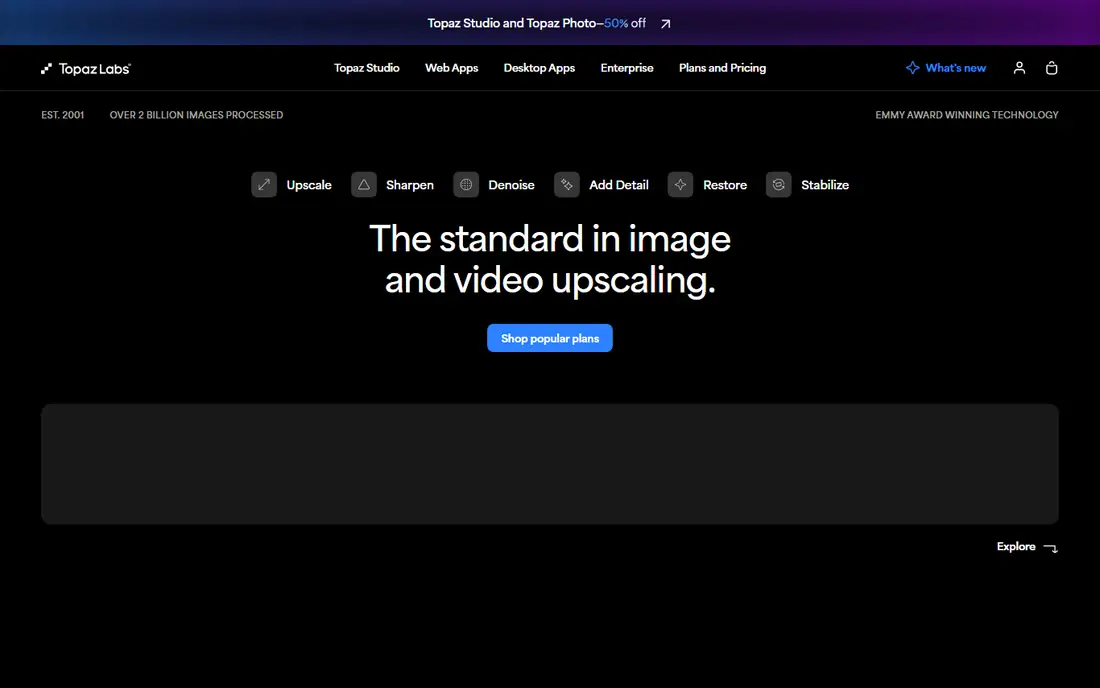
Topaz Gigapixel remains the benchmark for photographers who need to enlarge an image for print. It runs on your own computer, uses your graphics card, and can push images up to 6x or 32,000 pixels on the long edge, which is far beyond what most browser tools allow. Folder-based batch processing means a whole shoot can be queued at once, and plugins connect it to Photoshop and Lightroom workflows.
The big change is pricing. Topaz Labs ended perpetual licenses in October 2025, so new buyers subscribe from around $29 per month or $149 per year according to 2026 comparison guides. Existing perpetual license holders keep their licenses but miss major updates. If you print often, the quality justifies the cost, but occasional users will find cheaper routes below.
What we like- Sharpest detail recovery in this list
- Local GPU processing
- Batch folders and plugin support
Watch out for- Subscription only for new buyers
- Needs a capable computer
- No free tier
Starting price$9 per month
Free planYes
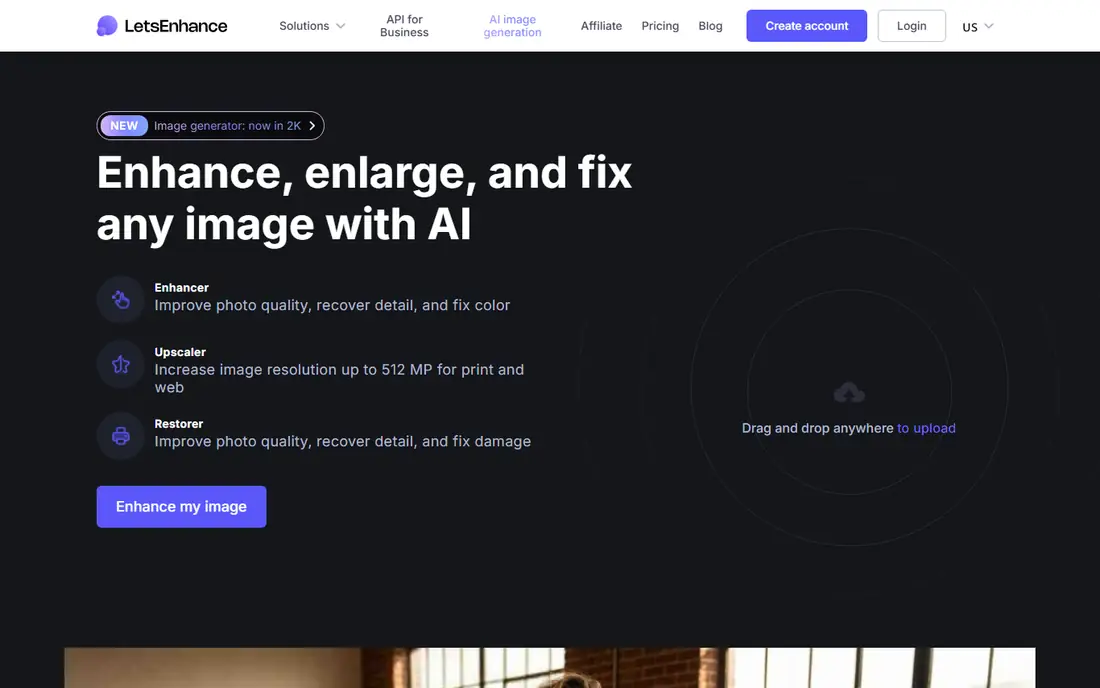
Lets Enhance is the easiest recommendation for someone who wants strong results without installing desktop software. It runs fully in the browser and offers different AI models tuned for different image types, so a portrait, a product shot, and a scanned photo each get different treatment. Paid plans start at $9 per month billed annually, with the Max plan at $34 per month for up to 512 megapixel output.
Batch processing is a real strength here, with up to 20 images at once, and unused credits roll over rather than expiring at month end. The free tier gives 10 credits but watermarks outputs and caps resolution, so it works as a trial rather than a working tool. For ecommerce sellers and content teams, this is the most balanced pick in the list.
What we like- Several models for photos, products, and portraits
- Batch up to 20 images
- Credits roll over
Watch out for- Free outputs carry a watermark
- Highest resolutions need the Max plan
Starting priceFree
Free planYes
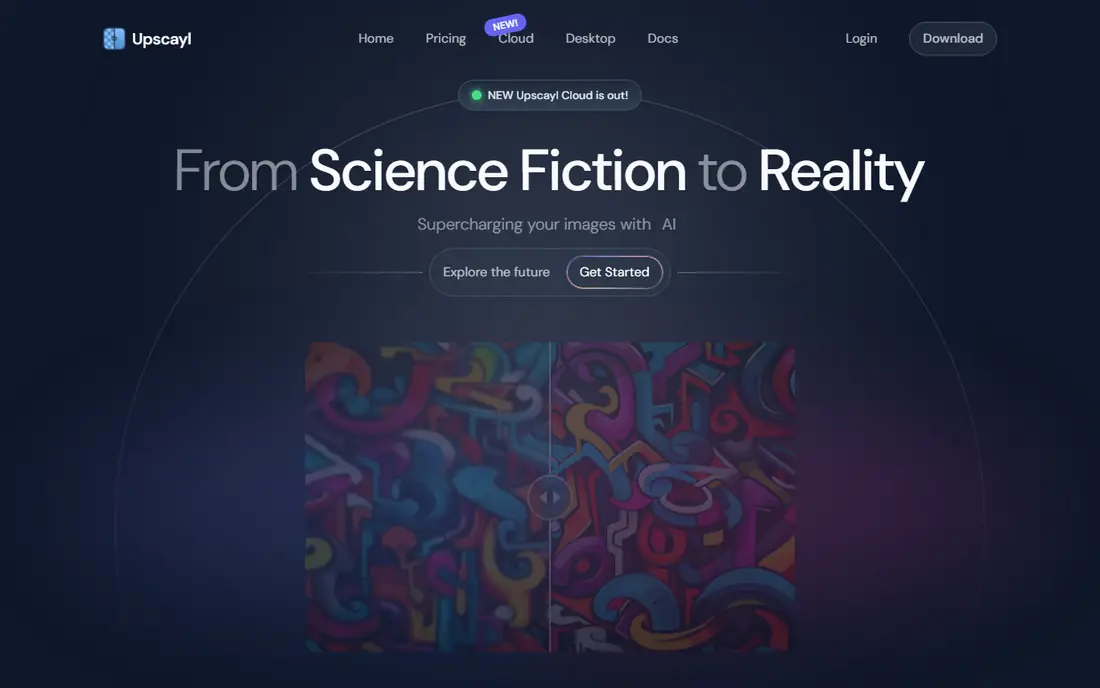
Upscayl stands apart because it costs nothing and keeps your images on your own machine. It is open source, runs on Windows, Mac, and Linux, and produces clean upscales up to 16x with no watermark and no account required. For anyone handling private photos or working offline, local processing is a genuine privacy advantage over cloud tools.
The trade-off is speed and polish. Upscayl leans on your computer hardware, so an older machine without a dedicated graphics card will process images slowly. It also offers fewer tuned models than Lets Enhance or Topaz, so results on tricky subjects like faces can lag the paid leaders. If budget is the deciding factor, nothing else here competes with free.
What we like- Completely free and open source
- No uploads or watermarks
- Batch mode included
Watch out for- Needs a decent GPU for speed
- Fewer specialized models than paid rivals
Starting price$4.95 per 100 credits
Free planYes
VanceAI suits people who enhance images irregularly and dislike subscriptions. Credit packs start at $4.95 per 100 credits, and you spend credits per image rather than paying every month whether you use the tool or not. Specialized models cover photos, anime, and text, and a Windows PC app pushes upscaling to 40x for users who need extreme enlargement.
The downside is comparison shopping. Credit costs vary by model and output size, so working out the true price of a job takes more effort than a flat monthly plan. The online tool also caps at 8x, with the higher ceilings reserved for the PC app. Occasional users who want control over spending will still like the model.
What we like- Credit packs suit occasional use
- Specialized models for anime and text
- Windows app available
Watch out for- Credit math takes effort to compare
- Online upscaling caps at 8x
#5Magnific
Best for: Creative generative upscaling4.0/5 on
G2 (3 reviews, checked Oct 2026)
Visit magnific.ai
Starting price$14.50 per month
Free planNo
Magnific takes a different approach from the restoration tools above. Instead of only recovering likely detail, its generative models imagine new detail under Creativity and Resemblance controls you can tune. That makes it a favorite for campaign imagery, concept art, and social content where a striking result matters more than strict accuracy. Premium plans start at $14.50 per month billed annually, with Premium Plus at $33.75.
The same strength is the main warning. Magnific can produce plausible textures, faces, and small text that never existed in the original, so it is a poor choice for factual product photos, evidence, or archival work. Check the output at full zoom before publishing anything it touches. For creative projects, though, no other tool here matches its imaginative range.
What we like- Adjustable creativity controls
- Up to 16x
- Bulk upload of 20 images
Watch out for- Can invent detail that was never photographed
- No free tier
- Premium price
#6Upscale.media
Best for: Quick free one-off upscales4.6/5 on
G2 (10 reviews, checked Oct 2026)
Visit upscale.media
Starting priceFree
Free planYes
Upscale.media is the tool to open when you need one image enlarged right now. It offers free upscaling up to 4x without requiring an account, which makes it the lowest-friction option in this list. The interface is minimal, with no model choices to learn and no software to install.
That simplicity is also the ceiling. There are no specialized models, no batch processing, and higher resolution exports sit behind a premium tier. Upscale.media is a convenience tool, not a production workflow. Keep it bookmarked for emergencies and use a fuller tool for repeat work.
What we like- Free upscaling up to 4x with no signup
- Fastest route for a single image
- Simple interface
Watch out for- Limited controls
- Higher resolutions need a paid tier
- No batch workflow
Starting price$21.99 per month
Free planYes
HitPaw FotorPea, formerly HitPaw Photo Enhancer, bundles more than upscaling into one desktop app. Old photo restoration, colorization of black and white images, and AI enlargement sit side by side, which suits people digitizing family archives rather than processing product catalogs. Pricing guides list around $21.99 per month or $129.99 for a lifetime license.
The breadth can feel busy if you only want upscaling, and the monthly price is high next to Lets Enhance. The lifetime option softens that for long-term users, but it is still a large one-time payment. For restoration projects that need several kinds of repair in one place, FotorPea earns its spot.
What we like- Bundles restoration, colorization, and upscaling
- Desktop app
- Lifetime option available
Watch out for- Monthly price is high
- Lifetime price is steep
- Interface packs in many features
Starting price$7.50 per month
Free planYes
Deep-Image.ai combines upscaling and cleanup in a single credit, so one pass can sharpen, denoise, and enlarge an image together. Batch processing reaches 50 images at once, which beats Lets Enhance for volume work, and large plans push output to 1024 megapixels. Pay yearly pricing starts around $7.50 per month for 100 credits, with one-off credit packs from $7.99 for 15 credits.
Free test credits let you try the tool, but outputs carry a watermark, so the free tier is a demo rather than a deliverable. Credit pricing also shifts between plans, so heavy users should compare the yearly plan against one-off packs before committing. For teams processing catalogs in bulk, the batch ceiling is the deciding feature.
What we like- Batch up to 50 images
- Upscaling plus cleanup in one credit
- Large-plan outputs to 1024 megapixels
Watch out for- Free test credits are watermarked
- Per-credit pricing varies by plan
How we chose
We compared pricing pages and 2026 comparison guides for each tool, checking starting prices, free tiers, maximum output size, and batch limits. We favored tools with a clear, current pricing page and a distinct strength, and we left out tools whose pricing could not be confirmed or whose websites did not clearly belong to the product. Where guides disagreed on a price, we used the most recent figure and marked it as a guide figure in our notes. We did not claim hands-on testing, and every factual claim here traces to a vendor page or a published comparison.
What to check before you pay
Start with the end use, because it decides which tool fits. Print work favors Topaz Gigapixel for its local processing and high ceilings, while a single web image is fine with Upscale.media for free. Ecommerce sellers should weigh batch limits and credit rollover, since a catalog of hundreds of images makes per-image pricing add up fast. Check whether the tool stores your uploads, since local tools like Upscayl and Gigapixel keep files on your machine, while browser tools process them in the cloud.
Resolution and honesty
Upscaling cannot recover detail that was never captured. Restoration tools estimate likely detail, and generative tools invent it, so inspect faces, small text, and textures at full zoom before using an output commercially. For product listings, a preservation-first tool is safer than a creative one, and any output that changes a label, a stitch pattern, or a color should be corrected or rejected.
Pricing traps
Watch for credit expiry, watermarked free tiers, and resolution caps on cheaper plans. A $9 plan that caps output at 8 megapixels may force an upgrade for print work, while a credit pack that expires in 30 days punishes occasional users. Compare the cost of your actual monthly volume, not just the headline starting price, and prefer tools whose credits roll over if your volume varies.
Frequently asked questions
Can AI upscaling really add detail that was not in the original photo?
No, not with certainty. Restoration tools estimate detail from patterns learned from millions of images, and generative tools invent detail outright. The result can look convincing, but fine text, faces, and textures may differ from the real scene, so check outputs closely before using them for factual purposes.
Is a desktop app or a browser tool better for image enhancement?
Desktop apps suit private files and large batches, since processing stays on your machine and your graphics card does the work. Browser tools suit occasional use and any device, since nothing needs installing, but uploads travel to a server and free tiers often watermark results.
What is the best free AI image enhancer?
Upscayl is the strongest free option, with no watermarks, no uploads, and no account, though it needs decent hardware for speed. Upscale.media is the fastest free route for a single image up to 4x, and Lets Enhance offers free credits for testing, with watermarks on free outputs.
Does upscaling work for old, damaged photos?
Yes, within limits. Tools like HitPaw FotorPea and Topaz Gigapixel can sharpen, denoise, and enlarge scans, and restoration features can repair scratches and fading. Severely damaged areas will still show invented detail, so treat restored family photos as improved copies, not exact records.
How much should I pay for AI image enhancement?
Occasional users can stay free with Upscayl or Upscale.media. Regular users should budget $9 to $15 per month for a browser tool like Lets Enhance or Magnific, while print professionals should expect around $29 per month or $149 per year for Topaz Gigapixel.
Sources we checked (10)
- https://www.topazlabs.com
- https://letsenhance.io
- https://upscayl.org
- https://vanceai.com
- https://magnific.ai
- https://www.upscale.media
- https://www.hitpaw.com
- https://deep-image.ai
- https://www.wortins.com/blog/best-ai-image-upscalers-2026
- https://saascrmreview.com/best-ai-upscalers/
Is your product missing or out of date?
We review this list regularly. Vendors can request a listing, send updated pricing or ask about featured placement.

Shihab Mia · Founder, Rankite
Shihab has 5+ years in B2B and SaaS SEO. He writes Rankite's software buying guides from pricing pages, documentation and public user reviews. More about Shihab.