How we make this list: we compare pricing pages, product documentation and public user reviews. Rankite is independent; if a vendor ever pays for a featured spot, that listing is clearly labeled Partner.
Key takeaways
- ThoughtSpot is the most mature enterprise pick: its Spotter agent answers questions against governed data, with Essentials starting at $25 per user per month (billed annually).
- Julius AI is the fastest way to start: upload a spreadsheet and ask questions in seconds, with a free plan and Pro from $16 per month (billed annually).
- Hex, Count, Polymer, and Sigma suit teams that think visually, from AI-assisted notebooks to canvas layouts, no-code dashboards, and spreadsheet-style analysis on live warehouse data.
- AnswerRocket and Domo serve companies that want custom AI analysts or a full data platform, but both keep pricing behind a sales conversation.
- Only two of the eight tools publish starting prices on their own sites, so expect a discovery call for the rest.
Quick comparison
| Tool | Best for | Starting price | Free plan |
|---|
 ThoughtSpot ThoughtSpot | enterprises adopting agentic BI at scale | $25 per user/month (Essentials, billed annually) | Free trial |
 Julius AI Julius AI | individuals and small teams analyzing files | Free; Pro from $16/month (billed annually) | Yes |
 Hex Hex | data teams that want notebooks plus AI workflows | See website | Yes |
 Count Count | visual, canvas-style collaborative analysis | See website | Yes |
 Polymer Polymer | no-code AI dashboards from spreadsheets | See website | Yes |
 AnswerRocket AnswerRocket | custom AI analysts on company data | See website | No |
 Sigma Sigma | spreadsheet-style analysis on warehouse data | See website | Free trial |
 Domo Domo | consolidating many sources into one platform | See website | Free trial |
Is your product missing or out of date?
We review this list regularly. Vendors can request a listing, send updated pricing or ask about featured placement.
Starting price$25 per user/month (Essentials, billed annually)
Free planFree trial
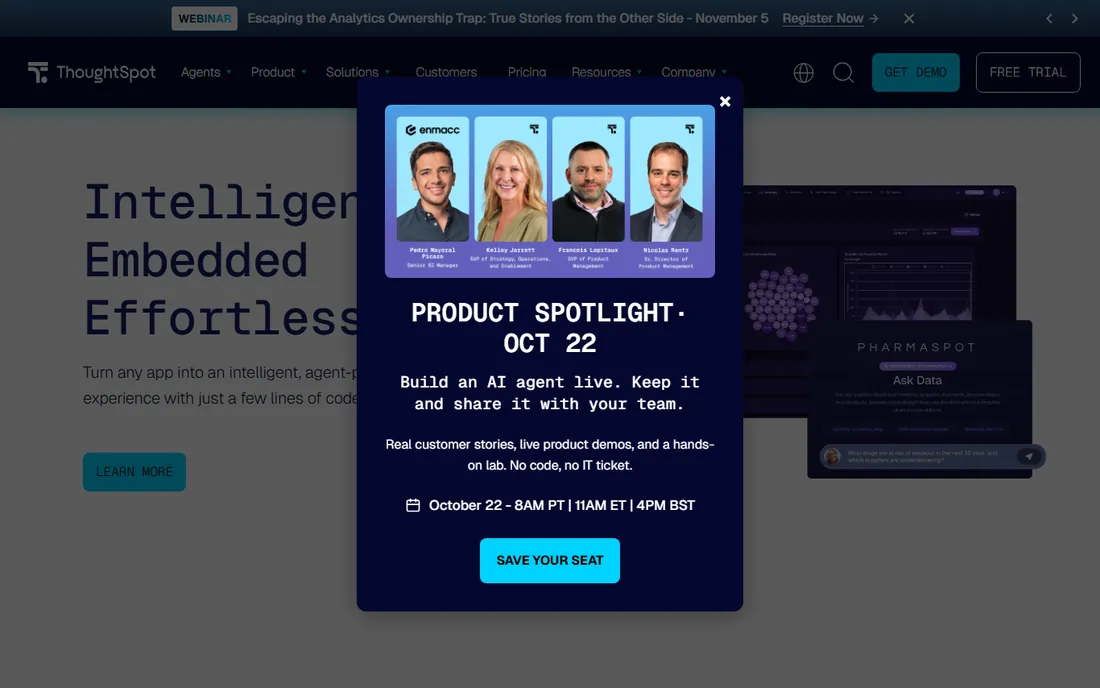
ThoughtSpot built its reputation on search-driven analytics, and its agentic push is the most mature in this lineup. Spotter, its AI analyst, takes a plain-language question and returns an answer with visualizations, working from governed data models rather than raw tables. That design matters: when the definitions are approved in advance, the agent's answers stay consistent with what finance and leadership already trust.
The pricing is public at the entry level, with Essentials starting at $25 per user per month billed annually and Pro from $50. The bill scales with adoption, which is both the point and the risk. Teams should also be honest about data readiness. The agent is only as good as the semantic layer beneath it, so companies with messy or undocumented data will need modeling work before the AI earns trust.
What we like- Spotter AI agent answers natural-language questions on governed data
- Search-driven interface business users actually adopt
- Embedded analytics options for SaaS products through StartupSpot
Watch out for- Costs rise quickly as user counts grow
- Needs clean, well-modeled data to perform well
#2
Julius AI
Best for: individuals and small teams analyzing files
Visit julius.ai
Starting priceFree; Pro from $16/month (billed annually)
Free planYes
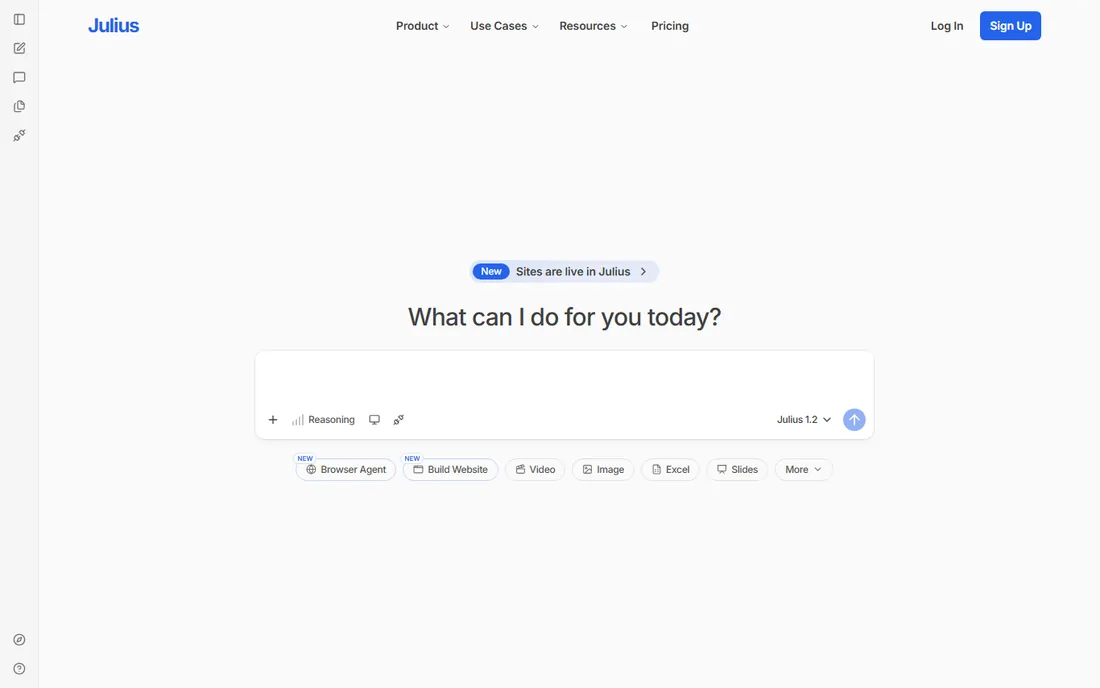
If your analysis starts with a CSV on your laptop, Julius AI is the shortest path to an answer. You upload a file, ask a question in plain English, and get charts, statistics, and written explanations back. There is no warehouse to configure and no schema to define, which makes it ideal for ad hoc work, student projects, and quick client analyses.
The free plan covers light usage, and Pro starts at $16 per month billed annually, which keeps it affordable for freelancers and small teams. The tradeoff is governance. Julius AI is a personal analysis assistant, not a company reporting layer, so teams that need shared definitions, permissions, and audit trails should look at the enterprise tools on this list instead.
What we like- Works directly on uploaded files with no setup
- Generates charts and written analysis in plain language
- Genuinely useful free tier for light work
Watch out for- Not a governed BI platform for company-wide reporting
- Limited depth for advanced data modeling
#3
Hex
Best for: data teams that want notebooks plus AI workflows
Visit hex.tech
Starting priceSee website
Free planYes
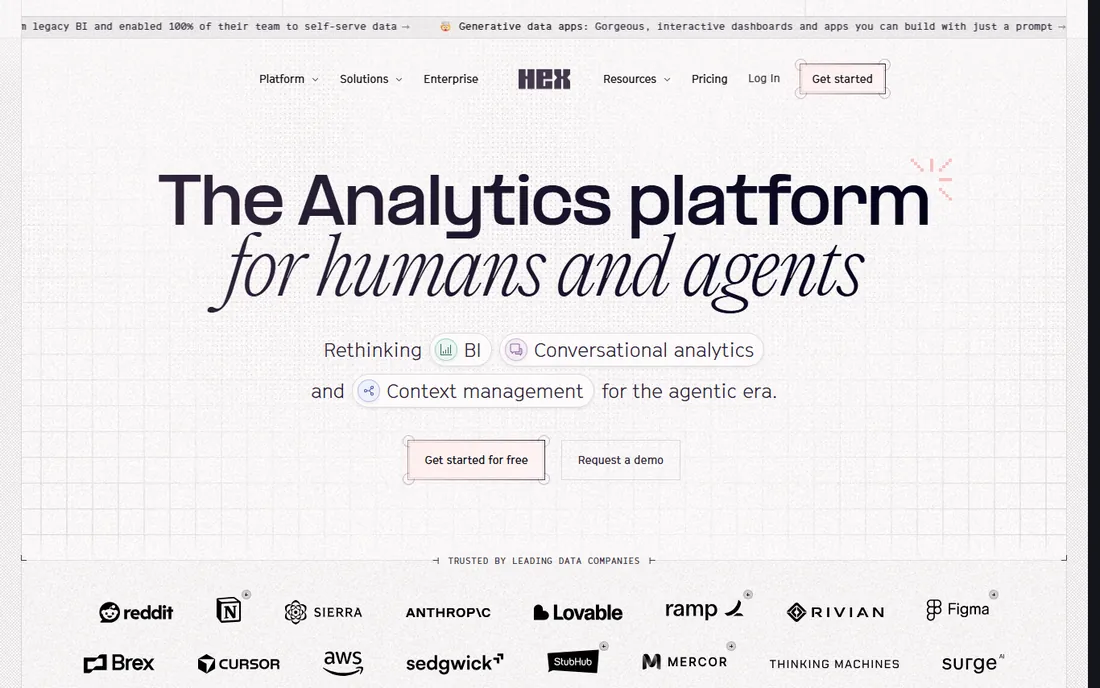
Hex sits between the analyst's notebook and the business user's dashboard. Data teams write SQL and Python in collaborative notebooks, and Magic AI helps generate and debug code along the way. Finished work can be published as interactive apps, so stakeholders explore results without touching code. That combination makes Hex a strong fit for teams that do real analysis work and still need to share it.
The free Community plan is enough to learn the product, while Professional and Team tiers add the collaboration and governance features a company needs. The main friction is on the business-user side: Hex rewards people who are comfortable with data, and non-technical users may still prefer a pure search or chat interface.
What we like- Magic AI assists with SQL and Python inside notebooks
- Shared apps turn analysis into stakeholder-facing reports
- Connects well with modern data stacks
Watch out for- Pricing is not published on the vendor site
- Casual business users face a learning curve
#4
Count
Best for: visual, canvas-style collaborative analysis
Visit count.co
Starting priceSee website
Free planYes
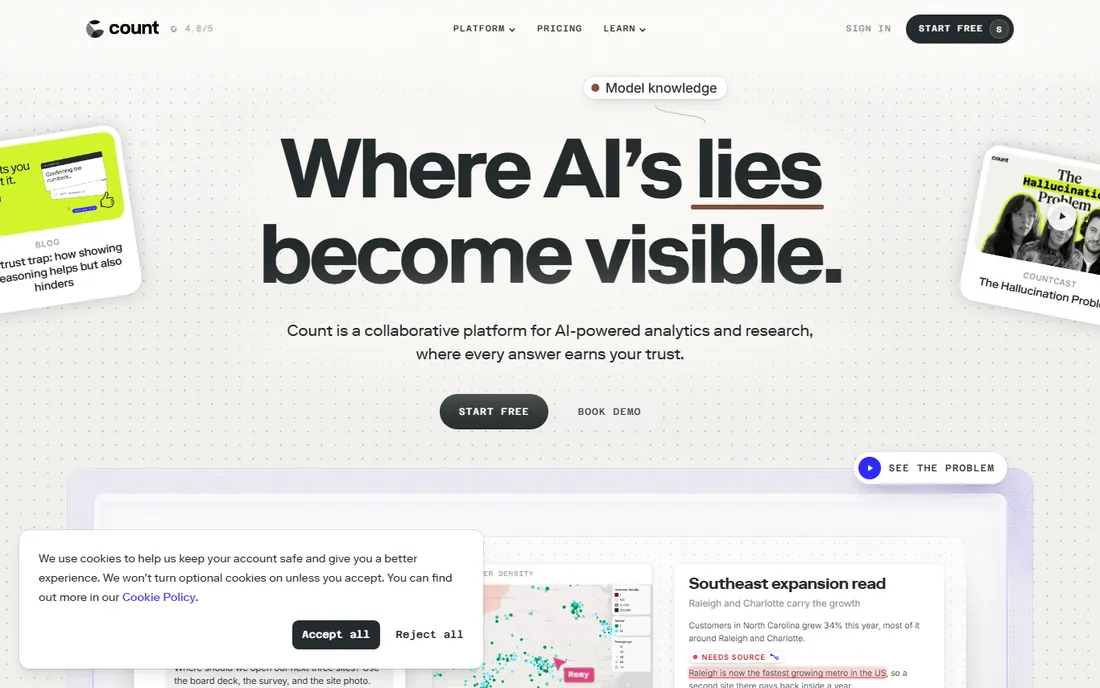
Count takes a different visual approach from the dashboard grid. Its canvas lets analysts lay out SQL queries, visualizations, and written notes on one free-form surface, which mirrors how analysis actually happens: messy, iterative, and full of context. For teams that find traditional BI rigid, that freedom is the appeal.
Third-party directories list a free version and paid plans around $34 per editor per month, but Count does not publish pricing we could verify on its own site, so treat that figure as unconfirmed. The vendor is also smaller than the enterprise names here, which means a thinner integration ecosystem and fewer public case studies to learn from.
What we like- Free-form canvas lets analysts arrange queries, charts, and notes together
- Collaborative by design for data teams
- Connects to major warehouses and databases
Watch out for- Homepage and pricing could not be verified directly
- Smaller ecosystem than the big BI vendors
Starting priceSee website
Free planYes
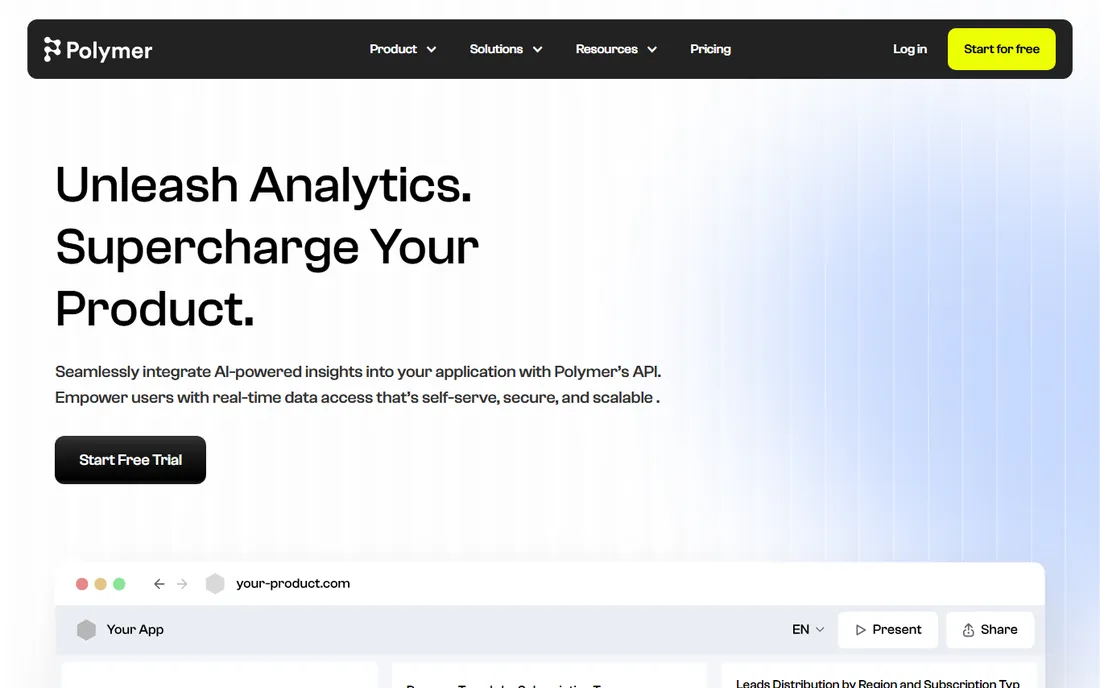
Polymer targets the huge middle of the market: teams whose data lives in spreadsheets and who will never hire a BI developer. You connect a sheet, and Polymer builds dashboards and AI-powered data apps around it, with a chat interface for follow-up questions. For a marketing or operations team that needs answers this week, that speed is hard to beat.
A free version exists for getting started, while API access and custom plans are quoted. The honest limit is complexity. Polymer is excellent at spreadsheet-scale problems and less suited to companies with strict governance needs or multi-source warehouse architectures.
What we like- Turns spreadsheets into dashboards and AI apps quickly
- Conversational follow-ups keep exploration going
- Much lower barrier than traditional BI
Watch out for- Limited depth for complex enterprise data modeling
- API and custom plans lack public detail
Starting priceSee website
Free planNo

AnswerRocket does not sell a generic chatbot. It builds custom AI analysts trained on a company's own data, metrics, and vocabulary, so answers reflect how the business actually talks about itself. That customization is the reason regulated and complex organizations consider it: a generic agent guesses at terminology, while AnswerRocket's agents are taught it.
Everything about the product is enterprise-shaped, from the onboarding to the pricing, which is quoted per deployment. Smaller teams should be realistic about fit. If your need is a dashboard with a chat box on top, the lighter tools here will get you there faster and cheaper.
What we like- Custom AI agents trained on company data and terminology
- Strong fit for complex or regulated domains
- Dedicated onboarding for enterprise deployments
Watch out for- Custom pricing means a long sales cycle
- Overkill for teams that need simple self-serve dashboards
Starting priceSee website
Free planFree trial
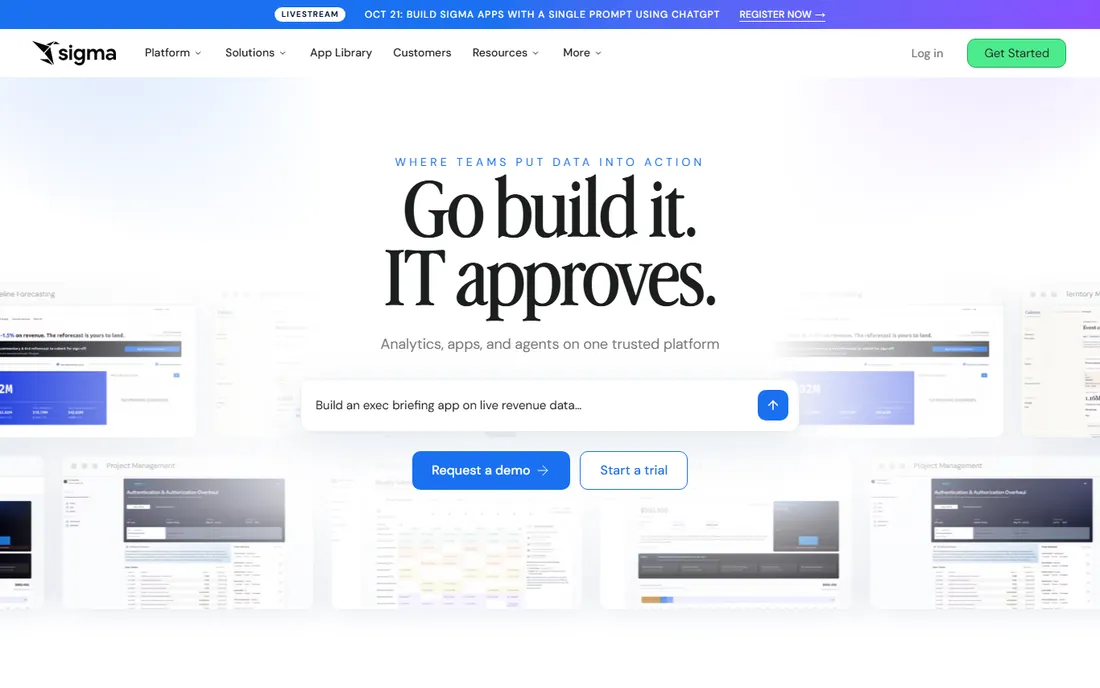
Sigma's insight is that most business users already think in spreadsheets, so it puts a spreadsheet interface directly on top of cloud data warehouses. There are no extracts to refresh and no data to move: formulas and pivot-style operations run as warehouse queries. AI features then help users who would never write SQL build their own analyses on governed data.
The vendor offers a free trial but publishes no pricing, which is typical for warehouse-native BI sold to mid-market and enterprise teams. Buyers should also plan for the warehouse bill. Because Sigma queries live data, a team that builds expensive queries will see the cost in its warehouse invoice, not just in the Sigma contract.
What we like- Familiar spreadsheet interface running on cloud warehouses
- Governed metrics with live data and no extracts
- AI features help non-technical users build analyses
Watch out for- No public pricing makes budgeting harder
- Heavy usage needs warehouse cost discipline
#8
Domo
Best for: consolidating many sources into one platform
Visit domo.com
Starting priceSee website
Free planFree trial
Domo is the all-in-one option: data ingestion, prep, visualization, and AI features in a single platform. Its connector library covers hundreds of sources, which appeals to companies tired of stitching pipelines together themselves. AI capabilities are spread across the product, from alerting to natural-language querying, rather than living in one agent feature.
Pricing is credit-based and quoted, with a 30-day free trial to evaluate the platform. That model rewards careful scoping: teams should understand which actions consume credits before signing. Domo fits organizations that want one vendor for the whole pipeline, not teams looking for a lightweight question-answering layer.
What we like- Broad connector library for pulling in data sources
- AI features across dashboards, alerts, and data prep
- Mobile-friendly views for executives
Watch out for- Credit-based pricing can surprise buyers
- Enterprise rollouts need careful planning
How we chose
We researched each tool's current pricing page, product documentation, and public review presence, then judged fit for specific buyer types rather than ranking by feature count. Prices shown come from the vendor's own published pages; where a vendor does not publish pricing, we wrote See website instead of repeating third-party estimates. We did not run hands-on trials, so this guide reflects what vendors document and what reviewers report, not lab testing.
What to look for before you buy
Governance beats cleverness
An agent that answers confidently from bad data is worse than no agent at all. Ask how each tool defines metrics, who approves those definitions, and whether the AI can show its work. Tools with a semantic layer or governed models (ThoughtSpot, Sigma, Hex) earn trust faster than tools that query raw tables.
Pricing models that surprise
Per-user pricing punishes broad adoption, credit-based pricing punishes heavy usage, and warehouse-native tools move cost into your cloud bill. Model the total cost for your actual number of users and questions per month, not the starting tier. When pricing is hidden, ask for a written estimate tied to your usage before the pilot ends.
Who actually asks the questions
Analysts want notebooks and SQL control. Business users want to type a question and get a chart. Executives want a number they can quote. The best tool is the one your least technical user will open twice a week, so involve those users in the trial instead of letting the data team choose alone.
Frequently asked questions
What is agentic analytics?
Agentic analytics refers to AI agents that carry out analysis tasks on their own: interpreting a question, querying data, choosing a visualization, and explaining the result. Unlike a static dashboard, the agent decides the steps. Unlike a general chatbot, it works against your company's data with guardrails.
How is agentic analytics different from regular BI dashboards?
A dashboard shows pre-built views that someone designed in advance. An agentic tool builds the view at the moment you ask, choosing metrics, filters, and charts itself. That makes it better for ad hoc questions and worse for pixel-perfect recurring reports, where traditional BI still wins.
Do I still need a data team if I buy an agentic analytics tool?
Yes, though the team's work shifts. Someone must model the data, define metrics, manage permissions, and check the agent's answers. The agent removes the ticket queue for routine questions; it does not remove the need for trustworthy data underneath.
How much does agentic analytics software cost?
Published starting prices in this guide range from free to $25 per user per month, but most enterprise tools are quoted. Expect anywhere from a few hundred dollars a month for a small team to six figures a year for a large governed deployment. Always model per-user, credit, and warehouse costs together.
Can these tools work with my existing data warehouse?
Most of them can. Sigma, Hex, ThoughtSpot, and Count all connect to major cloud warehouses, and Domo ingests from hundreds of sources. File-based tools like Julius AI and Polymer are better when your data still lives in spreadsheets. Check the connector list for your specific warehouse before committing.
Sources we checked (9)
- https://www.thoughtspot.com/data-trends/artificial-intelligence/ai-analytics-tools
- https://julius.ai/articles/best-ai-finance-tools
- https://julius.ai/articles/top-10-ai-tools-for-research
- https://www.g2.com/products/hex-tech-hex/reviews
- https://slashdot.org/software/p/Count/
- https://polymersearch.com/
- https://answerrocket.com/
- https://sigmacomputing.com/
- https://www.g2.com/products/domo/pricing
Is your product missing or out of date?
We review this list regularly. Vendors can request a listing, send updated pricing or ask about featured placement.

Shihab Mia · Founder, Rankite
Shihab has spent more than a decade helping SaaS and e-commerce brands grow through search. He writes Rankite's software buying guides from pricing pages, documentation and public user reviews. More about Shihab.