How we make this list: we compare pricing pages, product documentation and public user reviews. Rankite is independent; if a vendor ever pays for a featured spot, that listing is clearly labeled Partner.
Key takeaways
- Seller Ledger is built specifically for Etsy sellers and handles Etsy fees, sales tax and Schedule C reporting out of the box.
- Link My Books and A2X connect Etsy (and other marketplaces) to Xero or QuickBooks, automating the payout reconciliation sellers dread.
- Craftybase adds inventory and cost-of-goods tracking for sellers who make what they sell, which spreadsheets handle badly.
- Wave is free and fine for hobby-scale shops, but growing sellers should move to a proper system before tax season surprises them.
Quick comparison
| Tool | Best for | Starting price | Free plan |
|---|
 Seller Ledger Seller Ledger | Etsy sellers who want books done simply | See website | Free trial |
 Link My Books Link My Books | Automating Etsy payouts into Xero or QuickBooks | See website | Free trial |
 A2X A2X | Sellers on multiple marketplaces | See website | Free trial |
 Craftybase Craftybase | Makers who need inventory and material costs | See website | Free trial |
 Wave Wave | Free accounting for small Etsy shops | Free | Yes |
 Xero Xero | Growing sellers wanting proper accounting | See website | Free trial |
 FreshBooks FreshBooks | Sellers who also do custom and wholesale work | See website | Free trial |
 Zoho Books Zoho Books | Budget-conscious sellers wanting full features | See website | Free tier |
 QuickBooks Online QuickBooks Online | Sellers whose accountant demands QuickBooks | See website | Free trial |
 Kashoo Kashoo | Simple books without the learning curve | See website | Free trial |
Is your product missing or out of date?
We review this list regularly. Vendors can request a listing, send updated pricing or ask about featured placement.
The best accounting software for Etsy sellers
Starting priceSee website
Free planFree trial
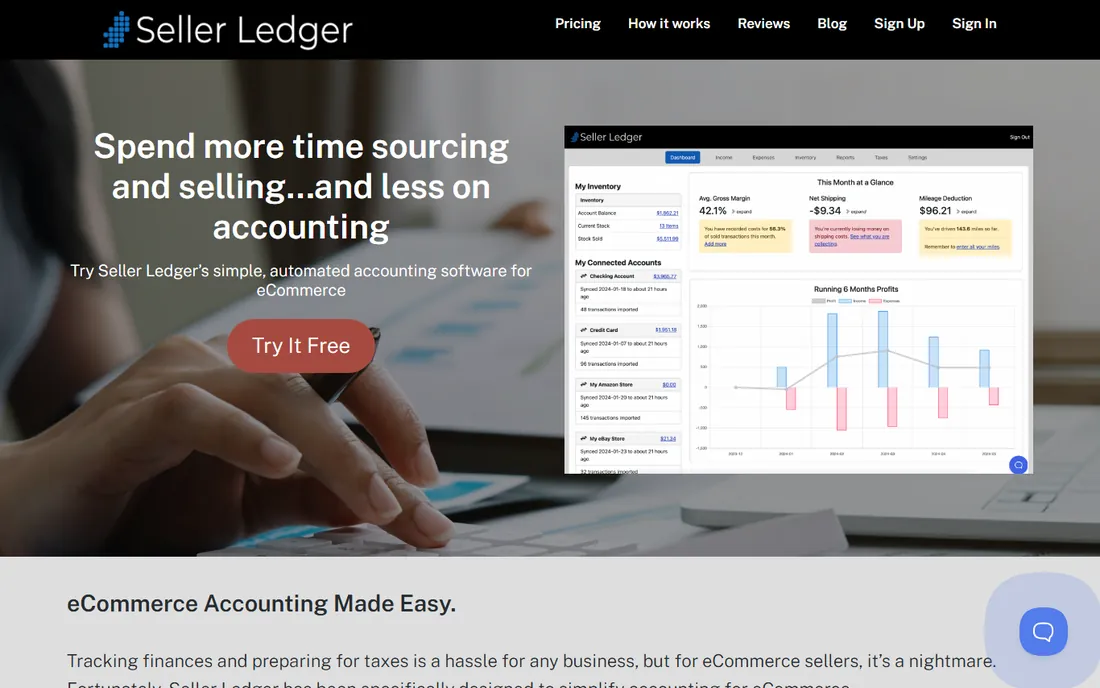
Seller Ledger was designed for exactly this reader: someone selling on Etsy who needs clean books without learning accounting. It connects to your Etsy shop, imports sales, fees, refunds and advertising costs, and produces profit reports and Schedule C-ready summaries. The Etsy fee breakdown alone saves hours of spreadsheet work.
Sellers with significant off-Etsy revenue will find it narrow. But if Etsy is your main channel, nothing else understands the fee structure and tax reporting this well at this price.
What we like- Purpose-built for Etsy sellers
- Imports Etsy sales and fees automatically
- Schedule C-ready reports
Watch out for- Less useful if you sell mostly off Etsy
- Fewer advanced accounting features
Starting priceSee website
Free planFree trial
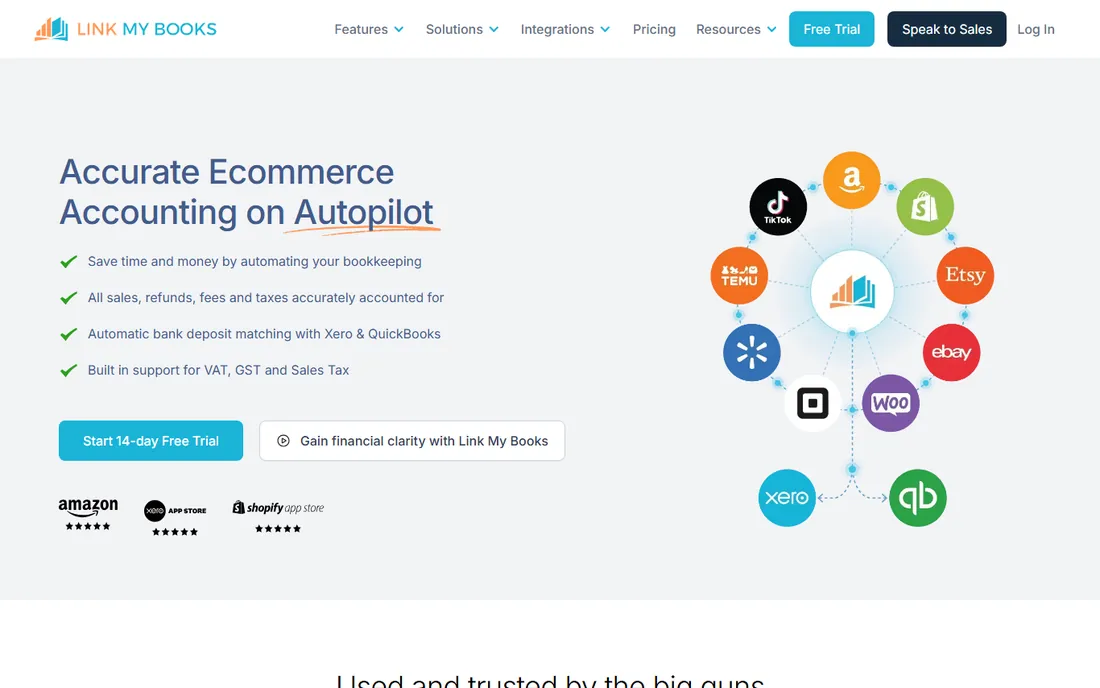
Link My Books solves the reconciliation nightmare: Etsy deposits lump sums that mix sales, fees, refunds and taxes, and matching them manually is miserable. The tool breaks each payout into proper accounting entries and posts them to Xero or QuickBooks automatically, with tax handling for different regions.
You need Xero or QuickBooks as the base, so it is an add-on cost, not a standalone solution. But sellers already on those platforms will wonder how they ever reconciled Etsy without it.
What we like- Turns messy Etsy payouts into clean accounting entries
- Supports Xero and QuickBooks
- Handles VAT and sales tax
Watch out for- Requires Xero or QuickBooks underneath
- Adds a subscription on top
Starting priceSee website
Free planFree trial
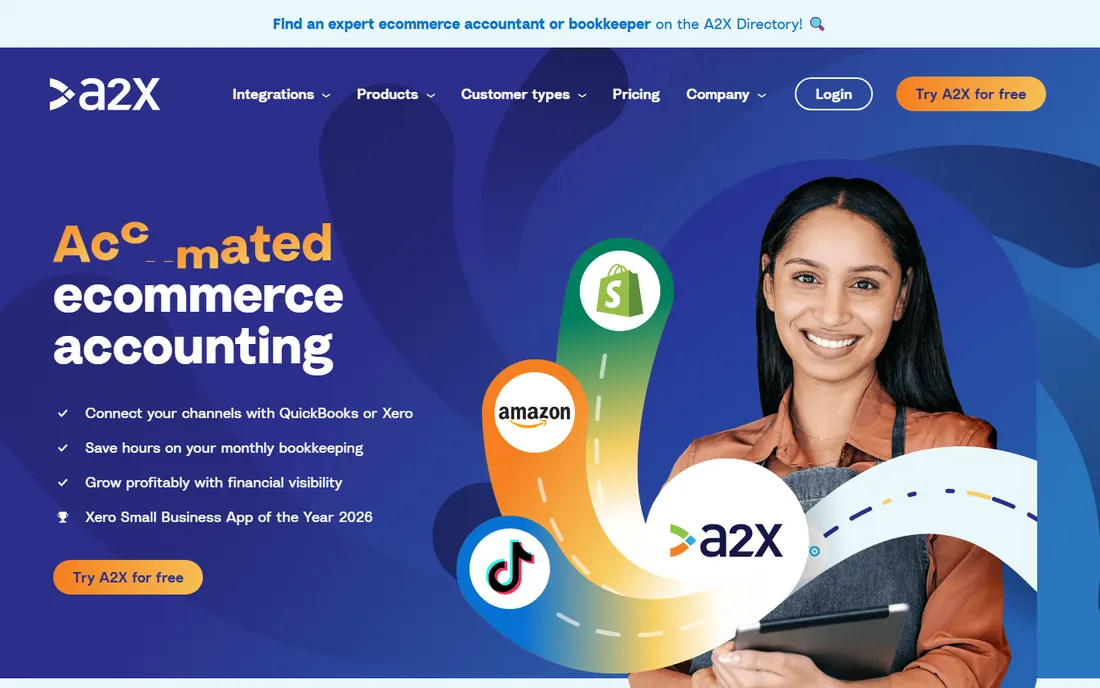
A2X is the standard for multi-channel sellers who need proper accrual accounting. It fetches settlement data from Etsy, Amazon, Shopify and others, then posts summarized, accountant-friendly entries to Xero or QuickBooks. Ecommerce accountants recommend it because the books it produces actually reconcile.
Etsy-only sellers with modest volume will find it more than they need. But the moment you add a second channel, A2X becomes the clean way to keep every marketplace's payouts straight.
What we like- Supports Etsy plus Amazon, Shopify, eBay and more
- Accurate accrual accounting
- Trusted by ecommerce accountants
Watch out for- Overkill for Etsy-only hobby shops
- Pricing scales with order volume
Starting priceSee website
Free planFree trial
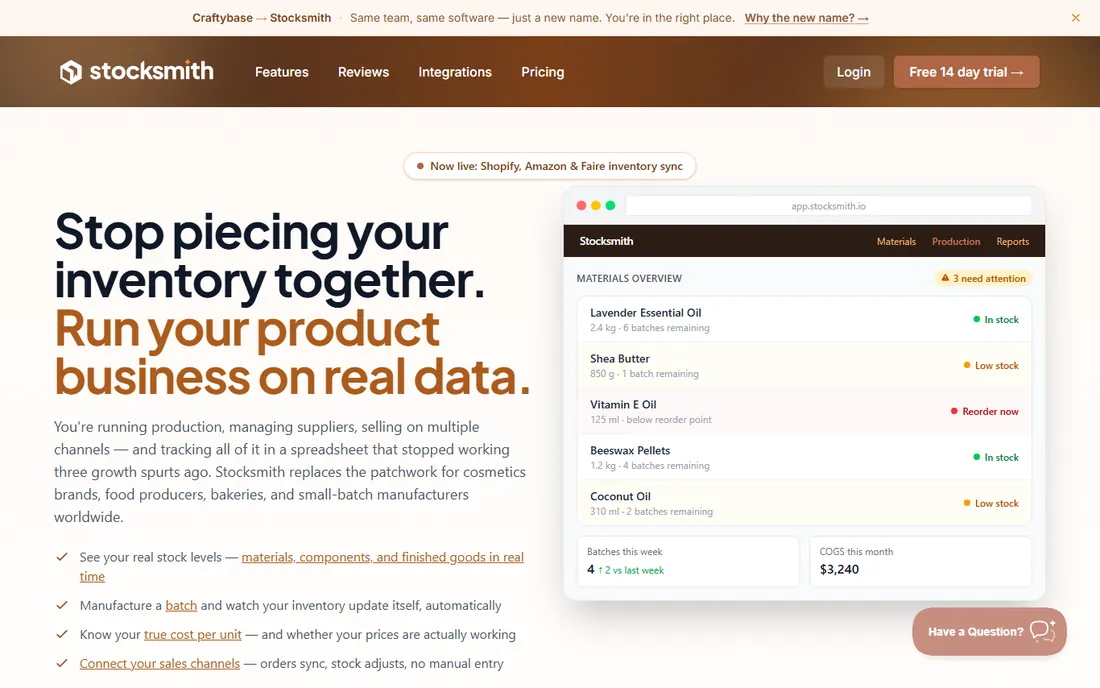
Craftybase is for sellers who make what they sell. It tracks raw materials, product recipes, production runs and cost of goods sold, answering the question every maker struggles with: what does this item actually cost me? The Etsy integration pulls in sales to complete the picture.
It is not a full accounting suite; pair it with Xero or QuickBooks for the complete books. But for pricing decisions and tax-time COGS, makers will not find this depth anywhere else.
What we like- Tracks materials, recipes and cost of goods sold
- Built for handmade businesses
- Etsy integration
Watch out for- Inventory focus means lighter general accounting
- Learning curve on manufacturing concepts
Starting priceFree
Free planYes

Wave gives small Etsy sellers real accounting for free: track income and expenses, scan receipts, send invoices for custom orders. For a shop with straightforward finances, it covers tax-time needs without a subscription.
The Etsy integration gap means manual work: recording fees, reconciling payouts and tracking marketplace specifics falls on you. It works until volume grows. When Etsy becomes a real business rather than a side project, upgrade to something with automation.
What we like- Free invoicing, accounting and receipt scanning
- Easy for non-accountants
- Fine for simple shops
Watch out for- No Etsy-specific automation
- Manual entry for marketplace fees
#6
Xero
Best for: Growing sellers wanting proper accounting
Visit xero.com
Starting priceSee website
Free planFree trial

Xero is the accounting backbone many growing Etsy sellers graduate to. Paired with Link My Books or A2X, it becomes a complete Etsy accounting system: automated payout reconciliation, proper financial reports and inventory tracking. The interface is cleaner than QuickBooks'.
Alone, Xero does not understand Etsy; the connectors do that work. And hobby-scale sellers will find it oversized. But for shops doing real revenue, Xero plus a connector is the professional setup.
What we like- Clean full-featured accounting
- Pairs with Link My Books and A2X
- Good inventory on mid tiers
Watch out for- Needs an Etsy connector for automation
- More than hobby sellers need
Starting priceSee website
Free planFree trial
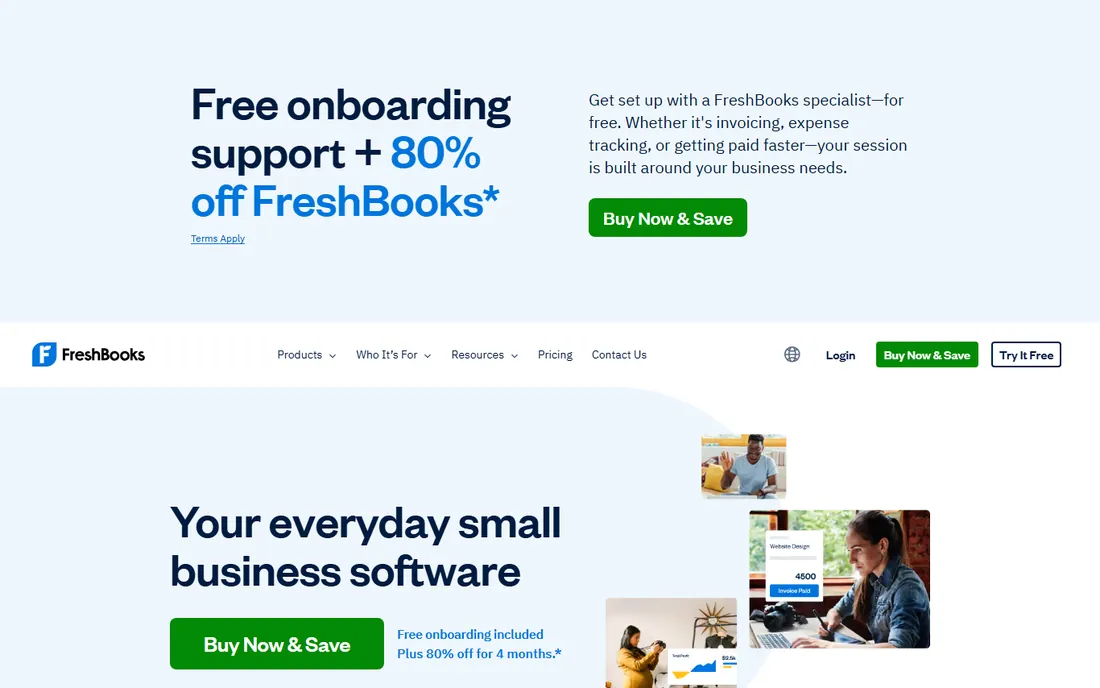
FreshBooks suits Etsy sellers whose business extends beyond the marketplace: custom orders, wholesale accounts, craft fair sales. The invoicing is excellent, time tracking helps for commissioned work, and expenses stay organized. It handles the non-Etsy side of a creative business well.
Marketplace automation is absent, so Etsy payouts need manual handling. Think of FreshBooks as the tool for everything around Etsy rather than Etsy itself.
What we like- Great invoicing for custom orders
- Simple expense tracking
- Client-friendly payments
Watch out for- No marketplace automation
- Inventory is minimal
#8
Zoho Books
Best for: Budget-conscious sellers wanting full features
Visit zoho.com
Starting priceSee website
Free planFree tier
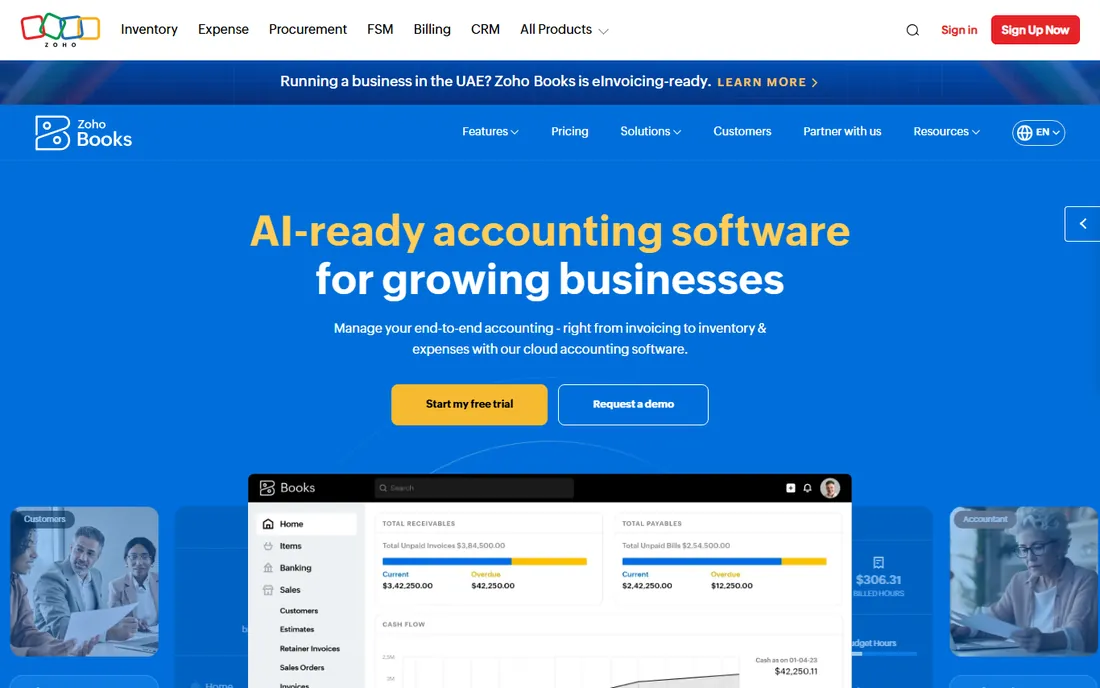
Zoho Books offers complete accounting, invoicing and basic inventory at prices well below QuickBooks, with a free tier covering small sellers. It is a solid general ledger for an Etsy business that has outgrown Wave but wants to keep costs down.
Like Xero and QuickBooks, it needs manual Etsy handling or a connector workflow. The value proposition is price: real accounting software for free or cheap, which matters when margins are handmade.
What we like- Generous free tier
- Full accounting at low prices
- Good for simple inventory
Watch out for- No Etsy-native features
- Smaller US accountant base
Starting priceSee website
Free planFree trial
QuickBooks Online is the default when your CPA says "send me your QuickBooks." Combined with A2X or Link My Books, it handles Etsy payouts properly, and it scales from side hustle to full business without switching platforms. The app ecosystem covers everything else.
For small Etsy shops it is expensive overkill. But sellers planning real growth, hiring help, or working closely with an accountant will end up here eventually. Starting here avoids a migration later.
What we like- Every accountant knows it
- Pairs with A2X and Link My Books
- Scales with the business
Watch out for- Priciest option here
- Overkill for small shops
Starting priceSee website
Free planFree trial
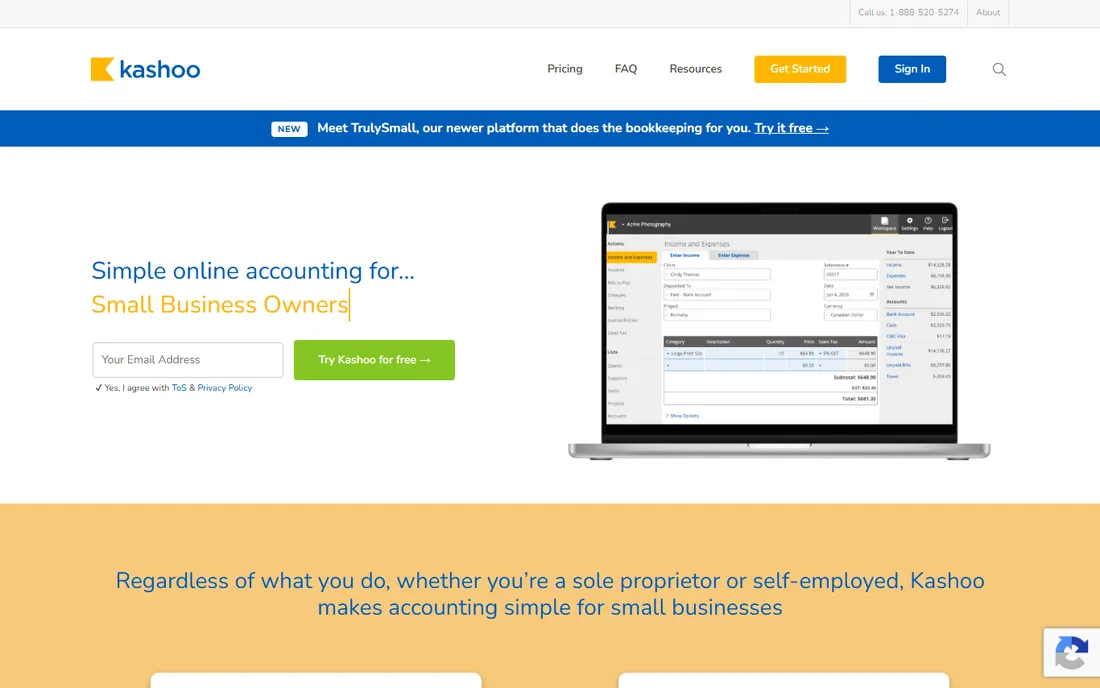
Kashoo is the uncomplicated middle ground: real accounting without QuickBooks' clutter or price. Etsy sellers who want proper books, automatic bank reconciliation and clean reports will find it does the job. The interface stays out of your way.
There is no marketplace magic here; Etsy payouts get recorded like any other income. But for sellers who tried spreadsheets and want something better without a big subscription, Kashoo is a calm, affordable step up.
What we like- Simple double-entry accounting
- Affordable
- Automatic bank reconciliation
Watch out for- No Etsy-specific features
- Fewer integrations
The Etsy fee problem every seller must solve
Etsy's fee structure is the accounting headache: listing fees, transaction fees, payment processing fees, offsite ad fees and shipping adjustments all come out of your payouts in one lump. Recording the deposit as "income" overstates revenue and understates expenses, which distorts both your pricing decisions and your taxes.
The fix is fee-level bookkeeping. Seller Ledger does it natively. Link My Books and A2X do it by breaking payouts into proper entries in Xero or QuickBooks. Whatever tool you choose, confirm it separates Etsy fees from revenue before you commit; a tool that cannot do this will cost you at tax time.
How we chose
We compared tools on Etsy integration depth, fee handling, inventory and COGS support, tax reporting, pricing and ease of use for non-accountants. We verified each vendor's homepage and current positioning, reviewed seller feedback on Etsy forums, G2 and ecommerce communities, and weighted real marketplace workflows over generic accounting features. We did not run live Etsy shops on these platforms.
Separating business money from personal money
The single most important accounting habit for an Etsy seller has nothing to do with software: open a separate bank account for the shop. Run all Etsy deposits into it and pay all business expenses from it. This one move makes bookkeeping dramatically easier, because every transaction in the account is business by definition, and it protects you if the IRS ever asks questions.
Pay yourself deliberately. Transfer a set amount to your personal account on a schedule, weekly or monthly, and record it as an owner's draw. Random transfers whenever you need cash make the books messy and hide whether the shop is actually profitable. A fixed draw forces you to confront the real numbers.
Keep receipts for everything, digitally. Materials, shipping supplies, software subscriptions, home office expenses: photograph or forward every receipt into your accounting tool the day it happens. Reconstructing a year of expenses from memory at tax time is how deductions get lost. Ten seconds per receipt, done consistently, is worth hundreds of dollars in April.
Frequently asked questions
Do Etsy sellers need accounting software?
Once you have regular sales, yes. Etsy provides sales data but not proper books: fee breakdowns, expense tracking and tax-ready reports need accounting software. The IRS still expects Schedule C whether you use software or not.
What is the cheapest good option for a small shop?
Wave is free and covers basic income and expense tracking. Seller Ledger's low-cost plans add Etsy-specific automation that saves real time. Start free, upgrade when manual work costs more than the subscription.
How do I handle Etsy fees in my books?
Record gross sales as revenue and each fee type as an expense, never just the net deposit. Tools like Seller Ledger, Link My Books and A2X automate this; doing it manually in a generic tool works but takes discipline.
Do I need inventory tracking?
If you make or buy products to sell, yes, eventually. Cost of goods sold affects both pricing and taxes. Craftybase handles maker inventory; Xero and QuickBooks cover it on higher tiers.
What about sales tax?
Etsy collects and remits sales tax on marketplace sales in most US states, but you are responsible for tax on off-Etsy sales. Your accounting tool should track both. Nexus rules vary by state; consult a tax professional as you grow.
Should I get an accountant?
When revenue becomes significant, when you hire help, or when taxes get confusing, yes. Clean books in any of these tools make an accountant's job (and bill) much smaller.
Sources we checked (10)
- https://www.sellerledger.com/
- https://www.linkmybooks.com/
- https://www.a2xaccounting.com/
- https://www.craftybase.com/
- https://www.waveapps.com/
- https://www.xero.com/
- https://www.freshbooks.com/
- https://www.zoho.com/books/
- https://www.quickbooks.intuit.com/
- https://www.kashoo.com/
Is your product missing or out of date?
We review this list regularly. Vendors can request a listing, send updated pricing or ask about featured placement.

Shihab Mia · Founder, Rankite
Shihab has spent more than a decade helping SaaS and e-commerce brands grow through search. He writes Rankite's software buying guides from pricing pages, documentation and public user reviews. More about Shihab.