How we make this list: we compare pricing pages, product documentation and public user reviews. Rankite is independent; if a vendor ever pays for a featured spot, that listing is clearly labeled Partner.
Key takeaways
- Construction accounting is its own discipline: job costing, retainage, progress billing and union payroll are the features that separate these tools from QuickBooks.
- Every tool on this list is quote-based enterprise software, so budget for demos, implementation and training, not just a monthly subscription.
- Small contractors doing under $5M in revenue should start with Knowify or Sage 100 Contractor; larger firms with complex job costing should shortlist Foundation, Viewpoint and Sage 300 CRE.
- Switching accounting systems mid-project is painful, so pick the platform that fits the company you will be in three years, not the one you are today.
Quick comparison
| Tool | Best for | Starting price | Free plan |
|---|
 Foundation Software Foundation Software | Contractors that want deep job costing backed by US-based support | See website (custom quote) | See website |
 Viewpoint Viewpoint | Mid-size to large contractors invested in Trimble's construction technology ecosystem | See website (custom quote) | See website |
 Sage 300 Construction and Real Estate Sage 300 Construction and Real Estate | Large contractors and developers needing a full construction and real estate ERP | See website (custom quote) | See website |
 Sage 100 Contractor Sage 100 Contractor | Small to mid-size contractors that want proven construction accounting without ERP complexity | See website (custom quote) | See website |
 Jonas Construction Software Jonas Construction Software | Specialty, service and mechanical contractors with complex operational needs | See website (custom quote) | See website |
 ComputerEase ComputerEase | Contractors that want construction accounting with strong field-to-office connectivity | See website (custom quote) | See website |
 Knowify Knowify | Small contractors, remodelers and specialty trades wanting simple cloud job costing | See website (tiered plans) | See website |
 Acumatica Construction Edition Acumatica Construction Edition | Growing contractors that want true cloud ERP with construction-specific depth | See website (custom quote) | See website |
Is your product missing or out of date?
We review this list regularly. Vendors can request a listing, send updated pricing or ask about featured placement.
The best accounting software for builders
Picture a general contractor's office on a Friday afternoon: the project manager is reconciling job costs in a spreadsheet, the bookkeeper is chasing lien waivers, and nobody can say which of the six active jobs is actually making money. That is the problem construction accounting software solves. Generic accounting tools track the business; these eight track the jobs, and in construction the jobs are the business.
#1
Foundation Software
Best for: Contractors that want deep job costing backed by US-based support
Visit foundationsoft.com
Starting priceSee website (custom quote)
Free planSee website
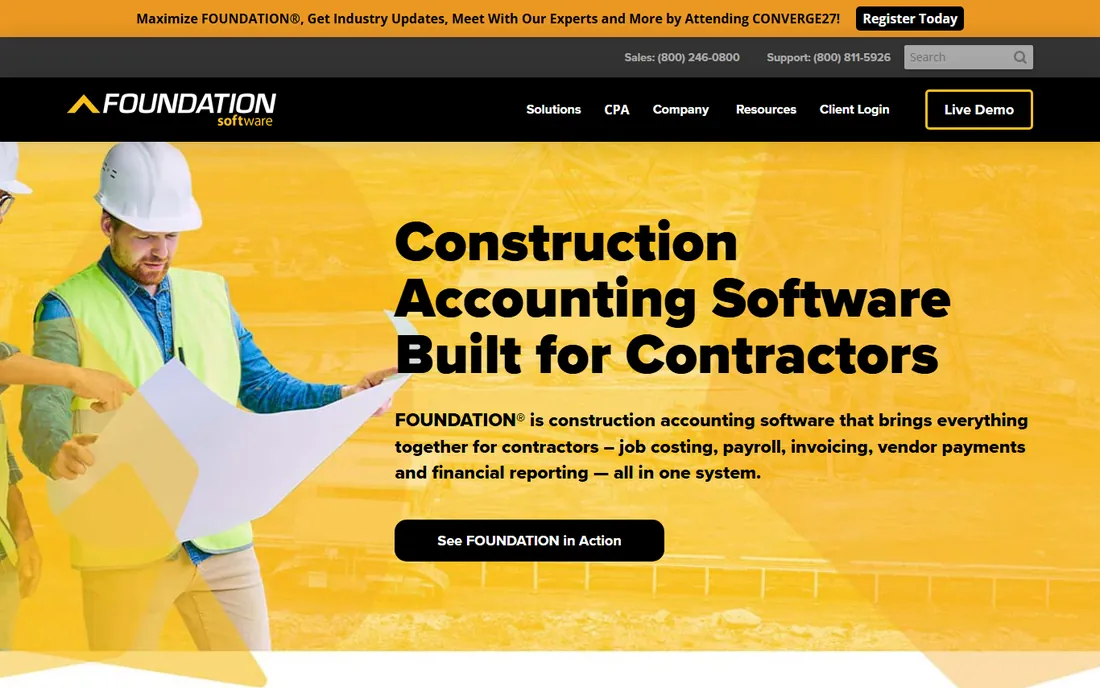
Foundation Software has spent decades building accounting software exclusively for contractors, and the depth shows in the details: job costing that tracks committed costs against budgets, payroll that handles union and certified payroll requirements, and project management that ties the field to the office. Support is US-based and construction-savvy, which matters when the person answering the phone understands what retainage is.
The honest catch is deployment. Foundation grew up as on-premise software and buyers should confirm exactly what the cloud offering includes versus the desktop product. Pricing is quoted. For contractors that want a construction specialist rather than a generic ERP with a construction module, it is a strong first demo. Note: the website URL above still needs an address-bar verification pass before this article is published.
What we like- Purpose-built for construction with strong job costing, payroll and project management
- US-based support with construction expertise
- Integrates with common project management tools
Watch out for- URL not yet verified against the vendor's address bar
- On-premise roots mean cloud buyers should confirm the deployment model
#2
Viewpoint
Best for: Mid-size to large contractors invested in Trimble's construction technology ecosystem
Visit viewpoint.com
Starting priceSee website (custom quote)
Free planSee website
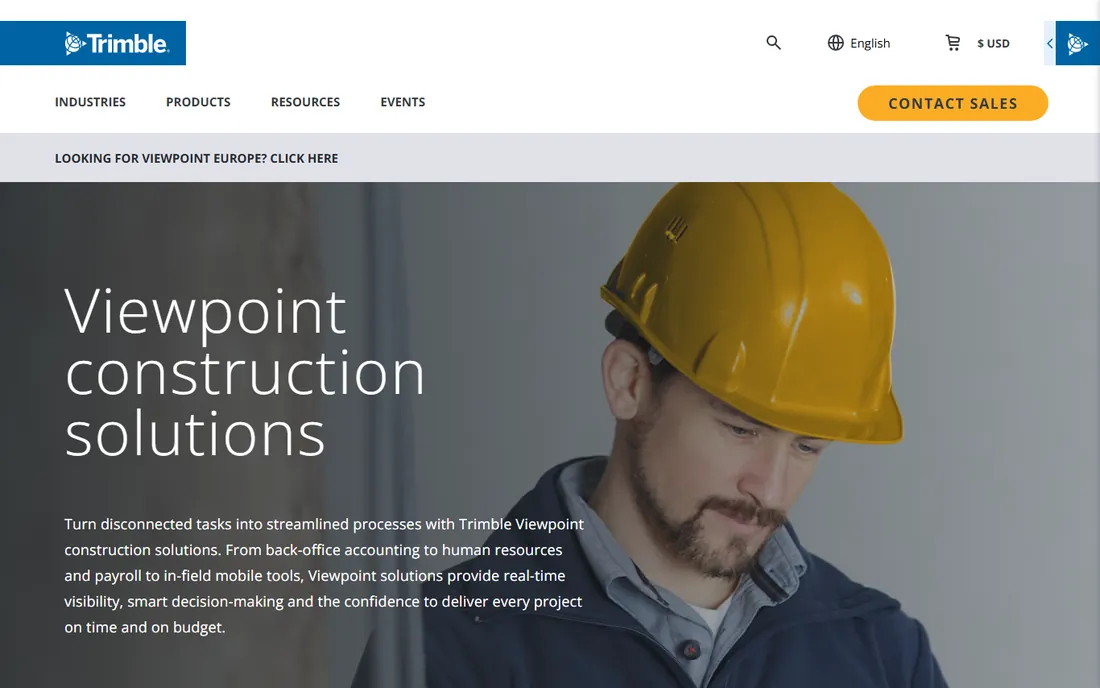
Viewpoint, part of Trimble, offers two main paths: Vista for larger contractors and Spectrum for the mid-market, both full construction ERPs with job costing, project management, document control and HR. The Trimble connection is the strategic reason to choose it: estimating, project management and field hardware can all flow into the same system, reducing the double entry that plagues construction offices.
The honest catch is the ecosystem itself. The more Trimble products you adopt, the harder it becomes to swap any one of them, so go in with eyes open about long-term flexibility. Implementation is a real project with real consulting costs. For contractors already running Trimble tools in the field, the accounting fit is natural. Note: the website URL above still needs an address-bar verification pass before this article is published.
What we like- Full construction ERP with job costing, project management and HR
- Trimble ecosystem connects accounting with estimating, project management and field tools
- Spectrum and Vista options for different company sizes
Watch out for- URL not yet verified against the vendor's address bar
- Trimble ecosystem lock-in can limit flexibility with third-party tools
#3
Sage 300 Construction and Real Estate
Best for: Large contractors and developers needing a full construction and real estate ERP
Visit sage.com
Starting priceSee website (custom quote)
Free planSee website
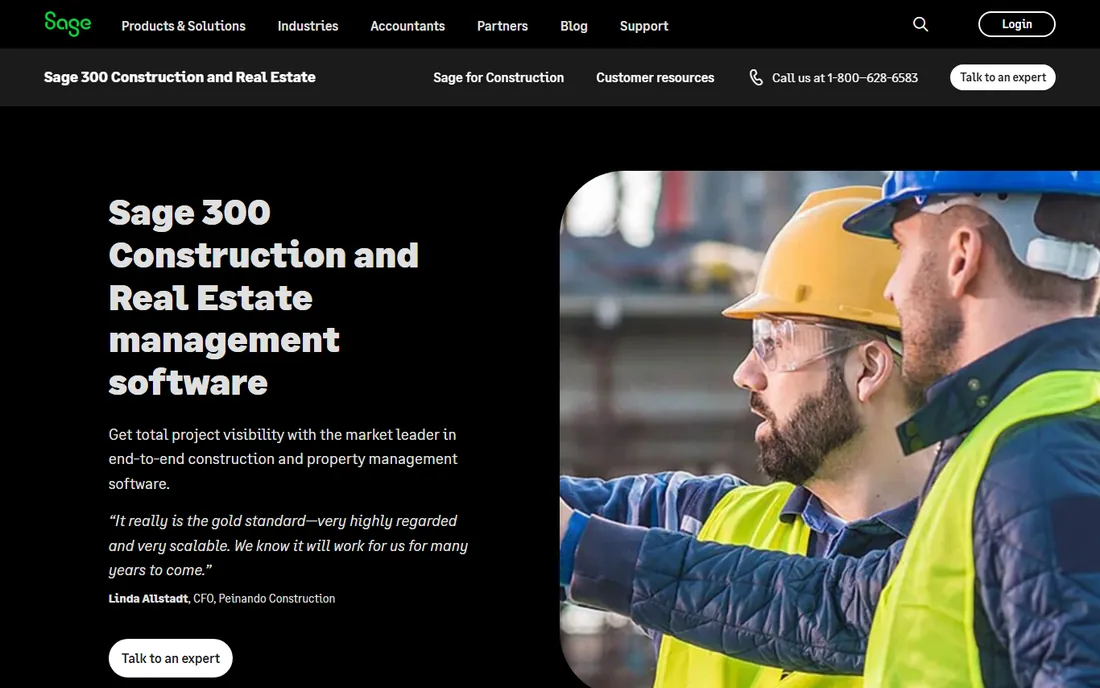
Sage 300 CRE, formerly Timberline, is the heavyweight of construction accounting. It covers the full spread: general ledger, job costing, payroll, project management, service management, equipment management and real estate management, with the reporting depth large contractors need for bonding and banking relationships. Decades of large-contractor deployments mean the edge cases in your business have probably been solved already.
The honest catch is that this is the most complex and expensive option on this list. Implementation runs into months with consultant involvement, and the interface shows its age in places. Small contractors should look at Sage 100 Contractor instead. For firms doing $20M-plus with complex operations, it remains the reference standard. Note: the website URL above still needs an address-bar verification pass before this article is published.
What we like- Deep functionality across accounting, job costing, project management, service management and real estate
- Long track record with large contractors
- Strong reporting and customization options
Watch out for- URL not yet verified against the vendor's address bar
- Complexity and implementation cost put it out of reach for smaller contractors
#4
Sage 100 Contractor
Best for: Small to mid-size contractors that want proven construction accounting without ERP complexity
Visit sage.com
Starting priceSee website (custom quote)
Free planSee website
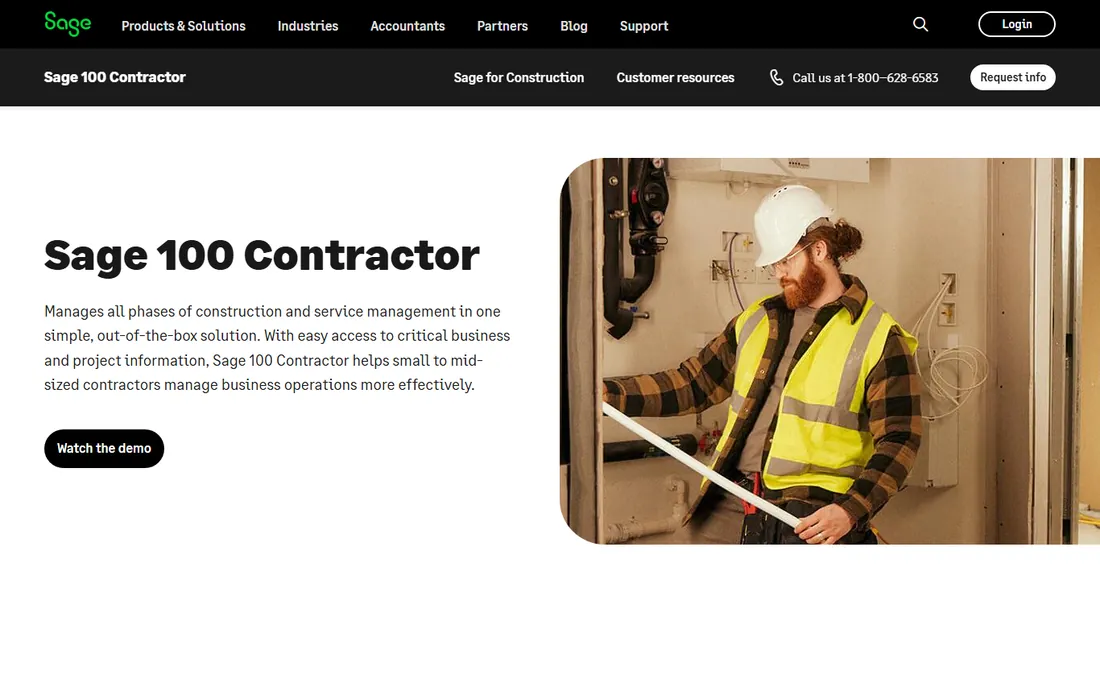
Sage 100 Contractor, formerly MasterBuilder, is the sensible middle ground in the Sage lineup. It gives small to mid-size contractors real construction accounting: job costing with committed cost tracking, payroll with certified payroll support, accounts payable and receivable, and project management, without the ERP implementation project that Sage 300 CRE requires. The user base is large and the product is proven over decades.
The honest catch is the ceiling. Growing firms eventually hit limits in multi-company, multi-entity or highly customized workflows, and the upgrade path to Sage 300 CRE is a migration, not a switch flip. For contractors in the $1M to $15M range, though, it is often the right-sized answer. Note: the website URL above still needs an address-bar verification pass before this article is published.
What we like- Construction-specific accounting with job costing, payroll and project management in one package
- Long-established product with a large user base
- SQL-based with solid reporting
Watch out for- URL not yet verified against the vendor's address bar
- Less scalable than Sage 300 CRE for rapidly growing firms
#5
Jonas Construction Software
Best for: Specialty, service and mechanical contractors with complex operational needs
Visit jonasconstruction.com
Starting priceSee website (custom quote)
Free planSee website
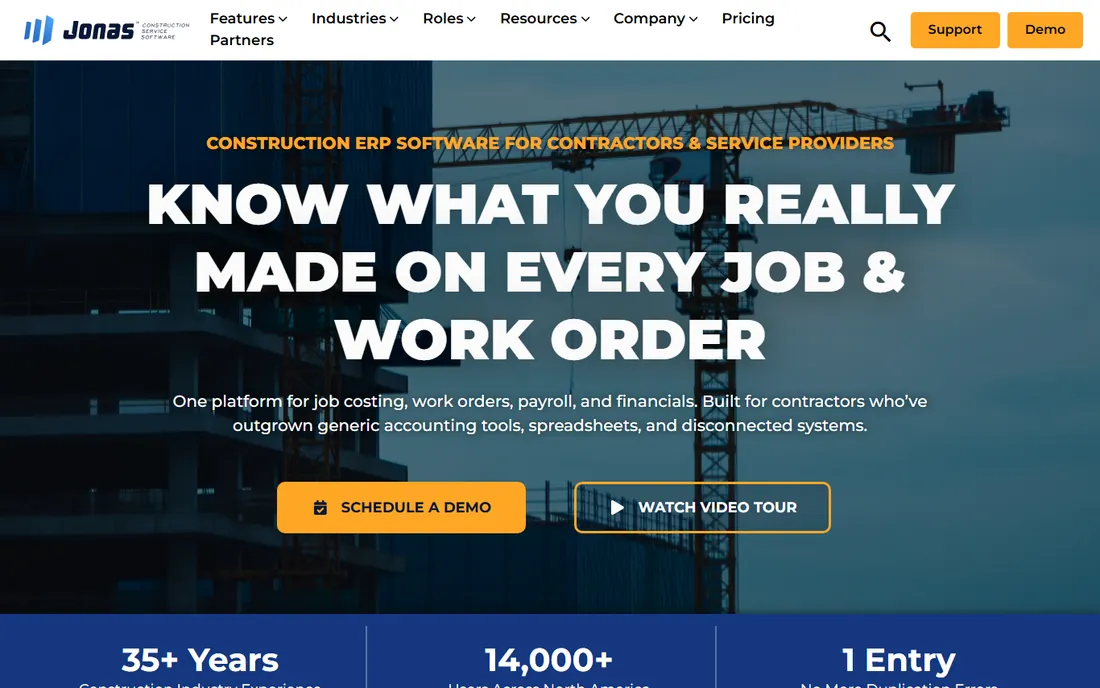
Jonas Construction Software serves the contractors that generic tools fail: mechanical, electrical, plumbing and service contractors with dispatch operations, maintenance contracts and complex billing. The platform covers job costing, project management, service management, dispatch, payroll and accounting in one system, and Constellation Software ownership means the vendor is not going anywhere.
The honest catch is the learning curve. This is enterprise software with enterprise workflows, and smaller contractors will find it heavy. Implementation and training are significant line items. For specialty contractors with service divisions, the dispatch and service management depth justifies the weight. Note: the website URL above still needs an address-bar verification pass before this article is published.
What we like- Deep functionality for specialty trades including service management and dispatch
- Strong job costing with progress billing
- Part of Constellation Software with long-term stability
Watch out for- URL not yet verified against the vendor's address bar
- Interface and workflows reflect its enterprise heritage rather than modern SaaS simplicity
#6
ComputerEase
Best for: Contractors that want construction accounting with strong field-to-office connectivity
Visit computerease.com
Starting priceSee website (custom quote)
Free planSee website
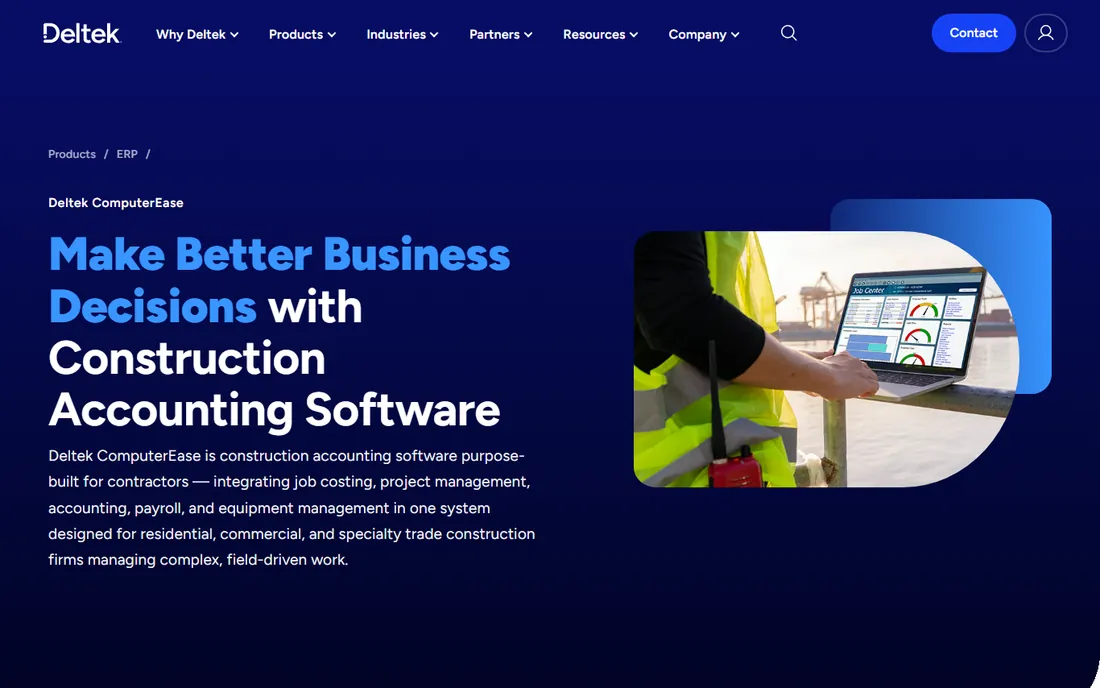
ComputerEase offers the construction accounting essentials, job costing, general ledger, payroll, accounts payable and receivable, with an emphasis on connecting field operations to the office. Time entry, daily logs and field reporting flow into job costs without rekeying, which is where most contractors bleed administrative hours.
The honest catch is ecosystem size. With a smaller market footprint than Sage or Viewpoint, third-party integrations and the peer community are thinner, so validate the specific integrations you need during the demo. Pricing is quoted. For contractors that value field connectivity over brand name, it deserves a look. Note: the website URL above still needs an address-bar verification pass before this article is published.
What we like- Construction accounting with job costing, payroll and project management
- Field-focused tools connect crews to the office
- Part of a larger construction software group
Watch out for- URL not yet verified against the vendor's address bar
- Smaller market presence means fewer third-party integrations and peer references
#7
Knowify
Best for: Small contractors, remodelers and specialty trades wanting simple cloud job costing
Visit knowify.com
Starting priceSee website (tiered plans)
Free planSee website
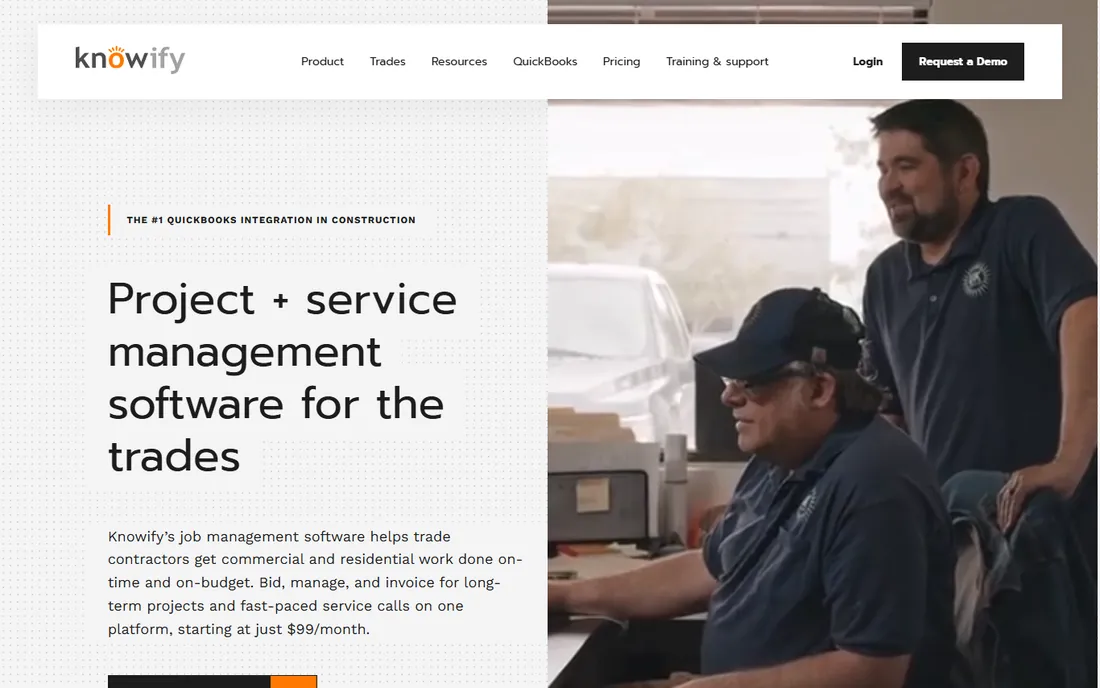
Knowify is the accessible end of this list: cloud-based job costing, budgeting, contract management, change orders, invoicing and progress billing, designed for contractors who find the ERP options overwhelming. It integrates with QuickBooks Online, so the general ledger stays where it is while Knowify handles the job-level detail. Remodelers and small specialty contractors are the sweet spot.
The honest catch is scope. There is no full payroll engine, no union payroll complexity, no certified payroll depth, so growing contractors will eventually need more. But as a first construction accounting system, or as the job-costing layer on top of QuickBooks, it is the gentlest on-ramp here. Note: the website URL above still needs an address-bar verification pass before this article is published.
What we like- Cloud-native and easy to learn, built for small contractors
- Job costing, budgeting, invoicing and progress billing without ERP overhead
- Integrates with QuickBooks Online
Watch out for- URL not yet verified against the vendor's address bar
- Lacks the payroll and compliance depth larger contractors need
#8
Acumatica Construction Edition
Best for: Growing contractors that want true cloud ERP with construction-specific depth
Visit acumatica.com
Starting priceSee website (custom quote)
Free planSee website
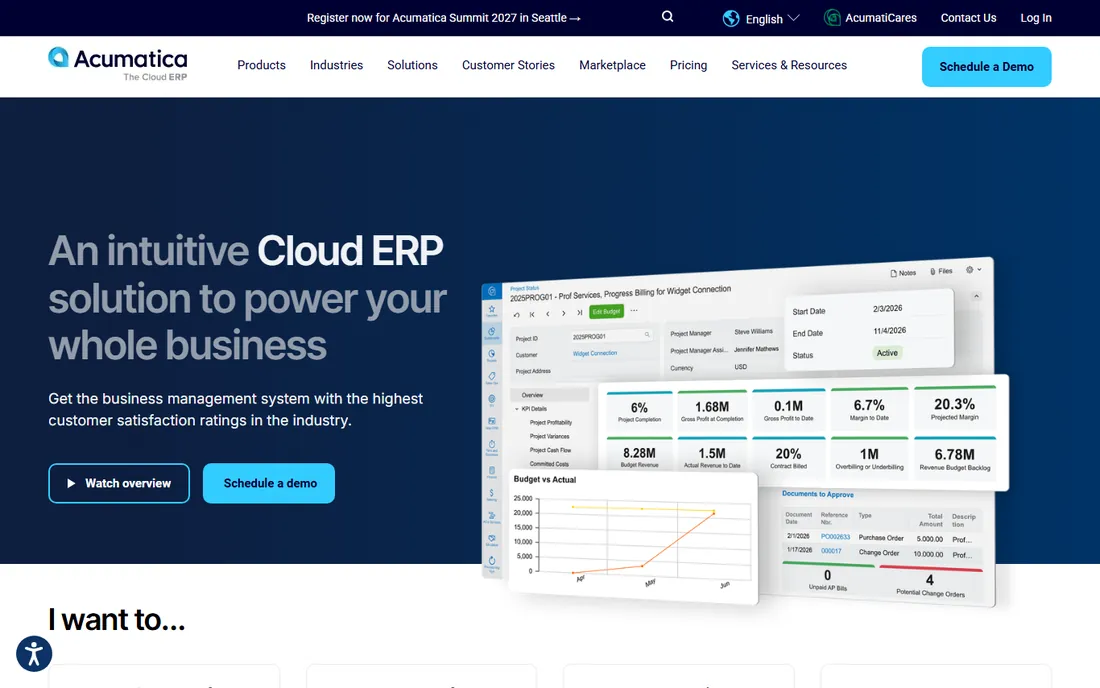
Acumatica Construction Edition brings modern cloud ERP to an industry running on decades-old software. The base Acumatica platform covers financials, distribution and CRM, while the Construction Edition adds project accounting, job cost tracking, change order management, compliance and field service. The licensing model is distinctive: priced on resources consumed rather than per user, so the whole company can have access without per-seat math.
The honest catch is the partner model. Acumatica sells through resellers who handle implementation, and the quality of your implementation depends heavily on the partner you choose. Ask for construction-specific references before signing. For growing contractors that want cloud ERP without legacy baggage, it is the most modern option on this list. Note: the website URL above still needs an address-bar verification pass before this article is published.
What we like- True cloud ERP with unlimited users on resource-based pricing
- Construction Edition adds job costing, project accounting, compliance and field tools
- Modern interface compared to legacy construction ERPs
Watch out for- URL not yet verified against the vendor's address bar
- Implementation partner quality varies, so vet the reseller carefully
Job costing depth: the real dividing line
Every tool on this list claims job costing, but the depth varies enormously, and depth is what decides whether the software actually helps. Basic job costing tracks costs against a budget per job. Real construction job costing tracks committed costs including purchase orders and subcontracts, handles change orders that modify the budget mid-job, manages retainage held back on progress billings, and produces work-in-progress reports your accountant and your bonding company will accept.
Ask each vendor to walk through the same scenario in the demo: a $2M job with three change orders, 10 percent retainage, two subcontractors and a cost overrun in concrete. Watch how many screens it takes, where the overrun surfaces, and whether the WIP report updates automatically. The tools that handle this gracefully are the ones built for construction from the ground up. The ones that struggle will show it within ten minutes.
Payroll is the second dividing line. Union payroll with multiple rates and fringes, certified payroll for government work, and multi-state payroll are standard requirements for many contractors and afterthoughts in generic accounting software. Foundation, Sage 300 CRE, Viewpoint and Jonas handle these natively. If certified payroll matters to you, confirm it in the demo rather than in the brochure.
Implementation, training and the true first-year cost
Nobody on this list sells you software and walks away, and the first-year cost reflects that. Expect three line items beyond the license: implementation and data migration, training for your office and field staff, and the internal time your team spends on the project. For the ERP options, implementation often costs as much as the first year of licenses.
Get these numbers in writing before you commit. Ask for the fixed-fee implementation quote with a defined scope, the training plan with hours per role, and the go-live timeline in weeks. Ask what happens to your historical data: how many years of job history migrate, and what it costs to bring more. Ask who your implementation team is and whether they have done contractors your size in your trades.
Then plan the cutover. Running two accounting systems in parallel during a transition is expensive but safer than a hard cutover mid-project. Most contractors time the switch for the fiscal year end or the slow season, and the vendors on this list expect that conversation. The cheapest implementation is rarely the best one; the one with a construction-experienced team and a realistic timeline is.
How we chose
We started with the categories buyers search: accounting software for builders, construction accounting software, contractor accounting software and job costing software. For each candidate we reviewed the vendor's own product pages, checked claims against public reviews on G2 and Capterra and practitioner discussion on Reddit and contractor forums, and compared job costing depth, payroll and compliance features, project management integration, field connectivity and company-size fit. Where a vendor publishes no price we wrote "See website" rather than repeating third-party estimates.
Frequently asked questions
How much does construction accounting software cost?
All eight tools are quote-based, and first-year costs vary widely: small-contractor tools like Knowify run hundreds per month, while ERP implementations at Sage 300 CRE, Viewpoint or Jonas can reach five or six figures including implementation. Always get the implementation quote alongside the license quote, because the services often cost as much as the software.
Can I just use QuickBooks for my construction business?
Many small contractors do, often with Knowify or a similar tool handling job costing on top. QuickBooks handles the general ledger fine but lacks real job costing, retainage tracking, progress billing and certified payroll. Once you run multiple simultaneous jobs or need WIP reports for bonding, a construction-specific system pays for itself.
What is job costing and why does it matter?
Job costing tracks every cost, labor, materials, subcontractors, equipment, against the budget for each individual job. It tells you which jobs make money and which lose it, while there is still time to act. Without it, a contractor can be busy, growing and going broke at the same time.
What is retainage and which tools handle it?
Retainage is the percentage of each progress billing, typically 5 to 10 percent, that the owner holds back until the job is complete. It is standard in commercial construction and a bookkeeping headache without proper support. All the ERP-grade tools on this list handle retainage; confirm the workflow in your demo.
How long does implementation take?
Small-contractor tools can go live in weeks. Mid-market implementations typically run 2 to 4 months. Full ERP deployments at Sage 300 CRE, Viewpoint or Jonas commonly take 4 to 9 months including data migration and training. Time the cutover for your slow season or fiscal year end.
Should we switch accounting software mid-project?
Avoid it if you can. Open jobs carry committed costs, change orders and billing histories that are painful to migrate mid-stream. If a switch is unavoidable, run the old and new systems in parallel until the open jobs close, and migrate full job history rather than opening balances alone.
Sources we checked (9)
- https://foundationsoft.com
- https://viewpoint.com
- https://sage.com
- https://jonasconstruction.com
- https://computerease.com
- https://knowify.com
- https://acumatica.com
- https://www.g2.com/categories/construction-accounting
- https://www.capterra.com/construction-accounting-software/
Is your product missing or out of date?
We review this list regularly. Vendors can request a listing, send updated pricing or ask about featured placement.

Shihab Mia · Founder, Rankite
Shihab has spent more than a decade helping SaaS and e-commerce brands grow through search. He writes Rankite's software buying guides from pricing pages, documentation and public user reviews. More about Shihab.