How we make this list: we compare pricing pages, product documentation and public user reviews. Rankite is independent; if a vendor ever pays for a featured spot, that listing is clearly labeled Partner.
Key takeaways
- Ramp and Brex both offer genuinely free expense management platforms with corporate cards; Ramp Plus is $15 per user a month, Brex Premium $12.
- BILL's AP plans start at $49 per user a month, while Tipalti's AP automation starts at $99 a month with unlimited users.
- Dext automates receipt capture into your existing accounting software from about $31.50 a month; Float adds cash flow forecasting from $215 a month annually.
- Tipalti is the pick for global supplier payments across 200+ countries; Botkeeper combines AI with a human bookkeeping team.
Quick comparison
| Tool | Best for | Starting price | Free plan |
|---|
 Ramp Ramp | free expense management and AP automation | Free; Plus $15 per user/month | Yes |
 Brex Brex | startup spend management with travel built in | Free; Premium $12 per user/month | Yes |
 BILL BILL | accounts payable automation synced to your ledger | $49 per user/month | Free trial |
 Tipalti Tipalti | global supplier and contractor payments | $99/month | No |
 Dext Dext | receipt capture that feeds your accounting software | $31.50/month | Free trial |
 Float Float | cash flow forecasting from live accounting data | $215/month (billed annually) | 14-day trial |
 Botkeeper Botkeeper | AI bookkeeping backed by a human team | See website | Free trial |
Is your product missing or out of date?
We review this list regularly. Vendors can request a listing, send updated pricing or ask about featured placement.
The best accounting automation software
#1
Ramp
Best for: free expense management and AP automation
Visit ramp.com
Starting priceFree; Plus $15 per user/month
Free planYes
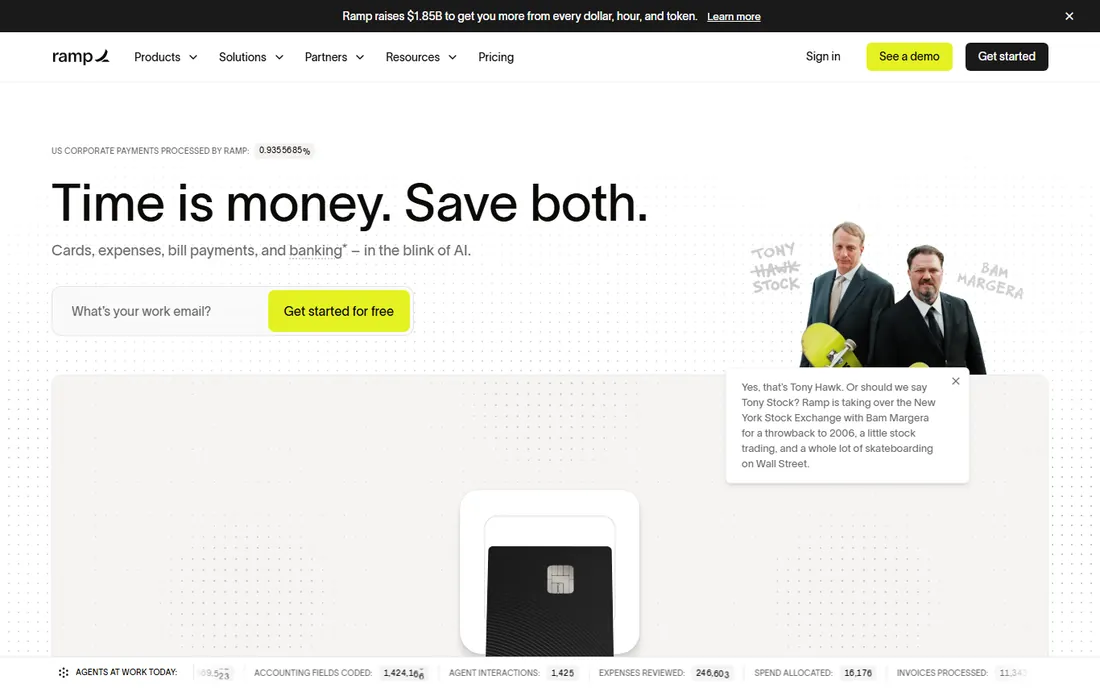
Ramp gives away its core platform for free, which is why it has become the default finance tool for startups: unlimited corporate cards with spending controls, expense management with auto-receipt matching, invoice capture with OCR, bill pay, and accounting automation all cost $0. The free tier syncs with QuickBooks Online and Xero. Plus at $15 per user a month adds NetSuite and Sage Intacct integrations, automated tax coding, and multi-entity management.
The automation quality is the real story: Ramp's AI codes transactions, enforces expense policies at the point of purchase, and flags anomalies, cutting the month-end scramble dramatically. Real-time spend visibility means finance teams see where money goes as it happens rather than at reconciliation.
The catch is the upsell path. Advanced integrations and multi-entity features sit behind Plus, and the platform fee on the paid tier is not published. Still, a full spend management platform for free is unmatched value, and most small businesses never need to upgrade.
What we like- Full expense platform free
- Unlimited corporate cards
- Automated invoice capture with OCR
Watch out for- Advanced ERP integrations need Plus
- Platform fee on paid tier not disclosed
#2
Brex
Best for: startup spend management with travel built in
Visit brex.com
Starting priceFree; Premium $12 per user/month
Free planYes
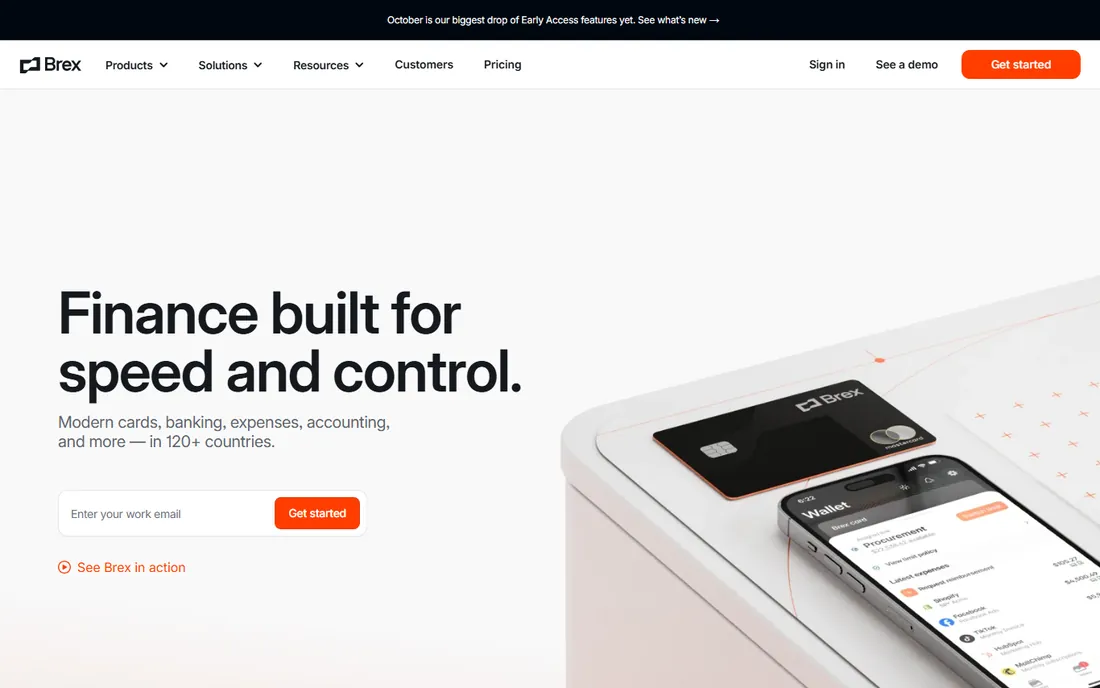
Brex's free Essentials plan competes directly with Ramp: corporate cards with no annual fee, AI-driven expense rules, travel management, real-time analytics, invoice processing, and employee reimbursements all included. Premium at $12 per user a month adds multi-layered expense policies, flexible approval workflows, and multi-entity management. Enterprise is custom for global companies.
Brex edges ahead on travel: its integrated travel booking shows unbiased flight and hotel inventory sorted by price, and travel expenses auto-reconcile against bookings. Multi-currency support and regional card programs make it the stronger pick for companies spending across borders.
The honest trade-offs: you must use Brex's cards to get the full value, and very small businesses may not qualify for the card program. For venture-backed startups and scaling companies with travel spend, Brex is one of the two obvious free choices alongside Ramp.
What we like- Free Essentials tier is genuinely full-featured
- Built-in travel booking
- 24/7 support on all plans
Watch out for- Must use Brex cards for full benefits
- Smaller businesses may not qualify
#3
BILL
Best for: accounts payable automation synced to your ledger
Visit bill.com
Starting price$49 per user/month
Free planFree trial
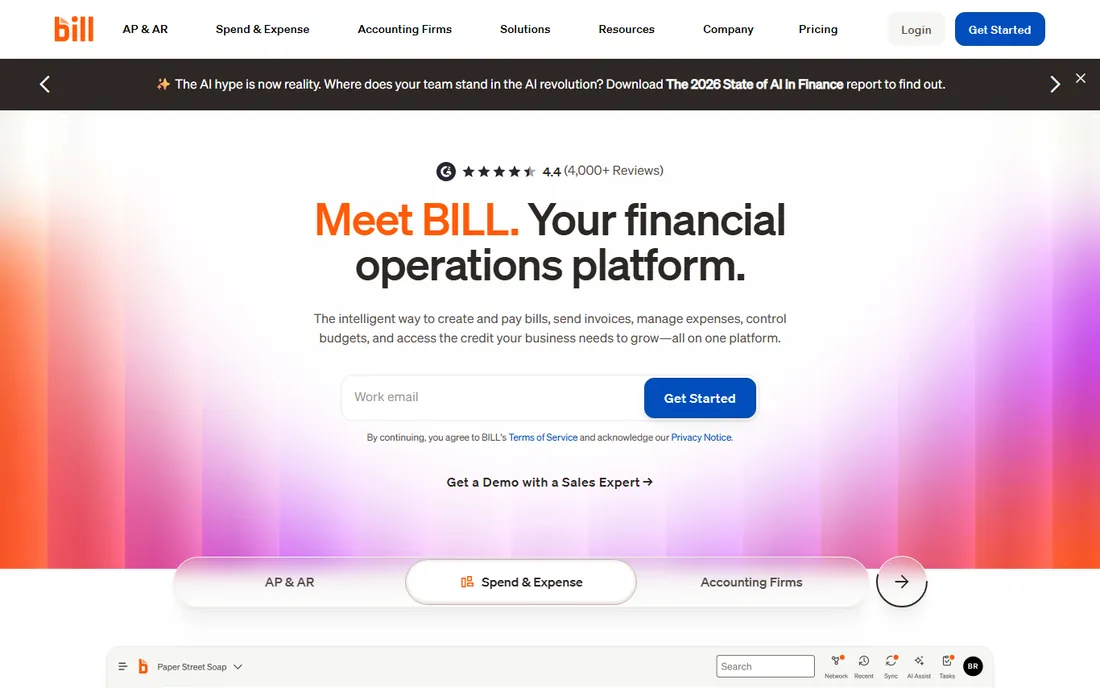
BILL automates the accounts payable workflow end to end: invoices arrive in a unified inbox, OCR extracts the data, approvals route automatically, and payments go out by ACH, wire, virtual card, or mailed check. Essentials starts at $49 per user a month, Team at $65, and Corporate at $89, with standard ACH payments carrying a $0.59 transaction fee. A free Spend & Expense product (formerly Divvy) covers cards and expenses at no cost.
The integration depth is what keeps accountants loyal: two-way sync with QuickBooks, Xero, NetSuite, Sage Intacct, and Microsoft Dynamics keeps the books current without re-keying. Fraud detection and a complete audit trail make month-end reviews and year-end audits far less painful.
The catches are pricing and approvals: per-seat costs rise with the team, and each approval step allows only one approver, which can slow multi-signature processes. For US businesses with real invoice volume synced to a major accounting package, BILL is the established standard.
What we like- Deep accounting integrations including NetSuite and Intacct
- International payments in 130+ countries
- Audit-ready workflows
Watch out for- Per-seat pricing adds up
- Only one approver per workflow step
Starting price$99/month
Free planNo
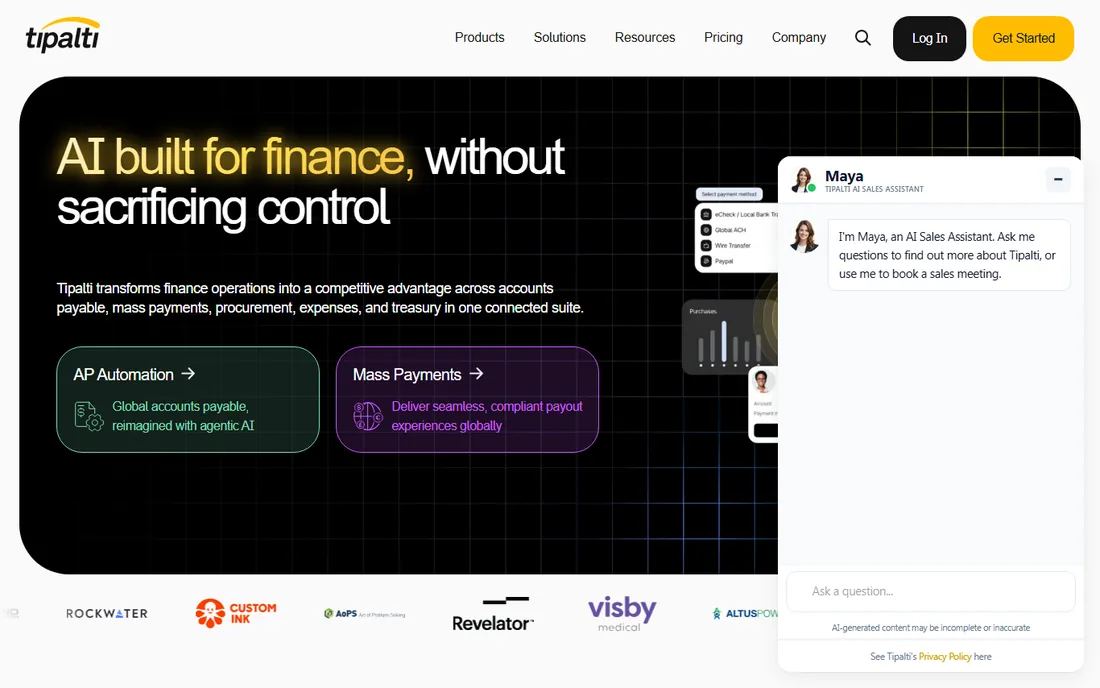
Tipalti solves the hardest version of payables: paying suppliers, contractors, creators, and affiliates across 200+ countries in 120 currencies with automated tax compliance. Plans start at $99 a month for AP automation with unlimited users, a supplier self-onboarding portal, AI invoice scanning, and ERP integrations. Advanced at $199 adds PO matching and multi-entity infrastructure.
The compliance automation is the killer feature: W-8 and W-9 collection, tax ID validation, 1099 and 1042-S reporting, and sanctions screening happen automatically instead of consuming a finance person's quarter. No per-user fees means the whole team can work in the system as it grows.
The honest math: there is no free tier and transaction fees sit on top of the subscription. Tipalti is overkill for a business paying ten local vendors; it earns its price when you pay dozens of contractors or suppliers across borders and tax season currently terrifies you.
What we like- Unlimited users on every plan
- 50+ payment methods across 200+ countries
- Automated tax compliance
Watch out for- No free plan
- Transaction fees on top of subscription
#5
Dext
Best for: receipt capture that feeds your accounting software
Visit dext.com
Starting price$31.50/month
Free planFree trial
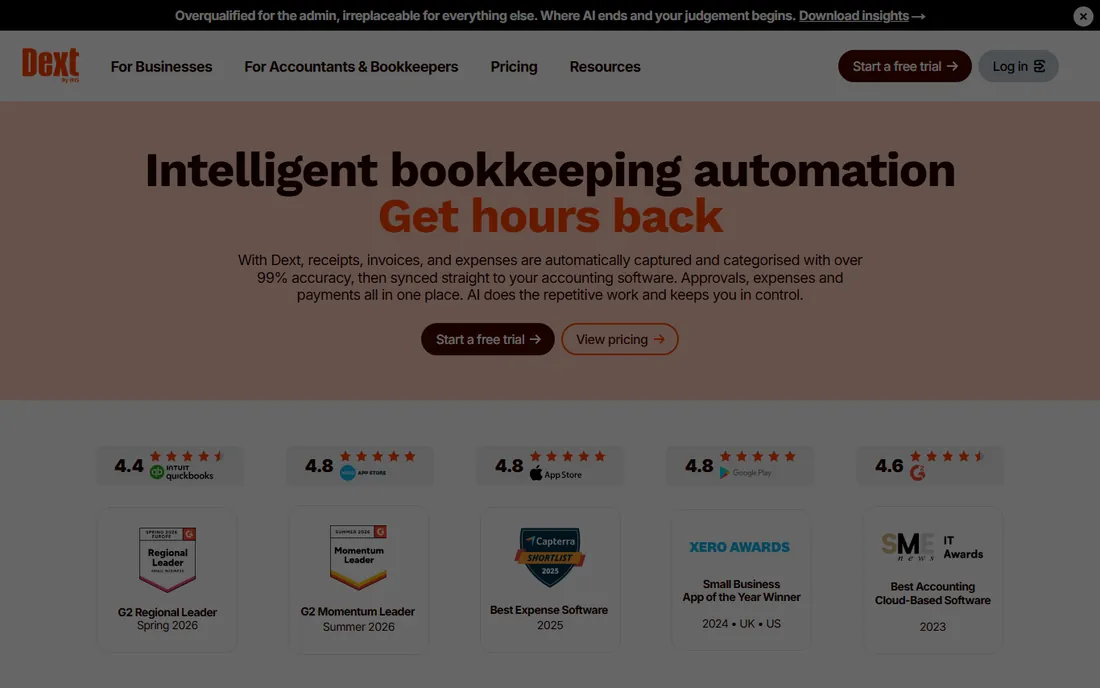
Dext (formerly Receipt Bank) kills the shoebox: snap a receipt, forward an invoice by email, or let Dext fetch supplier documents automatically, and its AI extracts supplier, date, tax, and total at over 99% accuracy, then publishes straight to Xero, QuickBooks, or Sage. US business plans start around $31.50 a month for 250 documents with five users; a 14-day trial needs no credit card.
Supplier rules learn how you code each vendor, turning repeated invoices into check-only or fully automatic entries. Practice plans let accounting firms manage capture for all their clients in one dashboard. Expense management and mileage tracking ride along on higher tiers.
The catches are the add-on math: line-item extraction and AI Assist cost extra, and Dext is not your ledger, it feeds one, so you still need accounting software. For businesses and bookkeepers drowning in paperwork, it is the most focused document automation available.
What we like- 99%+ extraction accuracy
- Captures via app, email, WhatsApp, or supplier portals
- Syncs to 36+ accounting platforms
Watch out for- Line-item extraction costs extra
- Practice pricing has a client minimum
Starting price$215/month (billed annually)
Free plan14-day trial
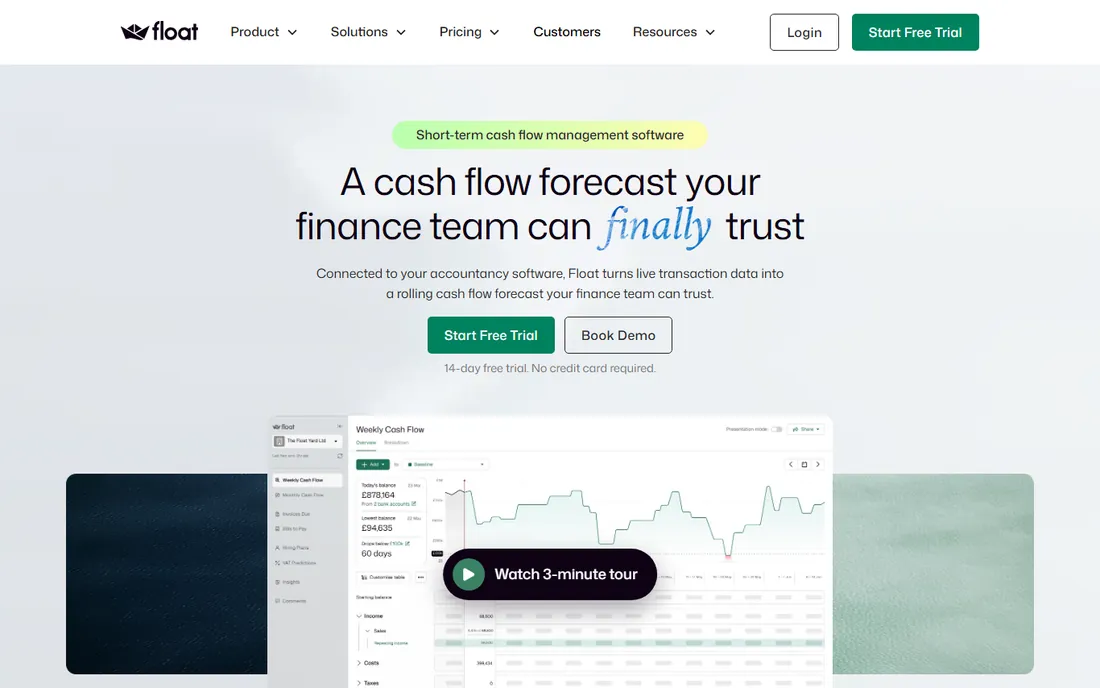
Float answers the question spreadsheets struggle with: will we have enough cash, and when. It connects read-only to QuickBooks Online or Xero in minutes, imports invoices and bills with expected payment dates, and builds a visual cash forecast up to 36 months ahead with daily, weekly, or monthly views. Growth starts at $215 a month on annual billing ($265 monthly); Scale at $315 adds multi-entity consolidation. A 14-day trial needs no card.
Scenario planning is the standout: model a new hire, a lost client, or a price increase and see the cash impact instantly, toggling scenarios on and off. Early warnings flag when you will hit a cash threshold before it happens, not after month-end.
The honest catch is price: Float costs more than many businesses' accounting software itself. Xero now includes a basic 180-day cash projection, so Float earns its fee on scenario planning and longer horizons. For businesses where cash timing decides hiring and survival, it pays for itself quickly.
What we like- 36-month forecasts with scenario planning
- Read-only sync to QuickBooks and Xero
- Early warning cash thresholds
Watch out for- Pricey for small businesses
- Forecasting only, not a full accounting tool
Starting priceSee website
Free planFree trial
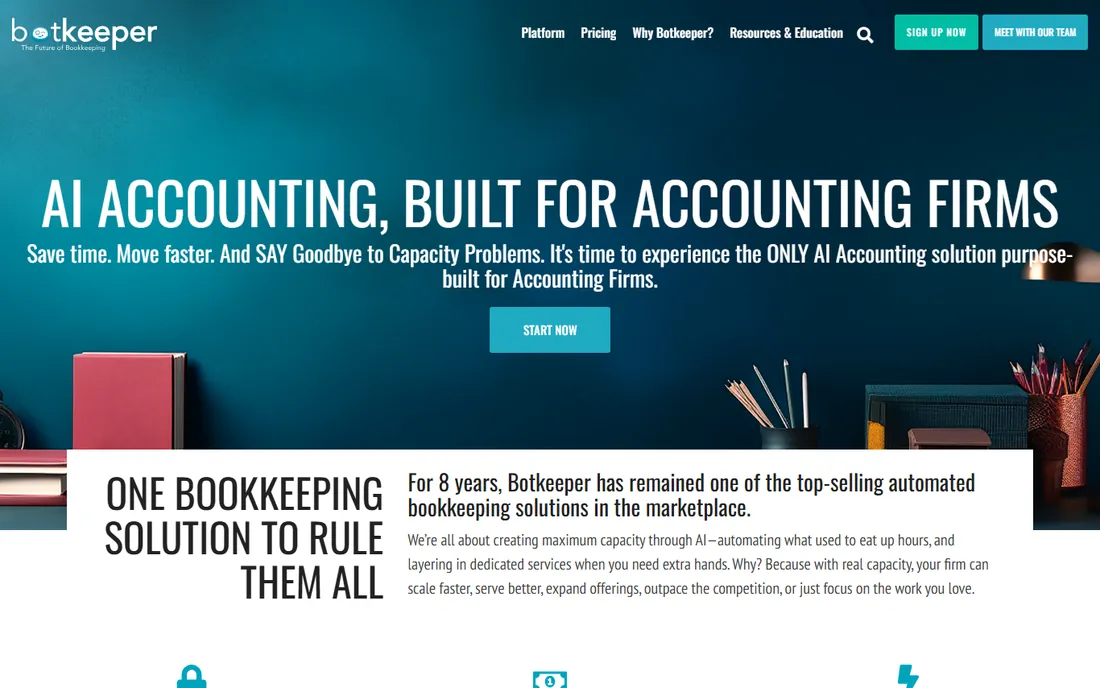
Botkeeper takes a different approach: instead of selling you software, it automates your bookkeeping with AI and backs it with a human accounting team. Its machine learning handles transaction categorization, reconciliations, and payroll journal entries, with humans reviewing and resolving the exceptions. It integrates primarily with QuickBooks Online.
For accounting firms, Botkeeper works as a white-label back office: client dashboards, document management, and unlimited users let firms serve more clients without hiring. For businesses, it means books that stay current without an in-house bookkeeper.
The catch is transparency: pricing is quote-based and review data varies widely, so expect a sales conversation. It is also less suited to owners who want to run their own books in software. For firms and businesses that want bookkeeping done for them with AI speed, Botkeeper fills a gap the pure software tools do not.
What we like- Machine learning plus human review
- Automated reconciliations and categorization
- Client dashboards for firms
Watch out for- Pricing is opaque
- Geared more toward accounting firms than DIY owners
How we chose
We compared accounting automation software using vendor pricing pages and official documentation, alongside public reviews on G2, Capterra, Reddit, and finance communities. We weighed automation depth, accounting integrations, pricing transparency, and fit for small to mid-size US businesses. We covered the main automation jobs: expenses, payables, capture, forecasting, and bookkeeping. We did not perform hands-on testing.
Start with the job that eats the most hours. Receipt chasing and expense reports: Ramp or Brex, both free. Invoice volume and vendor payments: BILL for domestic, Tipalti for global. A shoebox of receipts feeding a bookkeeper: Dext. Cash flow anxiety: Float. Books that never stay current: Botkeeper or a bookkeeping firm using Dext.
Check the integration before anything else: every tool on this list syncs with QuickBooks Online and Xero, but NetSuite and Sage Intacct support varies and often sits behind paid tiers. Also price the tool at your real headcount, because per-seat plans turn a $12 tool into a serious line item at 30 people.
The free tier era of finance software
The most striking change in this category is how much is free now. Ramp and Brex give away full expense platforms with corporate cards, BILL gives away spend management, and Reclaim-style freemium models are spreading. The vendors make money on interchange, paid tiers, and transaction fees, not on the software itself.
The practical move: start free and upgrade only when a paid feature blocks a real workflow. Most small businesses can automate expenses, cards, and basic AP at zero software cost today. Spend your budget on the specialized tools, like Float's forecasting or Tipalti's global compliance, that solve problems free tools do not.
Frequently asked questions
What is accounting automation software?
Software that automates manual accounting work: capturing receipts, coding transactions, routing invoice approvals, reconciling accounts, and forecasting cash flow. It connects to your accounting software and reduces the data entry and chasing that consumes finance teams.
Is QuickBooks or Xero enough without automation tools?
For bookkeeping and the ledger, yes. But QuickBooks and Xero do not automate expense policies, global supplier onboarding, AI receipt capture, or scenario-based cash forecasting. The tools here sit alongside your accounting software and remove the manual work around it.
Which is better, Ramp or Brex?
Both offer free expense platforms with corporate cards. Ramp edges ahead on AP automation depth; Brex edges ahead on travel booking and global support. Most startups pick one and rarely switch. Try both free tiers and keep the one your team actually uses.
How much does BILL cost?
BILL's AP plans start at $49 per user a month for Essentials, $65 for Team, and $89 for Corporate, plus per-transaction fees on payments. Its Spend & Expense product for cards is free. Pricing has changed over time, so confirm on bill.com.
Can accounting automation replace my bookkeeper?
It replaces the data entry and chasing parts of bookkeeping, not the judgment. Tools like Dext and Ramp cut the manual work dramatically, but someone still needs to review exceptions and close the month. Botkeeper pairs AI with a human team if you want the whole job handled.
What should I automate first?
Expenses and receipts, because they touch everyone and free tools cover them. Then invoices and approvals if volume is growing. Cash flow forecasting comes when hiring and spending decisions depend on timing, not just totals.
Sources we checked (8)
- https://ramp.com/pricing
- https://www.brex.com/pricing
- https://www.bill.com
- https://tipalti.com/pricing/
- https://dext.com/us/business/bookkeeping-automation-platform
- https://floatapp.com/pricing
- https://www.botkeeper.com/
- https://Walletinvestor.com/news/finance-news/bill-com-alternatives-best-accounts-payable-ap-automation-software-for-mid-market-firms-2/
Is your product missing or out of date?
We review this list regularly. Vendors can request a listing, send updated pricing or ask about featured placement.

Shihab Mia · Founder, Rankite
Shihab has spent more than a decade helping SaaS and e-commerce brands grow through search. He writes Rankite's software buying guides from pricing pages, documentation and public user reviews. More about Shihab.