How we make this list: we compare pricing pages, product documentation and public user reviews. Rankite is independent; if a vendor ever pays for a featured spot, that listing is clearly labeled Partner.
Key takeaways
- Polycam and Scaniverse turn a modern phone into a capable 3D scanner for free, covering most casual and small-business jobs.
- Meshroom is the best free desktop photogrammetry option for patient users with a decent GPU.
- Agisoft Metashape Standard at $179 perpetual remains the value pick for serious photogrammetry on a budget.
- RealityCapture is free for anyone earning under $1 million per year, making pro-grade reconstruction nearly free for small studios.
Quick comparison
| Tool | Best for | Starting price | Free plan |
|---|
 Agisoft Metashape Agisoft Metashape | serious photogrammetry without enterprise pricing | $179 one-time (Standard) | Free trial (30 days) |
 RealityCapture RealityCapture | fast high-end reconstruction for smaller studios | Free for revenue under $1M/year ($1,250/seat/year above) | Yes |
 Meshroom Meshroom | free open-source photogrammetry on desktop | Free (open source) | Yes |
 Polycam Polycam | phone-based 3D capture for everyday jobs | See website (Pro plans available) | Yes |
 Scaniverse Scaniverse | free phone scanning with modern output formats | Free on-device ($20/month Plus, $50/month Pro for cloud features) | Yes |
 Qlone Qlone | quick small-object scans with a phone | See website (free download, exports via in-app purchase) | Yes |
 Revo Scan Revo Scan | owners of Revopoint 3D scanners | Free (requires Revopoint hardware) | Yes |
 Artec Studio Artec Studio | professional handheld scanning workflows | $1,700/year (subscription) | Free trial (30 days) |
 3DF Zephyr 3DF Zephyr | guided photogrammetry for first-time users | Free (up to 50 photos) | Yes |
Is your product missing or out of date?
We review this list regularly. Vendors can request a listing, send updated pricing or ask about featured placement.
The best 3D scanning software
#1
Agisoft Metashape
Best for: serious photogrammetry without enterprise pricing
Visit agisoft.com
Starting price$179 one-time (Standard)
Free planFree trial (30 days)
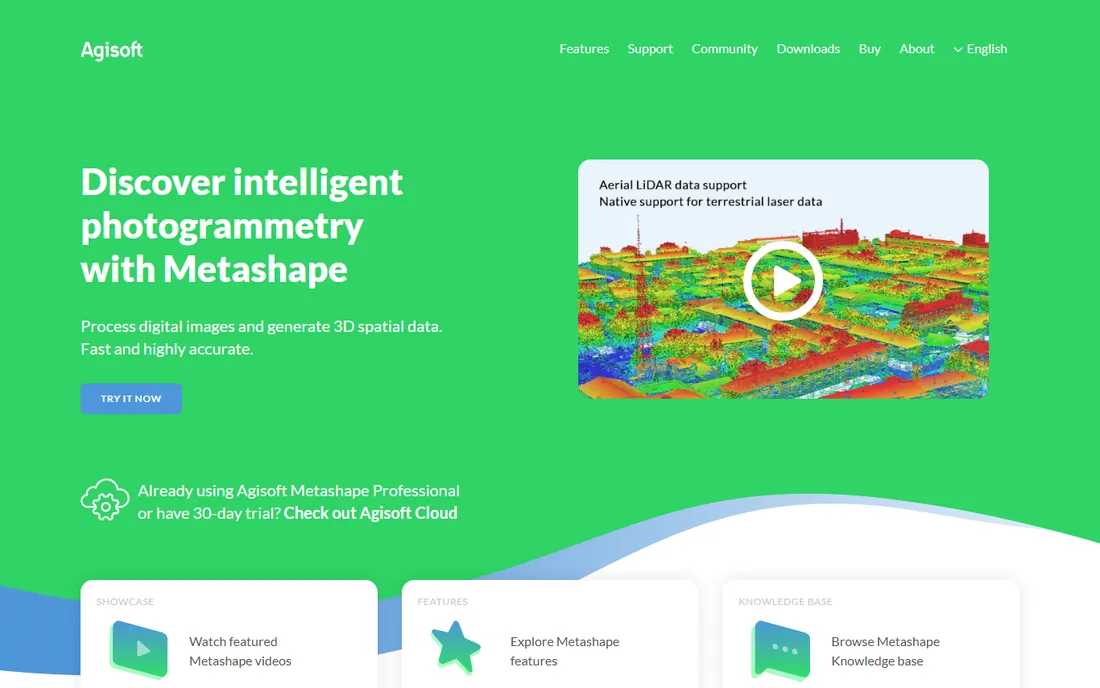
Metashape is the tool working professionals reach for when the budget does not stretch to enterprise suites. Feed it a few hundred overlapping photos and it builds dense point clouds, meshes, and textures with quality that rivals software costing twenty times more. The Standard edition at $179 is a perpetual license, not a subscription, and the Professional edition at $3,499 adds surveying and Python scripting for industrial work.
It is not a casual tool. Large projects want a strong NVIDIA GPU and plenty of RAM, and the workflow of aligning photos, building dense clouds, and generating meshes assumes you understand the steps. For mapping, archaeology, VFX, and product work where accuracy matters and $179 is affordable, it remains the value benchmark.
What we like- Excellent reconstruction quality
- Perpetual licenses
- Strong documentation and community
Watch out for- Needs a good GPU for large projects
- Interface assumes technical users
Starting priceFree for revenue under $1M/year ($1,250/seat/year above)
Free planYes
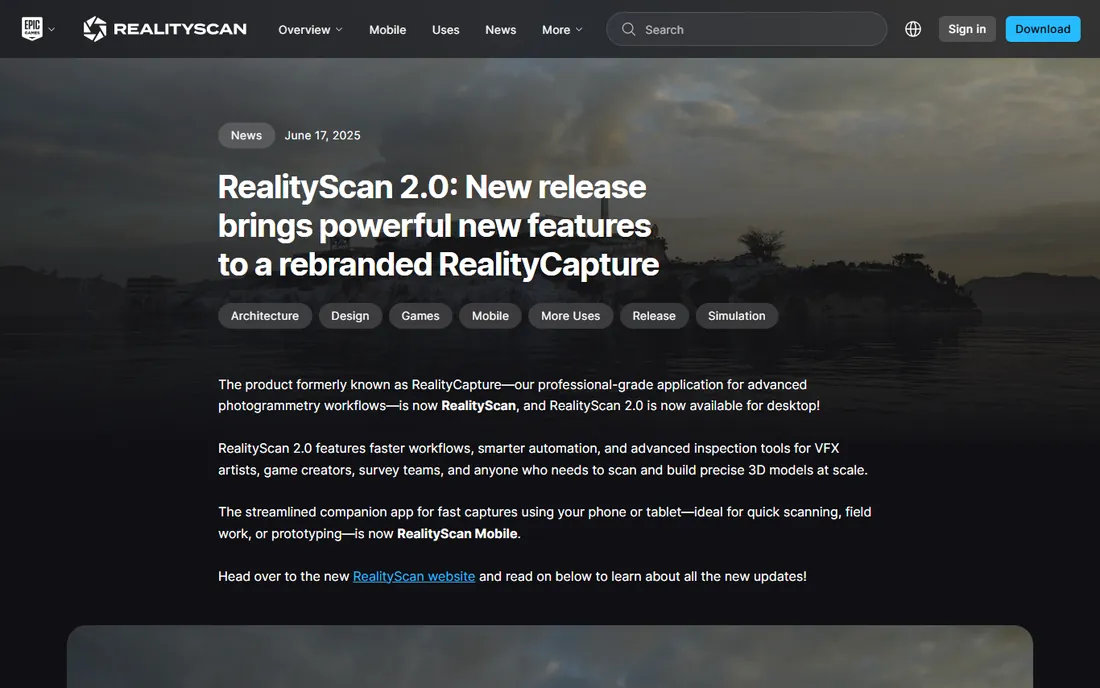
RealityCapture made headlines with its pricing: free for individuals and companies earning under $1 million per year, then $1,250 per seat per year above that line. For a small studio, that means professional-grade photogrammetry at no cost. Processing speed is its other claim to fame; it chews through large photo sets faster than most rivals.
The boundaries are clear. It runs on Windows only, and growing past the revenue threshold means a sudden jump to four figures per seat. The interface is powerful rather than friendly. If you are a small team on Windows doing heritage, real estate, or game-asset work, the free tier is almost unfair value.
What we like- Very fast processing
- Generous free tier for small businesses
- Excellent detail from photo sets
Watch out for- Windows only
- Pricing jumps steeply past the revenue threshold
Starting priceFree (open source)
Free planYes
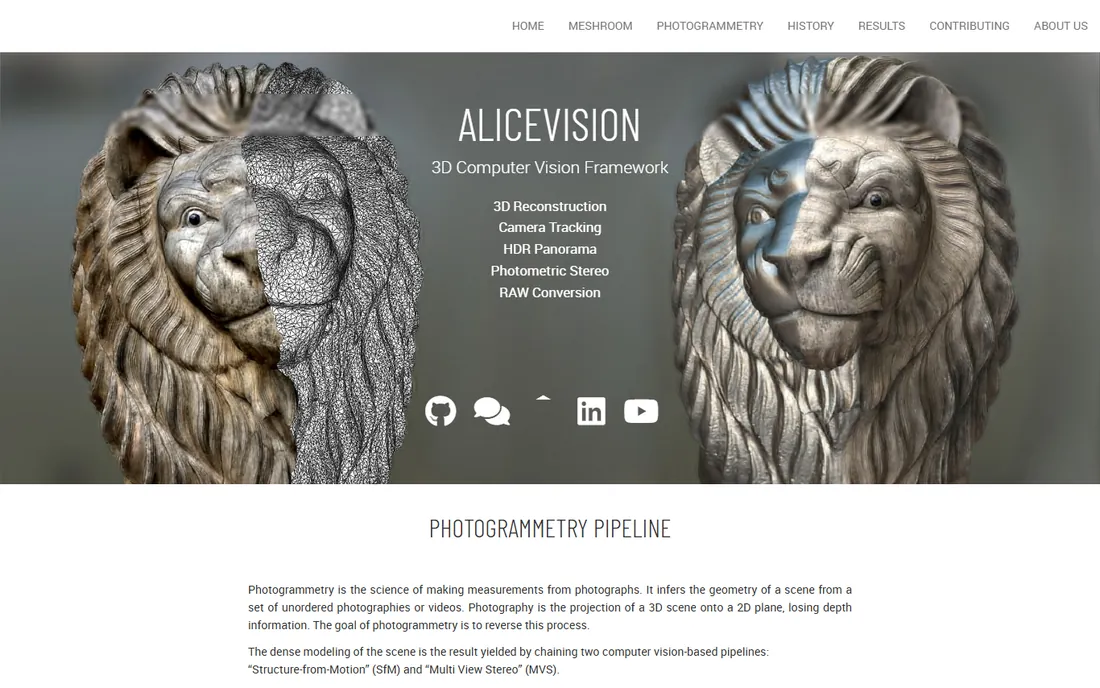
Meshroom, built on the AliceVision framework, is the best free desktop photogrammetry pipeline that asks nothing in return. Its node graph shows every step from feature extraction to meshing, which makes it genuinely educational: you see what the software does instead of watching a progress bar. There are no photo limits, watermarks, or expiring trials.
The price of free is time. Meshroom runs slower than Metashape or RealityCapture on the same hardware, and it wants an NVIDIA GPU to perform well. The node interface confuses beginners who just want a mesh. For students, hobbyists, and tinkerers with a decent graphics card and an evening to spare, it produces real results for zero dollars.
What we like- Completely free with no limits
- Node-based workflow is educational
- Active research community
Watch out for- Slower than commercial tools
- Needs an NVIDIA GPU and patience
#4
Polycam
Best for: phone-based 3D capture for everyday jobs
Visit poly.cam
Starting priceSee website (Pro plans available)
Free planYes
Polycam turned the phone into most people's first 3D scanner. Point it at an object, a room, or a building facade and it captures via LiDAR, photogrammetry, or a dedicated room mode, then processes in the cloud while you move on. The free tier exports GLTF models, which covers viewing and basic reuse.
Power features like higher-resolution exports and advanced measurements sit behind Pro plans whose pricing varies across the App Store, Google Play, and the web, so check the current price in your store before budgeting. Non-LiDAR phones still work through photo mode but slower. For contractors, realtors, and sellers who need a usable 3D model today, Polycam is the shortest path.
What we like- LiDAR, photo, and room modes in one app
- Exports to common 3D formats
- Fast cloud processing
Watch out for- Pro pricing is hard to pin down
- Best results need a LiDAR-equipped phone
Starting priceFree on-device ($20/month Plus, $50/month Pro for cloud features)
Free planYes
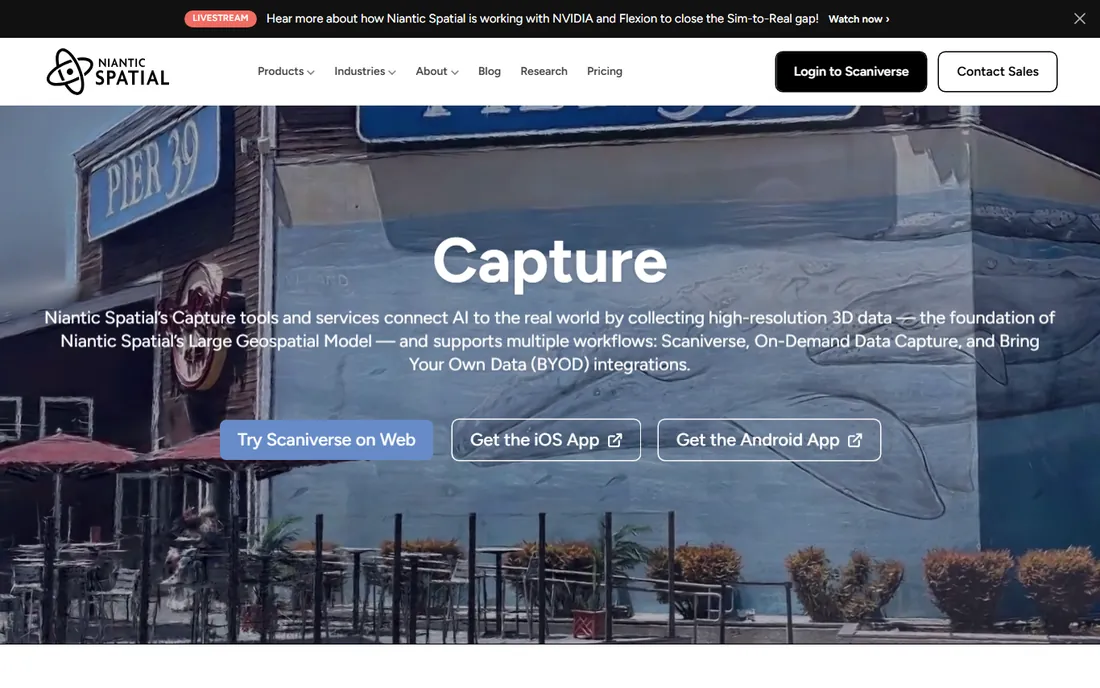
Scaniverse, from Niantic, keeps its core promise simple: the scanning on your phone is free, with no export ransom. It captures meshes and Gaussian splats, the newer format that renders photorealistic scenes from many viewpoints, and sharing a scan is as easy as sending a link. For educators, hobbyists, and small shops, the free tier genuinely suffices.
The paid tiers, Plus at $20 per month and Pro at $50 per month, add cloud processing power and team features rather than gating basic exports. Absolute accuracy will not match a desktop photogrammetry pipeline with hundreds of photos. But when the choice is between a free phone scan now and a perfect scan never, Scaniverse wins a lot of real jobs.
What we like- Core scanning completely free
- Gaussian splat capture
- Clean sharing links
Watch out for- Advanced cloud tiers cost monthly
- Processing detail trails desktop suites
Starting priceSee website (free download, exports via in-app purchase)
Free planYes
Qlone takes a clever approach to phone scanning: print its AR mat, place your object on it, and the app guides your phone around in a dome pattern. The mat gives the software known reference points, which improves tracking for small items like figurines, jewelry prototypes, and dental models. Capture takes a couple of minutes.
The business model is the friction. The download is free, but exporting a usable model requires in-app purchases whose pricing is not clearly published upfront. Scan volume is small by design; rooms and buildings are out of scope. For quick small-object captures where the mat workflow clicks, it is neat, but confirm export costs before depending on it.
What we like- Guided capture with an AR mat
- Fast results for small items
- Simple export options
Watch out for- Export pricing is unclear before you buy
- Small objects only
Starting priceFree (requires Revopoint hardware)
Free planYes
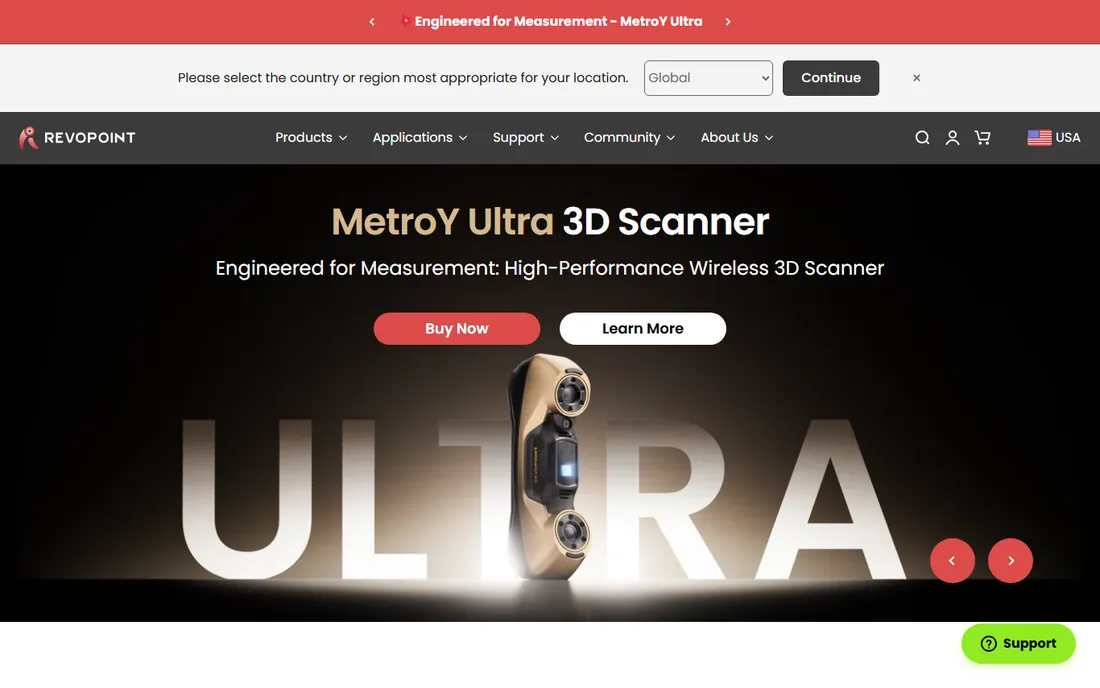
Revo Scan is the companion software for Revopoint's line of handheld and desktop 3D scanners, and it costs nothing beyond the hardware. It walks you through capture, point-cloud fusion, mesh generation, and texture mapping in one guided interface, with both desktop and mobile versions. Revopoint updates it steadily alongside new scanner models.
There is no reason to download it otherwise. It only works with Revopoint hardware, and its features assume their scanners' characteristics. Buyers comparing scanner bundles should know the software side is sorted and free; buyers without the hardware should look at every other tool on this list instead.
What we like- Free with the scanner
- Handles scan, fuse, and mesh in one app
- Regular updates
Watch out for- Useless without Revopoint hardware
- Tied to one vendor's ecosystem
Starting price$1,700/year (subscription)
Free planFree trial (30 days)
Artec Studio is the professional's choice for handheld structured-light scanning. Its autopilot mode walks less experienced operators through capture and processing, while experts get fine control over registration, fusion, and measurement. The measurement and inspection tools suit quality control, reverse engineering, and medical applications where precision is the whole point.
The $1,700 per year subscription reflects its professional positioning, and while it can process scans from other sources, it is designed around Artec's own scanner lineup. A 30-day trial lets teams validate the workflow before committing. When millimeter accuracy pays the bills, this is the software serious scanning bureaus standardize on.
What we like- Best-in-class handheld scan processing
- Autopilot mode guides beginners
- Strong measurement tools
Watch out for- Subscription pricing is steep
- Shines brightest with Artec scanners
#9
3DF Zephyr
Best for: guided photogrammetry for first-time users
Visit 3dflow.net
Starting priceFree (up to 50 photos)
Free planYes
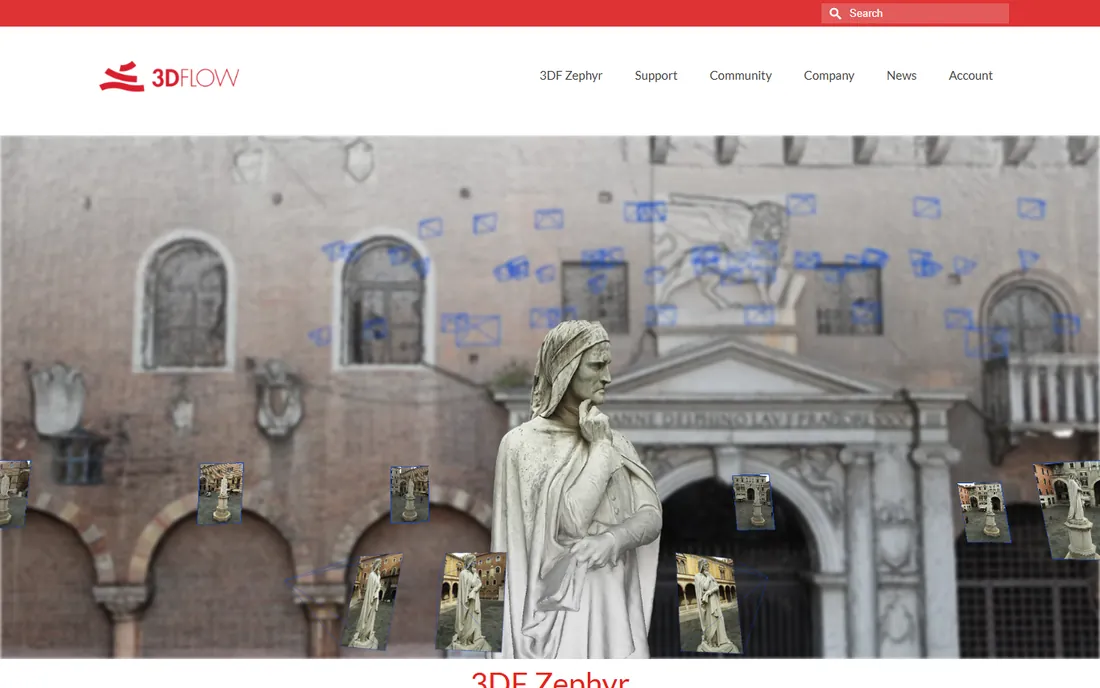
3DF Zephyr lowers the intimidation factor of photogrammetry. Wizards guide you from photo import through sparse cloud, dense cloud, mesh, and texture, explaining each step along the way. The free edition handles up to 50 photos, enough for small objects and learning the ropes. Above it sit Lite, Pro at around $2,700, and Aerial at around $4,200 for drone mapping.
The product lineup has a wrinkle: Lite pricing is not clearly published on the vendor site, so budget buyers should ask directly. The software is Windows focused, which limits Mac-based teams. For training rooms, schools, and small businesses taking their first photogrammetry steps, the guided workflow beats staring at a node graph.
What we like- Wizard-led workflow suits beginners
- Free tier is genuinely useful
- Scales to survey-grade Pro
Watch out for- Lite pricing is not clearly published
- Windows focused
What affects scan quality most
Software gets the credit, but capture technique decides the result. The single biggest factor is photo overlap: aim for 70 to 80 percent overlap between consecutive shots, circling the subject in steady rings from several heights. Phone apps like Polycam and Scaniverse guide this automatically; desktop photogrammetry punishes sloppy capture with holes and noise.
Lighting comes second. Even, diffuse light beats bright sun and deep shadow, because harsh highlights confuse feature matching. Overcast days are a photogrammetry gift. Indoor scans want every lamp on and the subject evenly lit from all sides.
Subject matter matters too. Shiny, transparent, and textureless surfaces defeat every tool here. A matte spray or a dusting of powder transforms an impossible chrome part into a scannable one, a trick industrial users learn fast. Finally, scale: include a known-size reference in at least one shot if real-world dimensions matter, since photogrammetry alone cannot know how big anything is.
Photogrammetry or phone LiDAR: picking your method
Photogrammetry builds 3D models from overlapping photos. It needs no special hardware beyond a camera, scales from small objects to buildings, and with tools like Metashape or RealityCapture reaches excellent accuracy. Its weakness is processing time and its hunger for good photos; garbage input means garbage meshes.
Phone LiDAR and depth capture, as in Polycam and Scaniverse, trade some accuracy for speed and convenience. You walk around waving your phone and get a usable model in minutes. For room documentation, quick product previews, and AR content, that trade is easily worth it.
Structured-light scanning with dedicated hardware plus Revo Scan or Artec Studio sits at the top for precision on small to medium objects. It costs real money for the scanner, but captures detail and scale that phones cannot touch. Match the method to the tolerance: if nobody measures the result, use the phone; if someone does, use the desktop pipeline or dedicated hardware.
How we chose
We divided the category the way buyers actually enter it: phone capture apps, free desktop photogrammetry, affordable professional suites, and hardware-paired software. Candidates came from practitioner discussions on Reddit, photogrammetry forums, G2, and Capterra, weighted toward tools with active development in 2026.
Prices and plan limits come from each vendor's own site, checked in October 2026. Where pricing was inconsistent across sources or not published, we wrote See website rather than guessing. We did not claim hands-on testing; the rankings reflect documented capabilities, real costs, hardware requirements, and fit for small and mid-size buyers.
Frequently asked questions
Can my phone really replace a 3D scanner?
For many jobs, yes. Modern phones with LiDAR plus apps like Polycam or Scaniverse produce clean, usable models of rooms, products, and outdoor scenes. Dedicated scanners still win on fine detail and measured accuracy, so metrology and reverse engineering keep their hardware.
How many photos do I need for photogrammetry?
A small object typically needs 50 to 150 overlapping photos; a building can need several hundred. More important than count is overlap and coverage: circle the subject at multiple heights with 70 percent overlap between shots. The free tier of 3DF Zephyr covers up to 50 photos for learning.
What computer do I need for desktop photogrammetry?
An NVIDIA GPU with plenty of VRAM matters more than the CPU for Metashape, RealityCapture, and Meshroom. 32 GB of system RAM is a comfortable baseline, and large projects eat storage fast. Phone apps sidestep all of this with cloud processing.
What file formats should I export?
OBJ and FBX remain the universal choices for meshes, with GLTF and USDZ preferred for web and AR viewing. Check what your downstream tool accepts before a big capture session: game engines, CAD programs, and 3D printers all have opinions.
Is free 3D scanning software good enough for business use?
Often. RealityCapture is free under $1 million in revenue, Meshroom is free without limits, and Scaniverse scans free on your phone. Paid tools earn their price in speed, support, and precision. Start free, and pay when a specific limit costs you billable hours.
Sources we checked (9)
- https://www.agisoft.com
- https://www.capturingreality.com
- https://alicevision.org
- https://poly.cam
- https://scaniverse.com
- https://www.qlone.pro
- https://www.revopoint3d.com
- https://www.artec3d.com
- https://www.3dflow.net
Is your product missing or out of date?
We review this list regularly. Vendors can request a listing, send updated pricing or ask about featured placement.

Shihab Mia · Founder, Rankite
Shihab has spent more than a decade helping SaaS and e-commerce brands grow through search. He writes Rankite's software buying guides from pricing pages, documentation and public user reviews. More about Shihab.