How we make this list: we compare pricing pages, product documentation and public user reviews. Rankite is independent; if a vendor ever pays for a featured spot, that listing is clearly labeled Partner.
Key takeaways
- Artec Studio is the professional standard for scan-to-CAD work, with subscription licenses from $1,700 a year, built for Artec's own scanner hardware.
- Polycam and Scaniverse turn a phone into a capable scanner for free or a few dollars a month, ideal for visualization and quick concept models.
- Revo Scan and EXScan Pro are free companion apps bundled with Revopoint and EinScan scanners, and they are the real reason those budget scanners punch above their weight.
- RealityScan, formerly RealityCapture, is free for anyone under $1 million in annual revenue, making it the best free desktop photogrammetry pipeline.
- Agisoft Metashape and 3DF Zephyr are the mature paid desktop options for survey-grade photogrammetry from any camera.
Quick comparison
| Tool | Best for | Starting price | Free plan |
|---|
 Artec Studio Artec Studio | professional scan-to-CAD on Artec hardware | $1,700/year (subscription) | Free trial |
 Polycam Polycam | phone-based scanning with pro exports | $150/year (Basic) | Yes |
 EXScan Pro EXScan Pro | EinScan scanner owners | Free (with scanner) | Yes |
 Revo Scan Revo Scan | Revopoint scanner owners | Free (with scanner) | Yes |
 RealityScan RealityScan | free desktop photogrammetry under $1M revenue | Free | Yes |
 Agisoft Metashape Agisoft Metashape | survey-grade models from any camera | $169 one-time (Standard) | Free trial |
 KIRI Engine KIRI Engine | cheap, strong phone photogrammetry | $6.66/month (Pro, billed annually) | Yes |
 3DF Zephyr 3DF Zephyr | Windows photogrammetry with laser scan support | 199 EUR one-time (Lite) | Yes |
 Scaniverse Scaniverse | free on-device phone scanning | Free | Yes |
Is your product missing or out of date?
We review this list regularly. Vendors can request a listing, send updated pricing or ask about featured placement.
The best 3D scanner software
#1
Artec Studio
Best for: professional scan-to-CAD on Artec hardware
Visit artec3d.com
Starting price$1,700/year (subscription)
Free planFree trial
Artec Studio is the software that professional metrology and reverse-engineering shops actually run. Paired with an Artec scanner like the Eva or Leo, it captures geometry at up to 0.05 mm accuracy, then gives you the full pipeline: alignment, meshing, texture mapping, deviation analysis against CAD models, and direct export to STEP, IGES, and other CAD formats. The Autopilot mode walks a non-specialist through processing, which matters when the person scanning is not the person who trained on the software.
The catch is the ecosystem lock and the price. Artec Studio only works with Artec scanners, and a one-year single license subscription runs about $1,700, with lifetime licenses around $4,300. It is also Windows-only and hungry: the recommended specs call for a recent Core i7 or i9 with an RTX 4070. This is a tool for companies that bill for scan work, not for hobbyists.
What we like- Best-in-class scan-to-CAD tools
- Autopilot mode for non-experts
- Works with the full Artec scanner lineup
Watch out for- Tied to Artec scanners
- Expensive subscription
- Needs a powerful Windows workstation
#2
Polycam
Best for: phone-based scanning with pro exports
Visit poly.cam
Starting price$150/year (Basic)
Free planYes
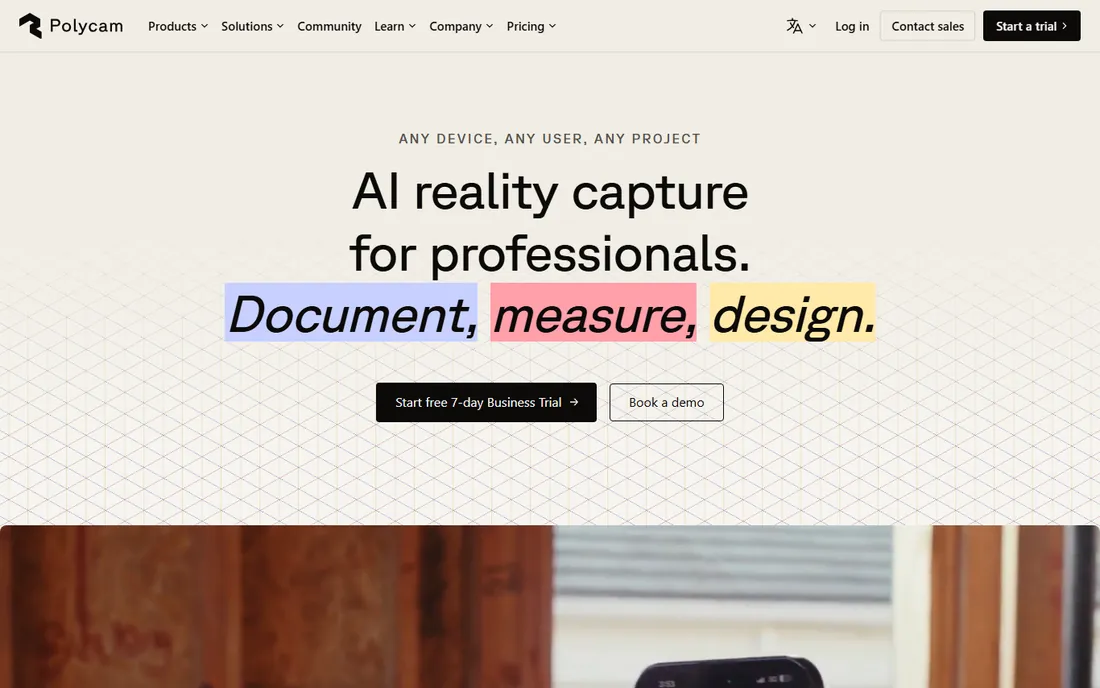
Polycam is the reason phone scanning went mainstream. Point your iPhone's LiDAR sensor or just take photos, and Polycam builds a 3D model, a Gaussian splat, or even a 2D floor plan. For real-estate walkthroughs, AR props, and quick concept models, it is genuinely good, and the free tier lets you capture and view scans at no cost.
The paywall appears at export. The free tier exports glTF only, which is fine for viewing but not for 3D printing or CAD. Printable formats like STL and OBJ need the Basic plan at $150 a year or $30 month to month. Accuracy is also phone-grade: fine for visualization, not for engineering. If your deliverable is a mesh you can print or machine, budget for the paid tier or look at KIRI Engine.
What we like- LiDAR, photogrammetry, and splats in one app
- Huge user community
- Works on iOS, Android, and web
Watch out for- Free tier exports glTF only
- Printable formats need a paid plan
- Cloud processing can queue
Starting priceFree (with scanner)
Free planYes
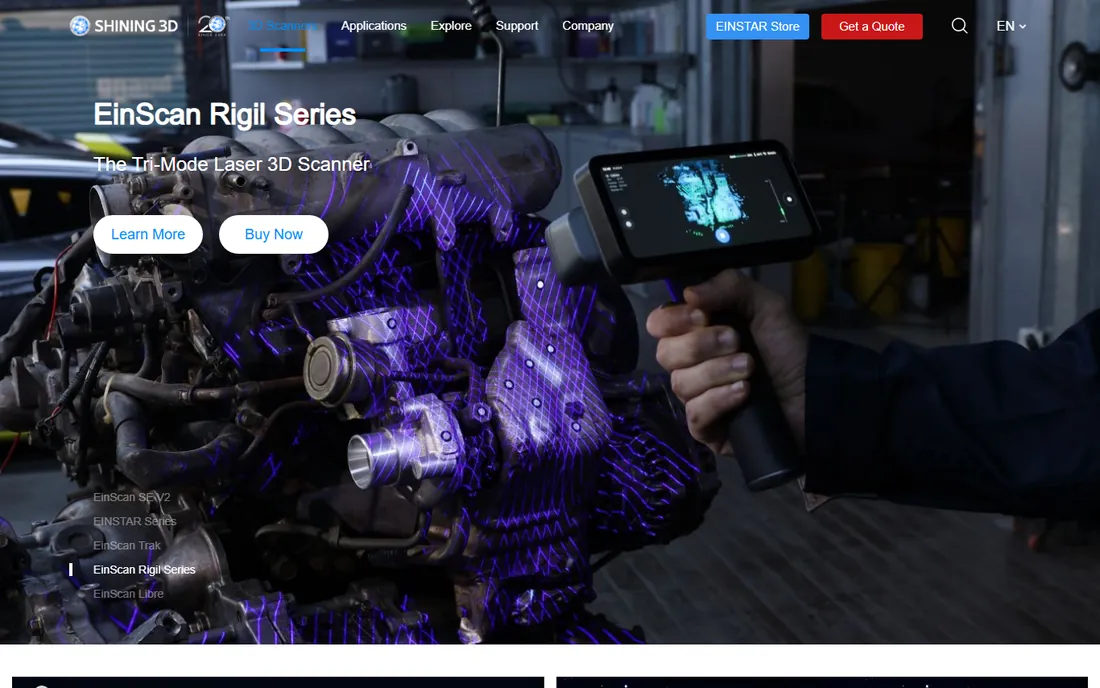
EXScan Pro is Shining 3D's companion software for its EinScan line, and it is included free with the scanner. That bundling is the point: buy an EinScan Pro or EinScan HX, and you get a complete scanning and mesh-editing package with no separate license to buy or renew. The workflow is guided enough for beginners, with scan modes for handheld, turntable, and fixed setups, plus hole filling, mesh simplification, and texture editing.
The limitation is the obvious one: EXScan Pro only drives EinScan scanners. It is Windows-only, and the recommended specs (RTX 2060 or better, 64 GB RAM for heavy work) mean a thin laptop will struggle with large projects. But within the EinScan ecosystem it is a genuine strength, and the free-updates policy means the software keeps improving without new fees.
What we like- Free with every EinScan scanner
- Simple guided workflow
- Solid mesh editing built in
Watch out for- Only works with EinScan hardware
- Windows only
- Needs a strong GPU for large scans
Starting priceFree (with scanner)
Free planYes
Revo Scan ships free with every Revopoint scanner, from the entry-level POP series to the standalone MIRACO, and it is a big part of why Revopoint owns the budget scanning segment. The software handles capture and basic post-processing, exports to OBJ, STL, PLY, and GLTF, and runs on desktop and mobile, so you can scan tethered to a phone in the field.
Revopoint keeps the software genuinely free with no tiered upsells, which is refreshing next to subscription-heavy rivals. The trade-offs are real though. Advanced users will find the post-processing thin compared with Artec Studio or Metashape, and the mobile app's store ratings suggest the phone experience is rougher than the desktop one. For the price of the hardware plus zero software cost, it is still the best value path into real structured-light scanning.
What we like- Free with Revopoint scanners
- Runs on Windows, Mac, iOS, and Android
- Exports OBJ, STL, and PLY
Watch out for- Tied to Revopoint hardware
- Mobile app ratings are mixed
- Post-processing is basic
Starting priceFree
Free planYes
RealityScan is the new name for RealityCapture, the photogrammetry software Epic Games acquired in 2021, and its pricing is the most generous in professional 3D. Anyone with under $1 million in annual revenue, including students, hobbyists, and small studios doing commercial work, gets the full desktop software free. It turns ordinary photos into high-accuracy meshes and is famously fast, chewing through thousands of images on a decent NVIDIA GPU.
The model flips above the revenue line: $1,250 per seat per year. That is still cheaper than the old $3,750 perpetual license it replaced. The honest catches are platform and hardware: it is Windows-first and CUDA-based, so Mac users and AMD-GPU owners are out of luck. If you have a Windows machine with an NVIDIA card and a camera, this is the most capable free scanning software available.
What we like- Professional-grade photogrammetry at no cost for small users
- Very fast processing
- Now from Epic Games
Watch out for- $1,250 per seat per year above the revenue threshold
- Windows-focused
- Needs an NVIDIA GPU
Starting price$169 one-time (Standard)
Free planFree trial
Metashape is the photogrammetry software that surveyors, archaeologists, and VFX studios have trusted for over a decade. Feed it photos from any camera, drone, or phone, and it produces dense point clouds, textured meshes, orthomosaics, and DEMs with survey-grade controls like ground control points. The Standard edition at $169 is a perpetual license, which in a world of subscriptions feels like a gift.
The price jumps hard for the Professional edition at $3,370, which adds the survey tools most businesses actually need. Metashape is also slow to learn and slow to process: large projects can run for many hours even on good hardware. But it runs on Windows, Mac, and Linux, the license never expires, and the output quality is the benchmark everything else is compared against.
What we like- Perpetual licenses, no subscription
- The reference tool for survey and heritage work
- Runs on Windows, Mac, and Linux
Watch out for- Steep learning curve
- Slow on large datasets without a strong GPU
- Professional edition costs $3,370
Starting price$6.66/month (Pro, billed annually)
Free planYes
KIRI Engine is the phone scanning app for people who actually want to print their scans. Unlike Polycam, the free tier exports editable meshes without a weekly cap, limited mainly to 150 photos per scan. It is widely considered the strongest object scanner on Android, and its neural reconstruction modes handle shiny and textureless surfaces that defeat classic photogrammetry.
The Pro plan at about $6.66 a month billed annually lifts the photo cap and speeds up processing, which is cheap by any standard. Processing happens in the cloud, so you need a connection, and the app's community and integrations are smaller than Polycam's. For a maker with a phone and a 3D printer, though, KIRI Engine is the shortest path from object to printed copy.
What we like- Most generous free tier for printable exports
- Strong on Android
- Neural reconstruction modes for tricky surfaces
Watch out for- Cloud-based processing needs internet
- Free tier caps photos per scan
- Smaller ecosystem than Polycam
#8
3DF Zephyr
Best for: Windows photogrammetry with laser scan support
Visit 3dflow.net
Starting price199 EUR one-time (Lite)
Free planYes
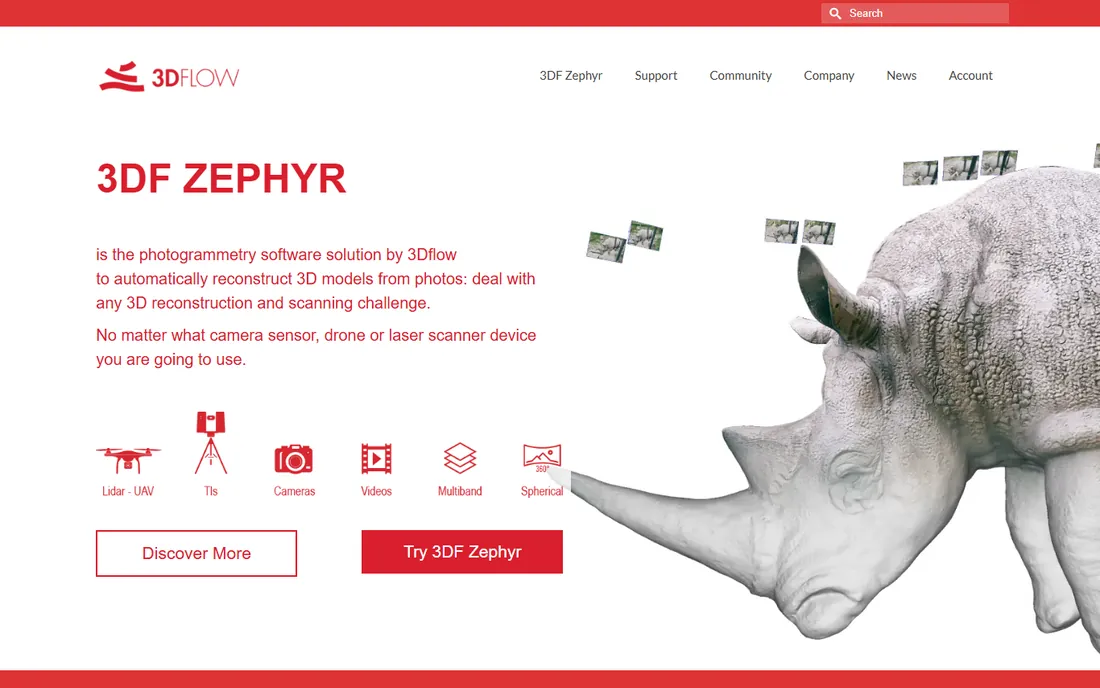
3DF Zephyr is the Italian-made photogrammetry suite that splits the difference between Metashape and RealityScan. The free edition handles up to 50 photos, enough to learn the workflow, and the Lite edition at 199 EUR is a perpetual license with unlimited photos and dual-GPU support. Unusually for this price tier, it also imports and registers laser scan data in native scanner formats.
The catches are platform and pricing tiers. Zephyr is Windows-only, and while Lite is fairly priced, the full edition jumps to a $4,600 perpetual license or $290 a month, which puts serious survey features out of reach for small shops. For a Windows user who wants a buy-once photogrammetry tool with laser scan support, the Lite edition is one of the best values here.
What we like- Perpetual Lite license at a fair price
- Handles laser scan data natively
- Free edition for learning
Watch out for- Windows only
- Lite caps GPU count
- Pro edition jumps to thousands
Starting priceFree
Free planYes
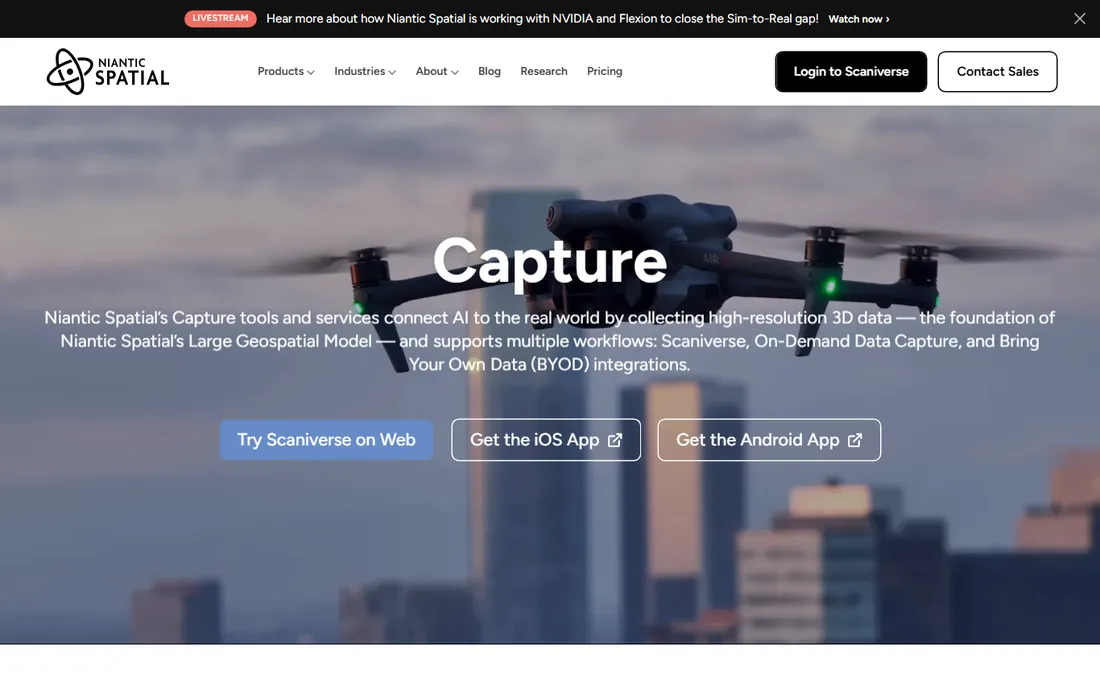
Scaniverse, now part of Niantic Spatial, is the free-first phone scanner. Its classic on-device mode captures and processes scans on your phone with no cloud queue and no export paywall, which is why scanning communities keep recommending it to beginners. LiDAR capture on Pro iPhones is fast, and photogrammetry mode covers everything else.
Niantic has added paid tiers, Plus at $20 a month and Pro at $50, for cloud processing and commercial features, but the core workflow stays free. The feature set is narrower than Polycam's: fewer export formats, less of an ecosystem. If your goal is to learn scanning or to capture quick models for free, start here before paying anyone.
What we like- Classic mode is completely free with exports
- On-device processing, no cloud queue
- Now backed by Niantic
Watch out for- Paid cloud tiers add cost for advanced features
- Smaller feature set than Polycam
- Best on LiDAR iPhones
How we chose
We read the current pricing and download pages for every product, checked vendor documentation for platform support and hardware requirements, and compared them against recent hands-on reviews from 3D printing publications and scanning communities. We weighted real deliverables: whether the free tier exports usable formats, whether the software is tied to specific hardware, and what computer you need to run it. We excluded scanner hardware from the comparison and judged the software on its own.
Scanner types, explained before you buy
Scanning software falls into three families, and mixing them up is the most common buying mistake. Structured-light and laser scanner software, like EXScan Pro, Revo Scan, and Artec Studio, only works with its own brand of hardware. You do not choose this software separately; you choose the scanner, and the software comes with it. Judge these on the bundle: hardware accuracy plus software usability for one price.
Photogrammetry software, like RealityScan, Metashape, 3DF Zephyr, and the phone apps, builds 3D models from ordinary photos. Here the software is the product, and your camera is whatever you own. Desktop photogrammetry gives the best quality but needs a strong GPU and hours of processing. Phone photogrammetry trades quality for convenience.
Then there are the hybrid phone apps, Polycam, KIRI Engine, and Scaniverse, which combine LiDAR capture, photogrammetry, and cloud processing. These are the right pick for visualization, AR, real estate, and quick concept models. They are the wrong pick for engineering tolerances: a phone scan will not give you the 0.05 mm accuracy a metrology job needs.
What to match to your workflow
Start from the deliverable, not the software. If the output is a 3D print, you need mesh exports in STL or OBJ, which rules out Polycam's free tier and favors KIRI Engine, Scaniverse, or any desktop tool. If the output is a CAD model for manufacturing, you need scan-to-CAD features and accuracy guarantees, which means Artec Studio, Metashape Professional, or 3DF Zephyr's higher tiers, plus calibrated hardware.
Check the hardware chain before you commit. Artec Studio needs a powerful Windows workstation. RealityScan needs an NVIDIA GPU. EXScan Pro and Revo Scan need their respective scanners. Phone apps need a recent phone, ideally with LiDAR for the best results. The software price is only half the cost; the computer or scanner it demands is the other half.
Finally, verify the export formats on the free tier before you invest hours learning a tool. Free plans that only export viewing formats, like Polycam's glTF-only tier, are fine for demos and frustrating for production. KIRI Engine and Scaniverse are the exceptions that export usable meshes for free, which is why they top the beginner recommendations.
Frequently asked questions
Do I need to buy a 3D scanner to use 3D scanning software?
No. Photogrammetry software like RealityScan, Metashape, and 3DF Zephyr builds 3D models from regular photos, and phone apps like Polycam, KIRI Engine, and Scaniverse use your phone's camera and LiDAR sensor. You only need dedicated scanner hardware for structured-light or laser software like Artec Studio, EXScan Pro, and Revo Scan, which are bundled with their scanners anyway.
What is the difference between photogrammetry and LiDAR scanning?
Photogrammetry reconstructs 3D shape from dozens or hundreds of overlapping photos, which makes it cheap but slow and dependent on good lighting. LiDAR measures distance directly with laser pulses, which is faster and works in poor light but needs specialized hardware like an iPhone Pro's sensor. Phone apps increasingly combine both, using LiDAR for speed and photogrammetry for detail.
Can I 3D print from a phone scan?
Yes, with the right app and enough care. KIRI Engine and Scaniverse export printable STL and OBJ files on their free tiers, and Polycam does on its paid plans. The catch is quality: phone scans are noisy and need cleanup in a mesh editor before printing. For functional parts with tight tolerances, a dedicated scanner and desktop software will save you hours of repair work.
How accurate is 3D scanning software?
It ranges from millimeters to microns. Phone photogrammetry is typically accurate to a few millimeters at best. Budget structured-light scanners with Revo Scan reach around 0.05 to 0.1 mm. Professional systems running Artec Studio achieve 0.025 to 0.05 mm with proper calibration. Photogrammetry accuracy also depends heavily on your photo technique: scale bars and good overlap matter more than the software brand.
Is RealityScan really free?
For most users, yes. Epic Games made RealityScan free for individuals and organizations with under $1 million in annual gross revenue, including commercial use. Above that threshold, it costs $1,250 per seat per year. The desktop software is Windows-based and needs an NVIDIA GPU, and there is also a free mobile app with a 300-photo-per-scan limit.
What computer do I need for desktop 3D scanning software?
More than you think. Artec Studio recommends a recent Core i7 or i9 with an RTX 4070 and plenty of RAM. RealityScan needs a CUDA-capable NVIDIA GPU. Metashape will run on modest hardware but processes large projects very slowly without a strong GPU. Phone apps offload processing to the cloud or the phone itself, so they are the only option if your computer is old.
Sources we checked (9)
- https://www.artec3d.com/3d-software/artec-studio
- https://poly.cam/pricing
- https://www.einscan.com/support/download/
- https://www.revopoint3d.com/pages/support-download
- https://www.capturingreality.com/realityscan
- https://www.agisoft.com/buy/
- https://www.kiriengine.app/pricing
- https://www.3dflow.net/3df-zephyr-photogrammetry-software/
- https://scaniverse.com
Is your product missing or out of date?
We review this list regularly. Vendors can request a listing, send updated pricing or ask about featured placement.

Shihab Mia · Founder, Rankite
Shihab has spent more than a decade helping SaaS and e-commerce brands grow through search. He writes Rankite's software buying guides from pricing pages, documentation and public user reviews. More about Shihab.