How we make this list: we compare pricing pages, product documentation and public user reviews. Ratings come from G2, Capterra or Trustpilot, with the date we checked them.
Key takeaways
- TraceParts is the best general 3D parts catalog for mechanical engineers, with one of the largest supplier libraries.
- 3Dfindit (CADENAS) suits engineers who want visual and geometric search across thousands of catalogs.
- PARTsolutions fits enterprises that want parts management integrated with their CAD and ERP systems.
- SnapEDA is the pick for electronics engineers who need PCB footprints and symbols.
- BIMobject serves architects and construction professionals with building product BIM objects.
Quick comparison
| Tool | Best for | Starting price | Free plan |
|---|
 PARTsolutions PARTsolutions | enterprise parts management | See website | See website |
 TraceParts TraceParts | general mechanical parts catalog | See website | See website |
 3Dfindit 3Dfindit | visual and geometric part search | See website | See website |
 CADENAS eCATALOGsolutions CADENAS eCATALOGsolutions | manufacturers publishing catalogs | See website | See website |
 PARTcommunity PARTcommunity | community CAD model portal | See website | See website |
 3D ContentCentral 3D ContentCentral | free community CAD models | See website | See website |
 BIMobject BIMobject | building product BIM objects | See website | See website |
 SnapEDA SnapEDA | electronics PCB footprints | See website | See website |
Is your product missing or out of date?
We review this list regularly. Vendors can request a listing, send updated pricing or ask about featured placement.
The best 3D parts catalog software
Starting priceSee website
Free planSee website
PARTsolutions from CADENAS is the enterprise-grade answer: strategic parts management that helps engineering organizations find, reuse, and standardize components across projects. It integrates with major CAD and PLM systems, delivering native models that engineers can edit directly. The payoff is fewer duplicate parts and faster design cycles at organizational scale.
This is enterprise software with enterprise implementation. Individual engineers and small teams will find the free portals more practical. But for manufacturers with part proliferation problems, PARTsolutions' ability to consolidate and standardize component libraries delivers measurable savings.
What we like- Strategic parts management for enterprises
- Native CAD integration
- Reduces part duplication
Watch out for- Enterprise sales and implementation
- Overkill for individual engineers
Starting priceSee website
Free planSee website
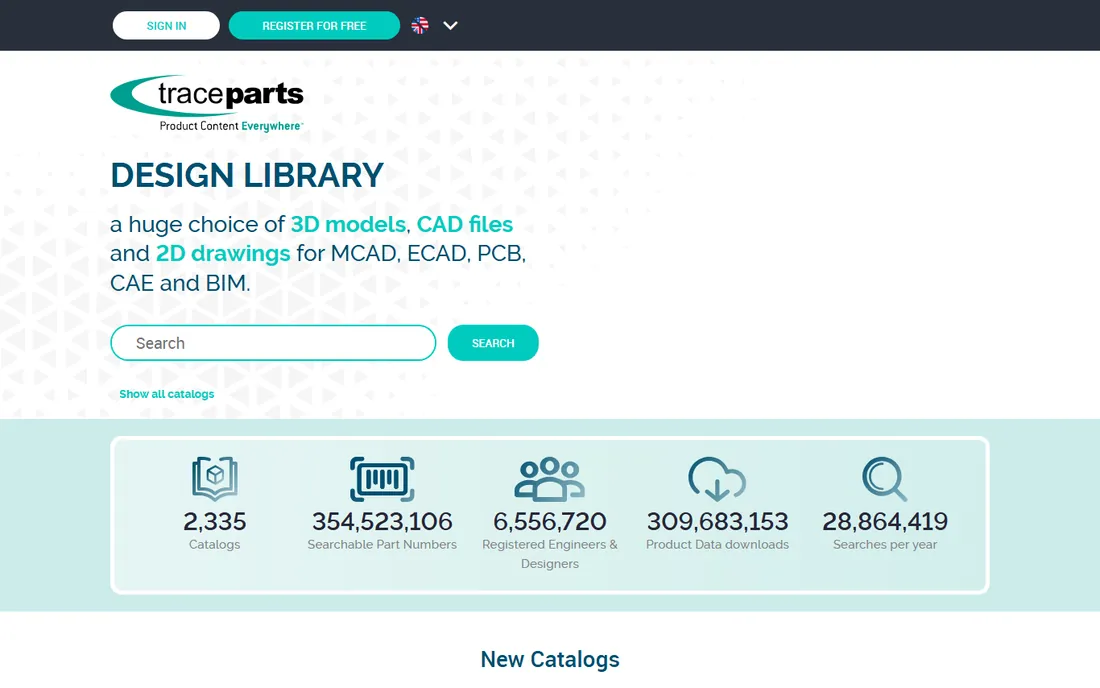
TraceParts hosts catalogs from thousands of component manufacturers, giving engineers free access to millions of 3D models downloadable in over a hundred native CAD formats. Search by keyword, navigate supplier catalogs, configure parts, and download directly into your CAD system. For mechanical design, it is the first place most engineers look.
Free access requires registration, and content quality depends on the supplier. But the catalog breadth is unmatched in the free tier, and the native format support means downloaded models work properly in your CAD tool rather than arriving as dumb solids.
What we like- Huge supplier catalog library
- Free for engineers
- 100+ native CAD formats
Watch out for- Registration required
- Supplier-driven content varies in quality
Starting priceSee website
Free planSee website
3Dfindit, also from CADENAS, is a visual search engine for 3D parts: find components by uploading a sketch or photo, searching by geometric similarity, or using traditional keyword search. It aggregates thousands of manufacturer catalogs with downloads in 150+ formats. The geometric search is genuinely useful when you know what the part looks like but not what it is called.
The advanced search modes take practice to use well. And as a newer portal it has less name recognition than TraceParts. But for the common engineering problem of "I need something shaped like this," 3Dfindit's visual search solves what keyword search cannot.
What we like- Visual search by sketch, photo, or geometry
- Thousands of manufacturer catalogs
- Free registration
Watch out for- Search sophistication has a learning curve
- Newer than established portals
#4
CADENAS eCATALOGsolutions
Best for: manufacturers publishing catalogs
Visit cadenas.de
Starting priceSee website
Free planSee website
eCATALOGsolutions is the manufacturer-facing side: the platform component suppliers use to create and publish electronic product catalogs. If you are a manufacturer wanting your parts in front of millions of engineers, this is the infrastructure behind CADENAS's portals. It handles catalog creation, 3D model generation, and distribution.
Individual engineers do not need this; they use the portals it powers. But for the completeness of this list, manufacturers evaluating catalog publishing options should know that CADENAS's platform is one of the two dominant choices alongside TraceParts' publishing services.
What we like- Full catalog publishing platform
- Powers 3Dfindit and PARTsolutions
- Strong manufacturer services
Watch out for- Aimed at manufacturers, not end engineers
- Enterprise engagement
Starting priceSee website
Free planSee website
3D ContentCentral, from Dassault Systèmes, is a free library of user-contributed and supplier-certified 3D models, 2D blocks, and macros. The SOLIDWORKS community is particularly active here, and supplier catalogs cover standard components well. For SOLIDWORKS users, it is a natural first stop.
User-contributed models vary in quality, so verify critical geometry. And the ecosystem leans toward Dassault tools. But as a free resource with strong community participation, it complements the bigger catalog portals nicely.
What we like- Free downloads
- Strong SOLIDWORKS community
- Supplier and user-contributed models
Watch out for- Quality varies on user contributions
- Dassault Systèmes ecosystem focus
Starting priceSee website
Free planSee website
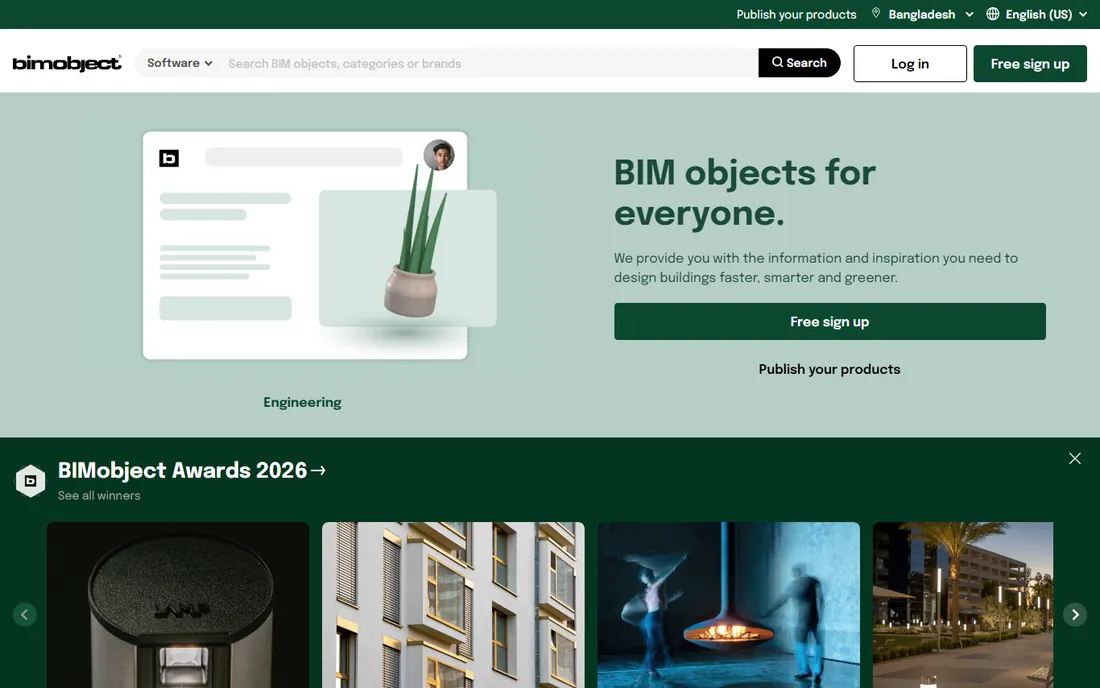
BIMobject serves the building industry: manufacturers publish BIM objects of their products, and architects, engineers, and contractors download them into Revit, ArchiCAD, and other BIM tools. The library covers everything from windows to HVAC equipment. For construction professionals, it is the equivalent of what TraceParts is for mechanical engineers.
Mechanical engineers will find little of use here; the content is building products. But within its domain, BIMobject's manufacturer relationships and format support make it the leading free BIM object library.
What we like- Huge library of manufacturer BIM objects
- Revit and ArchiCAD support
- Free for designers
Watch out for- Construction-focused, not mechanical
- Object quality varies by manufacturer
Starting priceSee website
Free planSee website
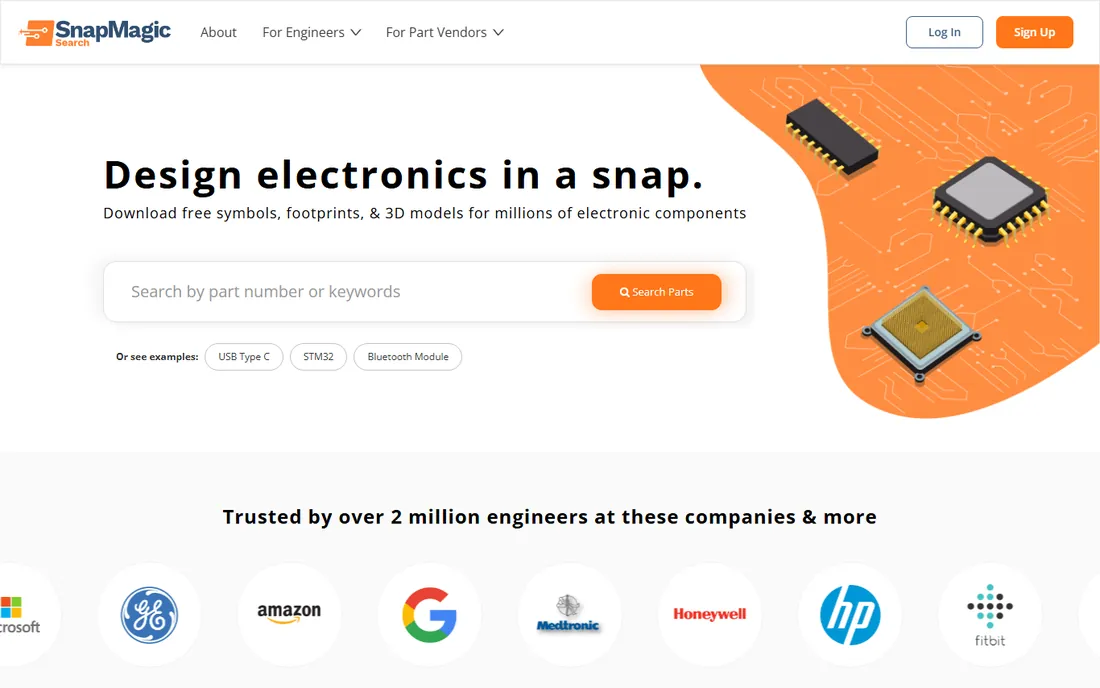
SnapEDA is the electronics engineer's parts catalog: free symbols, PCB footprints, and 3D models for millions of electronic components, compatible with Altium, KiCad, Eagle, OrCAD, and other EDA tools. Search by part number, download the footprint, and drop it into your PCB design. It eliminates the tedious work of drawing footprints by hand.
It covers electronics only, and prudent engineers always verify footprints against datasheets before manufacturing. But as a time-saver for PCB design, SnapEDA is one of the most loved free tools in electronics.
What we like- Free symbols, footprints, and 3D models for electronics
- Broad EDA tool support
- Fast search
Watch out for- Electronics only
- Footprint accuracy should always be verified
What to check before you buy
Start by matching the catalog to your discipline. Mechanical engineers need TraceParts, 3Dfindit, or PARTsolutions. Electronics engineers need SnapEDA. Construction professionals need BIMobject. The tools are not interchangeable, and the best catalog in the wrong discipline is useless.
Then check format support for your specific CAD tool and version. Native formats beat neutral formats (STEP, IGES) for editability, and not every portal supports every tool equally. Download a few test models and verify they open correctly with usable feature history before committing your team. Pay attention to version compatibility too: a model saved in a newer CAD version than yours may not open at all.
Finally, consider whether you need a portal or a platform. Individual engineers and small teams do well with free portals. Enterprises with part standardization goals, PLM integration needs, and duplicate-part problems need platforms like PARTsolutions or manufacturer publishing tools. The free portals solve discovery; the platforms solve management. Many companies discover they need the platform only after part chaos has already cost them real money in duplicate sourcing and redesign.
Free portals give engineers models quickly with no procurement involved. Enterprise platforms add governance: approved part lists, duplicate detection, PLM integration, and analytics on part usage. Most organizations use both: engineers grab models from free portals daily, while the enterprise platform governs which parts become standard. Understand which problem you are solving before choosing.
The governance gap matters more than it first appears. Without it, every engineer downloads slightly different versions of functionally identical parts, purchasing sources from multiple suppliers, and the organization loses volume pricing. The enterprise platforms pay for themselves by consolidating this chaos, but only if engineering leadership commits to the standardization process. Software alone does not fix part proliferation; it enables the process that does.
Frequently asked questions
What is 3D parts catalog software?
It is software that provides searchable libraries of 3D CAD models for standard and supplier parts, letting engineers find components and download them in native CAD formats instead of modeling them from scratch. It includes free portals, enterprise parts management platforms, and manufacturer catalog publishing tools.
Are these catalogs really free?
The engineer-facing portals (TraceParts, 3Dfindit, PARTcommunity, 3D ContentCentral, BIMobject, SnapEDA) are free for engineers; manufacturers pay to publish catalogs. Enterprise platforms like PARTsolutions are licensed software. Always check the terms for commercial use.
What CAD formats are supported?
Major portals support 100+ formats including native files for SOLIDWORKS, Inventor, CATIA, NX, Creo, and neutral formats like STEP and IGES. Native formats preserve editability; neutral formats work everywhere but arrive as static geometry.
How accurate are downloaded models?
Supplier-published models are generally accurate dimensionally, but always verify critical dimensions against datasheets before manufacturing. User-contributed models vary more. Treat downloaded models as starting points, not certified truth.
Can manufacturers publish their own catalogs?
Yes. TraceParts and CADENAS eCATALOGsolutions both offer catalog publishing services for manufacturers, distributing your 3D models to millions of engineers. This is a marketing and lead generation channel as much as a technical service.
What is the difference between TraceParts and 3Dfindit?
Both offer free 3D part downloads. TraceParts is the established catalog portal with deep supplier relationships. 3Dfindit emphasizes visual and geometric search technology. Many engineers use both, and both are owned by or partnered with major catalog providers.
How do I choose between native and neutral CAD formats?
Use native formats when you need to edit the model or maintain feature history in your CAD tool. Use neutral formats like STEP when sharing across different CAD systems or archiving. For downloaded supplier parts that you will not modify, neutral formats are usually fine and avoid version compatibility issues.
How we chose
We selected 3D parts catalog tools that appear consistently in engineering software shortlists on SourceForge, engineering publications, and practitioner discussions, covering mechanical, electronics, and construction disciplines. Each vendor's site was checked to confirm the product is current in 2026. Pricing details come from vendor pages where published; free portal and enterprise models are noted as such. No hands-on CAD testing was conducted for this guide.
Sources we checked (12)
- https://www.partssolutions.com
- https://www.traceparts.com
- https://www.3dfindit.com
- https://www.cadenas.de
- https://www.partcommunity.com
- https://www.3dcontentcentral.com
- https://www.bimobject.com
- https://www.snapeda.com
- https://slashdot.org/software/comparison/PARTsolutions-vs-TraceParts/
- https://sourceforge.net/software/compare/TraceParts-vs-PARTsolutions/
- https://www.engineering.com/cadenas-integrates-3dfindit-com-with-aveva-e3d/
- https://www.designnews.com/motion-control/part-libraries-on-the-web
Is your product missing or out of date?
We review this list regularly. Vendors can request a listing, send updated pricing or ask about featured placement.

Shihab Mia · Founder, Rankite
Shihab has 5+ years in B2B and SaaS SEO. He writes Rankite's software buying guides from pricing pages, documentation and public user reviews. More about Shihab.