How we make this list: we compare pricing pages, product documentation and public user reviews. Rankite is independent; if a vendor ever pays for a featured spot, that listing is clearly labeled Partner.
Key takeaways
- Blender is the best free 3D software by a wide margin: modeling, animation, sculpting and rendering in one free package.
- Film and game professionals choose Maya (animation, VFX) or 3ds Max (games, visualization); motion designers pick Cinema 4D.
- Product and engineering design belongs to CAD tools like Fusion 360; beginners and educators start with Tinkercad or SketchUp.
- ZBrush (now a Maxon product, formerly Pixologic) remains the digital sculpting standard for characters and creatures.
Quick comparison
| Tool | Best for | Starting price | Free plan |
|---|
 Blender Blender | Free, complete 3D creation | Free | Yes |
 Autodesk Maya Autodesk Maya | Film, TV and VFX production | See website | Free trial |
 Maxon Cinema 4D Maxon Cinema 4D | Motion graphics and design-friendly 3D | See website | Free trial |
 Autodesk 3ds Max Autodesk 3ds Max | Game development and architectural visualization | See website | Free trial |
 ZBrush ZBrush | Digital sculpting of characters and creatures | See website | Free trial |
 Autodesk Fusion 360 Autodesk Fusion 360 | Product design, engineering and manufacturing CAD | See website | Yes |
 SketchUp SketchUp | Architecture, interiors and fast 3D concepts | See website | Yes |
 Tinkercad Tinkercad | Beginners, classrooms and 3D printing first steps | Free | Yes |
Is your product missing or out of date?
We review this list regularly. Vendors can request a listing, send updated pricing or ask about featured placement.
The best 3D design software
3D design splits into artistic (modeling, animation, sculpting for film, games and motion graphics) and technical (CAD for products, architecture and manufacturing). The right tool follows the output: characters need sculpting, buildings need precision, products need parametric CAD. Eight tools across both worlds.
Starting priceFree
Free planYes
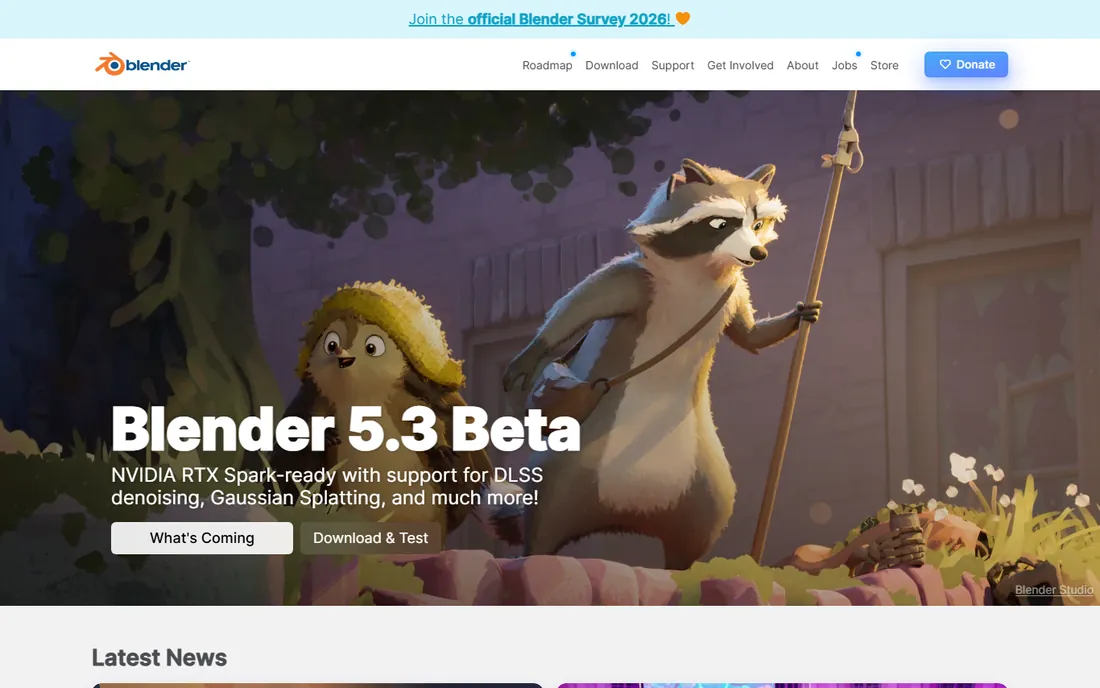
Blender is the extraordinary free option: a complete 3D pipeline (modeling, sculpting, rigging, animation, simulation, compositing, video editing) in one open-source package that has rendered real productions. Its development pace is relentless, and the tutorial ecosystem means every technique has a free lesson.
The honest cost is learning. Blender's interface and shortcuts demand commitment; beginners bounce off. And studios with entrenched Maya pipelines do not switch casually. But for individuals, freelancers and small teams, Blender delivers capabilities that cost thousands elsewhere, free forever.
What we like- Modeling, sculpting, animation, VFX and rendering free and open source
- Enormous tutorial community
- Production-proven on real films
Watch out for- Steep learning curve
- Interface idiosyncrasies frustrate newcomers
Starting priceSee website
Free planFree trial
Maya is what film and television animation runs on: character rigging, animation, effects simulation and rendering at production scale, with the pipeline integration (USD, Arnold, Bifrost) studios require. Learning Maya is learning the language of the VFX industry, which is itself a career argument.
The honest reality is cost and scope. The subscription suits professionals and studios, not hobbyists, and Maya's depth is wasted on simple projects. But for production animation and effects work, it remains the reference standard against which others are judged.
What we like- Industry-standard for character animation and VFX
- Deep rigging, simulation and rendering toolsets
- The skill studios hire for
Watch out for- Subscription pricing
- Overkill outside production pipelines
#3
Maxon Cinema 4D
Best for: Motion graphics and design-friendly 3D
Visit maxon.net
Starting priceSee website
Free planFree trial
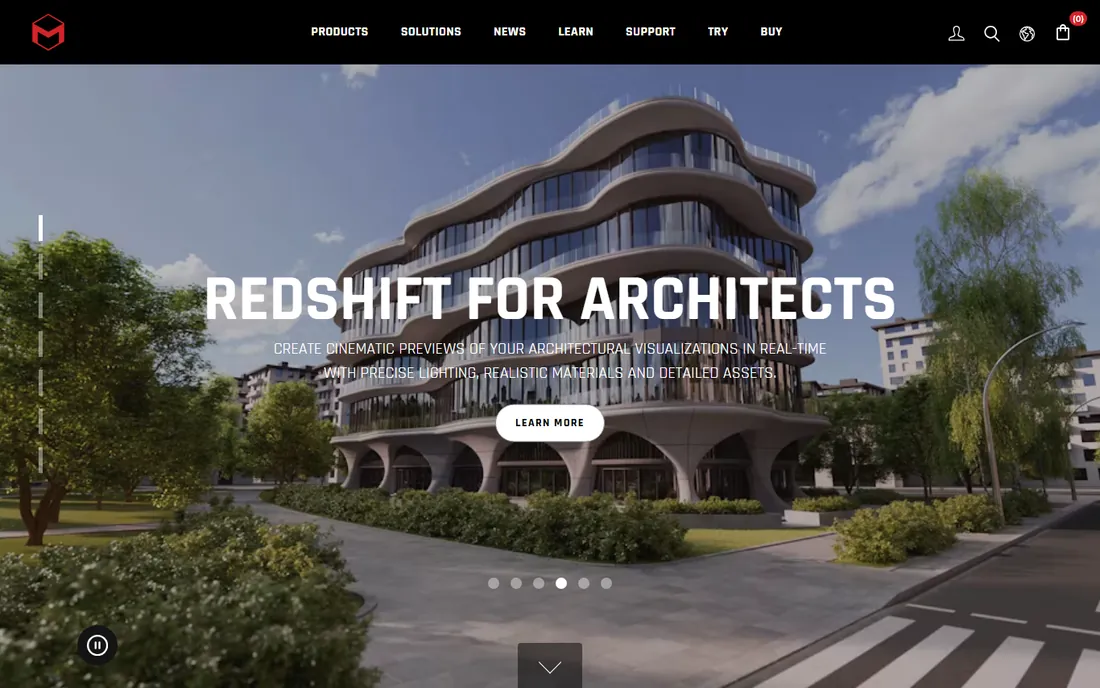
Cinema 4D owns motion graphics: broadcast titles, commercials and explainer visuals are built on its MoGraph toolset and its famously gentle learning curve. Designers coming from After Effects find the integration natural and the workflow intuitive in a way Maya never is.
The honest limits are scope. Character animation, complex simulation and film VFX belong to Maya or Houdini; Cinema 4D is a design tool first. But for the motion graphics market (which is enormous), it is the right tool in a way no generalist quite matches.
What we like- The most approachable professional 3D app
- Superb After Effects integration
- MoGraph tools define broadcast motion design
Watch out for- Less suited to character animation and heavy VFX
- Subscription pricing
#4
Autodesk 3ds Max
Best for: Game development and architectural visualization
Visit autodesk.com
Starting priceSee website
Free planFree trial
3ds Max is the game development workhorse: efficient polygon modeling, modifier stacks and tooling tuned for real-time assets, plus a dominant position in architectural visualization. Its plugin ecosystem extends it into nearly every adjacent discipline.
The honest constraints are platform (Windows only) and positioning: film character animation belongs to Maya. But for games, archviz and product visualization on Windows, 3ds Max's speed-focused workflows keep it a professional staple.
What we like- Game-industry modeling standard with great modifier workflows
- Architectural visualization powerhouse
- Huge plugin ecosystem
Watch out for- Windows-only
- Subscription pricing
- Film animation lags Maya
#5
ZBrush
Best for: Digital sculpting of characters and creatures
Visit maxon.net
Starting priceSee website
Free planFree trial
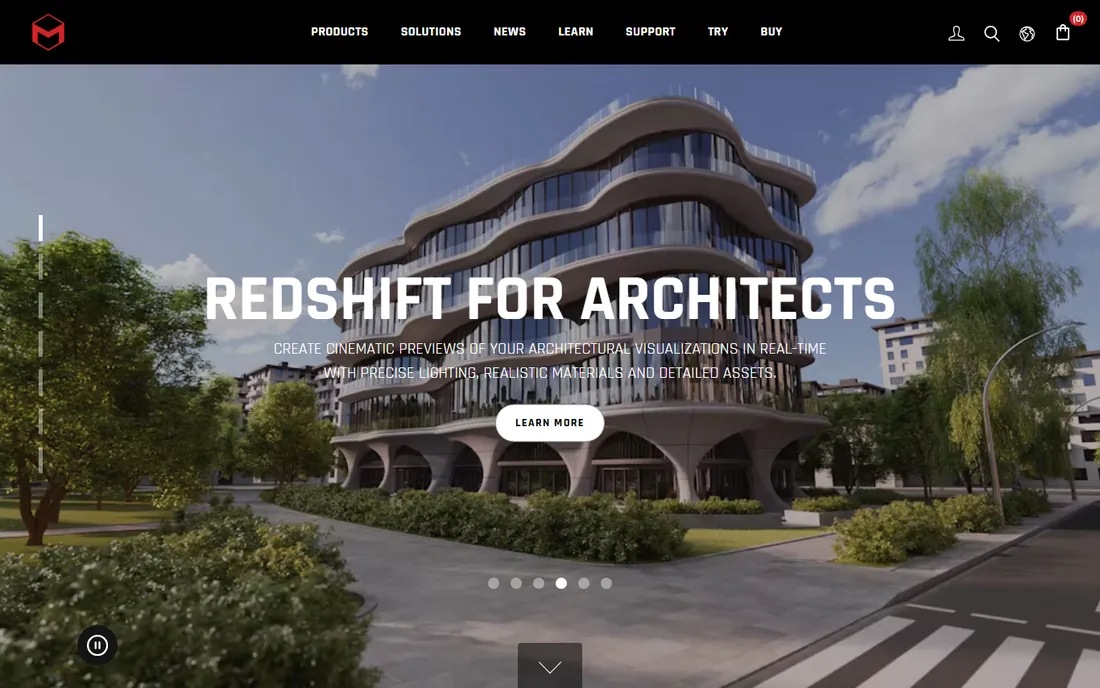
ZBrush (originally from Pixologic, now a Maxon product) is digital clay: sculpt characters, creatures and organic forms with brushes at polygon counts other apps cannot handle. Film and game character artists consider it indispensable, and its output feeds every major pipeline.
The honest notes are specialization and interface. ZBrush sculpts; it does not animate or render productions, so it complements rather than replaces a DCC app. And its UI is famously unconventional. But for organic sculpting, nothing else is close.
What we like- Unmatched digital sculpting with multi-million polygon handling
- The standard for film/game characters
- Now integrated with the Maxon ecosystem
Watch out for- Unique interface with a real learning curve
- Specialized (sculpting, not full pipeline)
#6
Autodesk Fusion 360
Best for: Product design, engineering and manufacturing CAD
Visit autodesk.com
Starting priceSee website
Free planYes
Fusion 360 is the product designer's 3D: parametric solid modeling, assemblies, simulation, CAM toolpaths and rendering in one connected package. Startups and small manufacturers get professional CAD at accessible pricing, with a free tier for qualifying users.
The honest boundaries are philosophical: cloud-connected workflows and subscription licensing, which some shops resist. And it is engineering software, not artistic; organic character work belongs elsewhere. For designed objects that get manufactured, Fusion 360's integrated CAD-to-CAM story is the value.
What we like- Parametric CAD plus CAM, simulation and rendering in one
- Cloud collaboration
- Generous free tier for hobbyists and startups
Watch out for- Cloud-connected by design
- Subscription for commercial pros
- Not for artistic modeling
Starting priceSee website
Free planYes
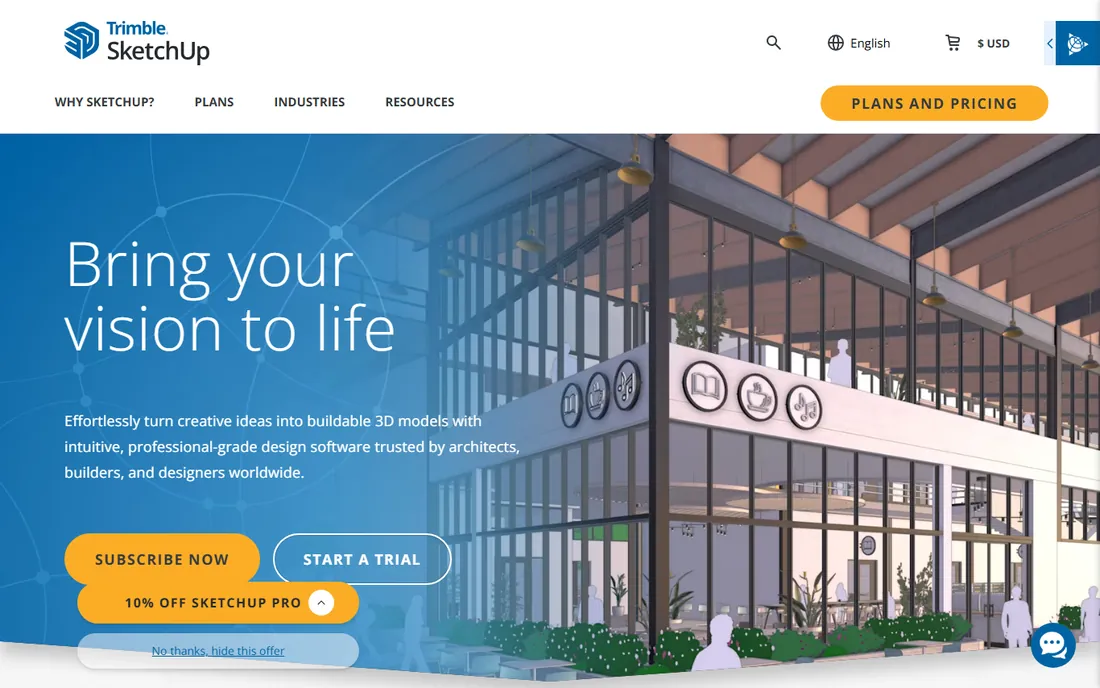
SketchUp's push-pull simplicity made 3D accessible: architects, interior designers and woodworkers model spaces and concepts in minutes, and the 3D Warehouse provides millions of ready-made components. The free web version handles genuine work.
The honest limits are depth. Organic modeling, character work and animation are not SketchUp's world, and professionals need the paid Pro version. But for architectural concepts and quick spatial thinking, its speed-to-model remains unmatched.
What we like- The fastest path from idea to 3D model
- Huge 3D Warehouse model library
- Free web version for casual use
Watch out for- Limited for organic modeling and animation
- Pro features need subscription
Starting priceFree
Free planYes
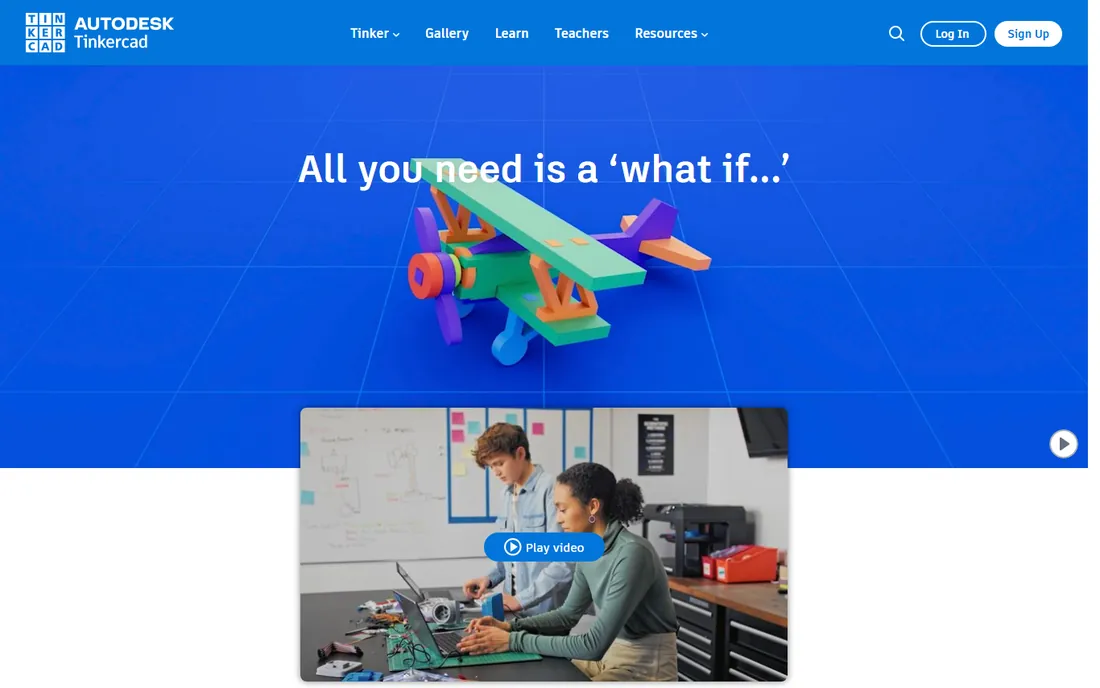
Tinkercad (from Autodesk) is where 3D begins: free, browser-based solid modeling simple enough for children, with classroom tools and direct export for 3D printing. Millions learned 3D fundamentals here before graduating to serious tools.
The honest framing is the ceiling. Tinkercad teaches concepts, not professional workflows; real projects outgrow it quickly. But as the zero-cost, zero-install first step (especially for education and 3D printing hobbyists), nothing beats it.
What we like- Completely free and browser-based
- The gentlest 3D learning curve in existence
- Direct path to 3D printing
Watch out for- Very limited for serious work
- A stepping stone, not a destination
How we chose
We covered both branches of 3D design (artistic DCC and technical CAD), selecting the established standard in each sub-discipline: free all-rounder, film VFX, motion graphics, games, sculpting, product CAD, architecture and education. We weighed professional adoption, learning resources, pricing fairness and honest fit for stated uses. Pricing comes from each vendor's own pricing page; unverifiable plans are marked "See website." No hands-on testing was performed.
What to look for before you buy
Match the tool to the output. Characters need ZBrush plus a DCC app; buildings need SketchUp or CAD; products need Fusion 360; motion graphics need Cinema 4D. The most expensive mistake is learning the wrong discipline's tool.
Check the learning resources before the price. A tool with ten thousand free tutorials (Blender) beats a cheaper tool with none. Your learning time dwarfs the license cost.
Verify pipeline compatibility. Studios and clients standardize on formats and tools; a brilliant model in the wrong format is rework. Ask what the downstream expects.
Finally, trial with a real project. Model something you actually need during the trial period. Tutorials flatter every tool; your real work reveals the truth.
Choosing between artistic and technical 3D
The single most important decision in 3D software is not which tool, but which kind of 3D you are doing. Artistic 3D (characters, animation, VFX, motion graphics) and technical 3D (CAD, product design, architecture) are different disciplines with different tools, and choosing across the boundary causes most buyer regret.
Artistic 3D prioritizes visual result over dimensional accuracy. A character model needs to look right and deform well; nobody cares if the arm is exactly 62.4 centimeters. Blender, Maya, 3ds Max, Cinema 4D and ZBrush live here. Within artistic 3D, the splits are by output: film and TV animation (Maya), games (3ds Max, Blender), motion graphics (Cinema 4D), sculpting (ZBrush, Blender). Match the tool to the output and you will be in good company with tutorials, assets and hiring pools.
Technical 3D prioritizes precision and manufacturability. A product model must have exact dimensions, proper tolerances and export cleanly to manufacturing. Fusion 360, SolidWorks and SketchUp (for architecture) live here. Parametric modeling (defining geometry by parameters you can change later) is the core skill, and it is a different mindset from artistic sculpting. Engineers who try to do product design in Blender fight the tool; artists who try character work in CAD fight it equally.
Some projects genuinely need both. Product visualization (rendering a beautiful image of an engineered product) often means modeling in CAD and rendering in an artistic tool, or using a hybrid like Blender with CAD-precision add-ons. Game asset pipelines sometimes touch both. If your work spans the boundary, budget for two tools and a file-exchange workflow (STEP, FBX, OBJ formats) rather than hunting for one tool that does both perfectly; it does not exist.
Learning order matters for beginners. Start with the kind that matches your goal: aspiring animators and game artists start with Blender (free, complete); aspiring product designers start with Fusion 360 or Tinkercad. Learning artistic 3D first does not transfer much to CAD thinking, and vice versa. Pick the mountain you actually want to climb.
Finally, consider the ecosystem, not just the software. Tutorials, asset libraries, plugin markets, hiring availability and studio standards all follow the popular tools in each niche. A technically superior tool with no community is a lonely choice. The tools in this guide all have real ecosystems, which is part of why they made the list.
Frequently asked questions
What is the best free 3D design software?
Blender, by an enormous margin: professional-grade modeling, animation and rendering free and open source. Tinkercad is the best free starting point for absolute beginners; SketchUp Free covers simple architectural work.
Should I learn Blender or Maya?
Learn Blender if you are independent, budget-conscious or exploring; learn Maya if you want film/TV VFX employment, where it remains the hiring standard. The concepts transfer, so starting with Blender costs nothing.
What software do game studios use for 3D?
3ds Max and Maya dominate professional game art, Blender grows in indie studios, and ZBrush handles character sculpting across the industry. Engines (Unreal, Unity) import from all of them.
Is ZBrush still owned by Pixologic?
ZBrush was originally developed by Pixologic and is now a Maxon product, integrated with the Maxon One ecosystem alongside Cinema 4D. The sculpting toolset continues under Maxon.
Can I use 3D software for 3D printing?
Yes: model in Tinkercad, Fusion 360, Blender or SketchUp, then export STL/OBJ for slicing. Fusion 360 and Tinkercad are the most printing-oriented; Blender works but needs manifold-geometry care.
Do I need a powerful computer for 3D design?
Helpful but not mandatory to start: Blender, Tinkercad and SketchUp run on modest hardware. Heavy rendering, simulation and multi-million-polygon sculpting reward strong GPUs and RAM; cloud rendering can offset local limits.
Sources we checked (6)
- https://www.blender.org
- https://www.autodesk.com
- https://www.maxon.net
- https://www.sketchup.com
- https://www.tinkercad.com
- https://en.wikipedia.org/wiki/Comparison_of_3D_computer_graphics_software
Is your product missing or out of date?
We review this list regularly. Vendors can request a listing, send updated pricing or ask about featured placement.

Shihab Mia · Founder, Rankite
Shihab has spent more than a decade helping SaaS and e-commerce brands grow through search. He writes Rankite's software buying guides from pricing pages, documentation and public user reviews. More about Shihab.