How we make this list: we compare pricing pages, product documentation and public user reviews. Rankite is independent; if a vendor ever pays for a featured spot, that listing is clearly labeled Partner.
Key takeaways
- Adobe Lightroom is the photographer's AI editor of choice; Luminar Neo is the best AI-first alternative without Adobe's subscription.
- Topaz Photo AI owns the enhancement niche (upscale, denoise, sharpen); PhotoRoom owns background removal for sellers.
- Free browser editors (Pixlr, Fotor) handle most casual AI editing; Canva suits marketers, not photographers.
- Photoshop remains the deepest option, but most AI photo editing needs do not require its full power.
Quick comparison
| Tool | Best for | Starting price | Free plan |
|---|
 Adobe Lightroom Adobe Lightroom | Photographers wanting AI inside a real workflow | See website | Free trial |
 Luminar Neo Luminar Neo | AI-first editing without a subscription | See website | Yes |
 Topaz Photo AI Topaz Photo AI | Rescuing and enhancing imperfect photos | See website | Free trial |
 Canva Canva | Marketers creating AI-assisted visuals | See website | Yes |
 Pixlr Pixlr | Free, capable AI editing in the browser | See website | Yes |
 Fotor Fotor | One-click AI enhancement for everyone | See website | Yes |
 Adobe Photoshop Adobe Photoshop | The deepest AI creative editing available | See website | Free trial |
 PhotoRoom PhotoRoom | AI background removal for product photos | See website | Yes |
Is your product missing or out of date?
We review this list regularly. Vendors can request a listing, send updated pricing or ask about featured placement.
Top-rated AI photo editor software
"Top-rated" here means proven with real users: the AI photo editors photographers, marketers and casual users actually rely on, ranked by capability honesty rather than marketing volume. Eight editors, from professional workflows to free browser tools.
#1
Adobe Lightroom
Best for: Photographers wanting AI inside a real workflow
Visit adobe.com
Starting priceSee website
Free planFree trial
Lightroom is where most photographers meet AI editing: AI-powered subject and sky masking, Denoise, and Generative Remove for distractions, all inside the catalog-based workflow professionals use to manage thousands of images. The AI serves the photography, not the other way around.
The honest comparison is with Photoshop: Lightroom's generative AI is assistive (clean up this photo) rather than creative (imagine new content). And it is subscription software. But for photographers who want AI enhancement inside a serious DAM and editing workflow, Lightroom is the top-rated choice by adoption.
What we like- AI masking, denoise and generative remove inside the pro photo workflow
- Non-destructive editing with cloud sync
- The industry standard for photo management
Watch out for- Subscription pricing
- AI features trail Photoshop's generative depth
#2
Luminar Neo
Best for: AI-first editing without a subscription
Visit skylum.com
Starting priceSee website
Free planYes
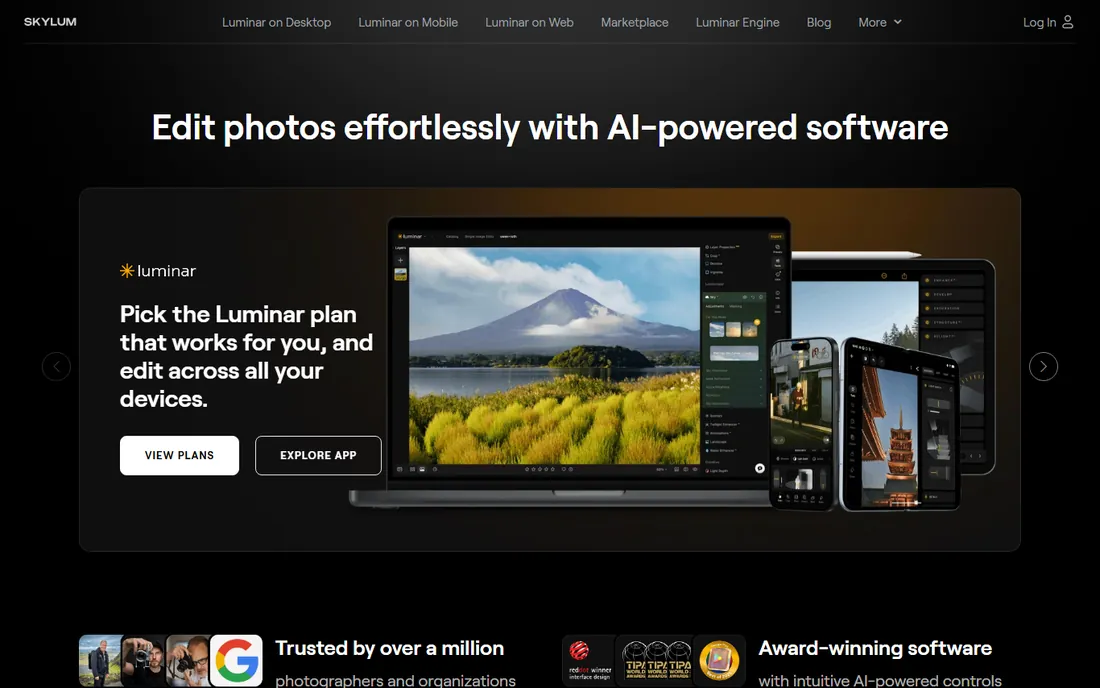
Luminar Neo earns its ratings by making AI editing effortless: dramatic sky replacements, object removal and portrait enhancement through intuitive controls, with results that delight enthusiasts. The one-time purchase model (rather than subscription) drives much of its popularity.
The honest limits are depth and upsells. Complex compositing belongs to Photoshop, and the generative features cost extra. But as the top-rated AI-first editor for photographers who refuse subscriptions, Luminar Neo's user satisfaction is well earned.
What we like- Slider-simple AI tools (Sky AI, GenErase, portrait tools)
- One-time purchase option
- Works standalone or as a plugin
Watch out for- Generative AI costs extra
- Less depth than Adobe for complex work
Starting priceSee website
Free planFree trial
Topaz Photo AI does one job better than anyone: making imperfect photos better. Its AI models upscale low-resolution images, remove noise and sharpen blur with quality that surprises first-time users, and Autopilot applies the right enhancements automatically. Photographers rescue old scans, high-ISO shots and compressed files with it.
The honest framing is scope. This is an enhancer that complements an editor; creative control lives in Lightroom or Photoshop. And it is premium desktop software. But for the enhancement job specifically, its ratings reflect genuine technical leadership.
What we like- Best-in-class AI upscaling, denoising and sharpening
- Autopilot analyzes and applies optimal enhancements
- Beloved by photographers for old and noisy images
Watch out for- Enhancement-focused, not a creative editor
- Desktop software at a premium price
Starting priceSee website
Free planYes
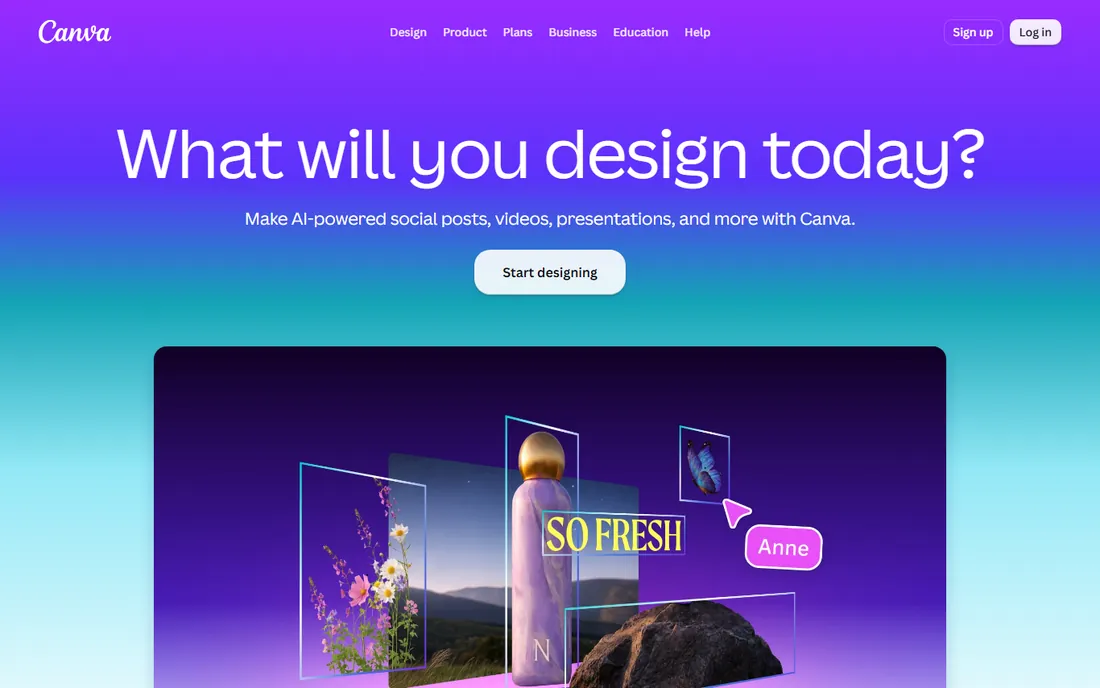
Canva's AI photo features serve marketers: background removal, Magic Edit and AI generation inside the template workflow that produces social graphics in minutes. Its ratings come from ease and speed, not photographic depth.
Photographers should not mistake it for a photo editor; RAW workflows, precise color and print preparation live elsewhere. But for the marketing use case, Canva's AI integration is top-rated because it removes every barrier between idea and published visual.
What we like- Magic Edit, background remover and text-to-image inside the easiest design tool
- Huge templates
- Generous free tier
Watch out for- Not a photographer's editor
- AI quality trails dedicated photo tools
Starting priceSee website
Free planYes
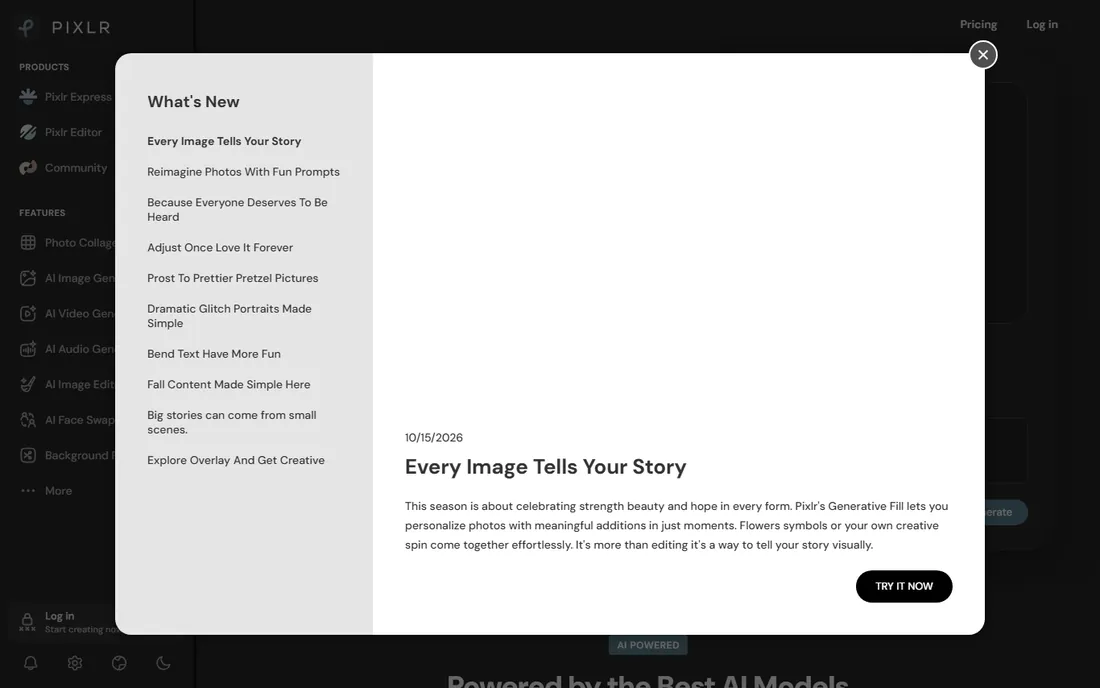
Pixlr's ratings reflect an unusual combination: real editing power (layers, AI object removal, effects) in a free browser tool. Users who need a quick, capable edit on any machine rate it highly because nothing else free does as much without installing.
The free experience includes ads and upgrade prompts, and it will not replace Lightroom for serious photography. But as the top-rated free browser AI editor, its value proposition is simple: professional-ish editing anywhere, free.
What we like- Layer editing plus AI tools with no install
- Genuinely capable free tier
- Works on any computer
Watch out for- Ads in the free experience
- Less refined than desktop apps
Starting priceSee website
Free planYes
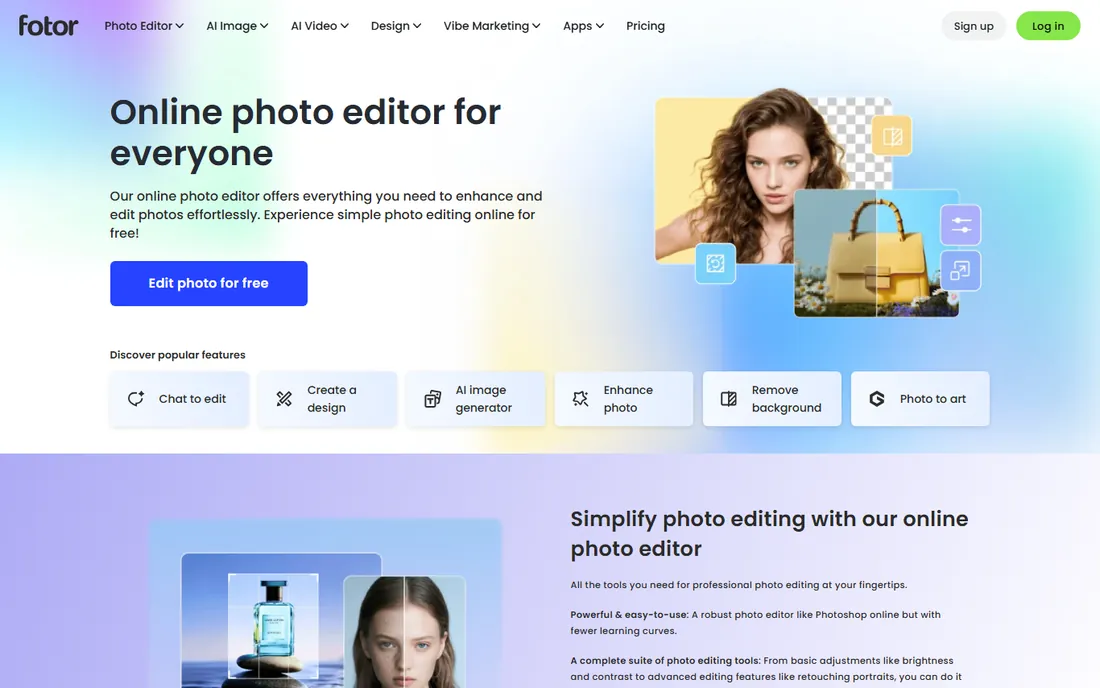
Fotor is top-rated with casual users for one reason: the one-click enhancement works. Upload a flat phone photo, get a better one, with batch processing for albums and simple tools for the rest. Beginners who find real editors intimidating love it.
The honest ceiling is control. Enthusiasts outgrow it; the free tier's ads annoy. But Fotor never pretends otherwise. For the enormous market of people who want better photos without learning editing, its ratings are deserved.
What we like- One-tap enhancement that visibly improves photos
- Batch editing and collages
- Beginner-friendly
Watch out for- Ads on free tier
- Limited advanced control
#7
Adobe Photoshop
Best for: The deepest AI creative editing available
Visit adobe.com
Starting priceSee website
Free planFree trial
Photoshop with Firefly remains the ceiling of AI photo editing: Generative Fill creates content from text prompts, neural filters transform portraits, and the surrounding professional toolset directs it all precisely. Its ratings among professionals are unchallenged.
The honest advice is restraint. Most AI photo editing needs (enhance, upscale, remove background) do not require Photoshop's depth or price. Buy it when the work demands compositing and creative control; otherwise the simpler tools above serve better.
What we like- Generative Fill and Firefly lead the industry
- Unmatched compositing and retouching
- The professional standard
Watch out for- Subscription cost
- Overkill for simple AI enhancement
Starting priceSee website
Free planYes
PhotoRoom is top-rated in its niche because the niche matters: ecommerce sellers need perfect background removal at catalog scale, and PhotoRoom's AI delivers it with studio-background templates that make phone photos look professional. Batch processing multiplies the value.
It is not a general photo editor and does not claim to be. For product photography, its specialization beats every generalist; for broader editing, pair it with one of the above.
What we like- The most reliable AI cutouts
- Templates for marketplace-ready product shots
- Batch processing
Watch out for- Specialized tool, not a general editor
How we chose
We selected AI photo editors with genuine user adoption across photographers, marketers, sellers and casual users, weighing AI capability, output quality, pricing fairness and honest fit for each audience. We favored tools whose ratings reflect real results over marketing claims. Pricing comes from each vendor's own pricing page; unverifiable plans are marked "See website." No hands-on testing was performed.
What to look for before you buy
Match the editor to your photos. Photographers need Lightroom or Luminar; marketers need Canva; sellers need PhotoRoom; casual users need Fotor or Pixlr. The wrong category wastes money regardless of ratings.
Test AI on your real images. Demos use ideal shots; your noisy, backlit, real-world photos are the true benchmark. Every tool here offers a free tier or trial for exactly this.
Check output rights and quality. Verify export resolution, watermark policies and commercial-use terms for AI-generated content before building a workflow on a free tier.
Finally, consider the subscription math. Daily editors justify subscriptions; occasional users do better with one-time purchases (Luminar, Topaz) or free tools. The pricing model should match your usage pattern.
Getting results that look professional, not processed
AI photo editors make dramatic improvements easy, which is exactly why restraint matters. The difference between an edit that impresses and one that embarrasses is usually how far the sliders went. A few principles keep AI enhancement on the right side of that line.
Start with the exposure and white balance before touching AI features. AI enhancement works best on a well-balanced base; running "enhance" on a badly exposed photo bakes in the problems. Two minutes of basic correction first gives every AI tool better material and reduces the temptation to over-process.
Use AI enhancement at reduced strength. Most tools default to 70-100 percent, which produces the plasticky skin and crunchy detail that marks an image as over-edited. Dropping to 30-50 percent usually keeps the improvement while preserving natural texture. If the tool does not offer strength control, that is a real limitation worth weighing.
Skin is where over-processing shows first. AI noise reduction and sharpening love to erase pores and create waxy faces. Mask skin areas out of aggressive processing, or use the tool's portrait-specific mode at conservative settings. For client work (weddings, portraits), natural skin is non-negotiable; the "airbrushed" look reads as amateur.
Upscaling has honest limits. AI upscalers genuinely recover detail, but a 2x upscale of a decent image beats a 4x upscale of a poor one every time. For print, work backward from the required DPI: a 300 DPI 8x10 needs 2400x3000 pixels, and upscaling beyond 2-3x from a clean source rarely holds up at that size. Test print before promising a client.
Batch consistency matters for series. Applying the same AI preset across a wedding or product catalog keeps the set coherent; individually "optimizing" each image creates a mismatched collection. Build a preset from a representative image, apply it to all, then hand-tweak the outliers. The tools with good preset and batch systems save hours here.
Finally, keep originals. AI edits are destructive in the sense that you cannot easily undo a baked-in enhancement months later. Non-destructive workflows (layers, virtual copies, sidecar files) preserve the option to re-edit as tools improve. Storage is cheap; re-shooting is not.
Frequently asked questions
What is the best AI photo editor overall?
For photographers: Adobe Lightroom. For AI-first simplicity: Luminar Neo. For free editing: Pixlr. There is no single best; the right choice follows the user and the job.
Are AI photo editors worth paying for?
If you edit photos regularly, yes: the time saved on masking, enhancement and cleanup pays back quickly. Occasional users should start with the free tiers, which are genuinely capable.
Will AI editing replace learning photography?
No. AI improves captures; it does not compose, light or direct. The best AI-edited photos start as good photographs. Editing skill still matters, though the technical bar is lower.
Can AI upscale old photos effectively?
Yes, within limits: Topaz Photo AI and similar tools genuinely rescue low-resolution and noisy images, but they cannot invent detail that was never captured. Expect impressive improvement, not miracles.
Do I need Photoshop for AI photo editing?
Usually not. Lightroom, Luminar Neo and Topaz cover photographic AI needs; Photoshop matters for compositing, advanced retouching and generative creativity beyond enhancement.
Is my data safe with AI photo editors?
Check each vendor's privacy terms: cloud-based AI features upload your images for processing. Desktop tools (Luminar, Topaz) keep more processing local. For sensitive or client work, prefer local processing and read the terms.
Sources we checked (7)
- https://www.adobe.com
- https://www.skylum.com
- https://www.topazlabs.com
- https://www.canva.com
- https://www.pixlr.com
- https://www.fotor.com
- https://www.photoroom.com
Is your product missing or out of date?
We review this list regularly. Vendors can request a listing, send updated pricing or ask about featured placement.

Shihab Mia · Founder, Rankite
Shihab has spent more than a decade helping SaaS and e-commerce brands grow through search. He writes Rankite's software buying guides from pricing pages, documentation and public user reviews. More about Shihab.