How we make this list: we compare pricing pages, product documentation and public user reviews. Rankite is independent; if a vendor ever pays for a featured spot, that listing is clearly labeled Partner.
Key takeaways
- Adobe Photoshop remains the professional standard with the deepest AI features (Generative Fill); Luminar Neo is the best AI-first alternative without a subscription.
- For quick online edits, Pixlr and Fotor cover most needs free; Photoroom owns the background-removal niche for product sellers.
- Canva's AI editing suits marketers making social graphics, not photographers; match the tool to the job, not the hype.
- GIMP is the free, open-source fallback with real power, but its AI features lag the commercial tools significantly.
Quick comparison
| Tool | Best for | Starting price | Free plan |
|---|
 Adobe Photoshop Adobe Photoshop | Professionals who need the deepest AI editing | See website | Free trial |
 Luminar Neo Luminar Neo | Photographers wanting AI editing without subscriptions | See website | Yes |
 Canva Canva | Marketers and creators making graphics fast | See website | Yes |
 Pixlr Pixlr | Free, capable editing in the browser | See website | Yes |
 Fotor Fotor | One-click AI enhancement for casual users | See website | Yes |
 PhotoRoom PhotoRoom | Product sellers needing perfect cutouts | See website | Yes |
 GIMP GIMP | Free, open-source editing without compromise on power | Free | Yes |
 HitPaw Photo Enhancer HitPaw Photo Enhancer | AI upscaling and enhancement of imperfect photos | See website | Free trial |
Is your product missing or out of date?
We review this list regularly. Vendors can request a listing, send updated pricing or ask about featured placement.
The best AI image editing software
AI changed photo editing from a skill into a slider: sky replacement, object removal, upscaling and enhancement that once took hours now take seconds. But the tools differ wildly in depth, price and honesty about what the AI actually does. Eight options, from professional suites to free browser editors.
#1
Adobe Photoshop
Best for: Professionals who need the deepest AI editing
Visit adobe.com
Starting priceSee website
Free planFree trial
Photoshop with Adobe Firefly integration is still where AI image editing is most capable. Generative Fill (select an area, describe what you want) produces results the simpler tools cannot match, and the surrounding toolset (layers, masks, selections) gives professionals the control to direct the AI precisely. For commercial retouching, compositing and creative work, nothing else is as deep.
The honest costs are money and complexity. The subscription is the price of the standard, and casual users drown in the interface. But when the job demands the best possible result and you have the skills, Photoshop's AI features justify the ecosystem.
What we like- Generative Fill and Firefly-powered AI lead the industry
- Unmatched depth for compositing and retouching
- Huge tutorial and plugin ecosystem
Watch out for- Subscription pricing adds up
- Overwhelming for casual users
#2
Luminar Neo
Best for: Photographers wanting AI editing without subscriptions
Visit skylum.com
Starting priceSee website
Free planYes
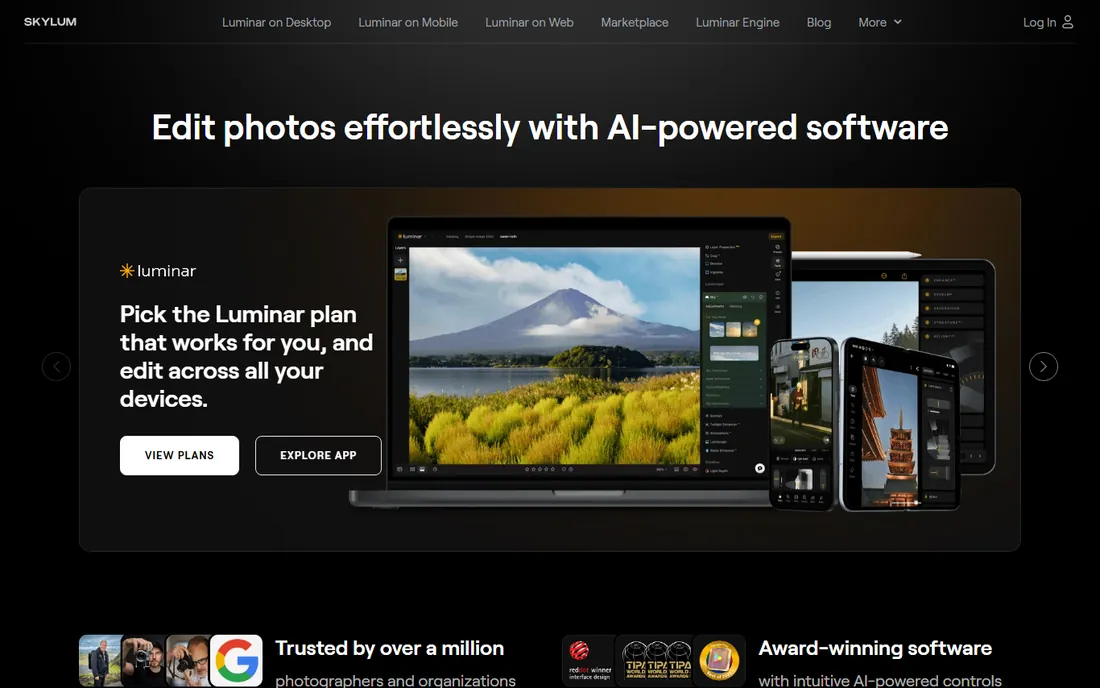
Luminar Neo is built around a simple idea: AI editing for photographers who do not want to learn Photoshop. Sky replacement, object removal with generative fill, portrait relighting and enhancement all work through intuitive sliders, and the results on typical outdoor and portrait work are genuinely impressive. The one-time purchase model (rather than subscription) is a major draw.
The honest boundary is depth. Complex compositing, advanced masking and precise control still belong to Photoshop. And the generative AI features sit behind additional cost. But for photographers who want dramatic AI-powered results quickly, Luminar Neo's simplicity-to-quality ratio is the best in this list.
What we like- AI-first tools (Sky AI, GenErase, portrait enhancement) in slider-simple form
- One-time purchase option, no subscription required
- Works standalone or as a plugin
Watch out for- Generative AI features cost extra
- Less depth than Photoshop for complex compositing
#3
Canva
Best for: Marketers and creators making graphics fast
Visit canva.com
Starting priceSee website
Free planYes
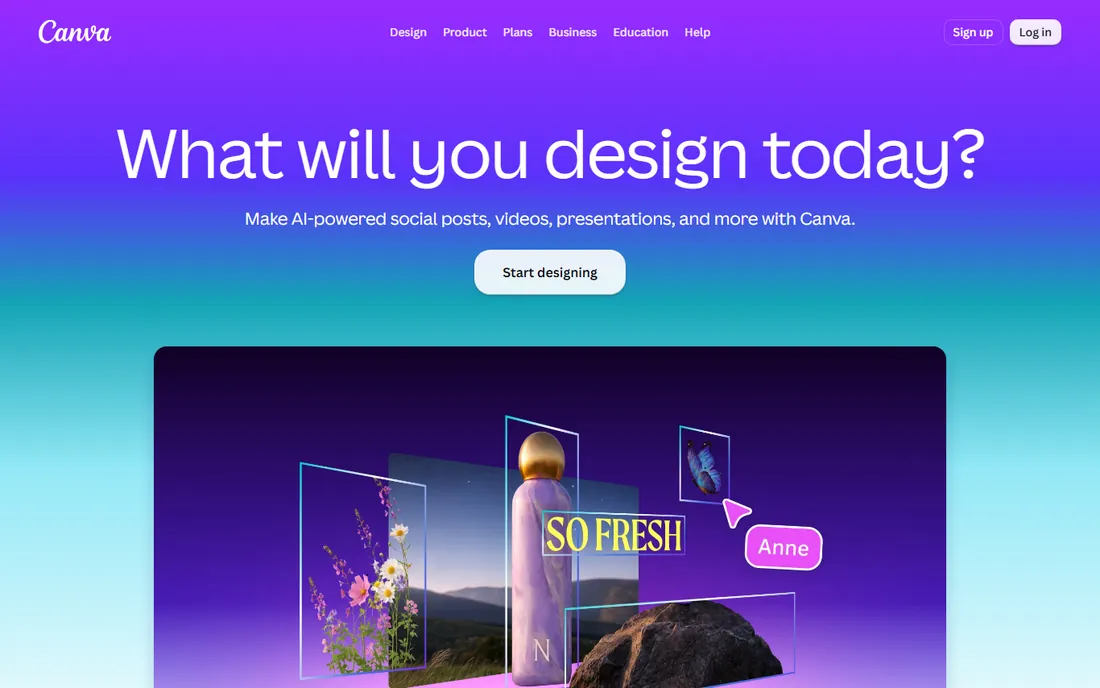
Canva's AI editing serves a different job: marketers and small businesses creating social graphics, ads and presentations. Magic Edit, background removal and AI image generation live inside the template workflow, so a non-designer produces decent visuals in minutes. The free tier covers real work.
Photographers should look elsewhere; Canva edits graphics, not RAW photos, and its AI cannot match Luminar or Photoshop for photographic quality. But for the marketing use case (fast, good-enough visuals at volume), Canva's AI integration is the most practical in this list.
What we like- AI tools (Magic Edit, background remover, text-to-image) inside the easiest design platform
- Massive template library
- Generous free tier
Watch out for- Not a photo editor for photographers
- AI image quality trails dedicated tools
Starting priceSee website
Free planYes
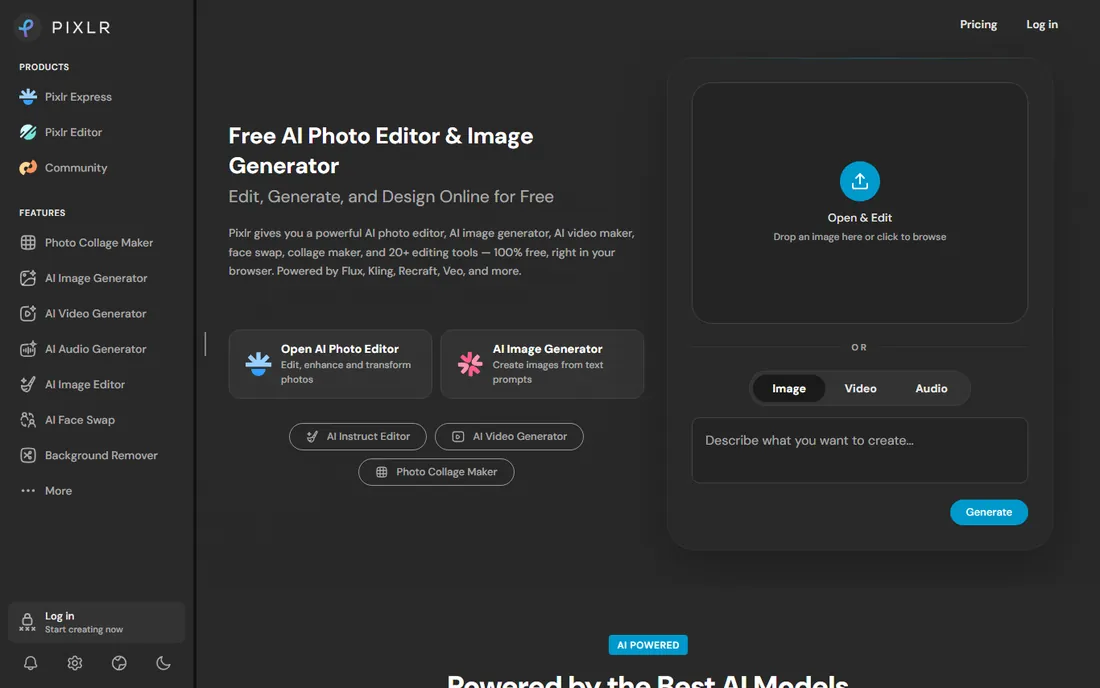
Pixlr is the best free browser editor most people have never tried properly. It offers layer-based editing, AI object removal, filters and effects without installing anything, and the free tier is genuinely capable. For quick edits on any computer, it is remarkably complete.
The free experience includes ads and upgrade prompts, which is the price of free. And it will not replace Photoshop or Luminar for demanding work. But as the "edit this photo right now on any machine" tool, Pixlr's combination of power and price (free) is unmatched.
What we like- Browser-based with layer editing and AI tools
- No install needed
- Free tier handles serious editing
Watch out for- Ads and upsells in the free experience
- Less polished than desktop apps
#5
Fotor
Best for: One-click AI enhancement for casual users
Visit fotor.com
Starting priceSee website
Free planYes
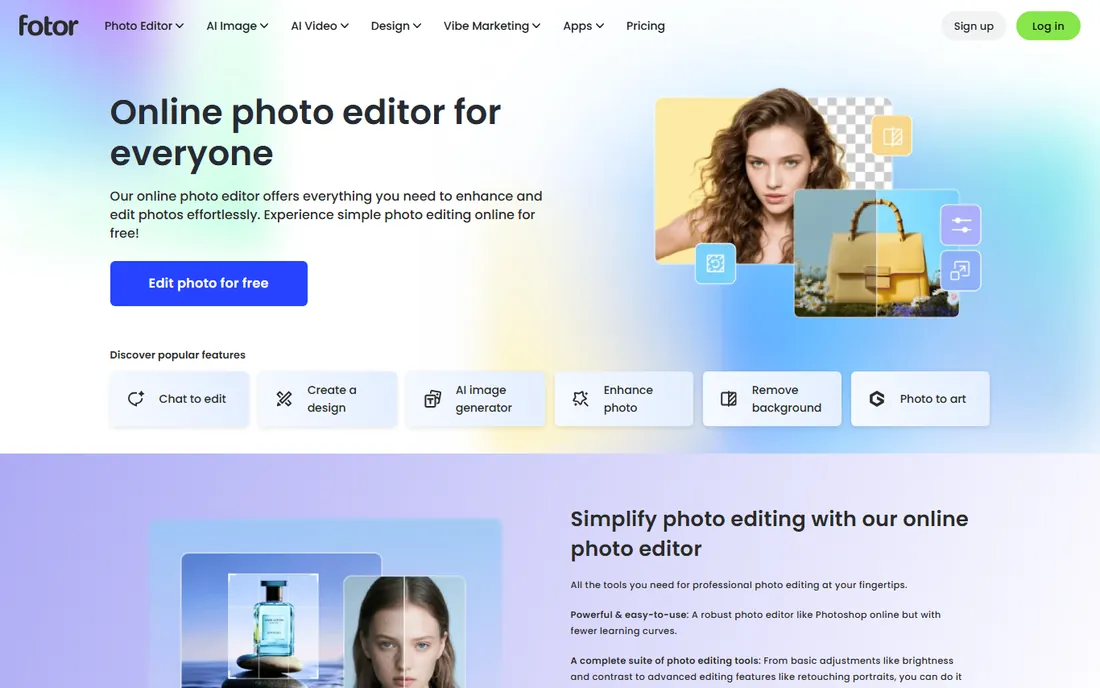
Fotor's signature is the one-click "Auto" enhancement: upload a dull photo, get a noticeably better one. Around that sit batch editing, HDR effects, collage makers and portrait retouching, all in an interface beginners navigate instantly. For social media posters and casual users, it delivers the 80 percent of editing most people actually want.
The honest limits are control and ads. Serious photographers will miss layers, masking and RAW depth; the free tier's ads irritate. But Fotor never pretends to be Photoshop. As the quick-enhancement tool for non-photographers, it does exactly what it promises.
What we like- One-tap AI enhancement that genuinely improves photos
- Batch editing and collage tools
- Simple enough for complete beginners
Watch out for- Ads in the free version
- Advanced control limited compared to real editors
Starting priceSee website
Free planYes
PhotoRoom owns one job: removing backgrounds and presenting products beautifully. Its AI cutouts are the most reliable in the category, and the templates (studio backgrounds, shadows, lifestyle scenes) turn phone snapshots into marketplace-ready product photos. Ecommerce sellers process catalogs in batches instead of editing individually.
It is not a general editor, and it does not try to be. If your need is product photography at scale, PhotoRoom's specialization beats every generalist; if you need broader editing, pair it with one.
What we like- Best-in-class AI background removal
- Built for ecommerce product photos
- Batch processing for catalogs
Watch out for- Narrow focus
- Not a general photo editor
#7
GIMP
Best for: Free, open-source editing without compromise on power
Visit gimp.org
Starting priceFree
Free planYes
GIMP is the free software community's answer to Photoshop: layers, masks, advanced selections and color tools with genuinely professional depth, free forever. For users who refuse subscriptions on principle (or budget), it remains the most capable free editor available.
The honest gap is AI. GIMP's AI-assisted features are community plugins, not integrated intelligence, and they trail Luminar, Photoshop and even the browser tools significantly. The interface also shows its age. But for manual editing skill applied with free software, GIMP's ceiling is higher than anything else at its price.
What we like- Completely free with professional-grade editing depth
- Huge plugin and script ecosystem
- No account, no subscription, no catch
Watch out for- AI features lag far behind commercial tools
- Interface feels dated and unintuitive
#8
HitPaw Photo Enhancer
Best for: AI upscaling and enhancement of imperfect photos
Visit hitpaw.com
Starting priceSee website
Free planFree trial
HitPaw Photo Enhancer does one thing well: making bad photos better. Its AI models upscale low-resolution images, remove noise, sharpen blur and enhance faces, which rescues old scans, compressed social downloads and imperfect captures. The workflow is simple: upload, pick the model, download the improvement.
It is an enhancer, not an editor; creative control lives elsewhere. And the full features need a paid plan. But for the specific job of salvaging photos that would otherwise be unusable, its specialized AI models outperform general editors' enhancement tools.
What we like- AI models for upscaling, denoising and face enhancement
- Simple workflow for rescuing low-quality images
- Useful for old or compressed photos
Watch out for- Narrow enhancement focus
- Subscription pricing for full features
How we chose
We compared tools across the real AI editing jobs: professional retouching, photographer-friendly AI, marketing graphics, quick browser edits, product cutouts and enhancement of imperfect photos. We weighed AI capability honesty (what the AI actually does versus marketing), price fairness, free-tier usefulness and fit for different skill levels. Pricing comes from each vendor's own pricing page; unverifiable plans are marked "See website." No hands-on testing was performed.
What to look for before you buy
Match the tool to the job. Photographers need Luminar or Photoshop; marketers need Canva; sellers need PhotoRoom; casual users need Fotor or Pixlr. The most expensive mistake is buying professional depth for casual needs, or expecting casual tools to do professional work.
Test the AI on your actual photos. Marketing demos use ideal images; your backlit, noisy, real-world shots are the true test. Every tool here offers a free tier or trial; run twenty of your own photos through before paying.
Check the pricing model against your usage. Subscriptions suit daily users; one-time purchases (Luminar) suit occasional editors; free tools suit light needs. The wrong model costs more than the wrong tool.
Finally, verify export quality and rights. Check maximum export resolution, watermark policies on free tiers, and commercial-use terms for AI-generated imagery. The fine print matters when the images earn money.
When AI editing helps and when it hurts
AI image editing is a genuine productivity leap for some workflows and a quality trap for others. Knowing which side of the line your work falls on prevents both underuse and overuse of the tools in this guide.
AI shines at volume and tedium. Culling thousands of wedding photos, removing backgrounds from 500 product shots, upscaling a catalog of legacy images, applying consistent enhancement across a series: these are hours of repetitive work where AI is dramatically faster and at least as good as manual effort. If your work involves batches, AI editing pays for itself immediately.
AI struggles with intent and taste. The tools optimize for generic "better" (sharper, more vivid, cleaner), not for your creative vision. Moody low-key portraits, film-like grain, deliberate imperfection: AI enhancement often "fixes" exactly what made the image interesting. For creative and art-directed work, use AI for the mechanical steps (denoise, mask, upscale) and keep the creative decisions manual.
Client expectations set the boundary. Product and real estate clients usually want clean, bright, consistent images where AI excels. Portrait and wedding clients want natural people, where restraint matters. Editorial clients want authenticity, where heavy AI manipulation can breach ethics policies. Match the AI intensity to what the client is actually buying.
Disclosure norms are settling. Several publications and contests now require disclosing AI enhancement beyond basic correction; stock agencies have their own rules. When in doubt, disclose: "basic exposure correction and AI noise reduction" is a sentence that prevents problems. The norms will keep evolving, but transparency is never the wrong choice.
The skill question is real but manageable. AI handles execution; the photographer still supplies judgment about light, composition, moment and story. The professionals thriving with AI are the ones who let it absorb the tedious 80 percent and reinvest the time in shooting and client relationships. The ones struggling are waiting for AI to supply the taste. It will not.
Frequently asked questions
What is the best AI photo editor for beginners?
Luminar Neo for photographers (slider-simple AI), Canva for marketers, Fotor or Pixlr for casual free editing. Beginners should avoid Photoshop until they need its depth.
Can AI replace Photoshop skills?
For common enhancements (sky, cleanup, upscaling), largely yes. For compositing, precise retouching and creative control, no; the AI assists skilled users more than it replaces them.
Is there a good free AI photo editor?
Yes. Pixlr, Fotor and PhotoRoom all offer capable free tiers, GIMP is completely free, and Luminar has a free basic version. Free tiers usually limit resolution, add watermarks or show ads.
What is generative fill and which tools have it?
Generative fill selects part of an image and AI-creates content to fill it (removing objects, extending backgrounds). Photoshop leads, Luminar Neo offers it (GenErase), and several browser tools have simpler versions.
Do I own the rights to AI-edited images?
Generally yes for edits to your own photos. AI-generated imagery has murkier rights; check each vendor's terms for commercial use, especially for client work.
Will AI editing make my photos look fake?
It can, especially sky replacement and heavy enhancement. The best results come from subtle application; the tools are capable of restraint, but the defaults often are not. Edit for believability, not maximum effect.
Sources we checked (9)
- https://www.adobe.com
- https://www.skylum.com
- https://www.canva.com
- https://www.pixlr.com
- https://www.fotor.com
- https://www.photoroom.com
- https://www.gimp.org
- https://www.hitpaw.com
- https://petapixel.com/best-free-online-photo-editor/
Is your product missing or out of date?
We review this list regularly. Vendors can request a listing, send updated pricing or ask about featured placement.

Shihab Mia · Founder, Rankite
Shihab has spent more than a decade helping SaaS and e-commerce brands grow through search. He writes Rankite's software buying guides from pricing pages, documentation and public user reviews. More about Shihab.