How we make this list: we compare pricing pages, product documentation and public user reviews. Rankite is independent; if a vendor ever pays for a featured spot, that listing is clearly labeled Partner.
Key takeaways
- Blender is free, open source and genuinely competitive with paid tools, which makes it the default first download.
- ZBrush (Maxon subscription) remains the industry standard for high-detail sculpting in film and games.
- Maya and 3ds Max both cost $2,010 per year and dominate studio pipelines for rigging and animation.
- If you need a finished character fast rather than modeling skills, Daz Studio, Character Creator and MetaHuman Creator generate rigged humans without sculpting.
Quick comparison
| Tool | Best for | Starting price | Free plan |
|---|
 Blender Blender | Anyone starting in 3D, from hobbyists to indie studios | Free | Yes (free and open source, GPL, forever) |
 ZBrush ZBrush | Professional sculptors in film, games and collectibles | See website (Maxon subscription) | Free trial (14 days through the Maxon App) |
 Maya Maya | Animators and studios working in film, TV and games | $2,010/year ($255/month) | Free trial |
 3ds Max 3ds Max | Game artists and visualization professionals | $2,010/year ($255/month) | Free trial |
 Daz Studio Daz Studio | Beginners who want characters without learning to sculpt | Free (Daz Studio is free; the content store is paid) | Yes (Daz Studio free download) |
 Character Creator Character Creator | Game developers who need custom characters quickly | $299 (CC5 Standard) | No |
 MakeHuman MakeHuman | Open-source prototyping and research projects | Free | Yes (free and open source) |
 MetaHuman Creator MetaHuman Creator | Unreal Engine developers needing photoreal humans | Free (requires a free Epic Games account) | Yes |
Is your product missing or out of date?
We review this list regularly. Vendors can request a listing, send updated pricing or ask about featured placement.
The best 3D character modeling software
Here is the uncomfortable truth about character modeling software: the free option is good enough that most people never need to pay. Blender sculpts, retopologizes, rigs and animates at a level that embarrasses tools costing thousands. The paid tools earn their price in specific places (ZBrush for extreme-detail sculpting, Maya for studio pipelines), not in general superiority. These eight cover both ends, plus the character generators for people who need a finished human without learning to sculpt.
#1
Blender
Best for: Anyone starting in 3D, from hobbyists to indie studios
Visit blender.org
Starting priceFree
Free planYes (free and open source, GPL, forever)
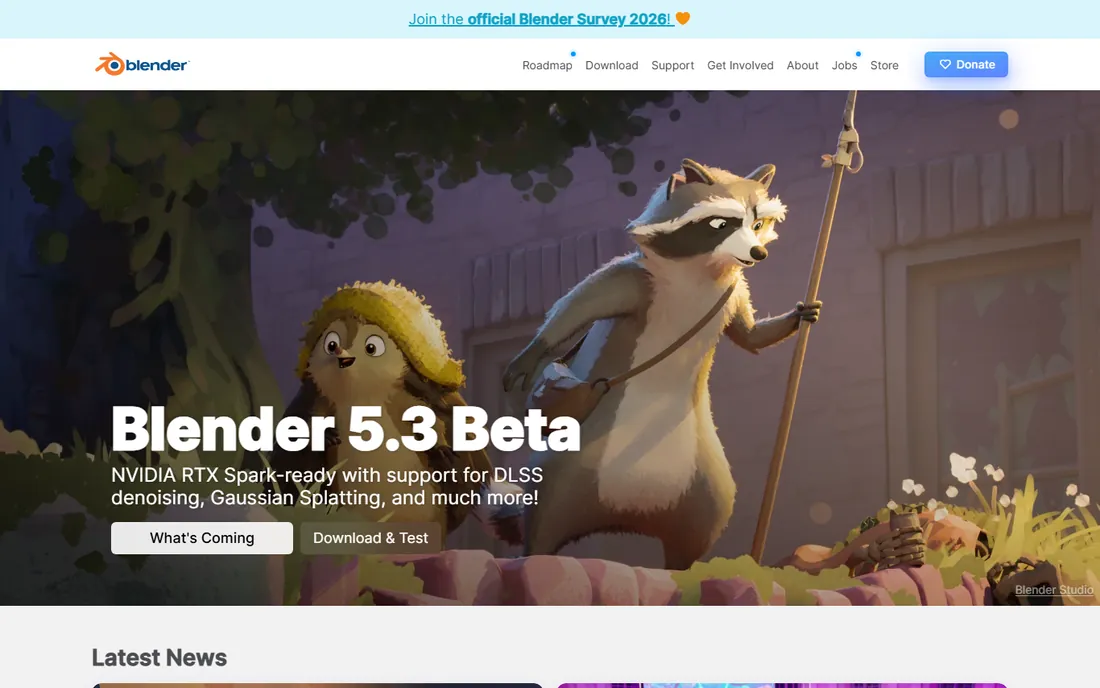
Blender is the rare free tool with no asterisk. It is GPL-licensed open source, free forever, with no paid tier, no watermark and no feature locks. For character work it covers the whole chain: sculpt a high-resolution character, retopologize it, rig it with an armature, animate it and render it, all in one program. The sculpting brushes, dyntopo and multiresolution workflows are legitimately good, and the community produces more tutorials than you could watch in a year.
The honest weakness is at the extremes. ZBrush still handles tens of millions of polygons more gracefully, and Maya still owns the big-studio animation pipeline. Blender's UI packs a decade of features into dense panels that confuse newcomers. But for learning character modeling, freelancing or running an indie game project, starting anywhere else is hard to justify.
What we like- Complete pipeline in one download: sculpting, retopology, rigging, animation and rendering
- Enormous tutorial library and add-on ecosystem
- Genuinely used in professional productions now
Watch out for- The interface still overwhelms beginners
- Sculpting performance at extreme polygon counts trails ZBrush
#2
ZBrush
Best for: Professional sculptors in film, games and collectibles
Visit maxon.net
Starting priceSee website (Maxon subscription)
Free planFree trial (14 days through the Maxon App)
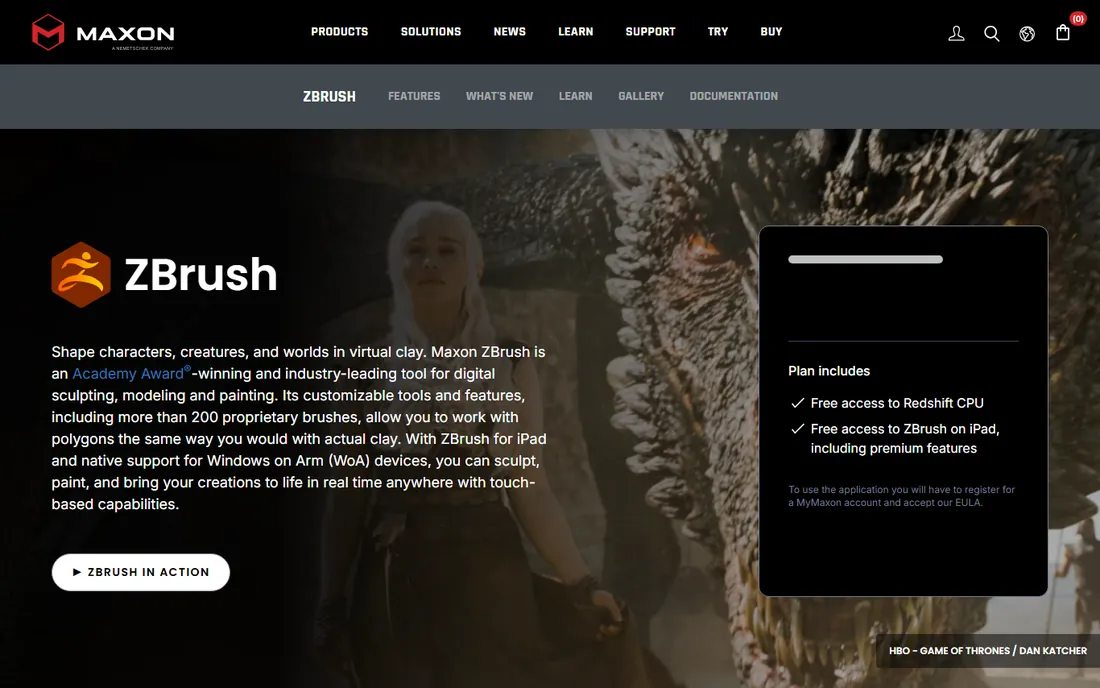
ZBrush is where film creatures and game heroes get their pores, wrinkles and scales. Its brush engine lets you sculpt tens of millions of polygons the way you would push real clay, and tools like DynaMesh (which redistributes topology as you sculpt) and ZRemesher (automatic retopology) solve the technical problems that eat beginners alive. Maxon now sells it as a subscription that also adds ZBrush for iPad and Redshift CPU rendering.
The Maxon era changed the deal. Old perpetual licenses are legacy; new buyers subscribe. There is a 14-day free trial through the Maxon App. The interface remains famously strange (it is not like any other 3D program), so budget learning time. Buy ZBrush when your sculpts outgrow Blender's performance or when a studio pipeline demands it.
What we like- The industry standard for high-detail organic sculpting, handling extreme polygon counts in real time
- 200-plus brushes plus DynaMesh, ZRemesher and Sculptris Pro
- Subscription includes iPad version and Redshift CPU rendering
Watch out for- Subscription-only since the Maxon acquisition, no more perpetual licenses
- The idiosyncratic interface takes real commitment to learn
Starting price$2,010/year ($255/month)
Free planFree trial
Maya is the pipeline, not just a program. Big animation and VFX studios build their character workflows around it: modeling, rigging with advanced deformers, muscle systems, Bifrost simulation for cloth and hair, and Arnold for final renders. If you want a job at a major studio, Maya on your resume matters more than any other software here. Autodesk's own buy page lists $2,010 per year or $255 per month, with a free trial to evaluate.
For character modeling specifically, Maya is a modeler-plus-everything-else. Pure sculpting happens faster in ZBrush, but characters that need to be rigged and animated for production usually pass through Maya. Individuals should weigh the subscription against Blender's zero cost; studios buy Maya for pipeline compatibility and hireability, full stop.
What we like- The studio standard for character rigging and animation
- Deep toolset for modeling, simulation and FX with the Arnold renderer included
- Enormous talent pool means easy hiring
Watch out for- $2,010 per year is a serious commitment for individuals
- Famously steep learning curve and occasional new-release instability
Starting price$2,010/year ($255/month)
Free planFree trial
3ds Max has been the game industry's workhorse for decades, and it shows in the character workflow: fast polygon modeling, the modifier stack for non-destructive edits, CAT and Biped rigging systems, and tight export paths to Unreal and Unity. Autodesk prices it identically to Maya at $2,010 per year or $255 per month. Studios pick Max or Maya largely based on pipeline history; the feature sets overlap heavily for character work.
The Windows-only limitation is the real filter. If your studio runs Windows and your pipeline is Max-based, nothing else slots in as cleanly. Everyone else should compare carefully against Blender, which does most of the same modeling work for free. Like Maya, 3ds Max is a pipeline buy more than a features buy.
What we like- Strong hard-surface and character modeling with a huge plugin ecosystem
- Deeply embedded in game development pipelines
- Artist-friendly modifier workflow
Watch out for- Same $2,010-per-year subscription as Maya
- Windows-only, so Mac and Linux artists are excluded
#5
Daz Studio
Best for: Beginners who want characters without learning to sculpt
Visit daz3d.com
Starting priceFree (Daz Studio is free; the content store is paid)
Free planYes (Daz Studio free download)
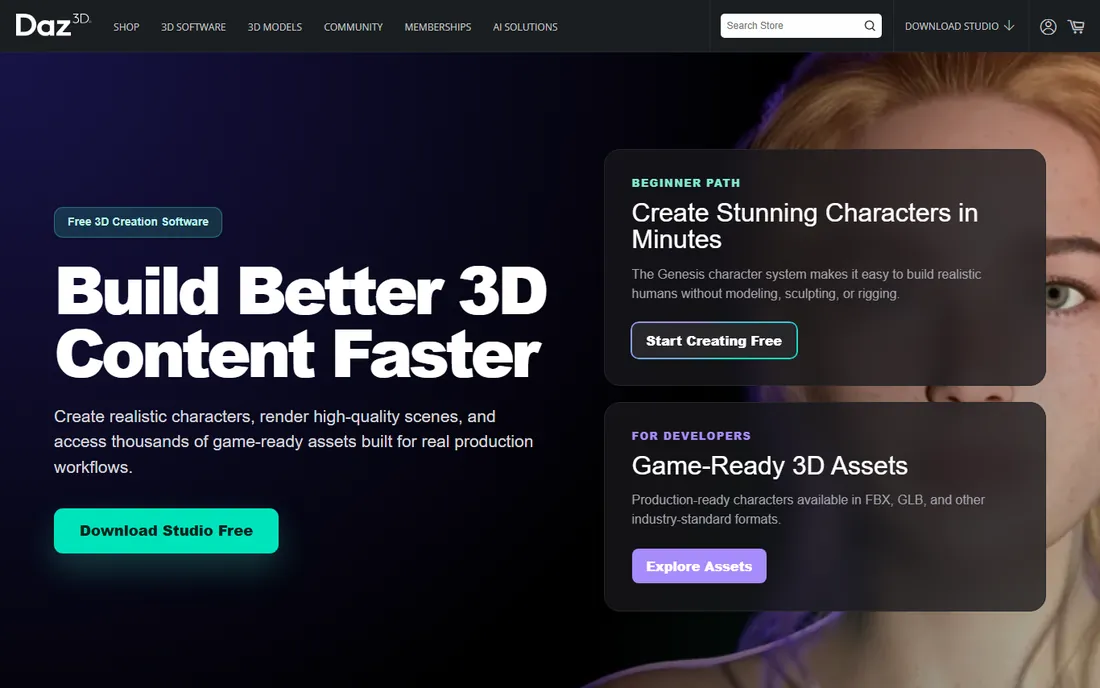
Daz 3D takes the opposite approach from sculpting: instead of modeling a character, you assemble one. Daz Studio is free, and you pose and morph ready-made figures (the Genesis line), dress them from the store, and render. The morph system is genuinely powerful: age, body shape, facial structure and even creature features are sliders, not sculpting sessions.
The catch is the store. The software is free because the content is the product, and a serious character wardrobe gets expensive. Check the licensing terms before using Daz content commercially, since some licenses restrict redistribution of the raw assets. For illustrators, comic artists and hobbyists who need good-looking humans fast, it is the quickest path on this list.
What we like- Daz Studio itself is free
- Huge marketplace of ready-made figures, clothing, hair and poses
- Morph dials let you reshape bodies without modeling skills
Watch out for- The business model is the content store, and costs add up fast
- Exported characters carry licensing terms to check for commercial work
#6
Character Creator
Best for: Game developers who need custom characters quickly
Visit reallusion.com
Starting price$299 (CC5 Standard)
Free planNo
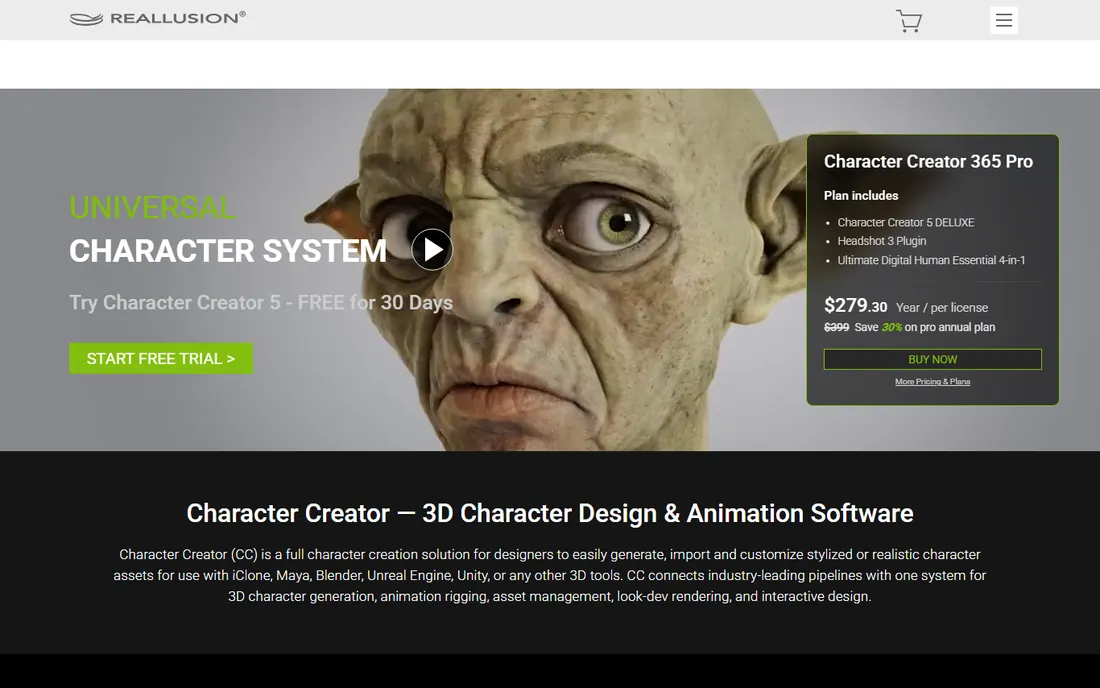
Reallusion's Character Creator (now at version CC5) is the mid-point between Daz's assembly approach and full sculpting. You start from base characters and push morph sliders, adjust skin, add clothing and hair, and export a rigged, game-ready character to Unreal Engine, Unity, Maya or Blender. The $299 CC5 Standard bundle includes the software and starter resources; the $479 Deluxe adds morph and anatomy packs.
Game developers like it because the output is pipeline-ready: proper topology, LODs and rigs that work in engines without cleanup marathons. The Headshot plugin can generate a head from a single photo, which is startling when it works. Budget for content packs beyond the base price, and expect a learning curve before your characters stop looking like defaults.
What we like- Generates fully rigged, animation-ready characters from morphs and scans
- Strong export pipeline to Unreal, Unity, Maya and Blender
- Headshot plugin builds heads from photos
Watch out for- $299 entry price with paid content packs on top
- Realistic results need practice with the morph and skin systems
Starting priceFree
Free planYes (free and open source)
MakeHuman is the open-source answer to character generation: pick parameters for body shape, age, proportions and features, and it builds a rigged humanoid you can export into Blender or a game engine. It started life as a Blender plugin and grew into a standalone application under an open license. For researchers, educators and open-source purists, it is the only fully free parametric option.
Be honest about the output. MakeHuman characters look dated next to MetaHuman or current Daz figures, and the project moves slowly (the 1.3.0 stable release dates to 2024). Treat it as a base mesh and rigging starting point that you refine elsewhere, not as a final-character generator. For prototyping and learning, the price is right.
What we like- Completely free with no paid tier
- Parametric human generation with detailed body controls
- Exports to Blender, Maya, Unity and Unreal workflows
Watch out for- Development is slow and the interface shows its age
- Results need work in another program to look current-generation
#8
MetaHuman Creator
Best for: Unreal Engine developers needing photoreal humans
Visit metahuman.com
Starting priceFree (requires a free Epic Games account)
Free planYes
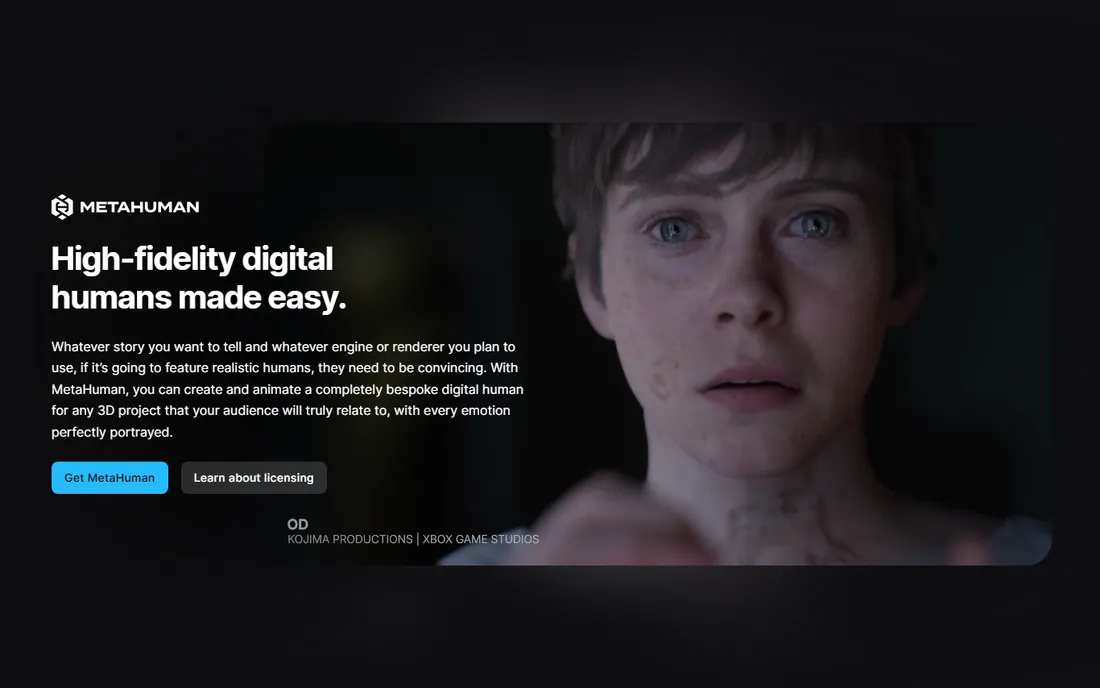
MetaHuman Creator is Epic's cloud-streamed character builder, and it is the fastest route to a believable digital human that exists. Pick preset faces, blend features, adjust skin and teeth, and download a fully rigged character with hair and clothing into Unreal Engine 5. It is free; you need only an Epic Games account, and there is no per-character cost.
The tradeoff is the ecosystem lock. MetaHumans are built for Unreal's rendering pipeline, and while you can export FBX to Maya or Blender, the hair, materials and fidelity do not fully survive the trip. You also work within Epic's parametric system rather than sculpting freely. For games, virtual production and archviz inside Unreal, nothing else touches the quality-per-minute ratio.
What we like- Photorealistic, fully rigged digital humans built in minutes from presets
- Free with an Epic Games account
- MetaHuman Animator adds high-quality facial performance capture
Watch out for- Locked to the Unreal ecosystem for practical purposes
- Customization works within Epic's data-driven constraints rather than free sculpting
Sculpt, generate or assemble: pick your workflow first
Character tools fall into three workflows, and buying the wrong type wastes months. Sculpting tools (ZBrush, Blender's sculpt mode) give total creative control and demand real skill. Parametric generators (Daz Studio, Character Creator, MakeHuman, MetaHuman) produce finished humans fast but constrain you to their systems. Full DCC packages (Maya, 3ds Max, Blender as a whole) cover modeling plus the rigging and animation a character needs to actually move.
Match the workflow to the deliverable. A game needing fifty background NPCs wants a generator. A hero creature for a film trailer wants ZBrush. A short film with acting characters wants the full rigging pipeline of Maya or Blender. And whatever you choose, learn retopology early: sculpts do not animate until they are rebuilt with clean, deformable topology.
How we chose
We started with the character tools buyers actually search for, from free stalwarts to studio standards. For each we opened the vendor's official site, confirmed the current product name and version (Character Creator is now CC5; Studio One-era naming no longer applies here), checked prices on official buy pages, and cross-checked capabilities against public reviews and artist discussion on Reddit and art communities. Sculptris was cut because Pixologic discontinued it and the download is gone; MetaHuman Creator replaces it as the current free high-end option. ZBrush pricing was not displayed on Maxon's product page, so it is marked "See website."
Free vs paid: where the money actually goes
Four of the eight tools here are free, and they are not toys. Blender is a complete professional pipeline. Daz Studio, MakeHuman and MetaHuman Creator generate finished characters at no software cost. The paid money goes to three things: ZBrush's sculpting performance at extreme detail, Maya and 3ds Max's pipeline dominance (which is really a hiring and compatibility purchase), and Character Creator's speed at producing game-ready humans.
Run the numbers honestly. A freelancer doing character work for indie games can operate entirely on Blender plus free generators. A studio hiring animators buys Maya because the talent pool knows it. An artist whose bottleneck is sculpting detail buys ZBrush. Pay for the specific bottleneck, not for the brand.
Frequently asked questions
What is the best 3D character modeling software for beginners?
Blender. It is free, it covers the entire character pipeline from sculpting to animation, and the tutorial library is unmatched. Start there; you will know exactly what you are missing if you ever outgrow it.
Is ZBrush worth it if Blender is free?
For most people, no. ZBrush earns its subscription when you sculpt at very high polygon counts daily (film creatures, collectibles, AAA game heroes) or when a studio pipeline requires it. Hobbyists and indie developers rarely hit Blender's limits.
Can I use Daz or MetaHuman characters commercially?
It depends on the license. Daz content licenses vary by product, so read the terms for anything you sell or redistribute. MetaHuman characters are free to use in Unreal Engine projects under Epic's terms. When in doubt, check the current license text before shipping.
Do I need to know how to sculpt to make 3D characters?
No. Generators like Daz Studio, Character Creator and MetaHuman Creator build characters from presets and sliders with no sculpting. Sculpting matters when you need original creatures or stylized characters that no preset provides.
Maya or Blender for character animation?
Maya if you are targeting studio jobs, since it remains the hiring standard. Blender if you are freelancing or independent, since it does the same rigging and animation work for free. The animation principles transfer between them.
What happened to Sculptris?
Pixologic discontinued Sculptris as a standalone product; the download is no longer available. Its dynamic-tessellation sculpting approach lives on as Sculptris Pro inside ZBrush. Beginners wanting a free sculpting start should use Blender instead.
Sources we checked (8)
- https://www.blender.org/
- https://www.maxon.net/en/zbrush
- https://www.autodesk.com/products/maya/overview
- https://www.autodesk.com/products/3ds-max/buy
- https://daz3d.com/
- https://www.reallusion.com/character-creator/default.html
- https://www.makehumancommunity.org/
- https://metahuman.com/
Is your product missing or out of date?
We review this list regularly. Vendors can request a listing, send updated pricing or ask about featured placement.

Shihab Mia · Founder, Rankite
Shihab has spent more than a decade helping SaaS and e-commerce brands grow through search. He writes Rankite's software buying guides from pricing pages, documentation and public user reviews. More about Shihab.